How do I add a user to a campaign?
PhoneRaise
You can now upload users once and choose which campaigns they should be given access to.
This makes it easy to remove and add users to campaigns in a more efficient manner.
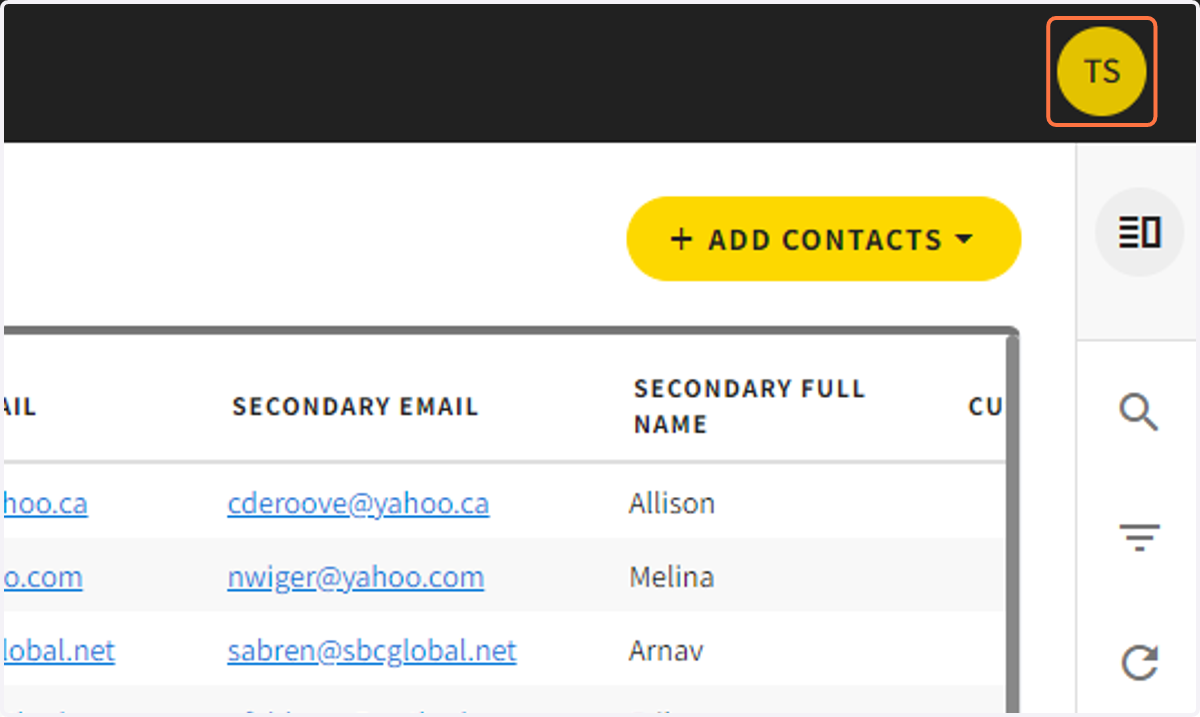
1. Click on your initials on the top right corner
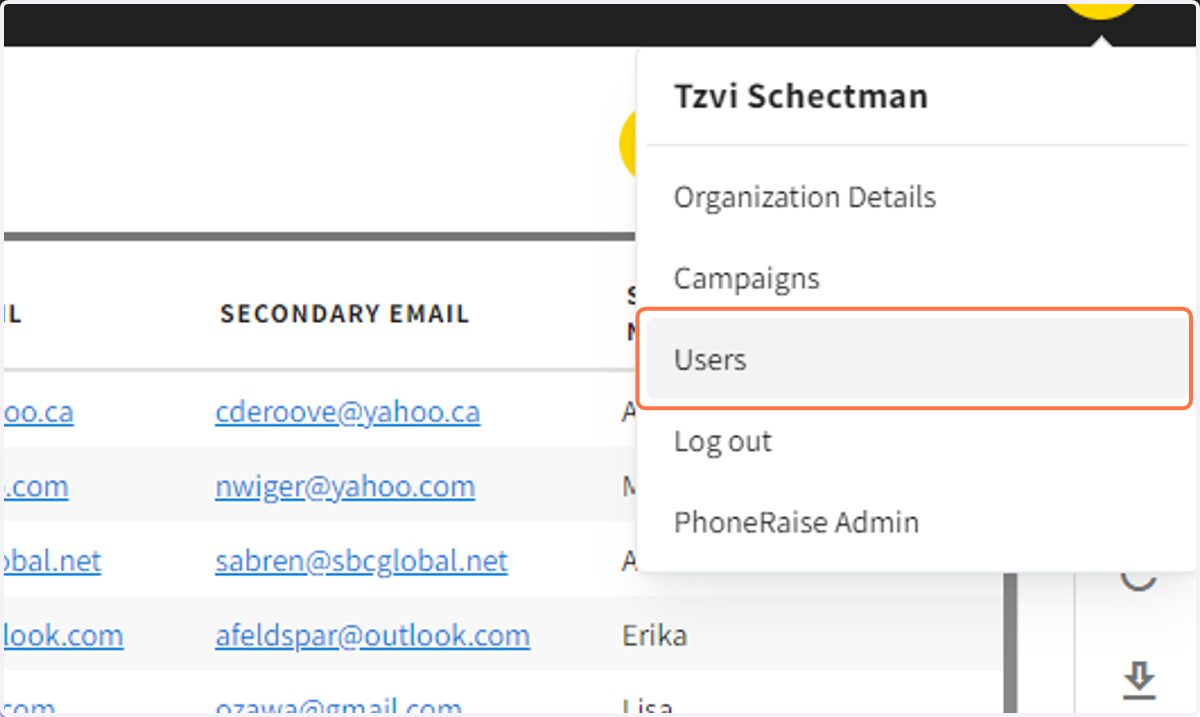
2. Click on Users
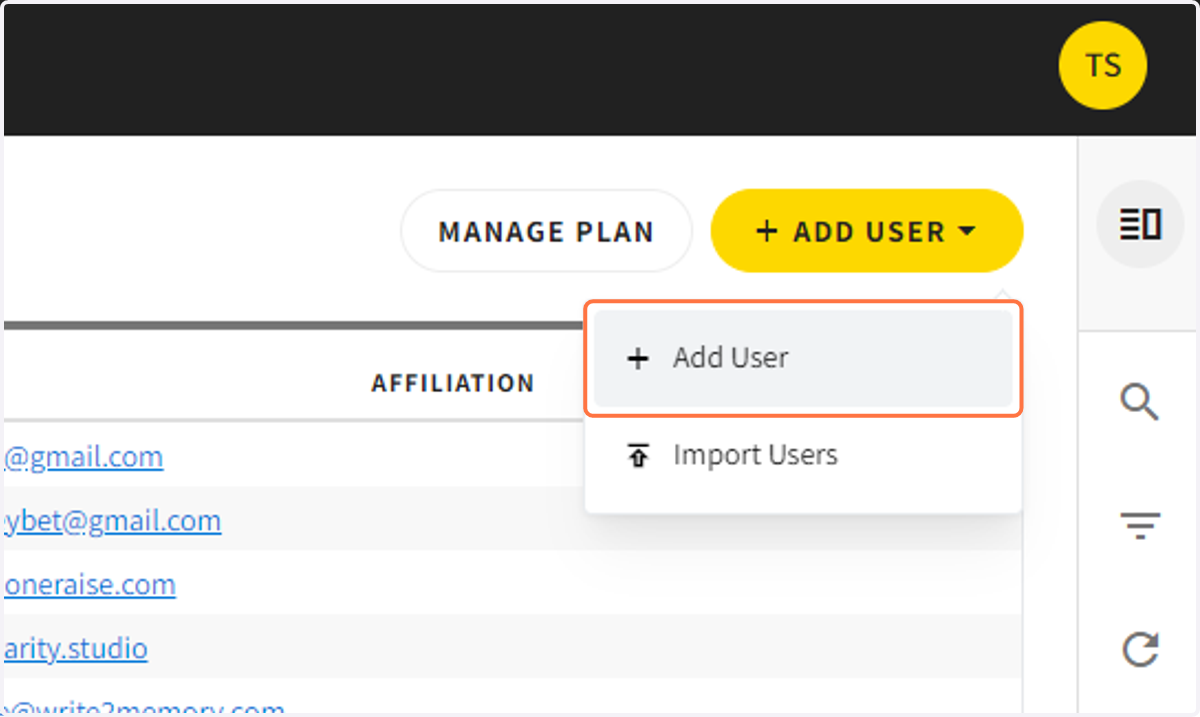
3. To add a user Click on Add User
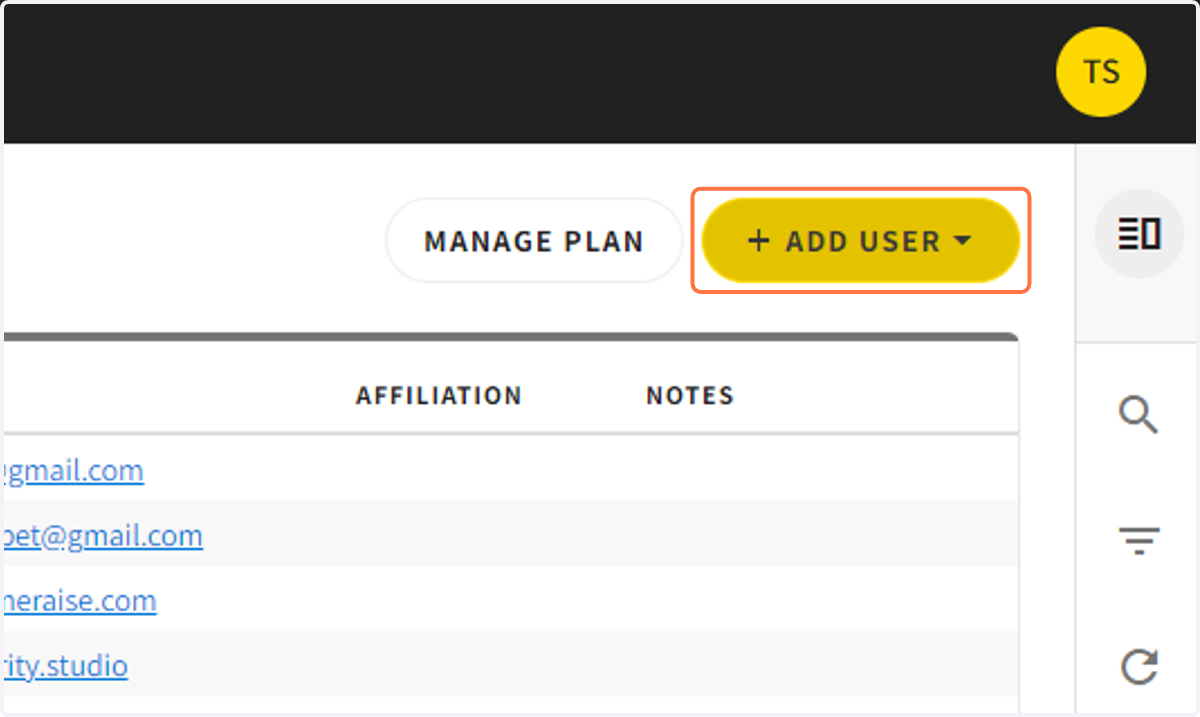
4. Click on add user
(or click on import users to import users from a list)
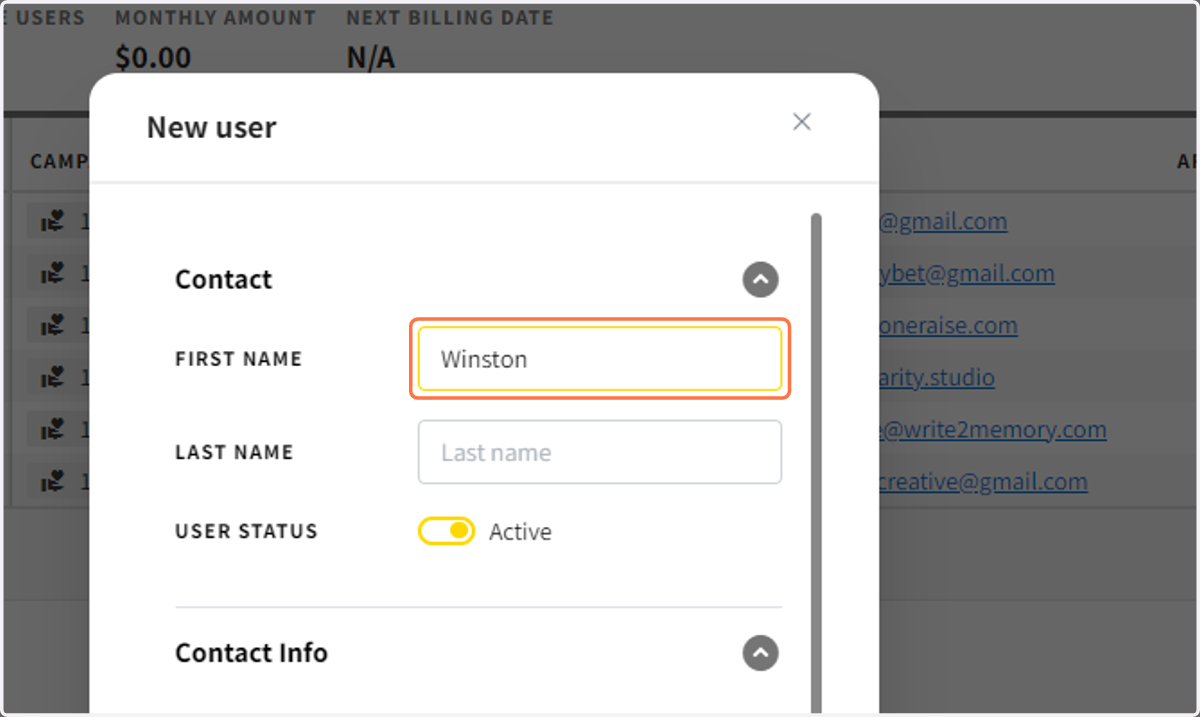
5. Enter in the new user info
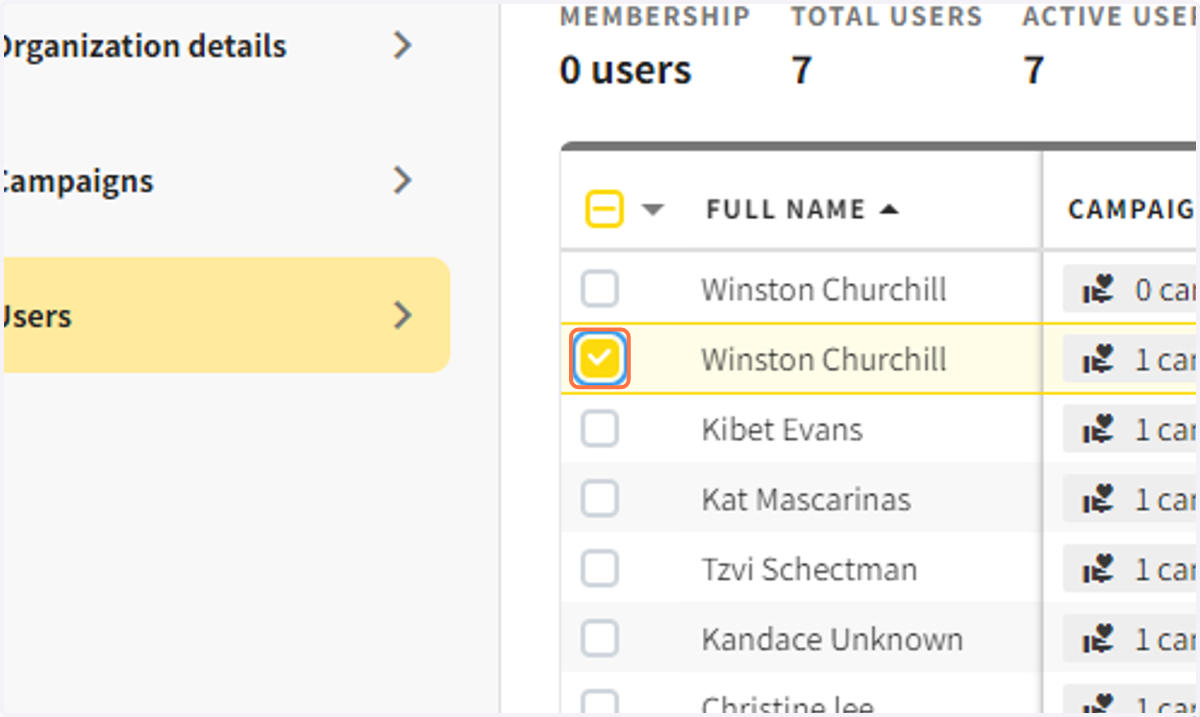
6. Select the user(s) you would like to add to a campaign
7. Click on CAMPAIGNS in the Sidebar
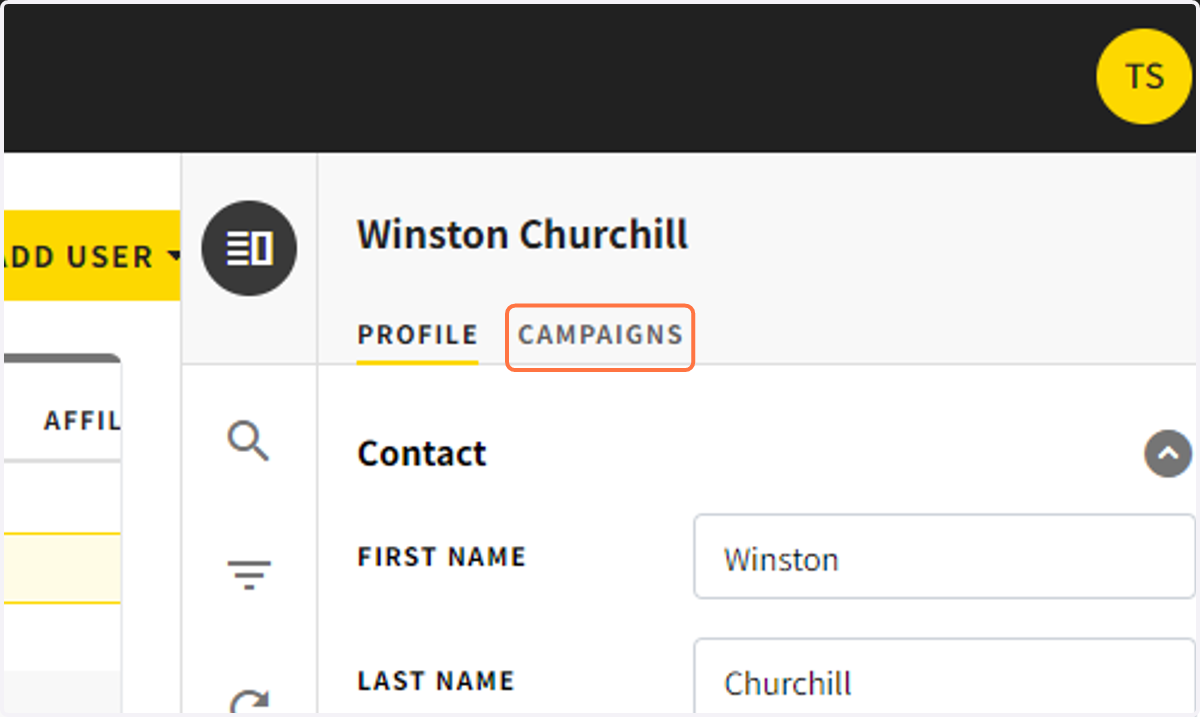
8. Click on ADD TO CAMPAIGN
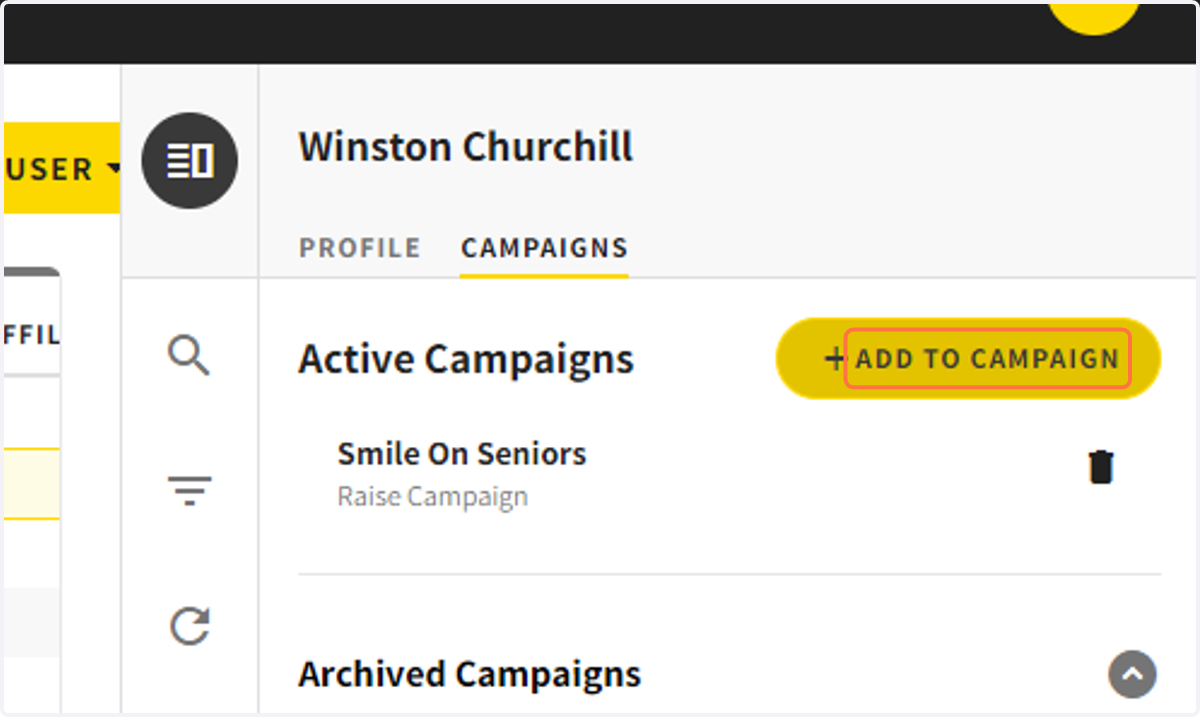
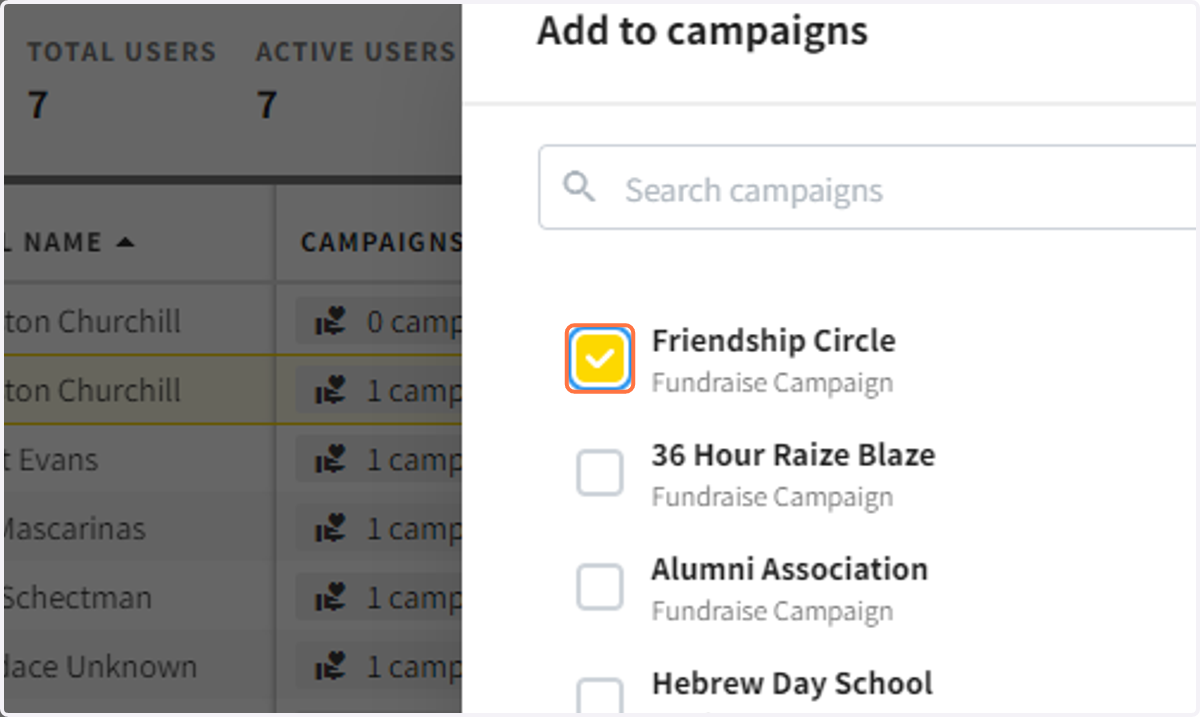
9. Choose the campaigns you would like to add the user to and click add
10. You can also add multiple users to a campaign at the same time
Check the boxes next to the users you want to add and then click add to campaign.
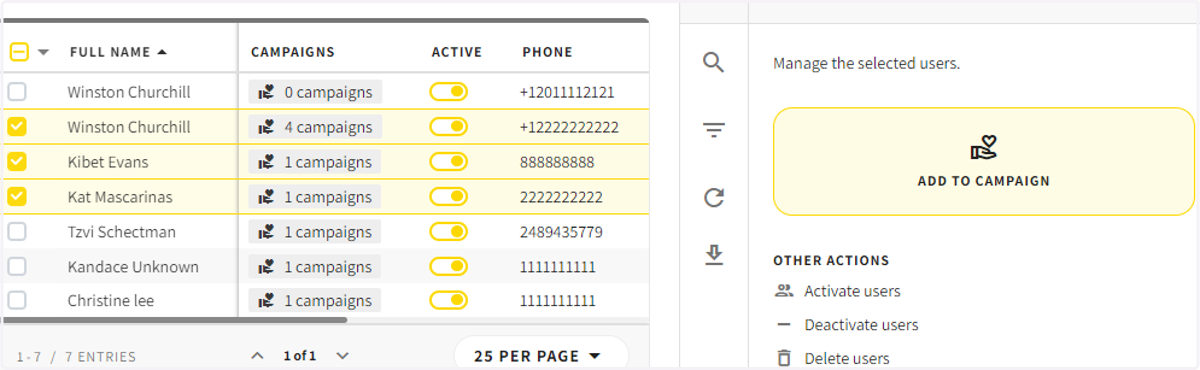
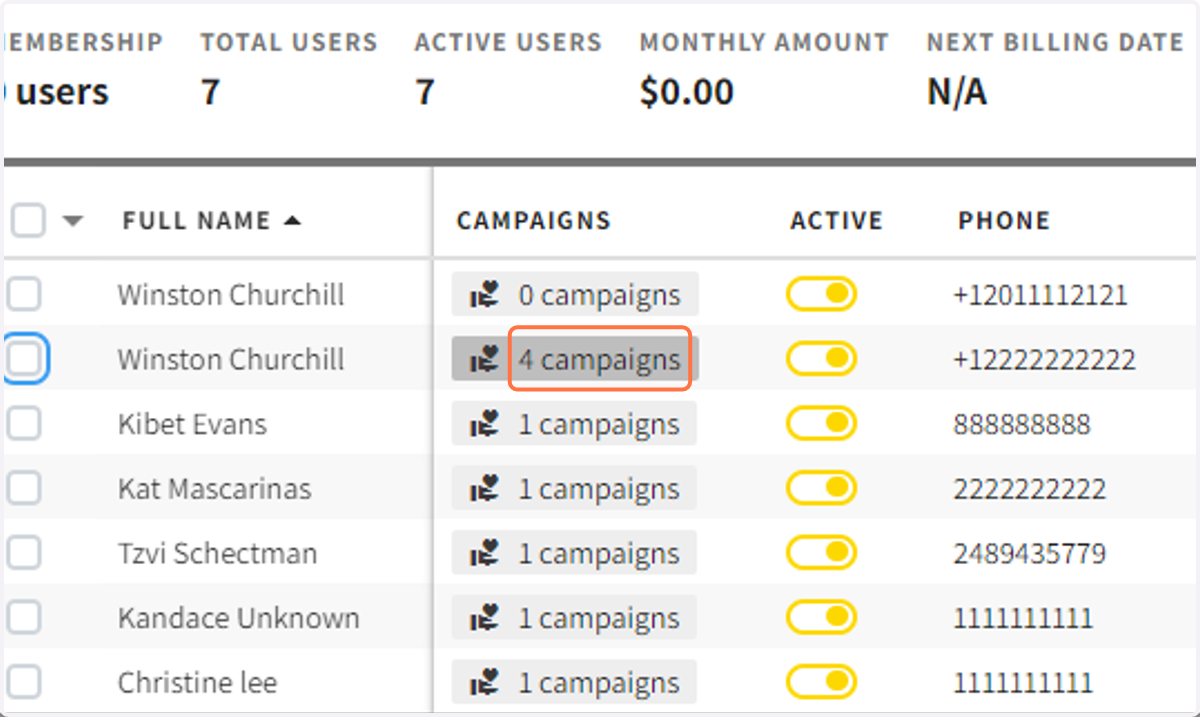
11. You can click on the campaign count to see what campaigns they are in.