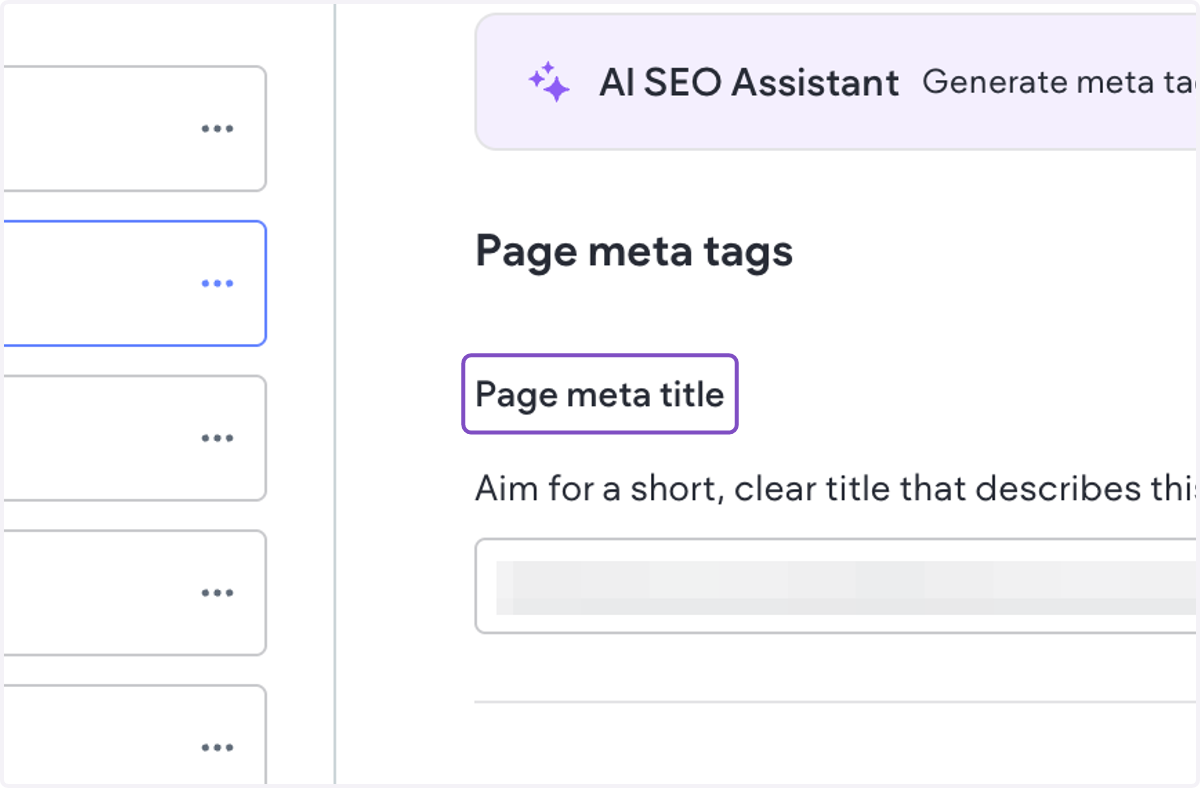
How to update page-level SEO titles and meta descriptions?
MultiHub Site Editor
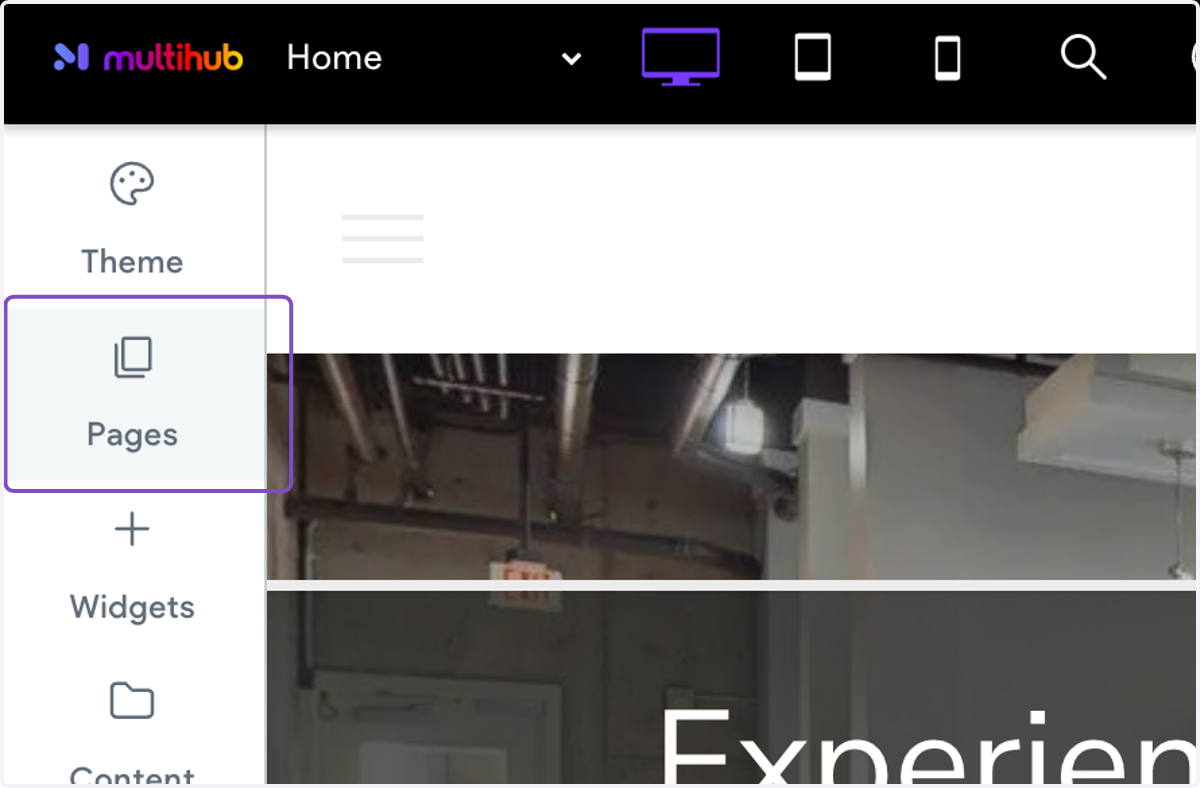
1. Click on Pages
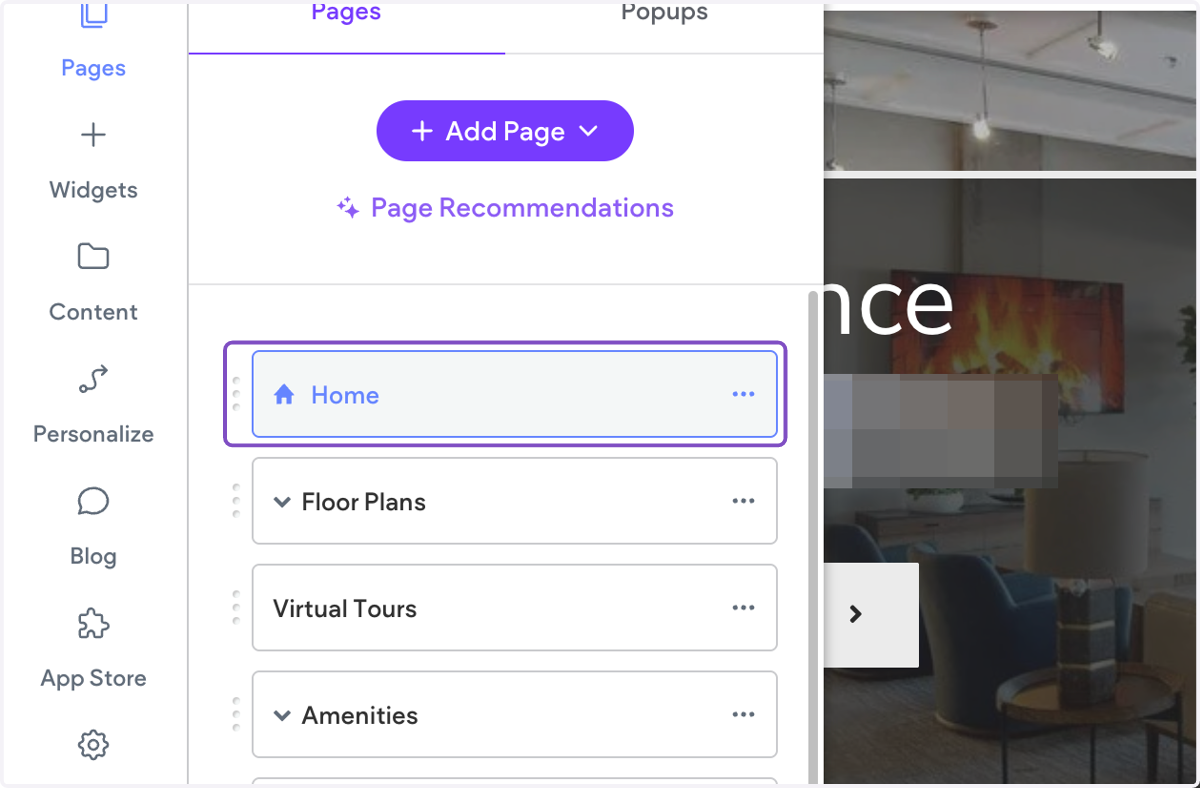
2. Click on Settings next to the page you want to edit
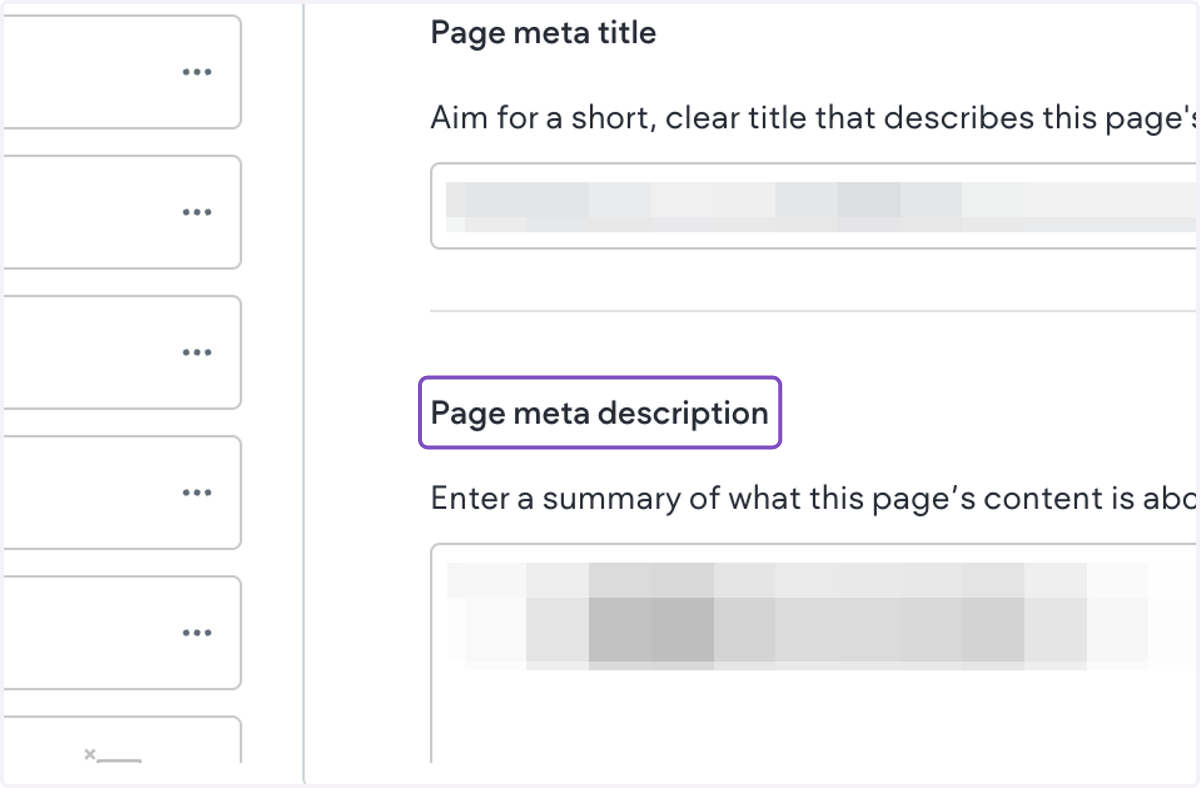
3. Click on the Page meta title to edit
4. Click on the Page meta description to edit
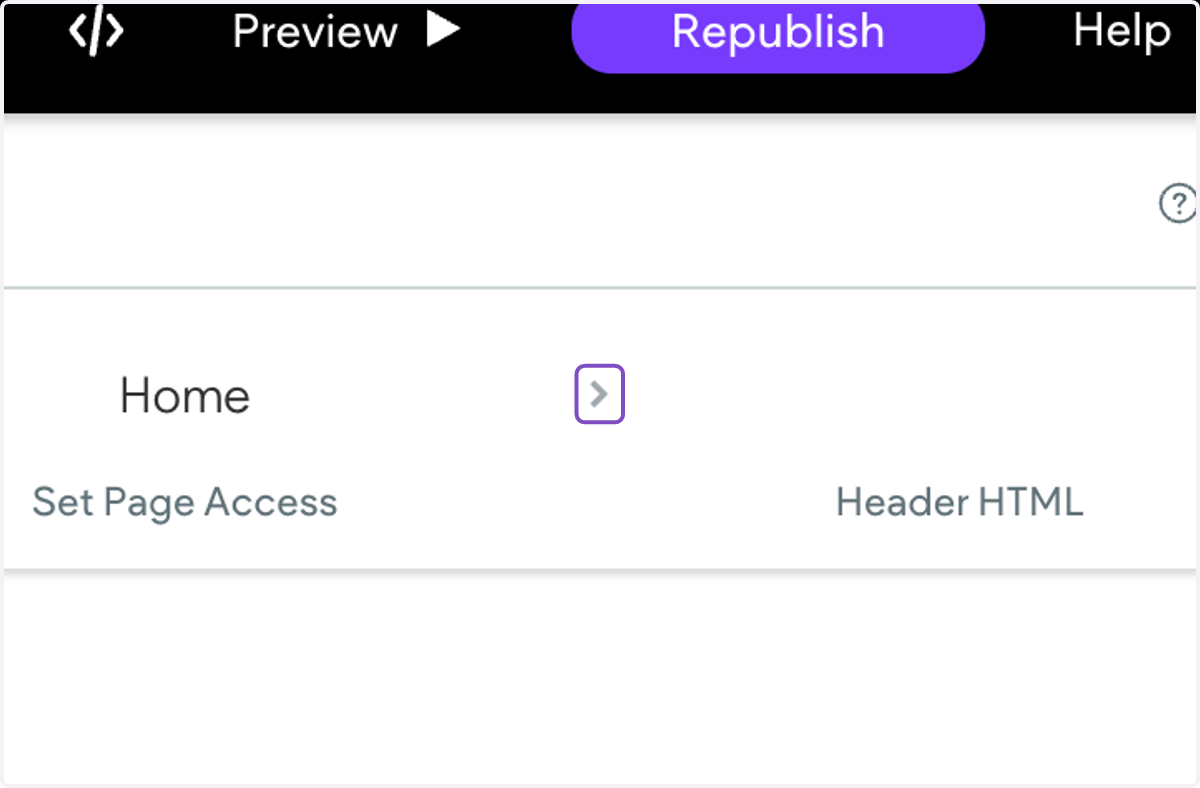
5. Click on next to continue editing the next page
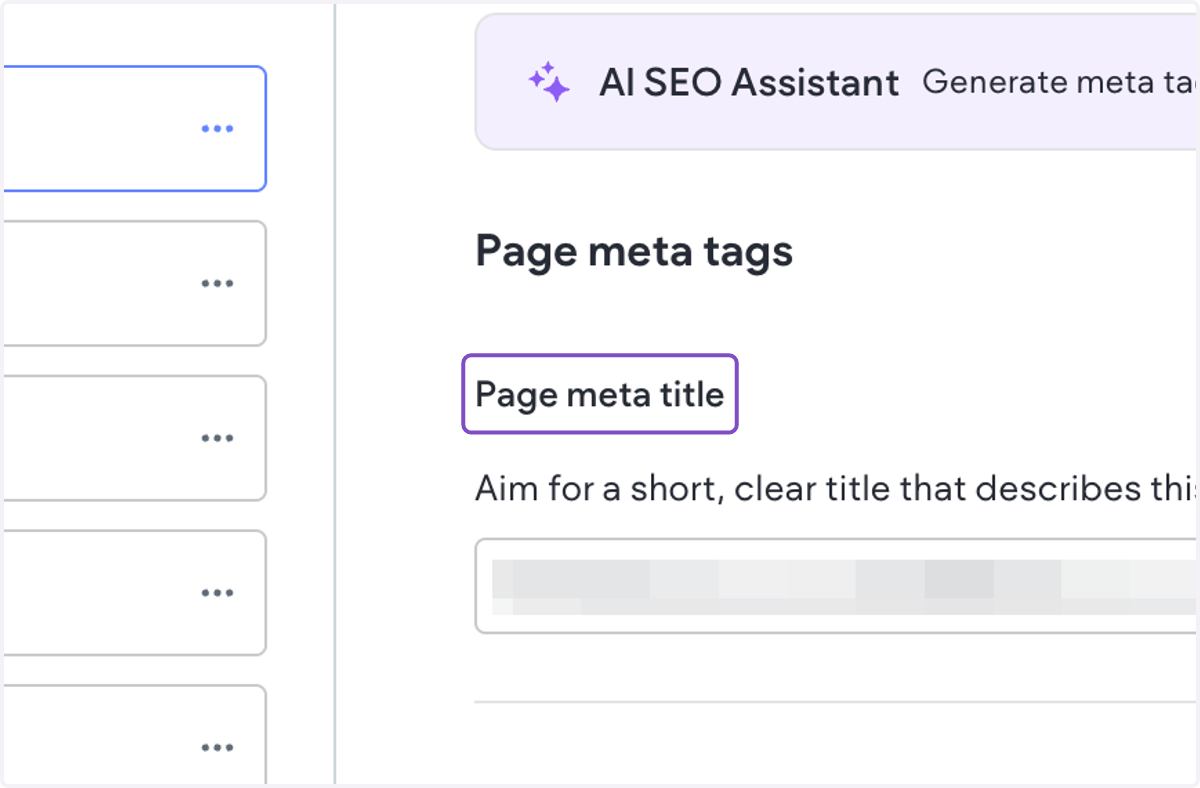
6. Click on Page meta title