Load Template

  1. 1. Click on LOADS from the left side of the navigation bar
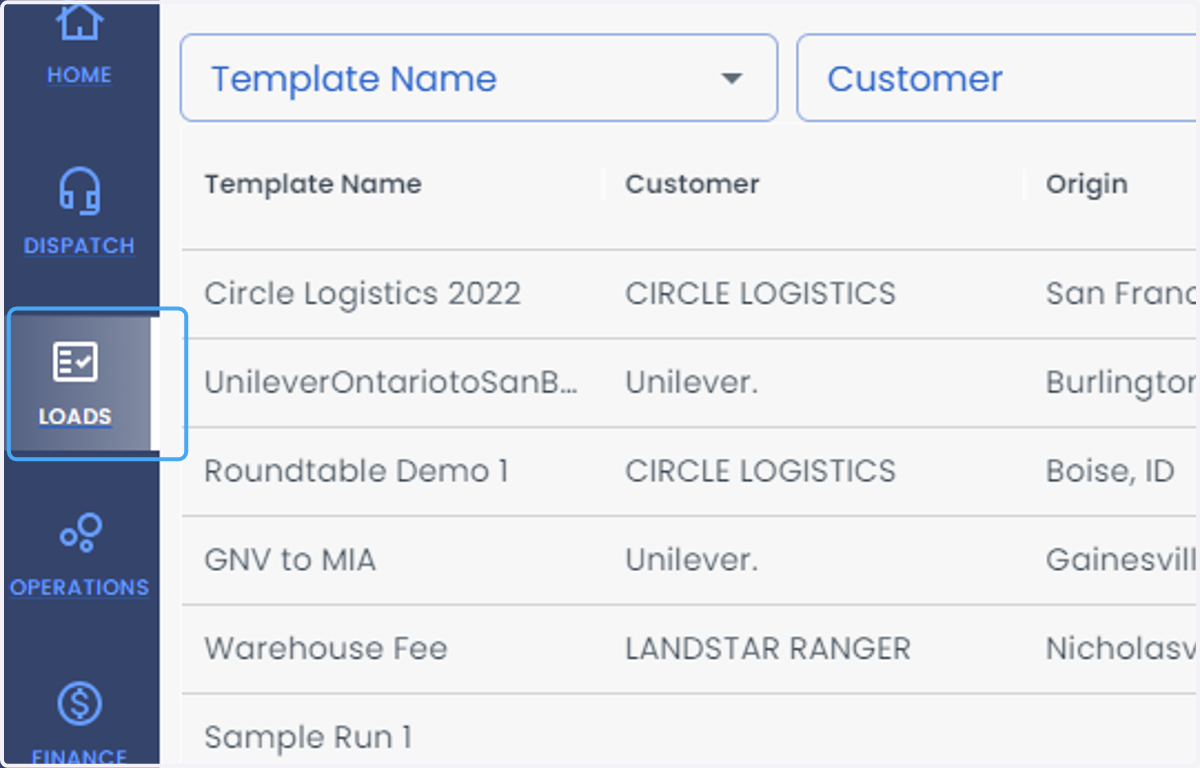
    Click on LOADS from the left side of the navigation bar
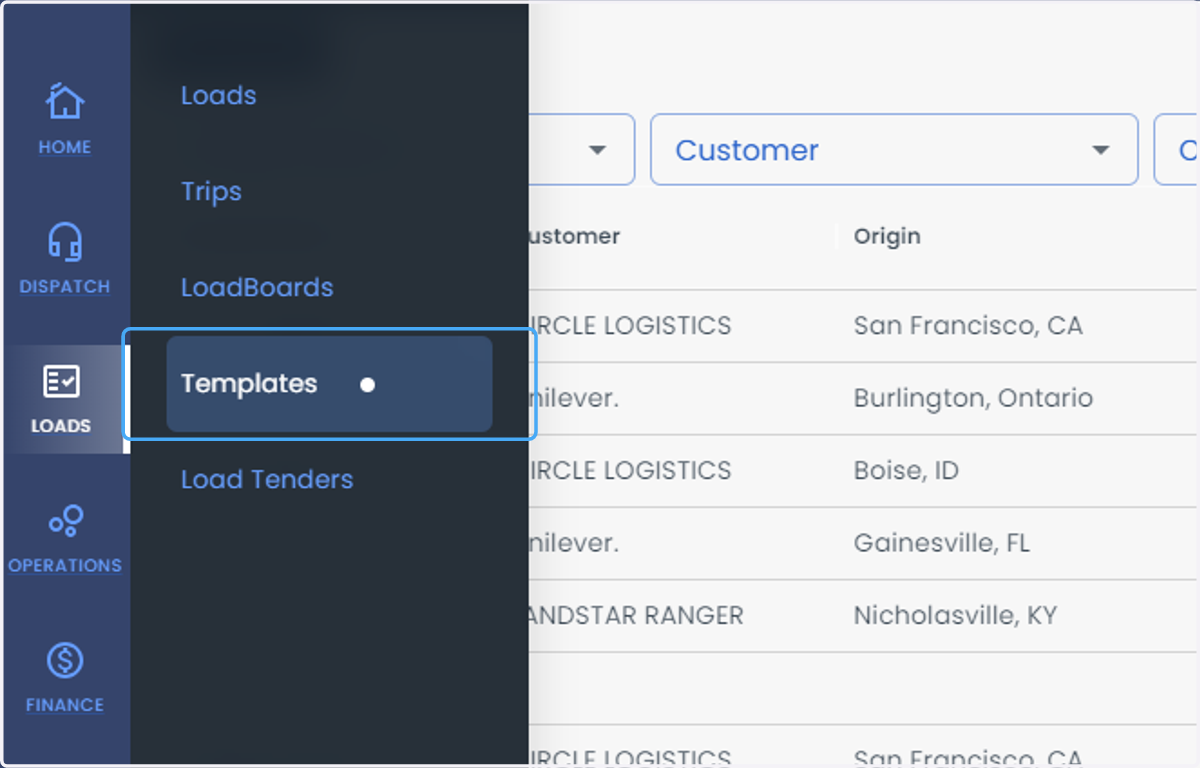
  2. 2. Select Templates from the list

    Select Templates from the list
  3. 3. Click on Add Template from the right side of the screen
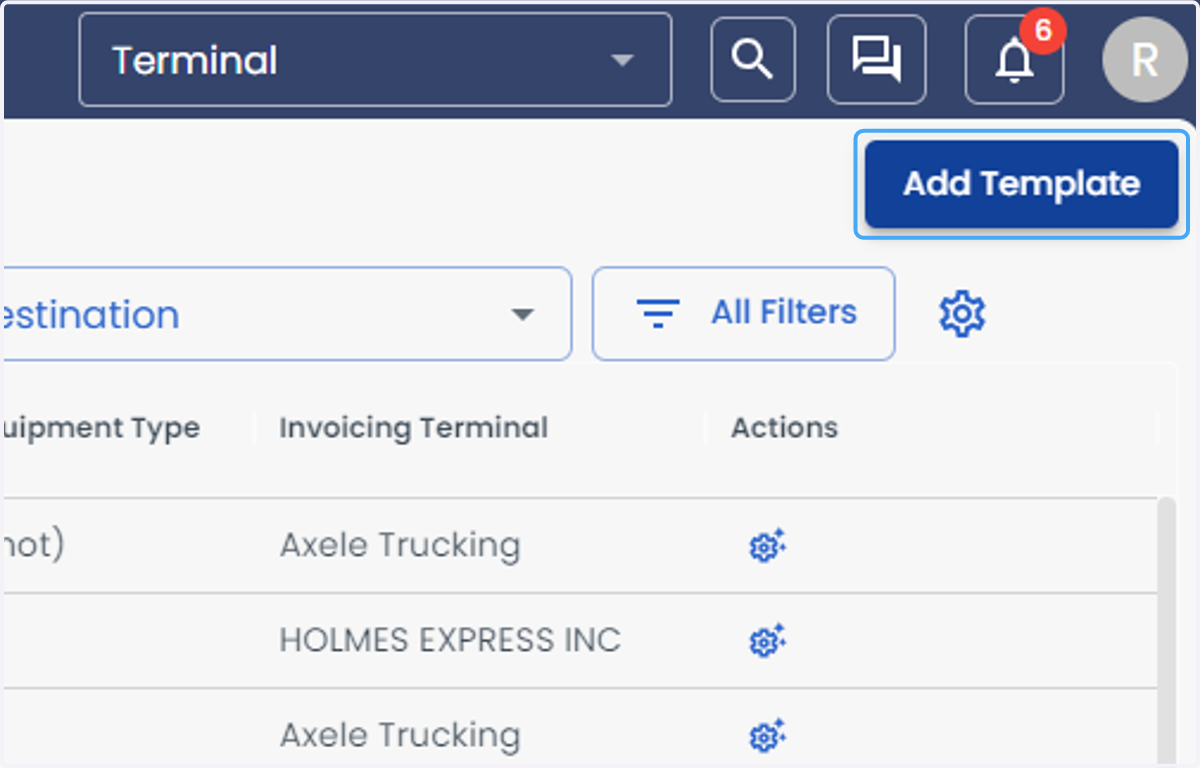
    Click on Add Template from the right side of the screen
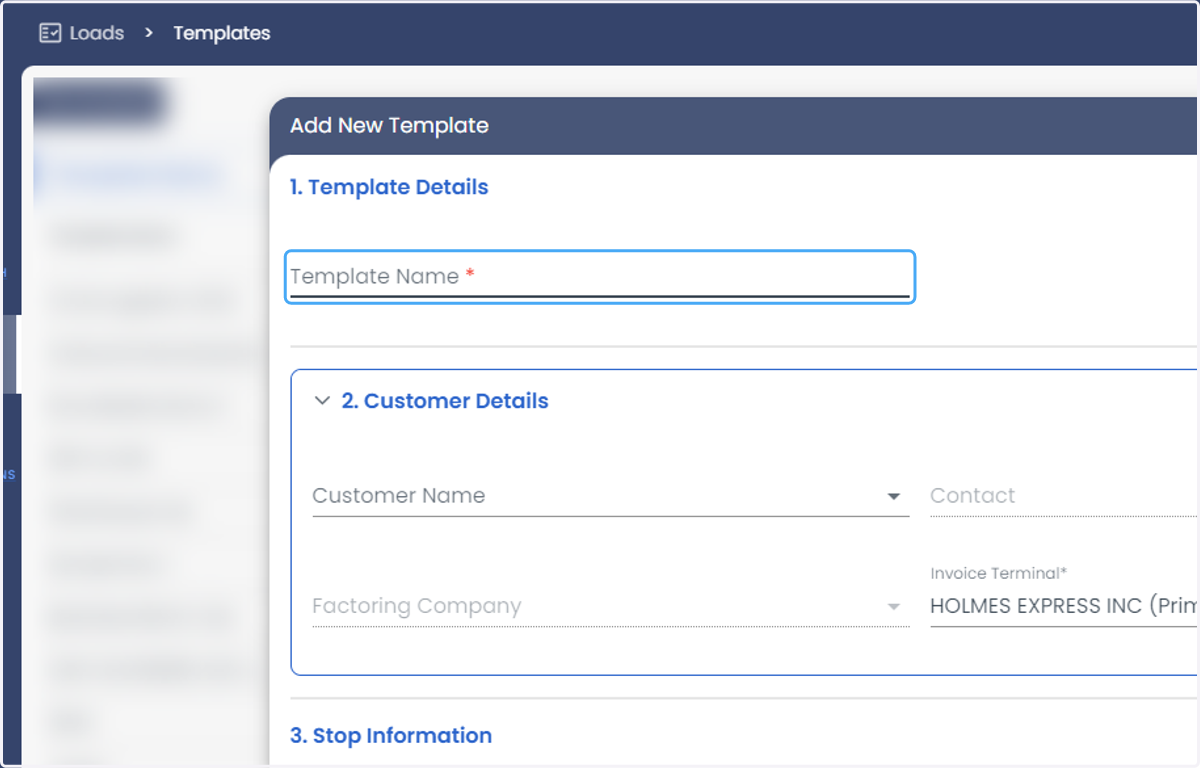
  4. 4. Enter the Template Name

    Enter the Template Name
  5. 5. Enter all the details of the Load Template
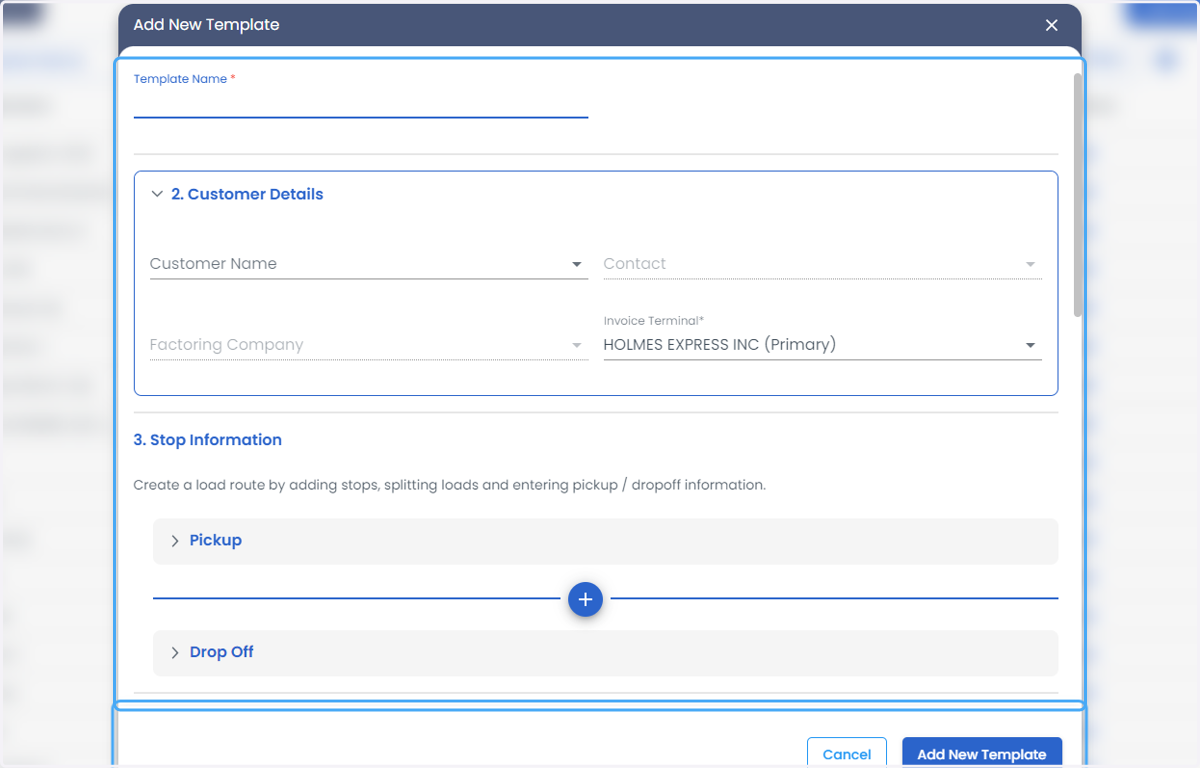
    Enter all the details of the Load Template
  6. 6. Click on Add New Template from the bottom of the screen
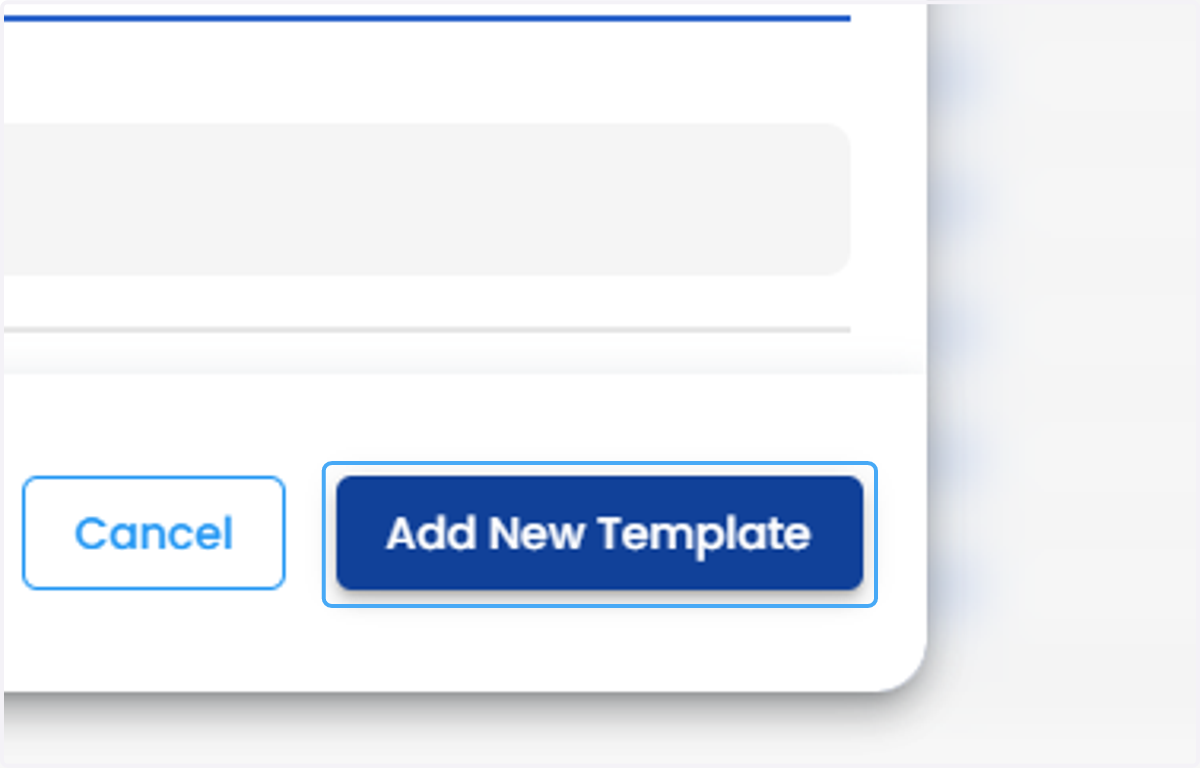
    Click on Add New Template from the bottom of the screen