Add Asset Templetes in Odoo

Odoo

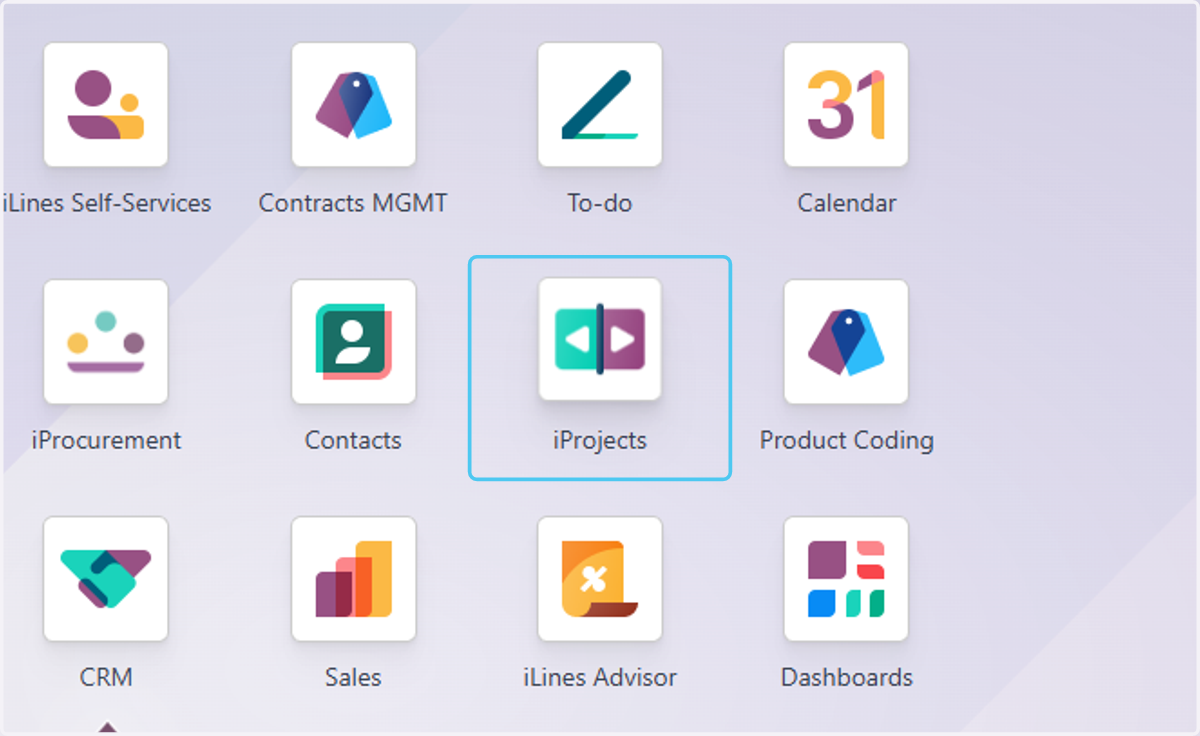
  1. 1. Click on iProjects

    Click on iProjects
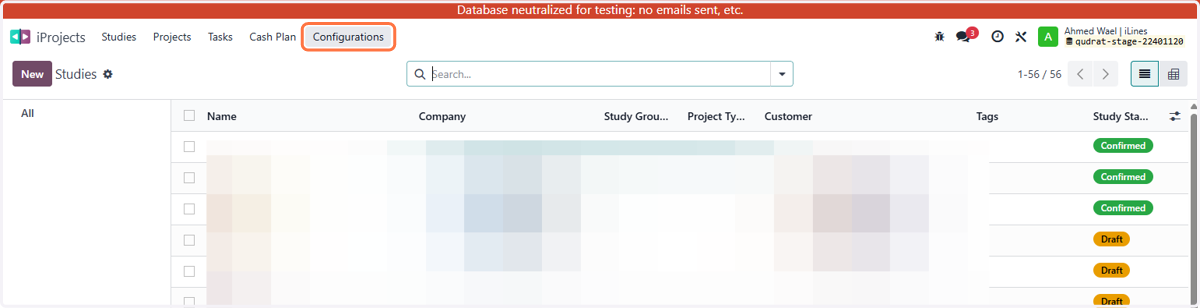
  2. 2. Click on Configurations

    Click on Configurations
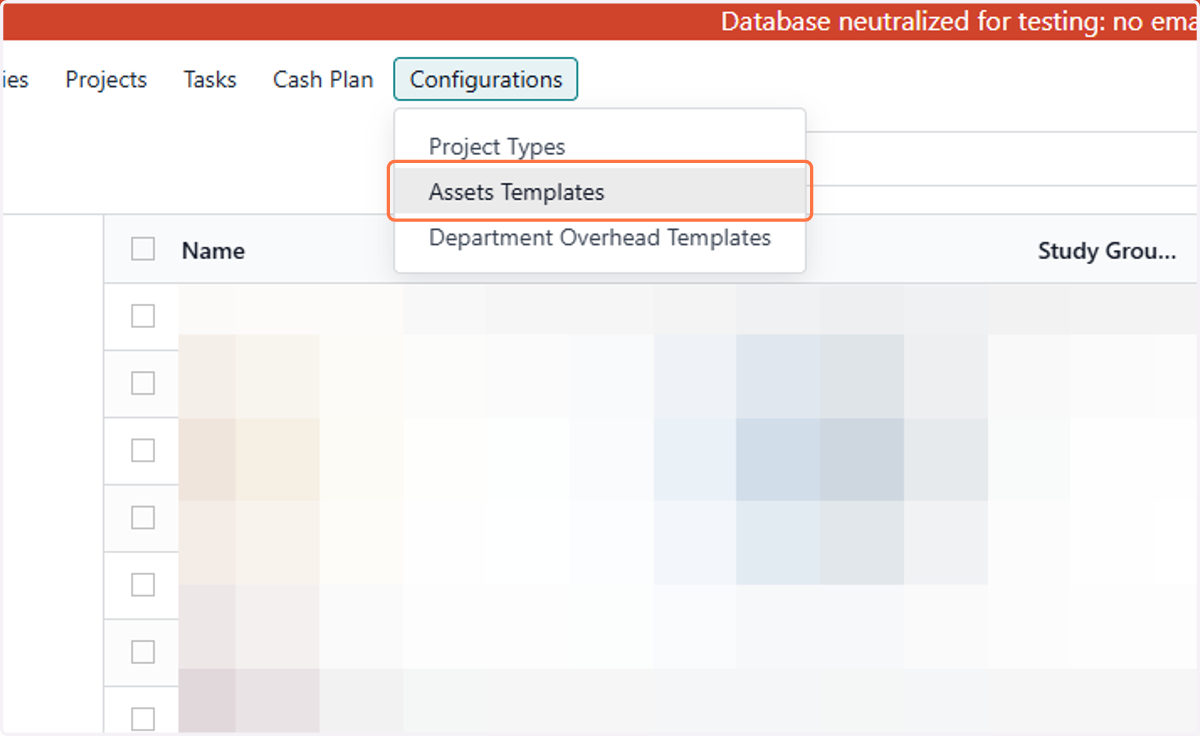
  3. 3. Click on Assets Templates

    Click on Assets Templates
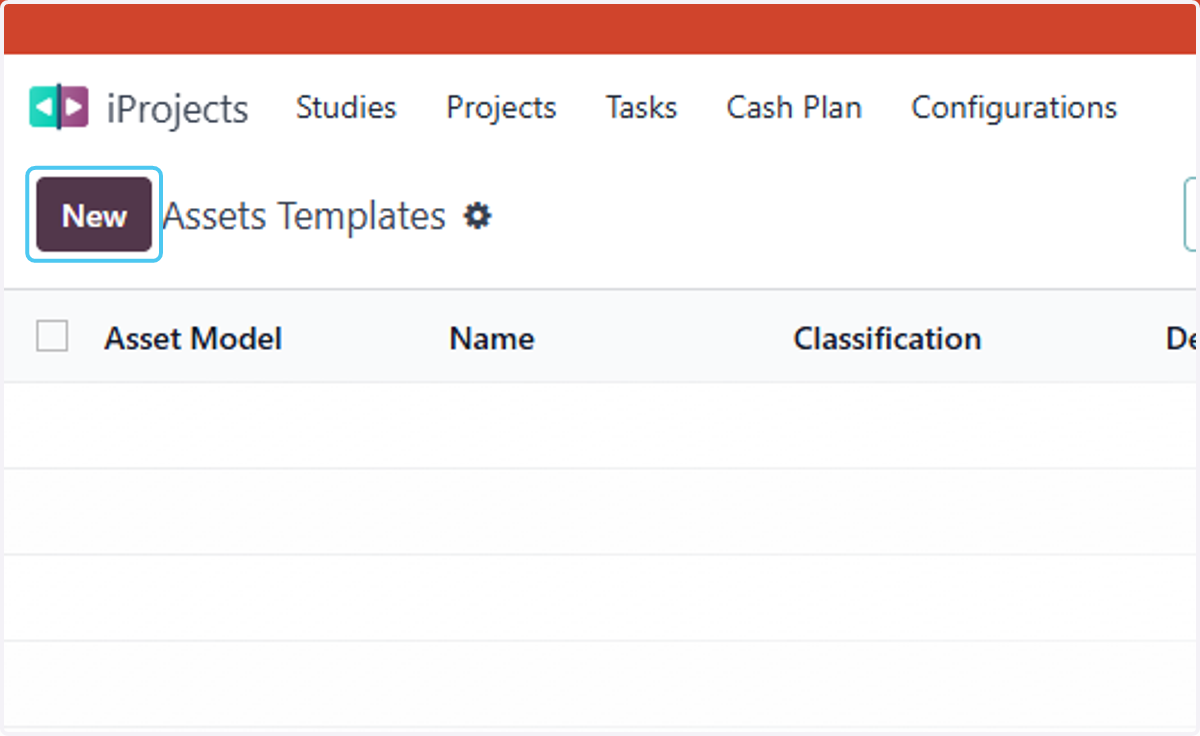
  4. 4. Click on New

    Click on New
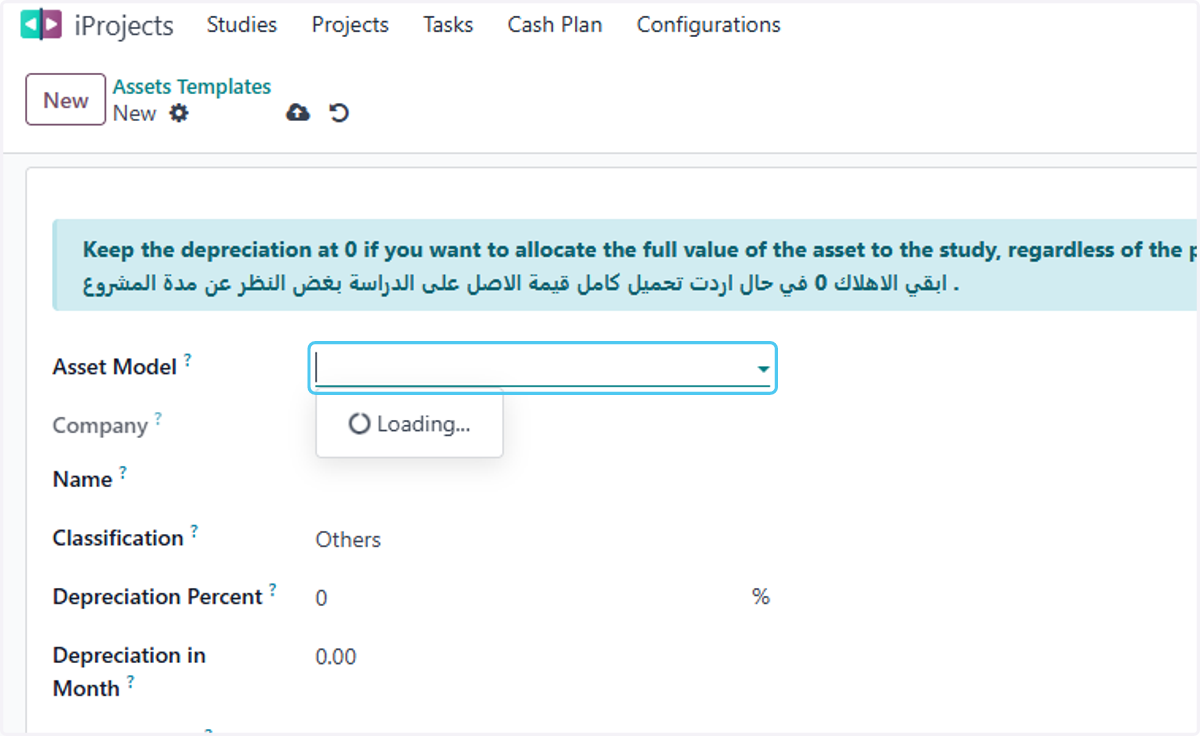
  5. 5. Click on Asset Model?

    Click on Asset Model?
  6. 6. choose your asset -all information will come auto
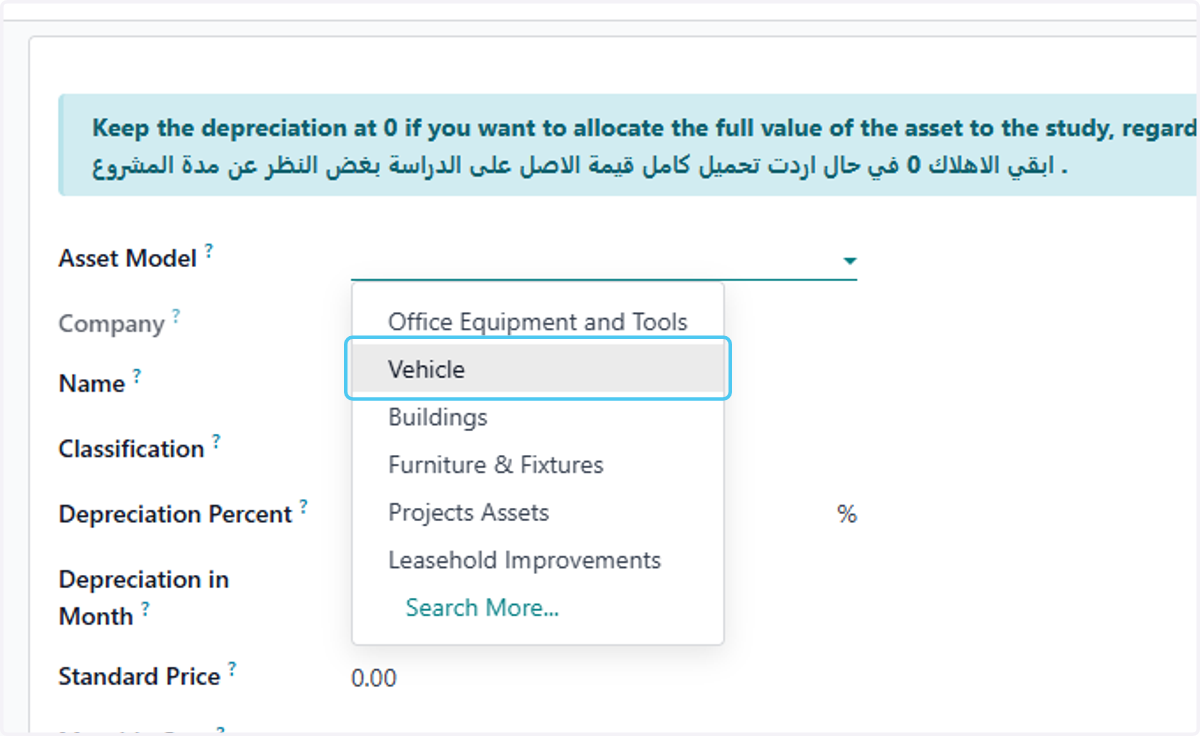
    choose your asset -all information will come auto
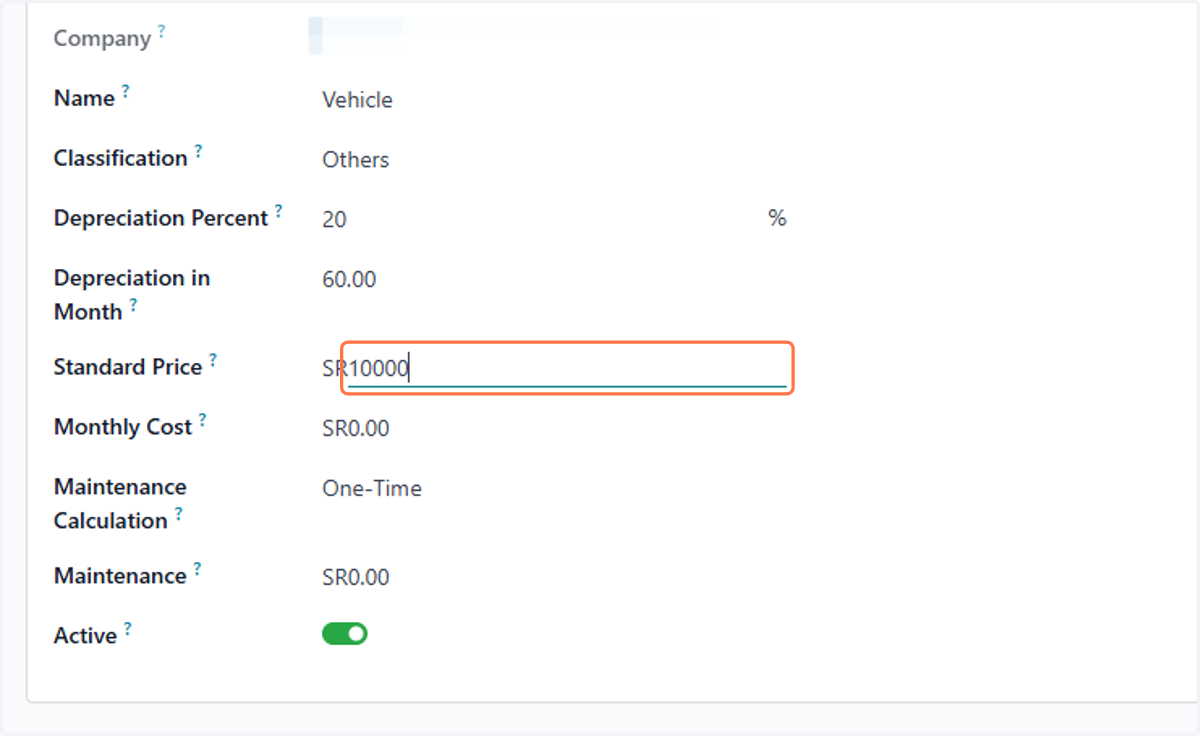
  7. 7. Type your cost

    Type your cost
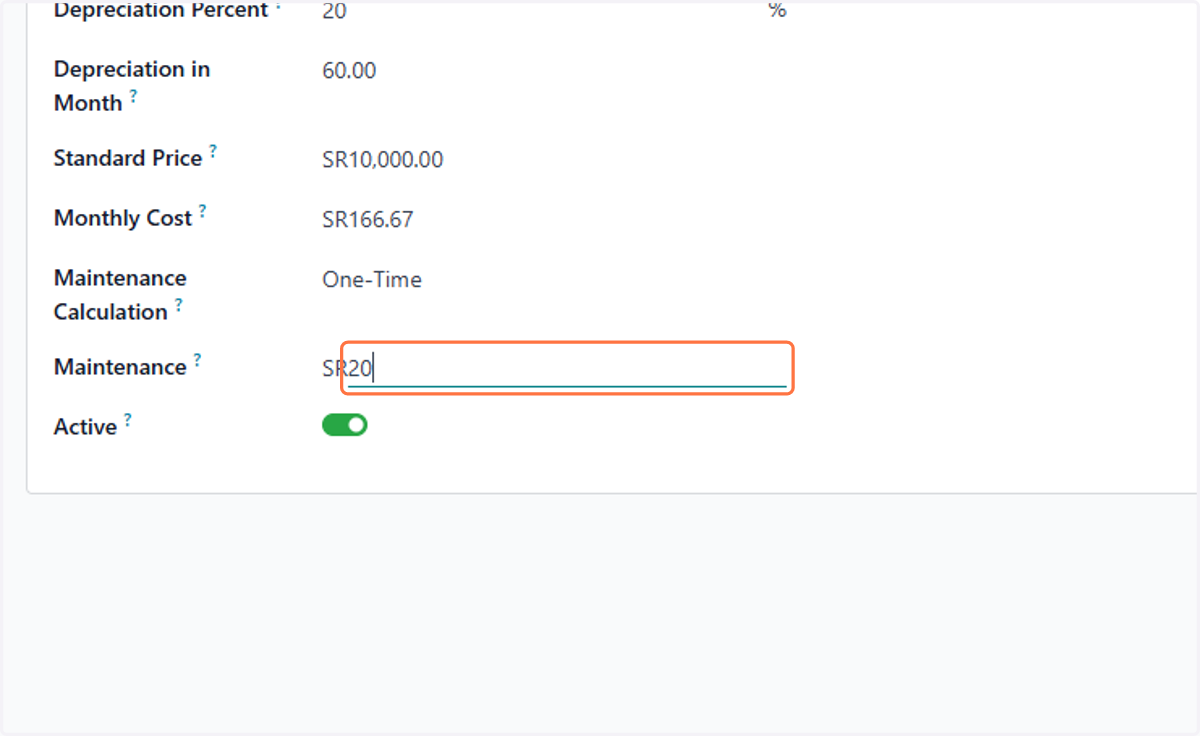
  8. 8. Type the asset maintenance if any

    Type the asset maintenance if any
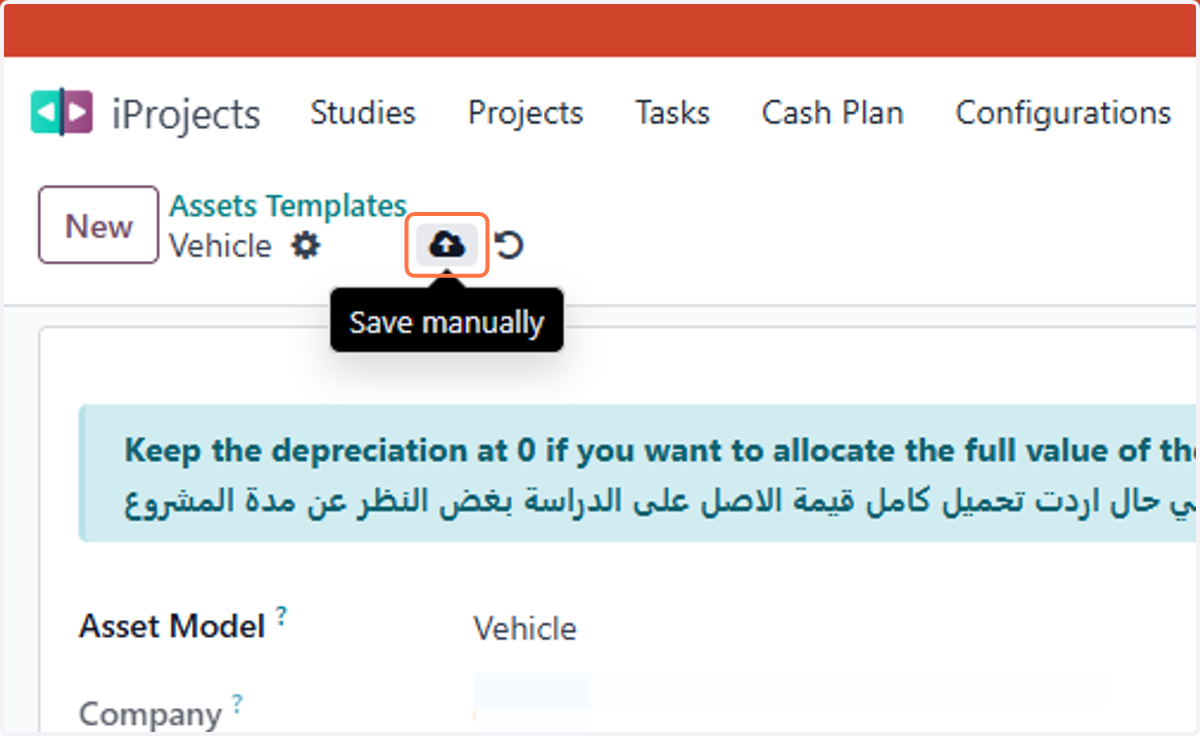
  9. 9. Click on Save manually

    Click on Save manually