Chores

Appanzee

  1. 1. Open the Chores app

    Open the Chores app
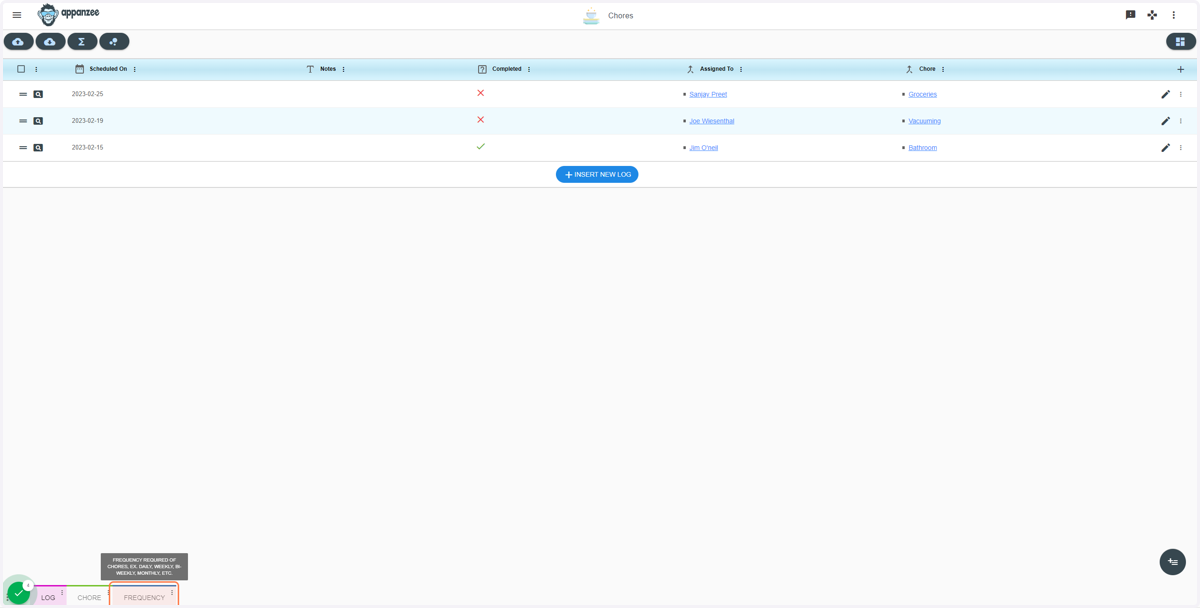
  2. 2. Click on FREQUENCY… This is where you can make changes to how frequent you want the differents chores to be done at
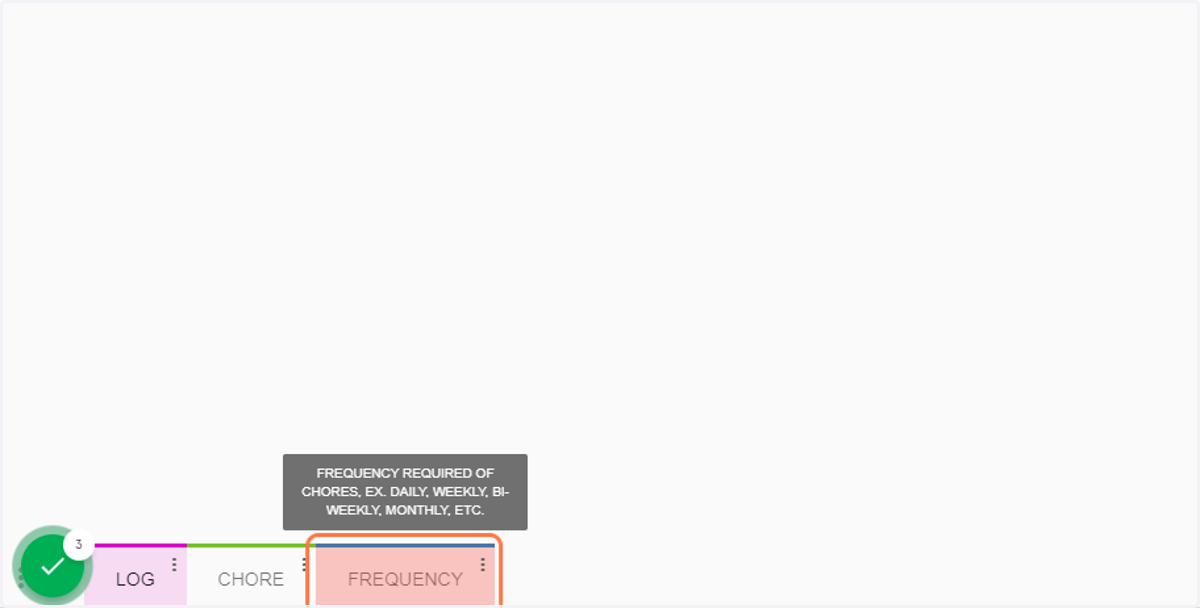
    Click on FREQUENCY… This is where you can make changes to how frequent you want the differents chores to be done at
  3. 3. Click on CHORE… This is where you define the different chores and connect them to how frequent they need to be done
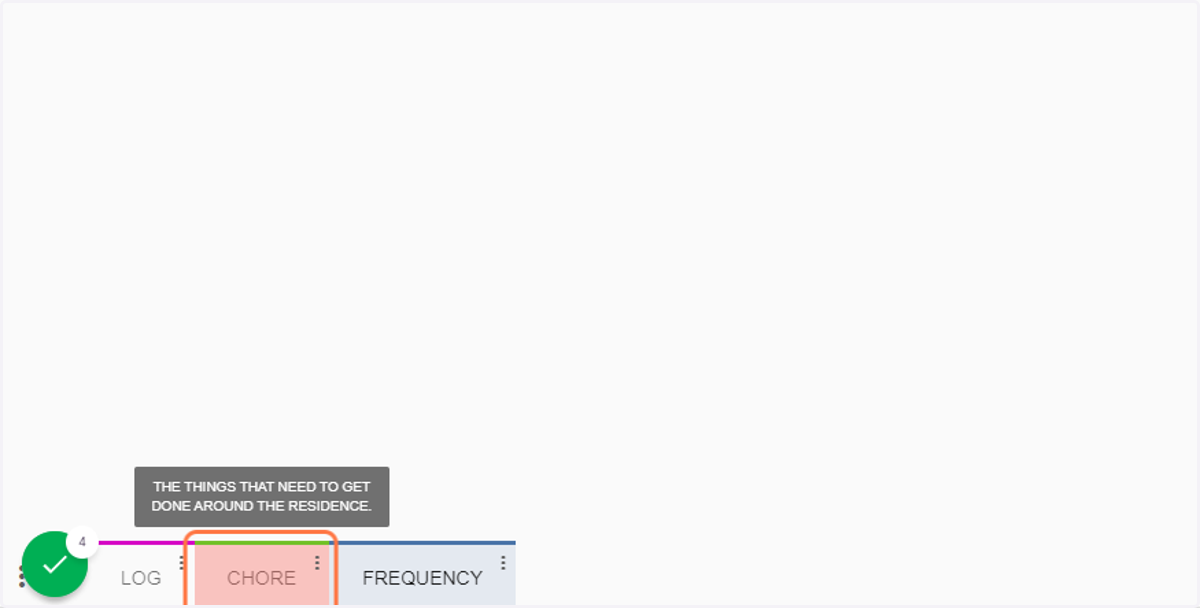
    Click on CHORE… This is where you define the different chores and connect them to how frequent they need to be done
  4. 4. Click on INSERT NEW CHORE to add a new Chore
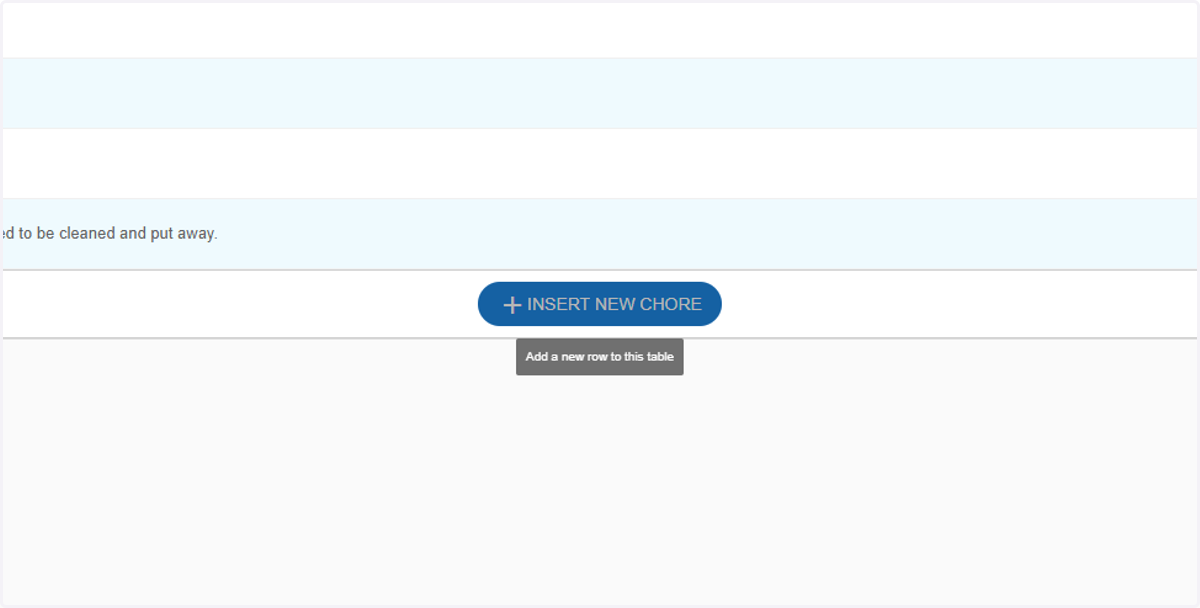
    Click on INSERT NEW CHORE to add a new Chore
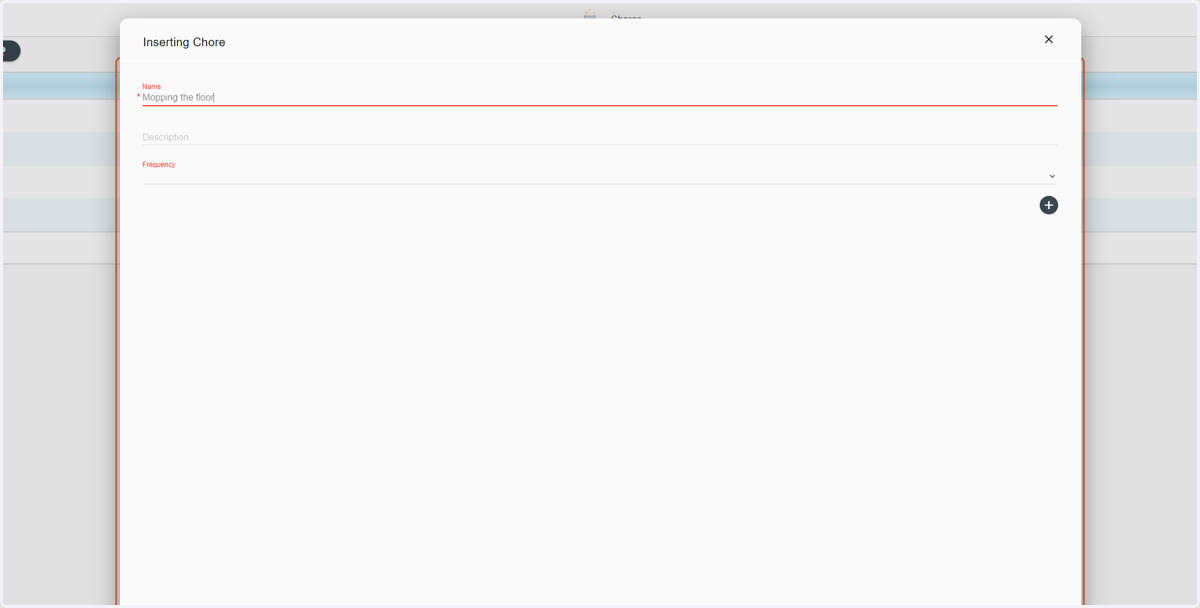
  5. 5. Type a name for the chore

    Type a name for the chore
  6. 6. Choose how frequent you want that chore to be done from Frequency
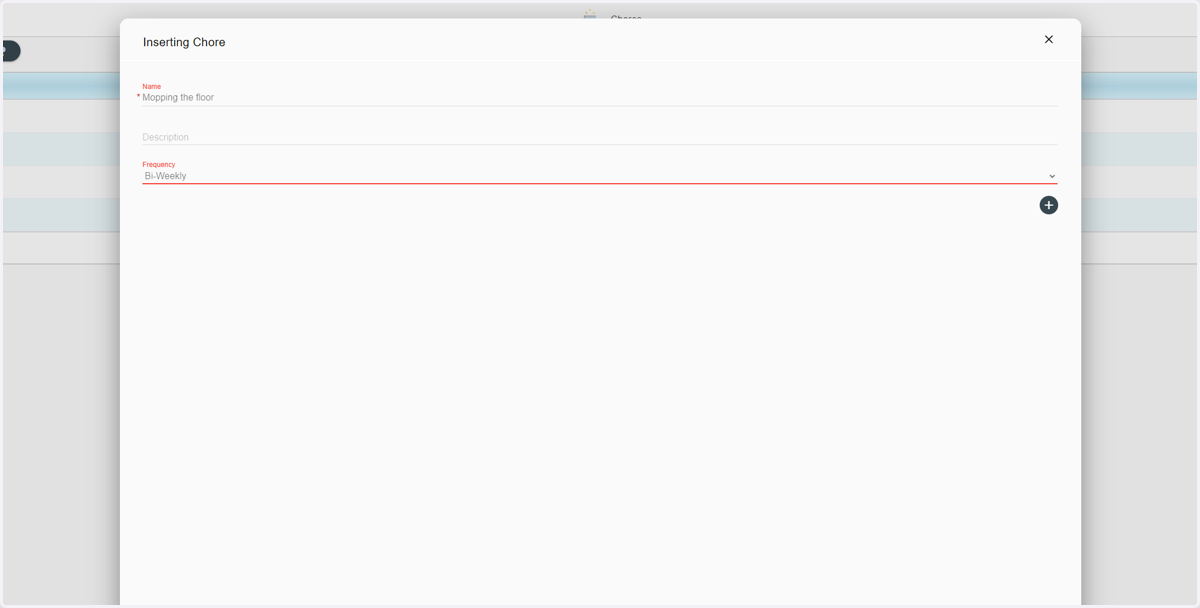
    Choose how frequent you want that chore to be done from Frequency
  7. 7. Click on INSERT CHORE

    Click on INSERT CHORE
  8. 8. Add a description for that chore. An example could be where to find the mop and bucket
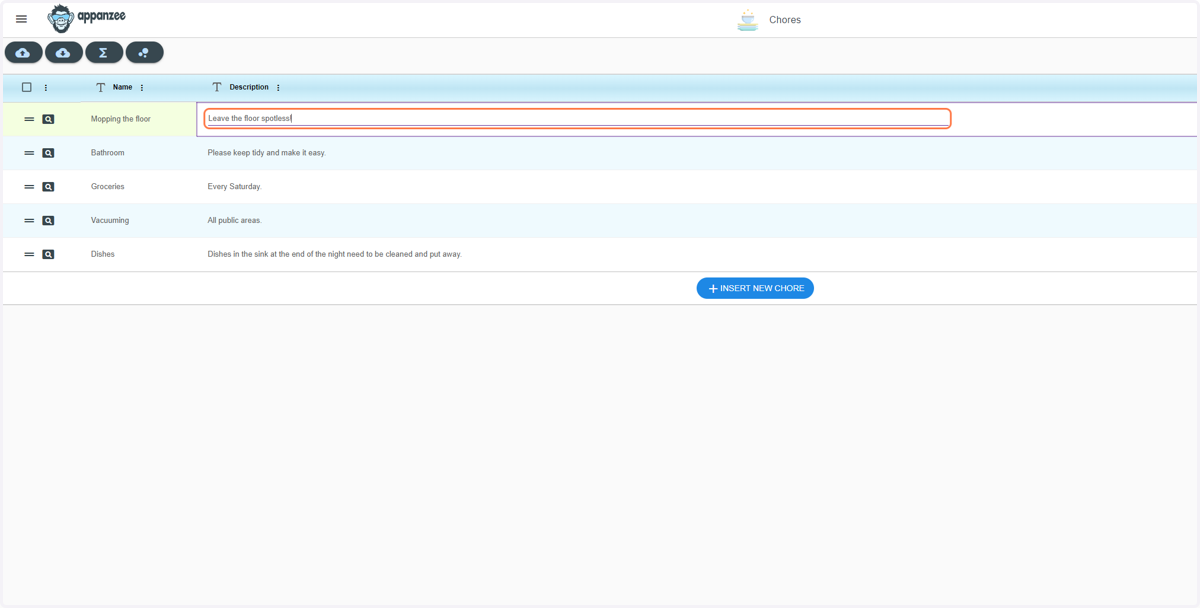
    Add a description for that chore. An example could be where to find the mop and bucket
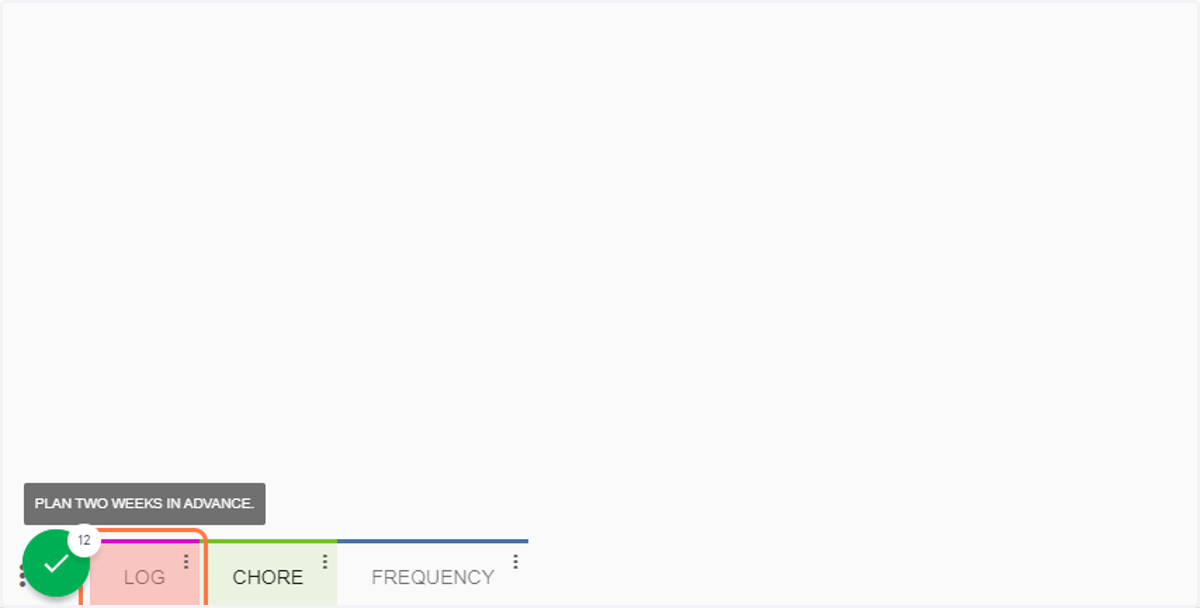
  9. 9. Click on LOG…

    Click on LOG…
  10. 10. Click on INSERT NEW LOG to add completed log or an upcoming one
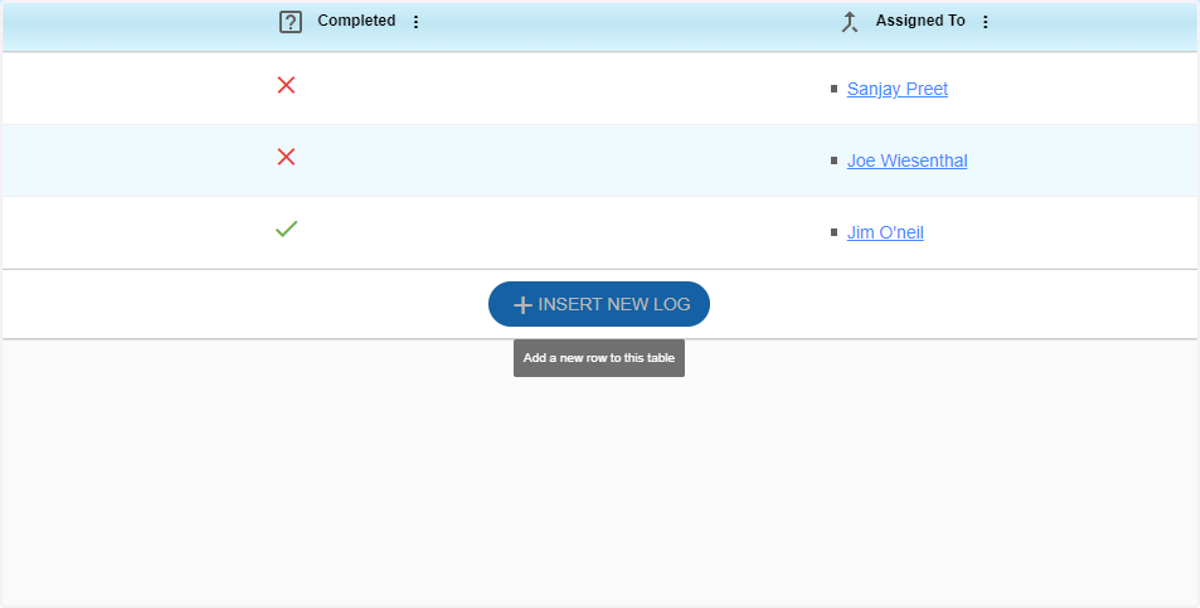
    Click on INSERT NEW LOG to add completed log or an upcoming one
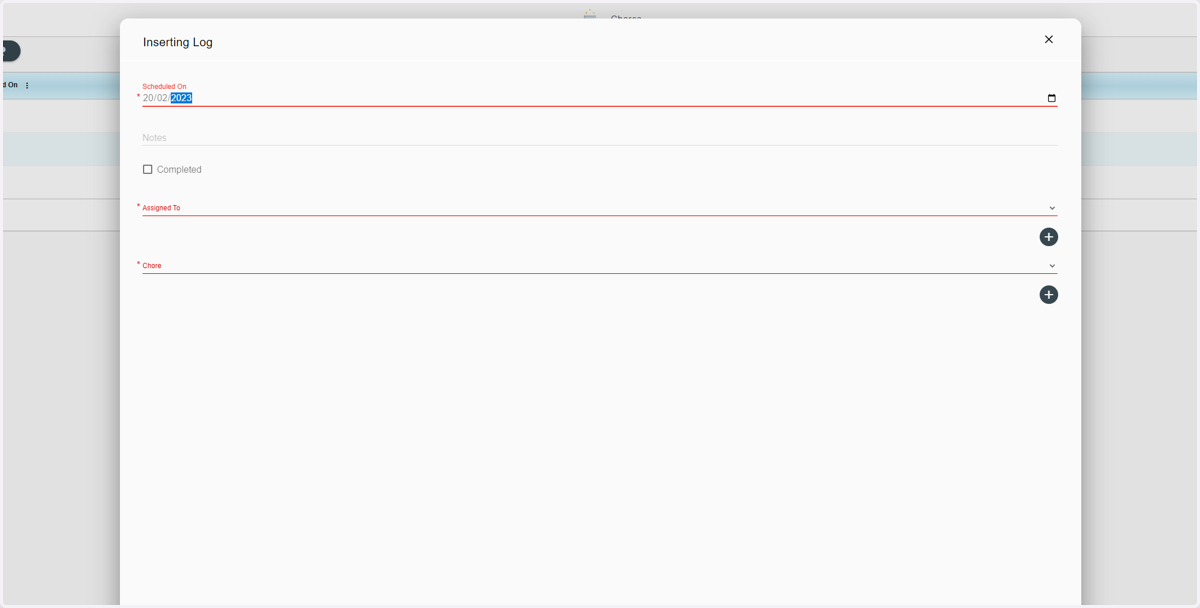
  11. 11. Type in the date

    Type in the date
  12. 12. Click on a person to assign the chore to
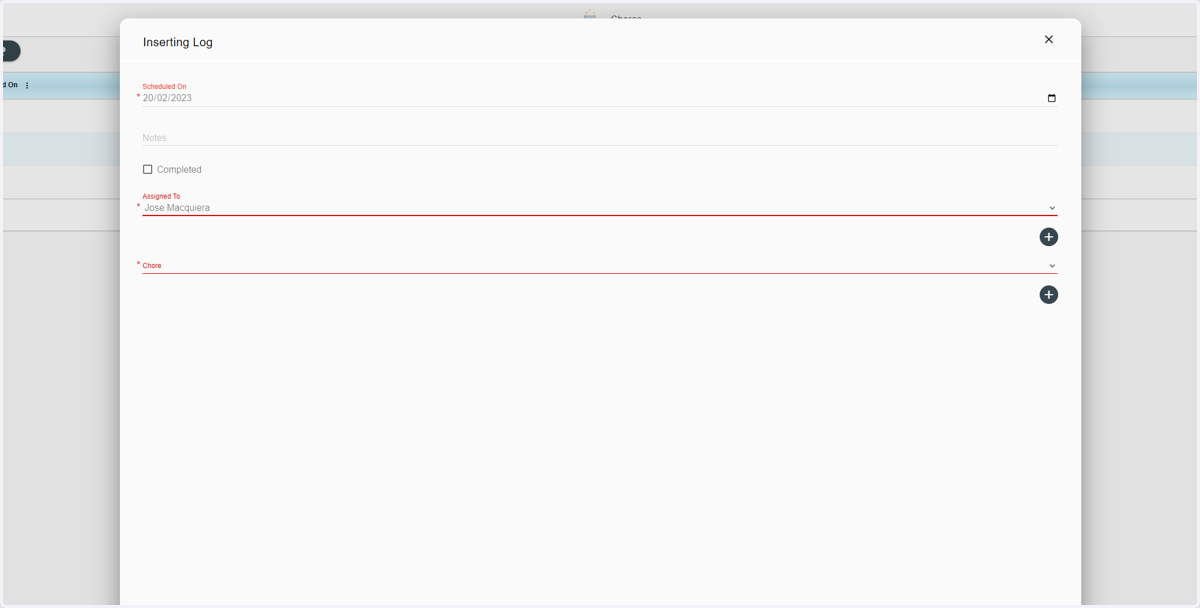
    Click on a person to assign the chore to
  13. 13. Click on the chore you want to assign the person
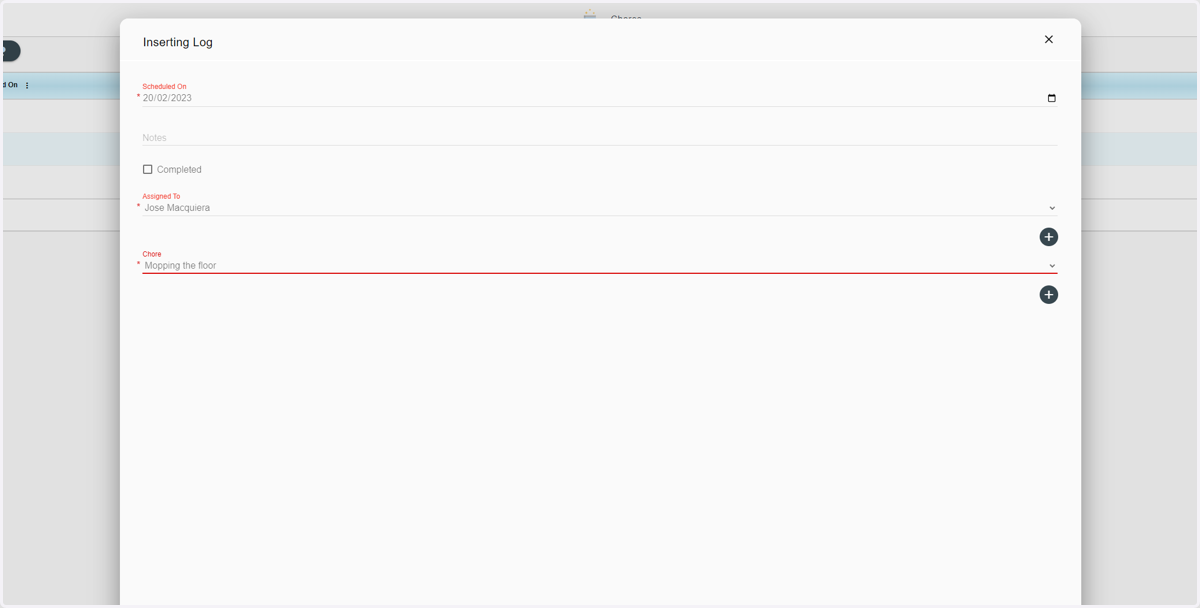
    Click on the chore you want to assign the person
  14. 14. Click on INSERT LOG

    Click on INSERT LOG