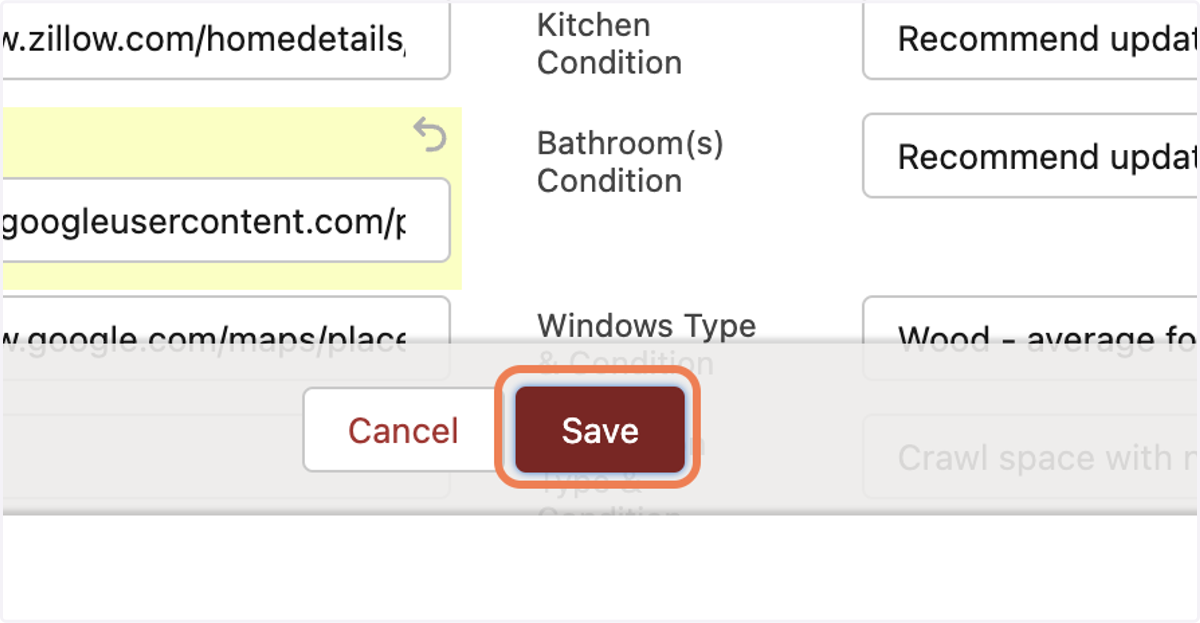
How to grab the Featured Image Link
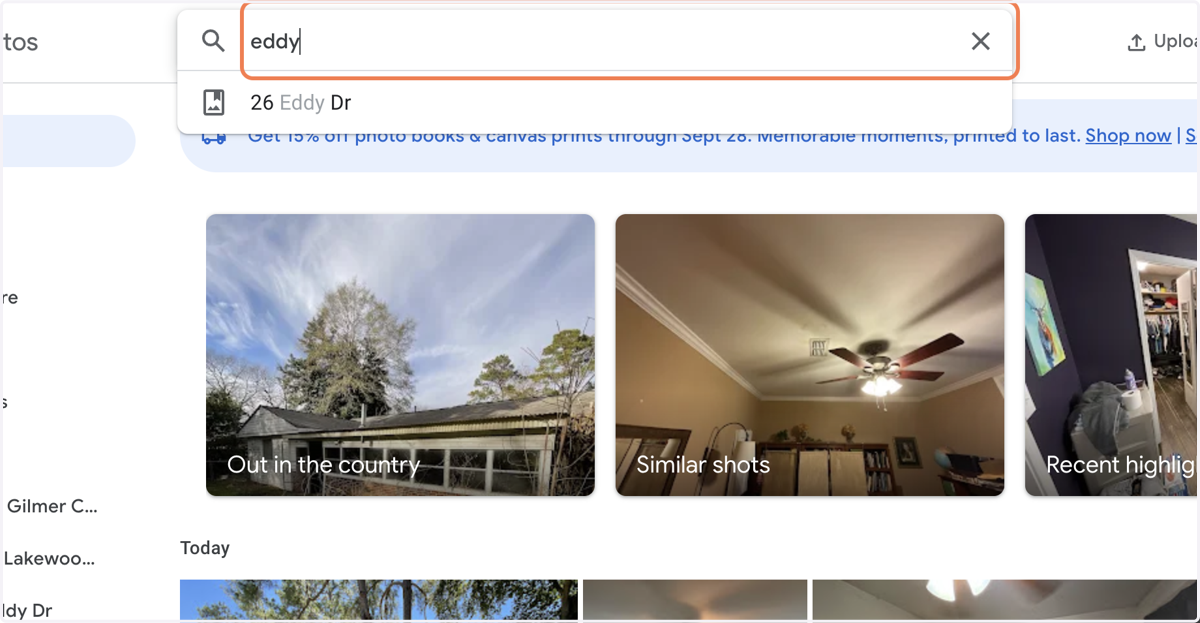
1. Search for the property address and open the album or access the album from the link
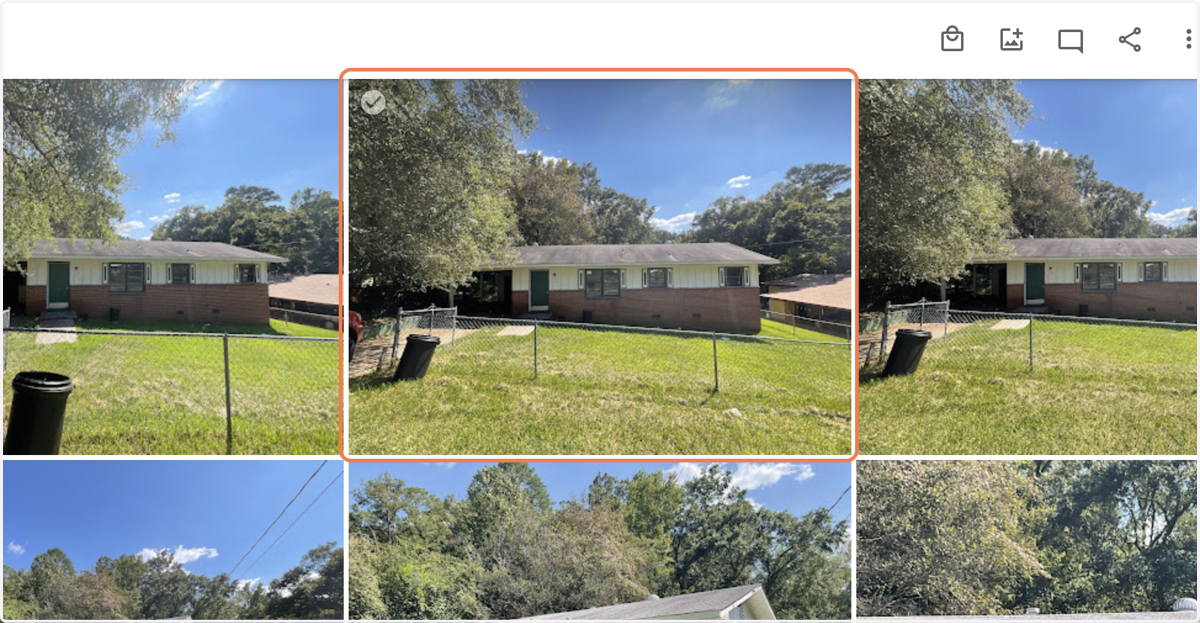
2. Click on the photo you think best represents the exterior of the property
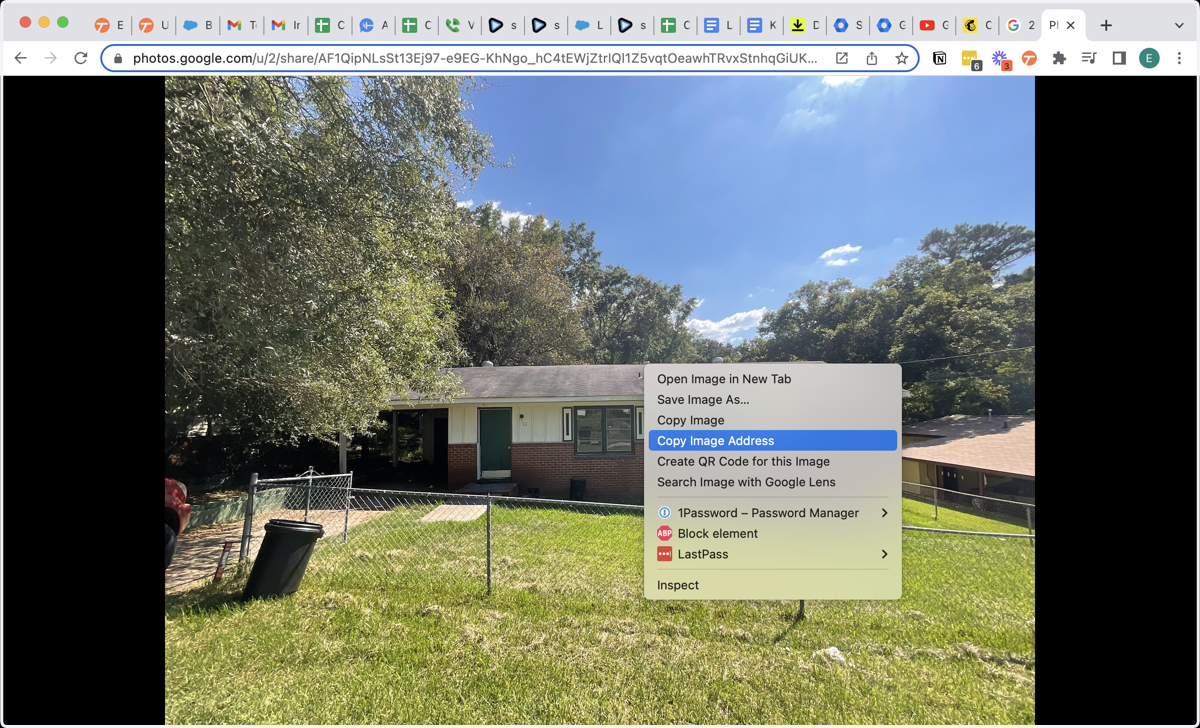
3. Right click the image, and click "copy image address"
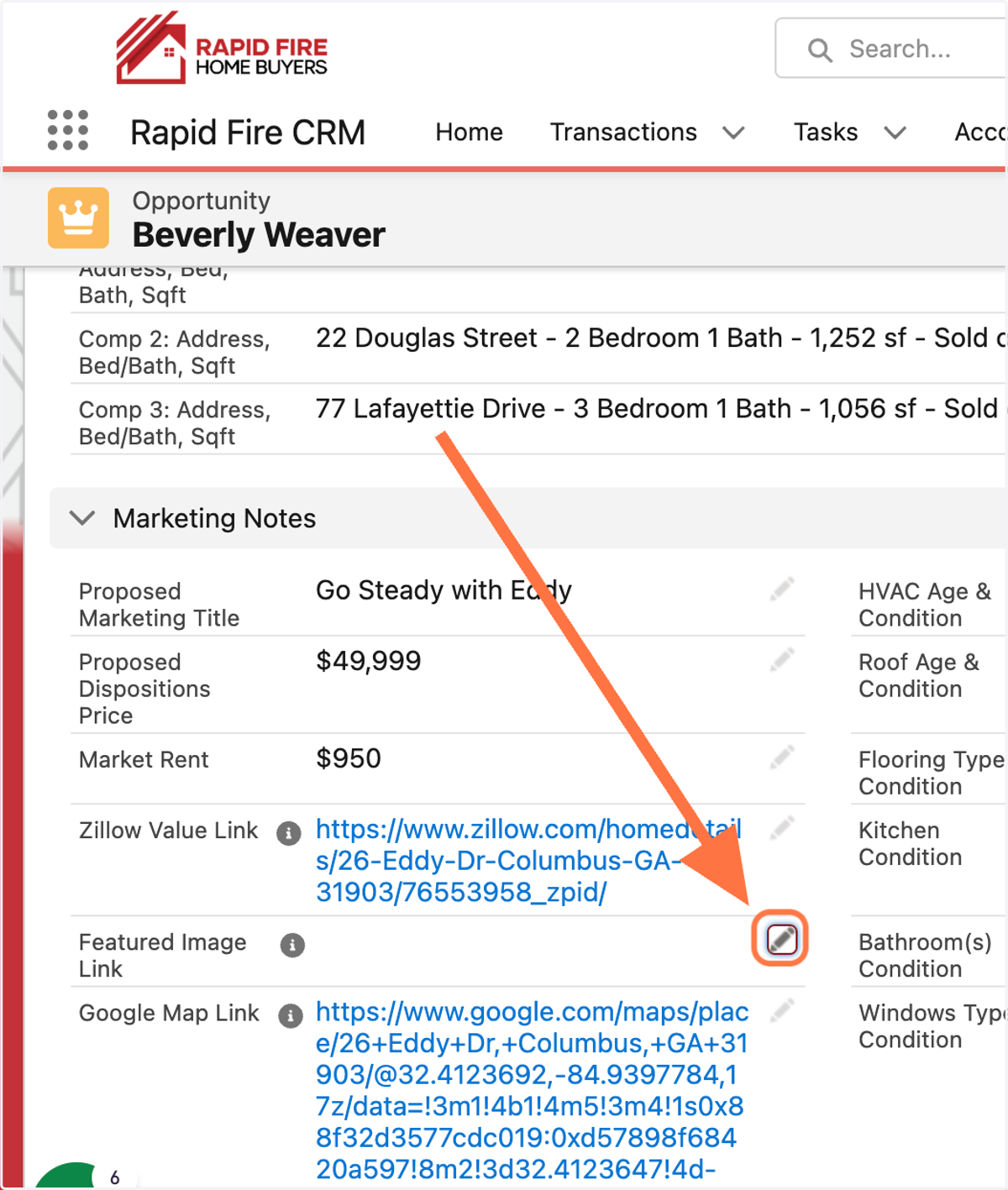
4. Go to the corresponding opportunity in Salesforce
5. Click on Edit Featured Image Link (found in the marketing notes section)
6. Paste copied image address text into the text box
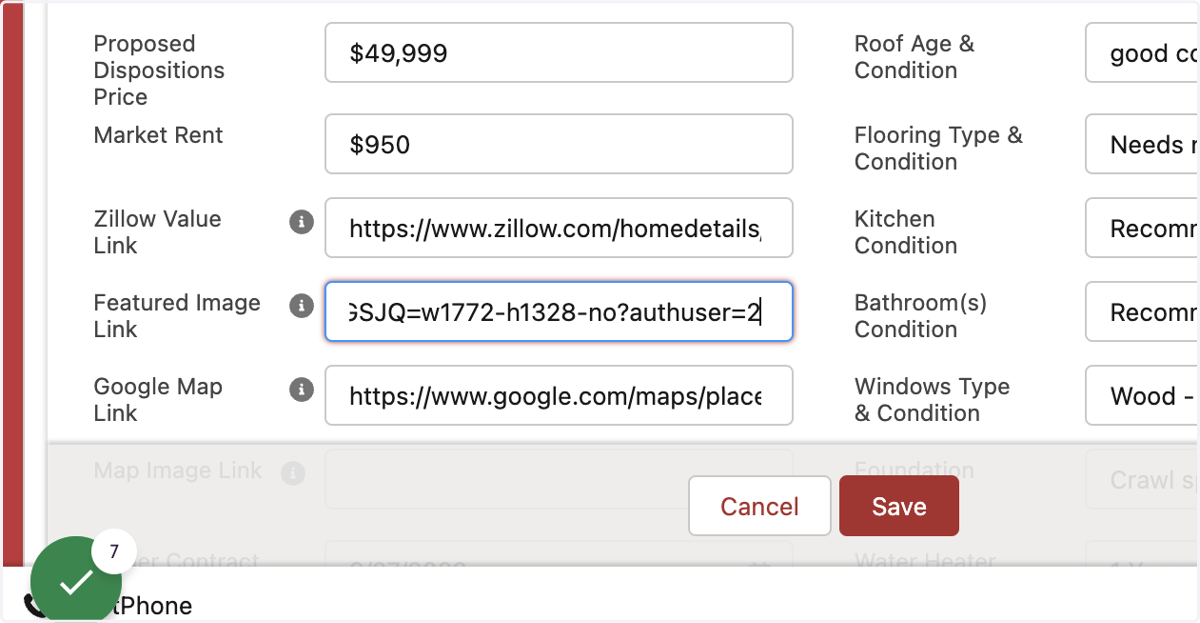
7. Click on Save