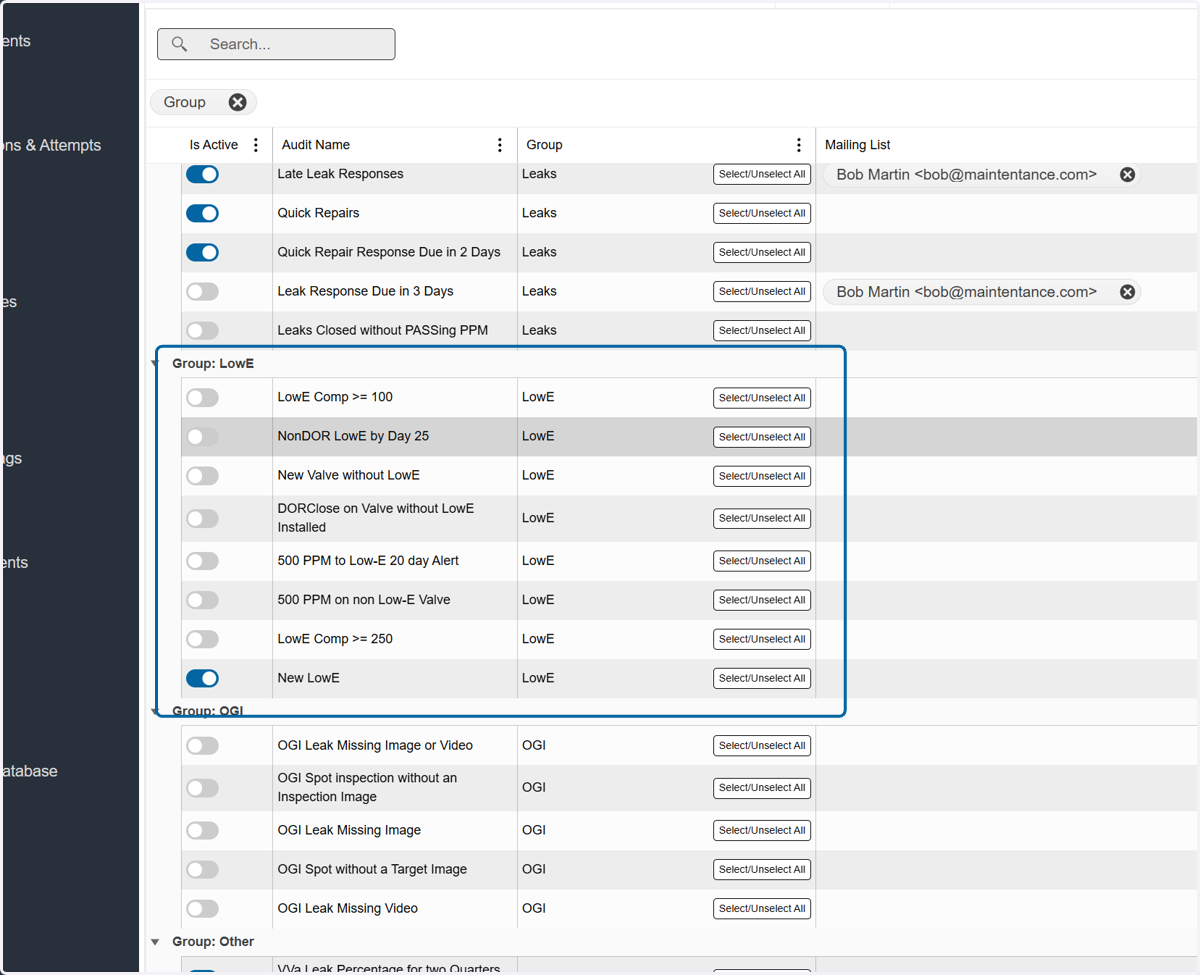
Setting Up your LowE Program
#1 Set up picklists
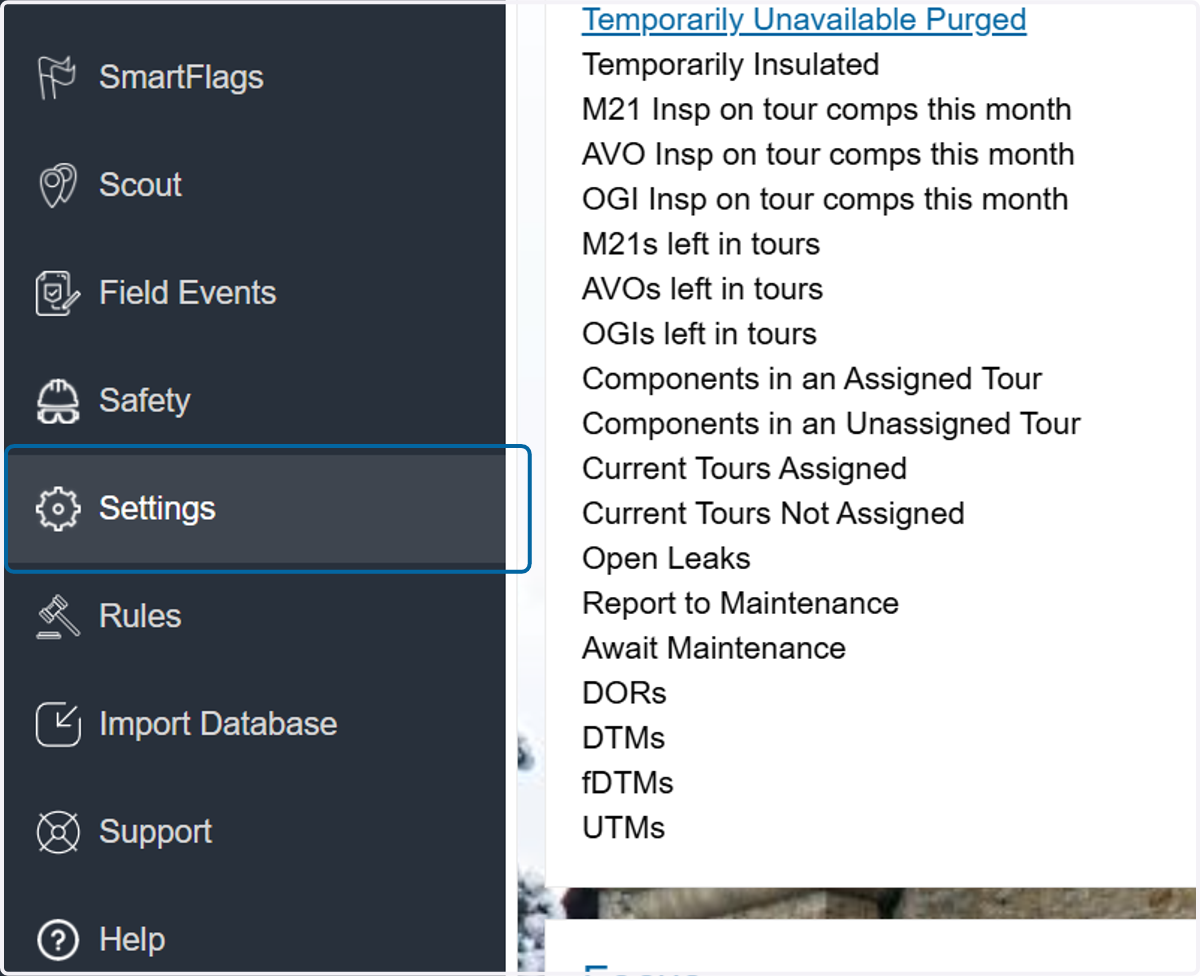
1. Click on Settings - Picklists
2. Click on Picklists
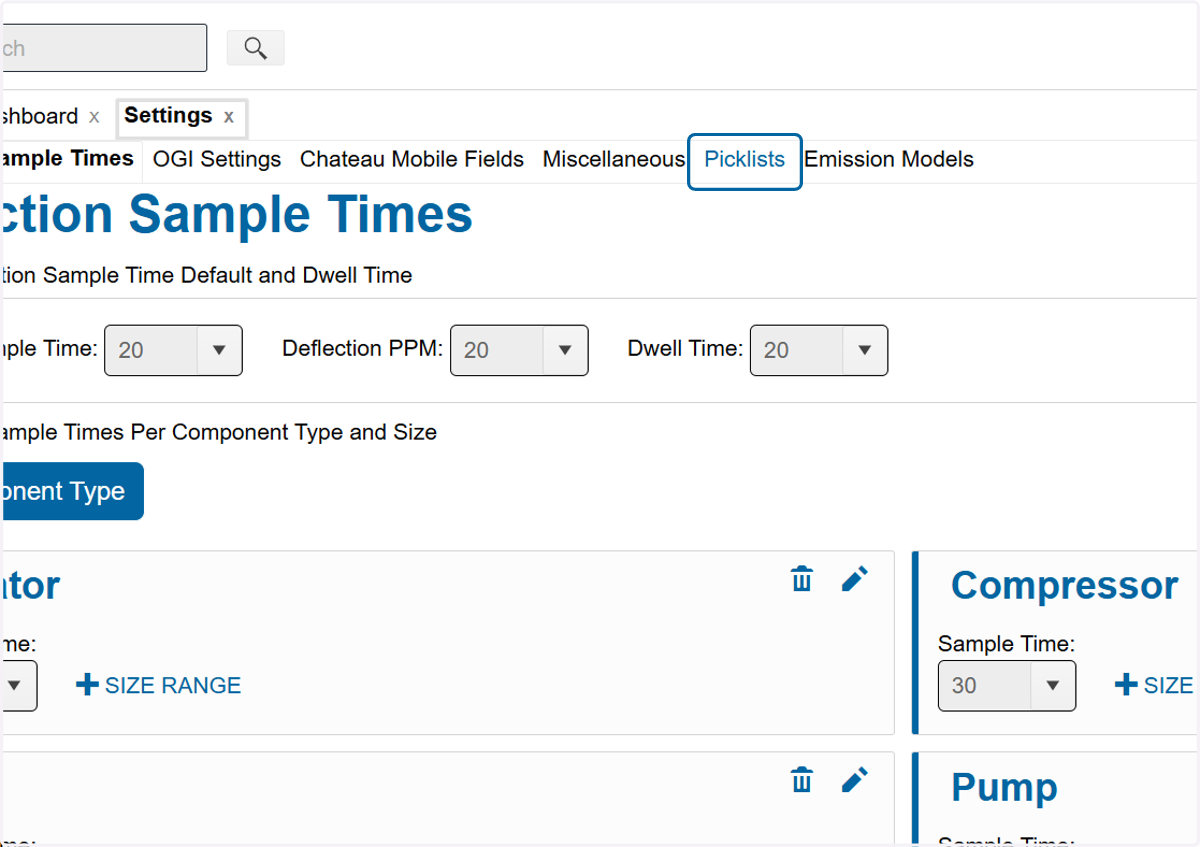
1a LowE Picklists
3. Select Equipment
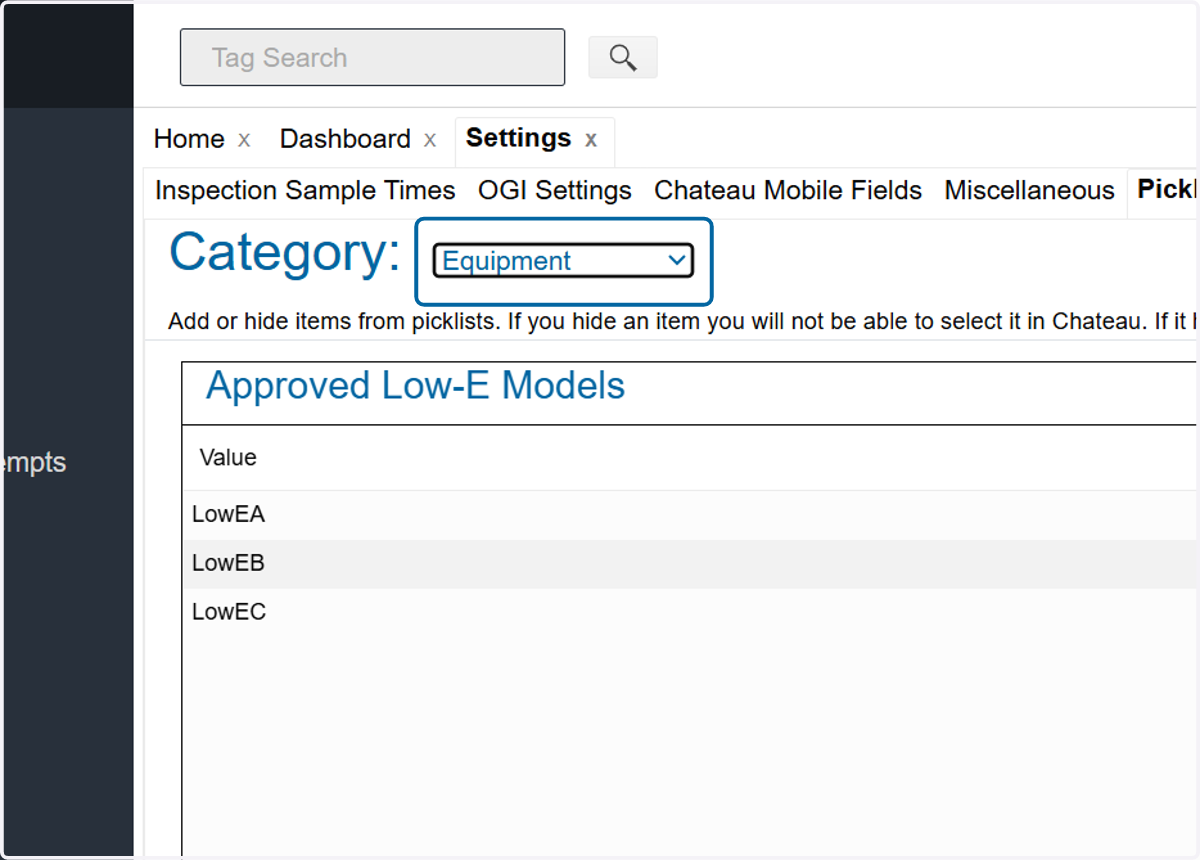
Add values to LowE picklists and other equipment picklists needed
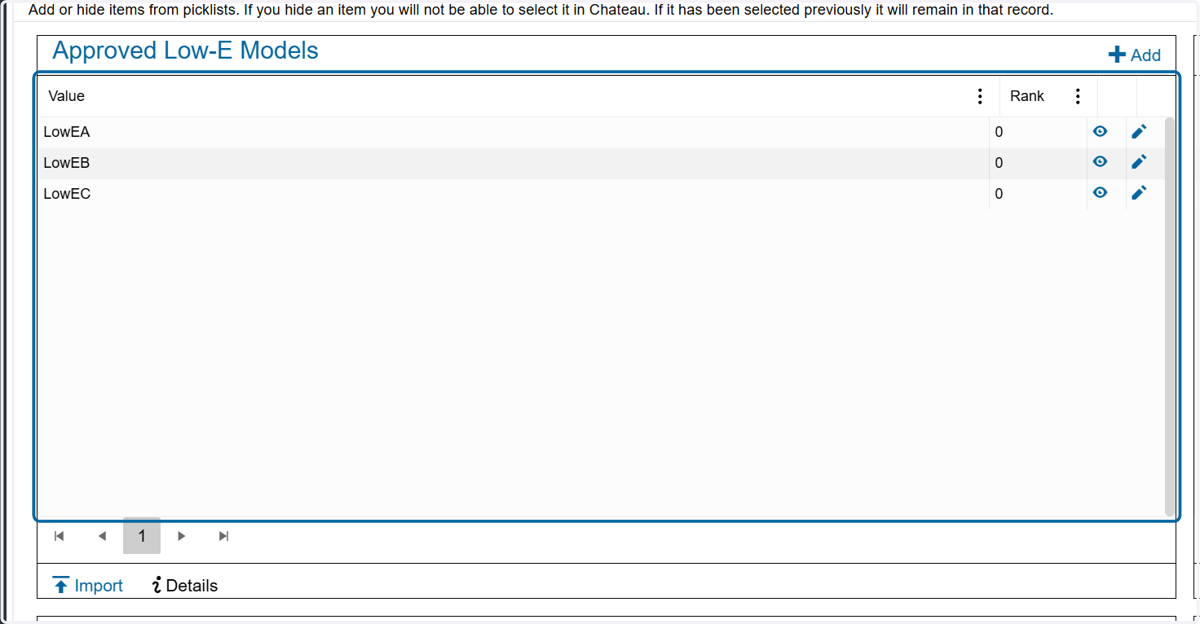
4. Approved LowE Models
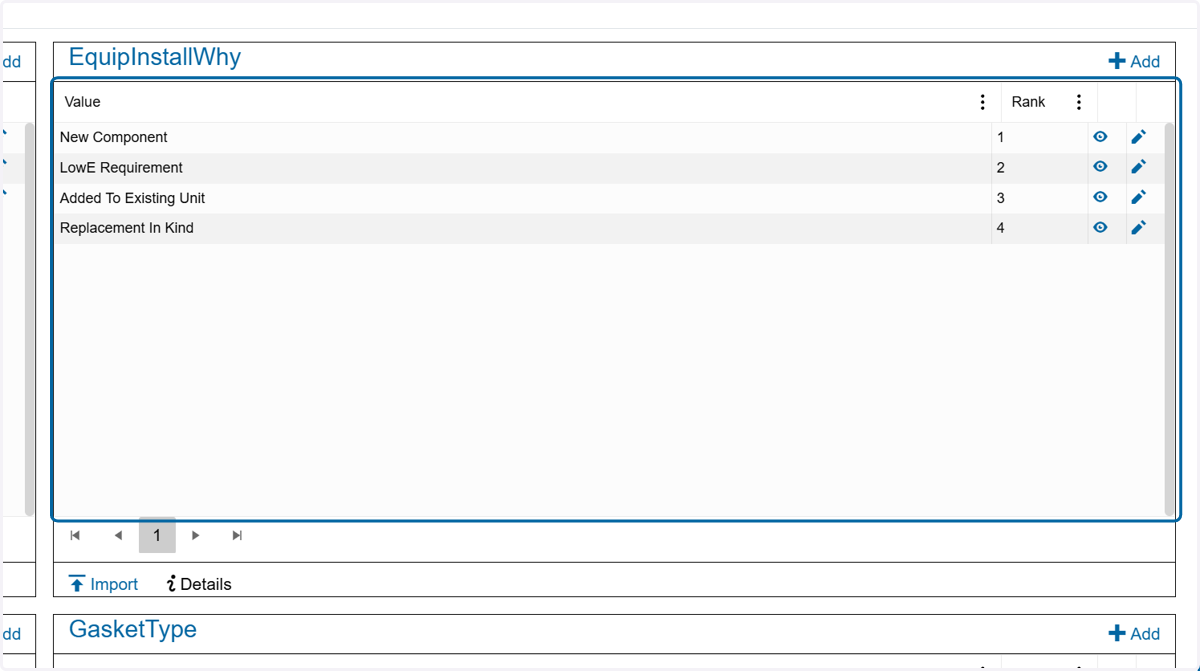
5. Equipment Install Why
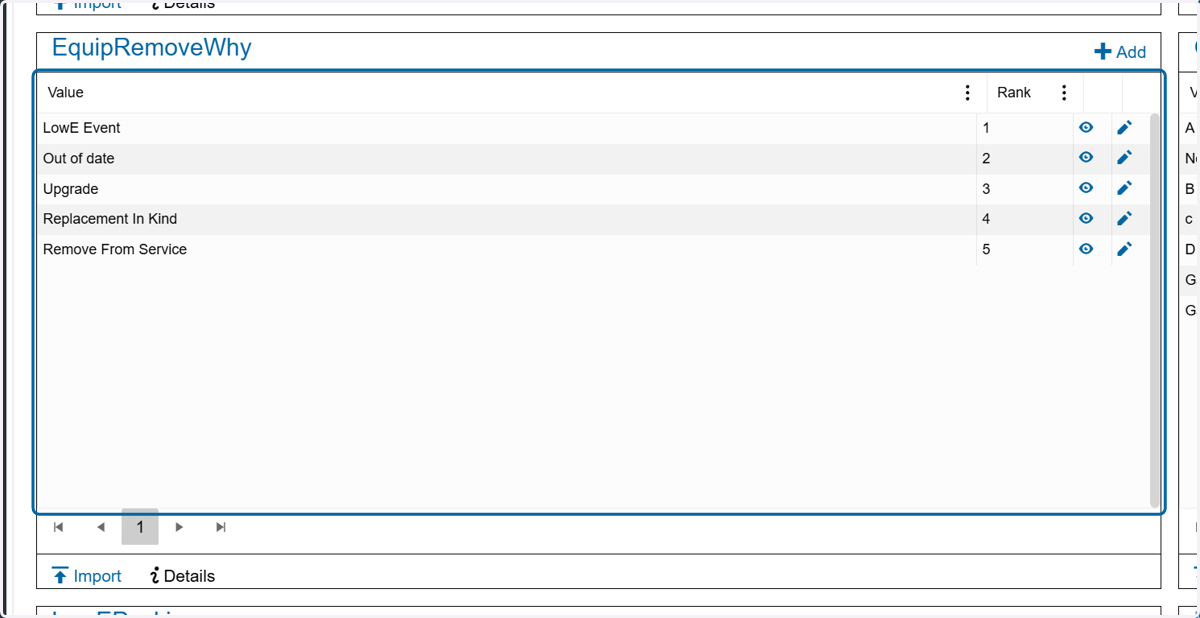
6. Equipment Remove Why
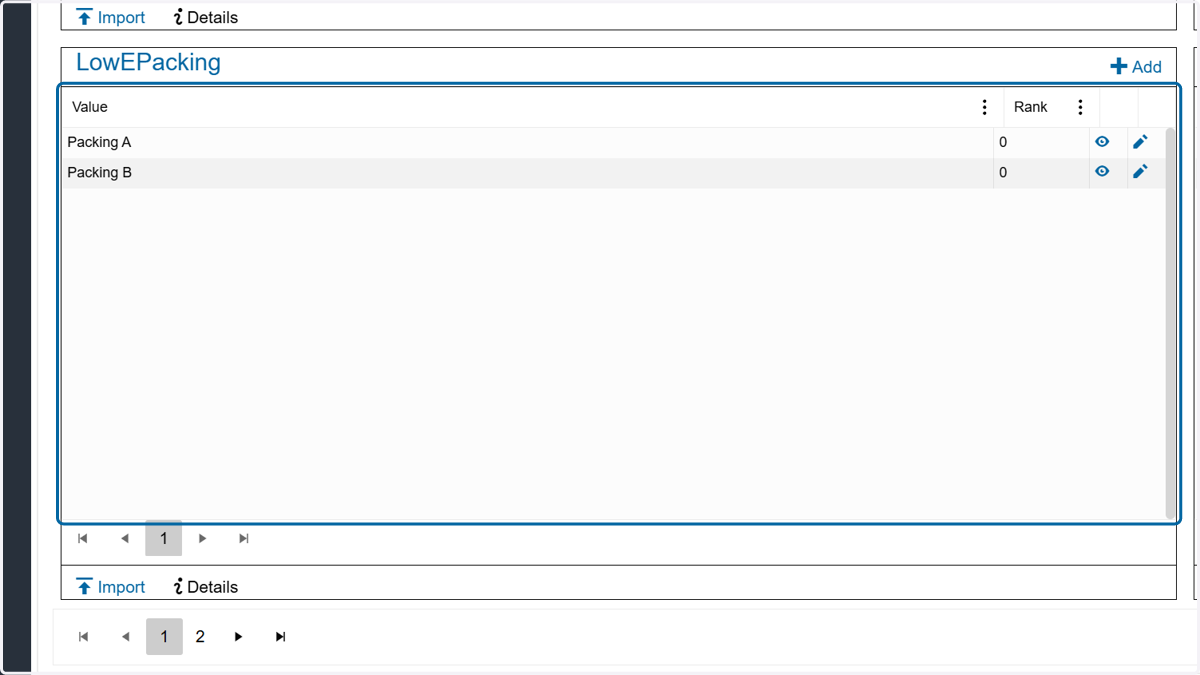
7. LowE Packing
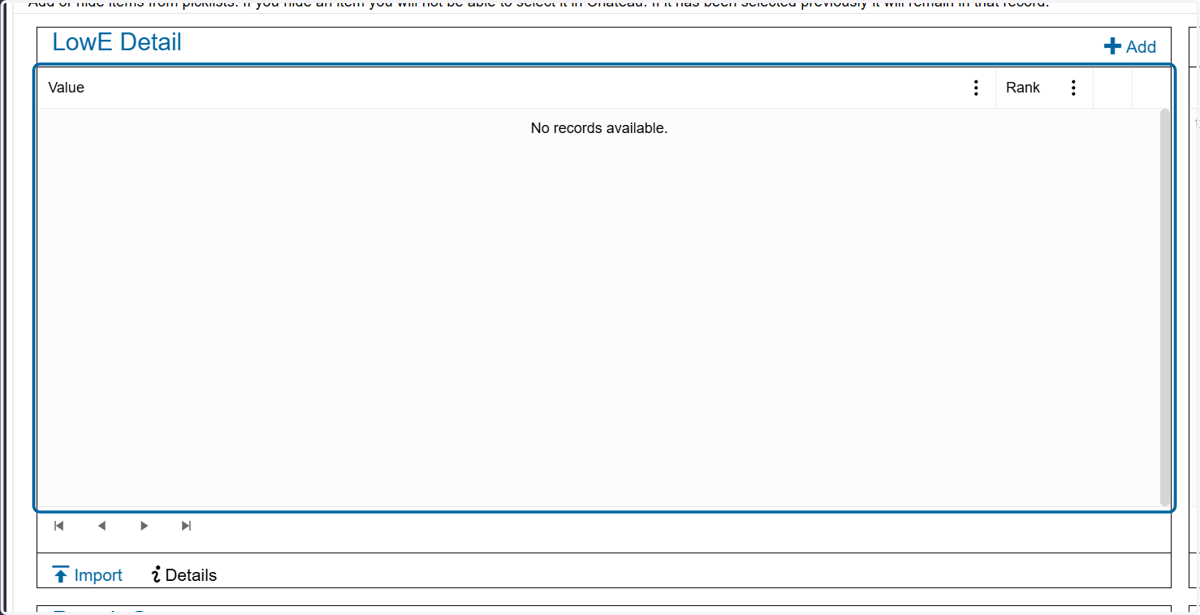
#1b LowE Details Picklist
8. Select Component
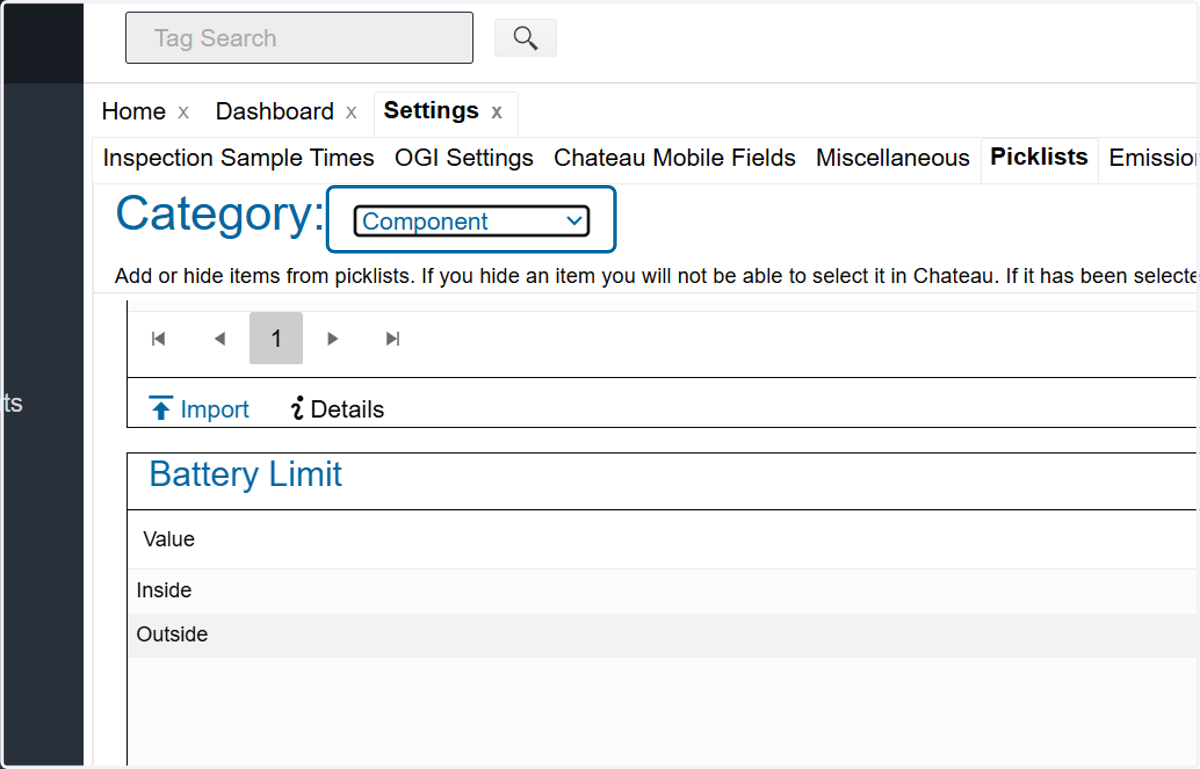
9. Add values to picklist
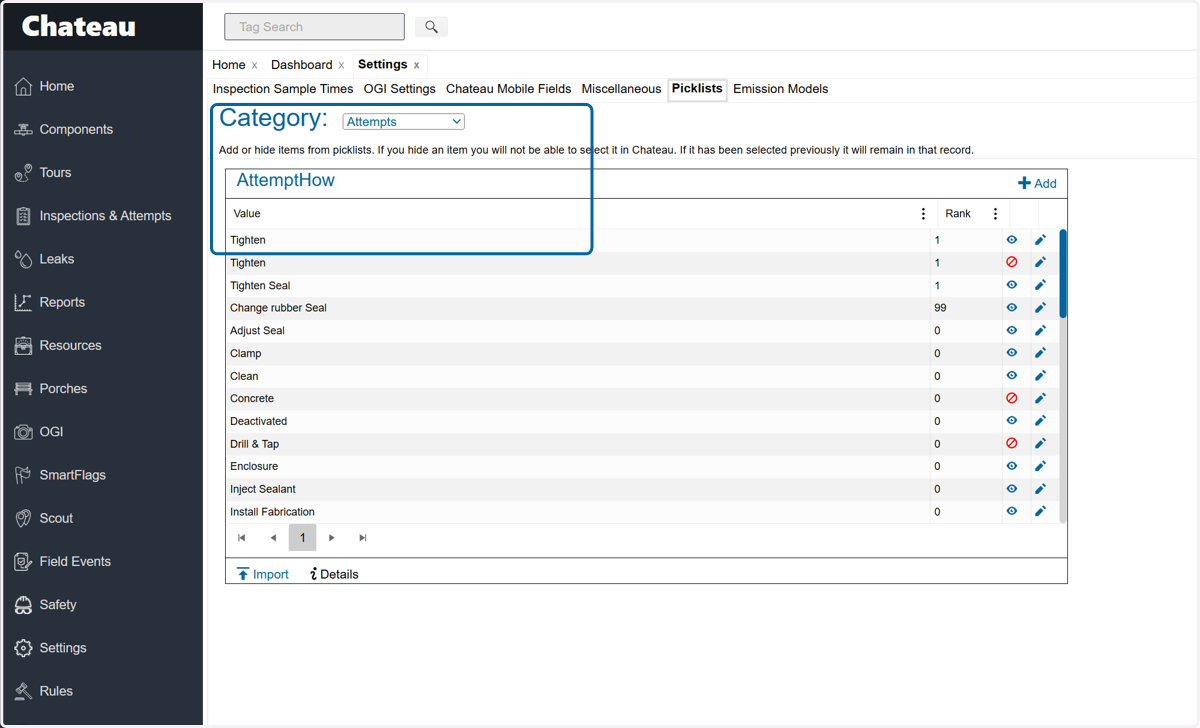
1c LowE Repair Attempt Picklist
10. Select Attempts
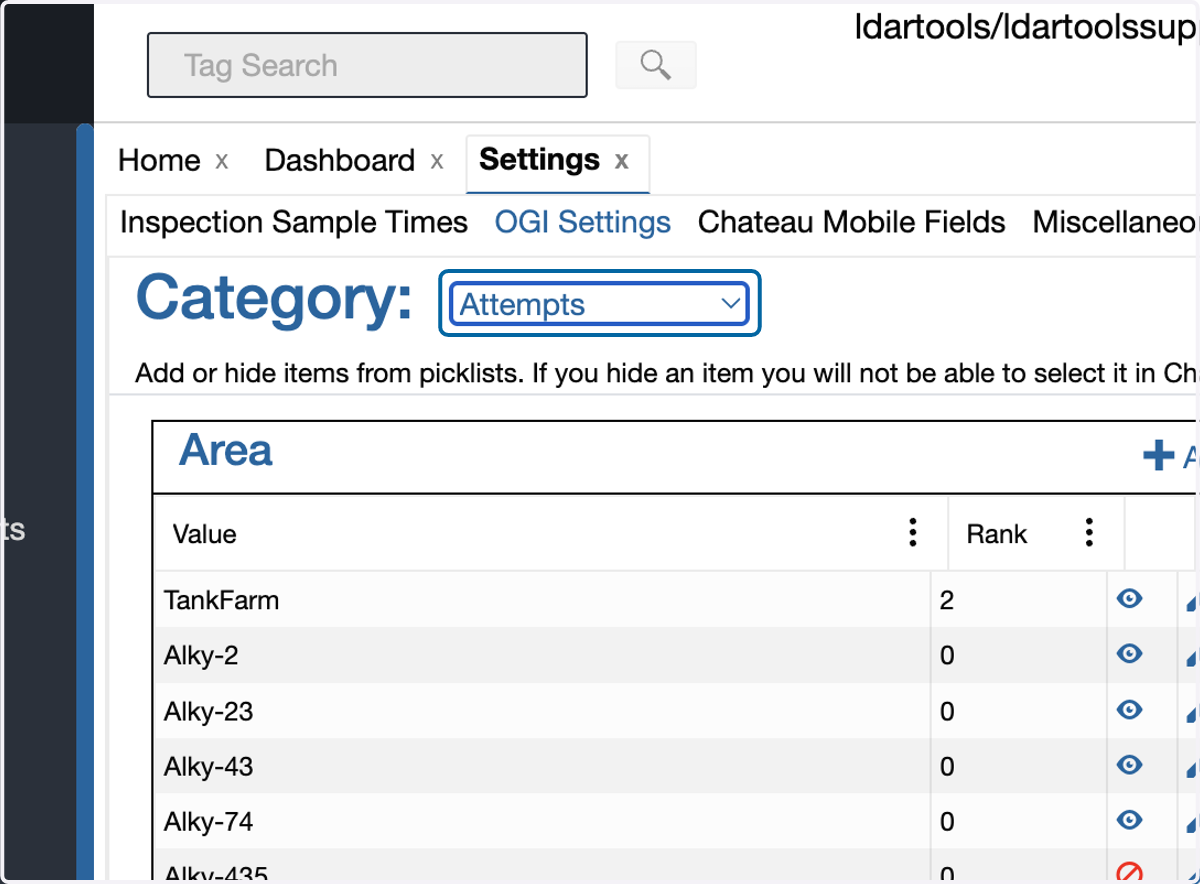
11. Enter any values needed
#2 Ensure LowE components are marked with LowE Required = Yes
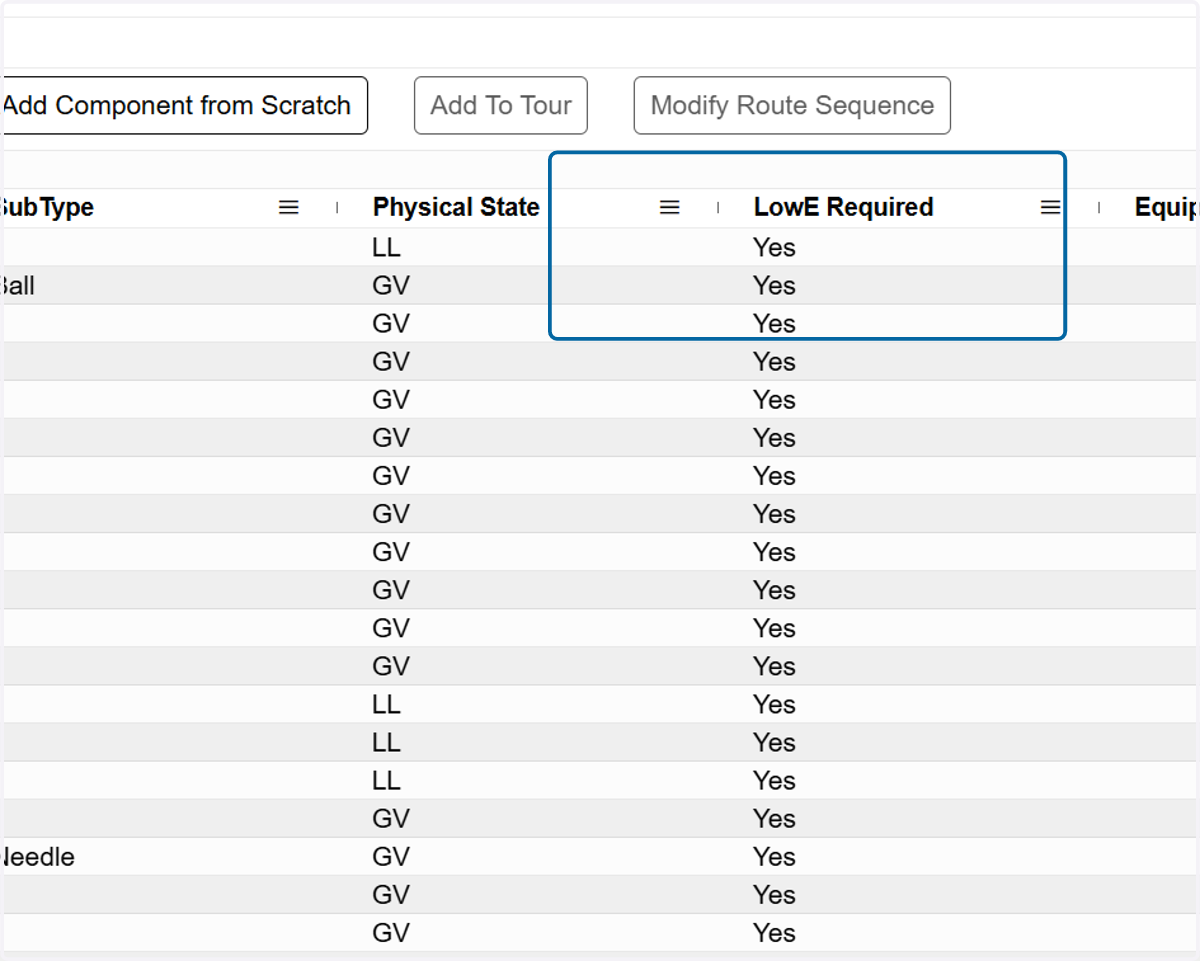
12. Make sure column LowE Required is marked to show in the component grid.
3 Build and Save Queries
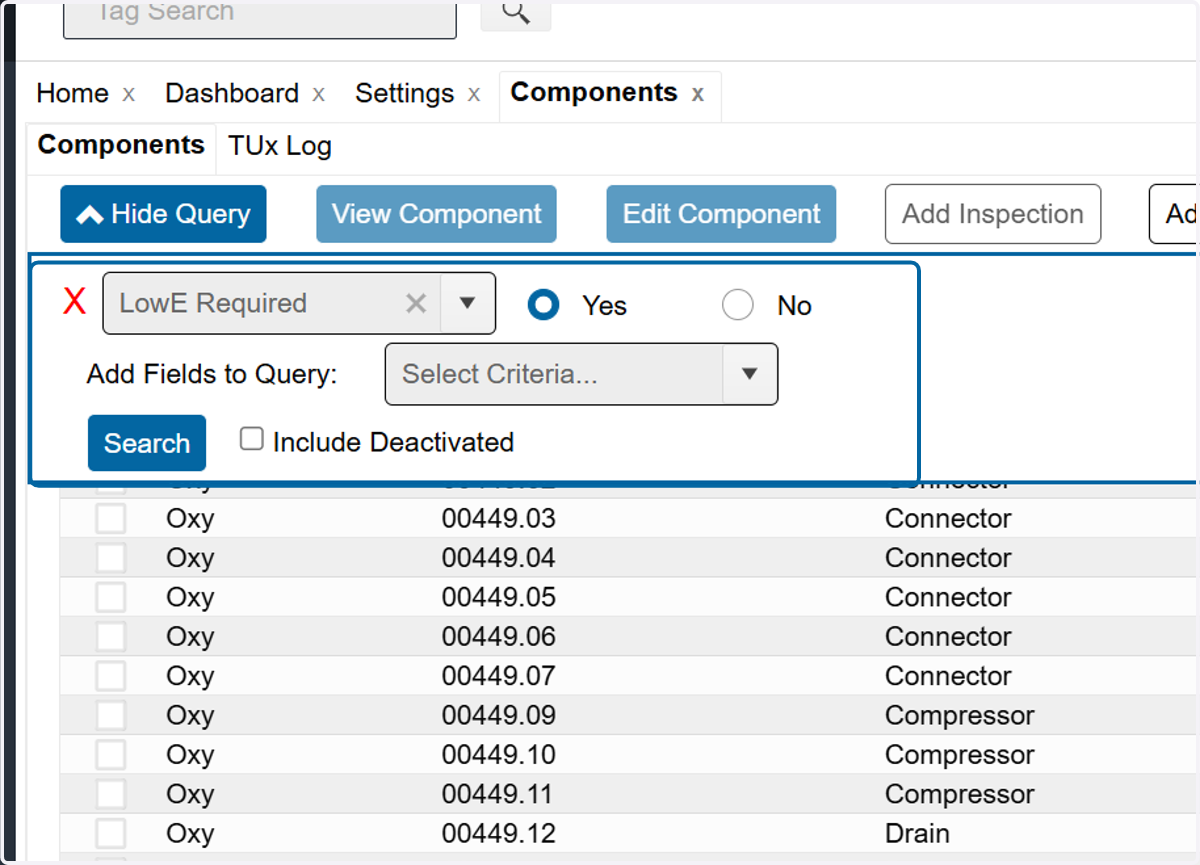
13. Build LowE queries
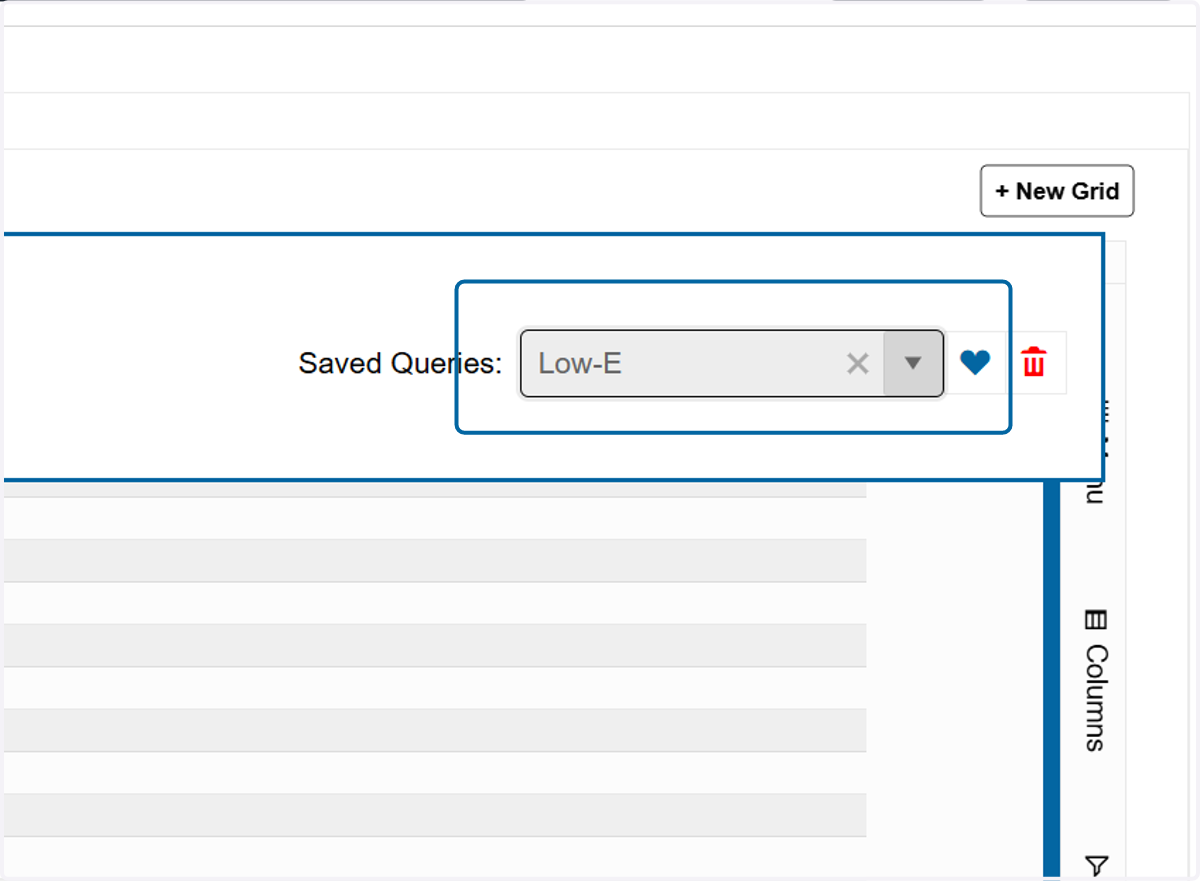
14. Save Queries
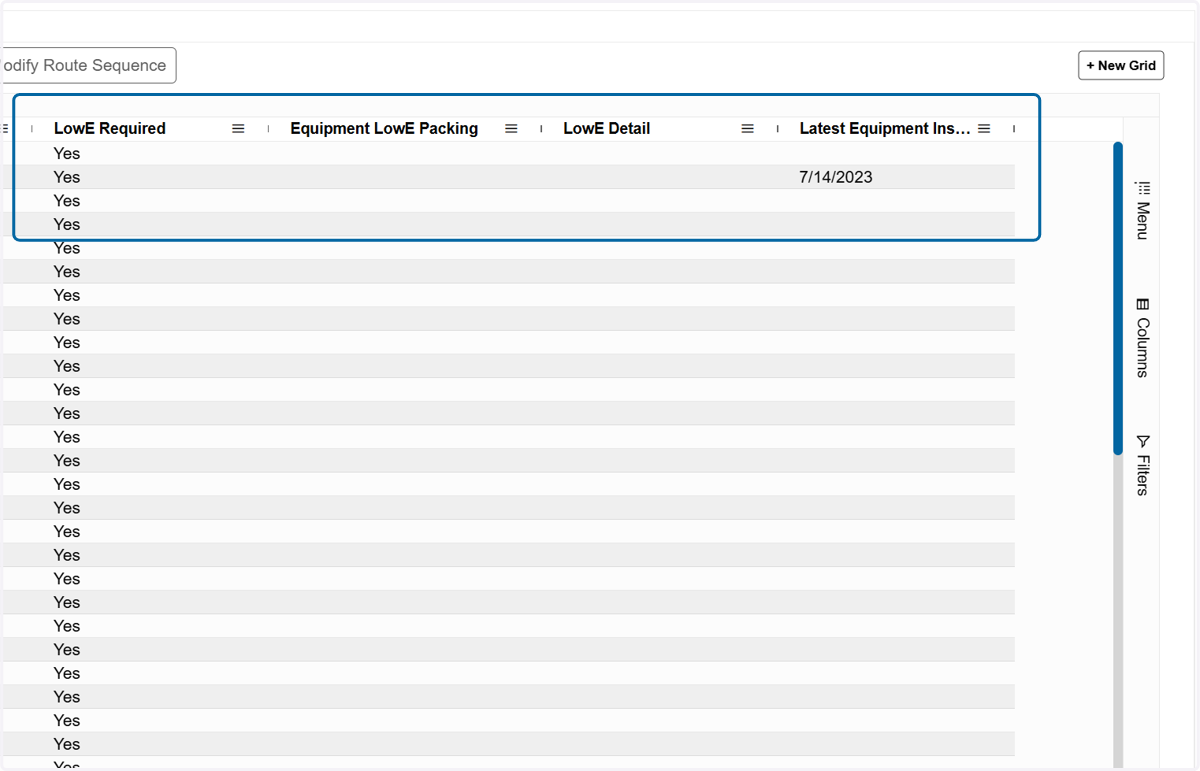
15. Include the LowE Detail and Equipment LowE Packing fields using the column selector in the layout along with any other preferred fields
*Using the column selector to the right of the grid
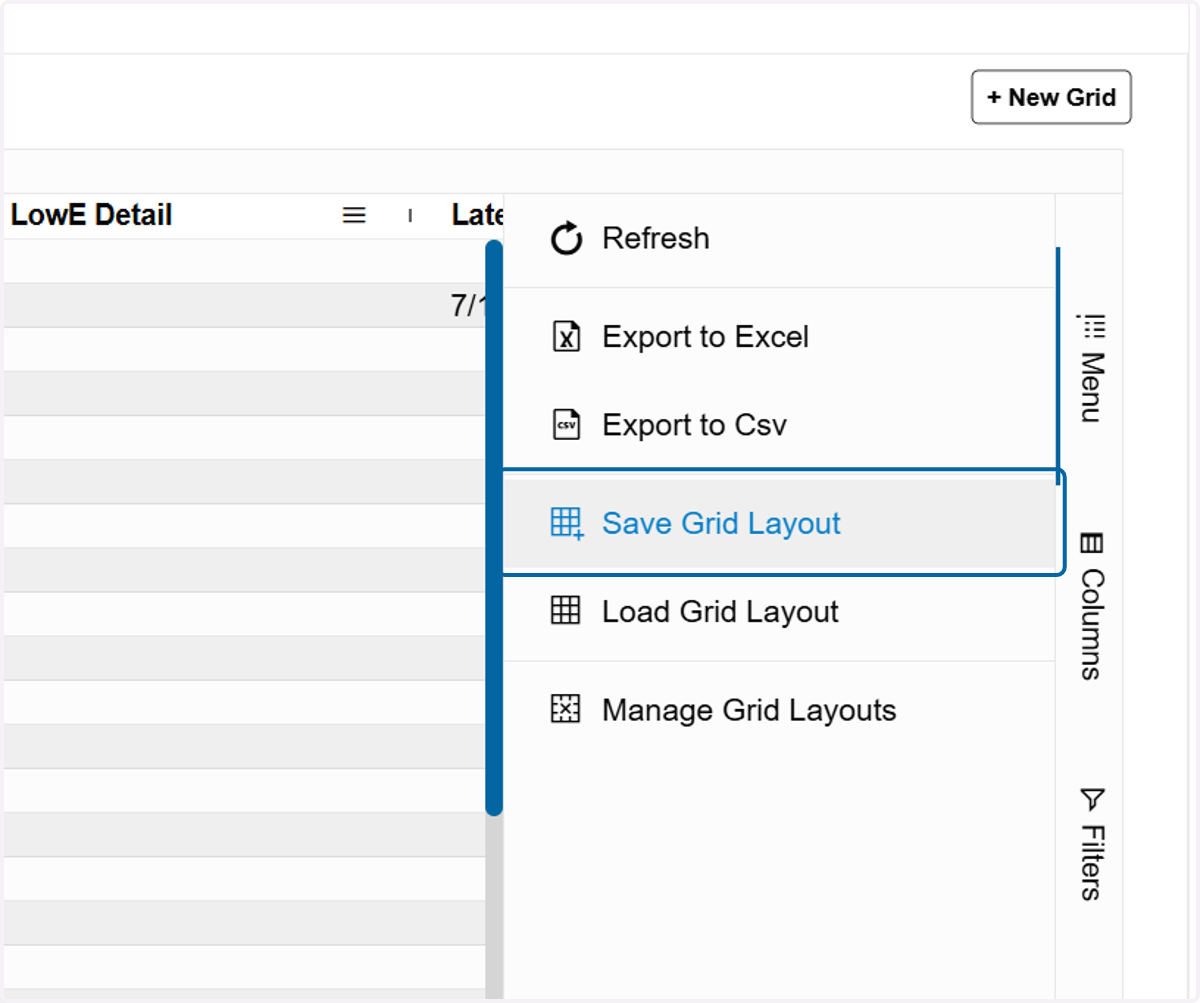
16. Save the grid layout
*Found in the Menu tab to the right of the grid
4 Enable preferred LowE Porch Audits
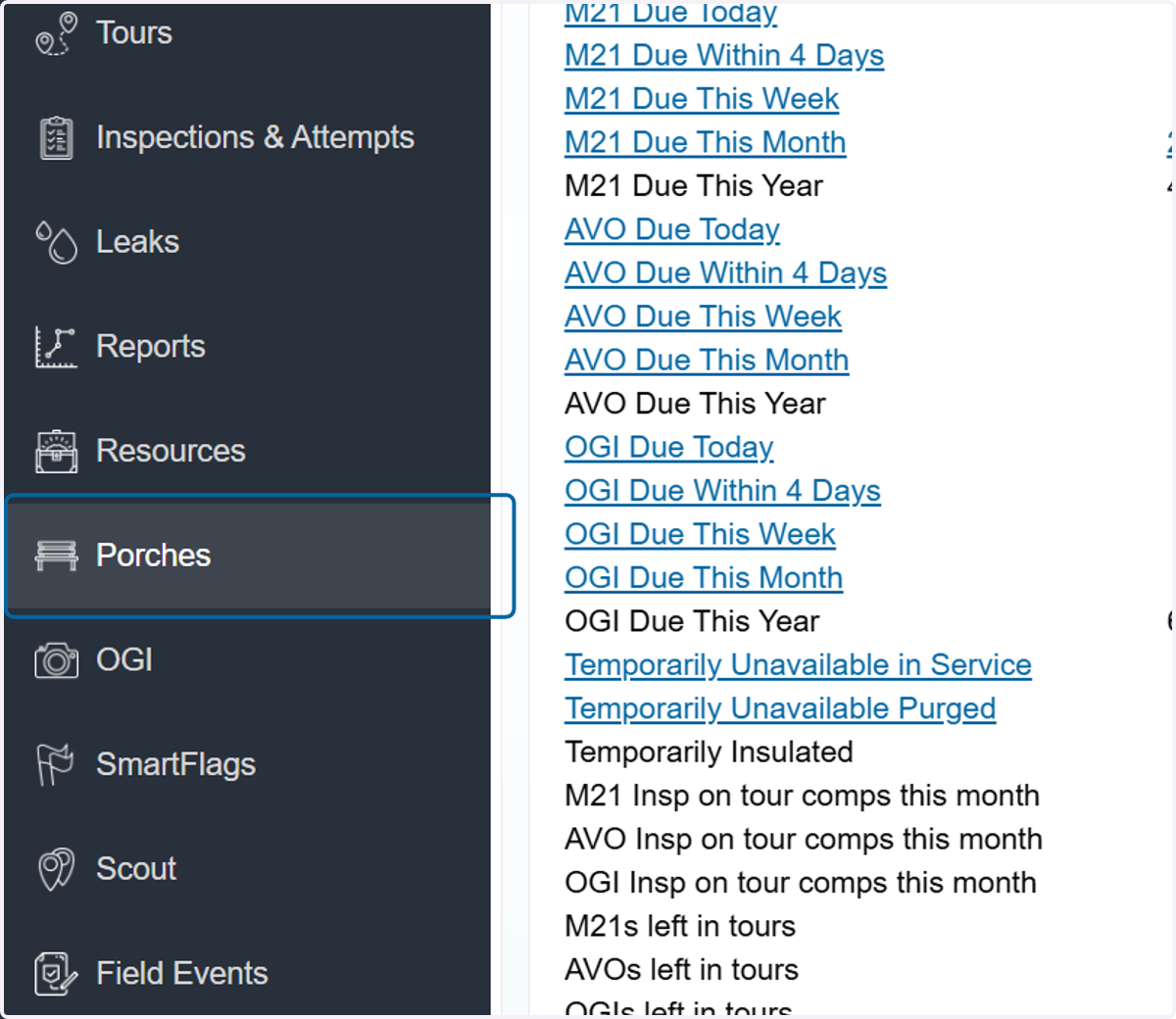
17. Click on Porches
18. Click on Audit Settings
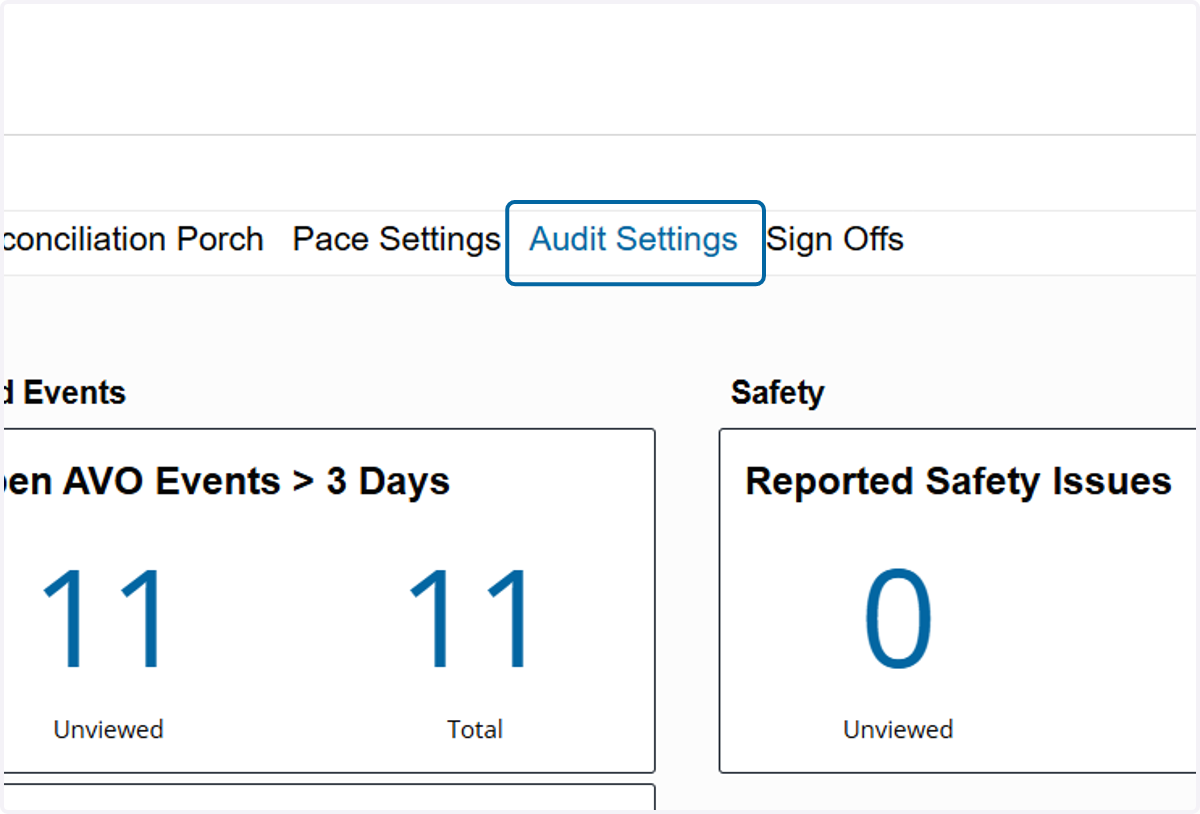
19. Activate any audits wanted.