Load board Searching
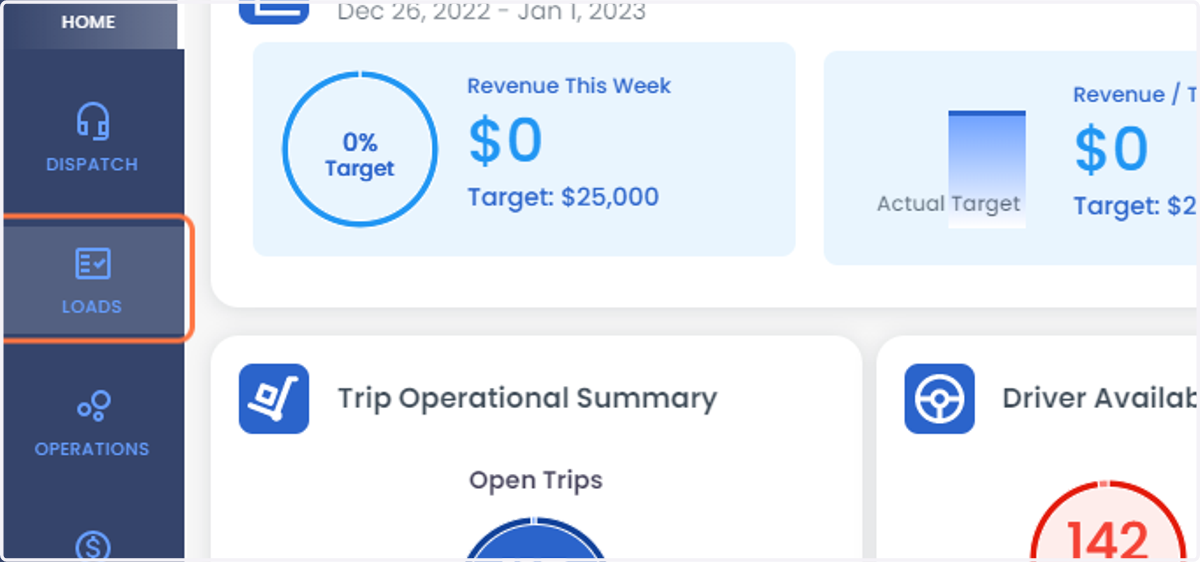
2. Click on LOADS
3. Select Load Boards from the list
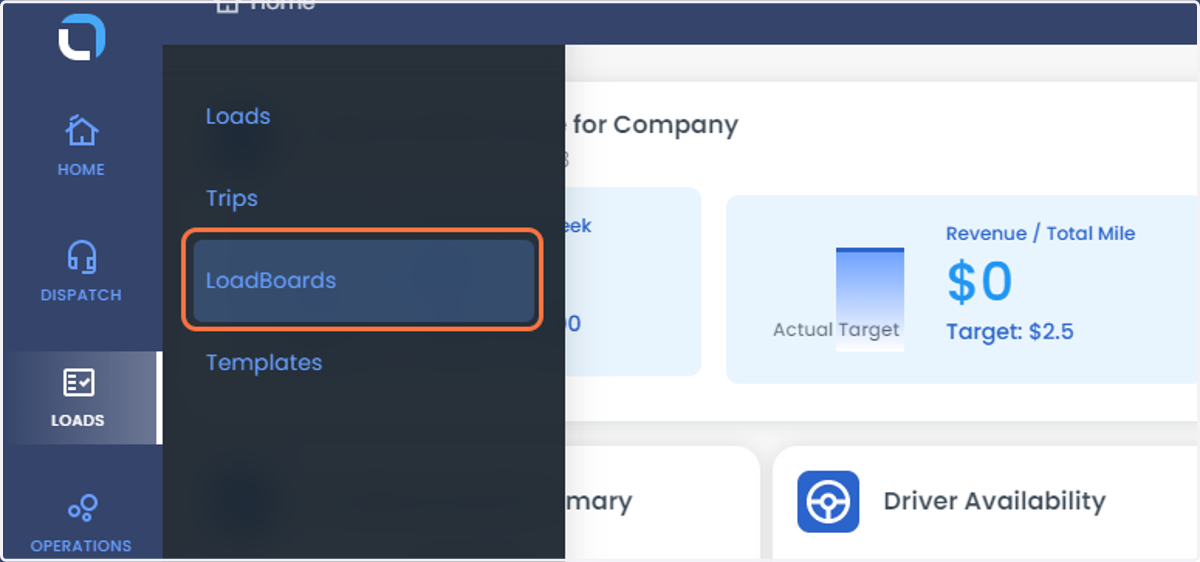
4. Click on Load boards
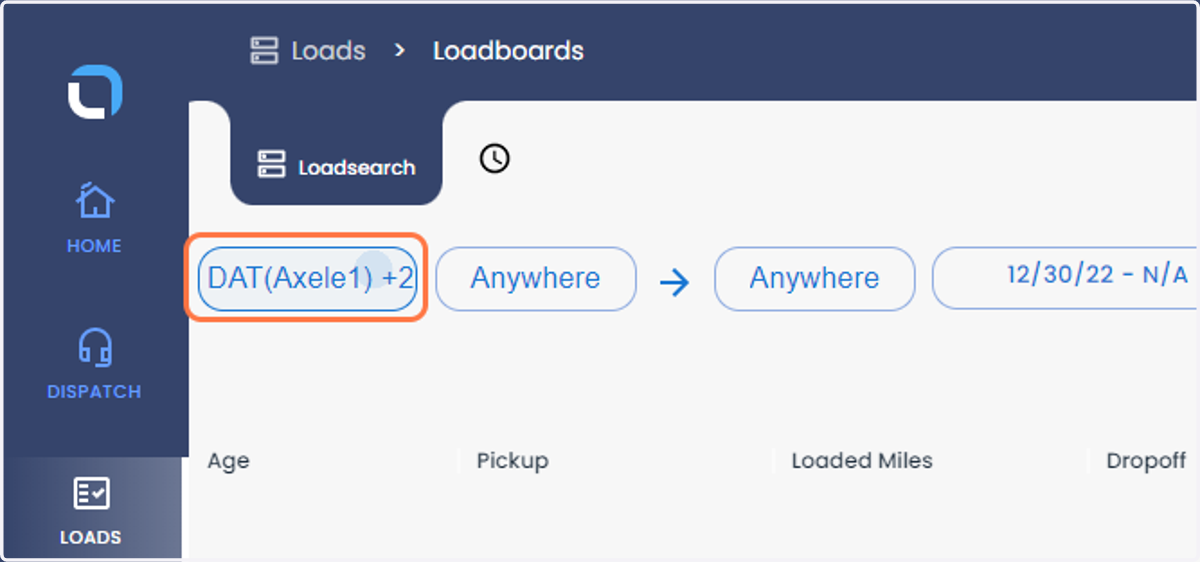
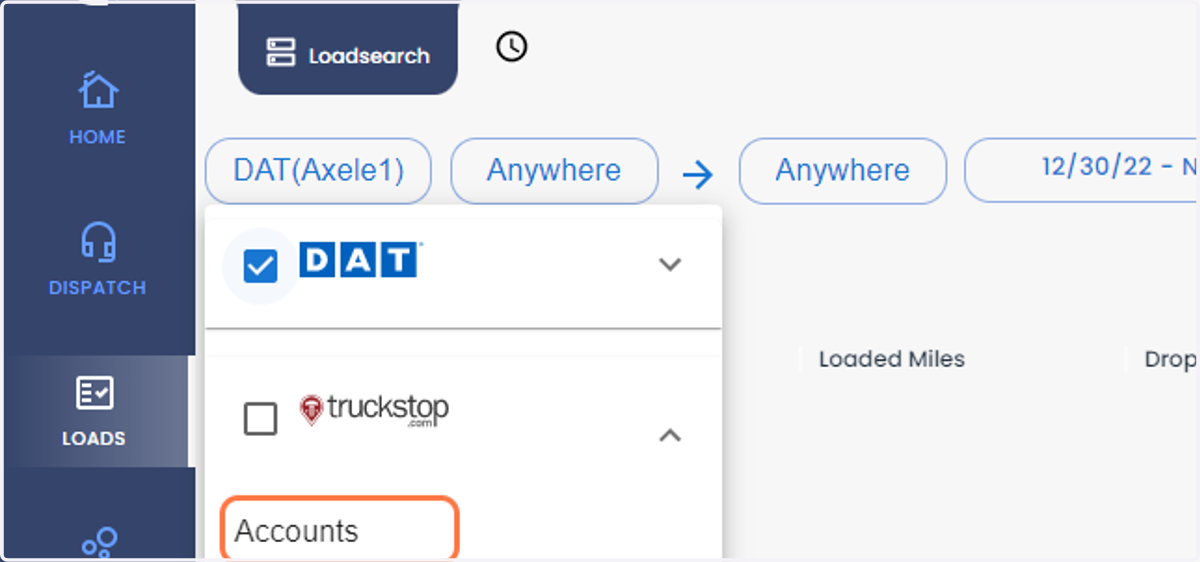
5. Select the load boards from the drop-down
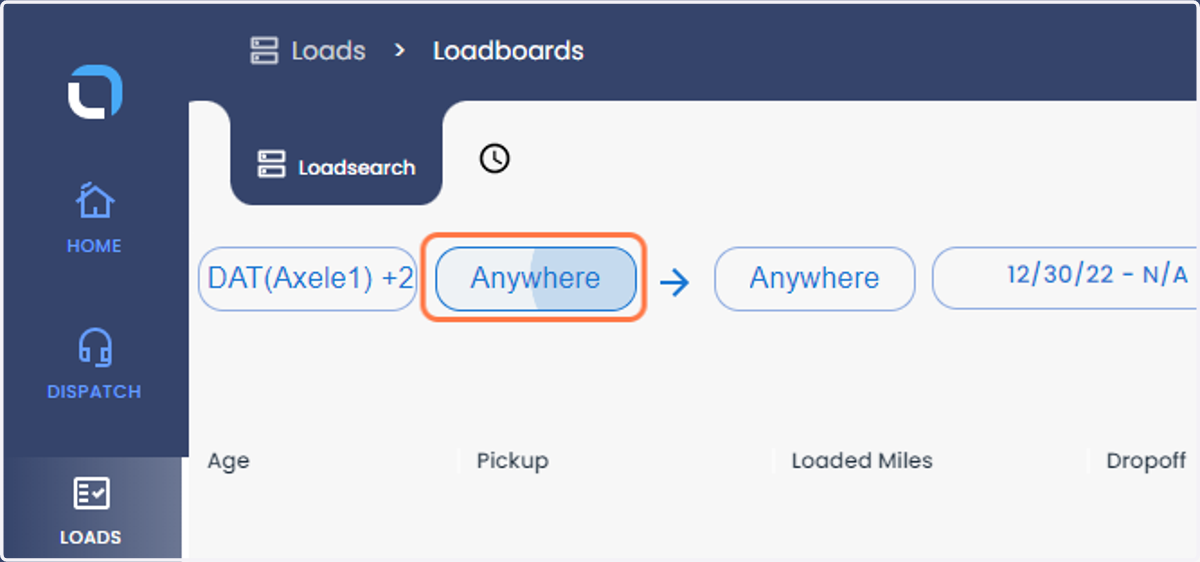
6. Click on Anywhere to enter the Pick-Up
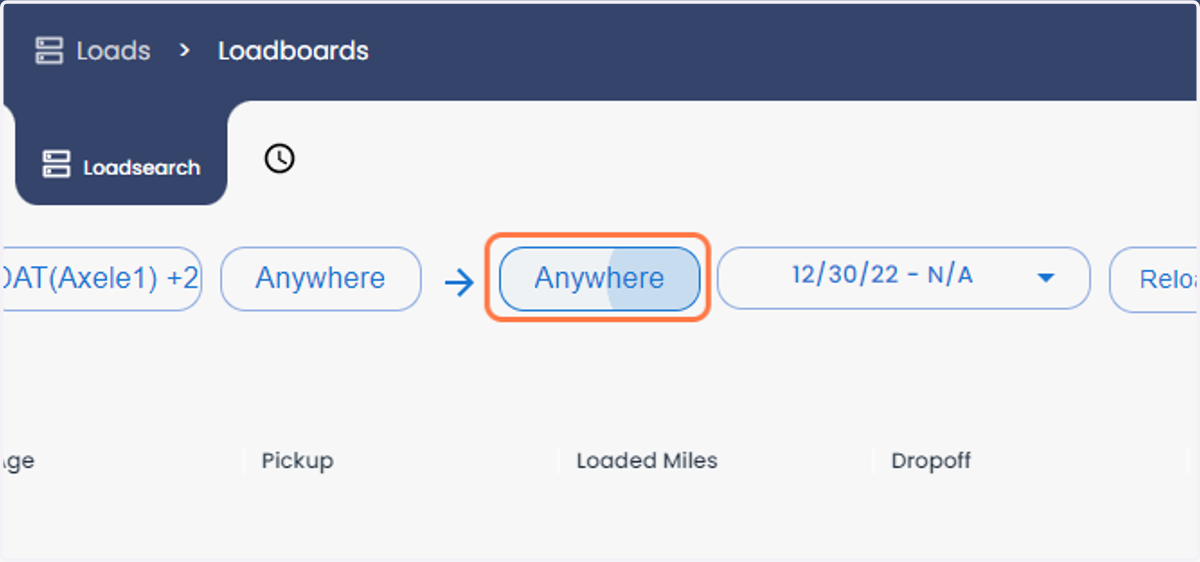
7. Click on Anywhere to enter the drop-off
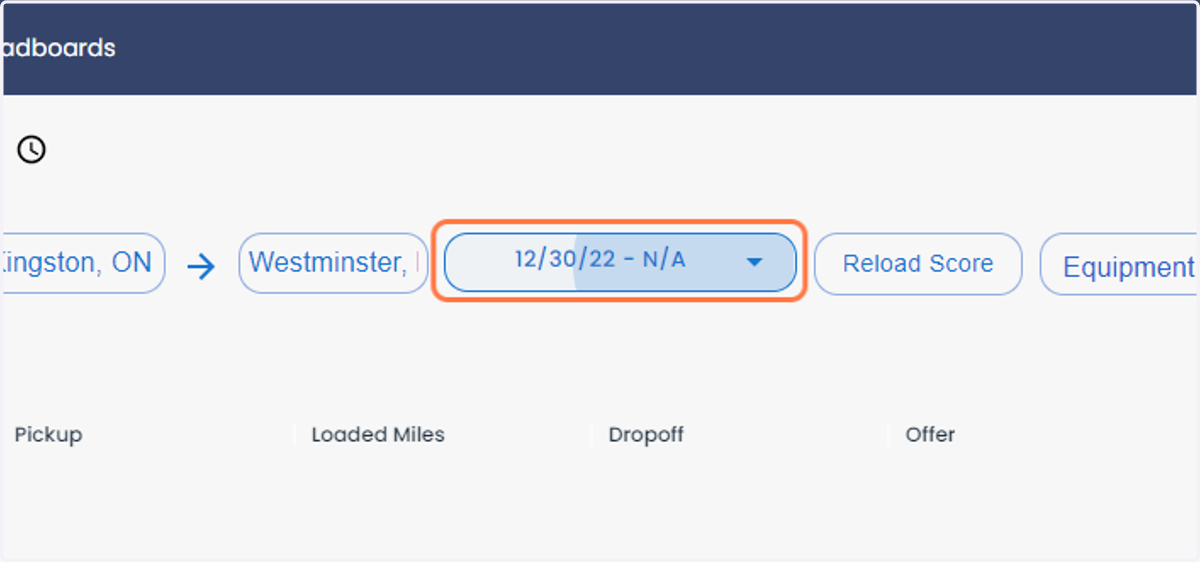
8. Select the date from the calendar tab
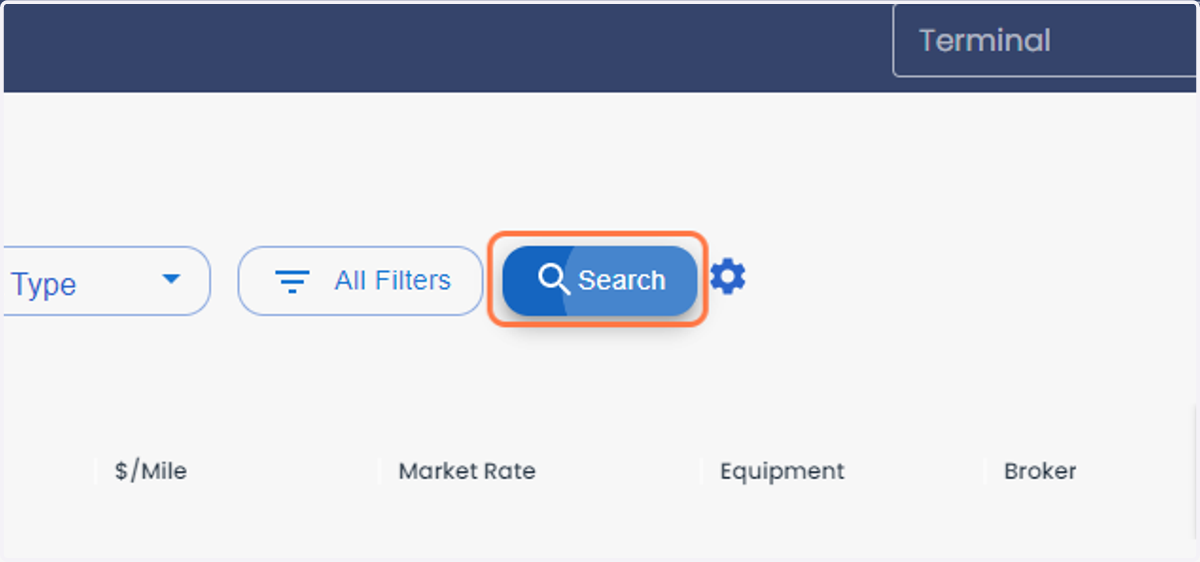
9. Click on Search
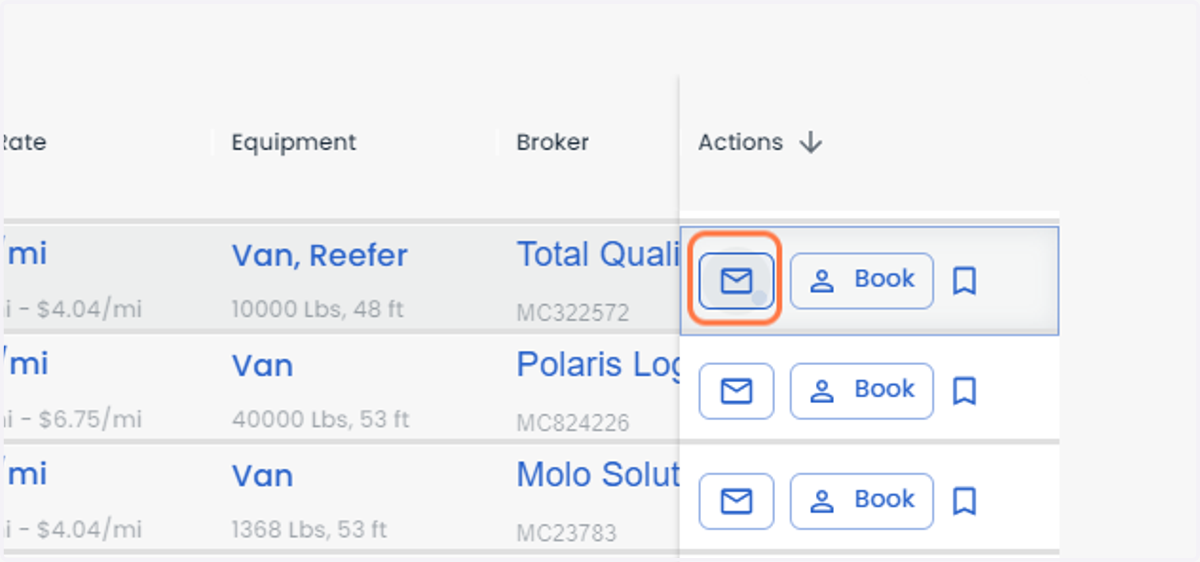
10. Click on the message icon to send an email to the broker
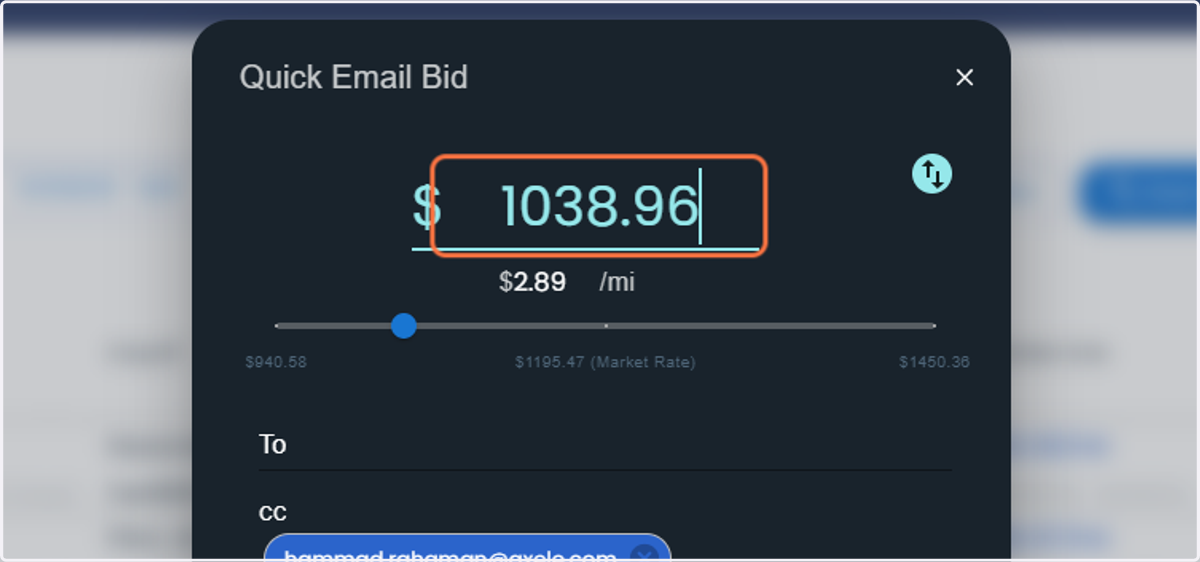
11. You can negotiate the price for the load
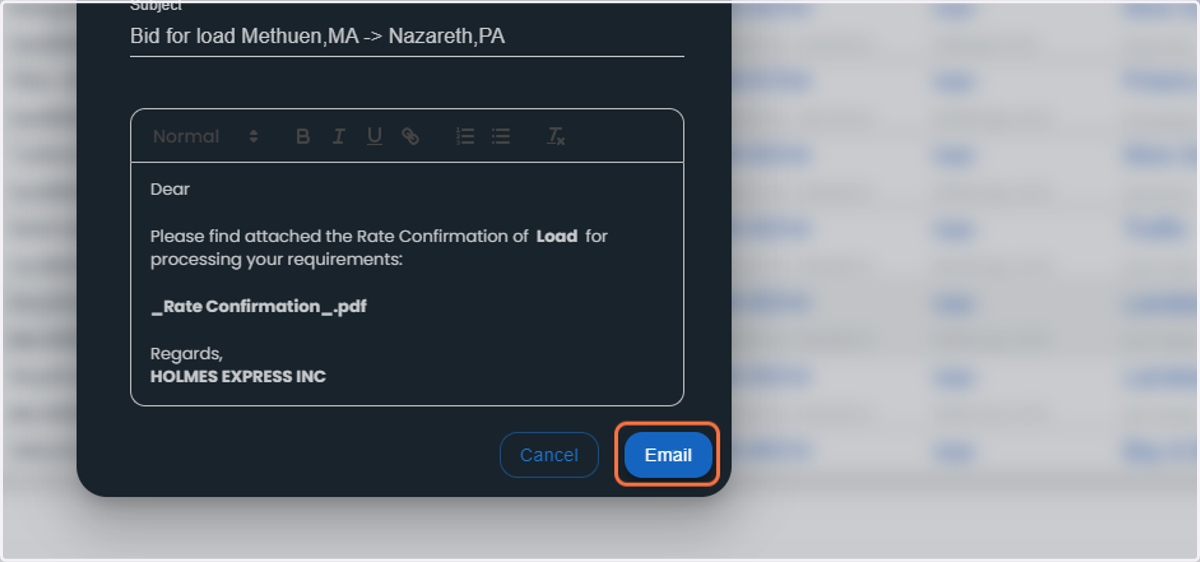
12. Once you have entered the price, you can send the email
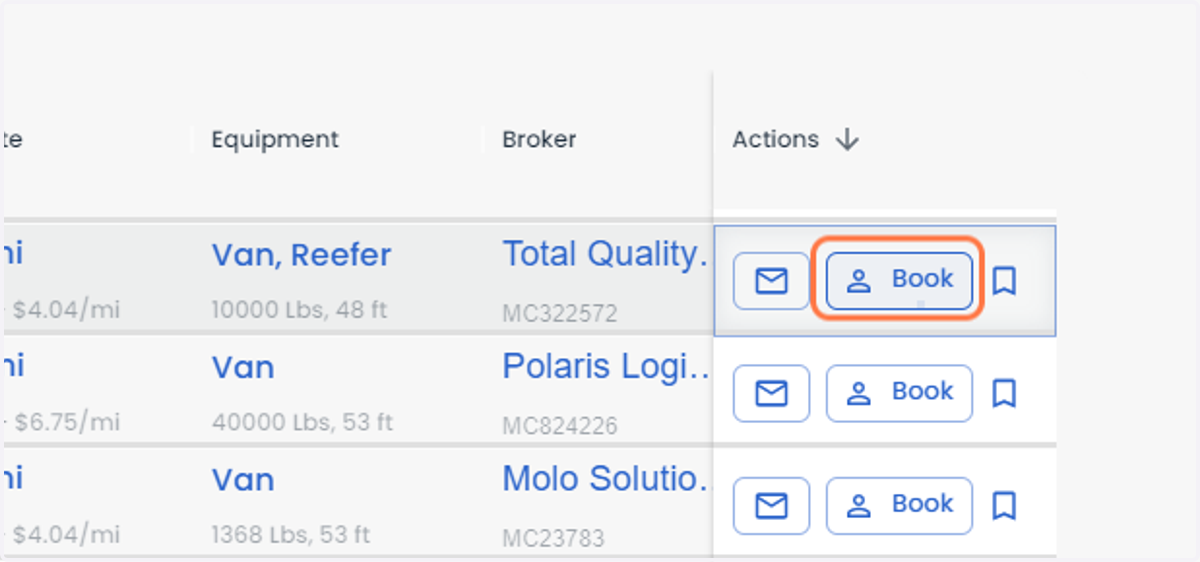
13. If you get the confirmation of the load price, you can click on book to create the load
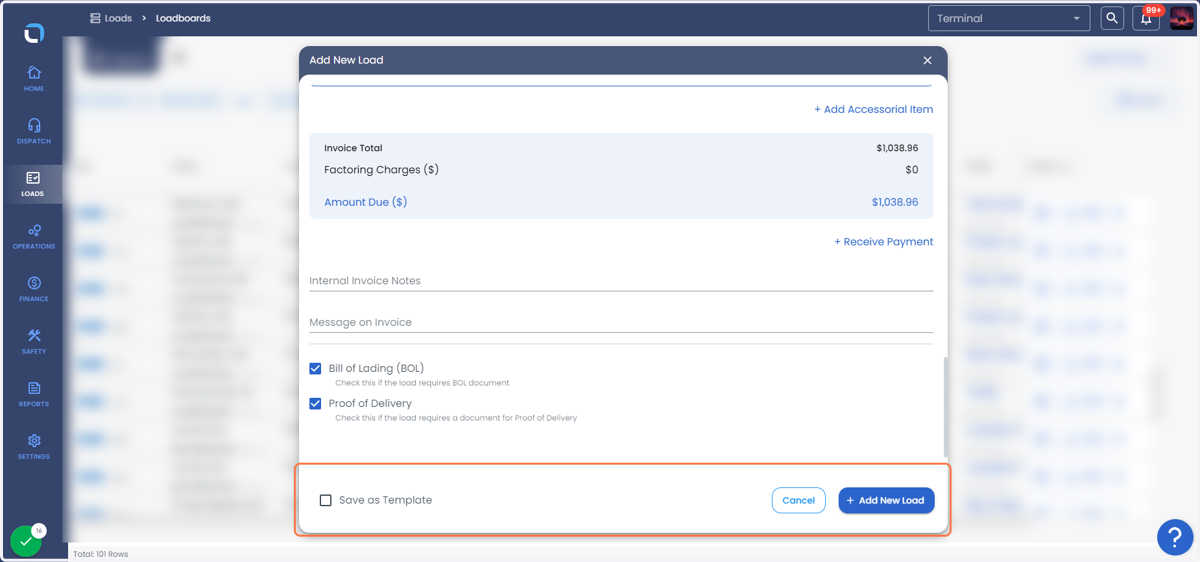
14. The load details will be auto filled, and you can click on add new load or you can save it as a template as well