How to View a Document in the Patient Portal
1. Log-in to the CARE Counseling Patient Portal webpage: https://carecounseling.portal.opusehr.app/welcome
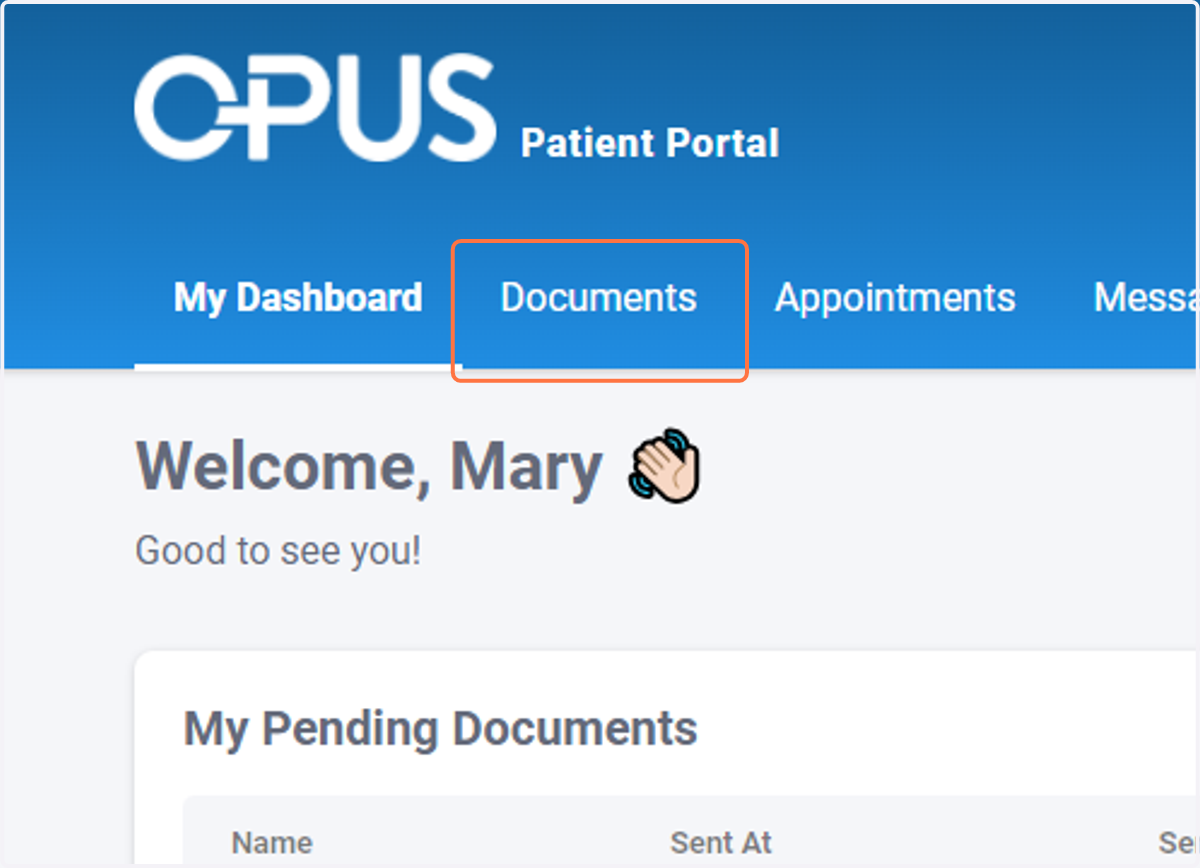
2. Click on Documents
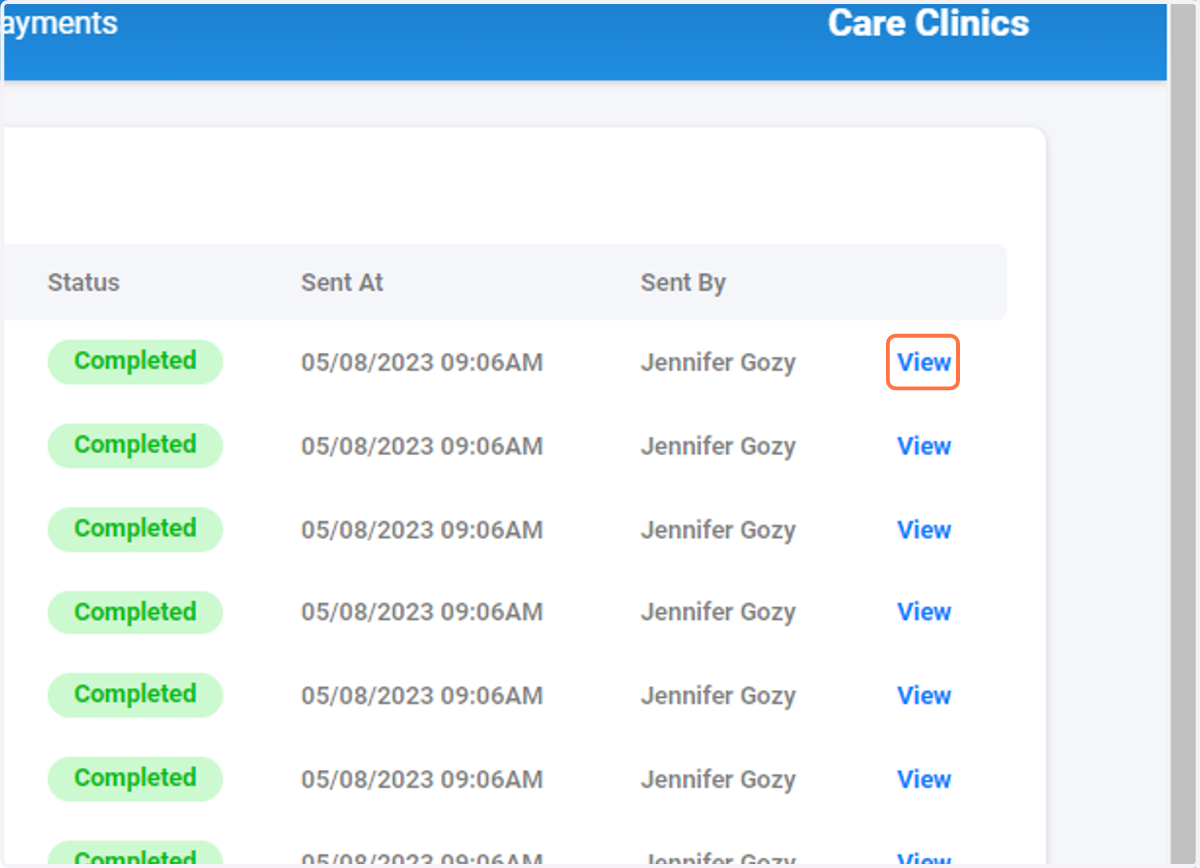
3. Find the document you want to review and Click on View
4. Review the document
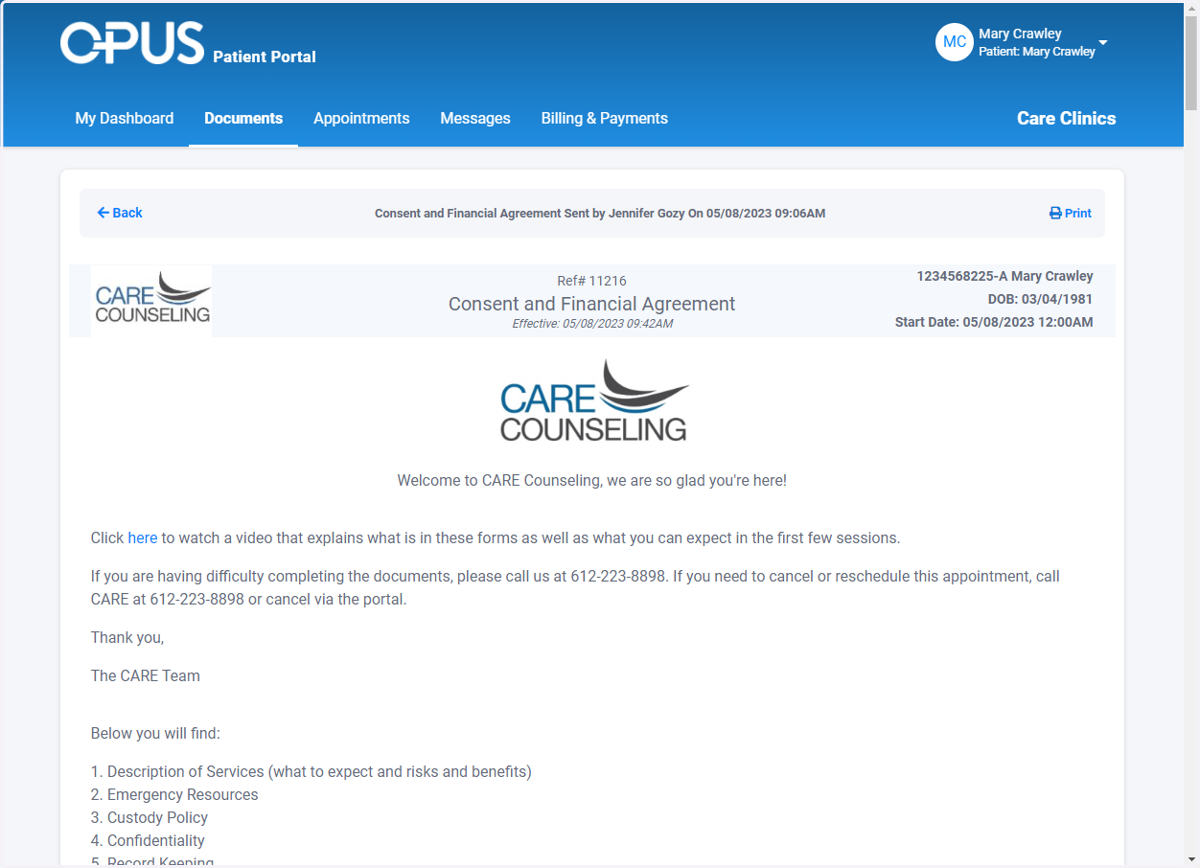
5. Click on Print to print the document
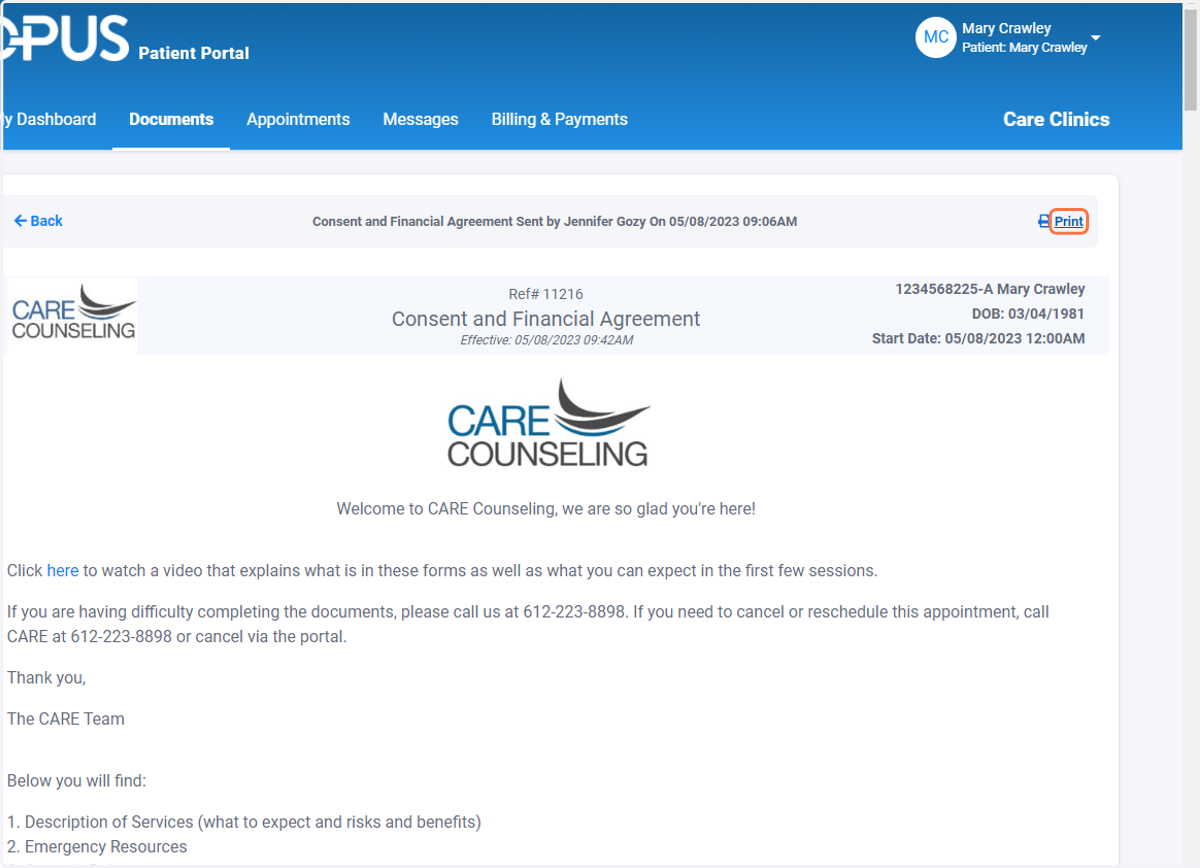
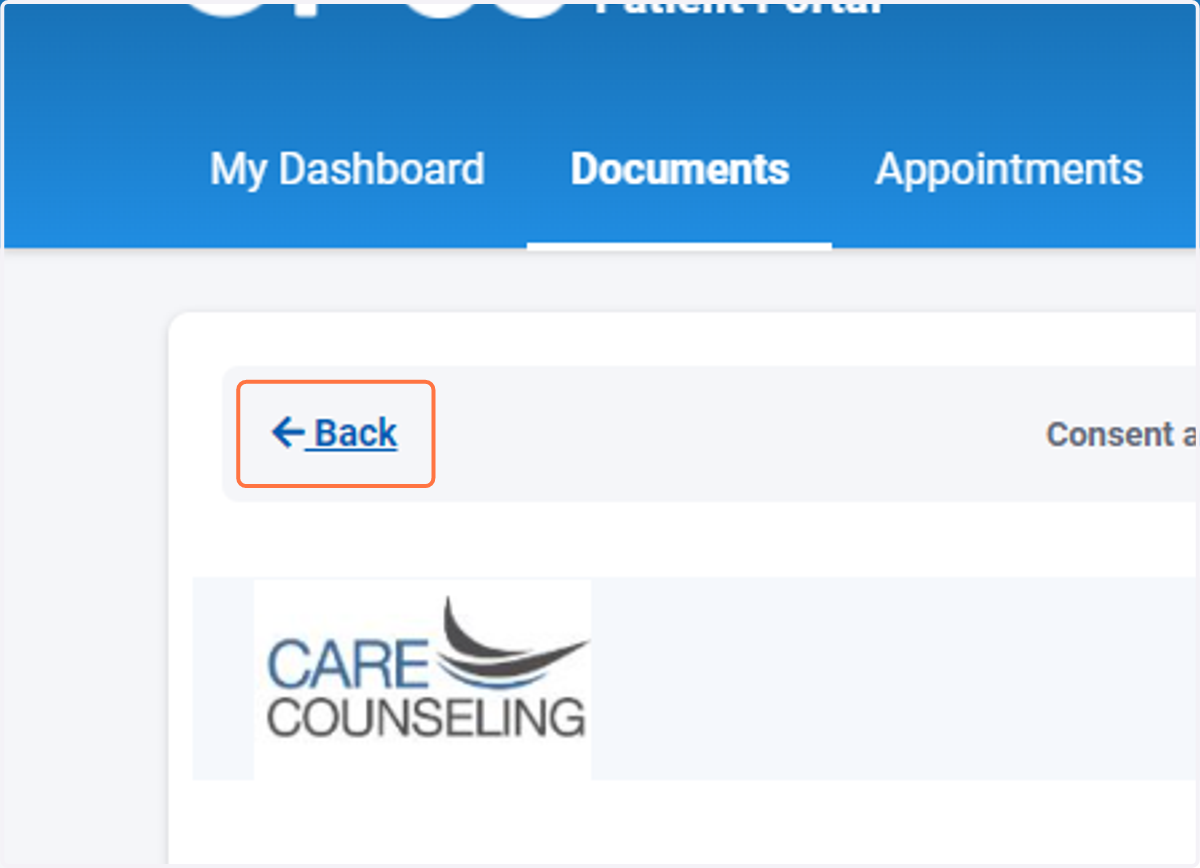
6. Click Back to return to the Documents screen