Process Petty Cash Clear On Convert To Loans in Odoo

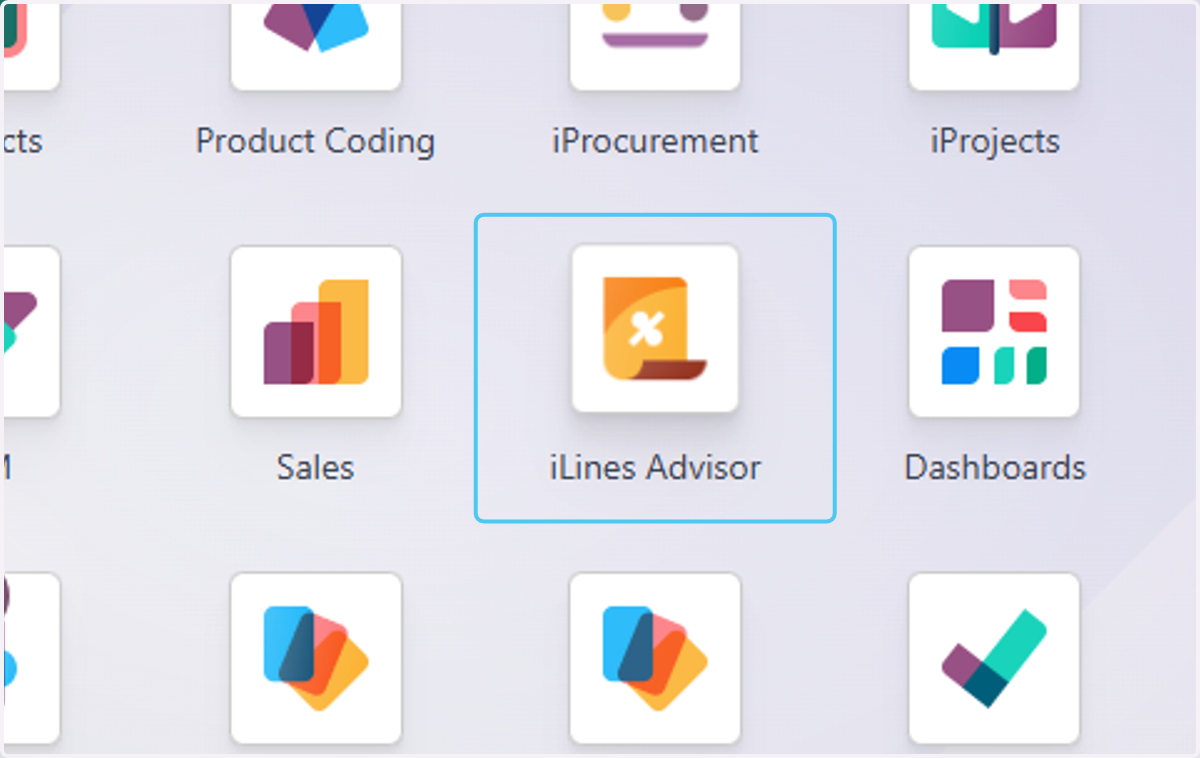
  1. 1. Click on iLines Advisor

    Click on iLines Advisor
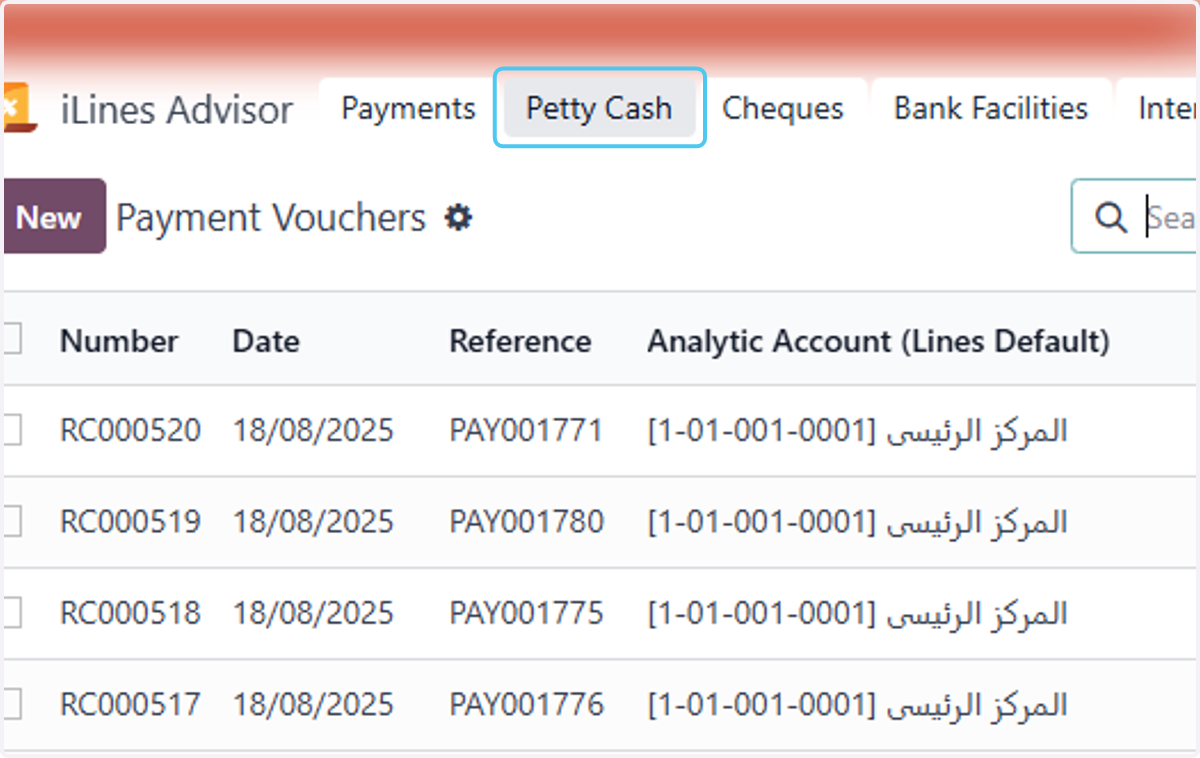
  2. 2. Click on Petty Cash

    Click on Petty Cash
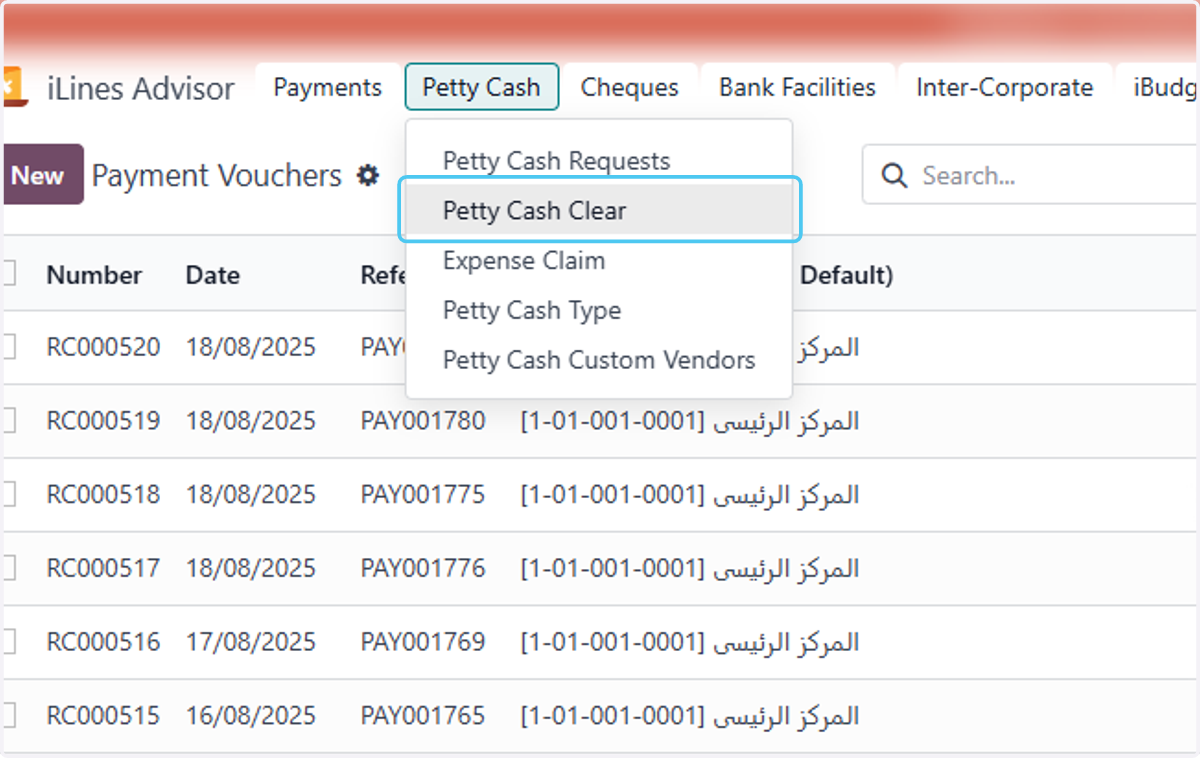
  3. 3. Click on Petty Cash Clear

    Click on Petty Cash Clear
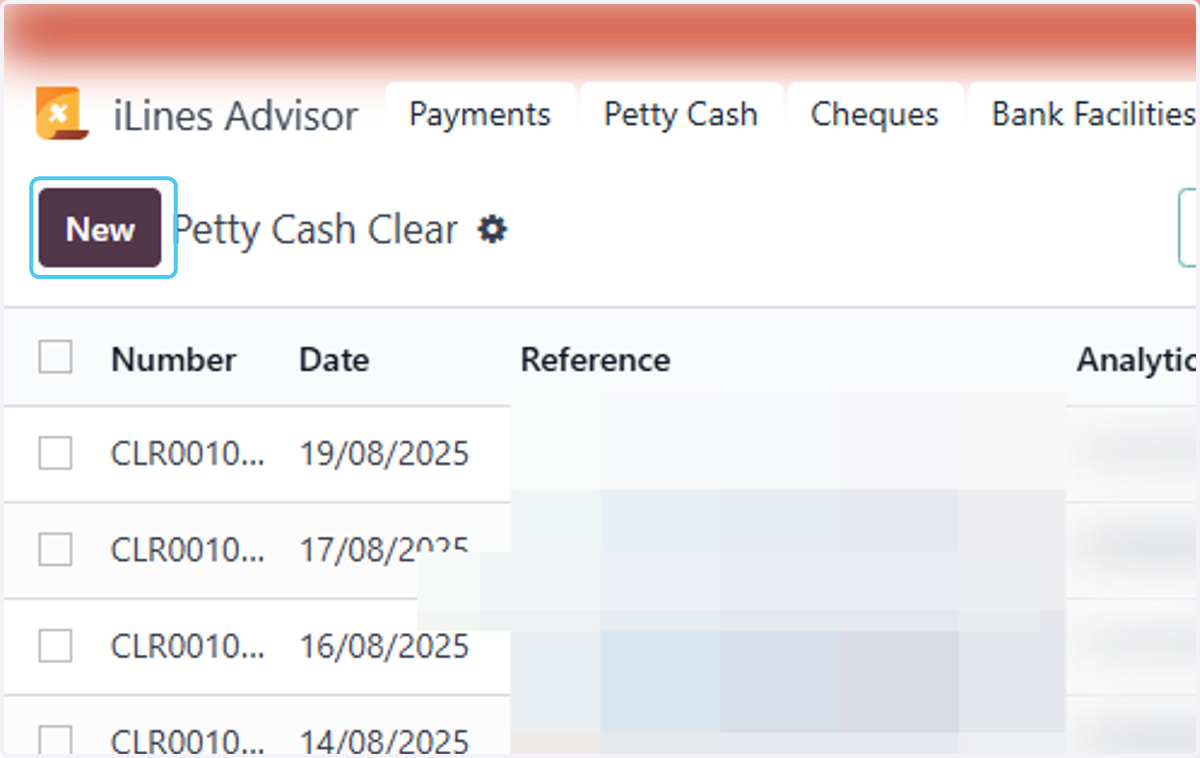
  4. 4. Click on New

    Click on New
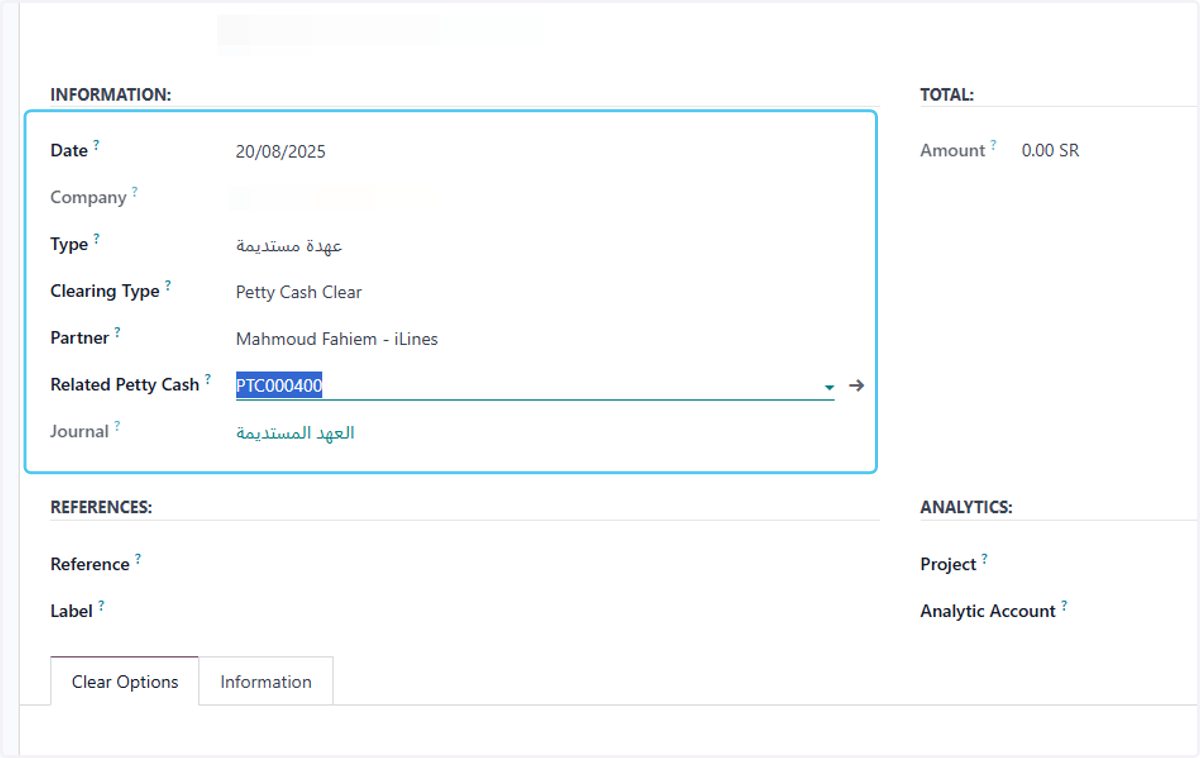
  5. 5. Fill in the following information

    Fill in the following information
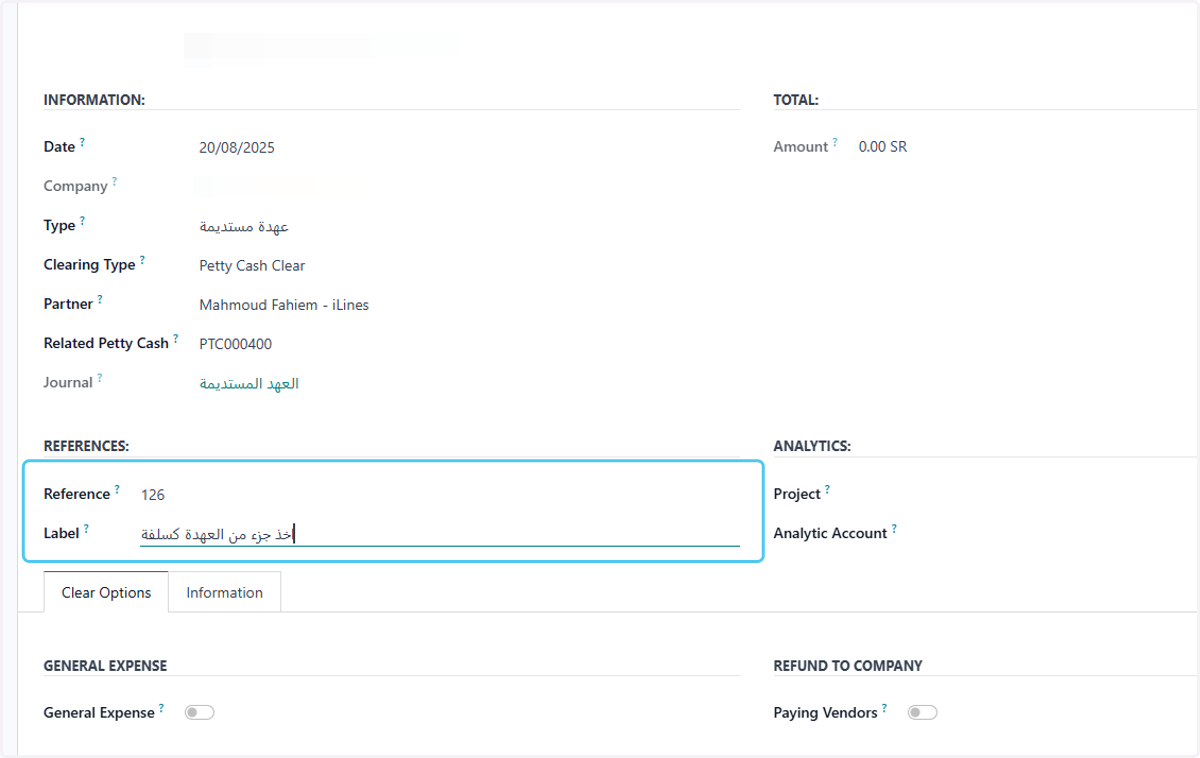
  6. 6. Type "اخذ جزء من العهدة كسلفة"

    Type "اخذ جزء من العهدة كسلفة"
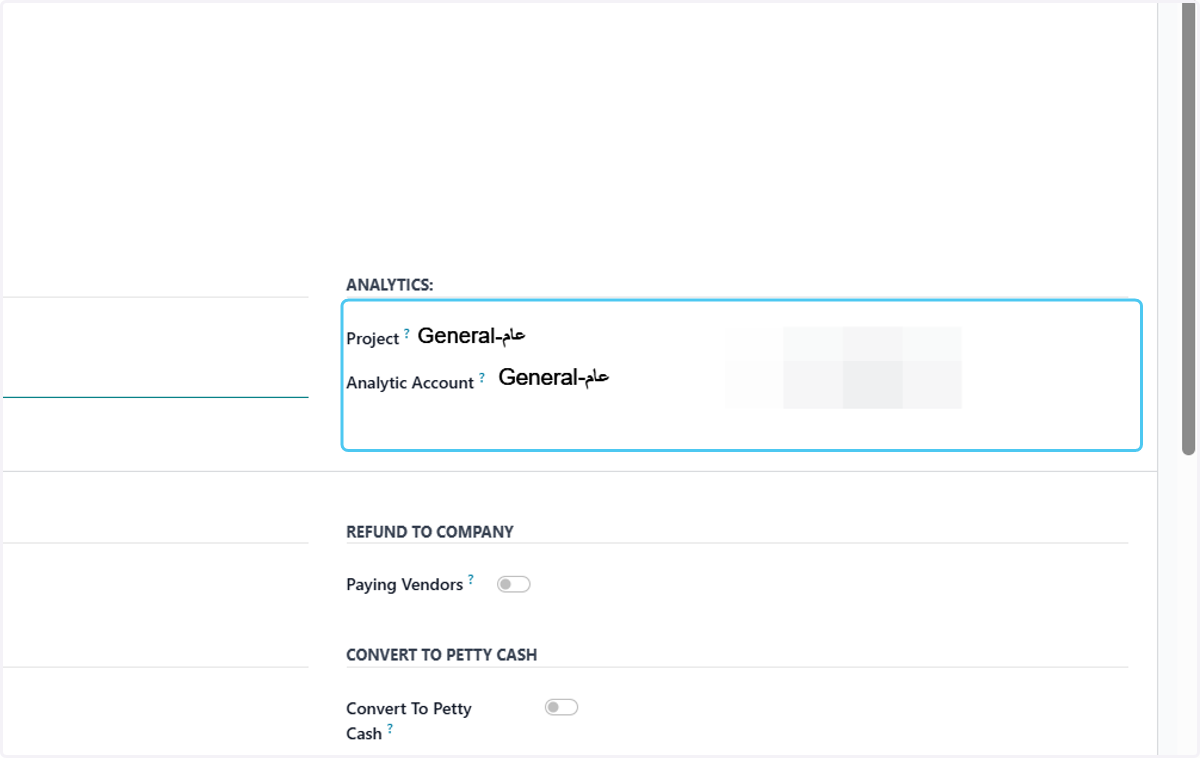
  7. 7. Choose analytics

    Choose analytics
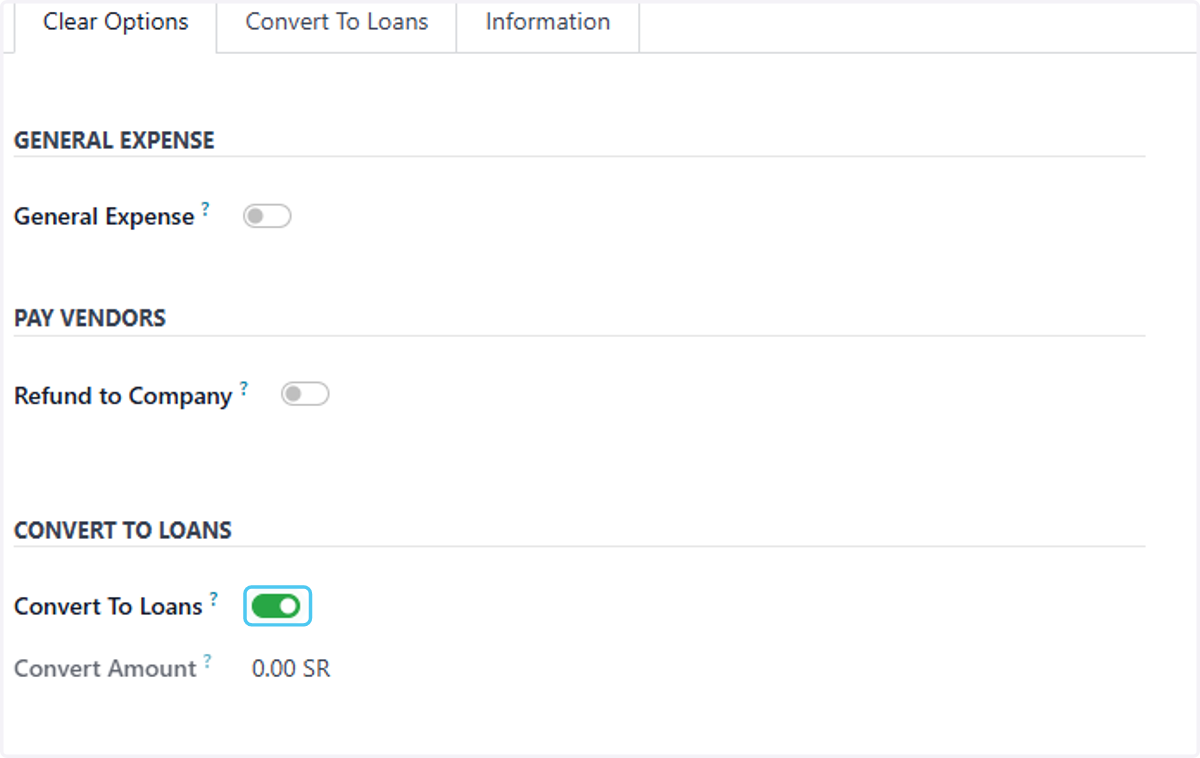
  8. 8. Check Convert To Loans?

    Check Convert To Loans?
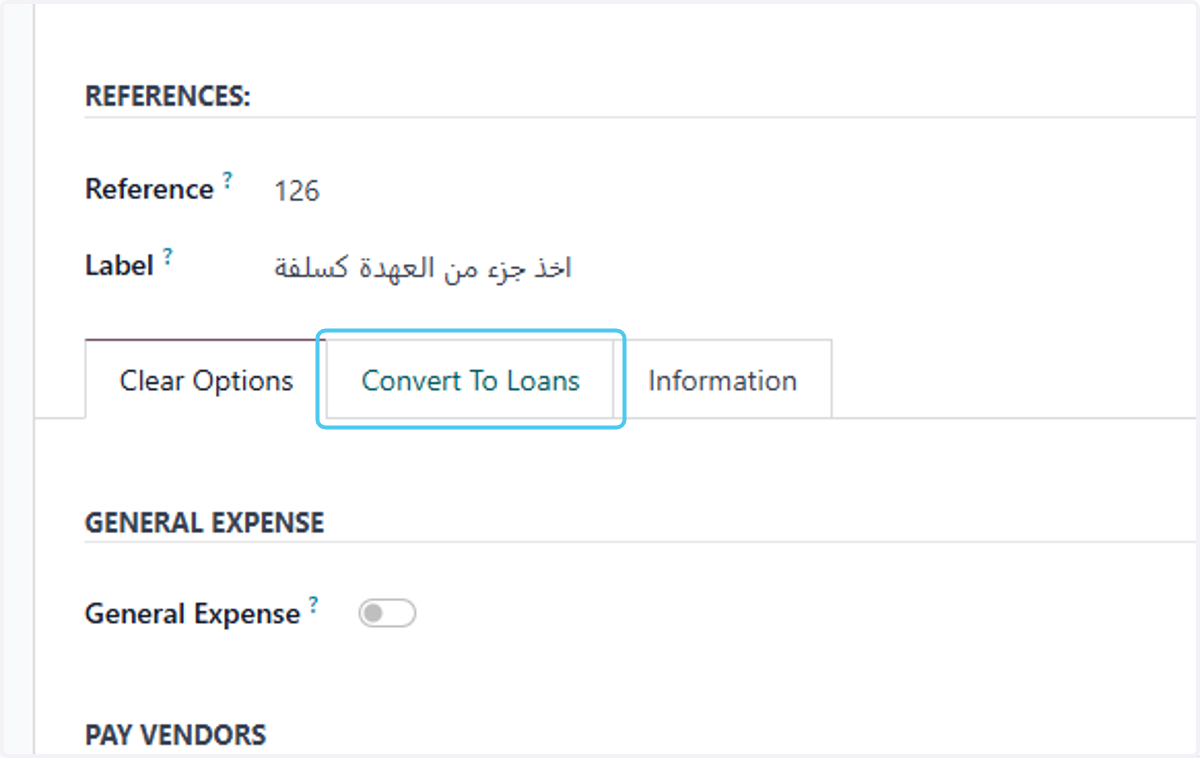
  9. 9. Click on Convert To Loans

    Click on Convert To Loans
  10. 10. Writing the label and choosing the type of loans
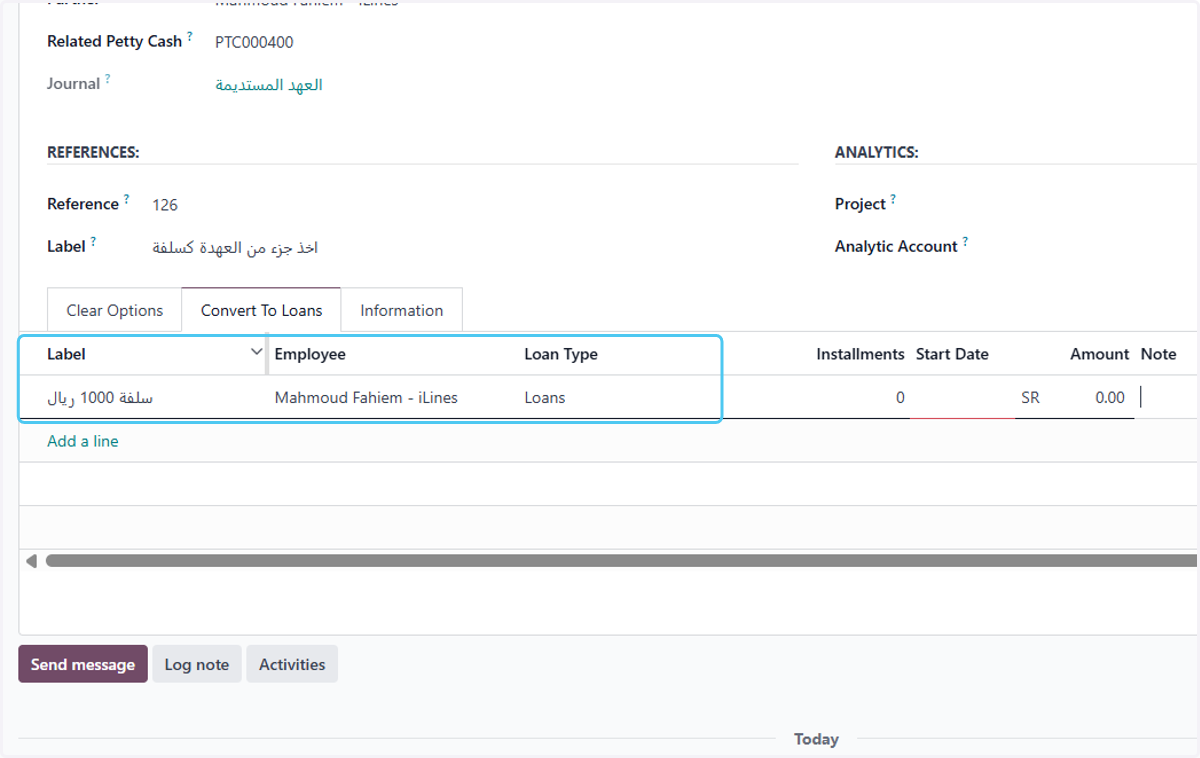
    Writing the label and choosing the type of loans
  11. 11. Write the number of installments, the amount, and choose the starting date.
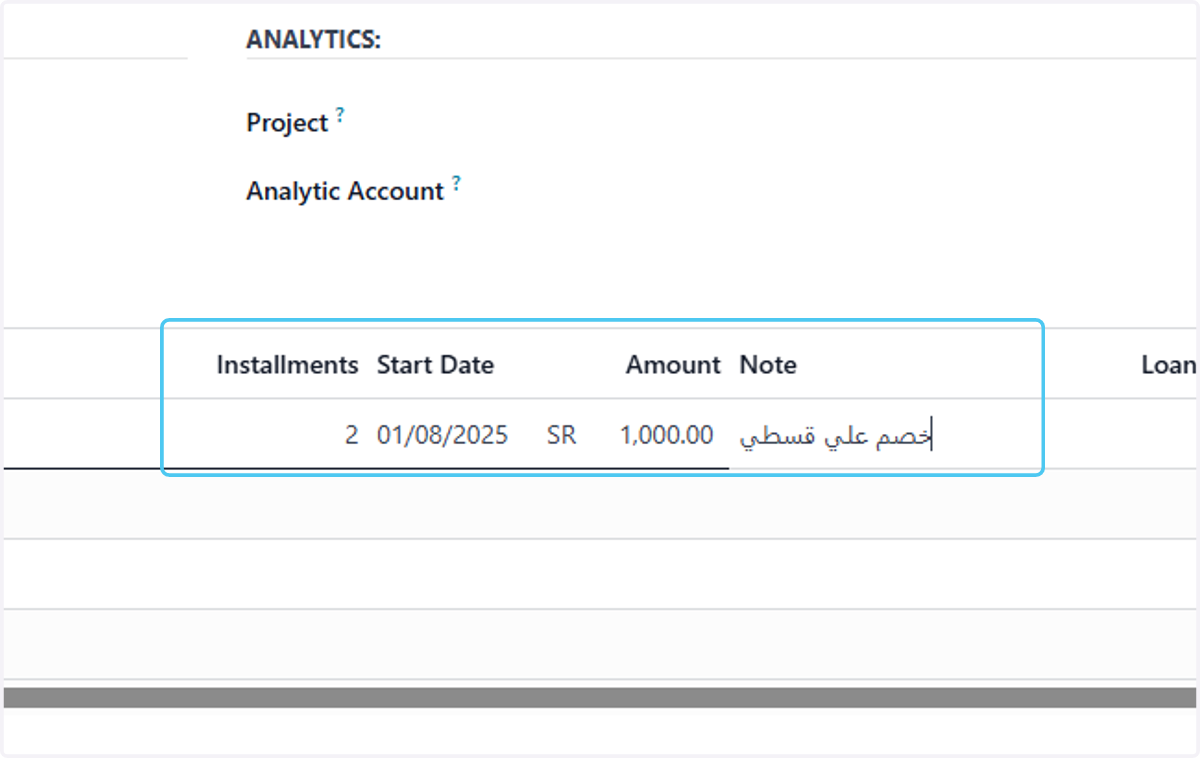
    Write the number of installments, the amount, and choose the starting date.
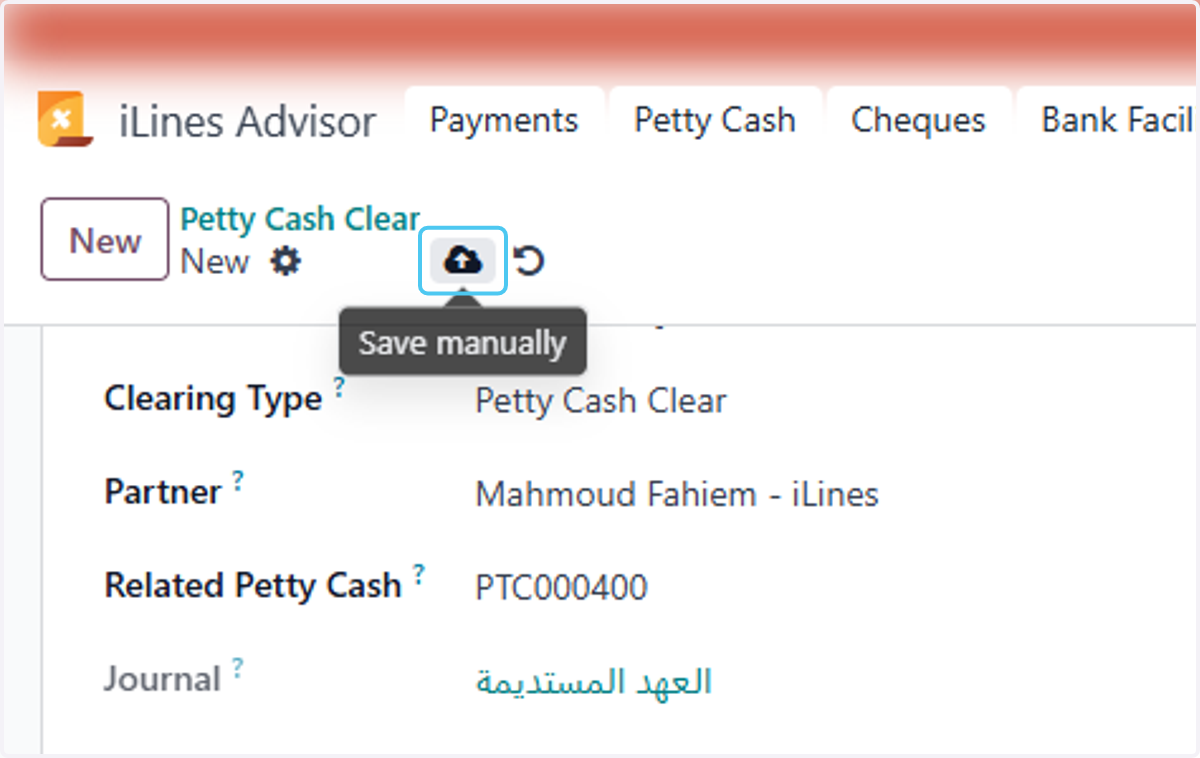
  12. 12. Click on Save manually

    Click on Save manually
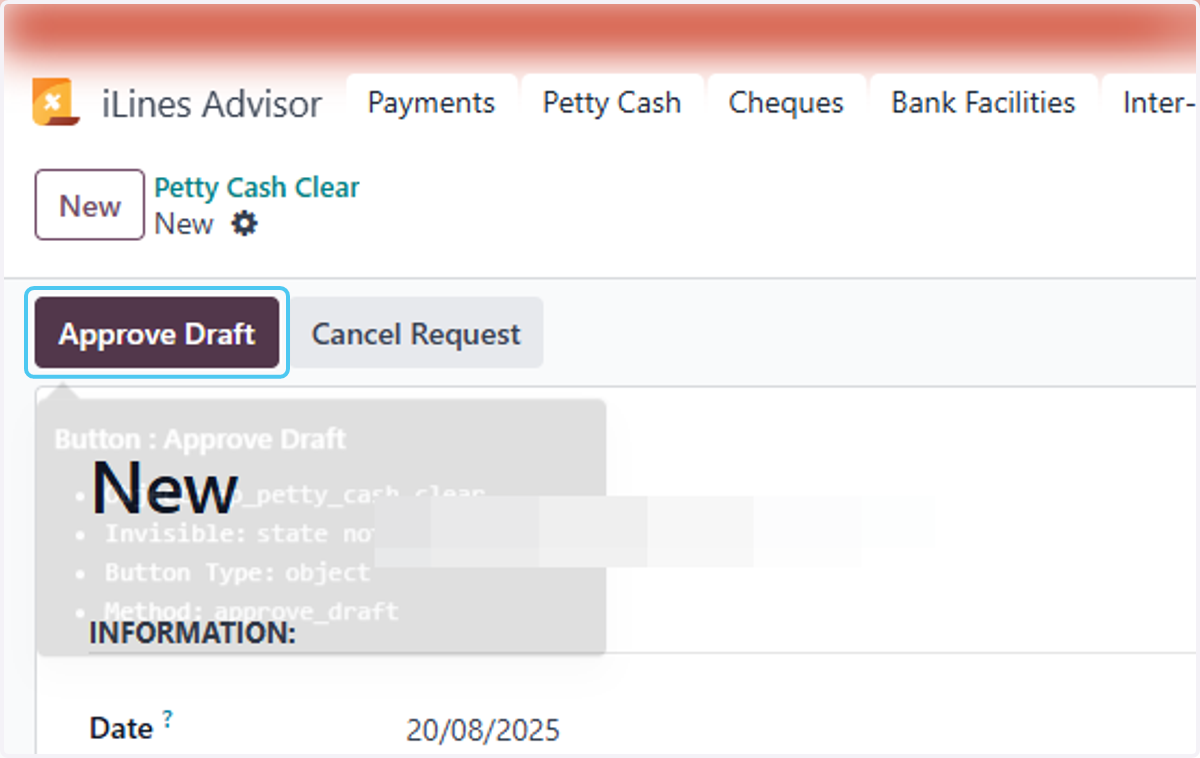
  13. 13. Click on Approve Draft

    Click on Approve Draft
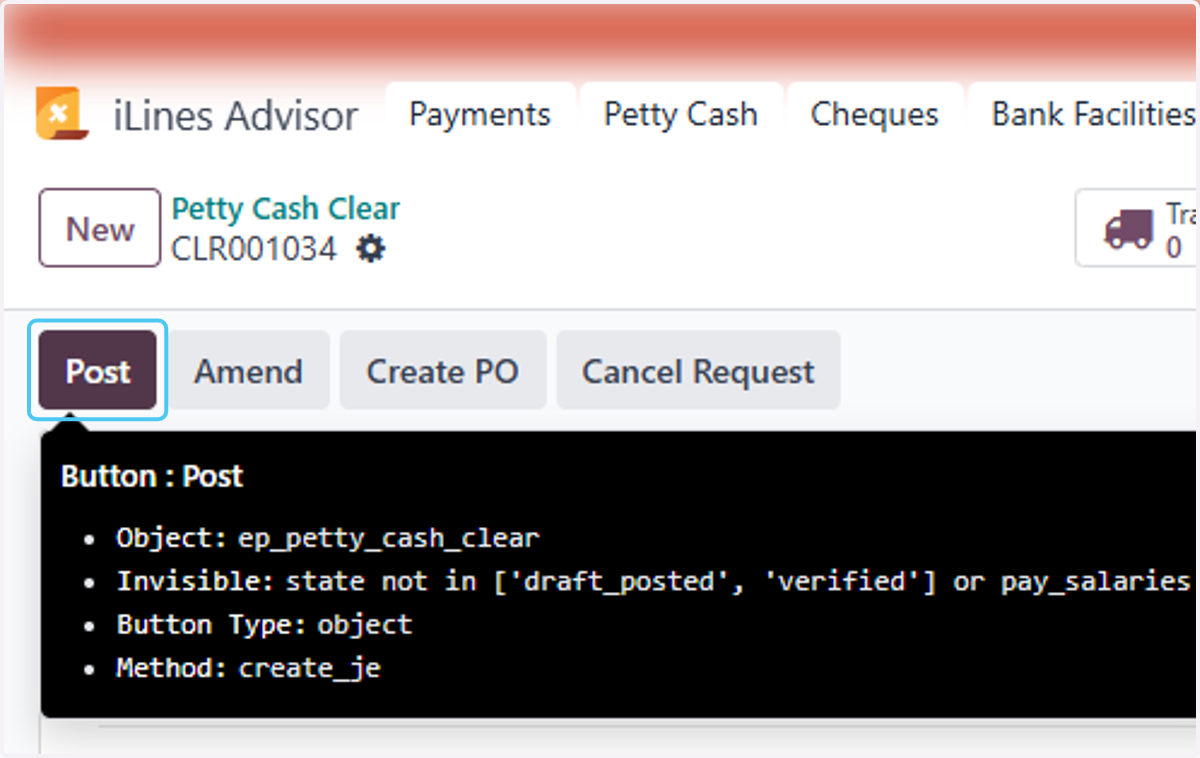
  14. 14. Click on Post

    Click on Post