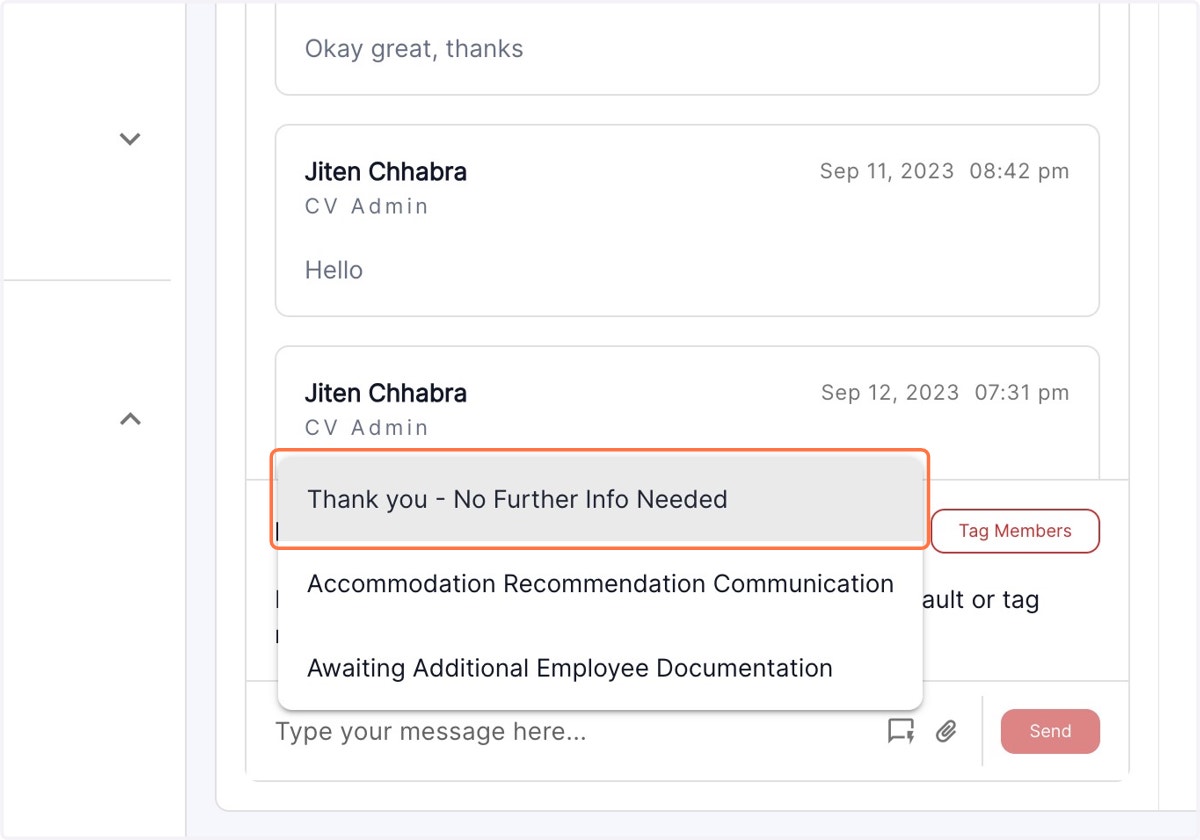
Using Communication Templates
Pre- loaded Communication templates to send the message.
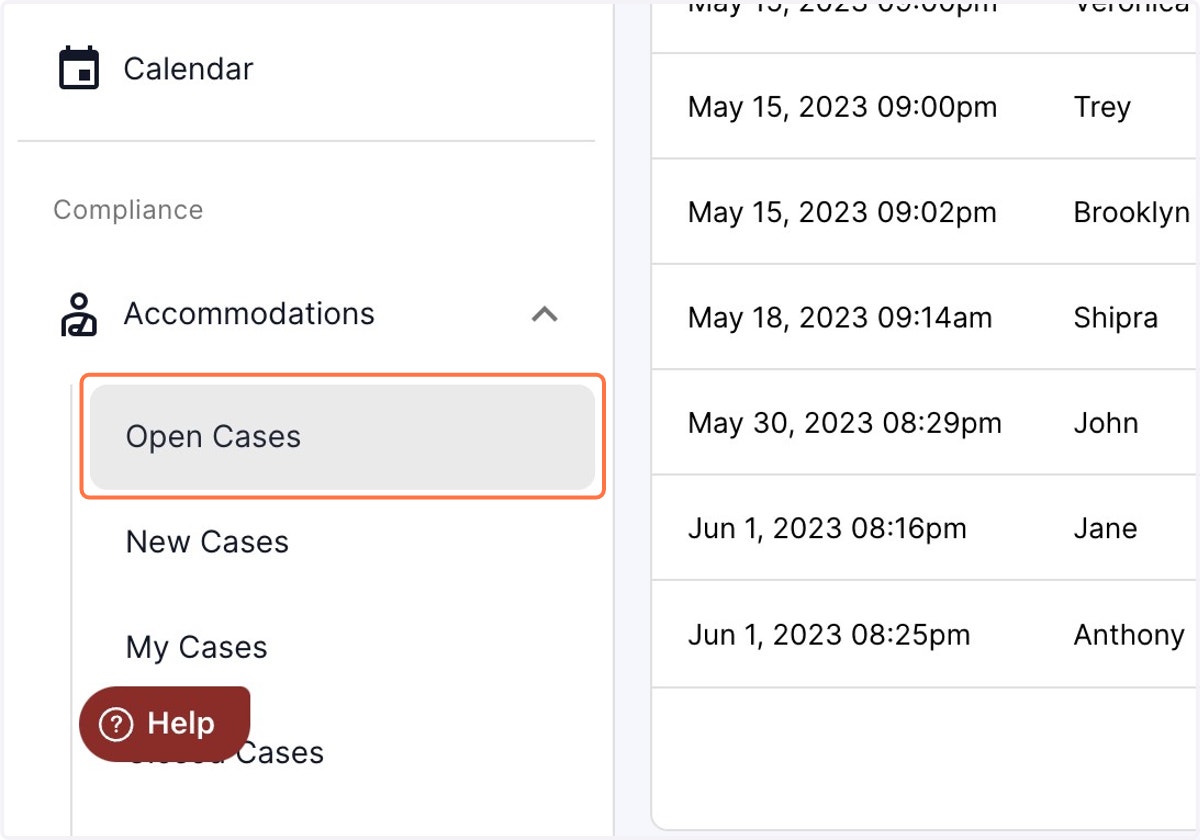
1. Click on Open Cases
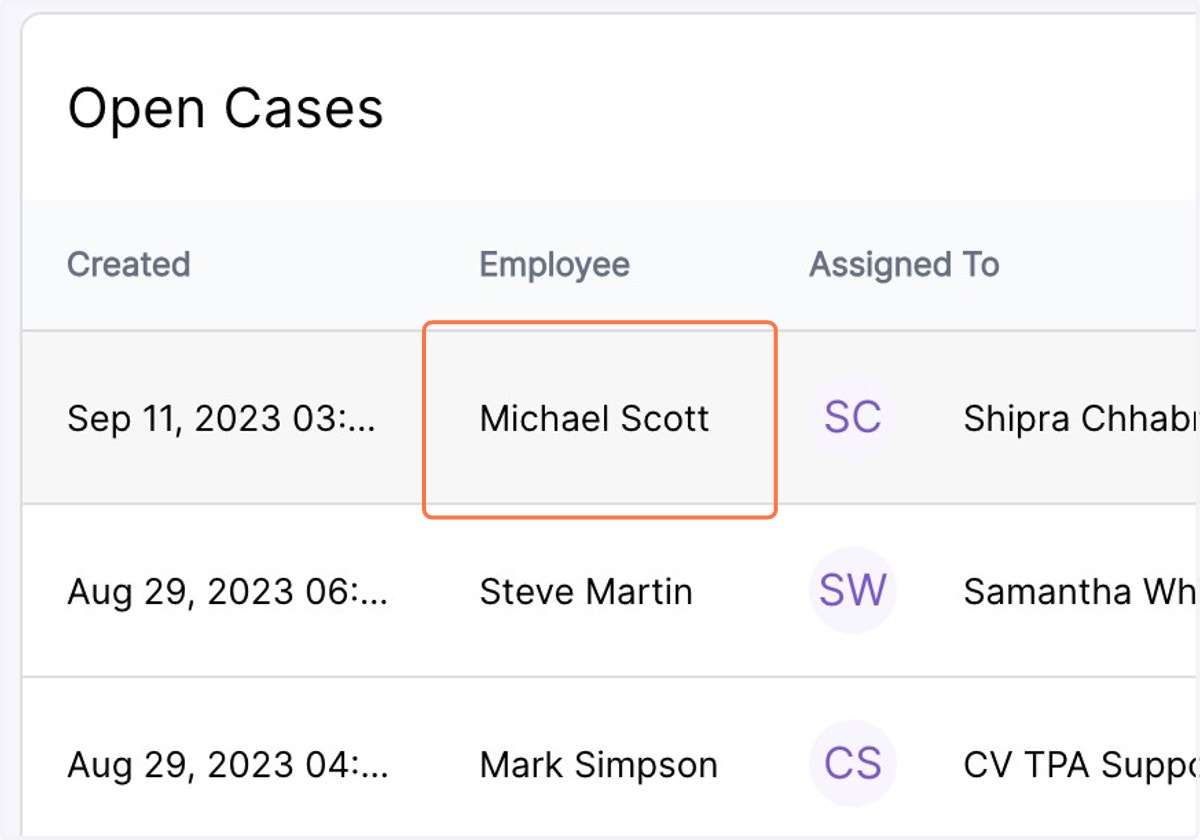
2. Click on the desired case
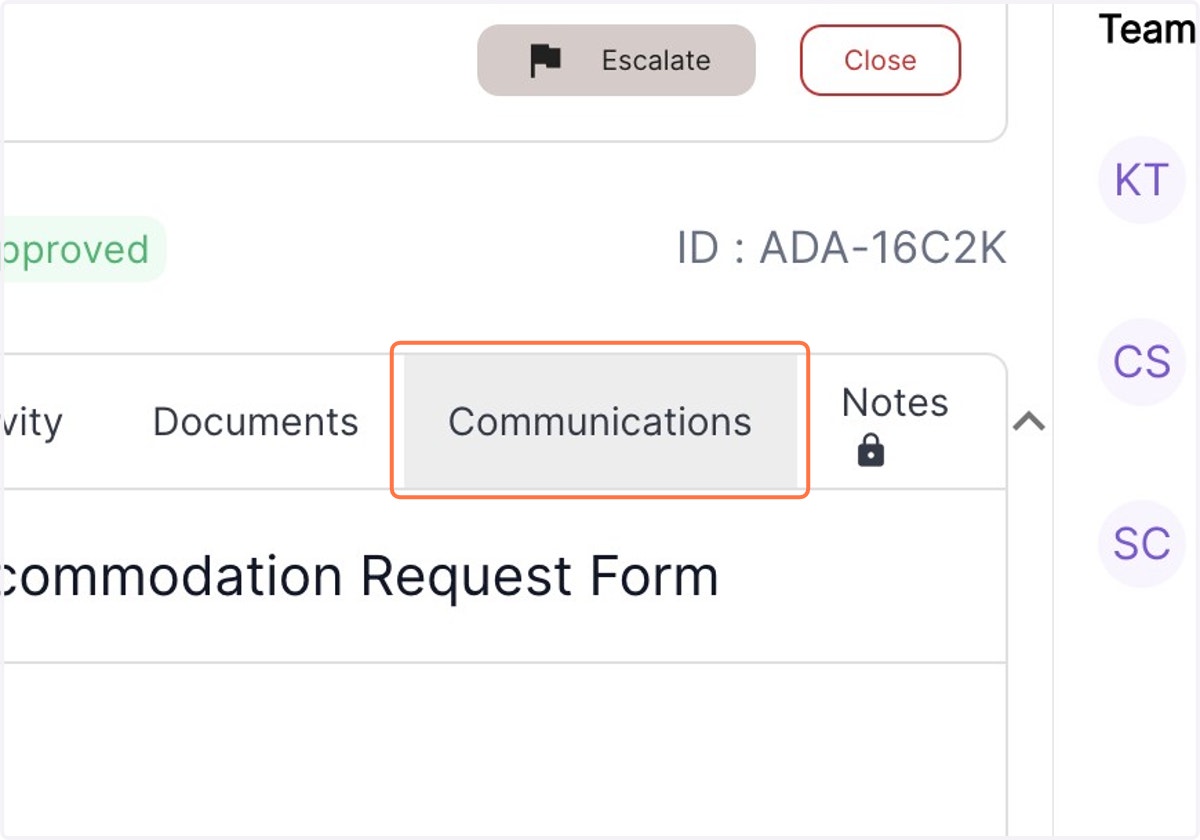
3. Use the Communications tab
4. Click on the comments tab in the right corner of the text box
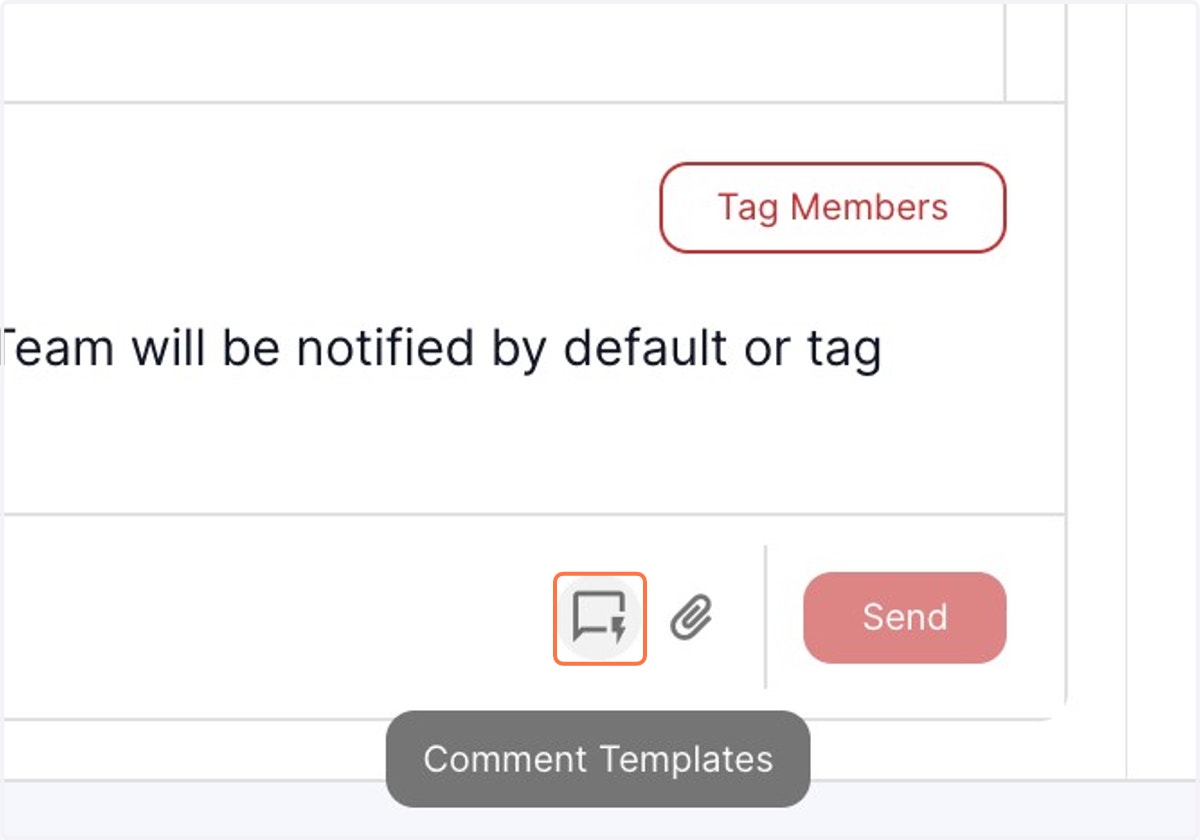
5. Select the desired message from the drop down menu to populate the message box and hit send.