Create a Text Entry Assignment on Canvas
This PDF will provide step-by-step instructions on how to create a text entry assignment on Canvas.
Instructure
1. Go to knoxschools.instructure.com
2. Click on Dashboard
3. Click on your course

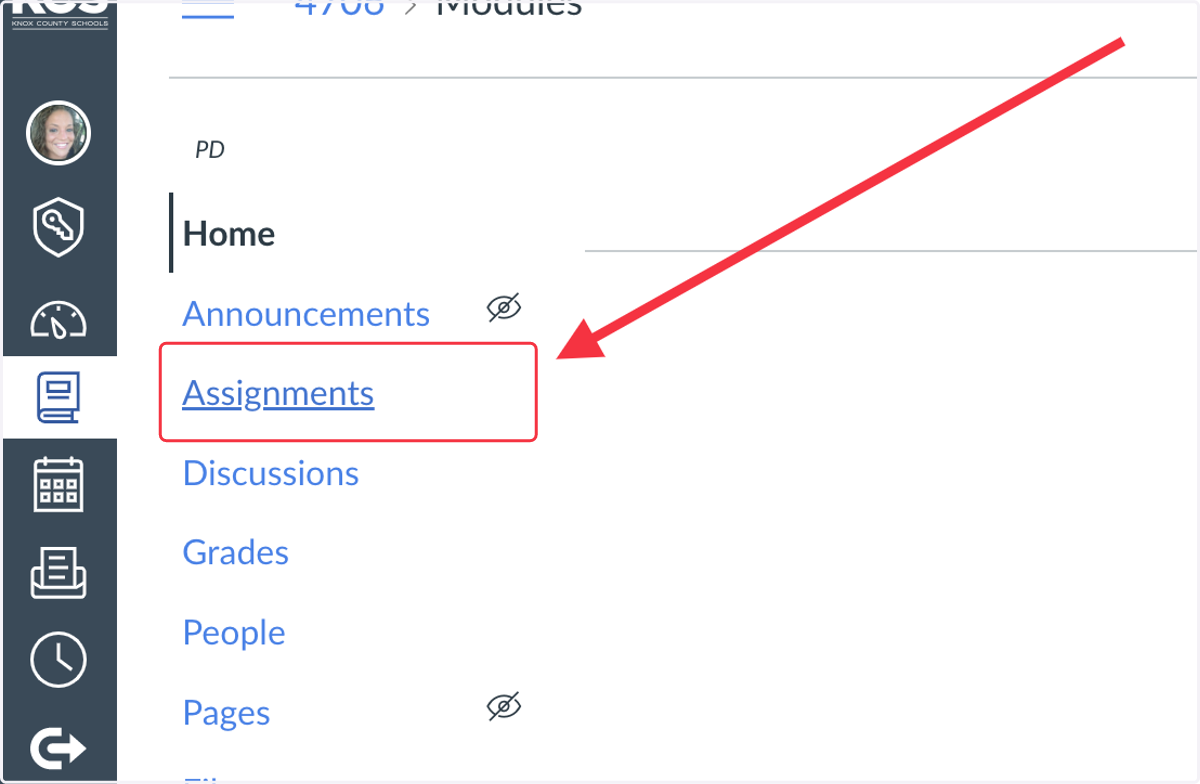
4. Click on Assignments
5. Click on +Assignment

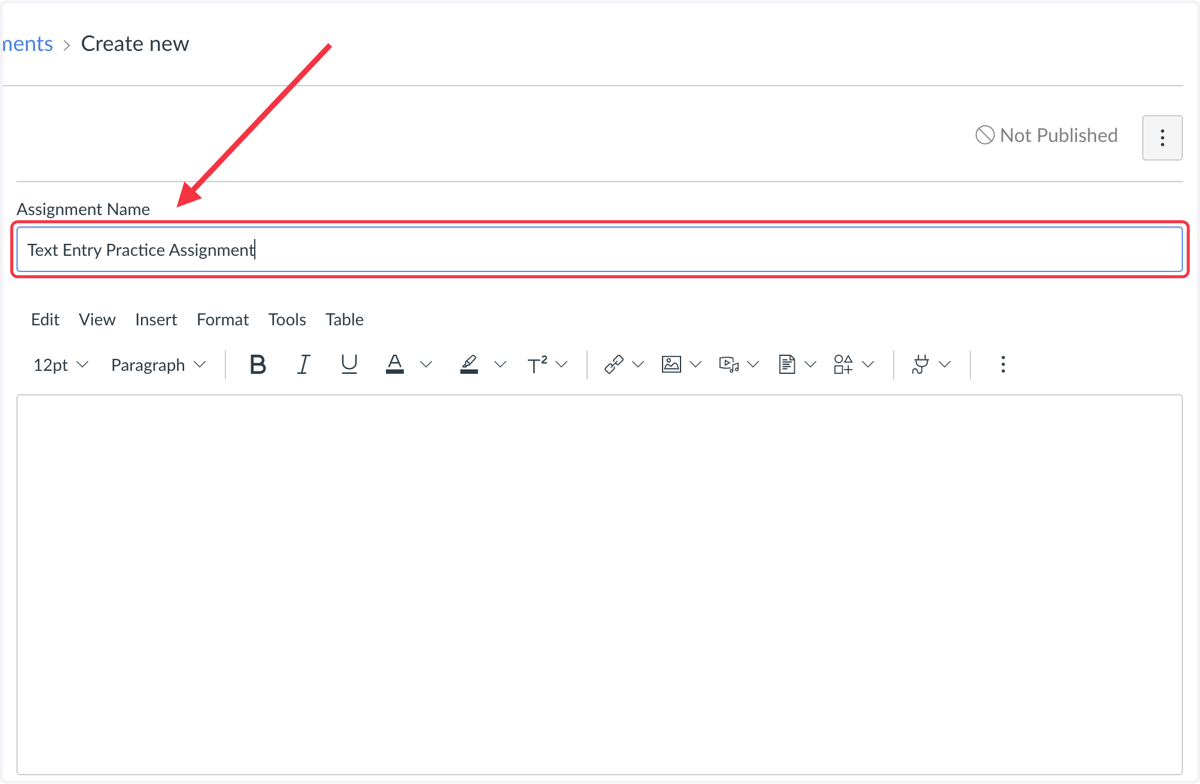
6. Name the assignment
Instructure
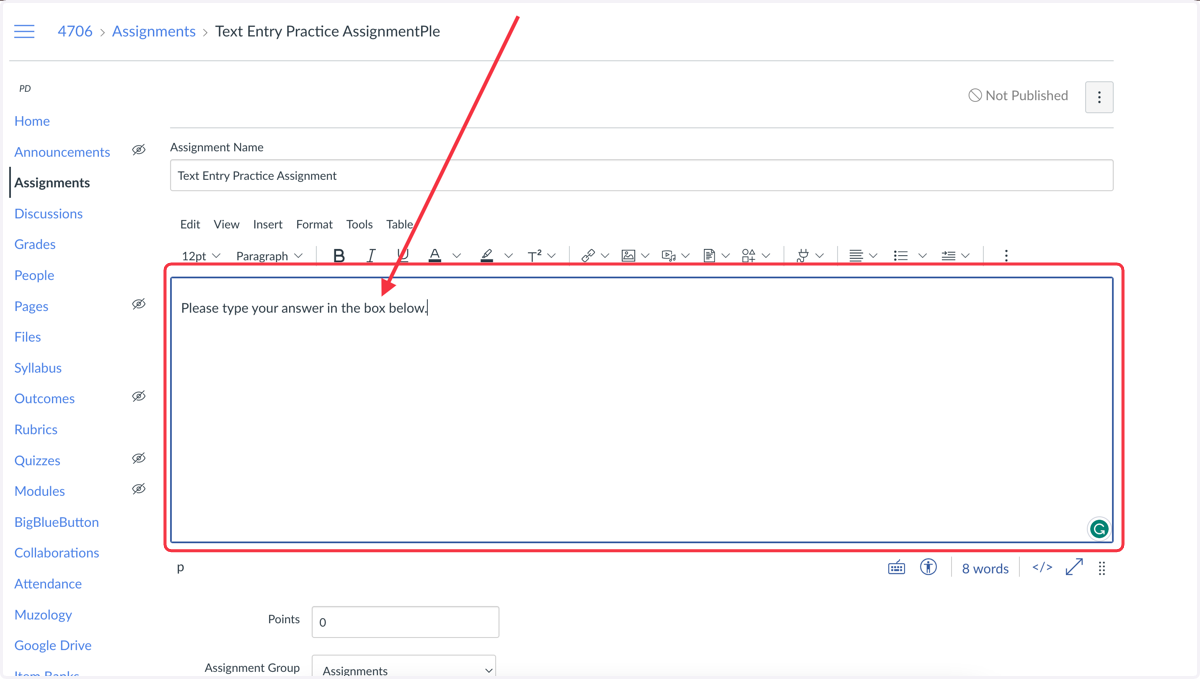
7. Type student directions in the box.
Using the RCE Toolbar, you can type, insert media, and embed documents.
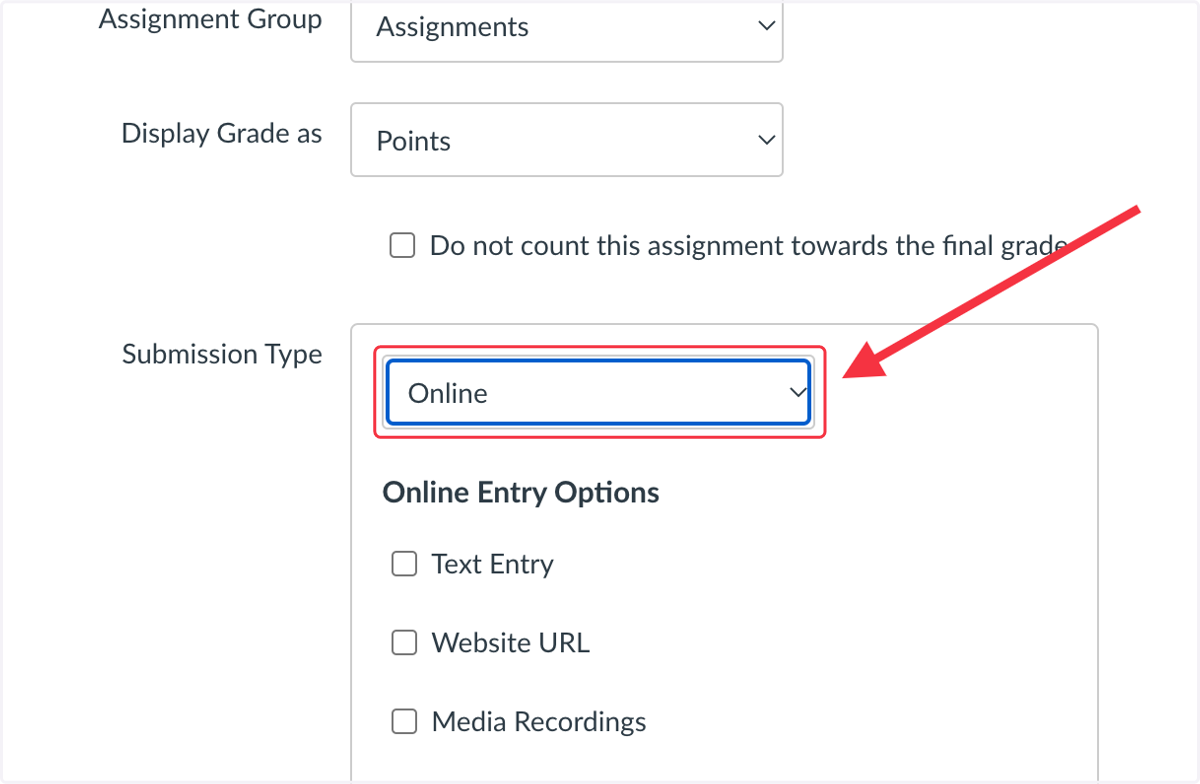
8. Select 'Online' as the submission type
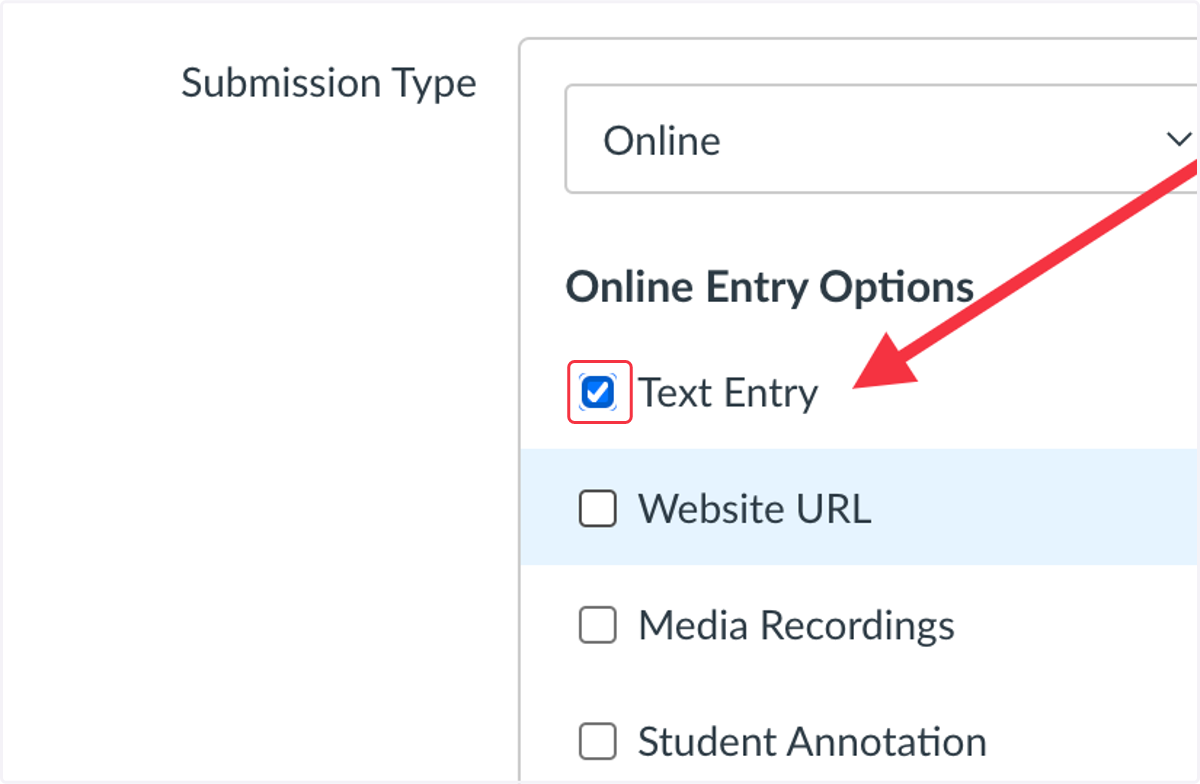
9. Check Text Entry
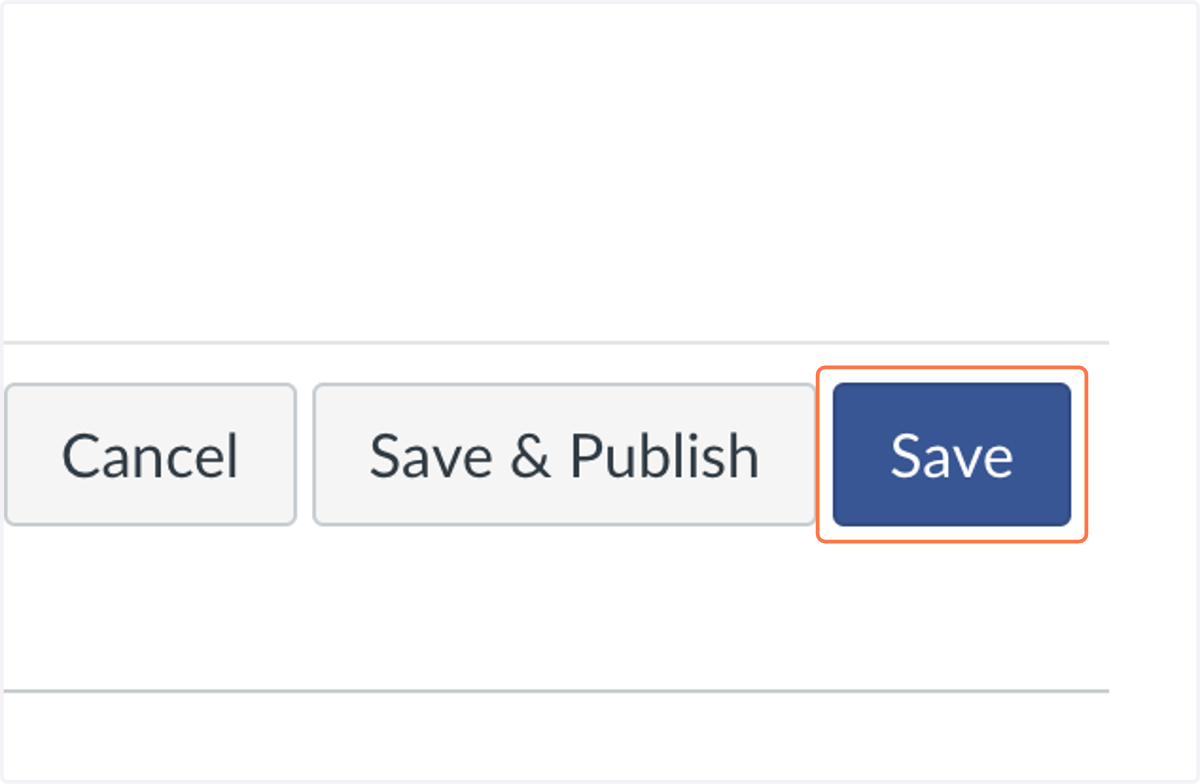
10. Click on Save
To give students access, publish the assignment.