Payfactory- Create a Support Ticket
Log in | Payfactory
https://partnerportal.payfactory.app
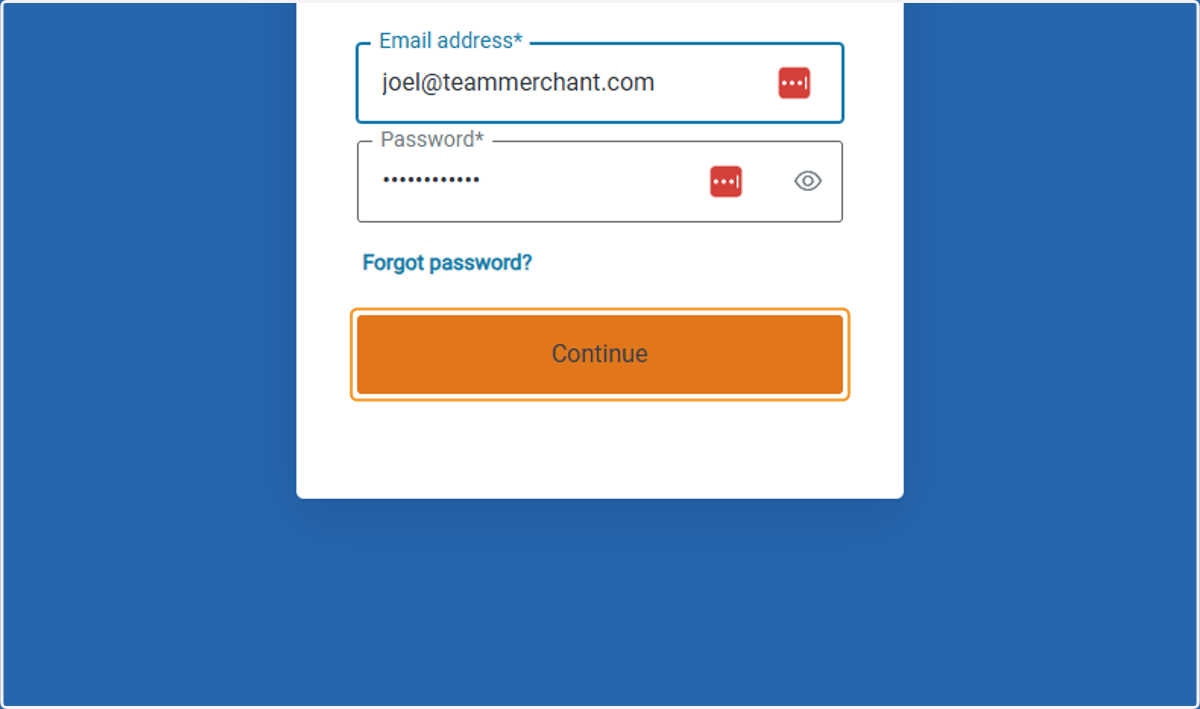
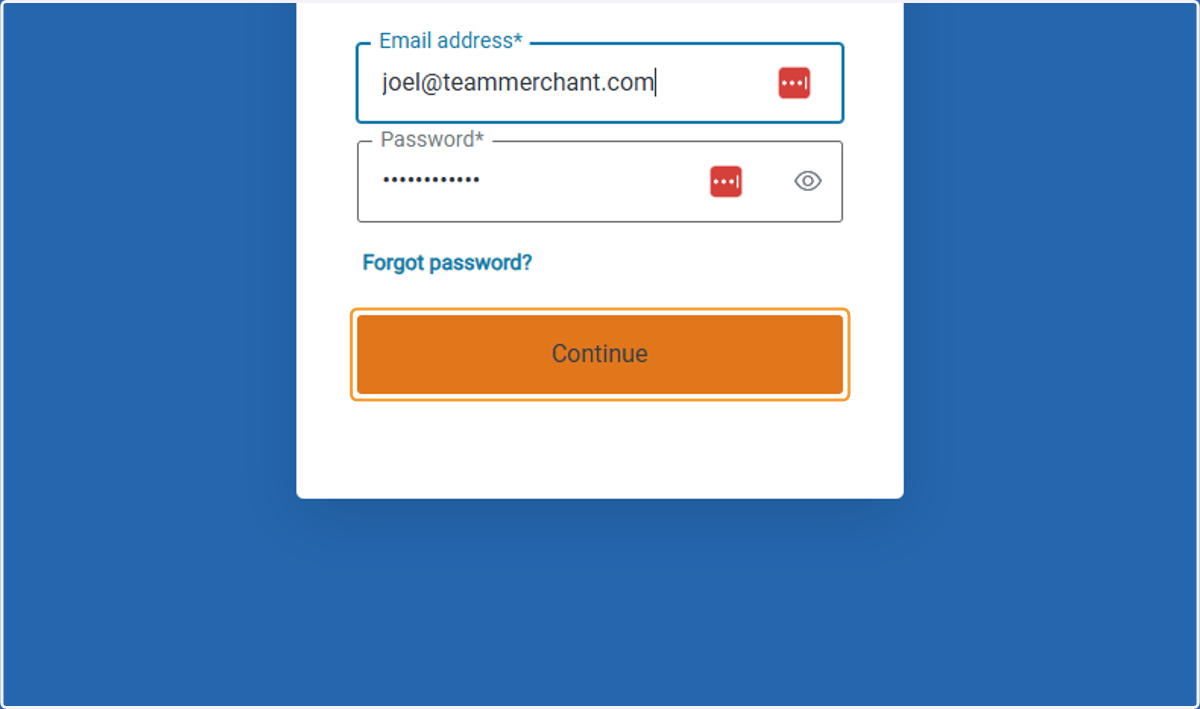
1. Enter Email and Password then Click on Continue
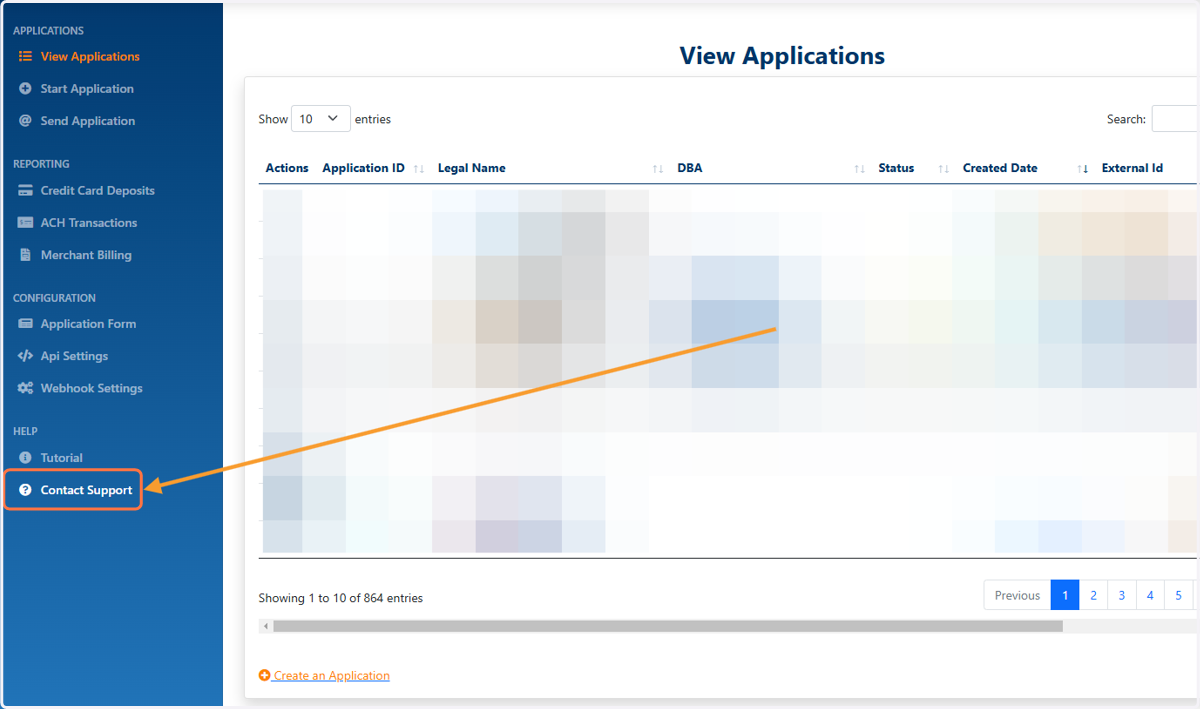
2. Click on Contact Support
Lower left side of the portal
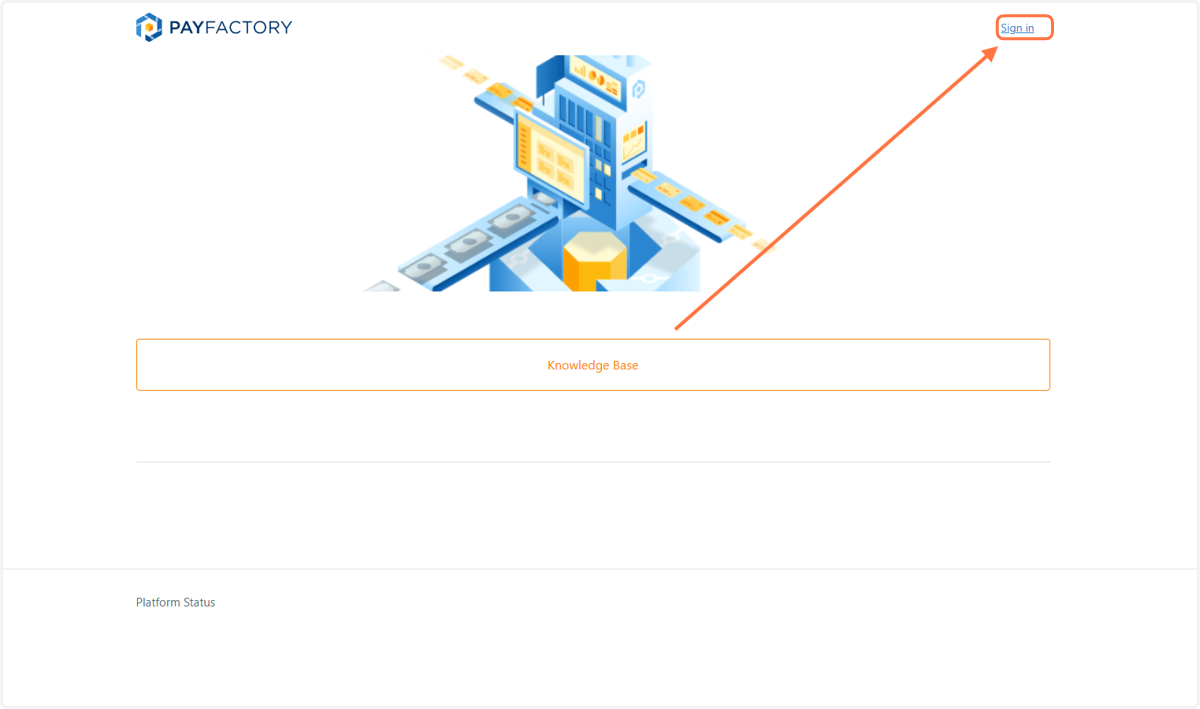
3. On the Top Right Click on Sign in
Log in with the same email and password for Payfactory
Their ticketing portal makes you login again but it is the same email and password you just used
4. Click on Continue
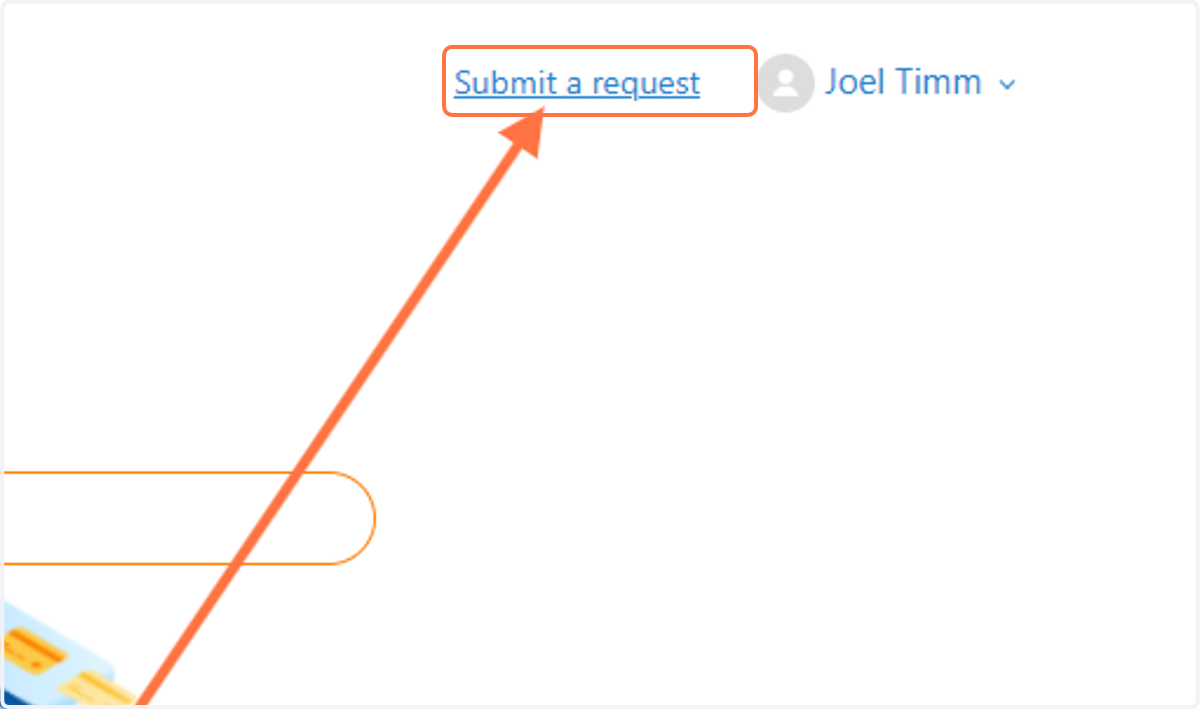
Upper Right Click | Submit a Request
5. Click on Submit a request
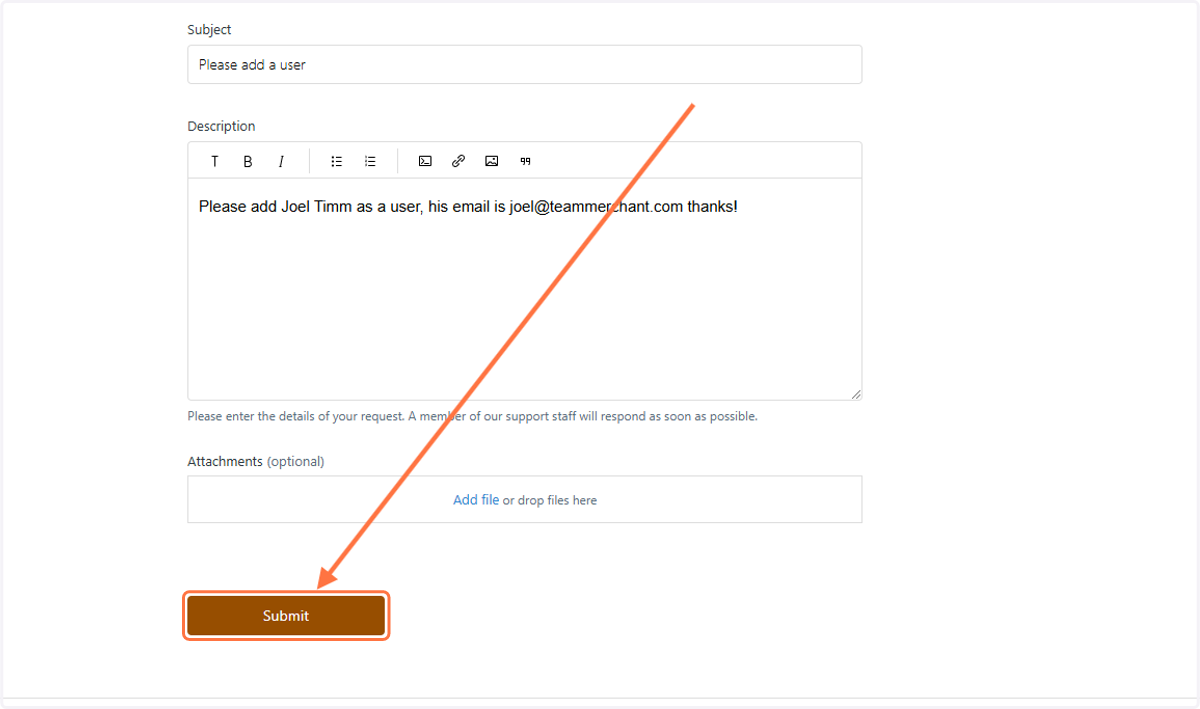
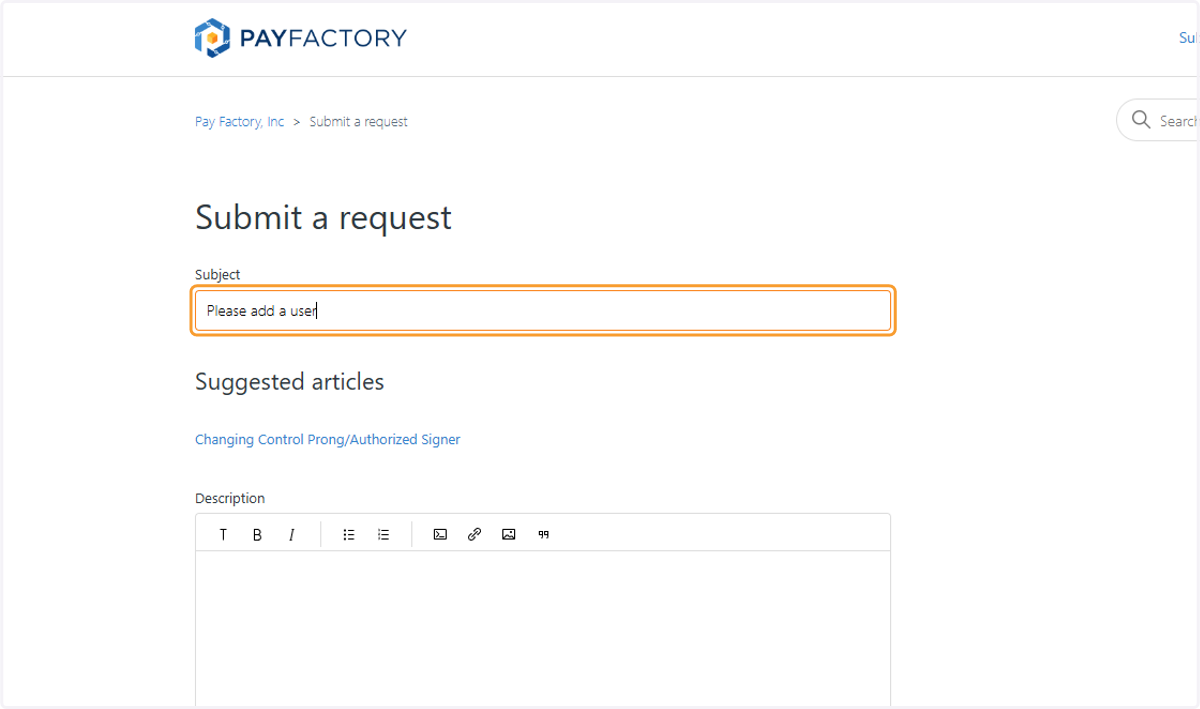
6. Add the details for your ticket
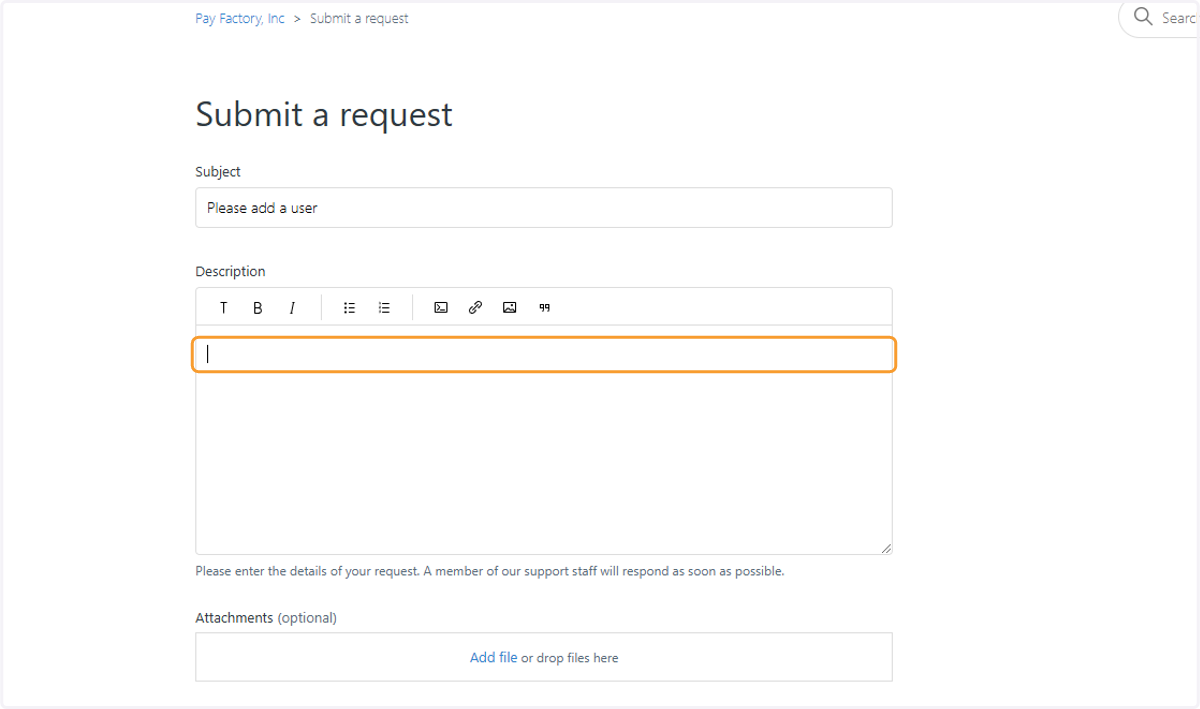
7. Add additional details and attach any needed documents
8. Click on Submit