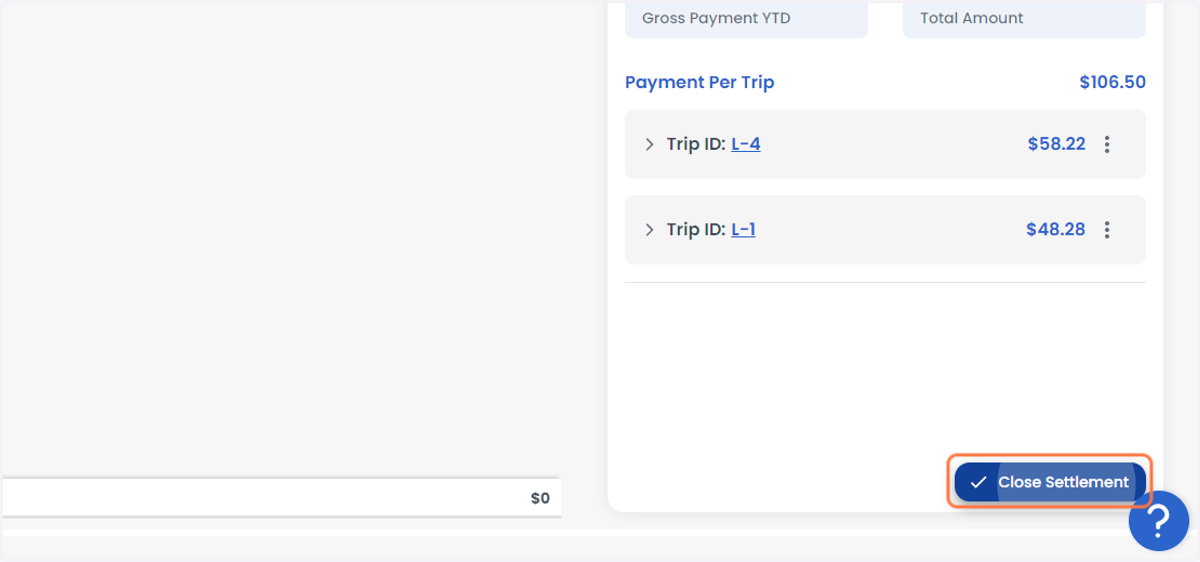
Dispatcher Settlements
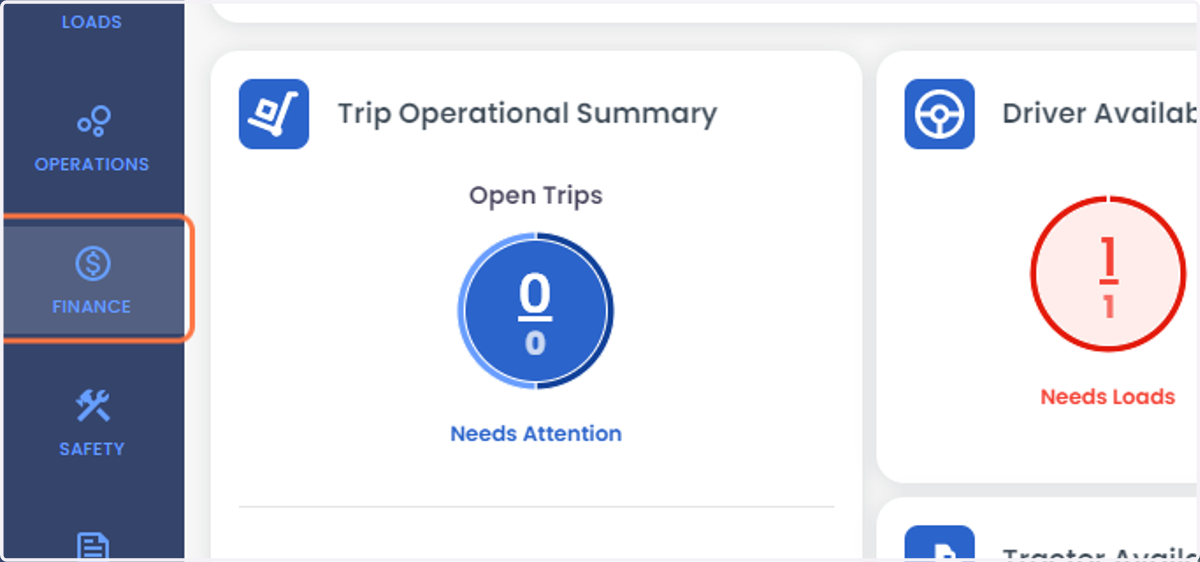
2. Click on FINANCE
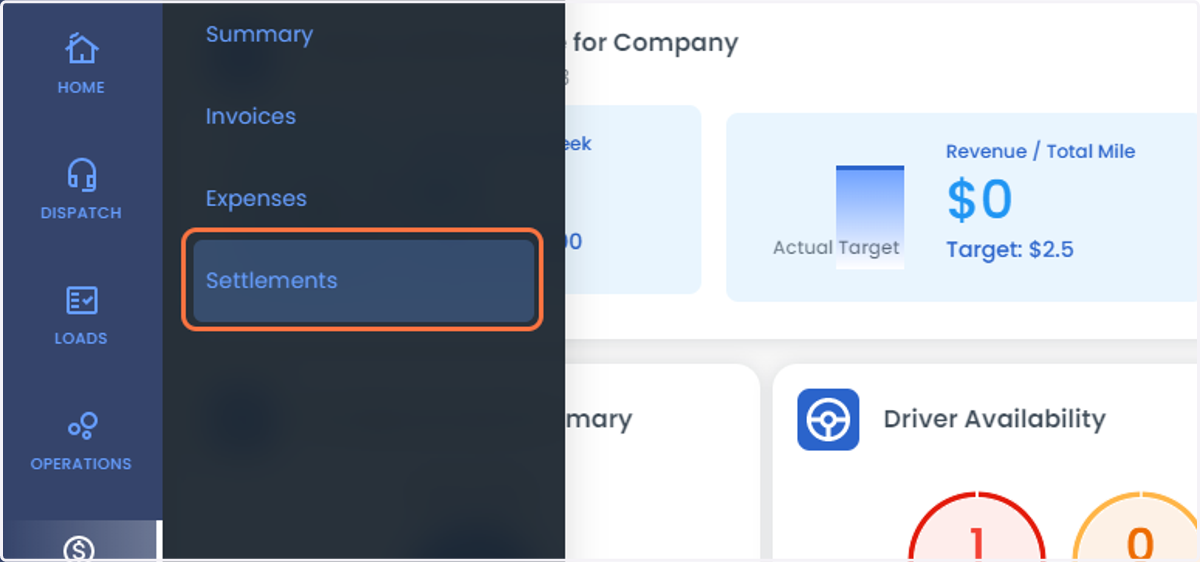
3. Select Settlements from the list
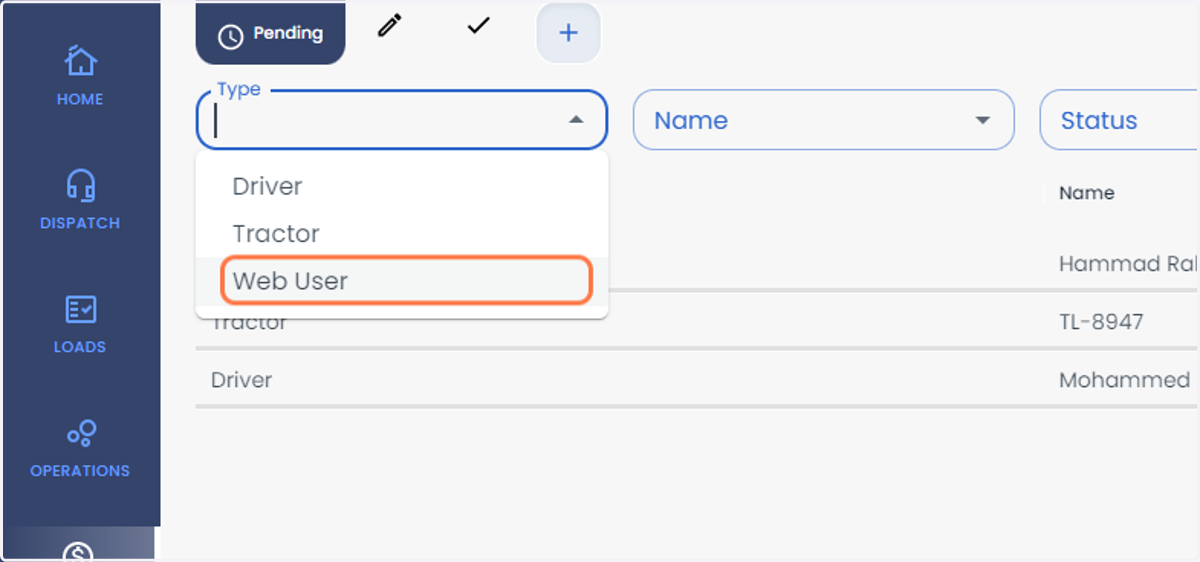
4. Click on the Type
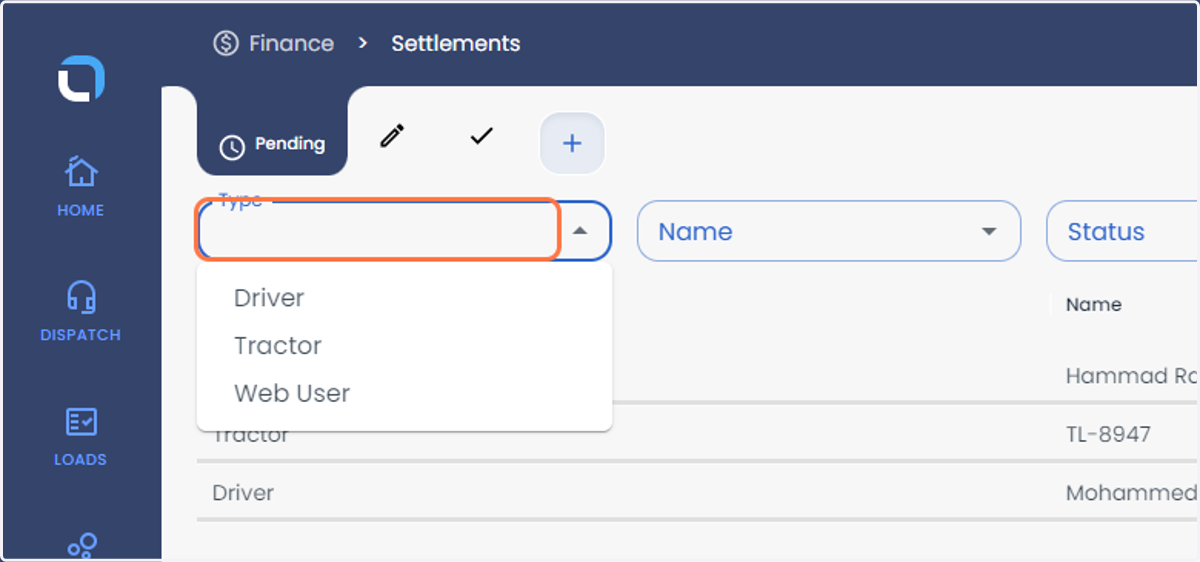
5. Select Web Users from the Tab
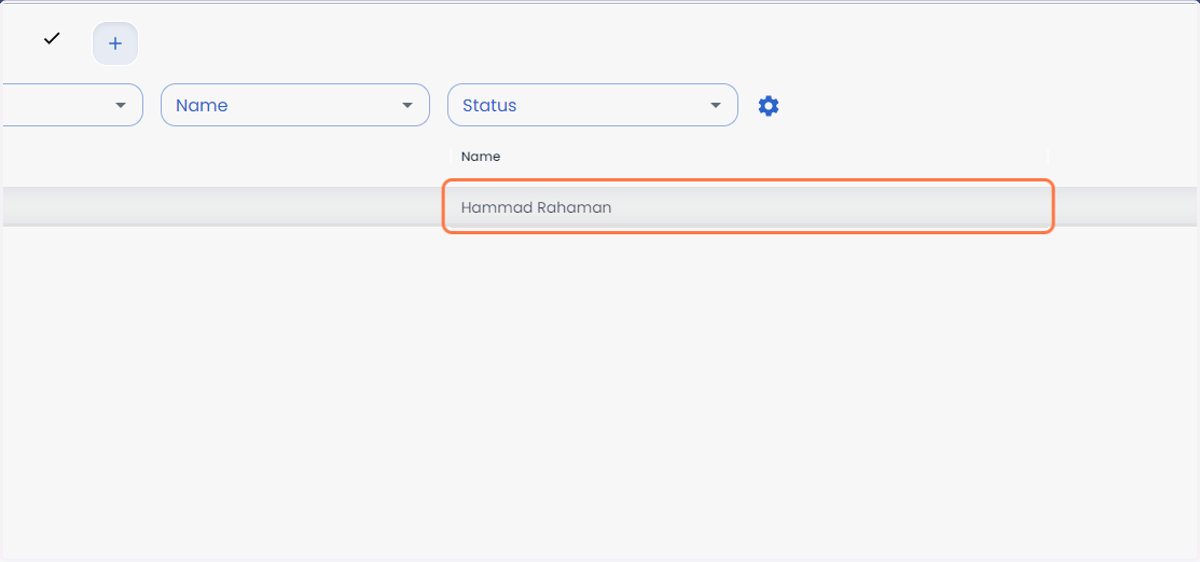
6. Click on User Name
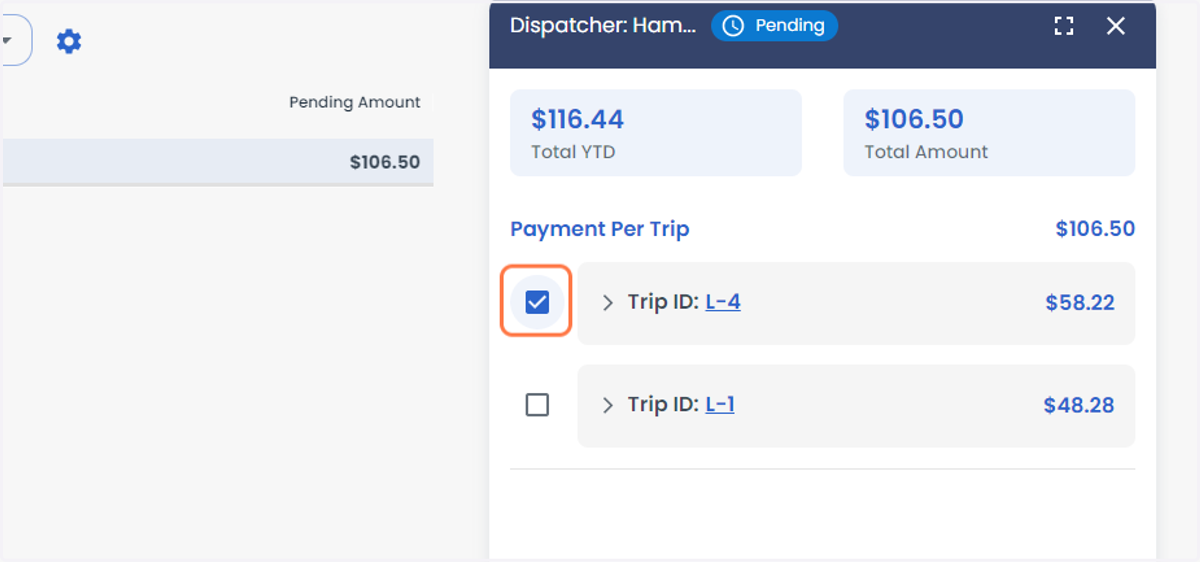
7. Select the Trip ID which you would like to create the Settlement
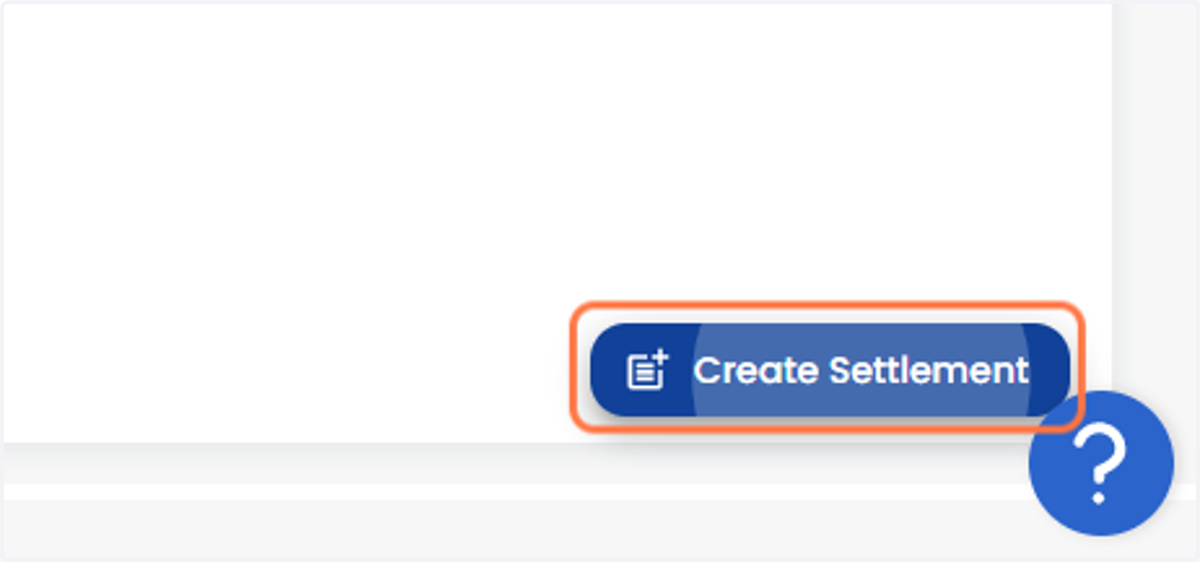
8. Click on Create Settlement
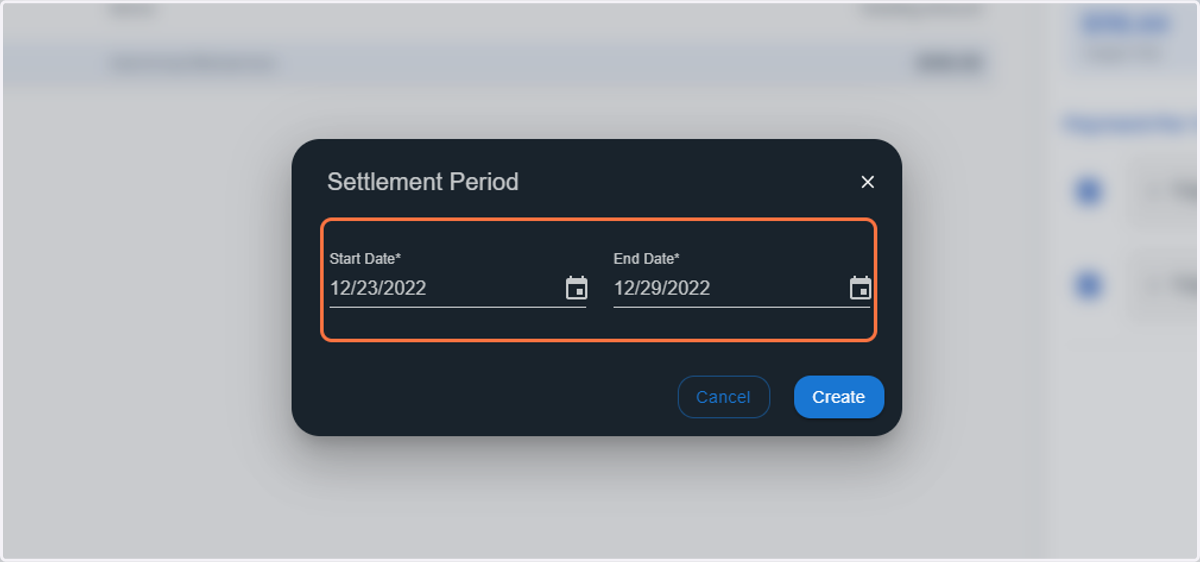
9. Enter the Start and End Date
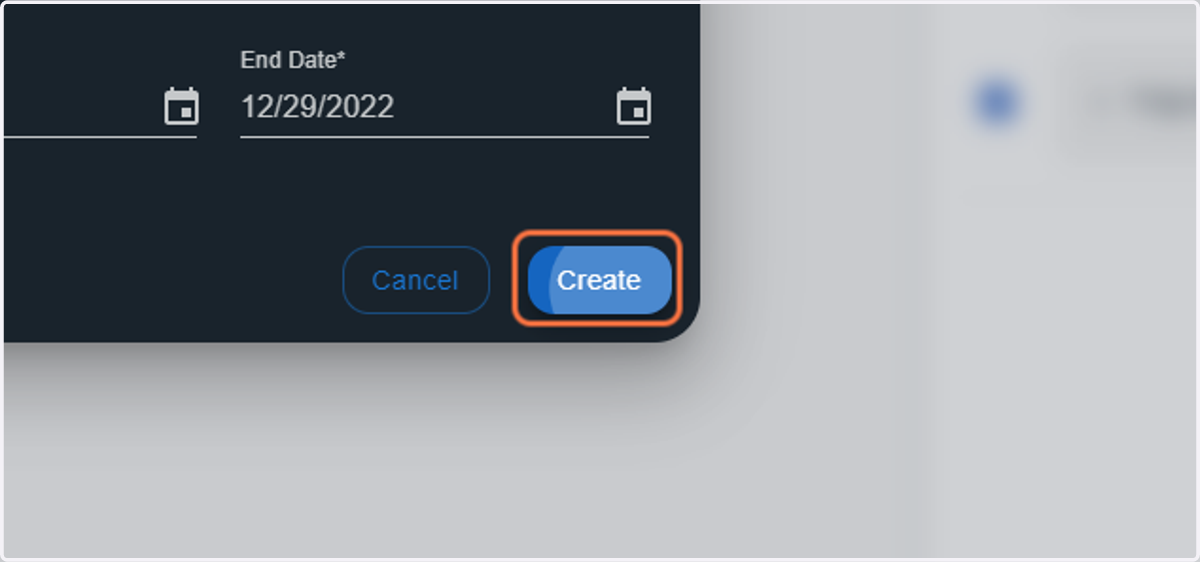
10. Click on Create
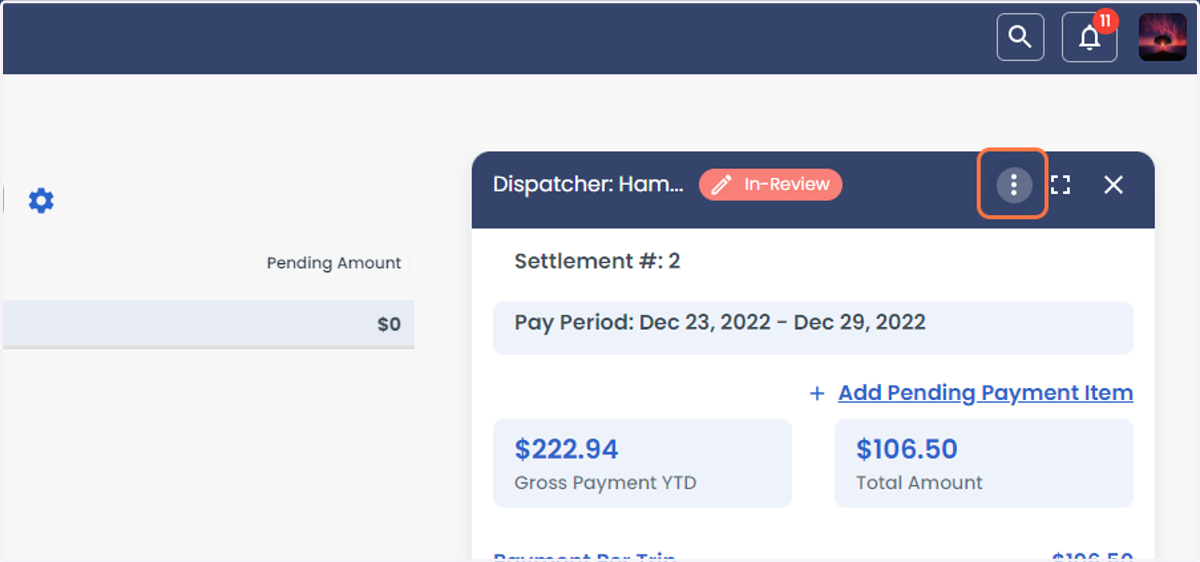
11. Click on more option
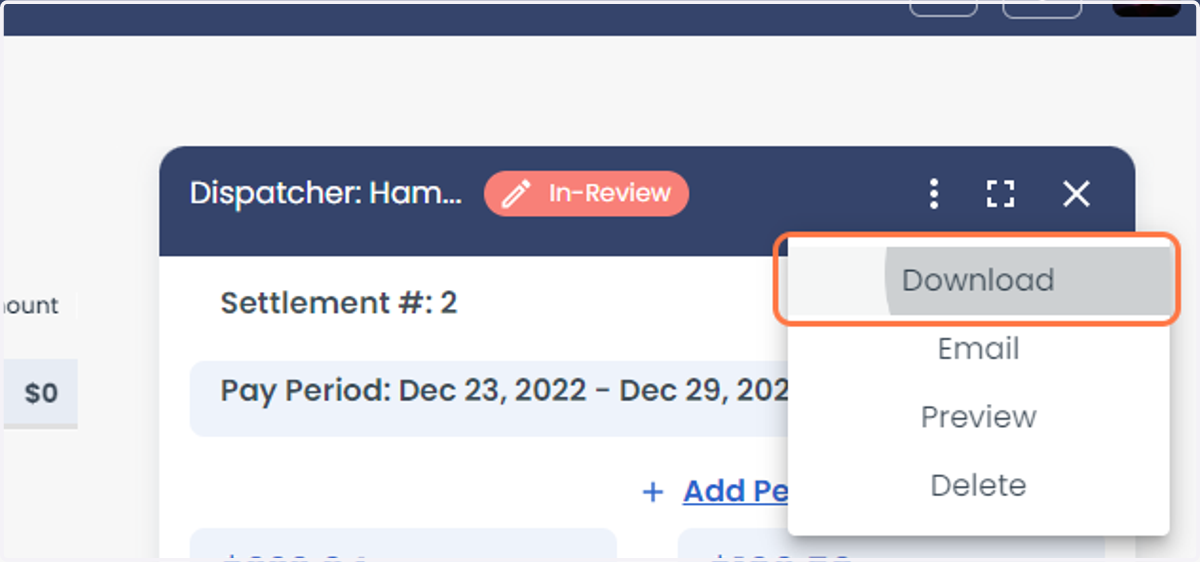
12. From the more option, you can Download, Preview, Email, and Delete the Settlement
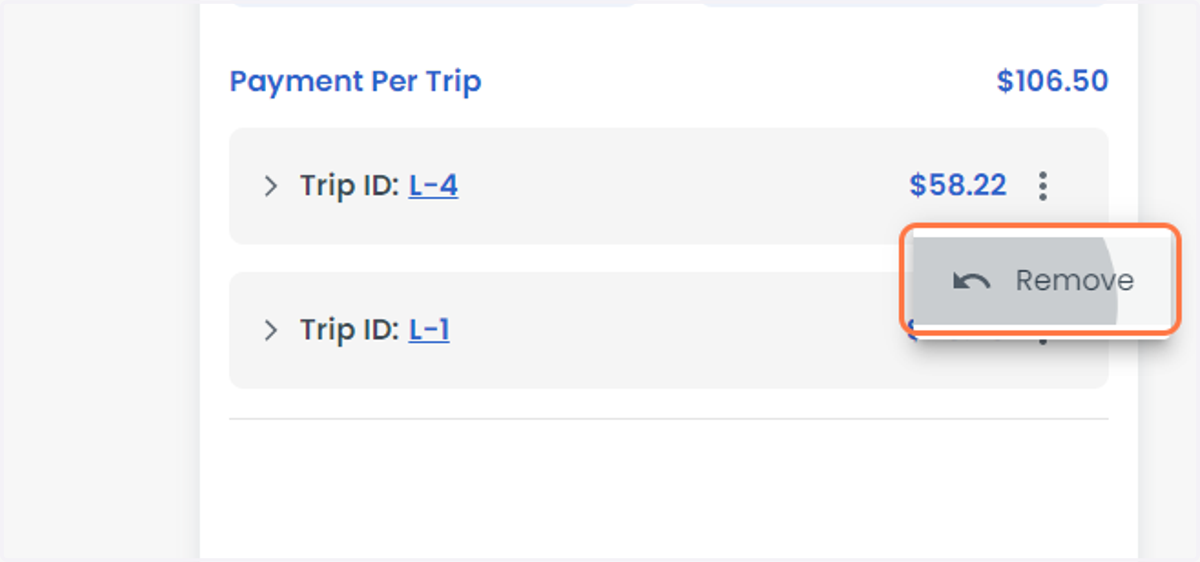
13. If you would like to remove the trip you can click on the three vertical dotted line to get the option Remove
14. Once done and paid for the dispatcher you can close settlement