Navigating the Bubble.io API Connector Setup (Brainmatric)
Go to Bubble.io
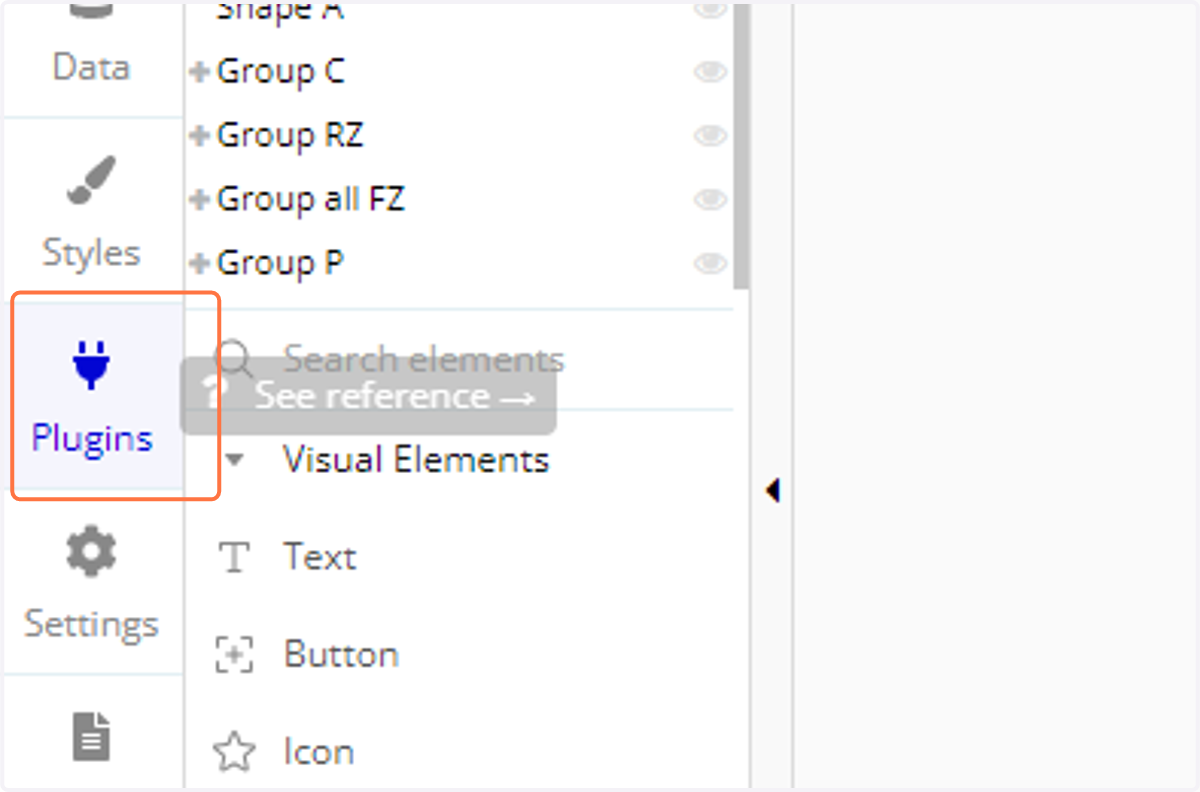
1. Click on Plugins
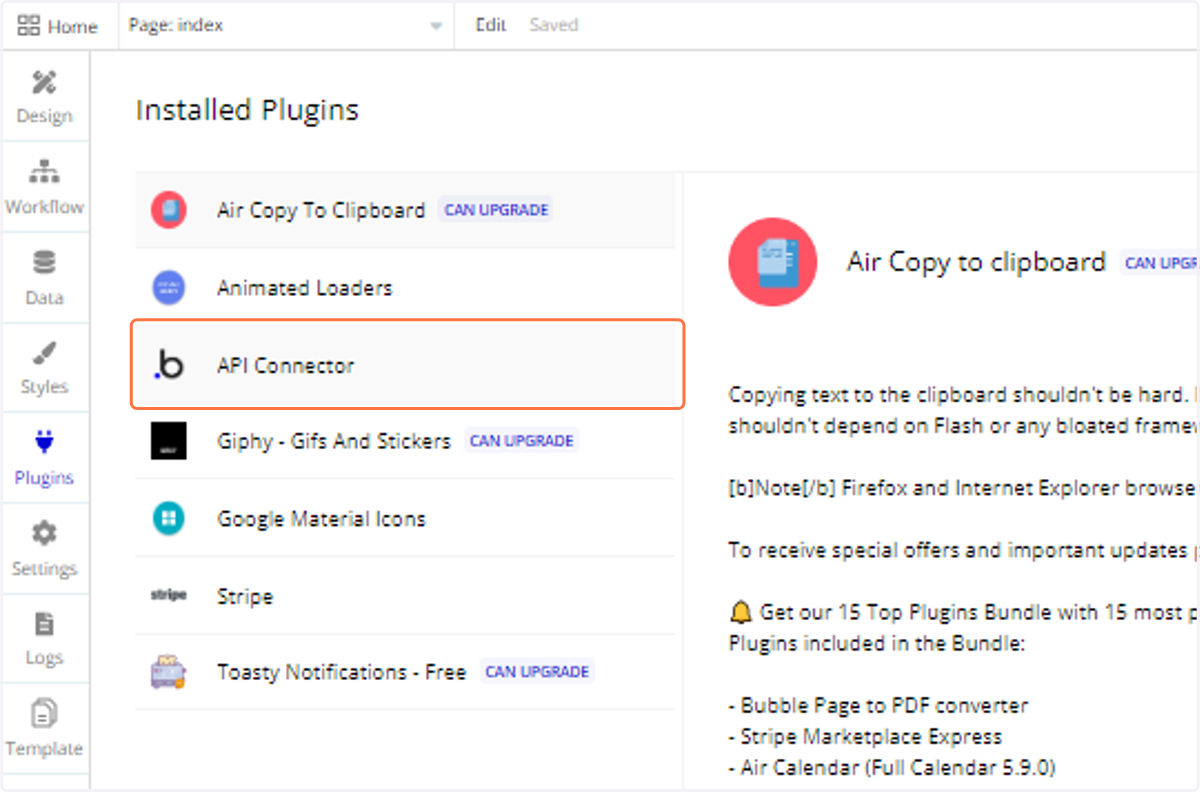
2. Click on API Connector
3. Click on expand to expand OpenAI API
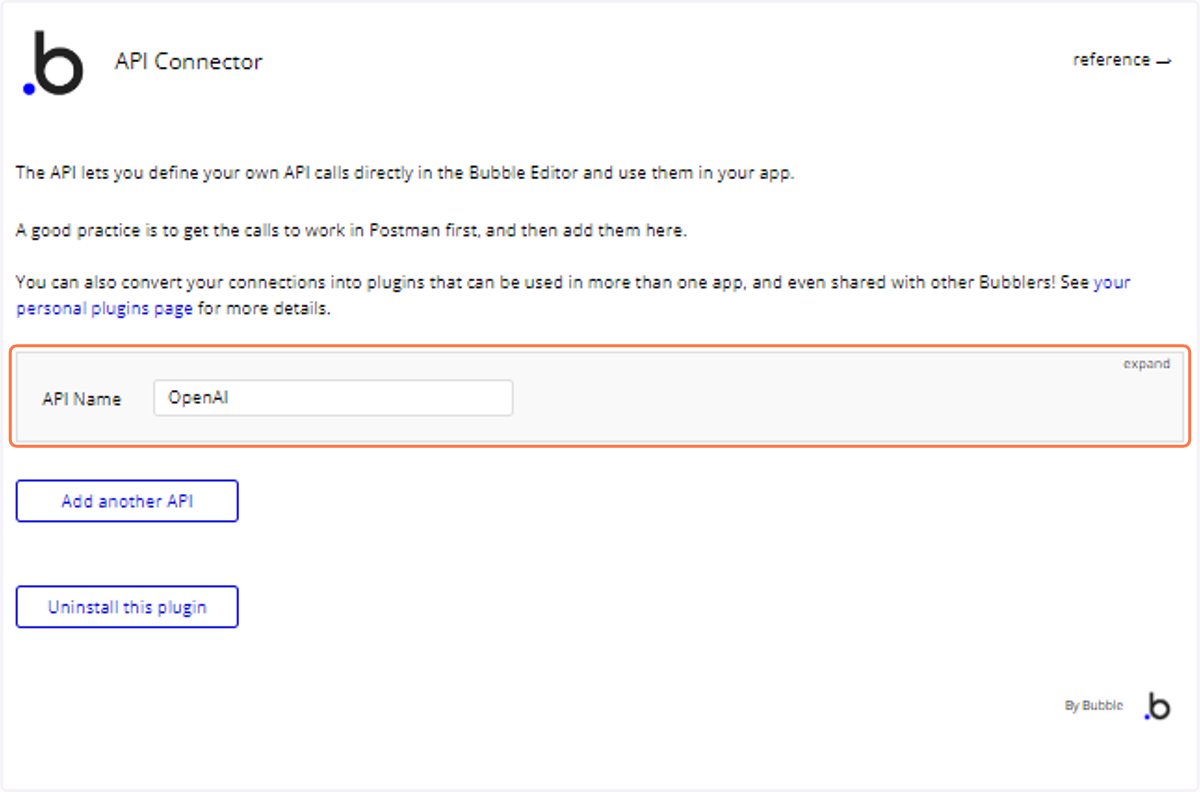
4. Now look for expand for expanding "API A" under OpenAI API
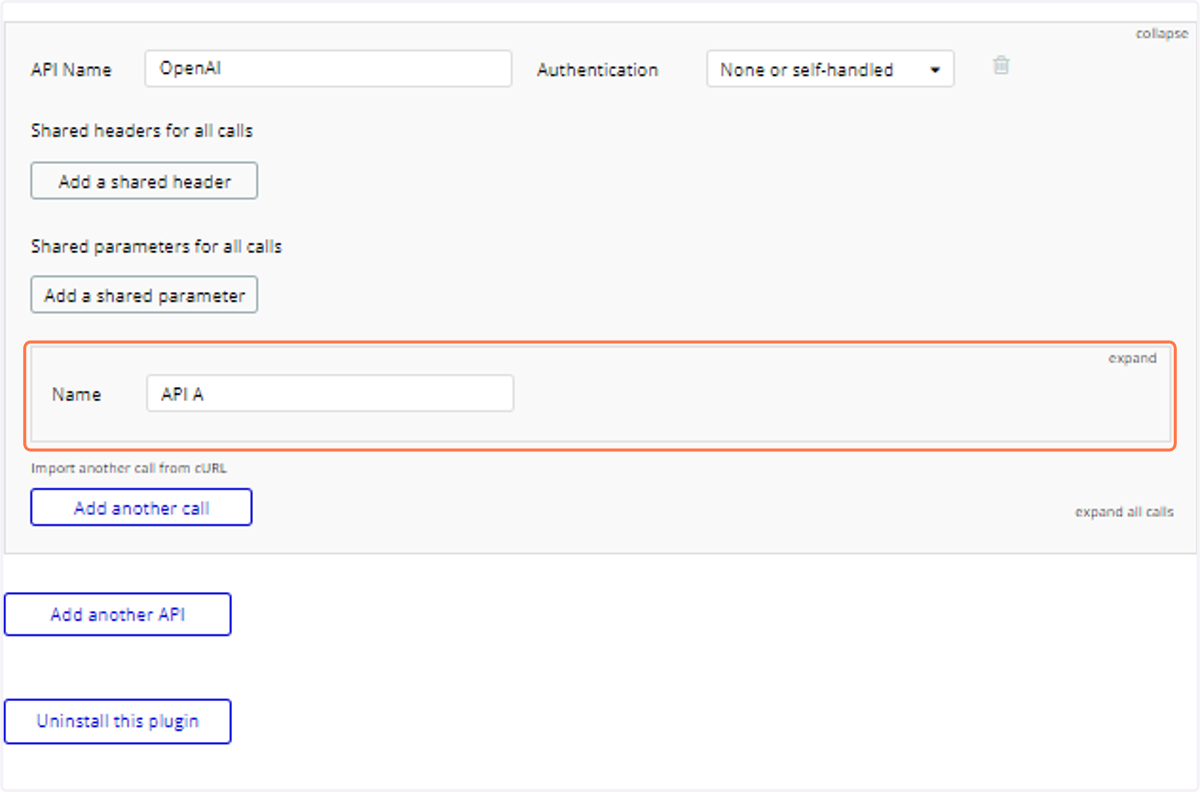
5. Click on expand

6. Add the missing content in both Content-Type and Authorization. The format is given below.
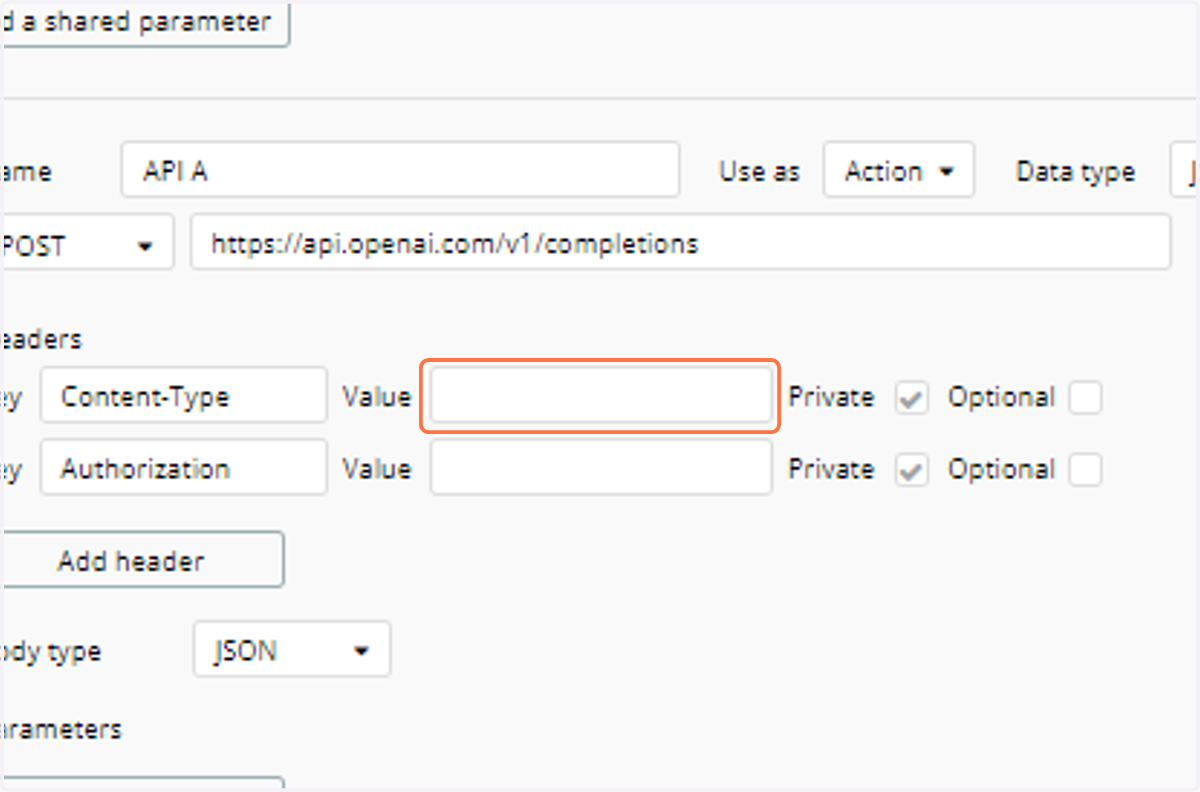
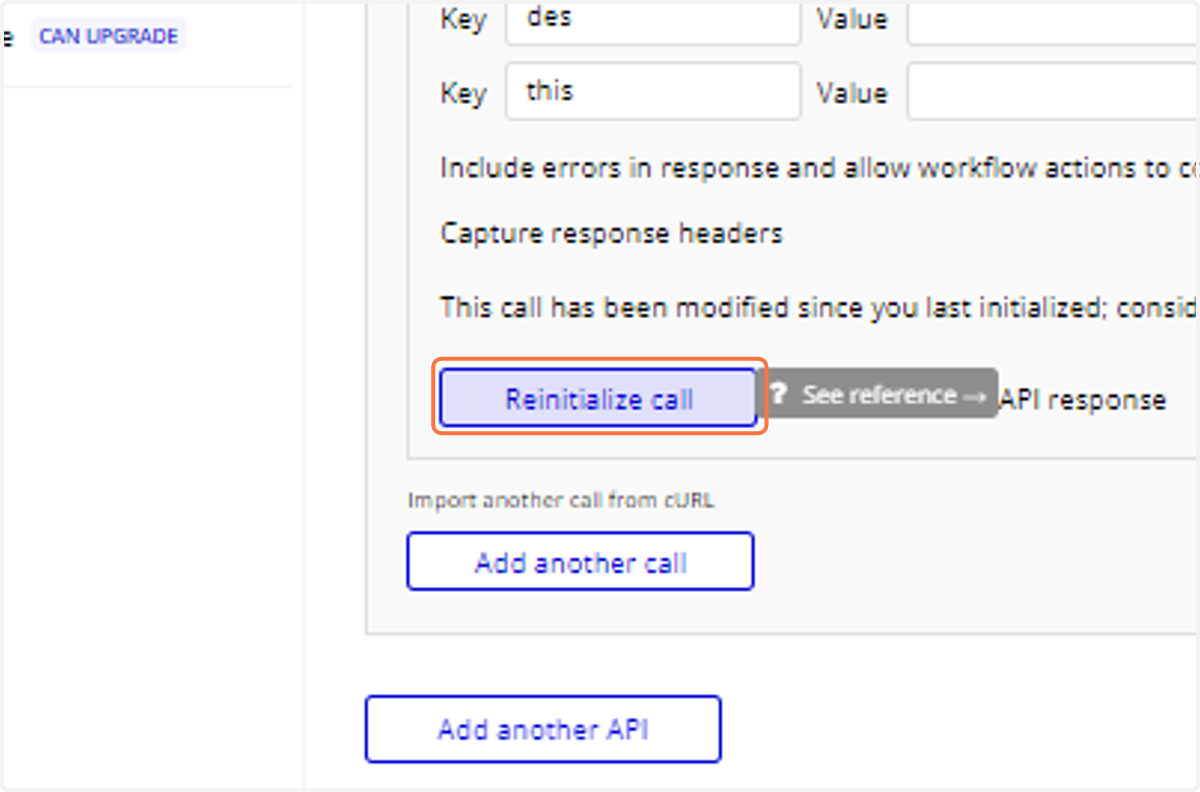
7. Click on Reinitialize call