Instructions on How to Pay a City of Portsmouth Parking Citation online.
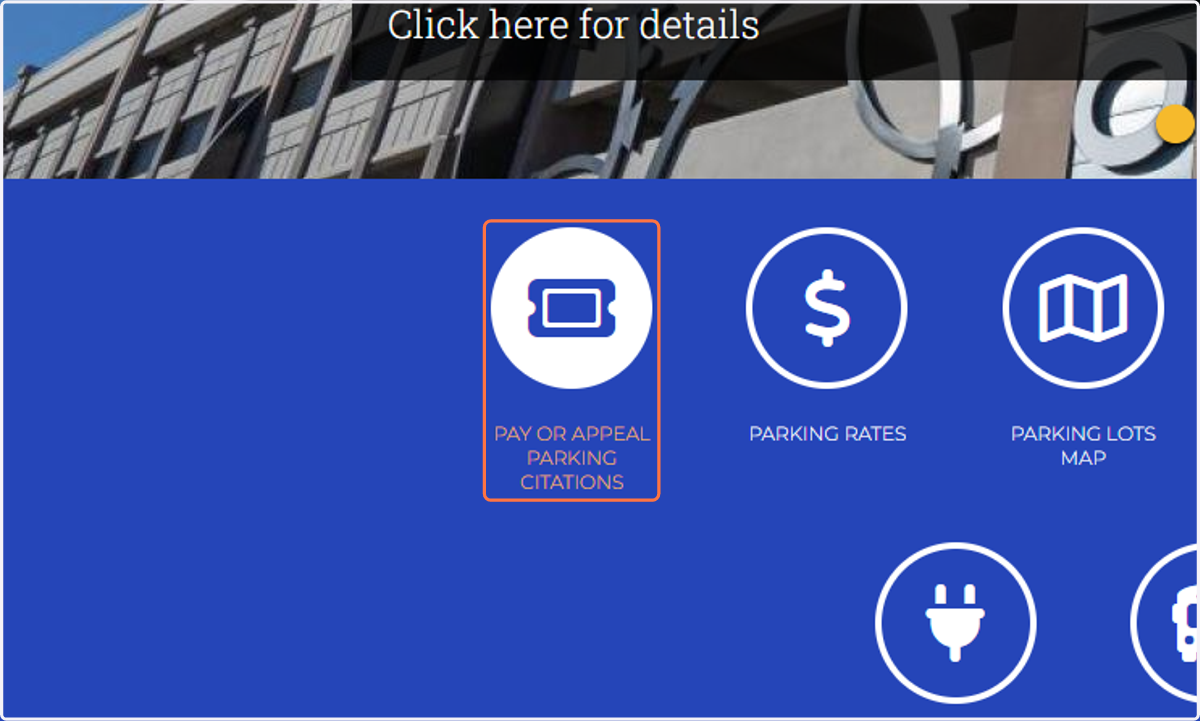
1. Click on PAY OR APPEAL PARKING CITATIONS
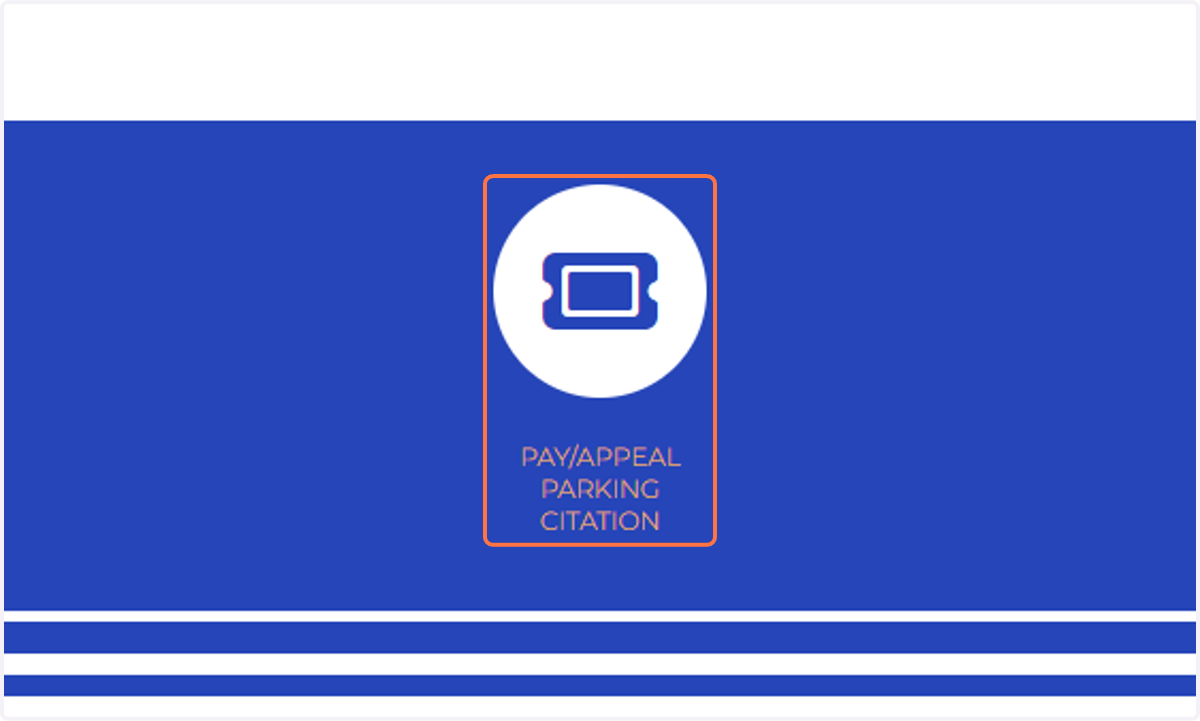
2. Click on PAY/APPEAL PARKING CITATION
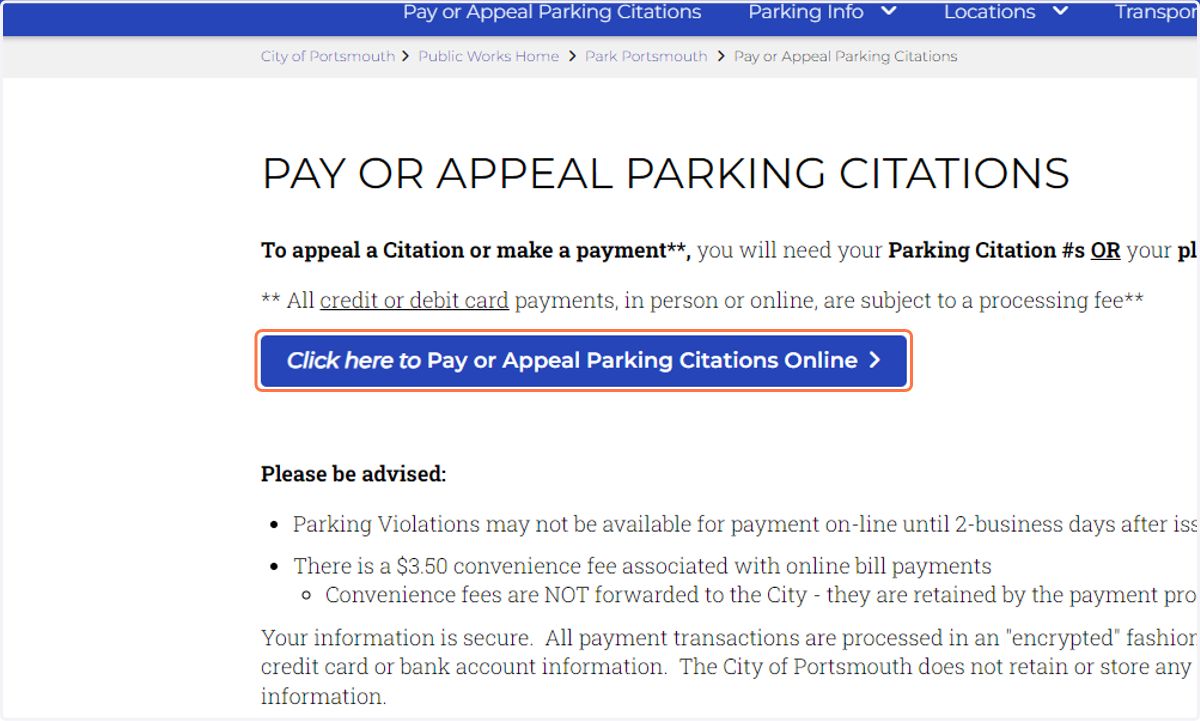
3. Click on Click here to Pay or Appeal Parking Citations Online
4. Click on To pay a ticket as a guest, click here.
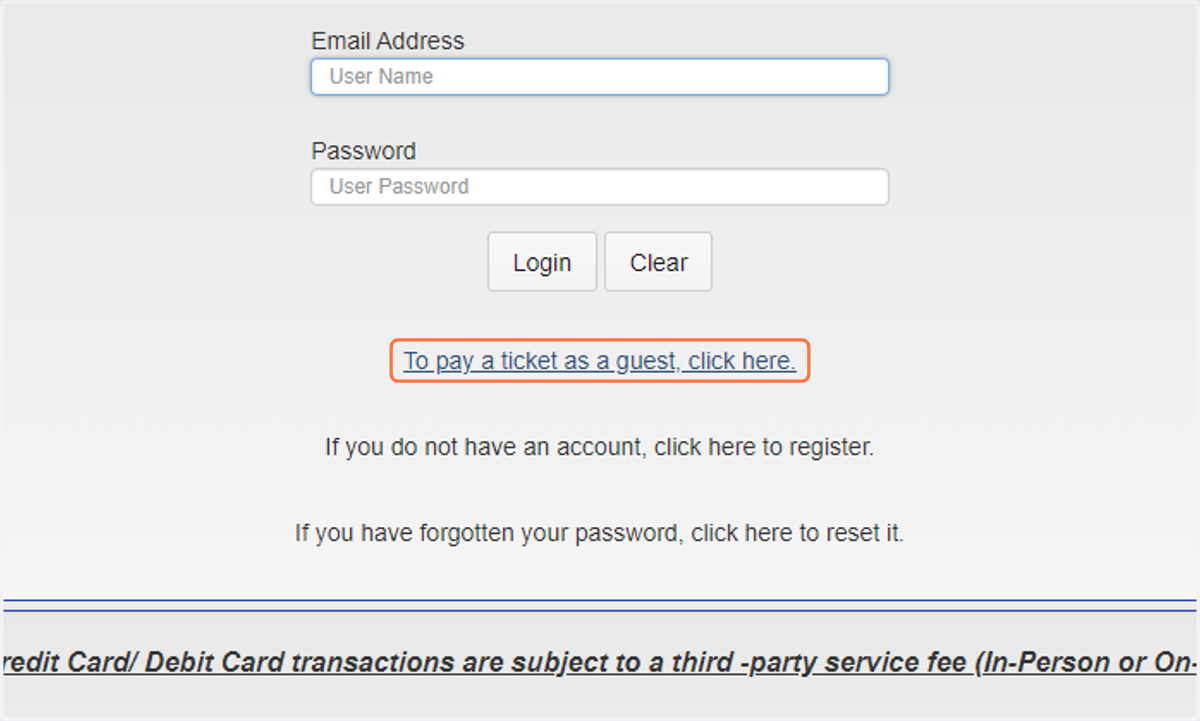
5. Enter your Citation number. If you do not have it, enter the License Plate, and select the State of issue.
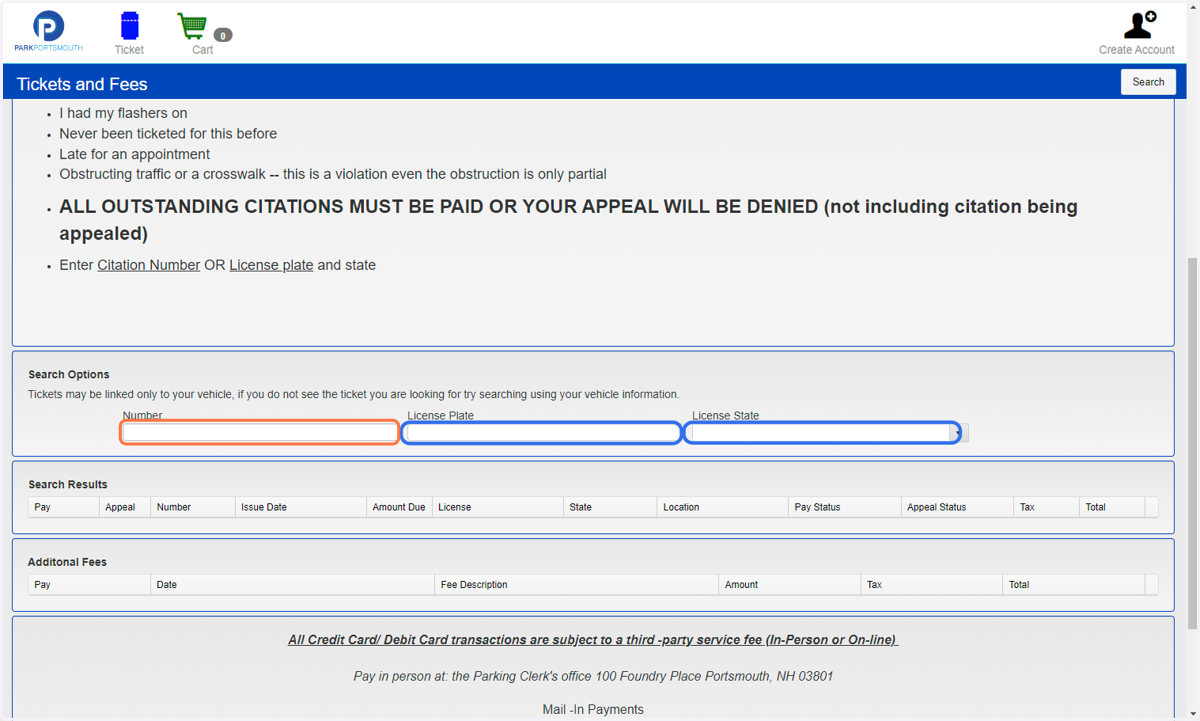
6. Click on Search
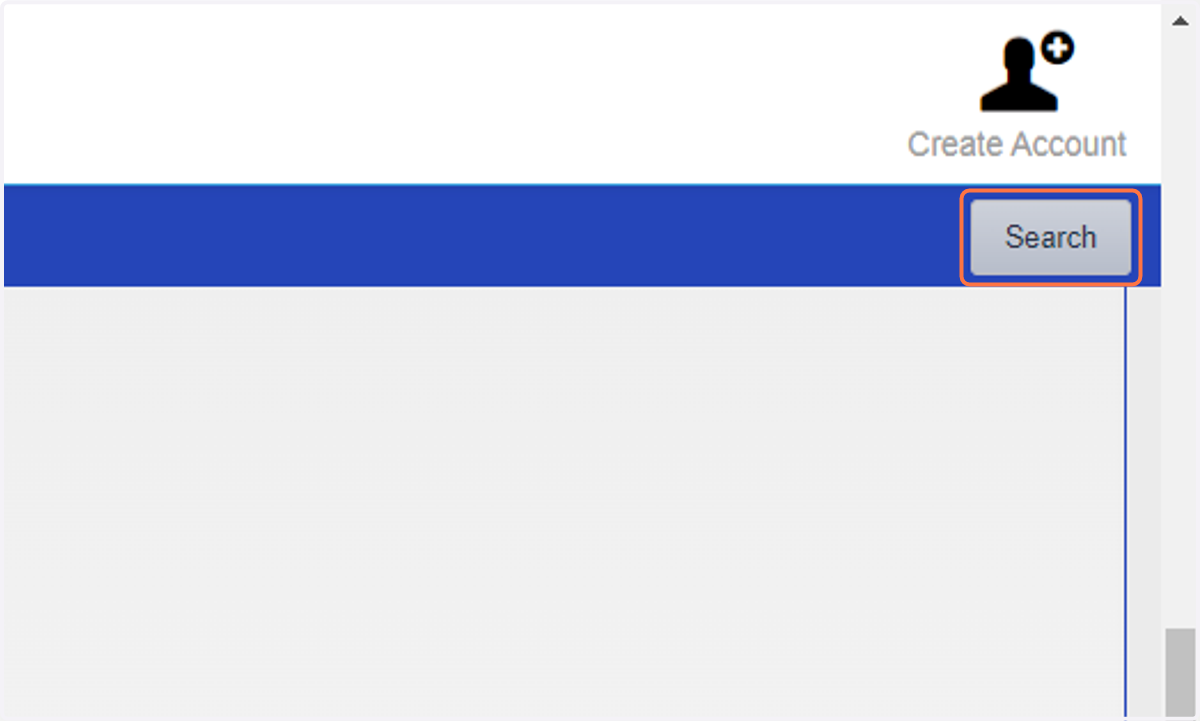
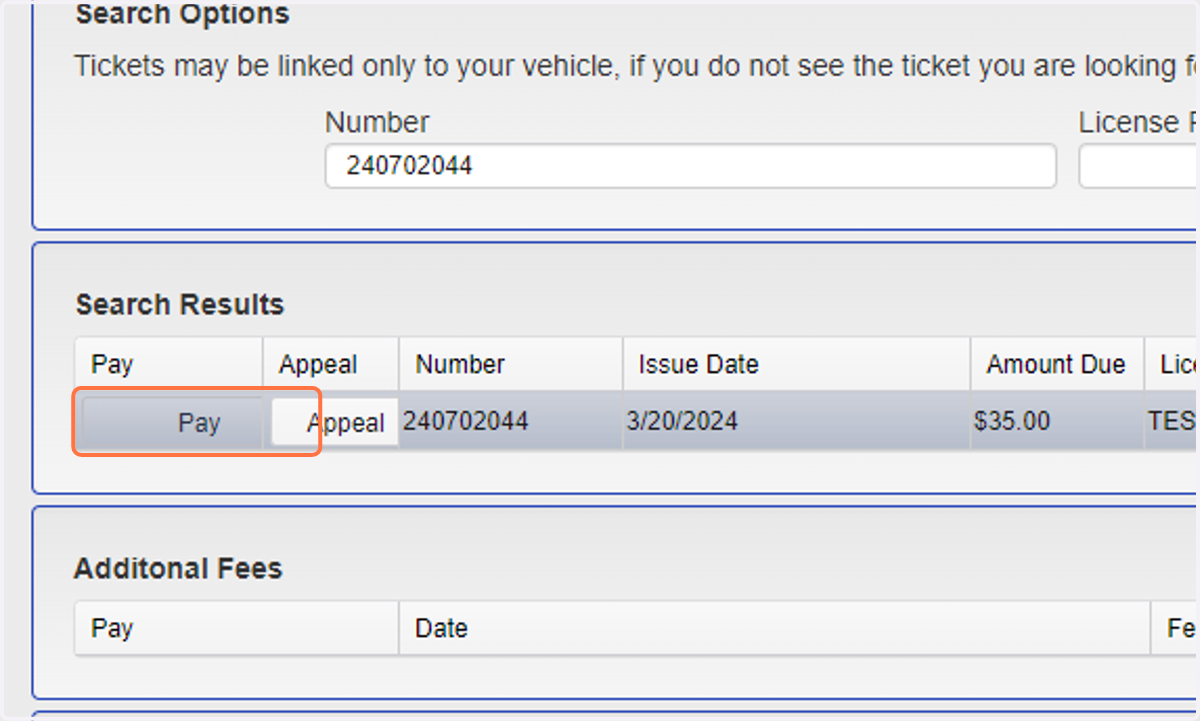
7. Click on Pay
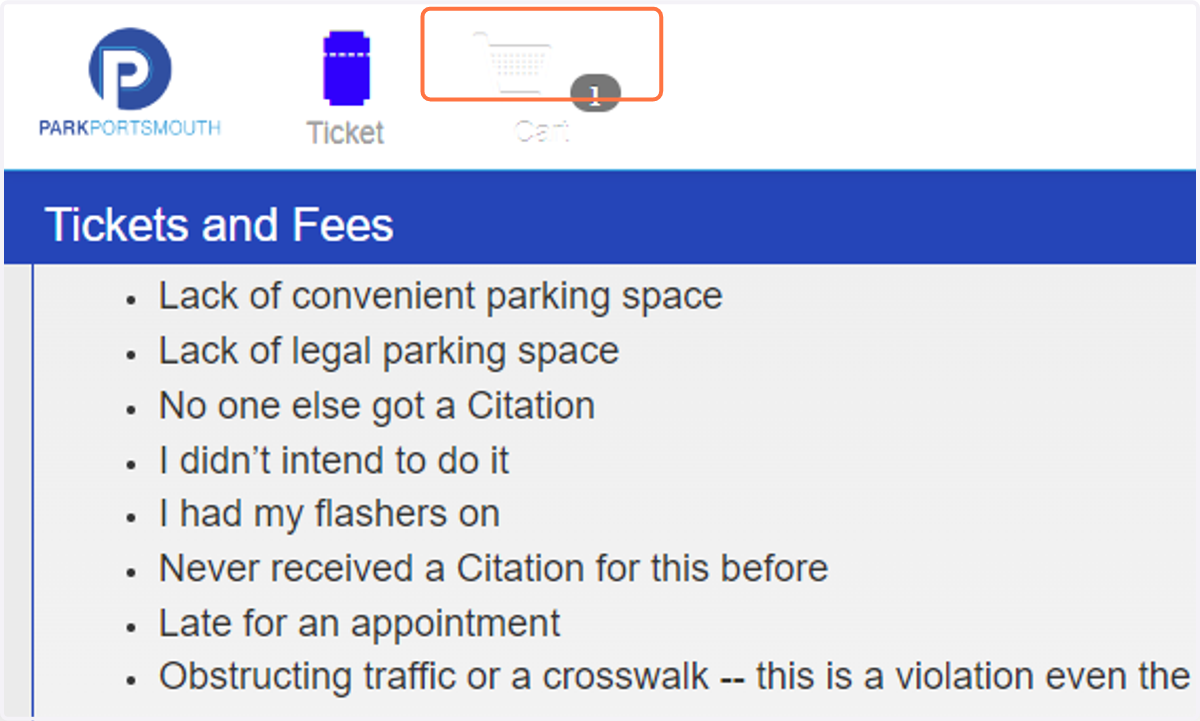
8. Click on Cart
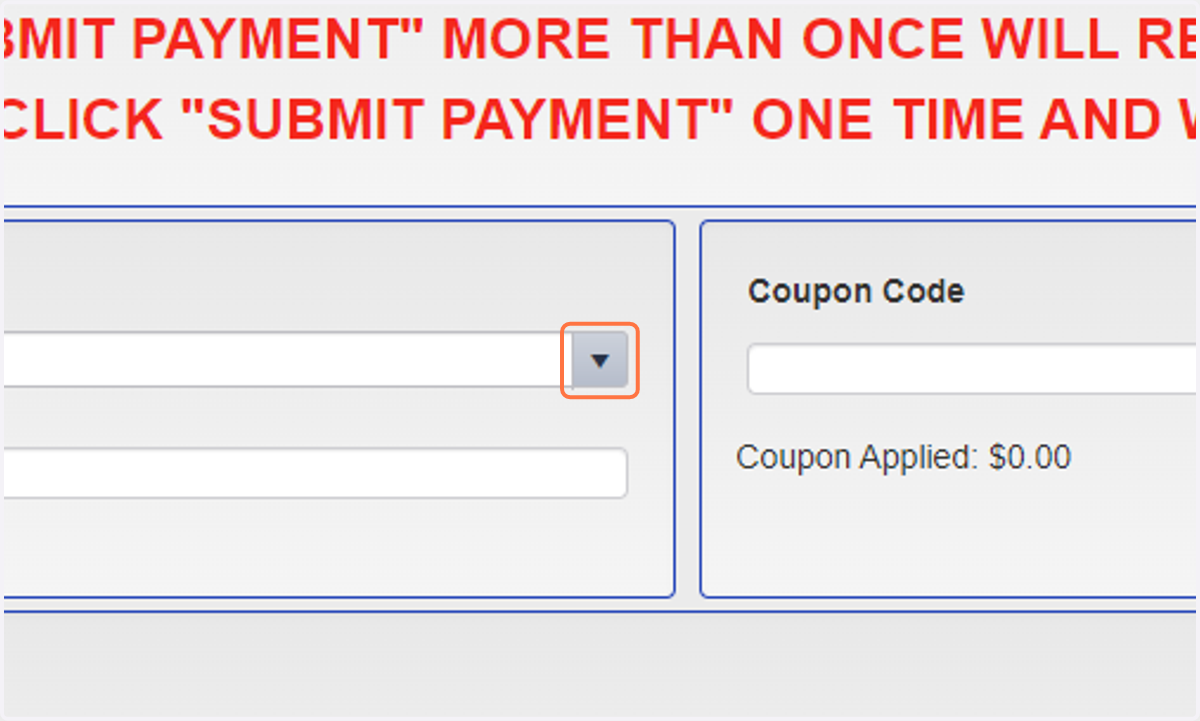
9. Click the Drop Down
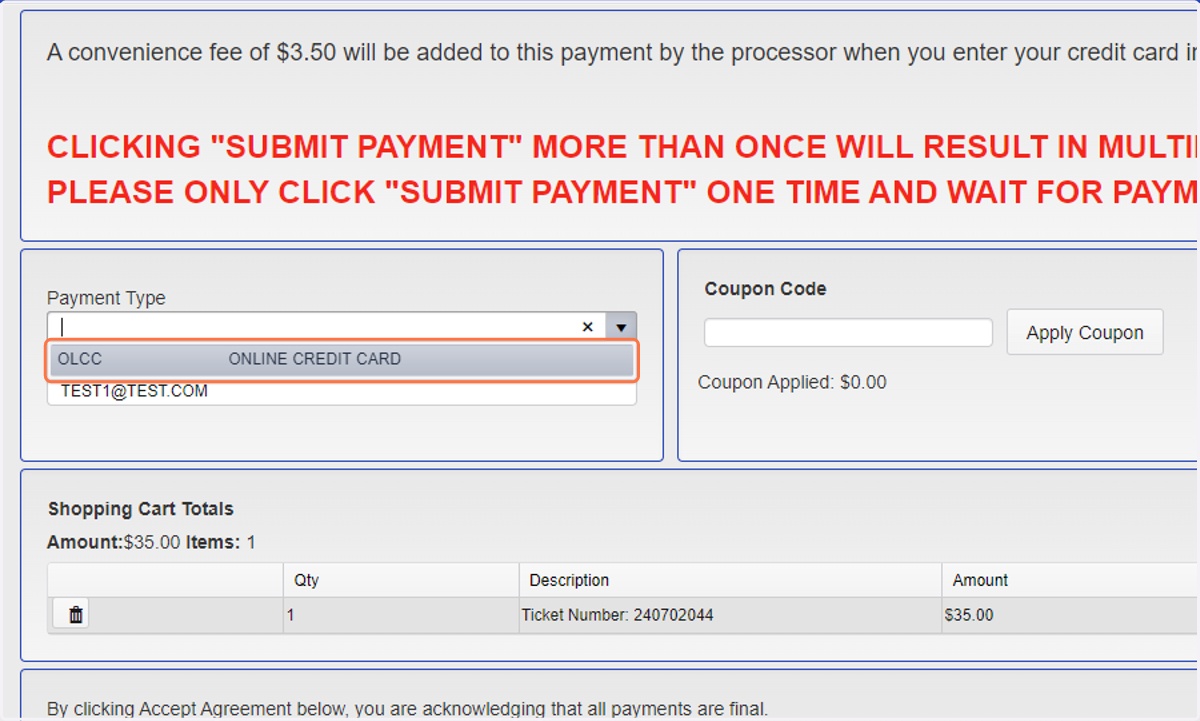
10. Click on OLCCONLINE CREDIT CARD
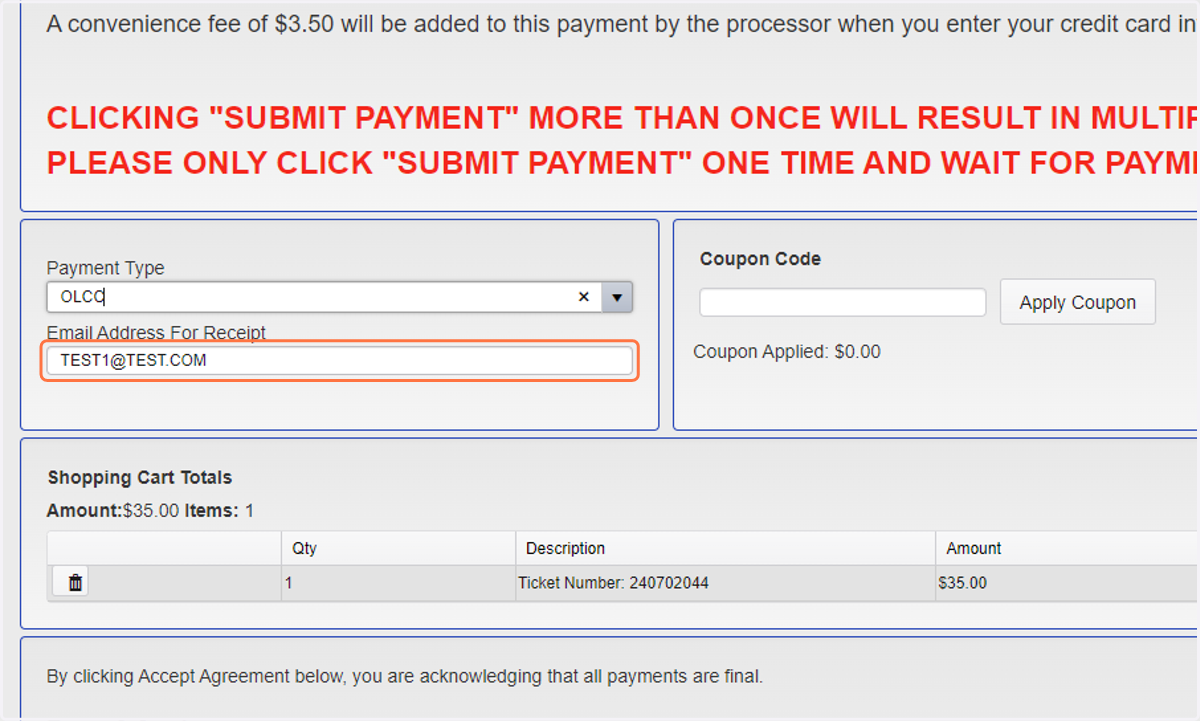
11. Enter in your email address for a receipt
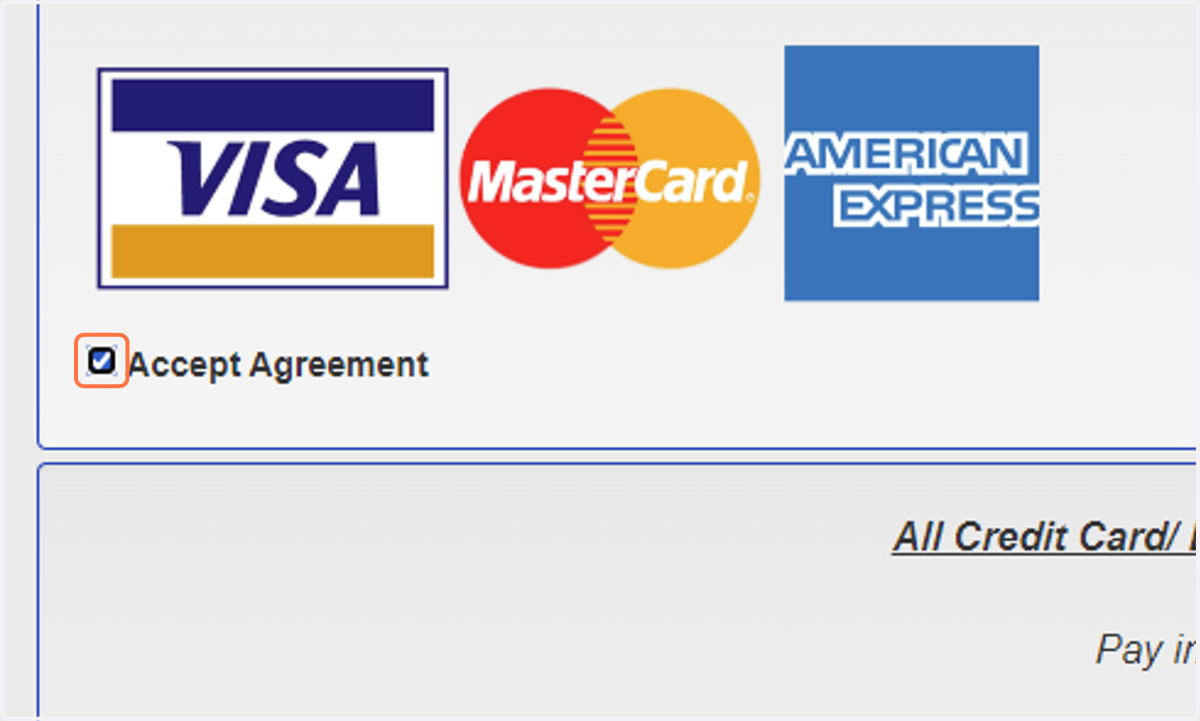
12. Check Accept Agreement
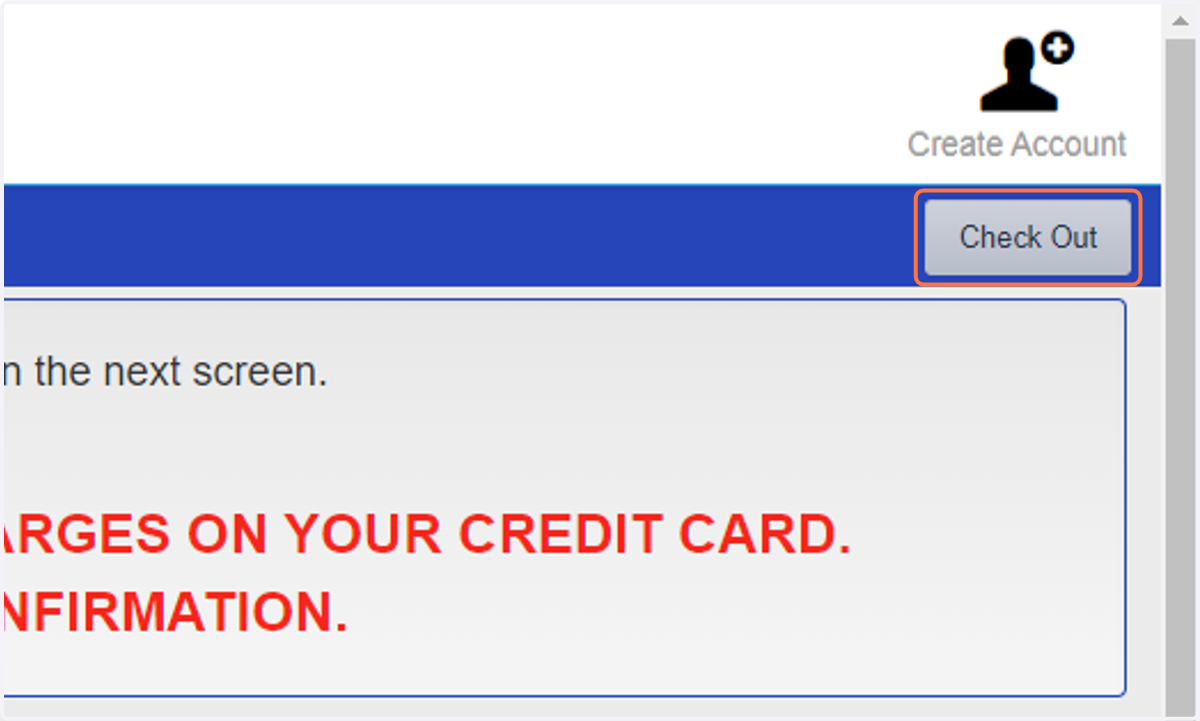
13. Click on Check Out
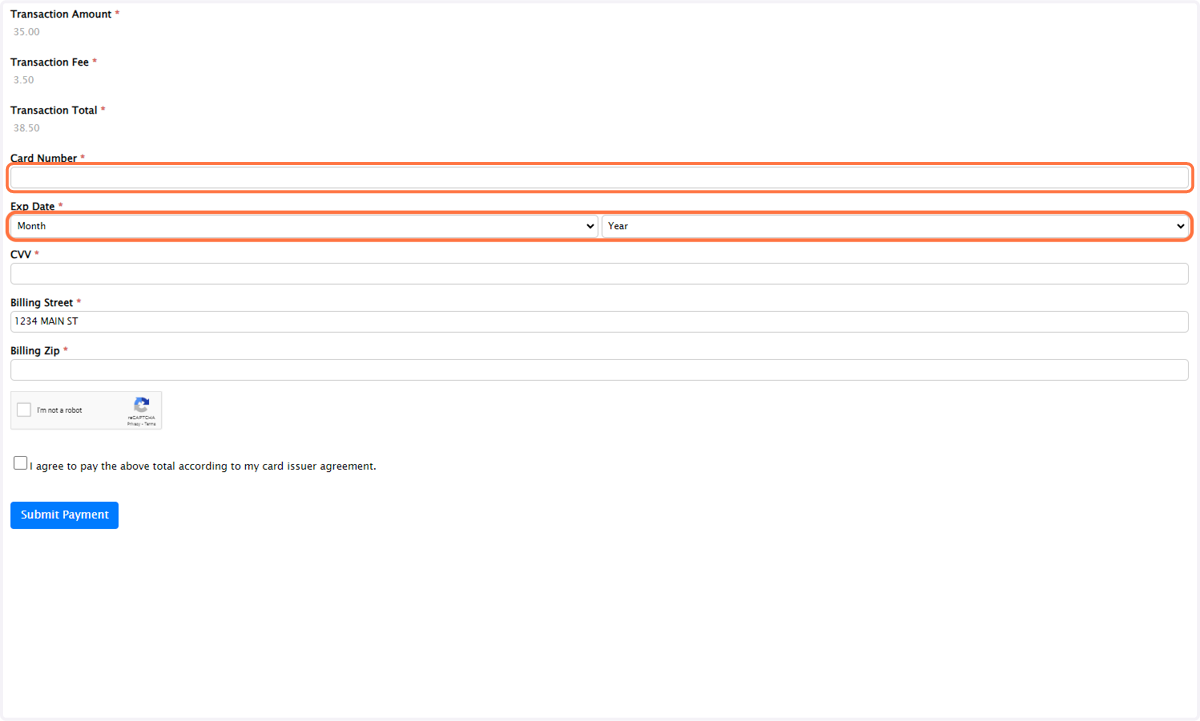
14. Enter in your Credit Card Number & Exp Date, Year
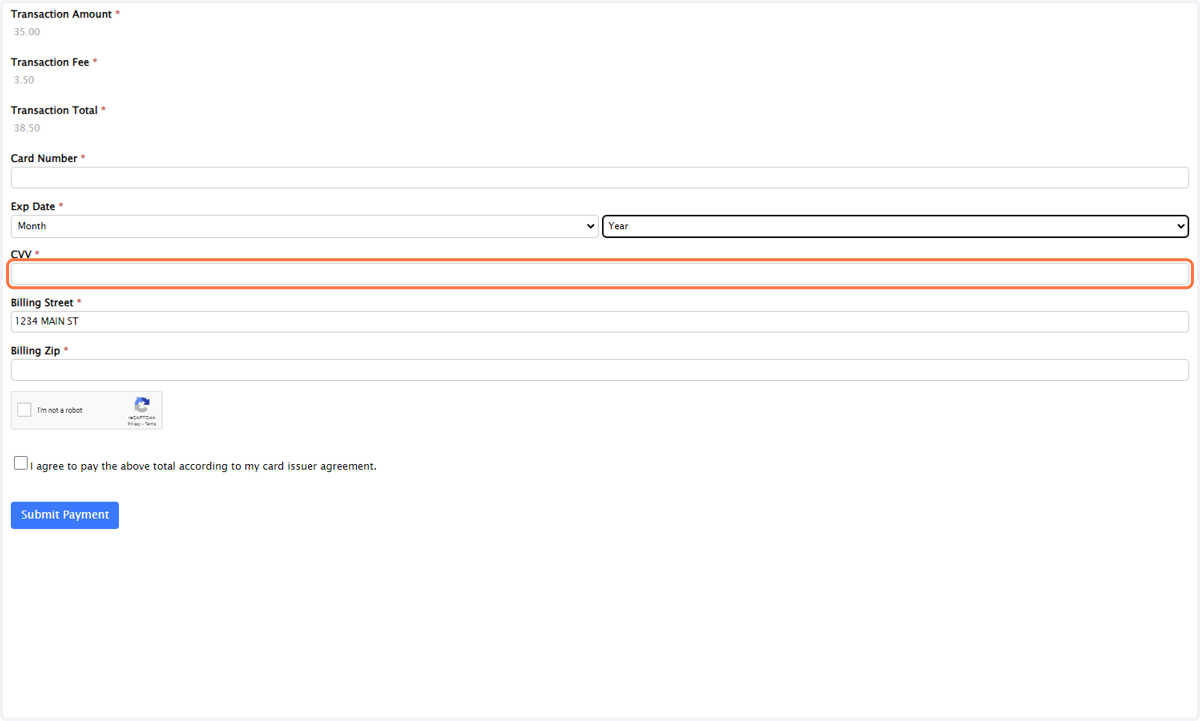
15. Click on CVV
16. Enter in Billing Street
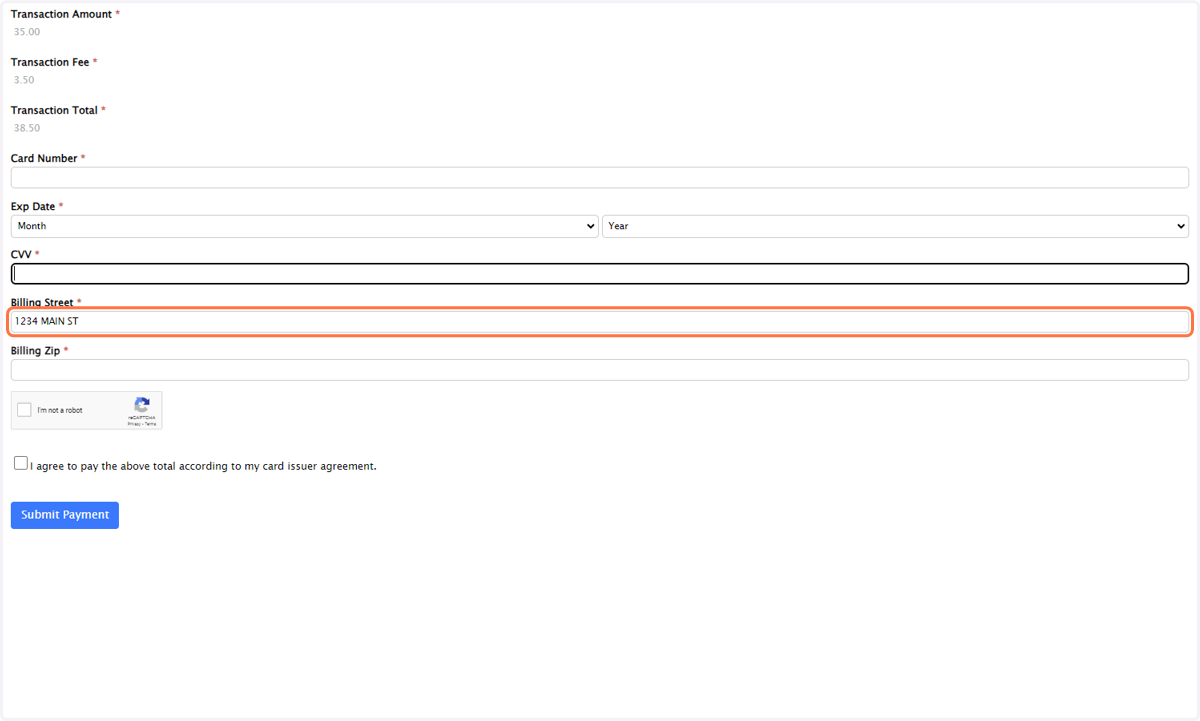
17. Enter in Billing Zip
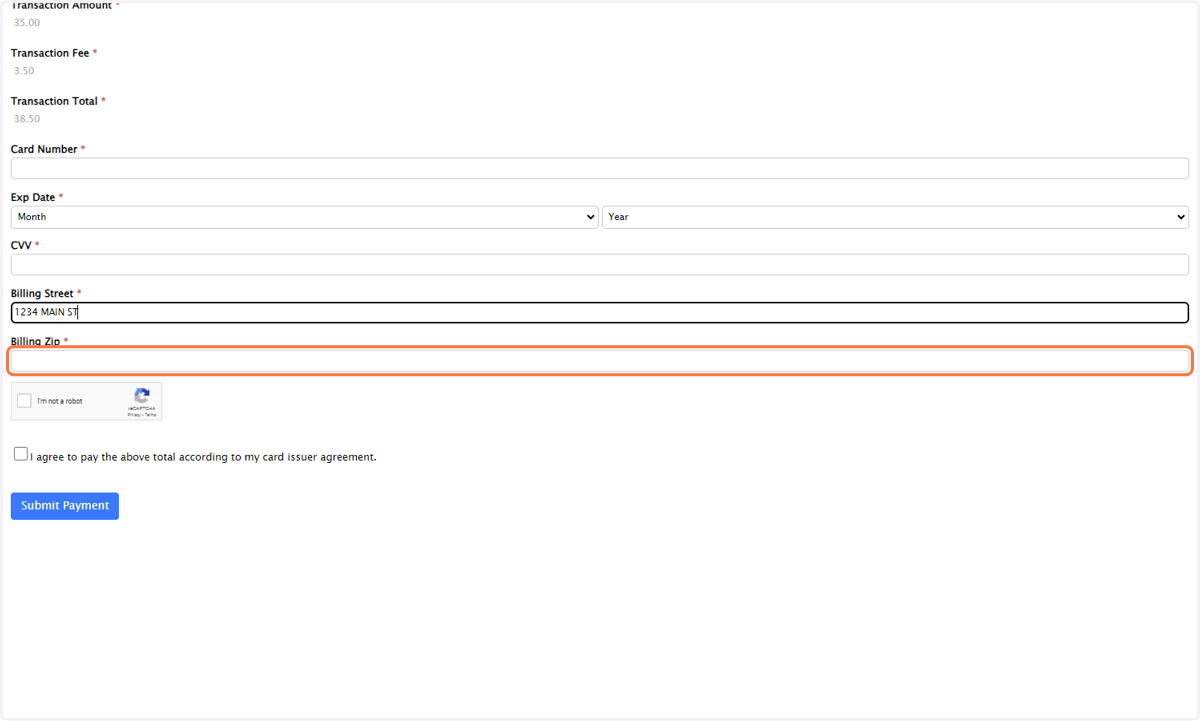
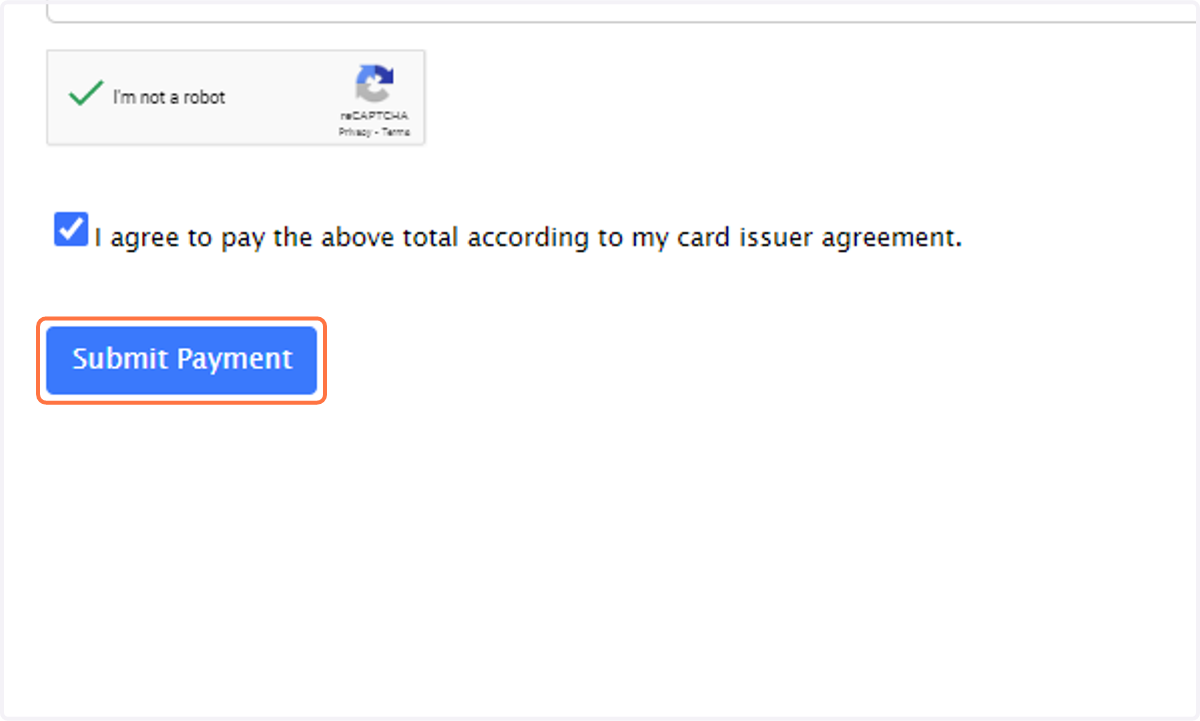
18. Click on I'm not a robot
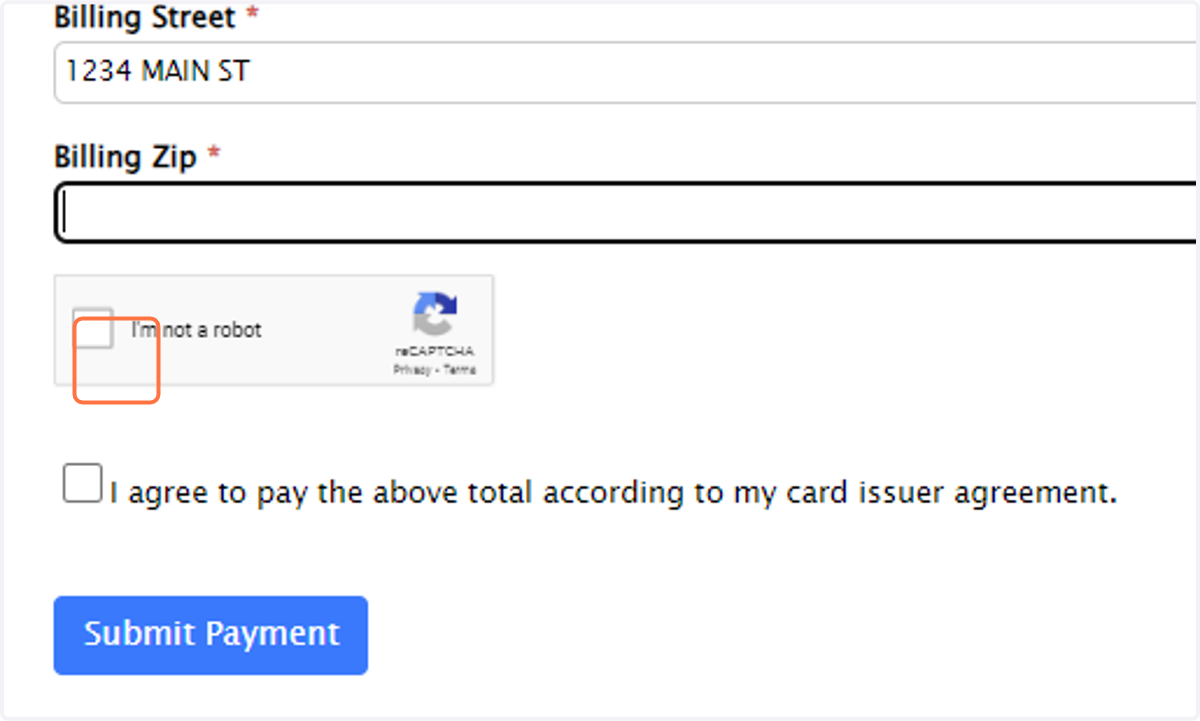
19. Check terms_agree
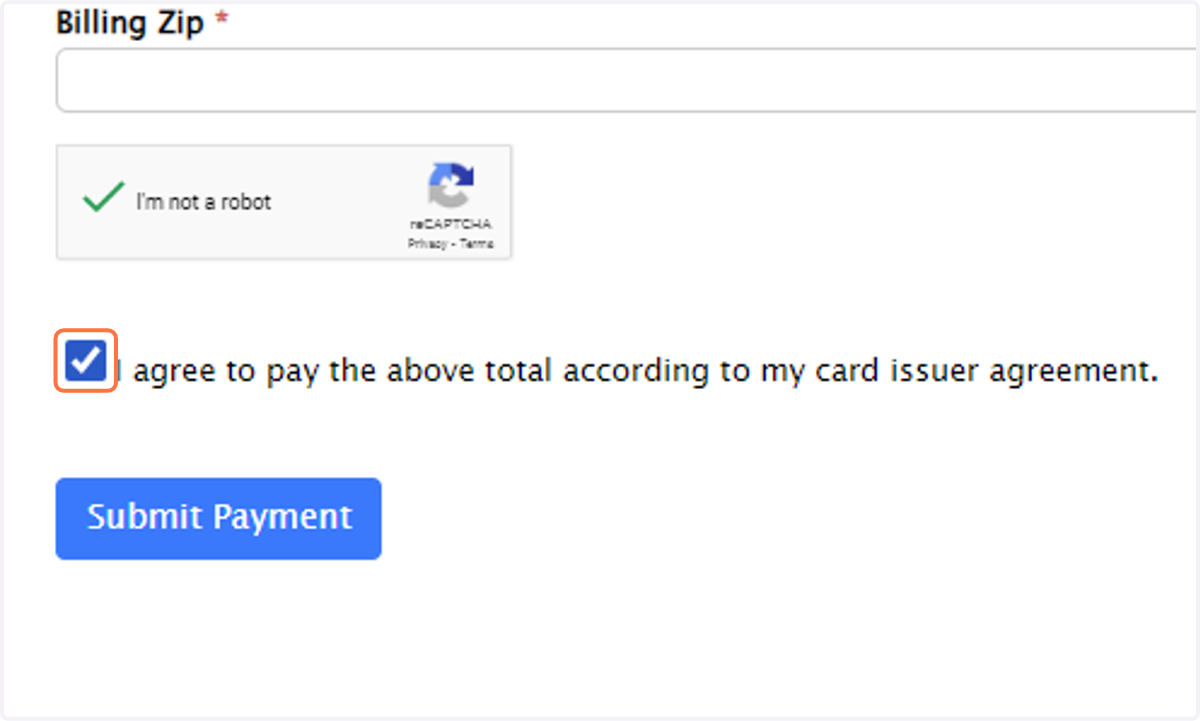
20. Click on Submit Payment ** Click Submit Payment ONE (1) time.