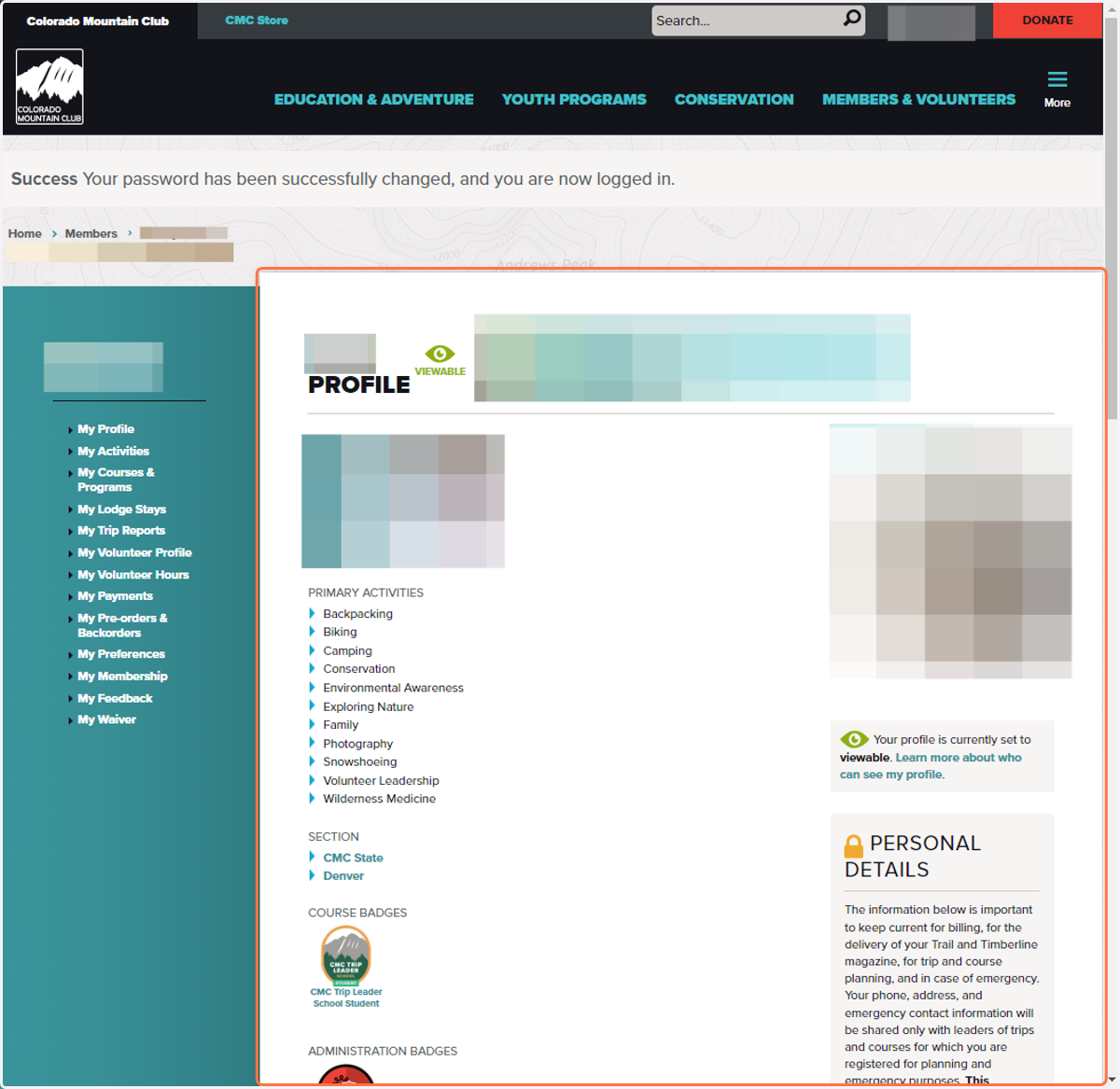
Account Recovery and Password Reset Process
Colorado Mountain Club - Explore, Learn, Conserve - Get Outside
Go to https://www.cmc.org/
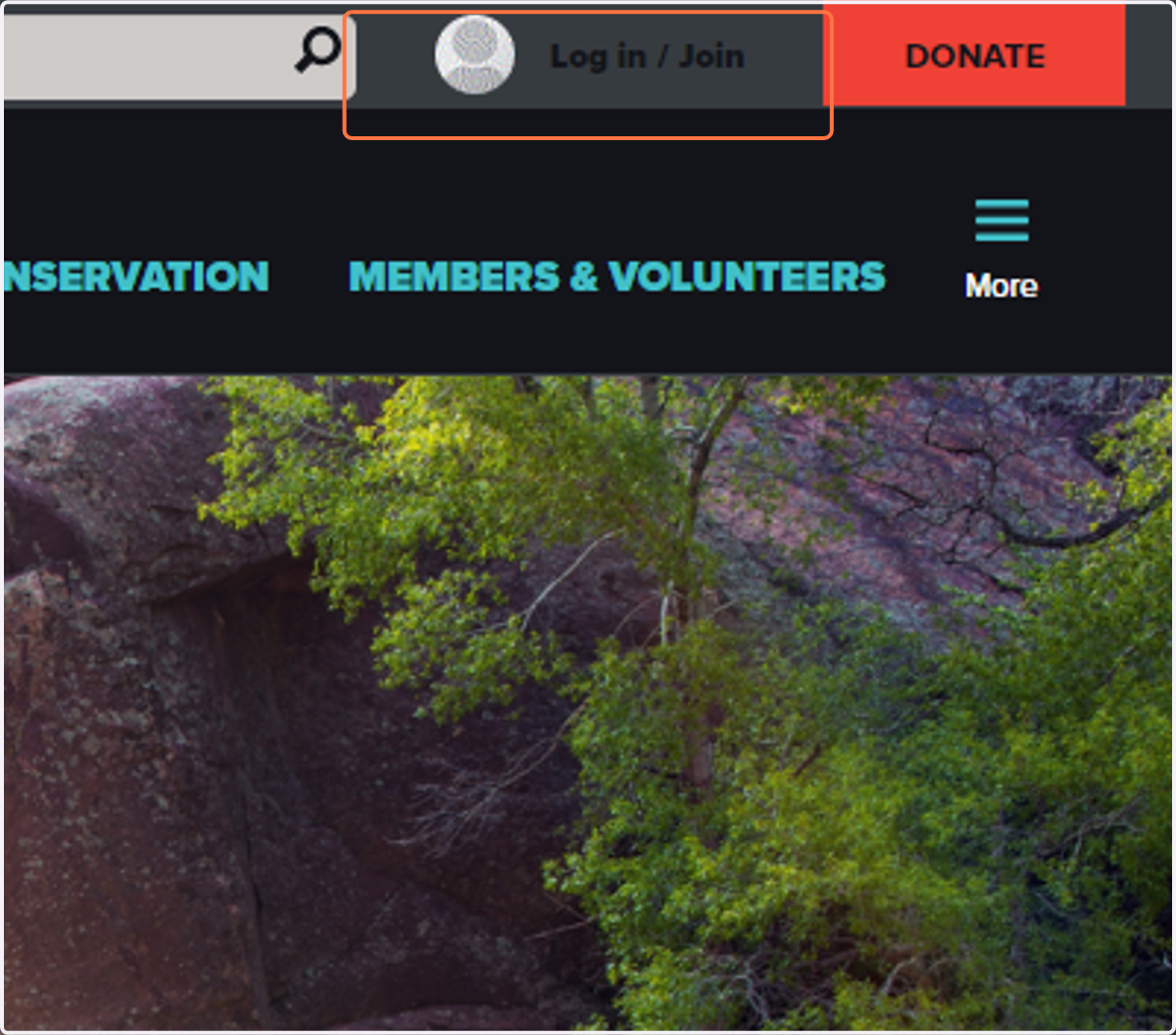
1. Click on Log in / Join
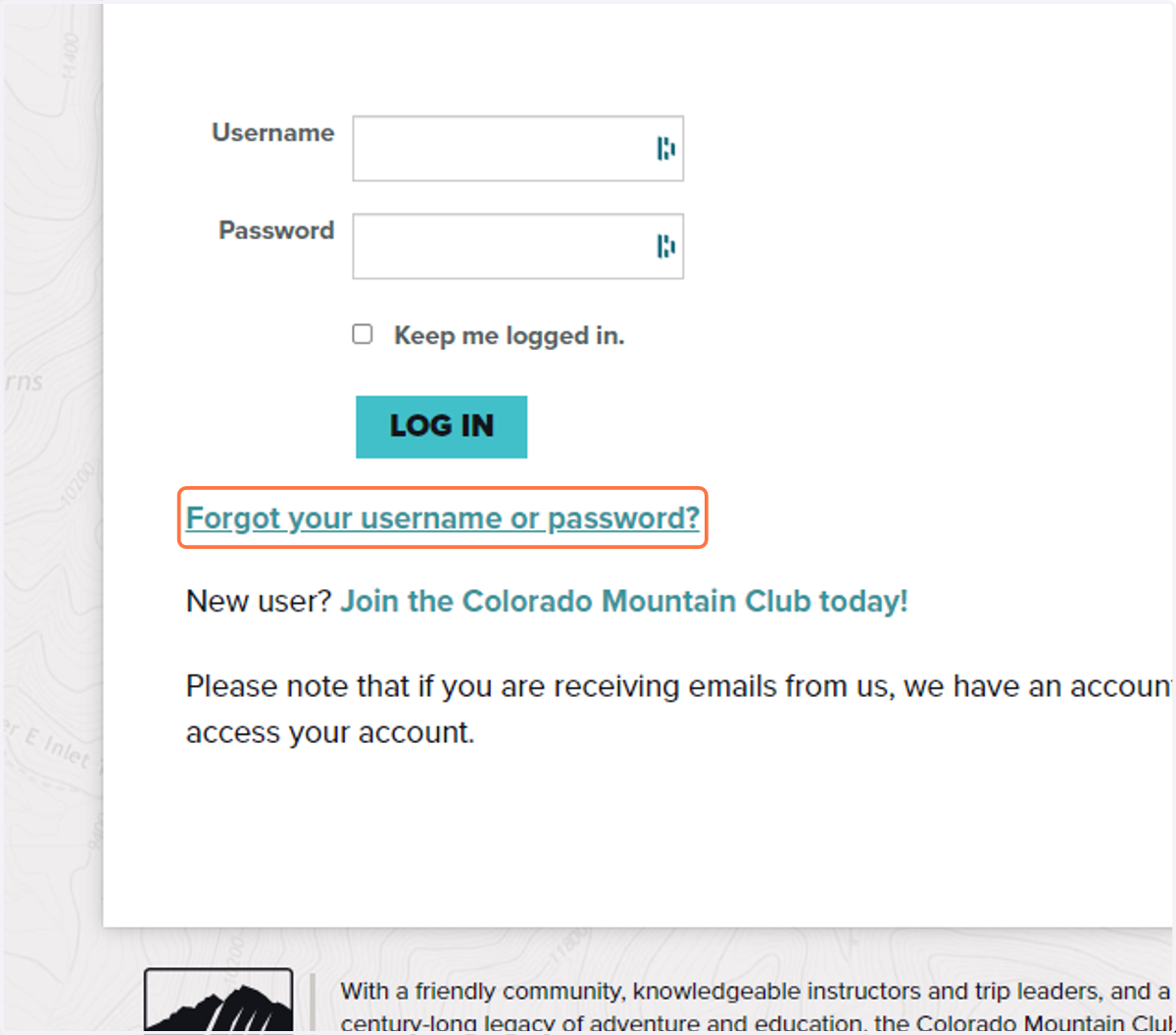
2. Click on Forgot your username or password
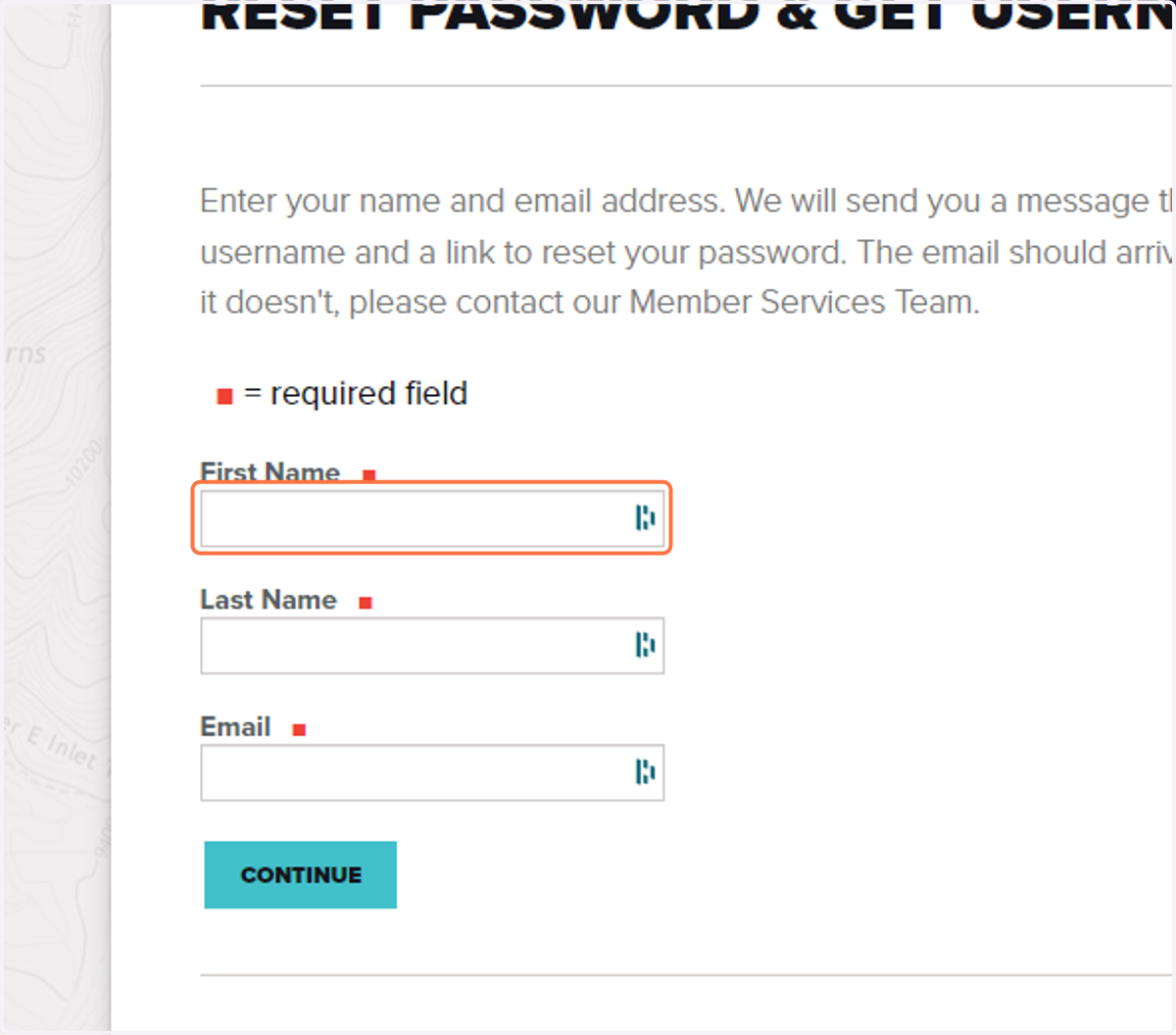
3. Click on First Name
Be sure to type it as it appears in your account, this is case sensitive.
4. Click on Last Name
Be sure to type it as it appears in your account, this is case sensitive.
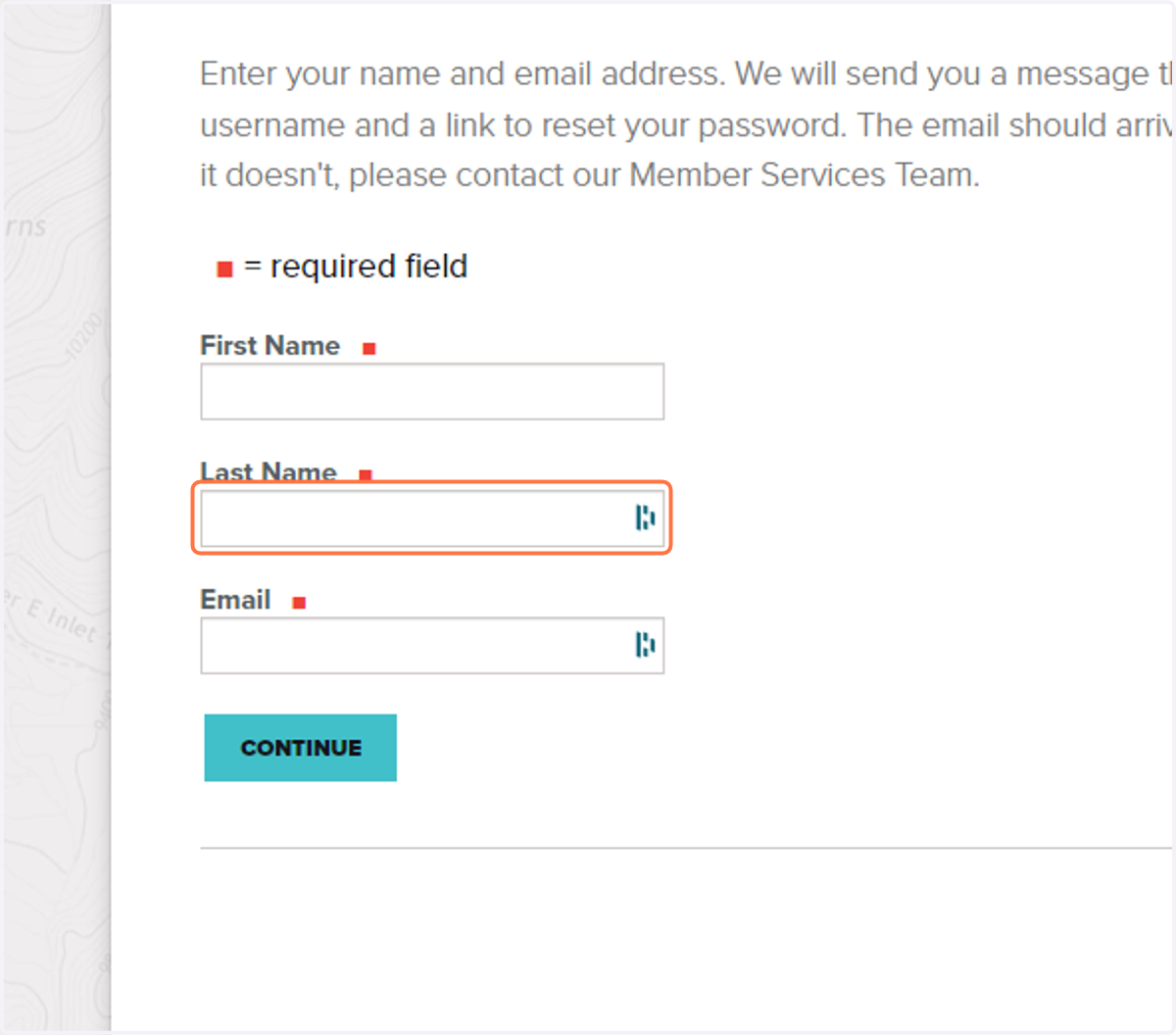
5. Click on Email
Use the email that is associated with your CMC account.
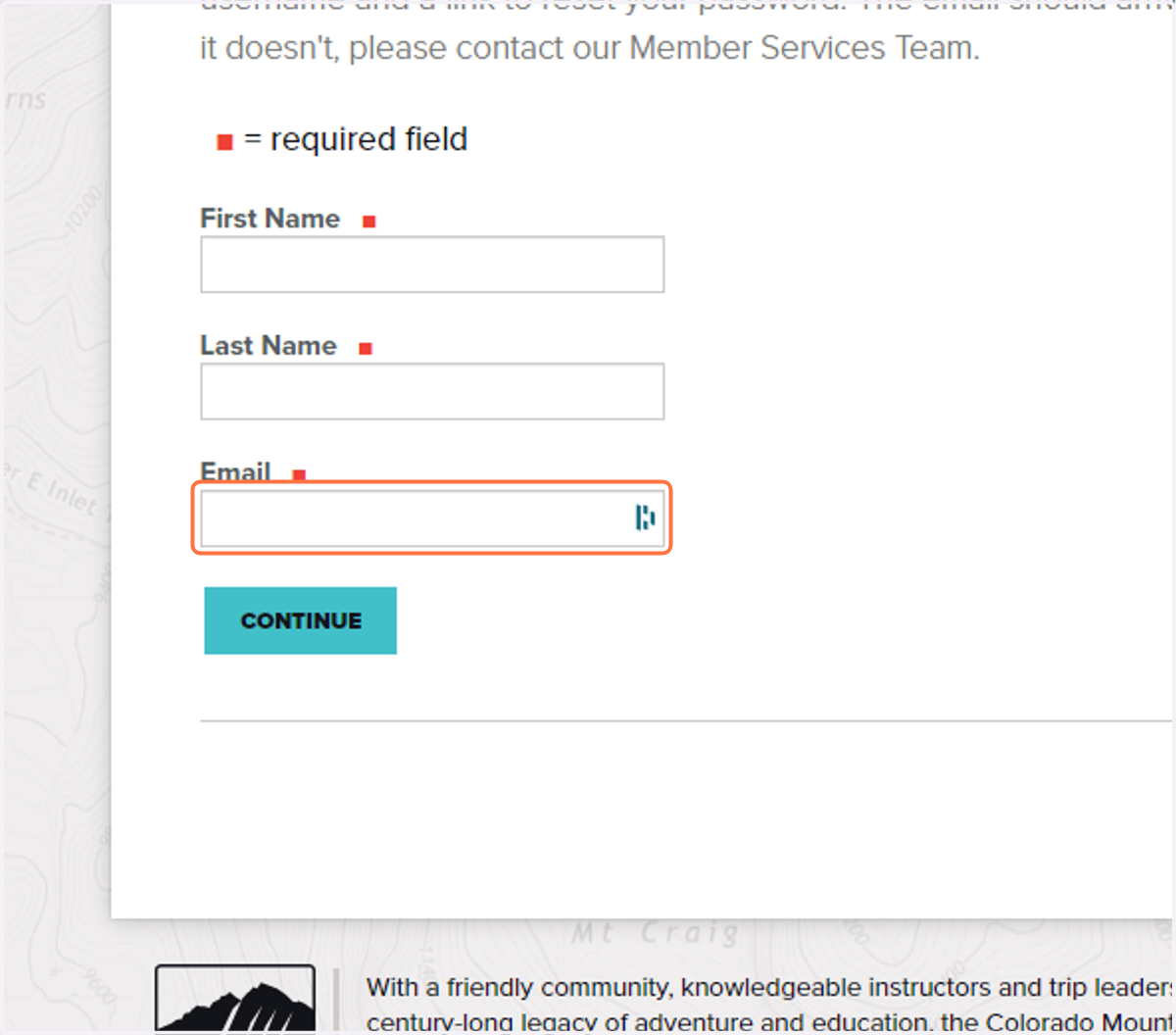
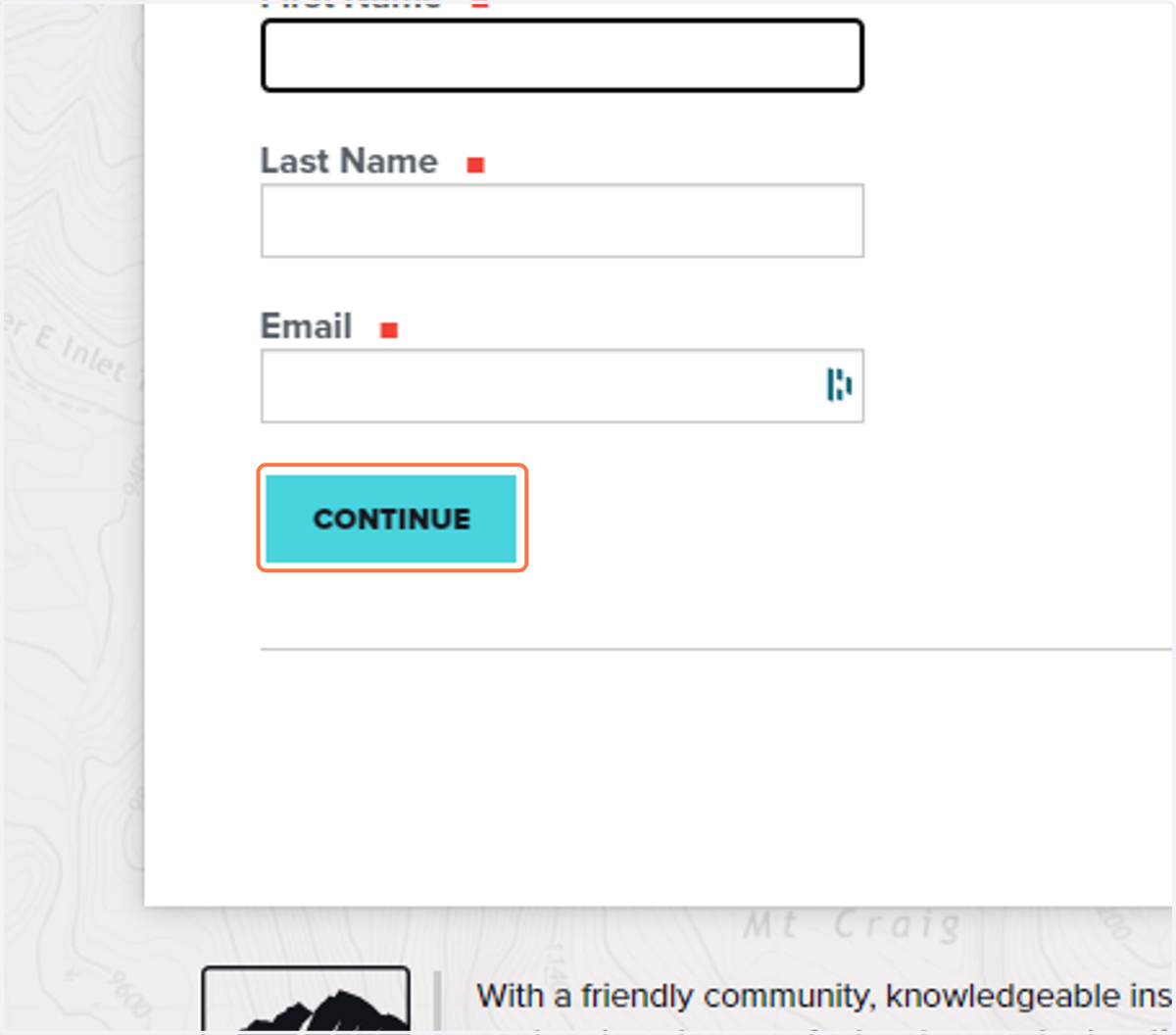
6. Click on Continue to submit
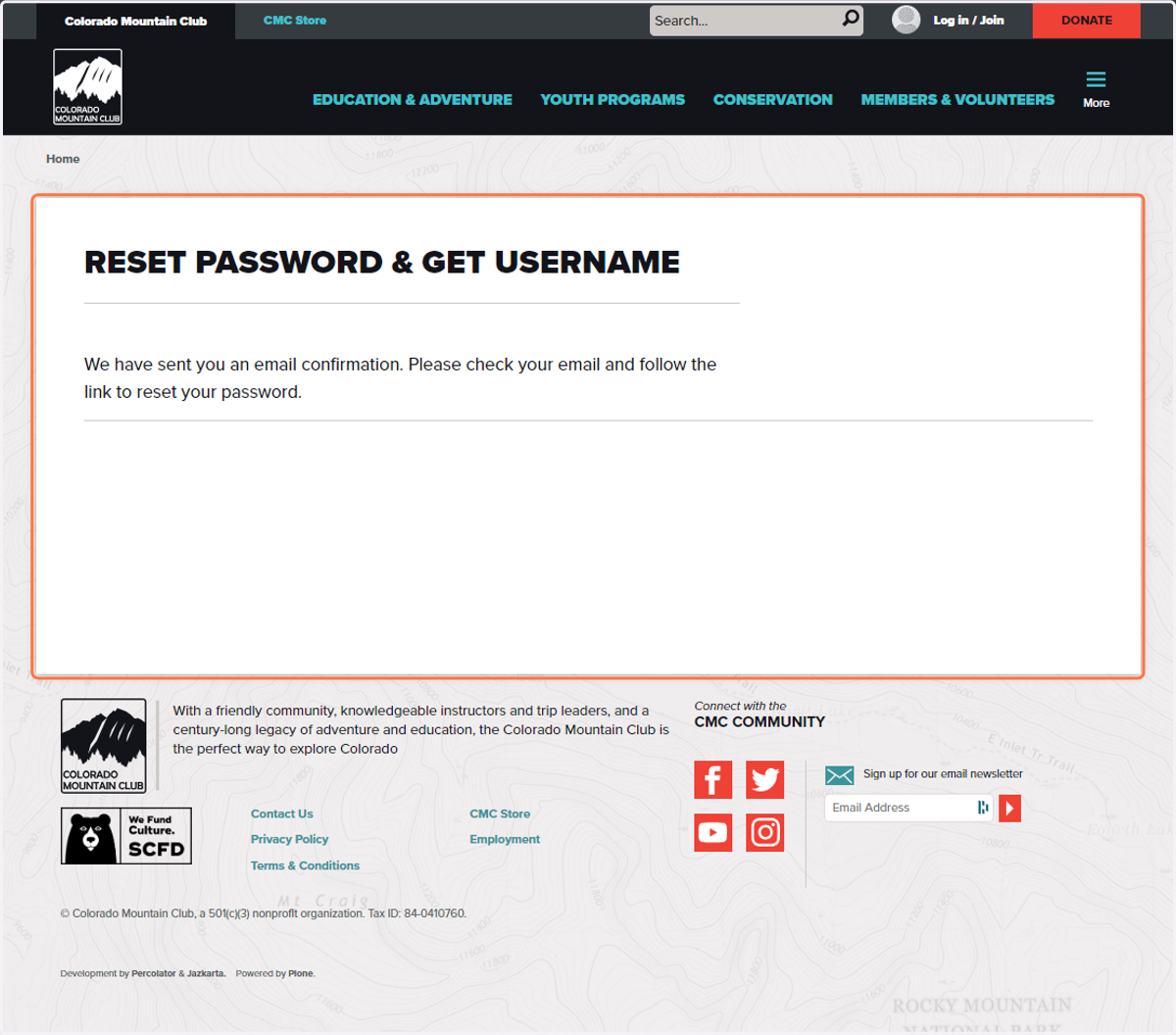
7. When you get this message go to your personal email
An email will be sent to your inbox with a password rest link to change your password AND it will tell you what your username is.
8. After clicking on the password reset link in your email, you will be taken to this screen
Fill our your information and be sure to record you new password in a secure location.
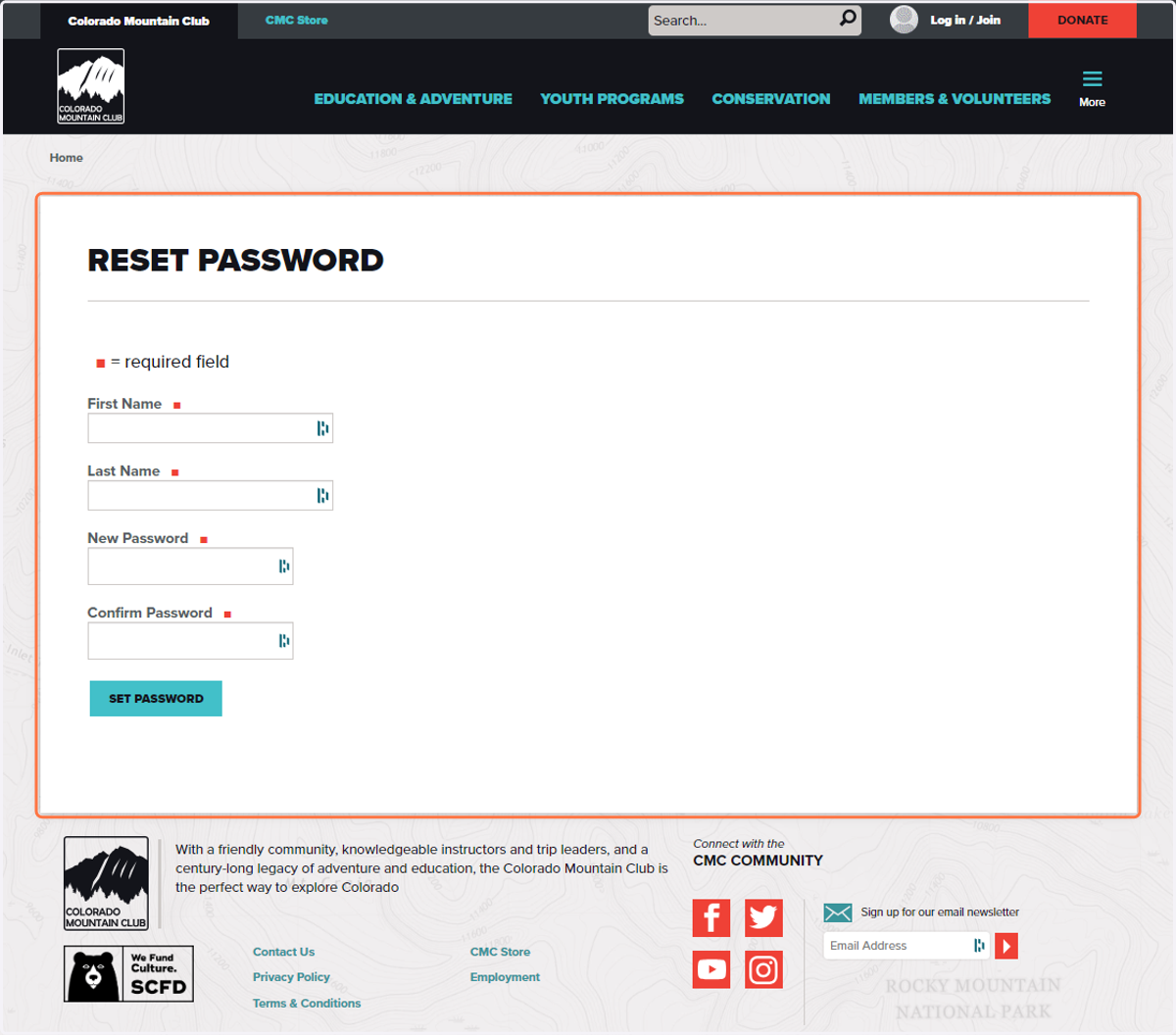
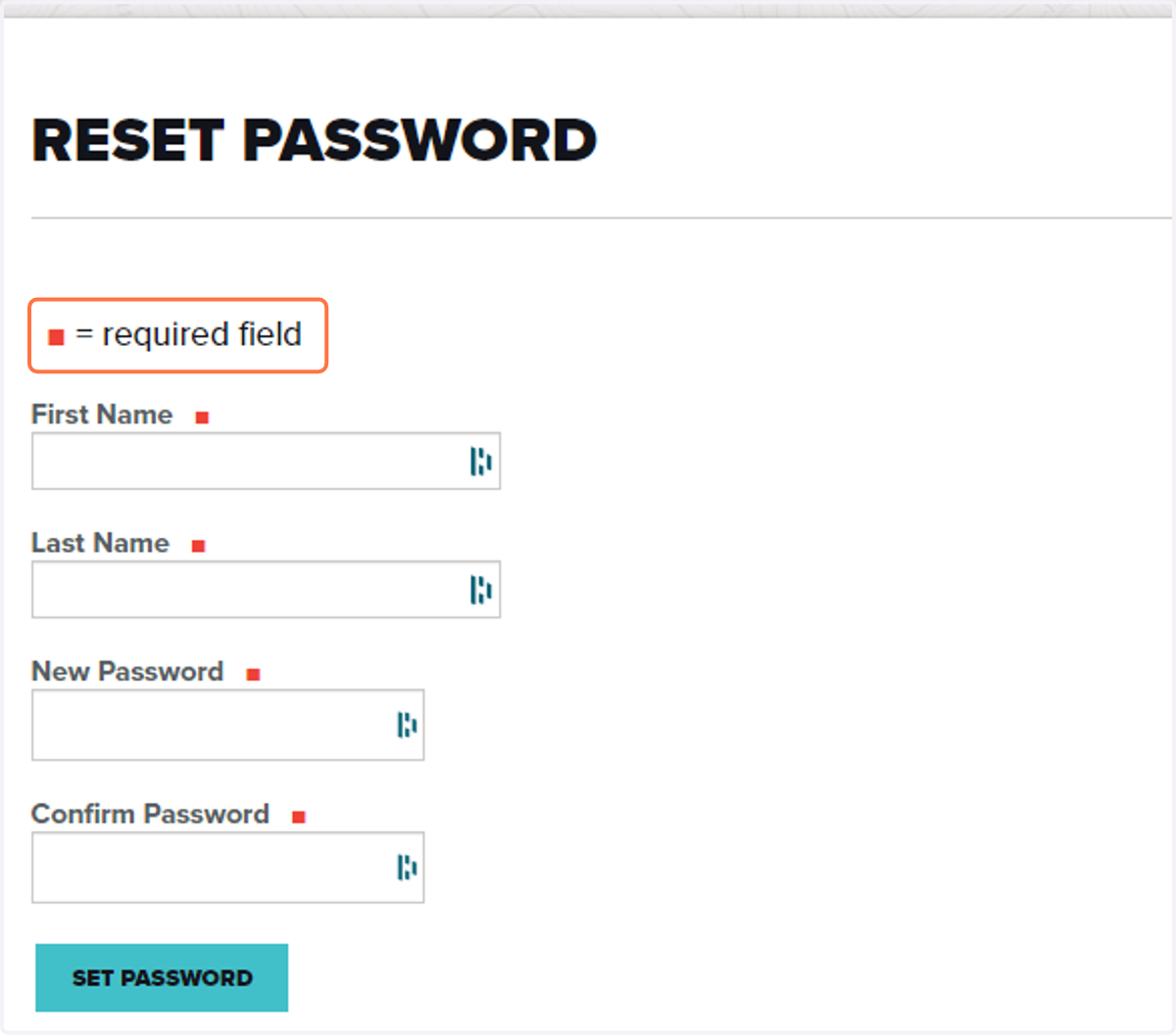
9. Fill out your information
First name and last name are case sensitive, and be sure to type you new password EXACTLY the same in the "New password" and "Confirm Password" fields. Click set password when you are done.
10. A successful password reset will take you to your main profile page.
please take note of you username and password in secure spot. You are now logged in and can maneuver through the website!