How to Manage POIs in MultiHub
Easily add or edit POIs for your property site through your Property Profile in MultiHub.
Login to MultiHub
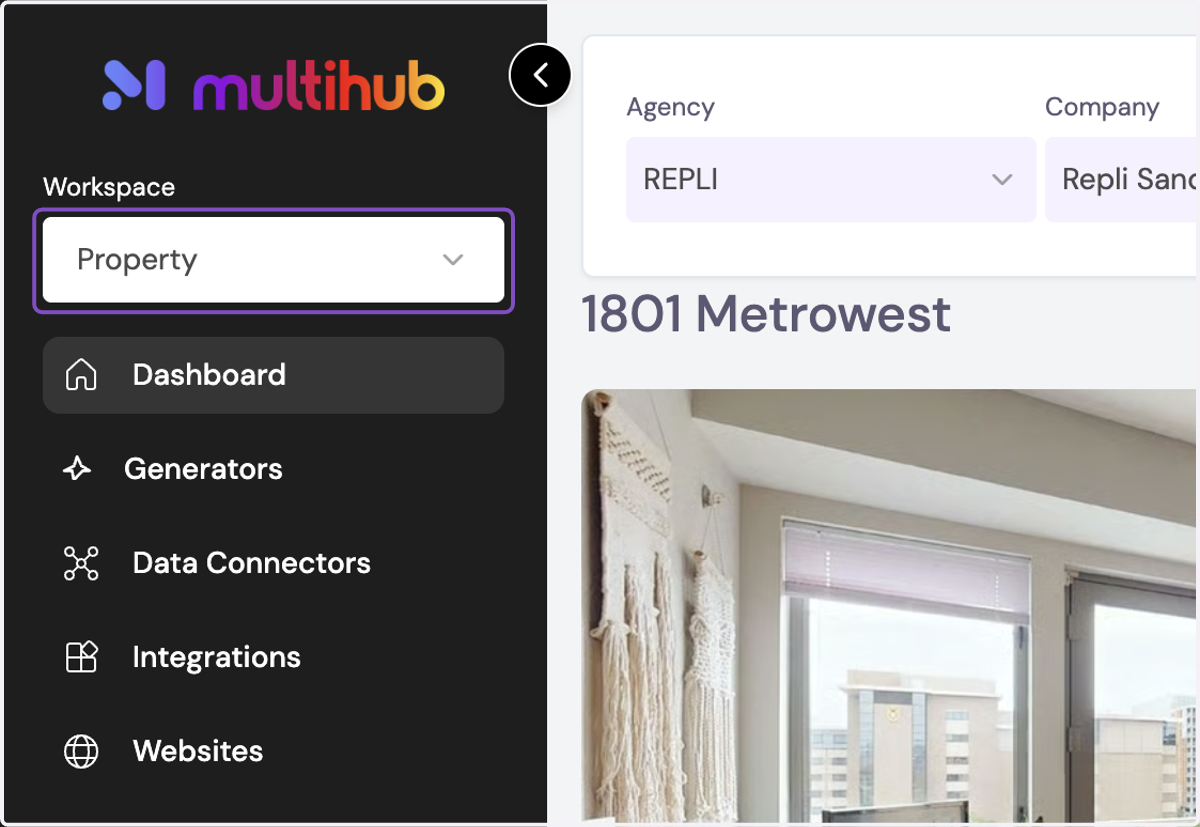
1. Navigate to your Property Profile in the Property Workspace
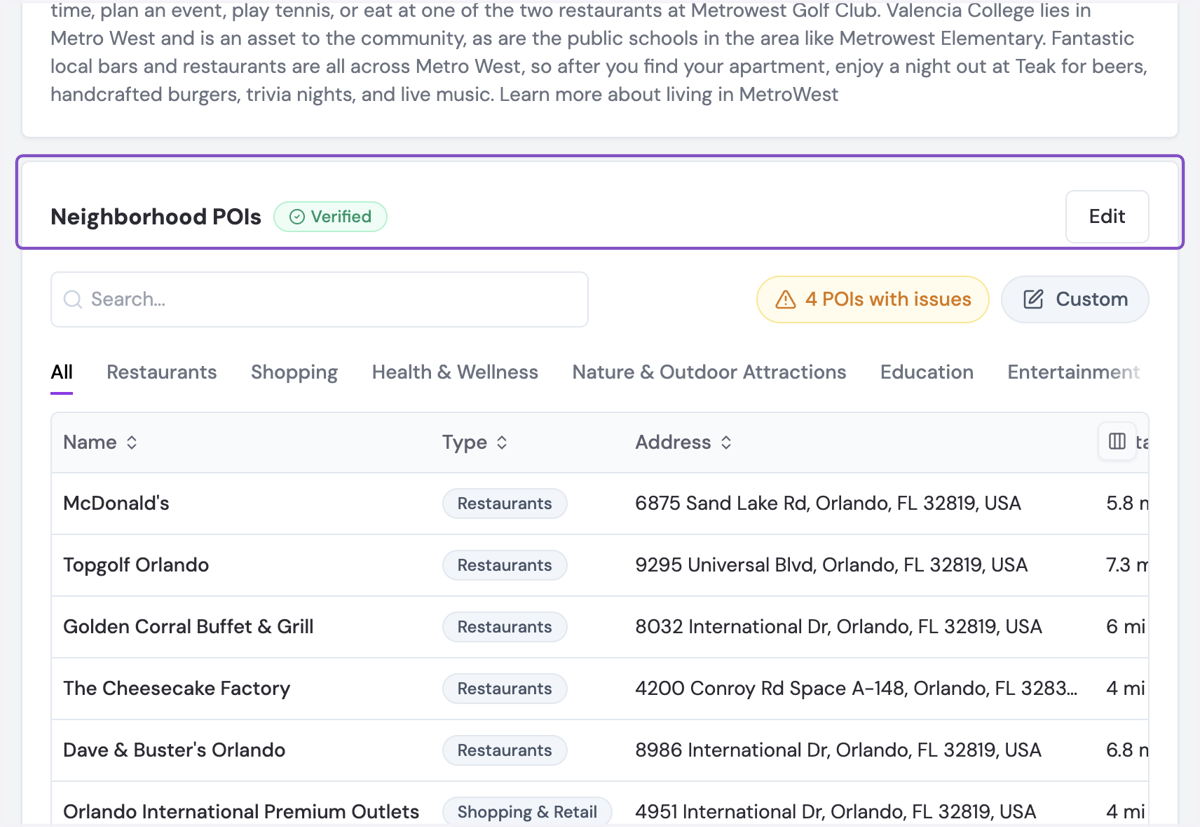
2. Navigate to the Neighborhood POIs section
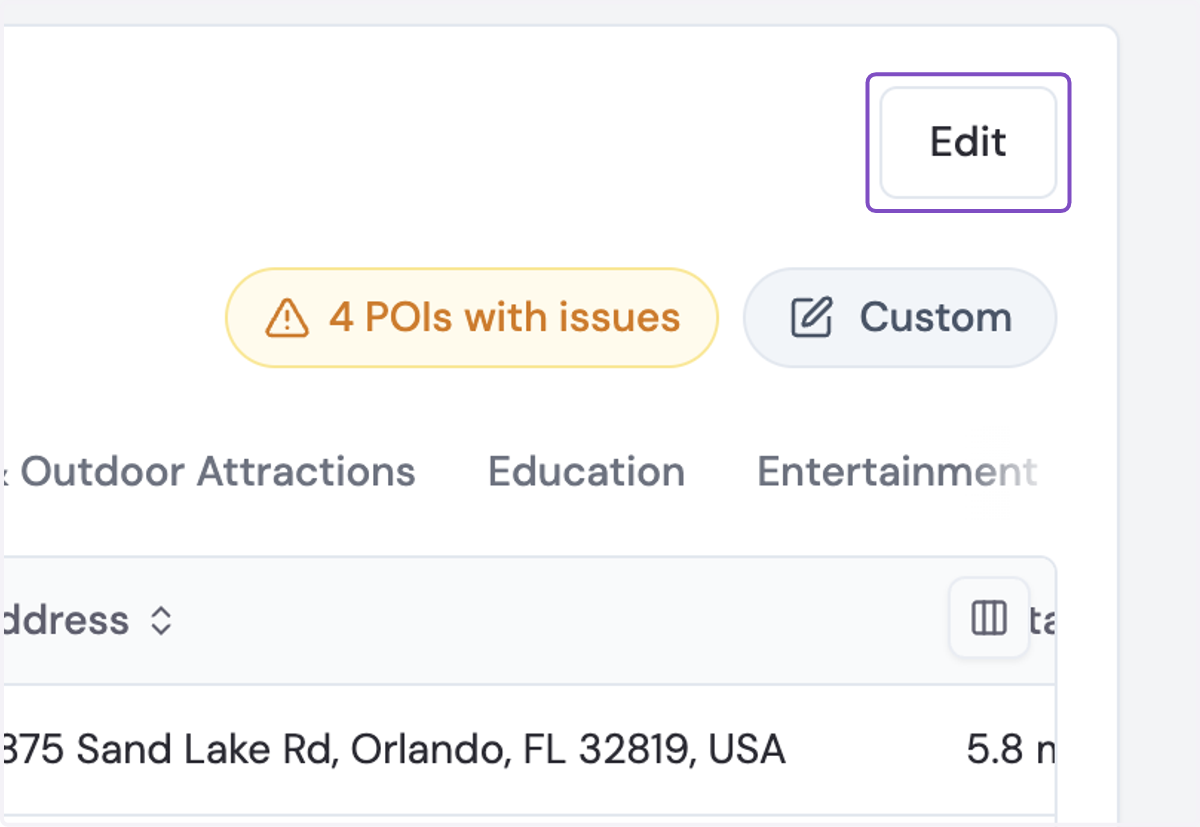
3. Click on Edit
4. Click the collection dropdown
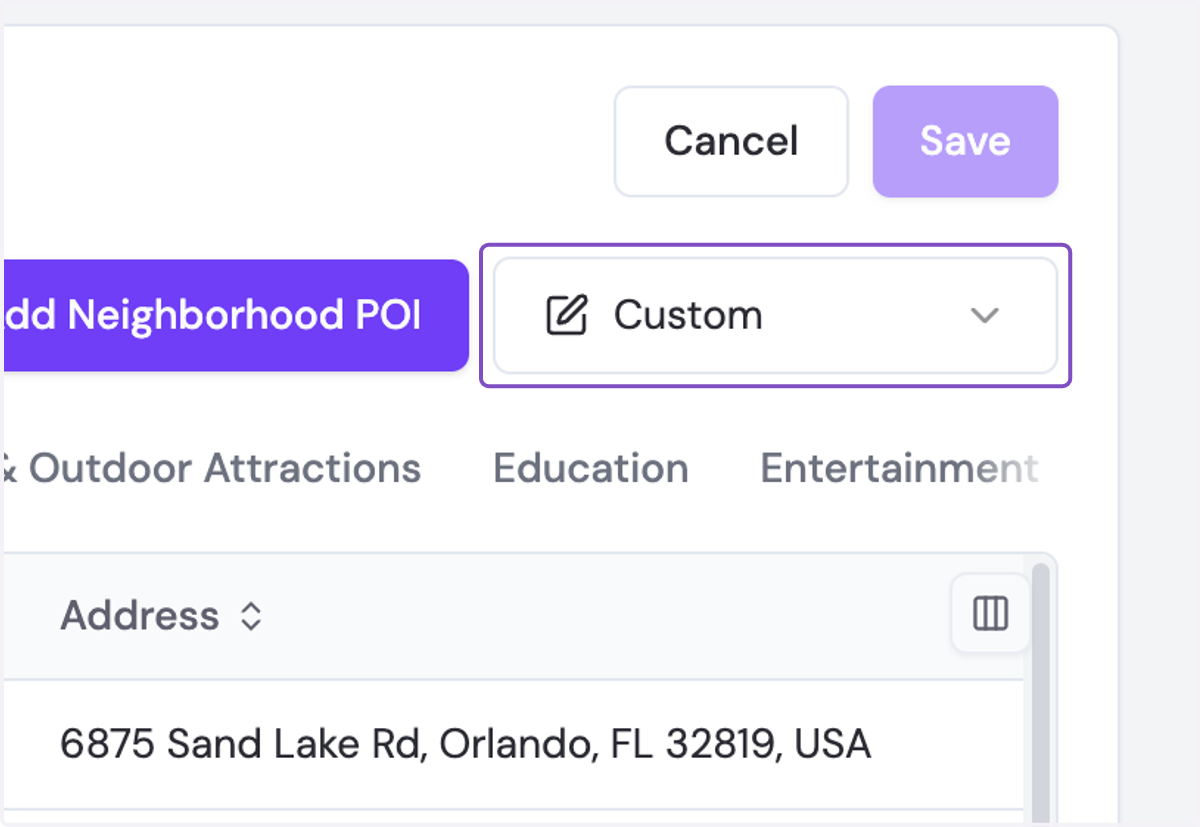
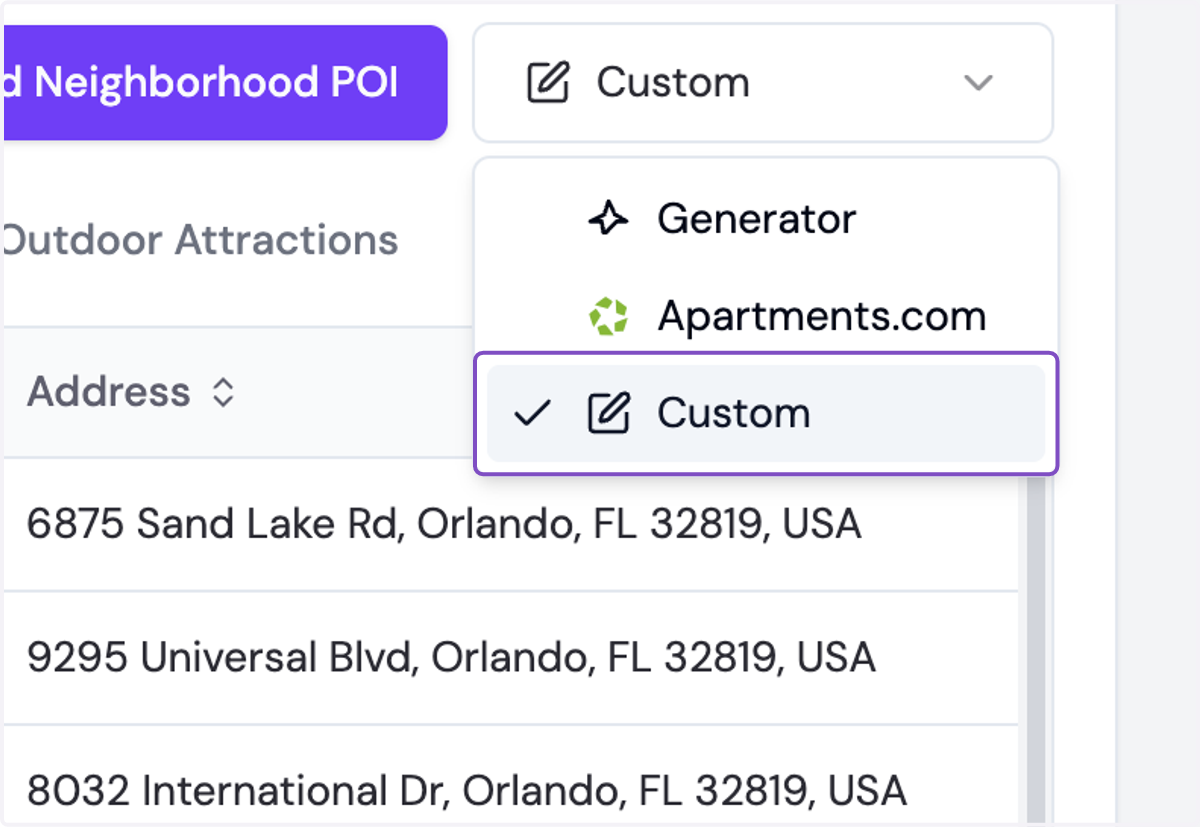
5. Select Custom
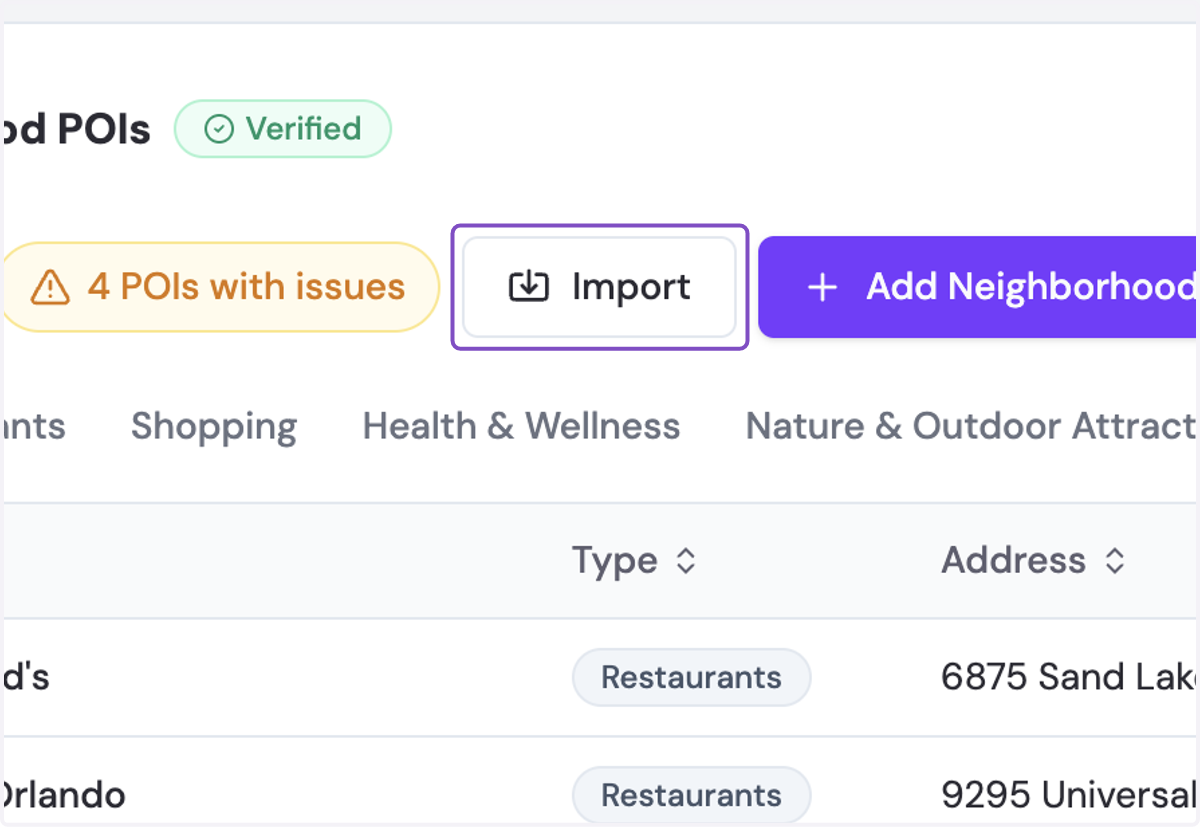
6. Click on Import
7. Click on Select Source to import existing POIs from apartments.com, Google Places, or Repli's Generator
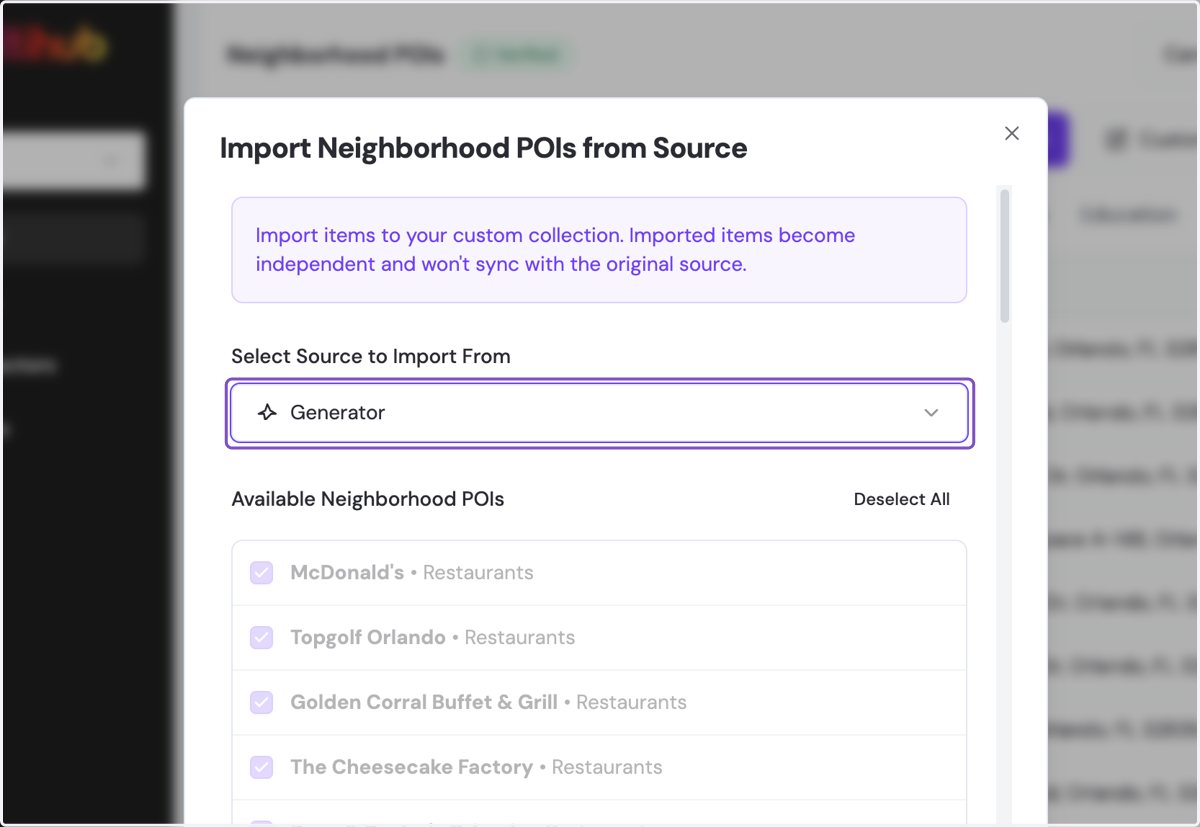
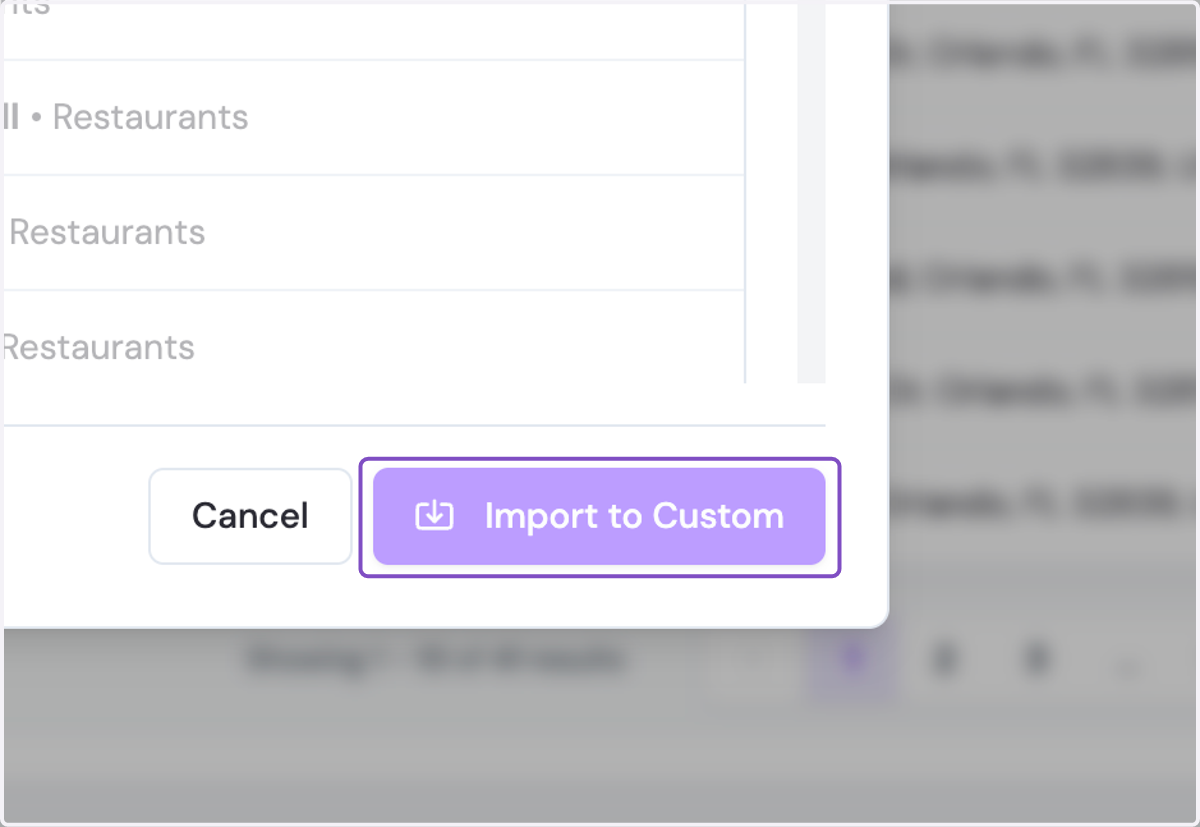
8. Select any of the POIs you'd like to import and click Import to Custom
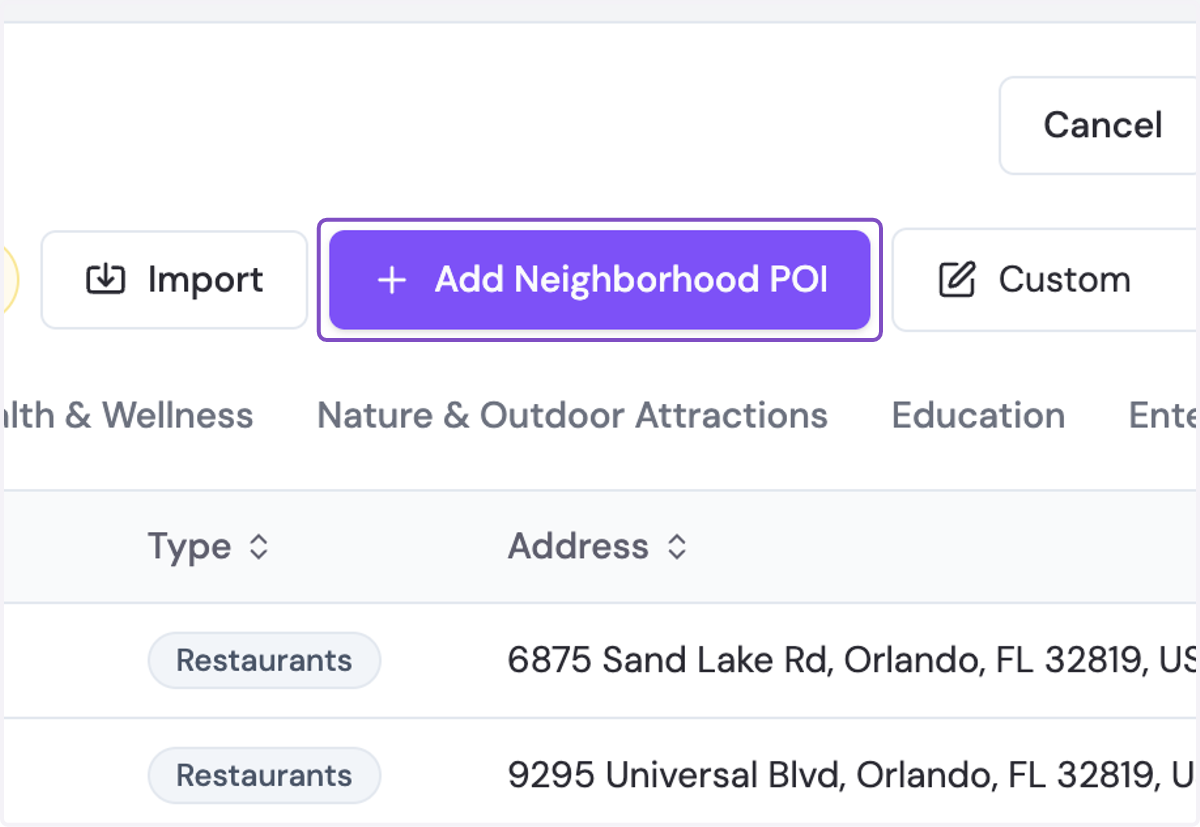
9. To manually add a place, Click on Add Neighborhood POI
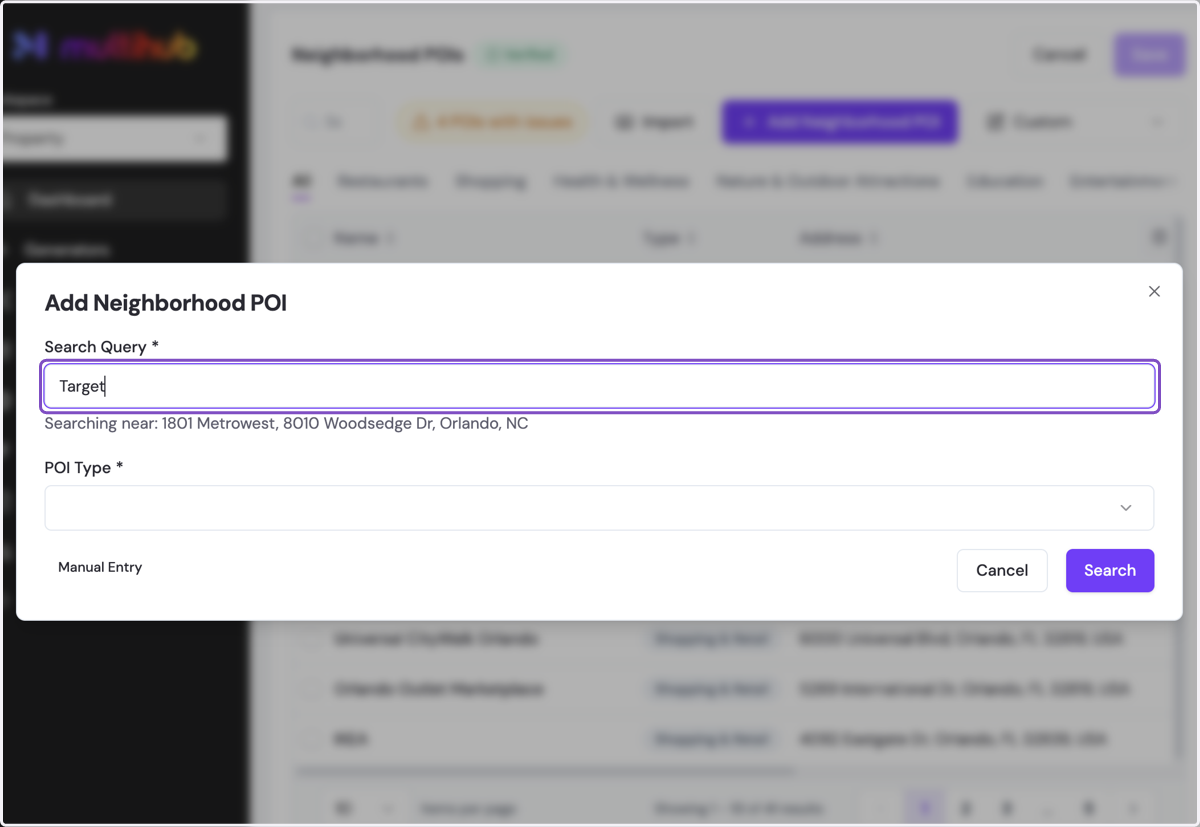
10. Type in the name of the place
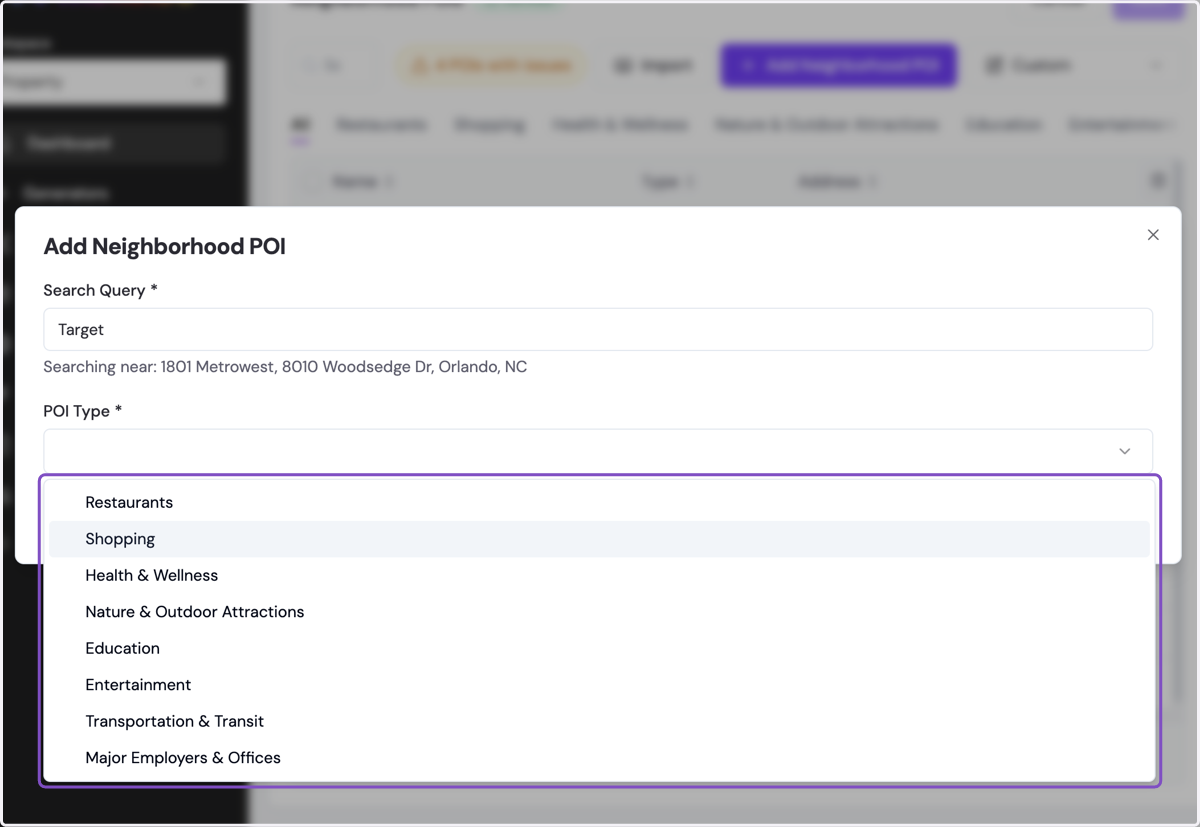
11. Select the POI Type
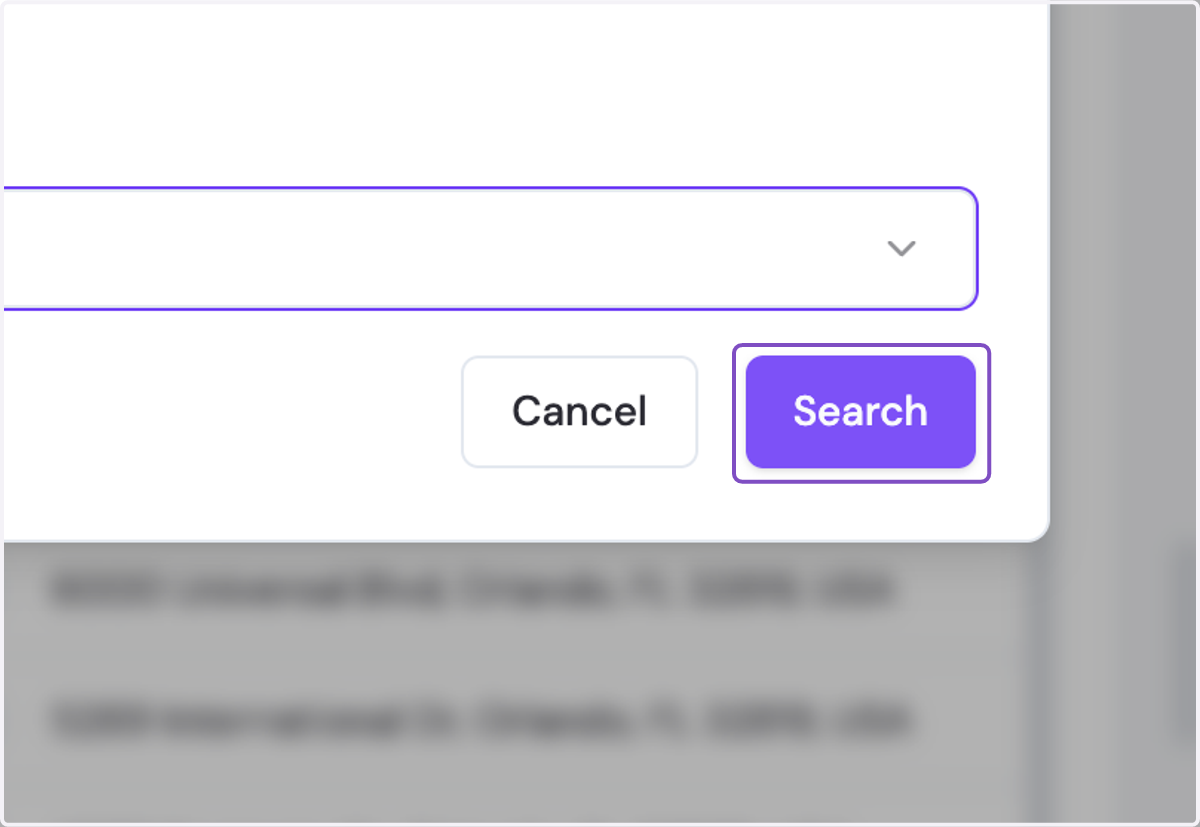
12. Click on Search and Add your desired POI from the search results
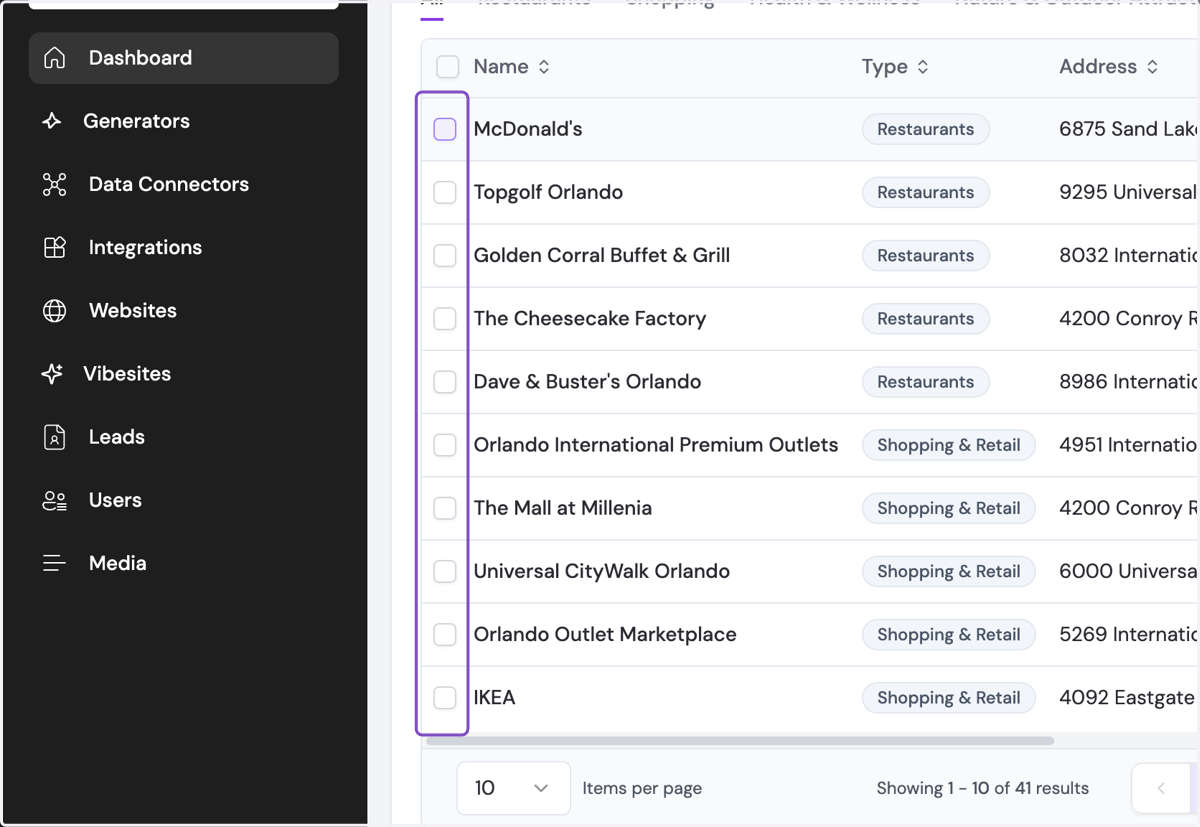
13. If you want to remove a POI, select the appropriate cell(s)
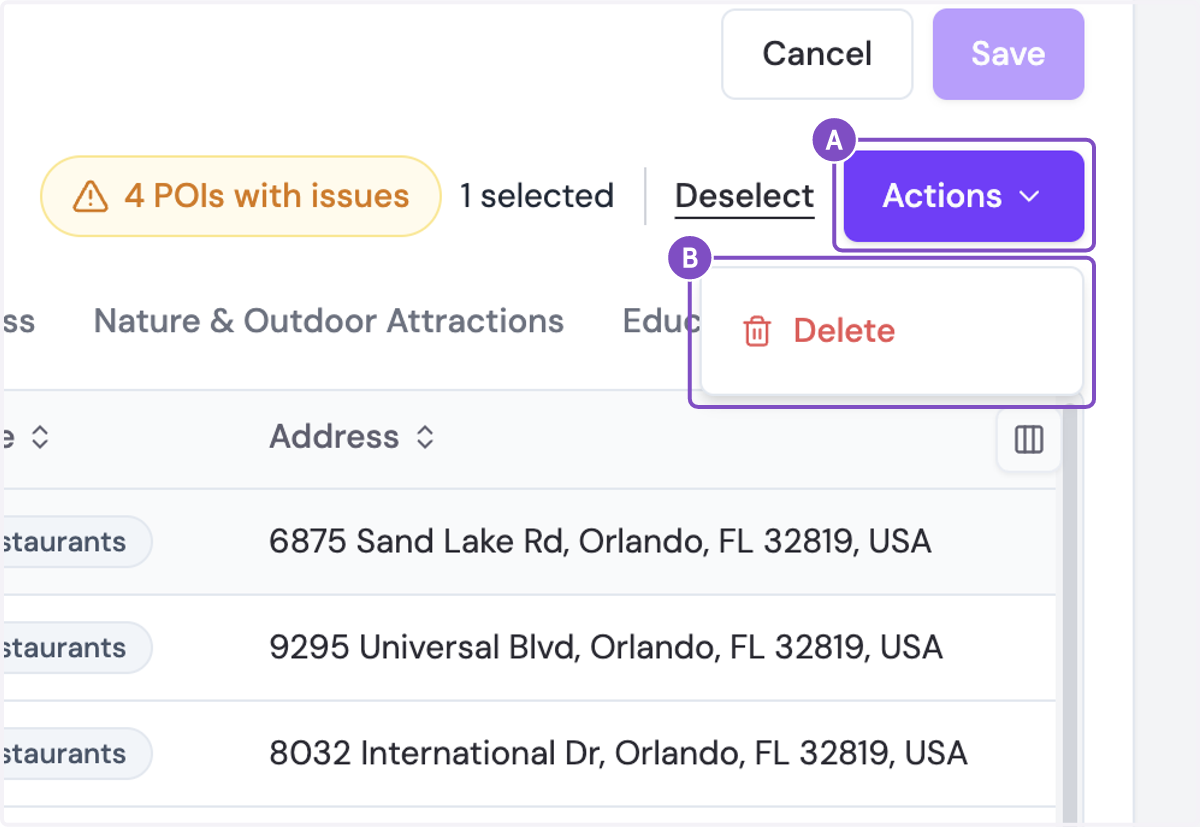
14. A. Click on Actions
14. B. Click on Delete
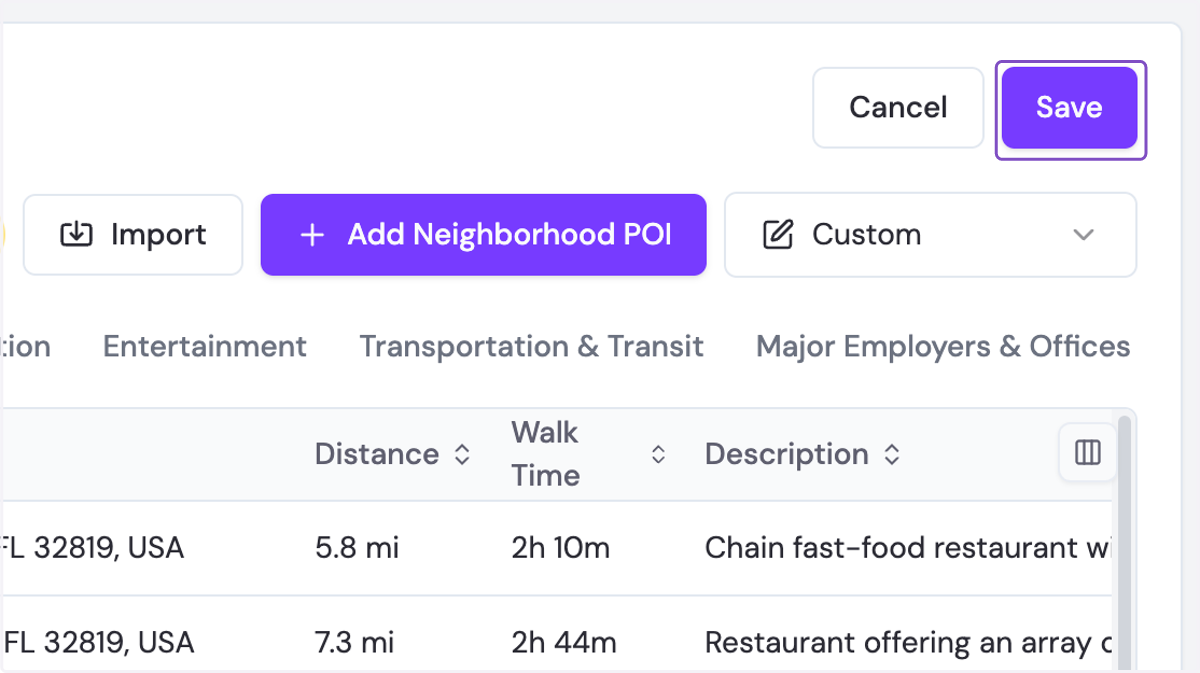
15. Click Save to finalize your Custom POI Collection!