Sharing a Form onto a Calendar
Horse Business Manager
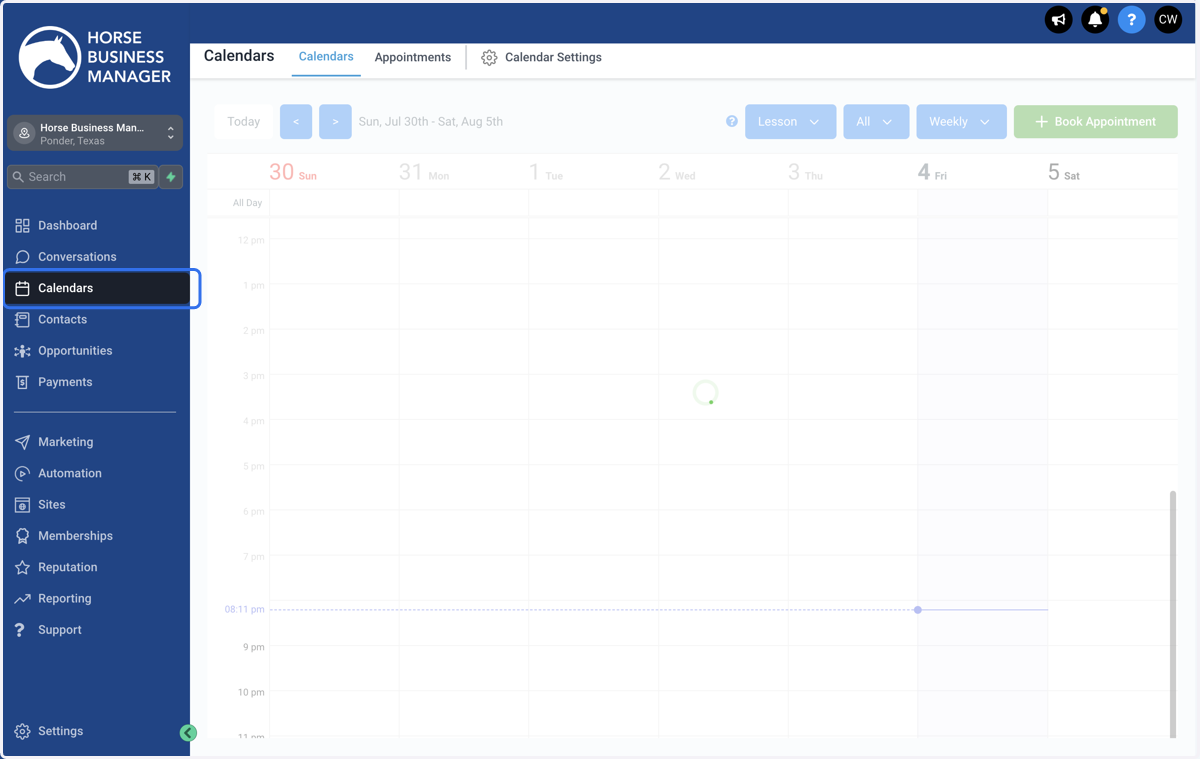
1. Click on Calendars
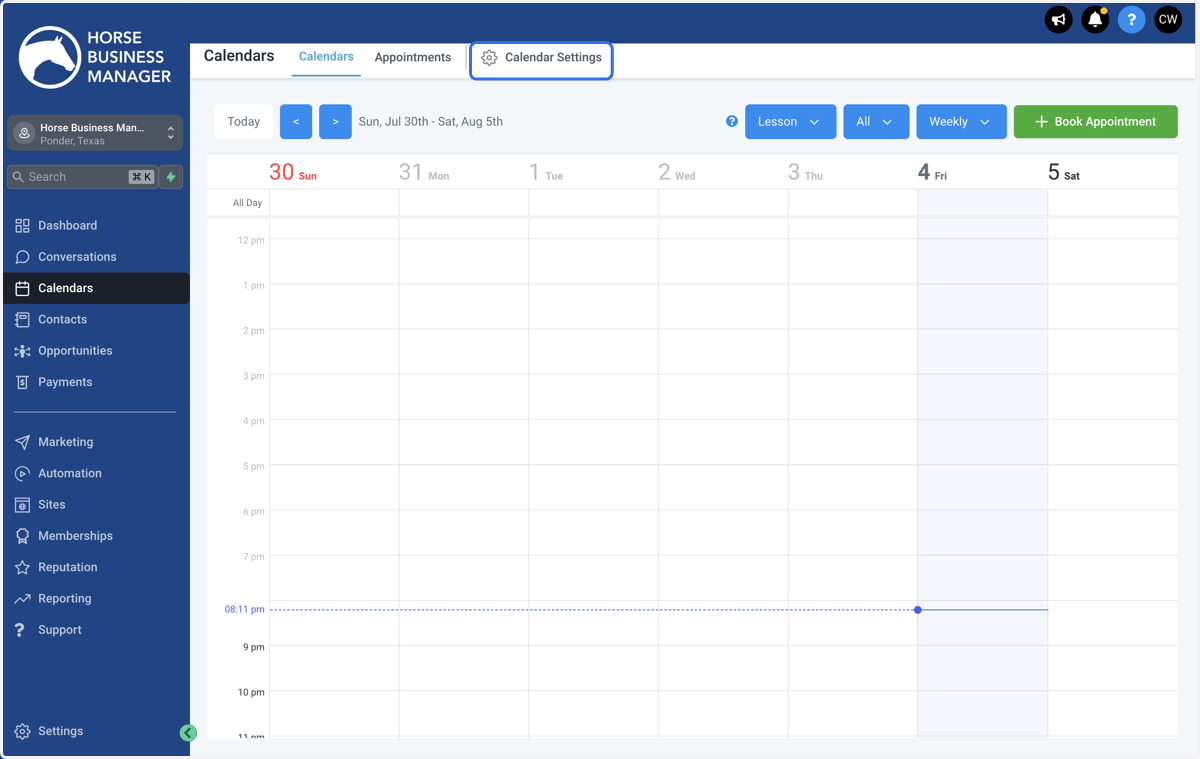
2. Click on Calendar Settings
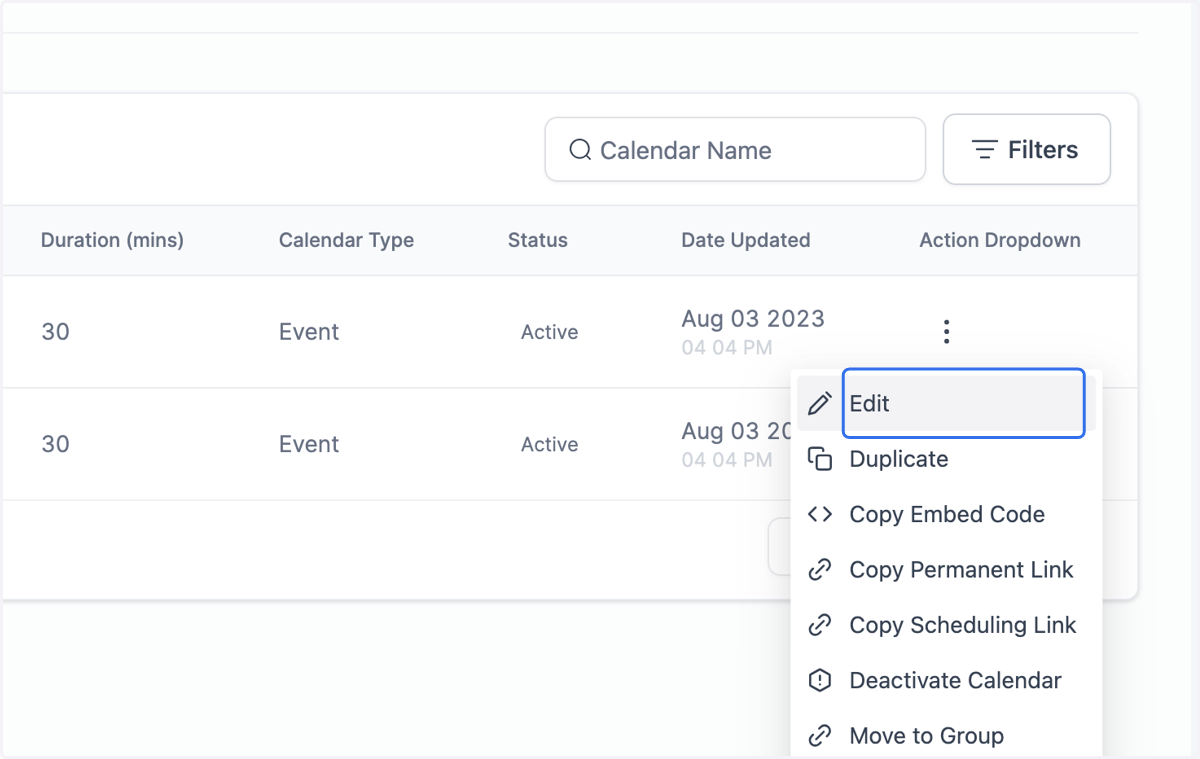
3. Find the calendar that you want to add your form to and click the three dots
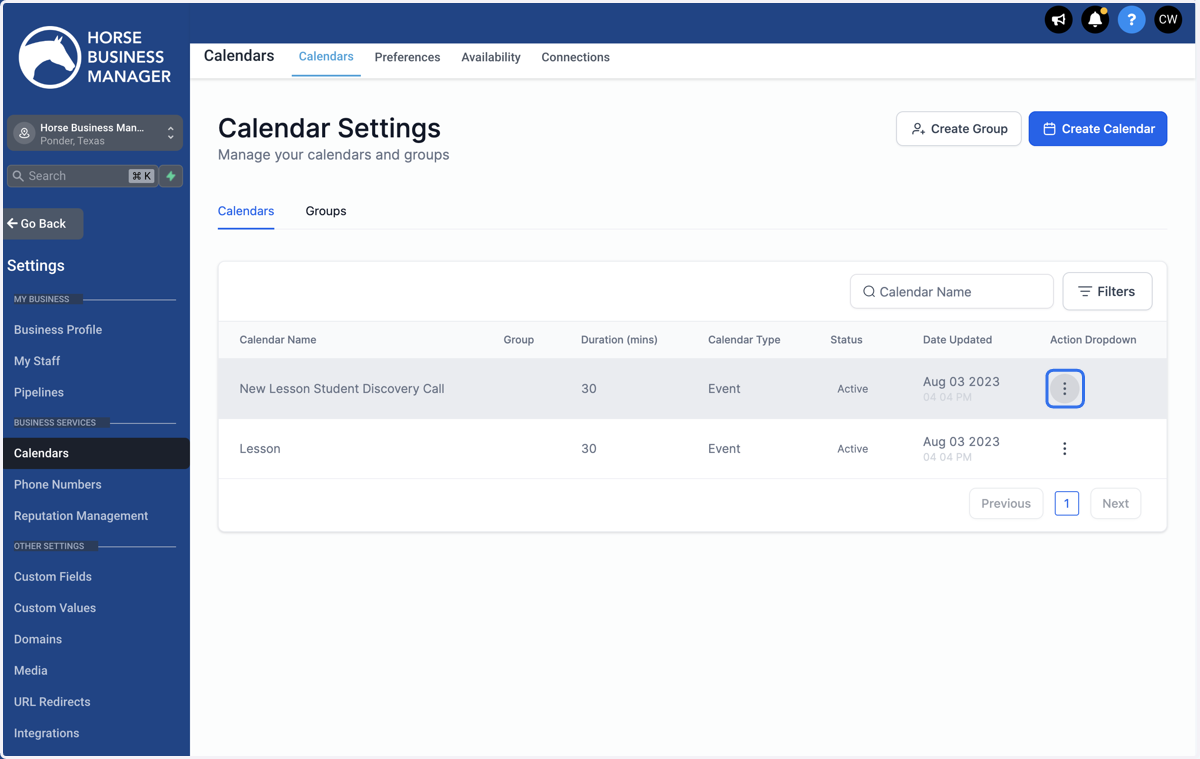
4. Click on Edit
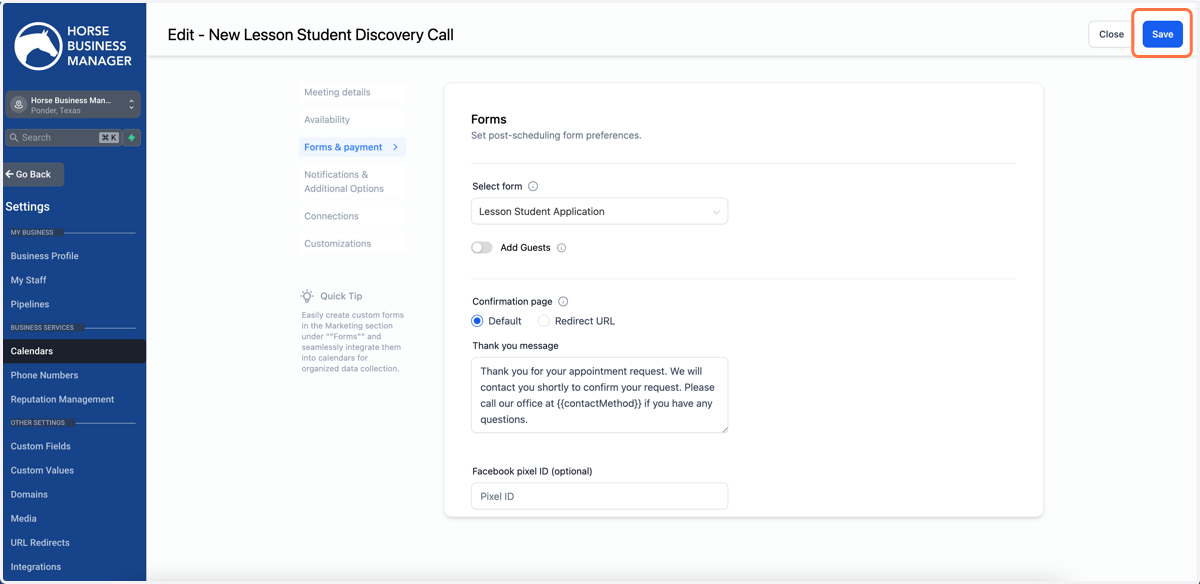
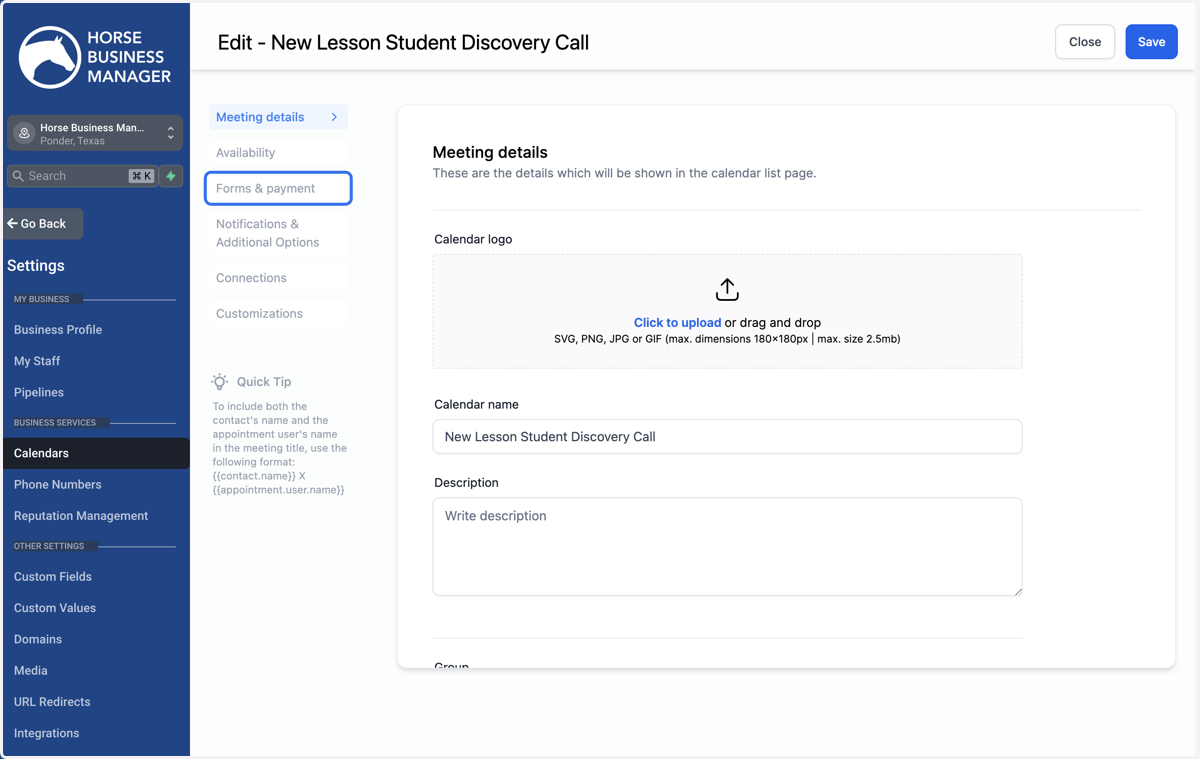
5. Click on Forms & payment
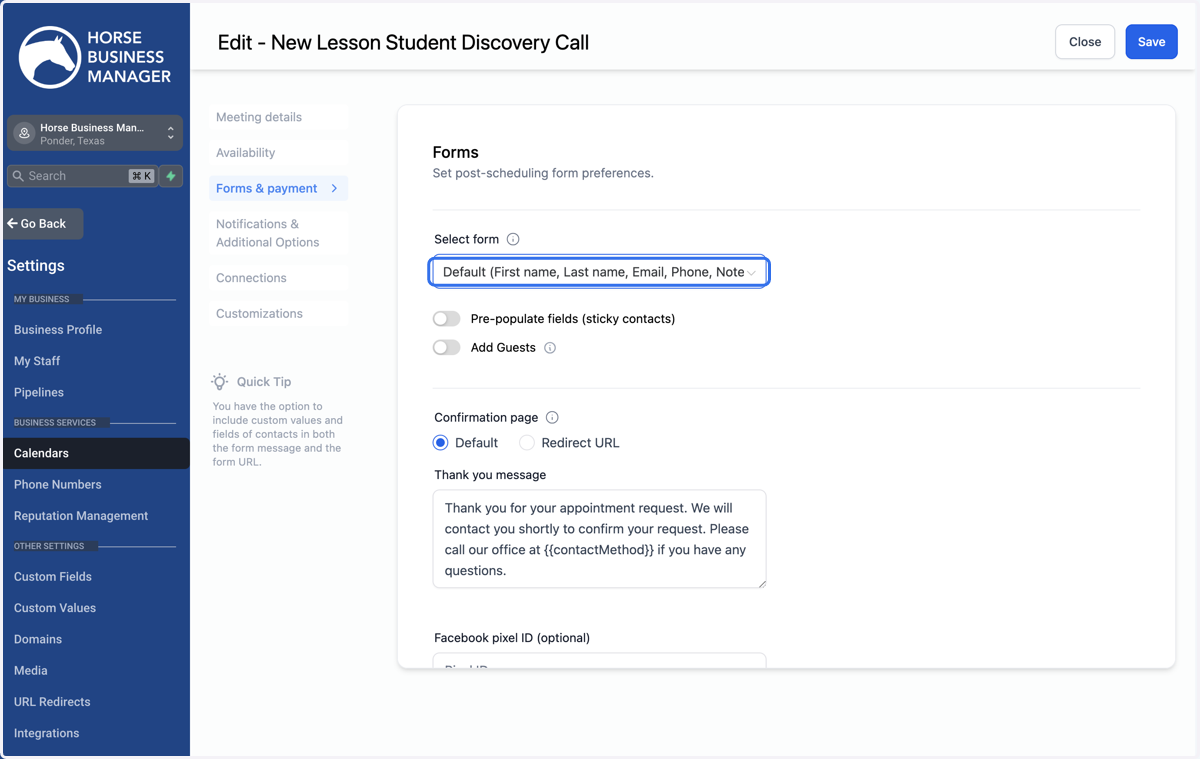
6. Click on Select Form
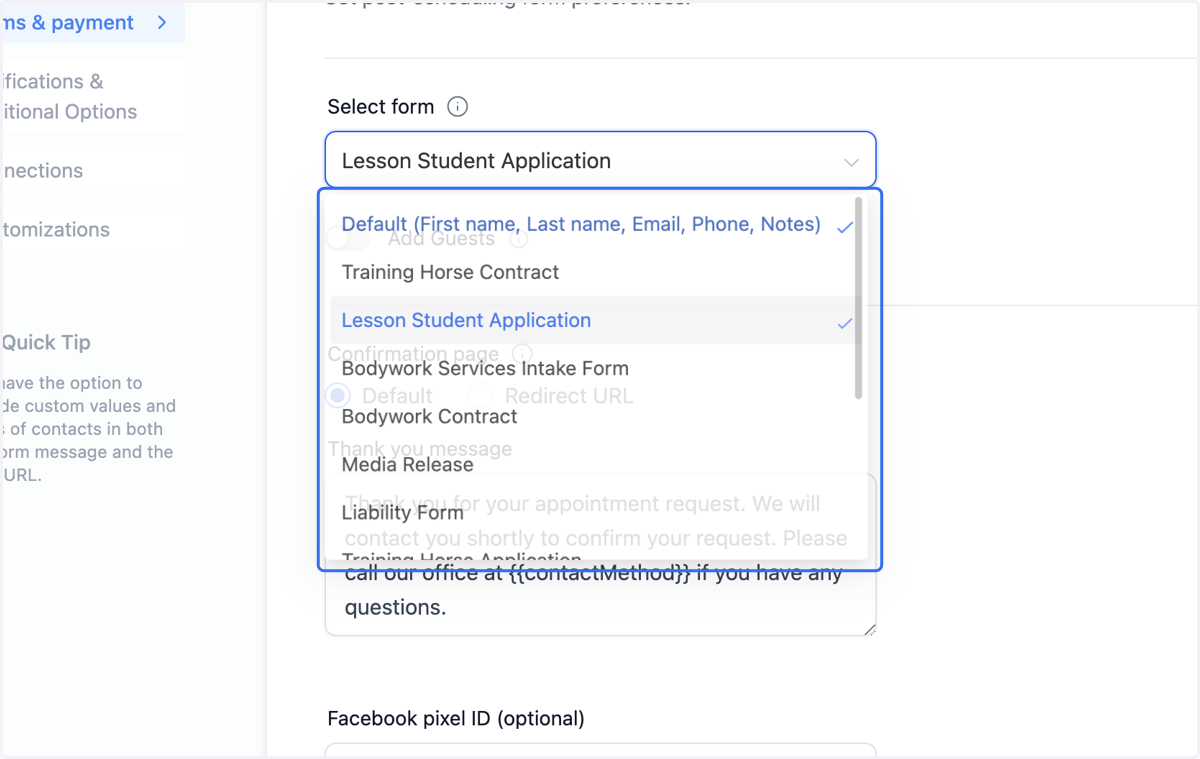
7. Locate the form that you want to connect
8. Click Save