Edit Harvest Group Schedule through Recipe Editor
2. Click on Production

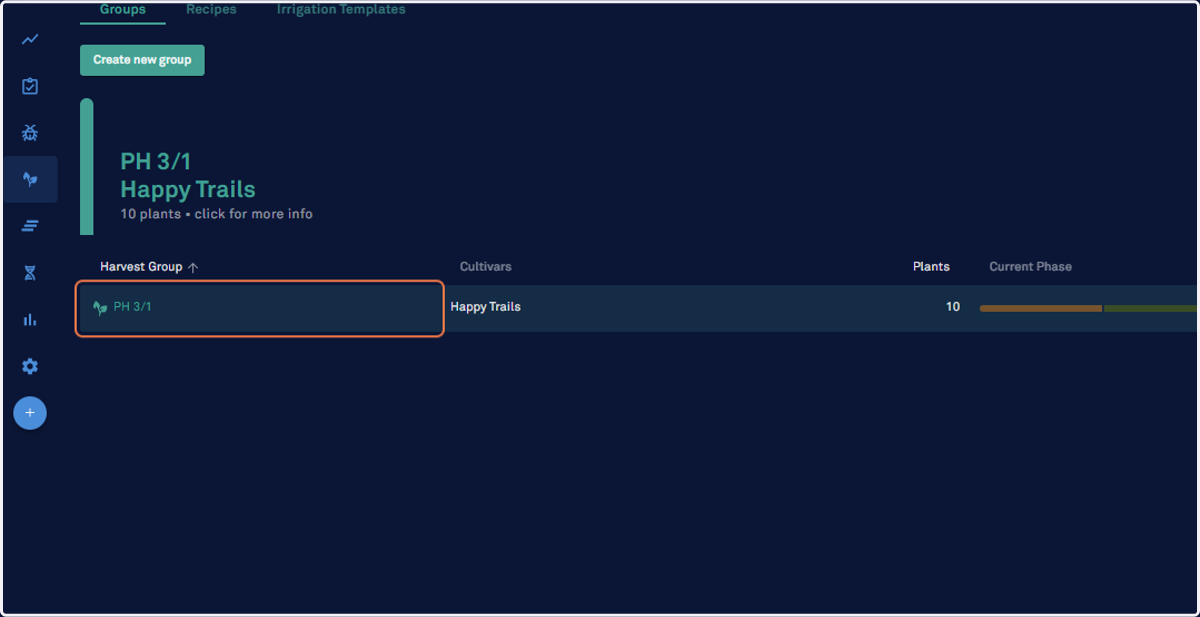
3. Choose the harvest group with the irrigation schedule needing editing
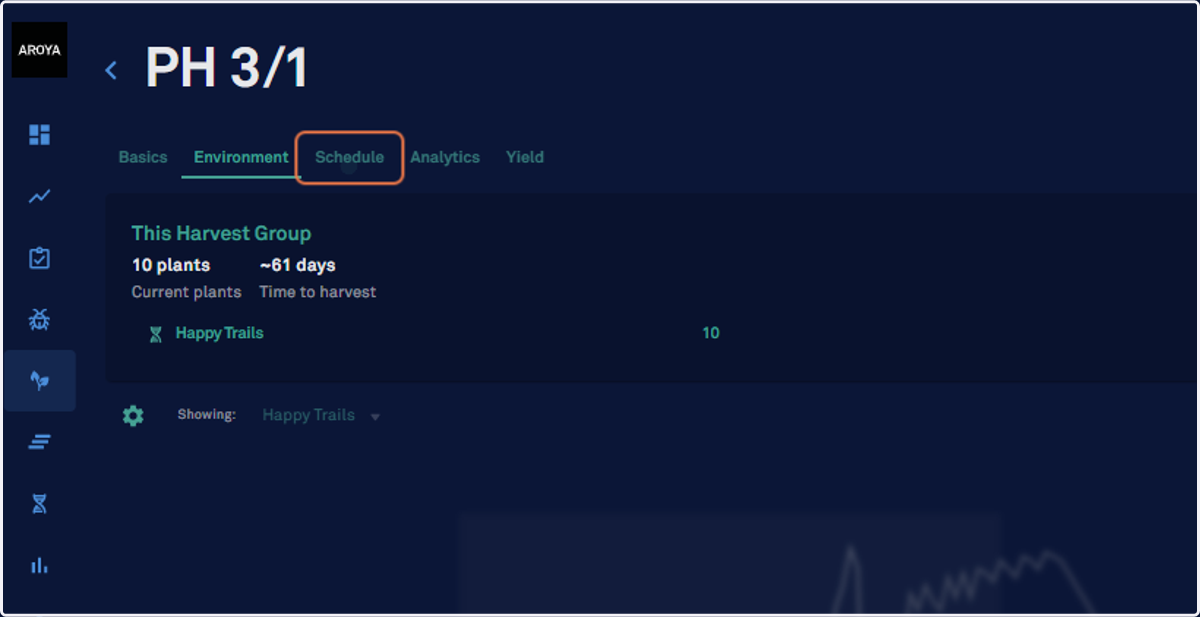
4. Click on Schedule
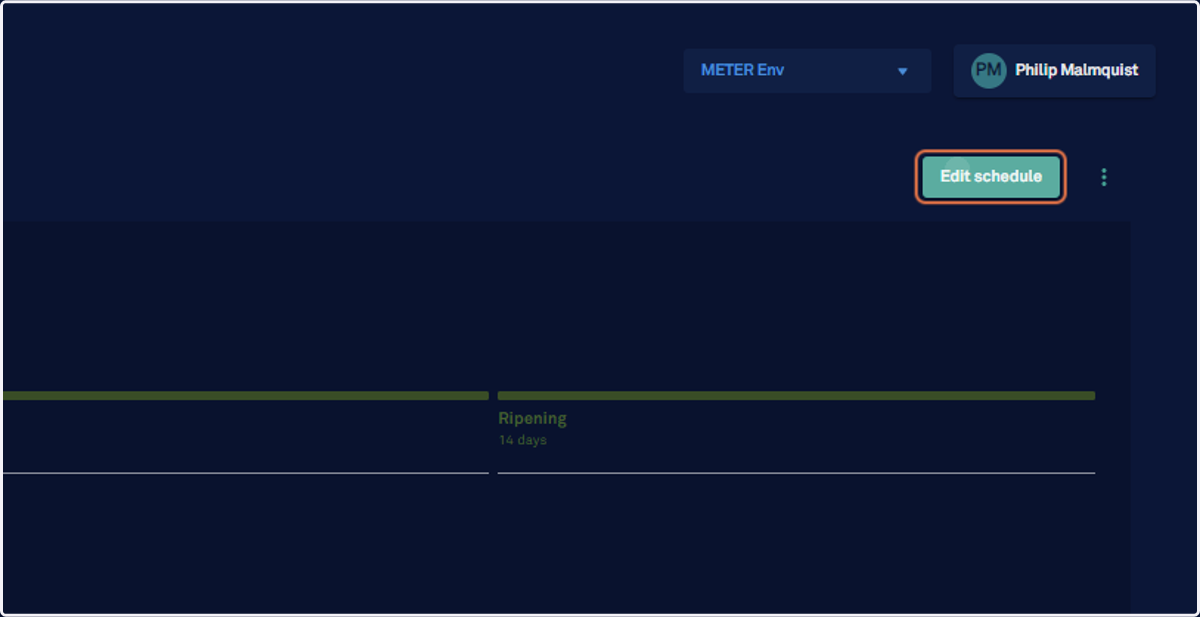
5. Click on Edit schedule
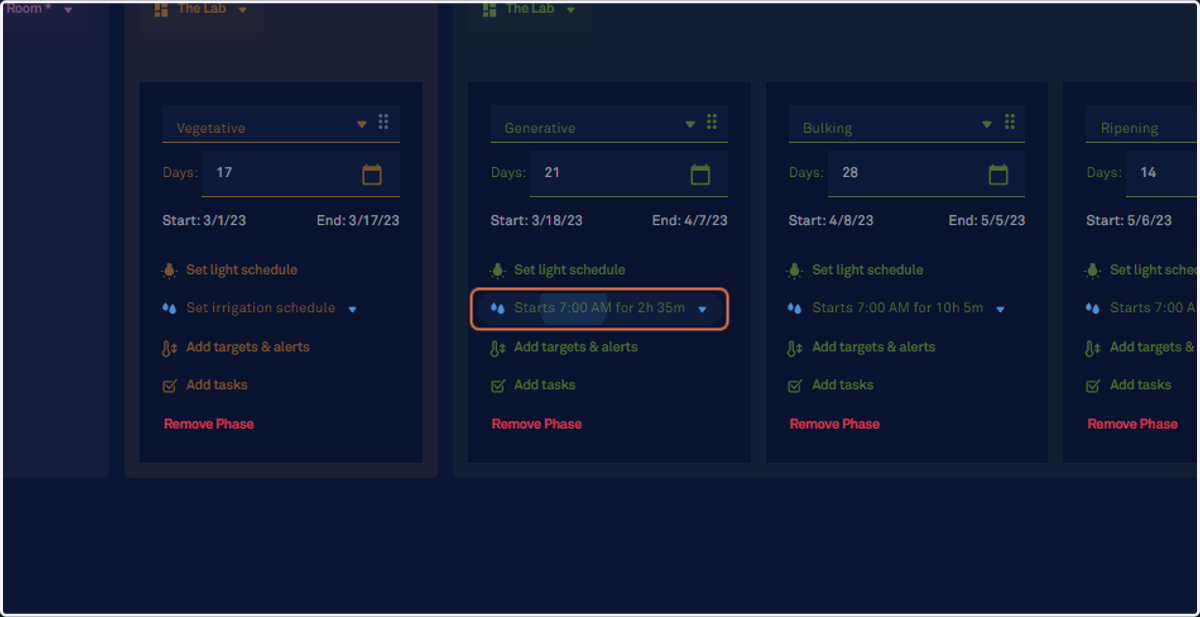
6. Click on the irrigation line in the desired phase
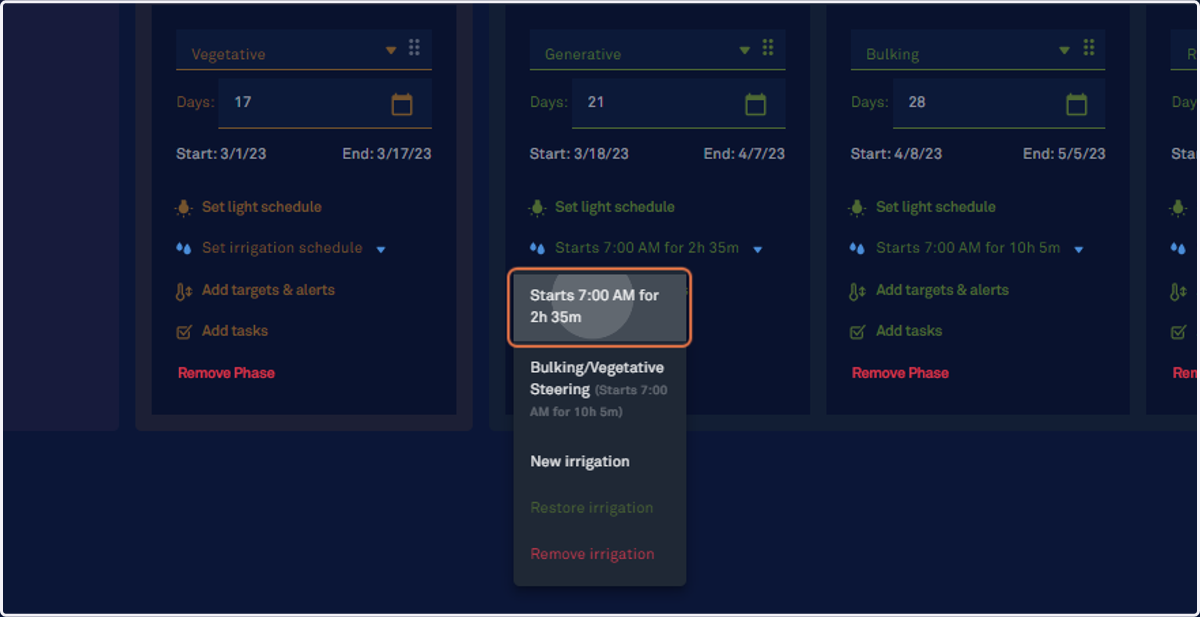
7. Click on the schedule needing editing
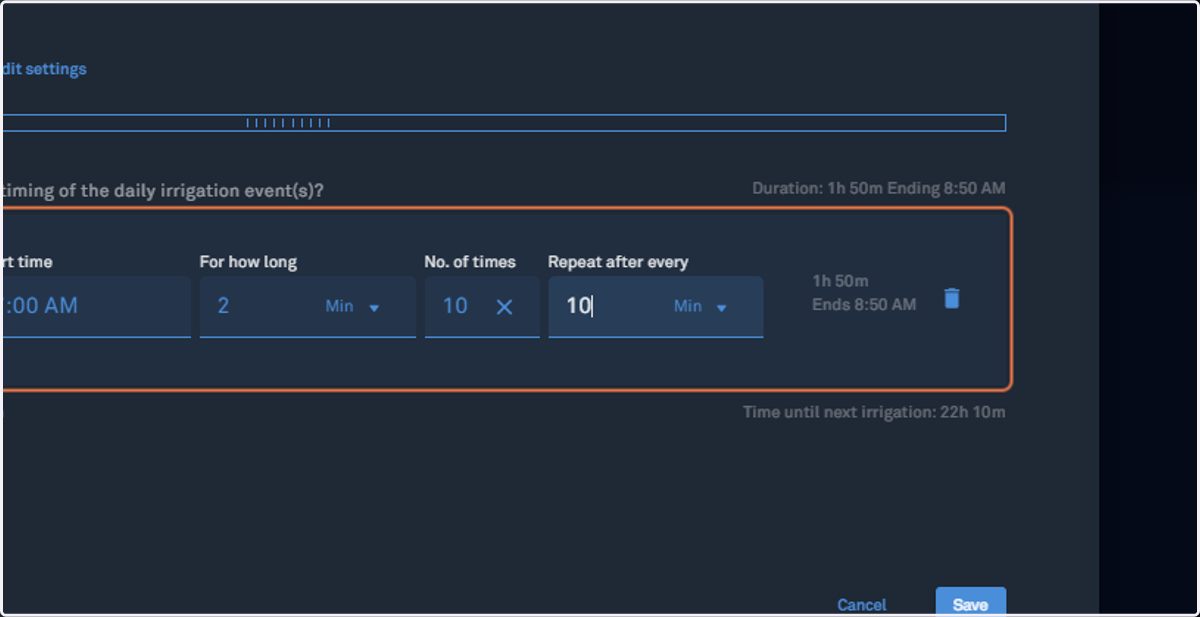
8. Edit the schedule as desired
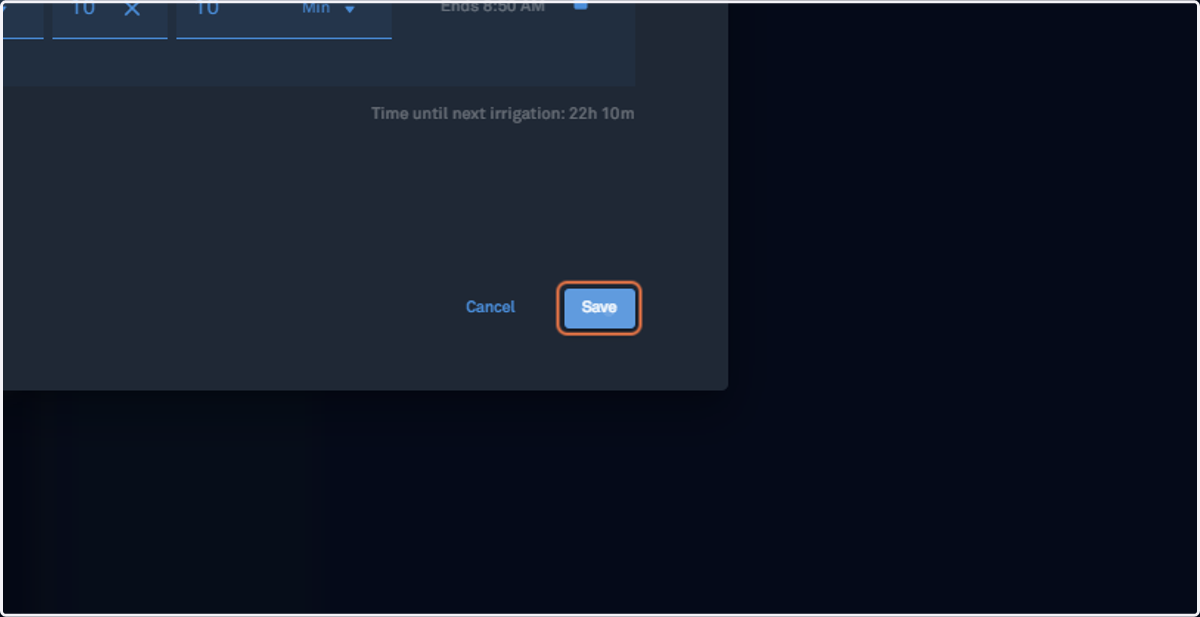
9. Click on Save
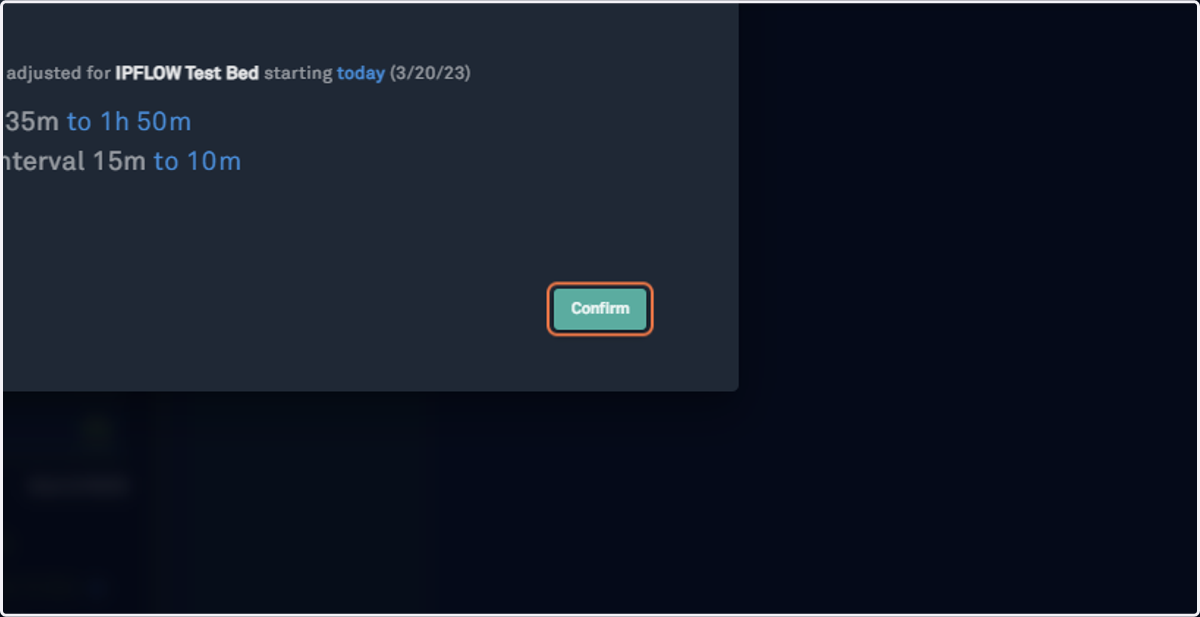
10. Click on Confirm
11. Choose next phase(s) as desired and go back to step 7 to create a schedule
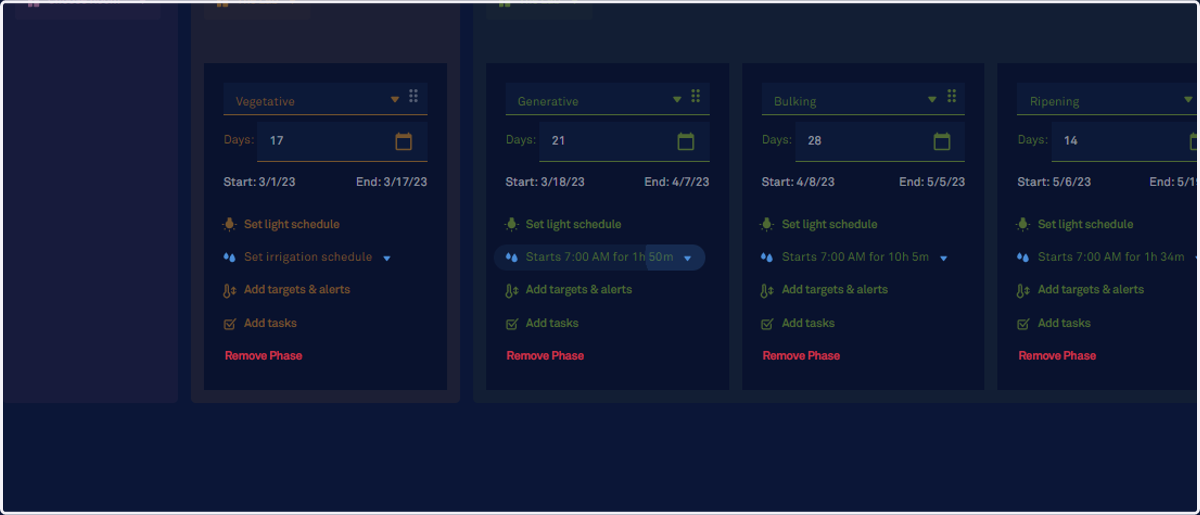
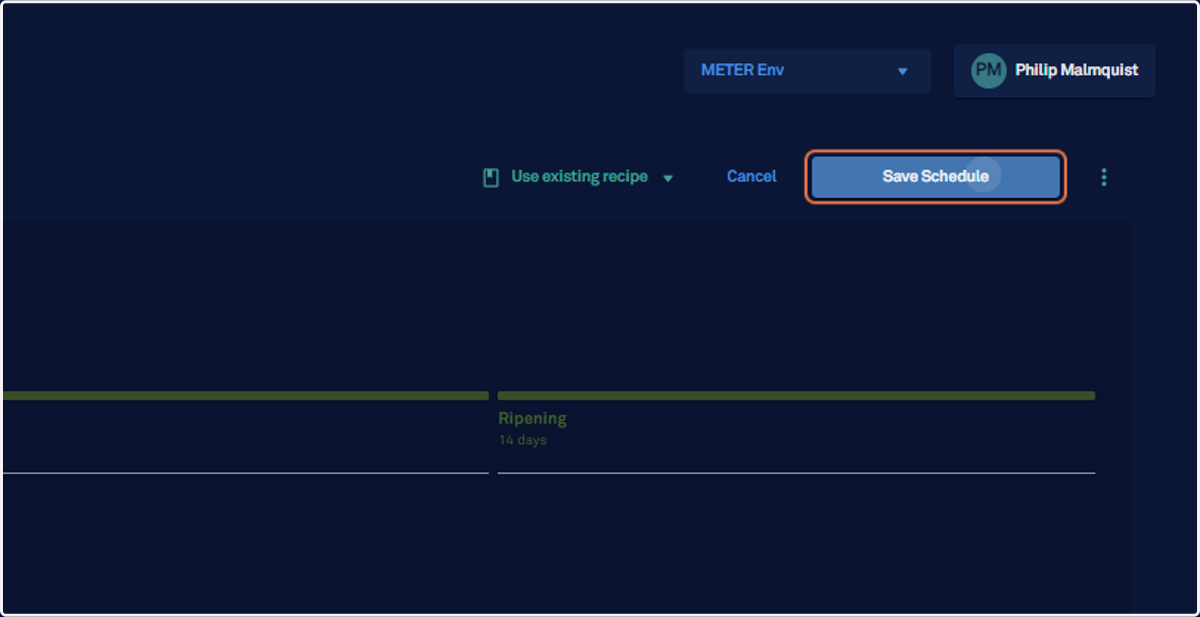
12. Click on Save Schedule when all desired phases have irrigation schedules