Configure a Harvest Group Irrigation Schedule
Aroya
1. Go to app.aroya.io
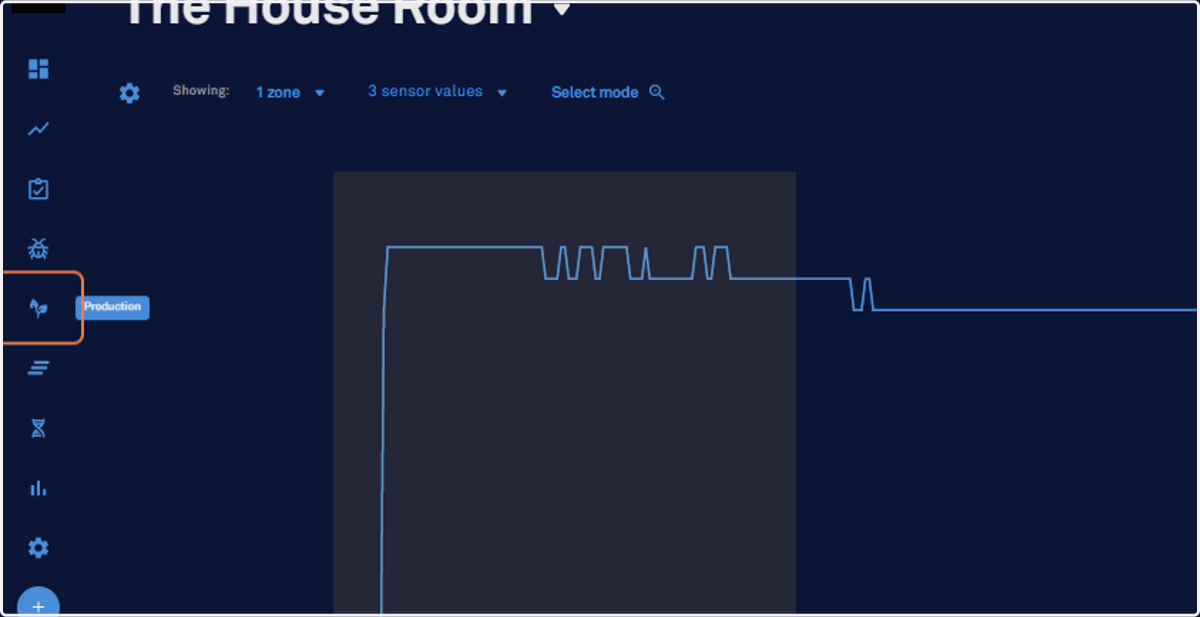
2. Click on Production
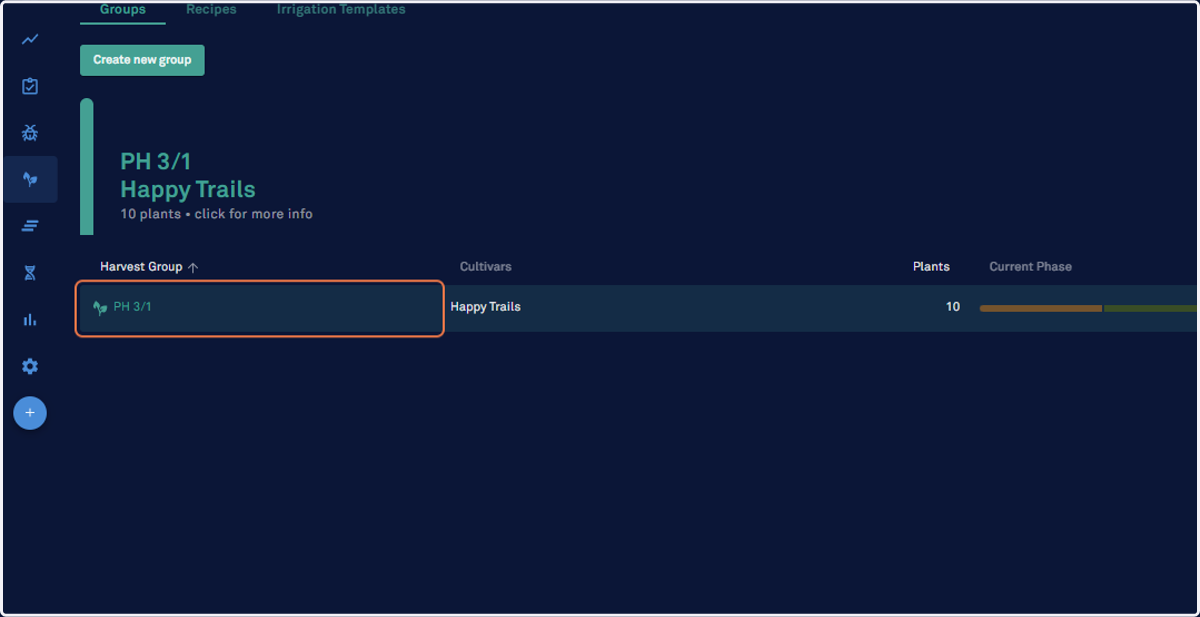
3. Choose a harvest group to add irrigation schdeules to
Tip: If a new harvest group is needed, please click on "Create new group"
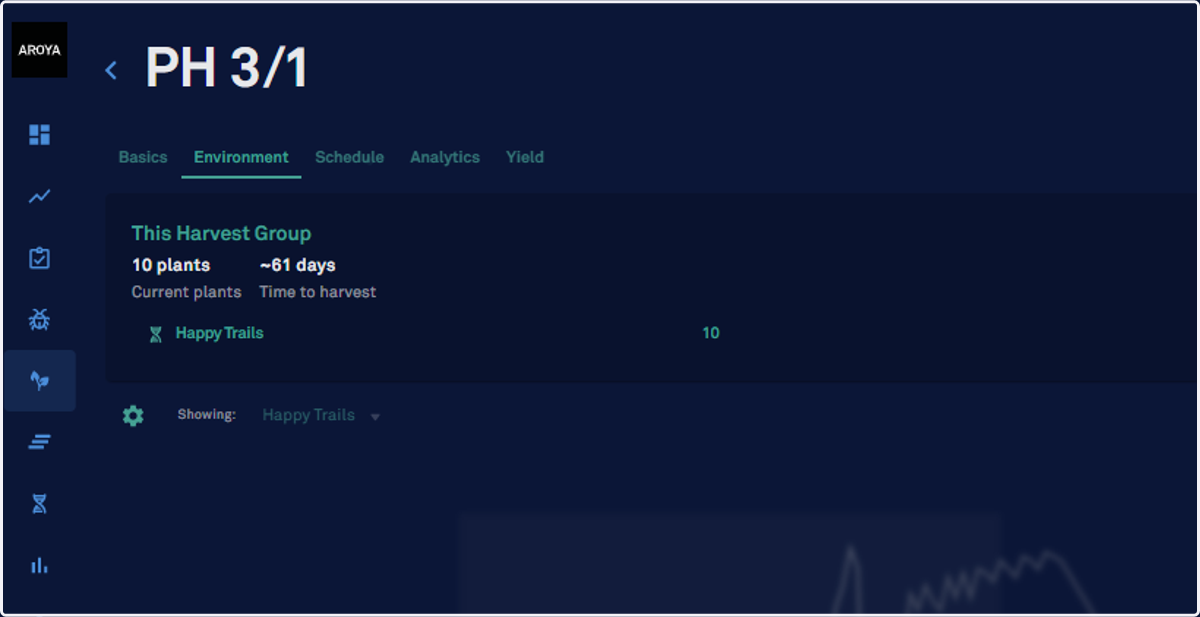
4. Click on Schedule
5. Click on Edit schedule

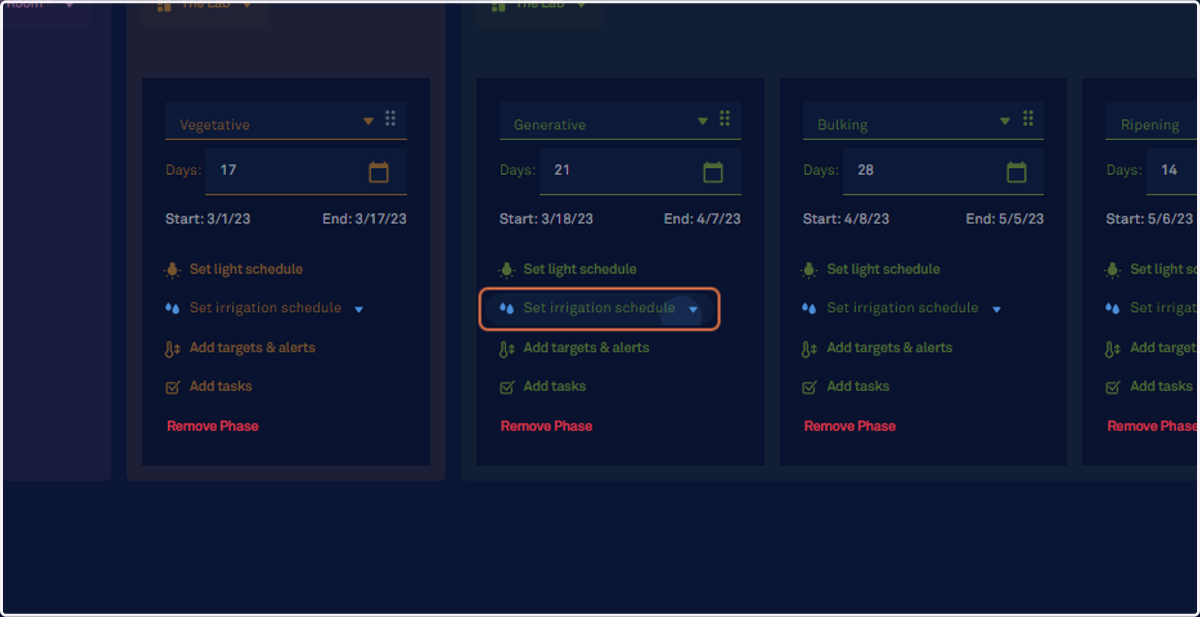
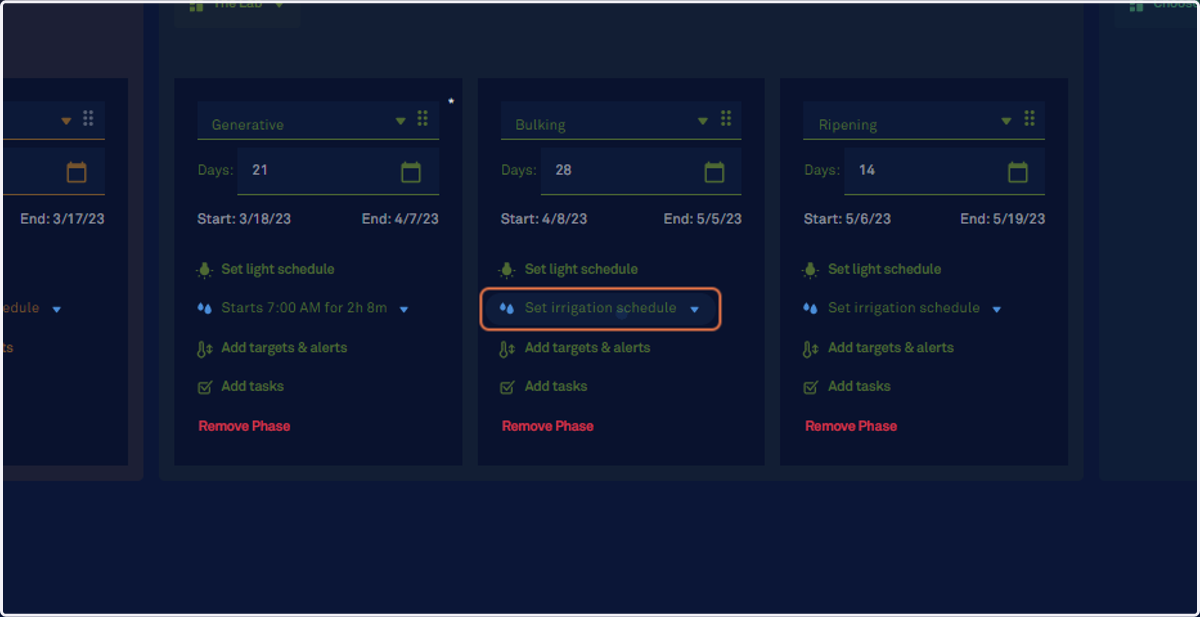
6. Click on Set irrigation schedule for the desired phase
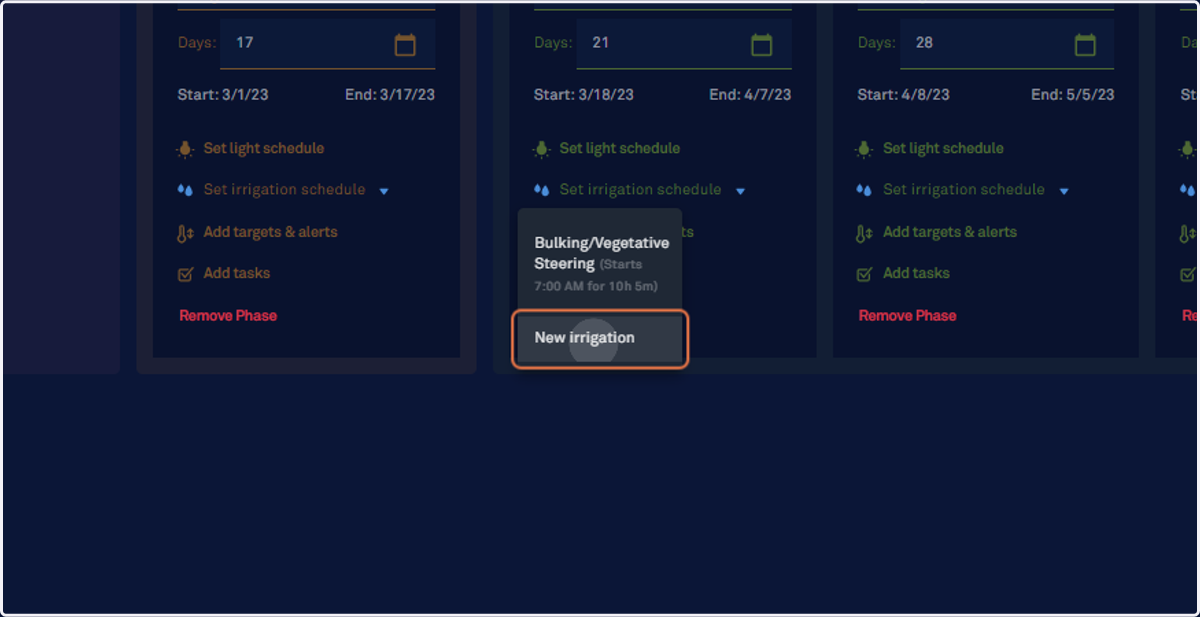
7. Choose an irrigation template or click on "New irrigation" to create new irrigation schedule
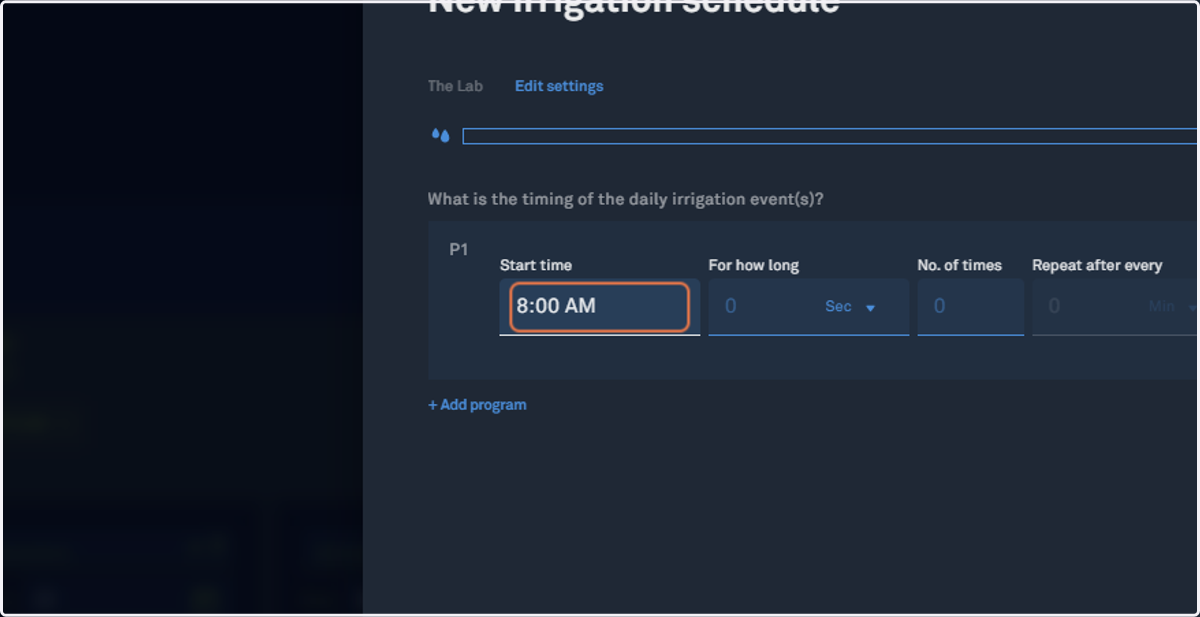
8. Choose start time
9. Choose length per irrigation event
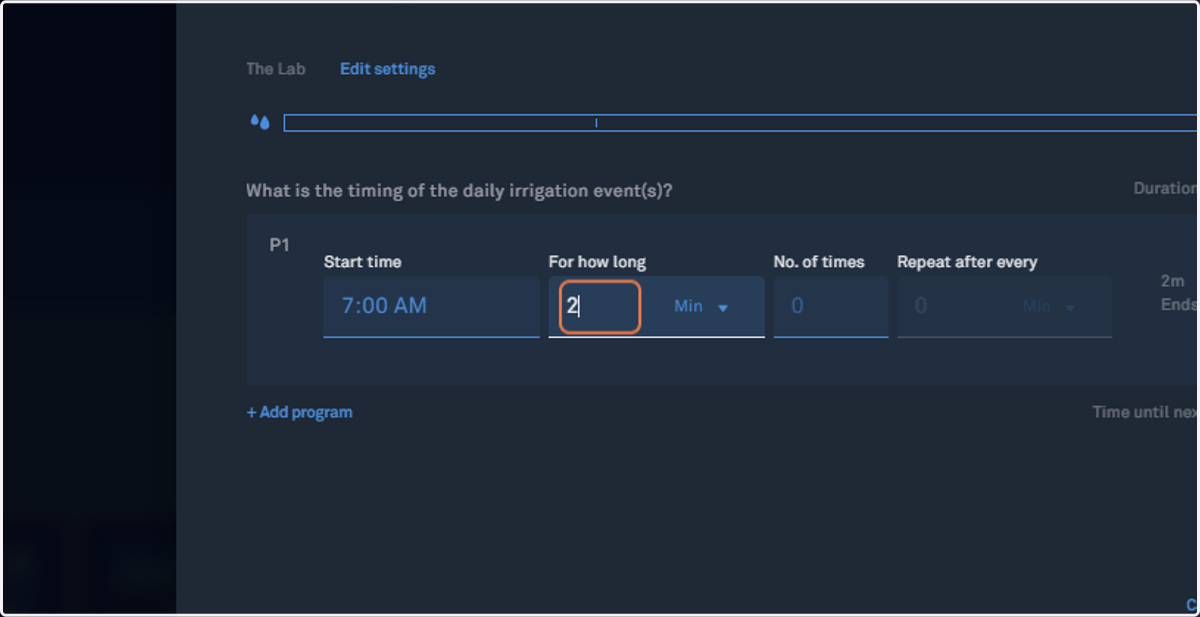
10. Choose how many times to do this event (this is the total number of events)
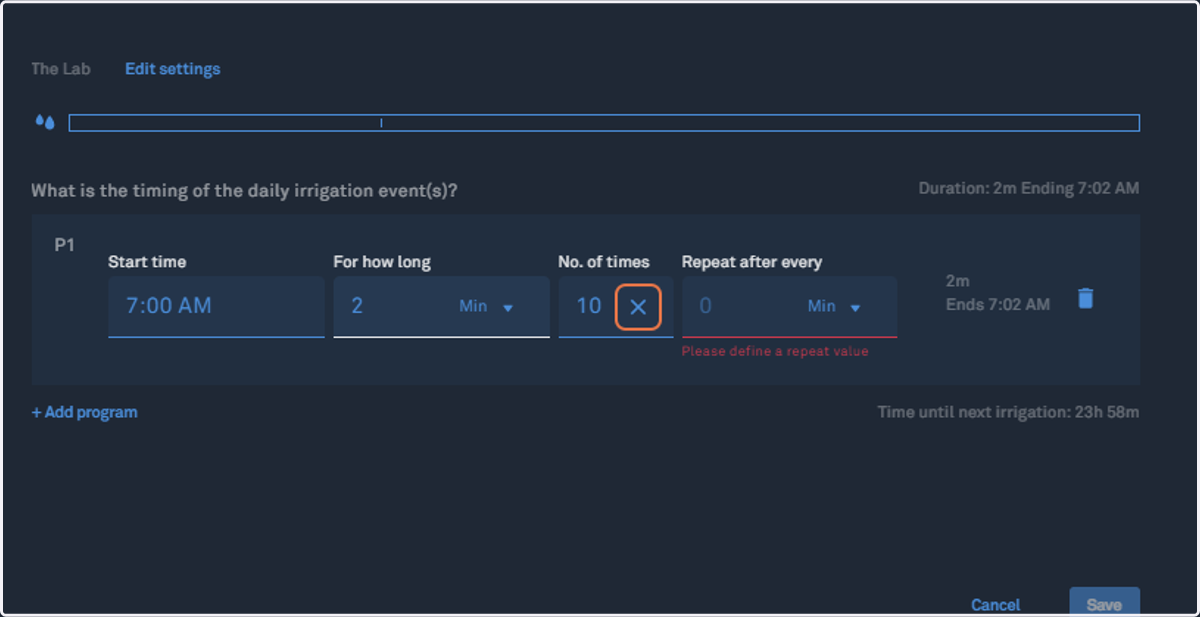
11. Choose time in between every event
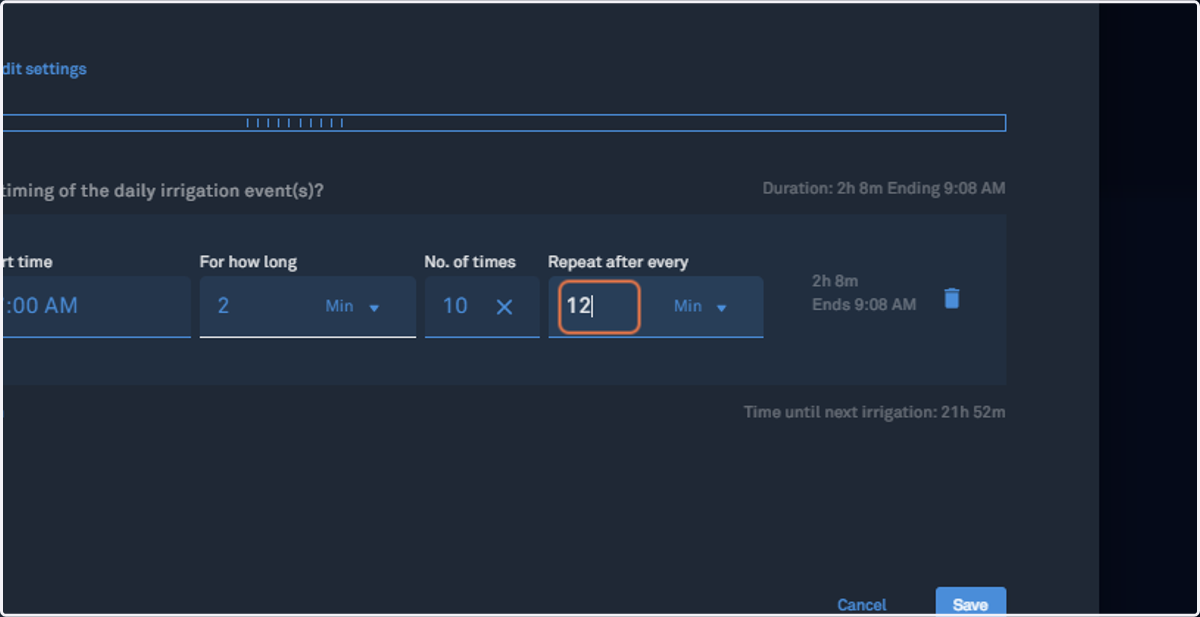
12. Optional: If P2 is desired, click +Add program (same for P3, P4 etc)
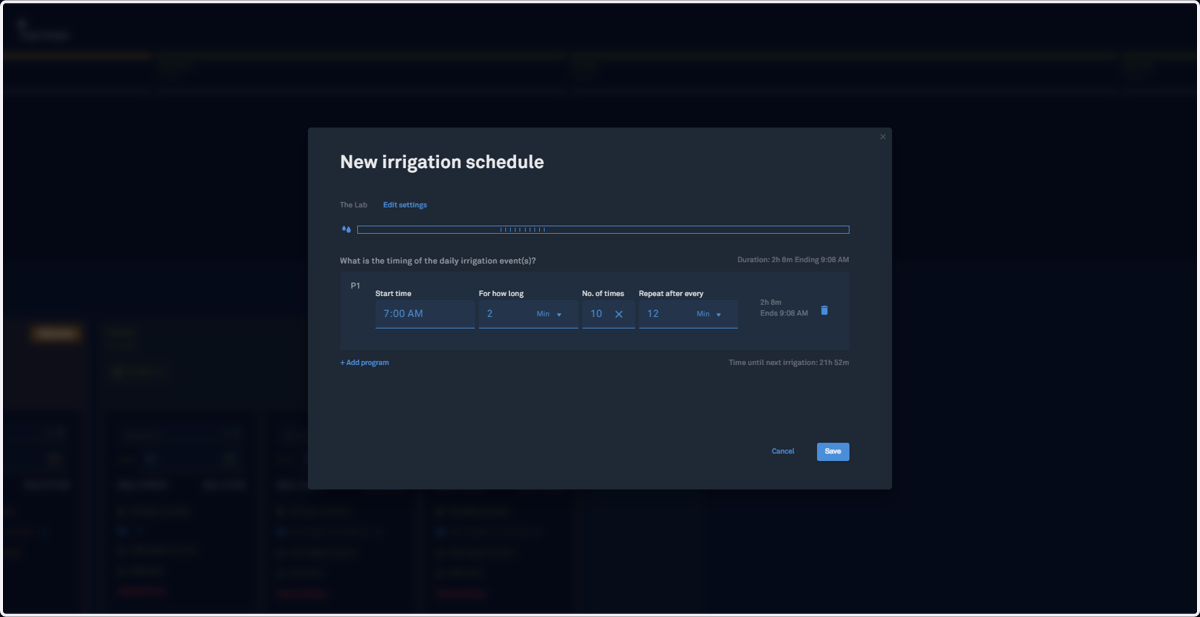
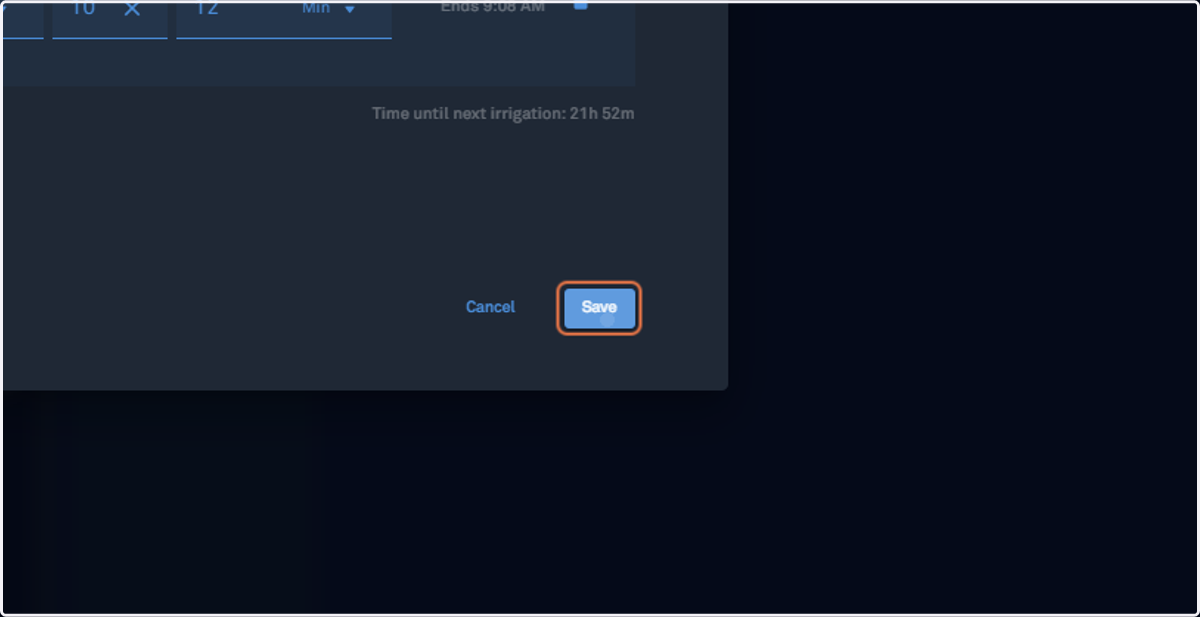
13. Click on Save
14. Choose next phase(s) as desired and go back to step 7 to create a schedule
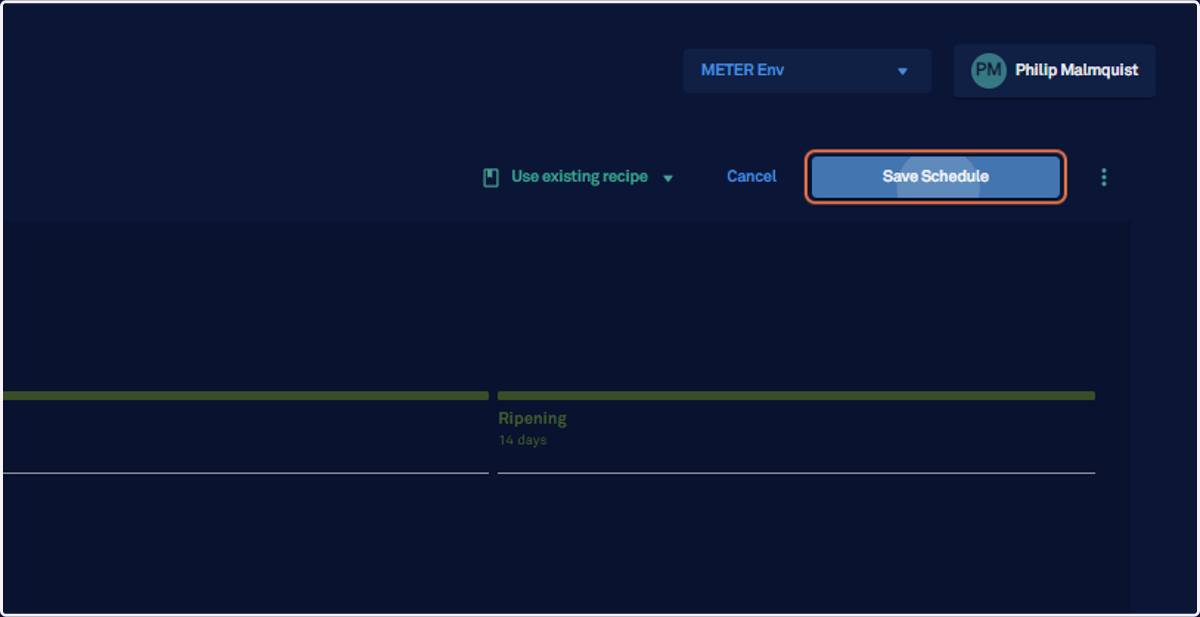
15. Click on Save Schedule when all desired phases have irrigation schedules
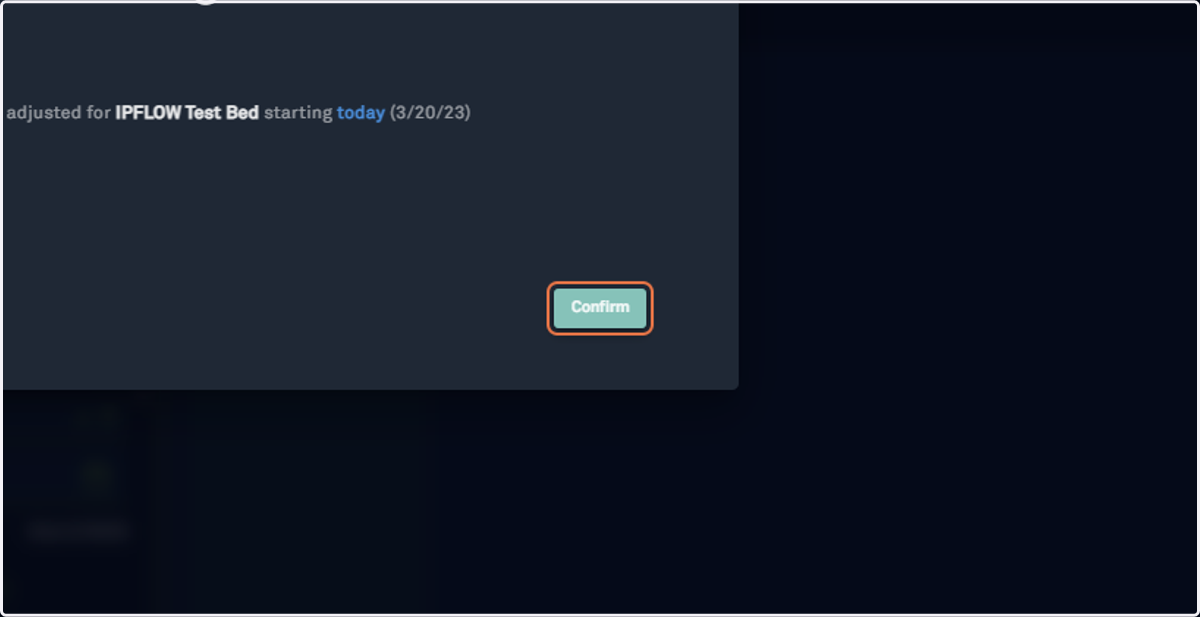
16. Click on Confirm