Add Vendor

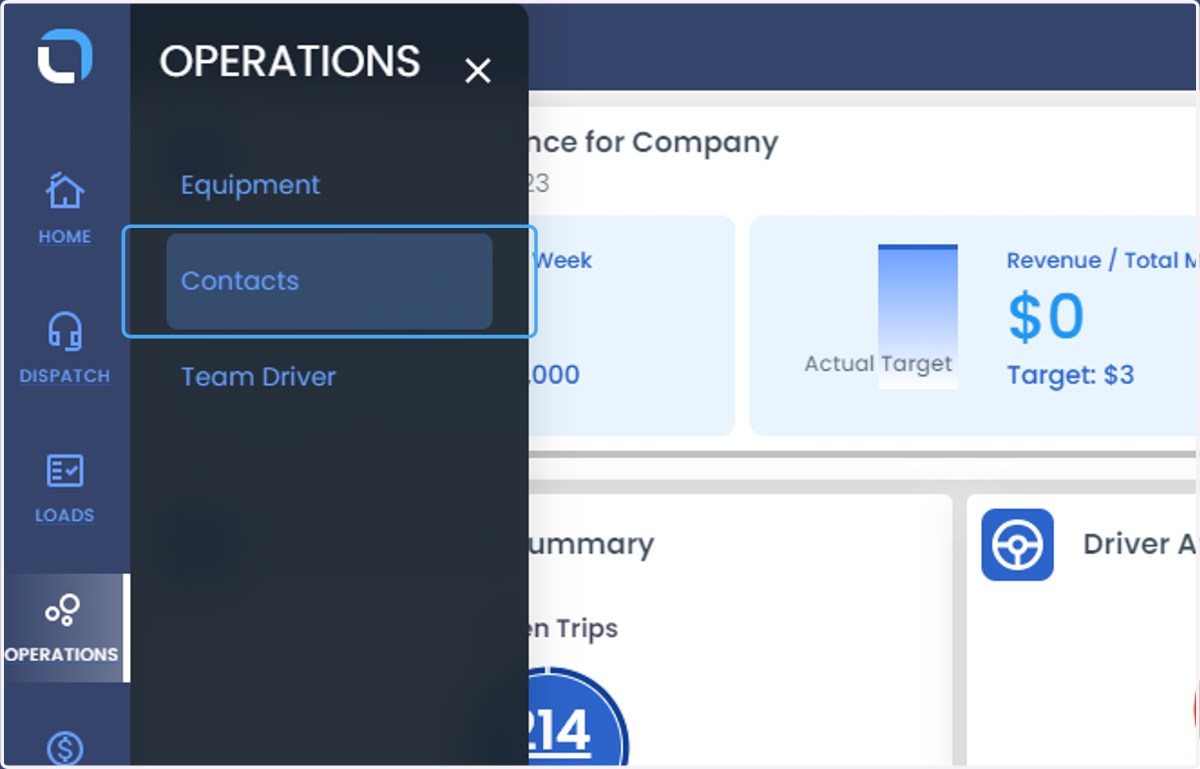
  1. 1. Click on OPERATIONS from the left side of the navigation bar
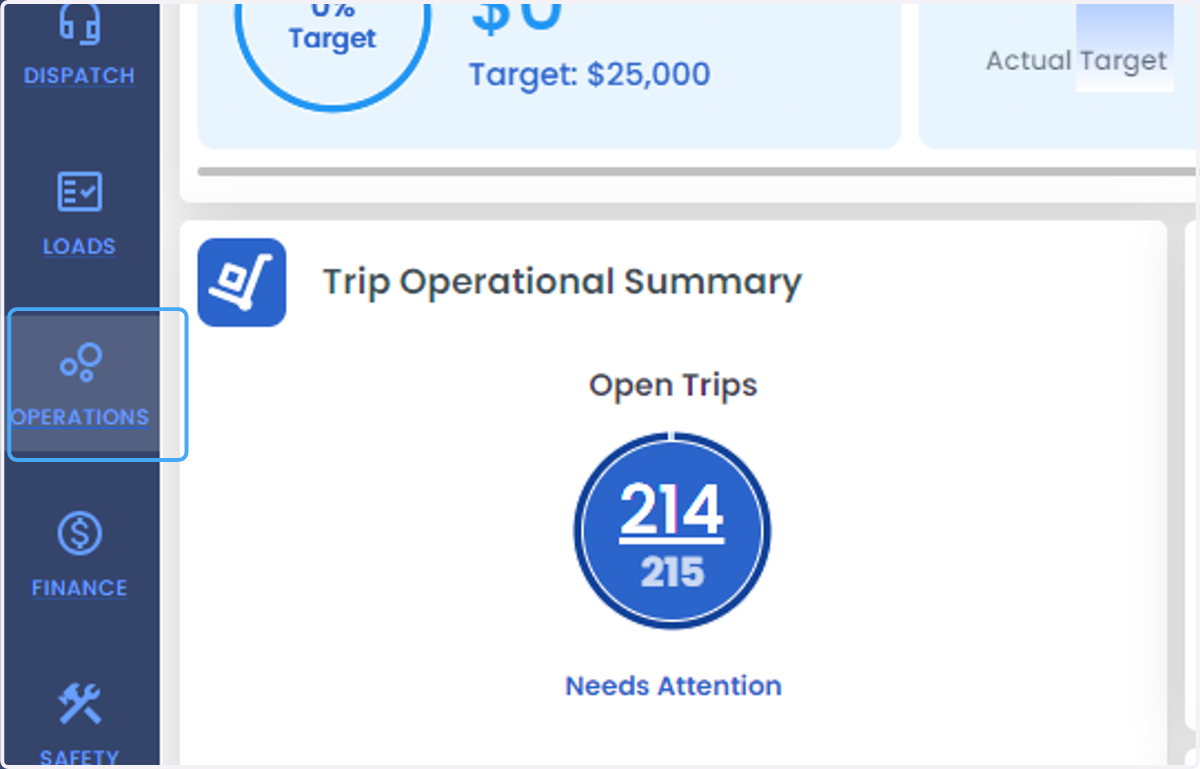
    Click on OPERATIONS from the left side of the navigation bar
  2. 2. Click on Contacts

    Click on Contacts
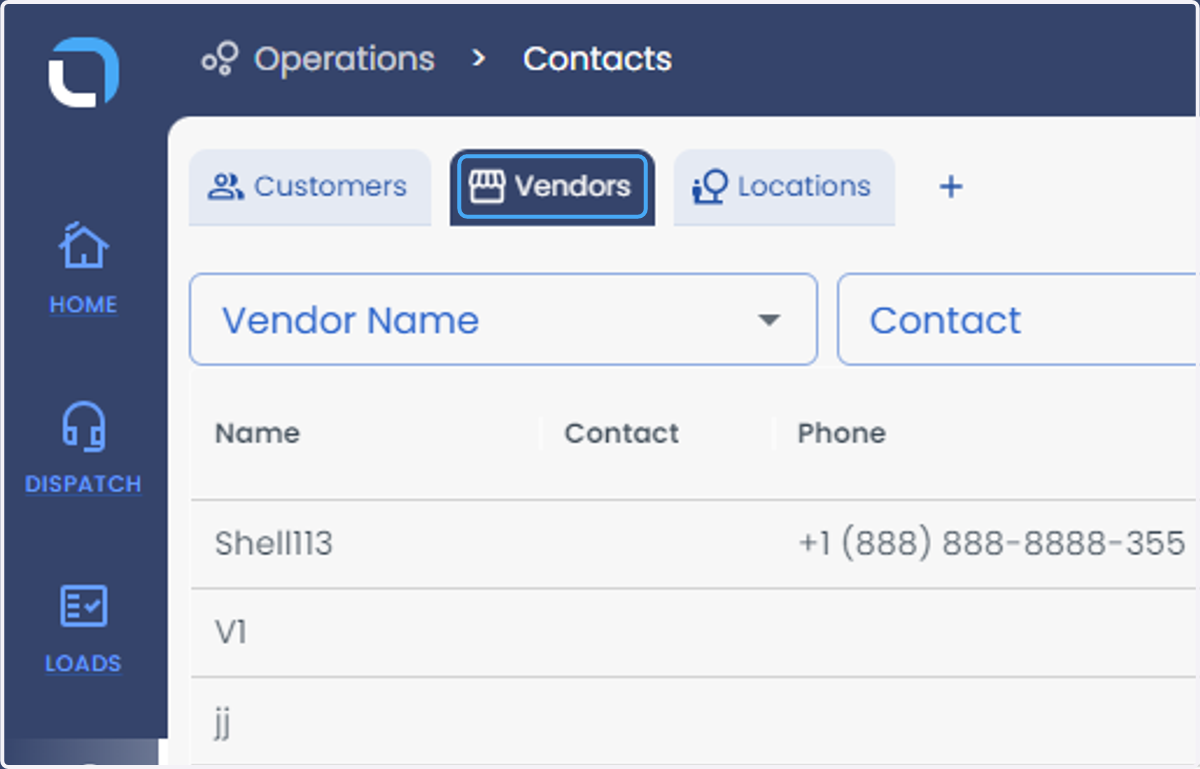
  3. 3. Click on Vendors

    Click on Vendors
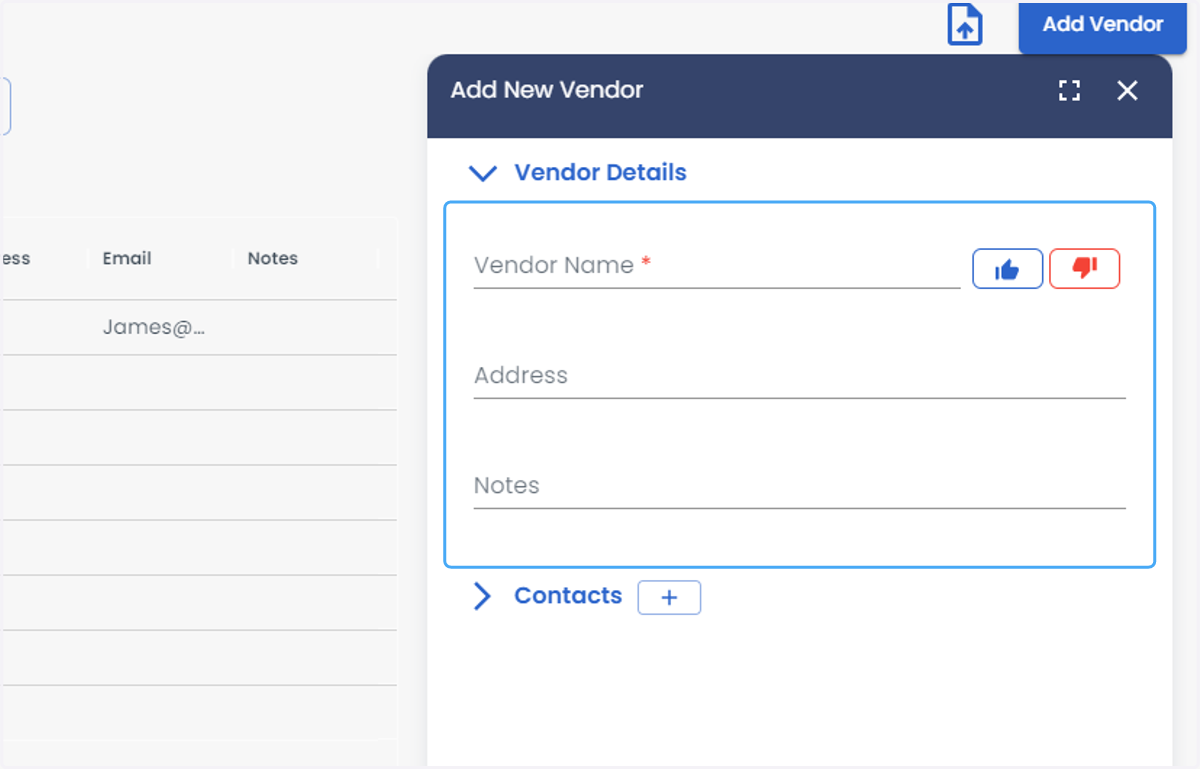
  4. 4. Click on Add Vendor from the right side of the screen
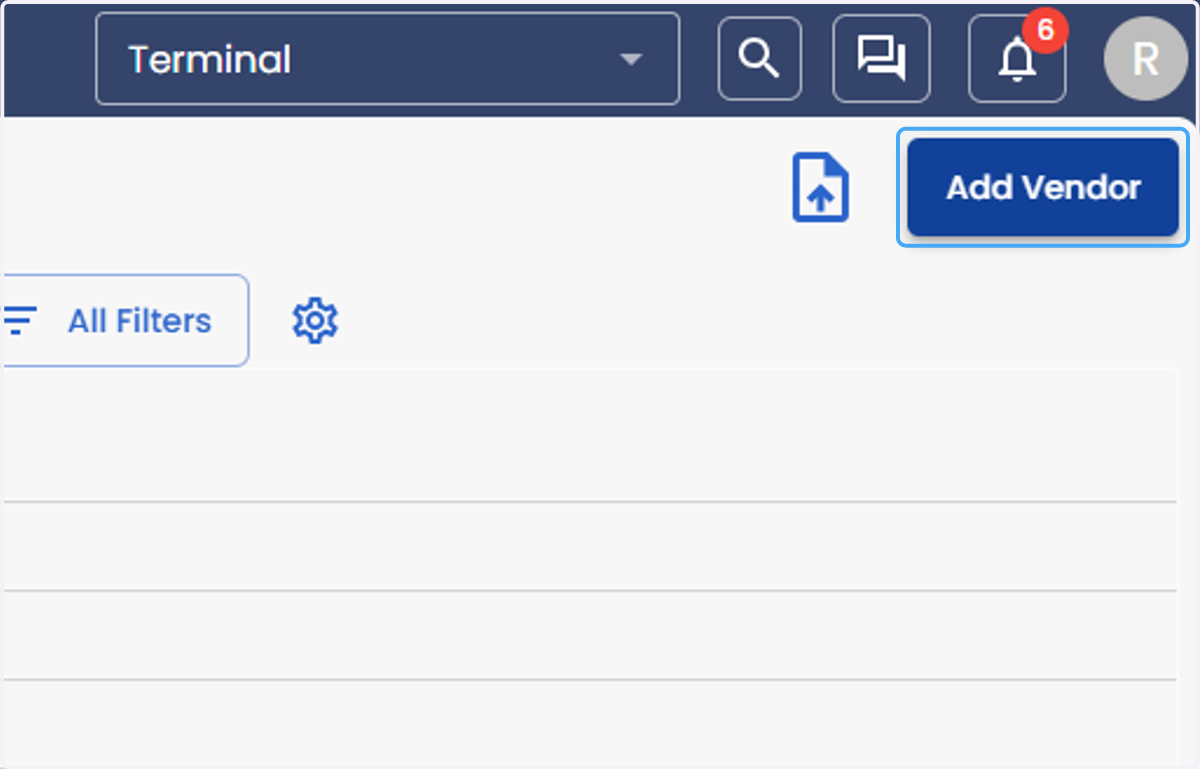
    Click on Add Vendor from the right side of the screen
  5. 5. Add Vendor Details

    Add Vendor Details
  6. 6. Click on "+" button under the Contacts to add new contact
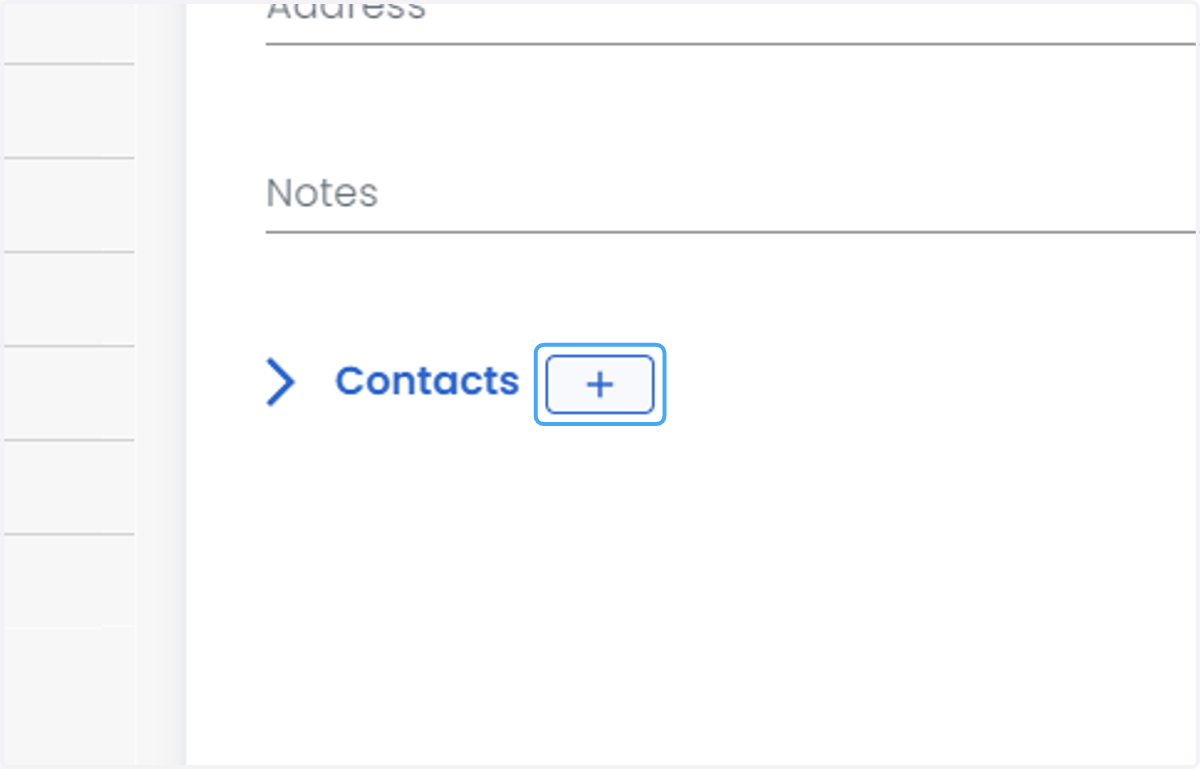
    Click on "+" button under the Contacts to add new contact
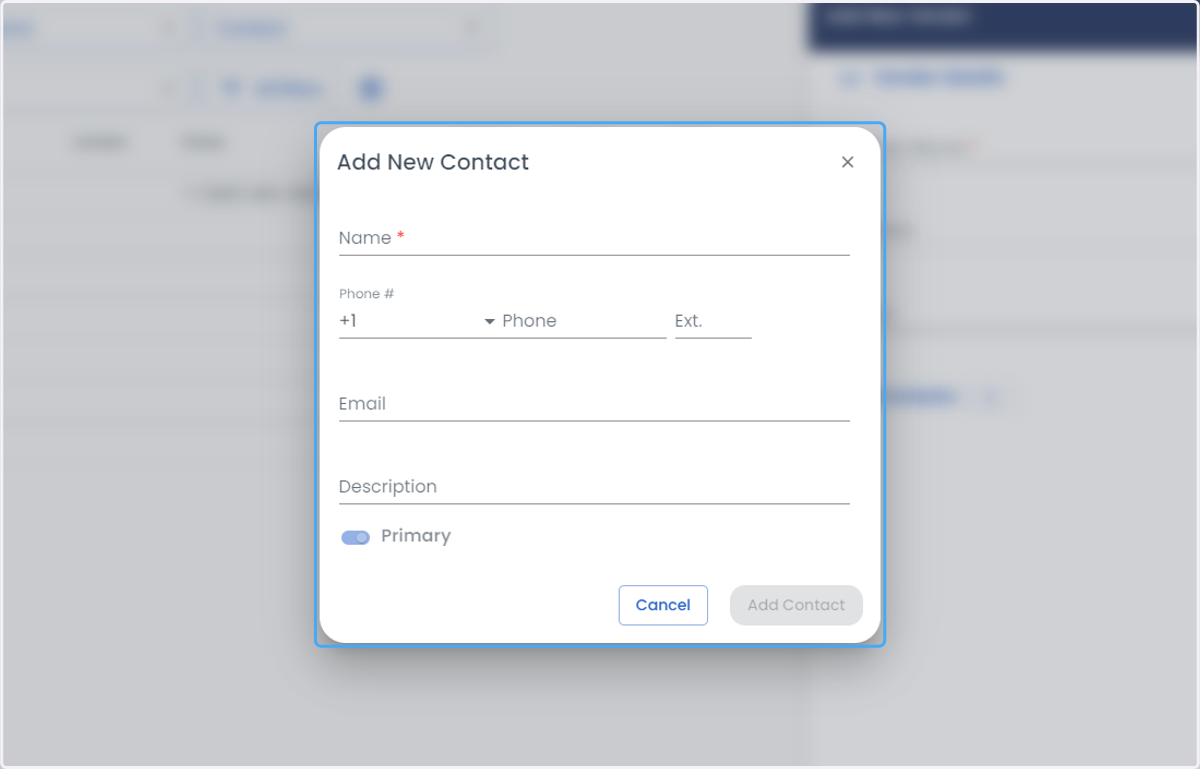
  7. 7. Enter the Contact Details

    Enter the Contact Details
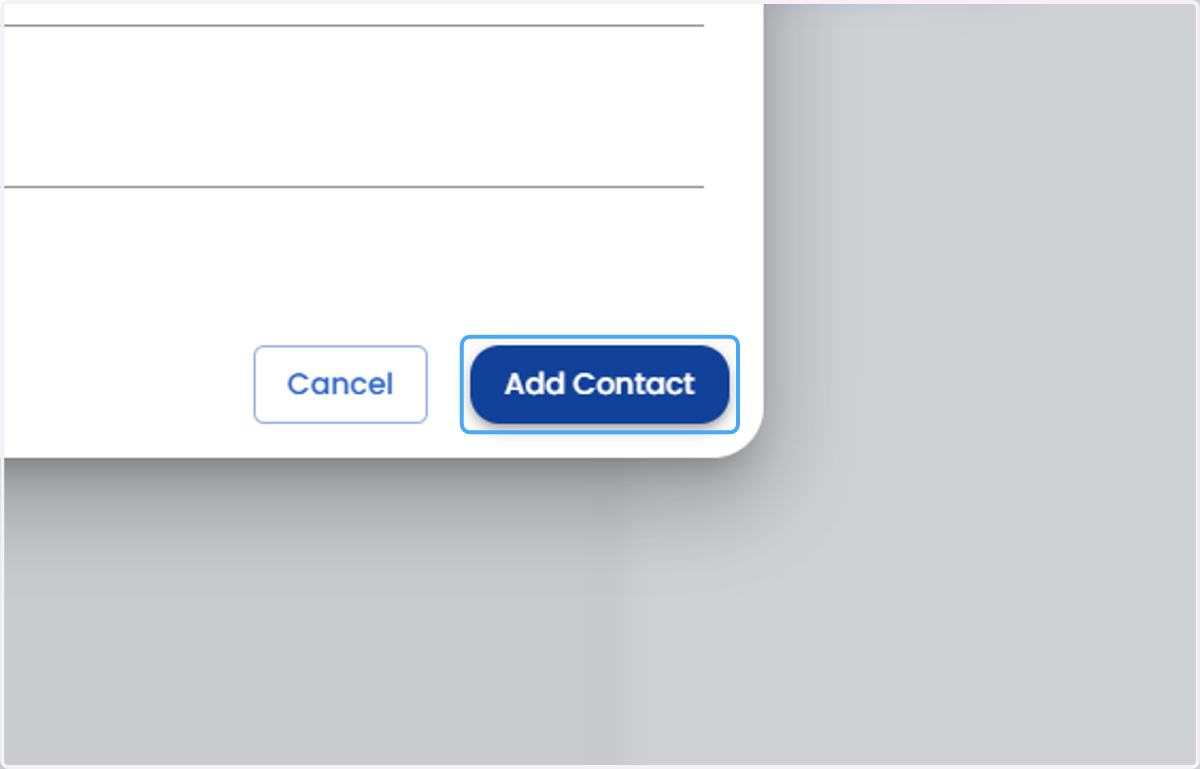
  8. 8. Click on Add Contact

    Click on Add Contact
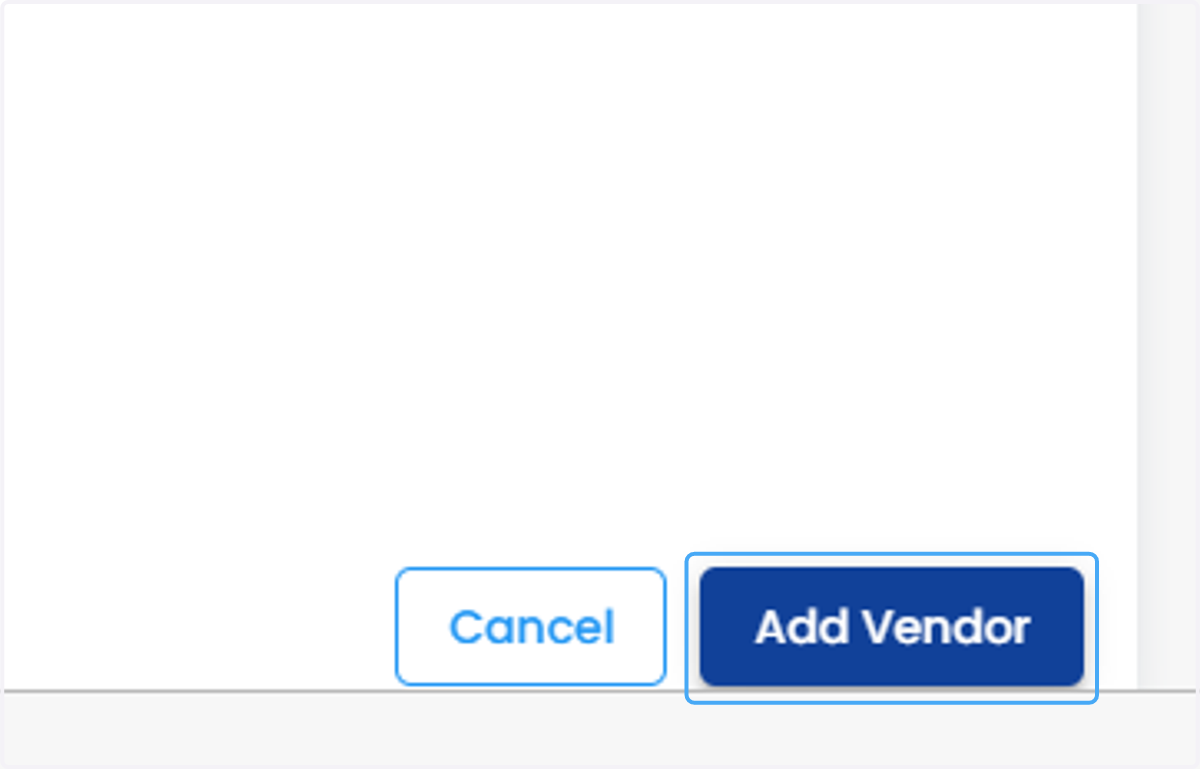
  9. 9. Click on Add Vendor

    Click on Add Vendor