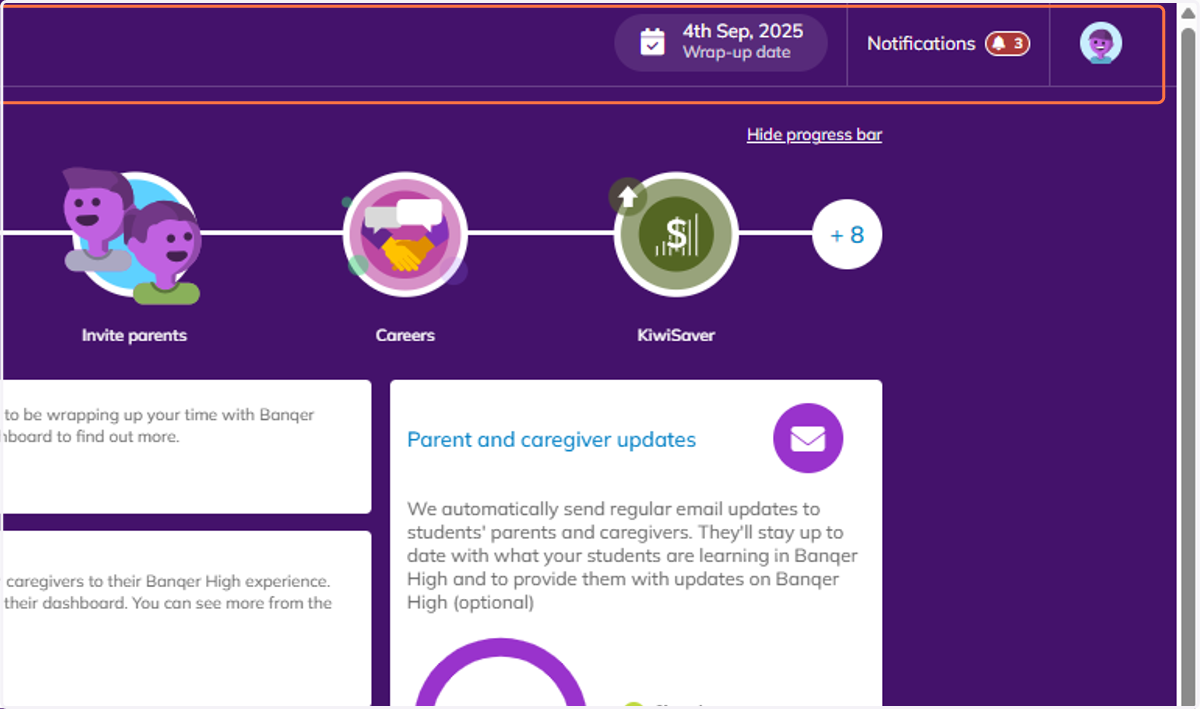
Update Wrap-up date in Banqer High
Banqer High
1. You can view your wrap-up date in the top bar of your screen. To edit your wrap-up date, click on the current date.
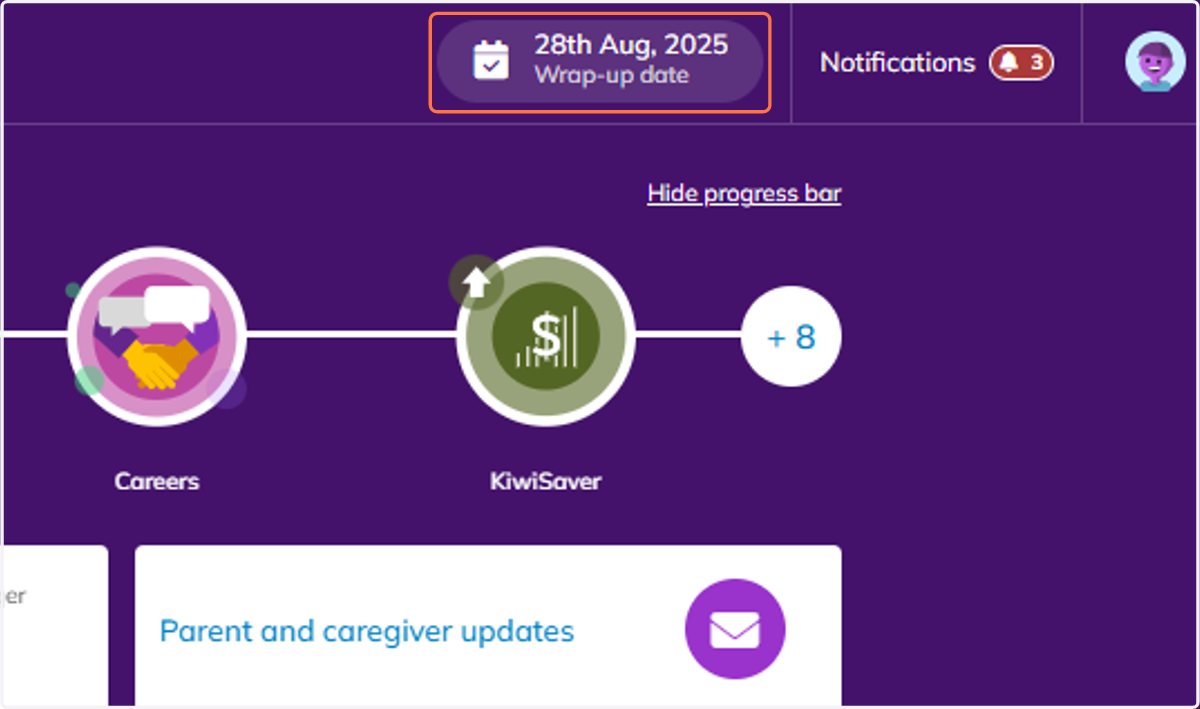
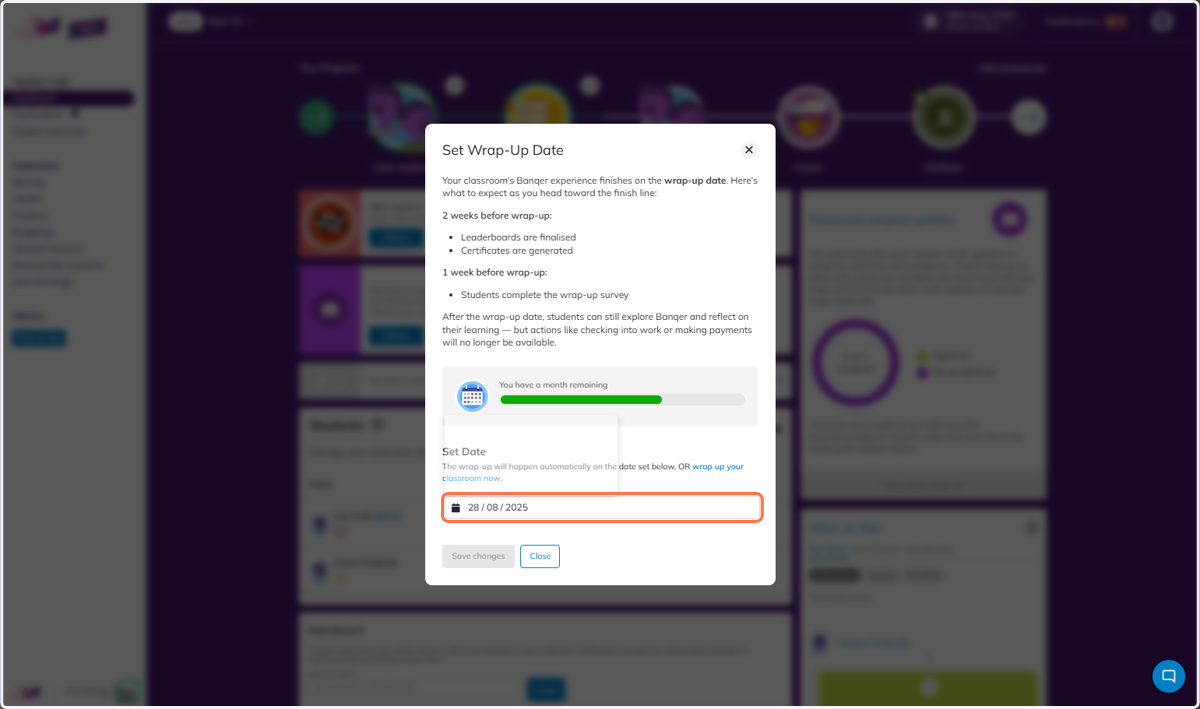
2. This will open a modal where you can learn more about the wrap-up date, and also change the date at the bottom.
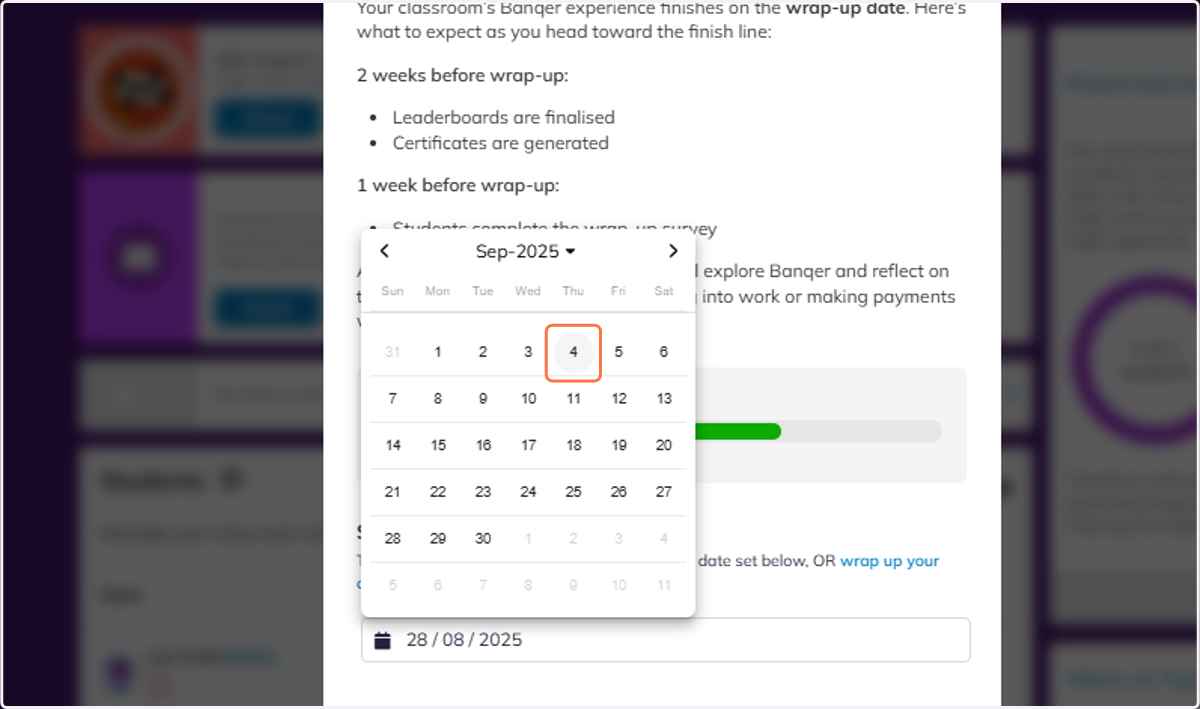
3. Select your new date.
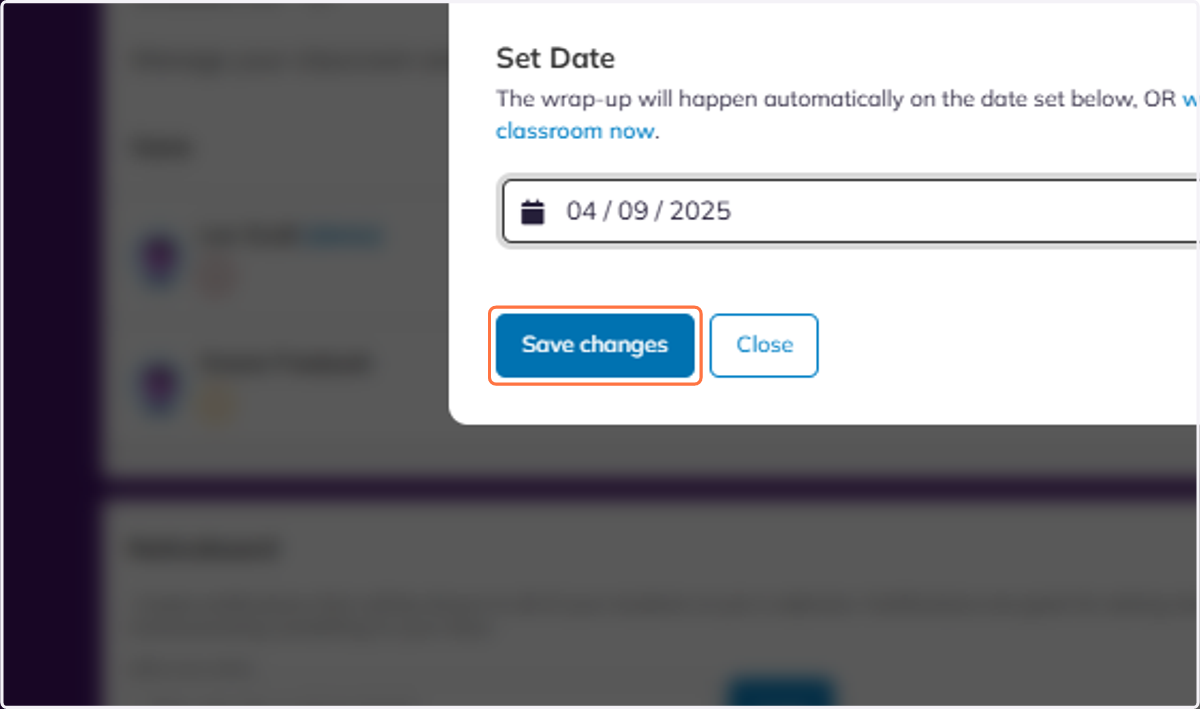
4. Click on Save changes.
5. Click on Junior…