Navigating Classic Quizzes in Canvas for Students
How to access and use Classic Quizzes in Canvas as a student.
1. Open Quiz
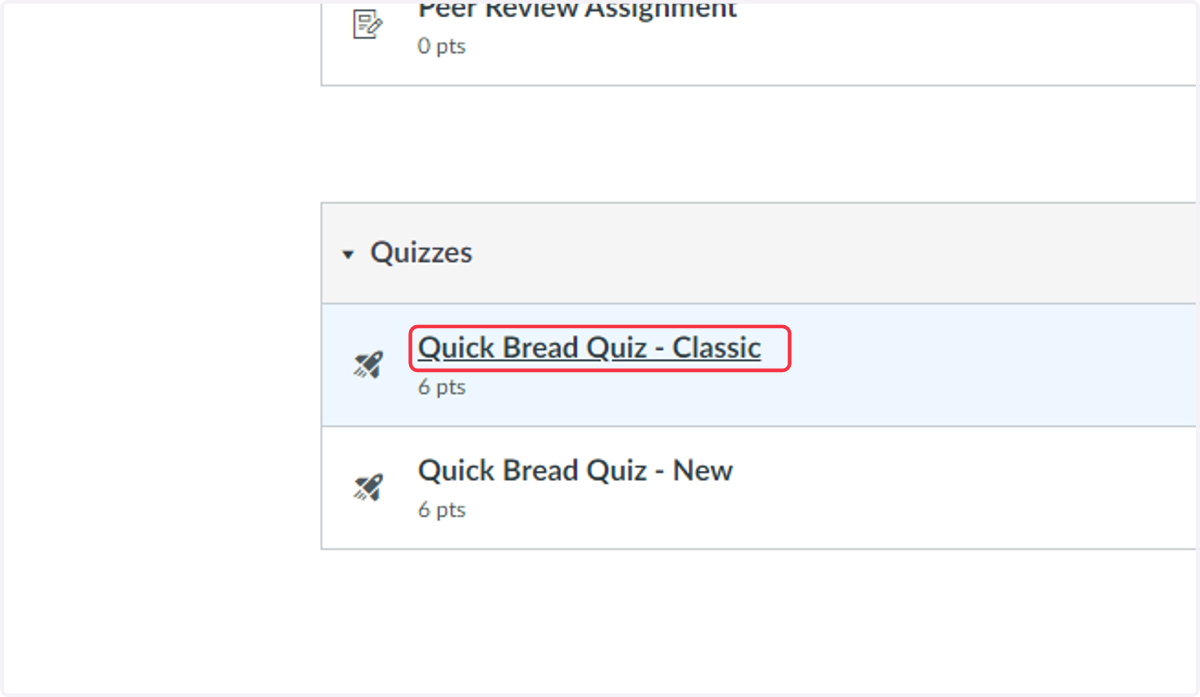
Quizzes have a rocket icon next to them in Canvas. Select the title of the Quiz to open.
2. Quiz Landing Page
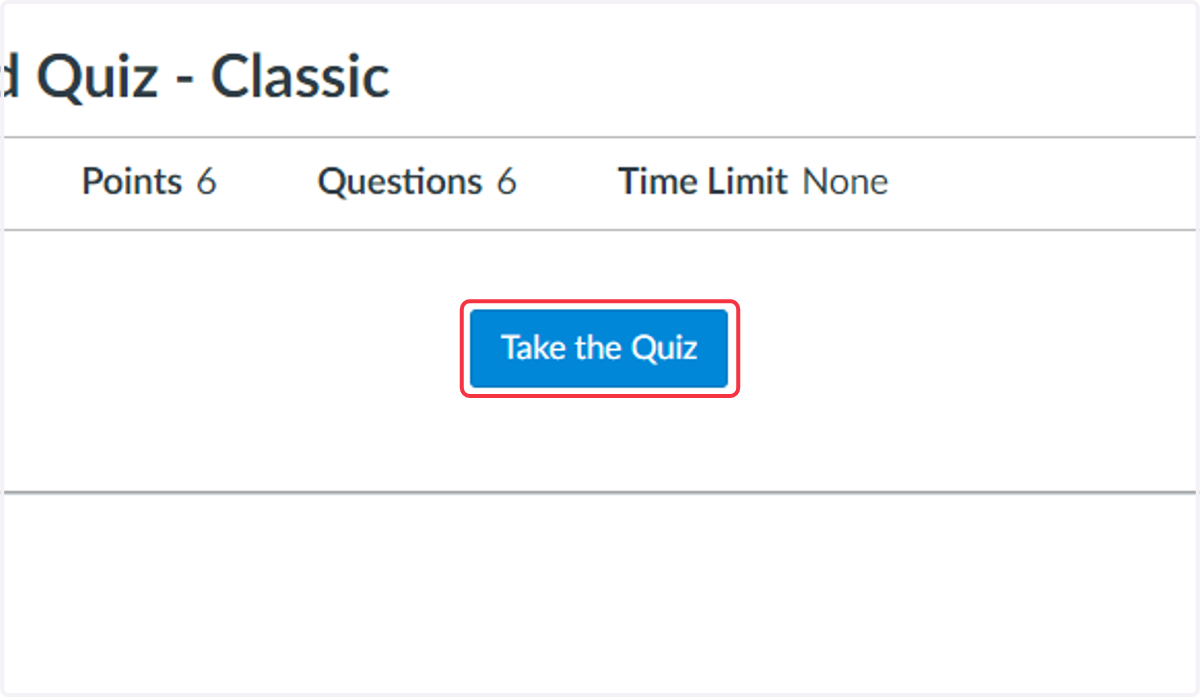
Read any directions included on this page and then select Take the Quiz
3. Start the quiz
Follow directions provided by your teacher and respond to questions.
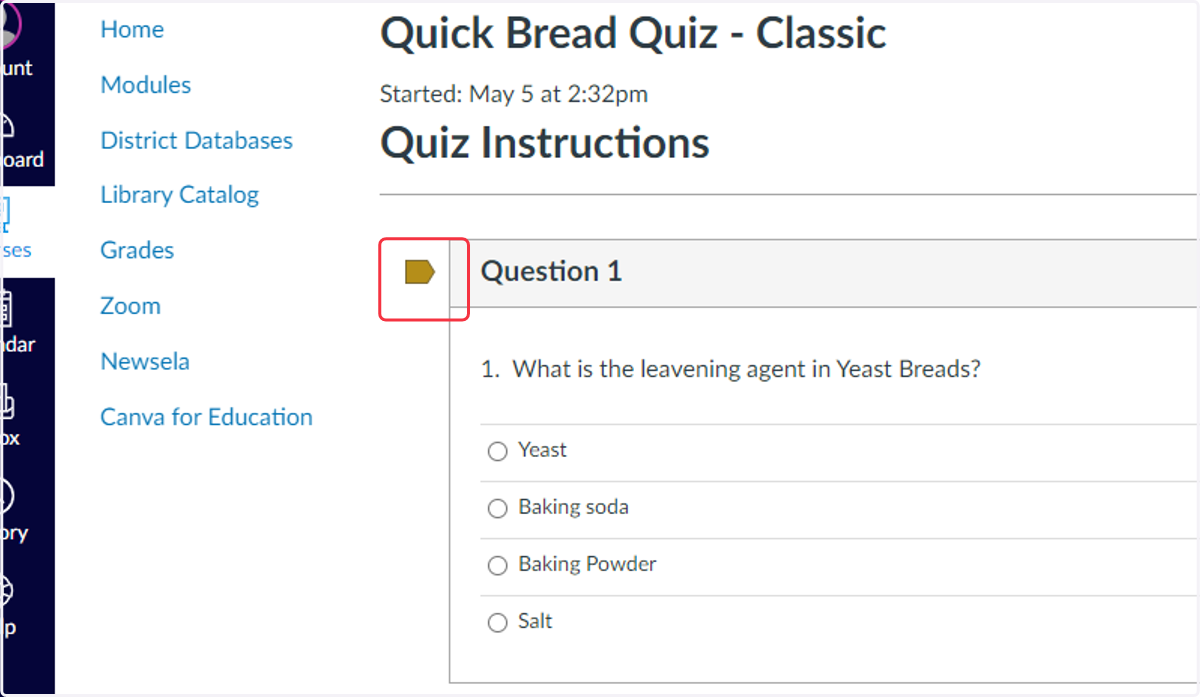
4. Optional: Flagging questions
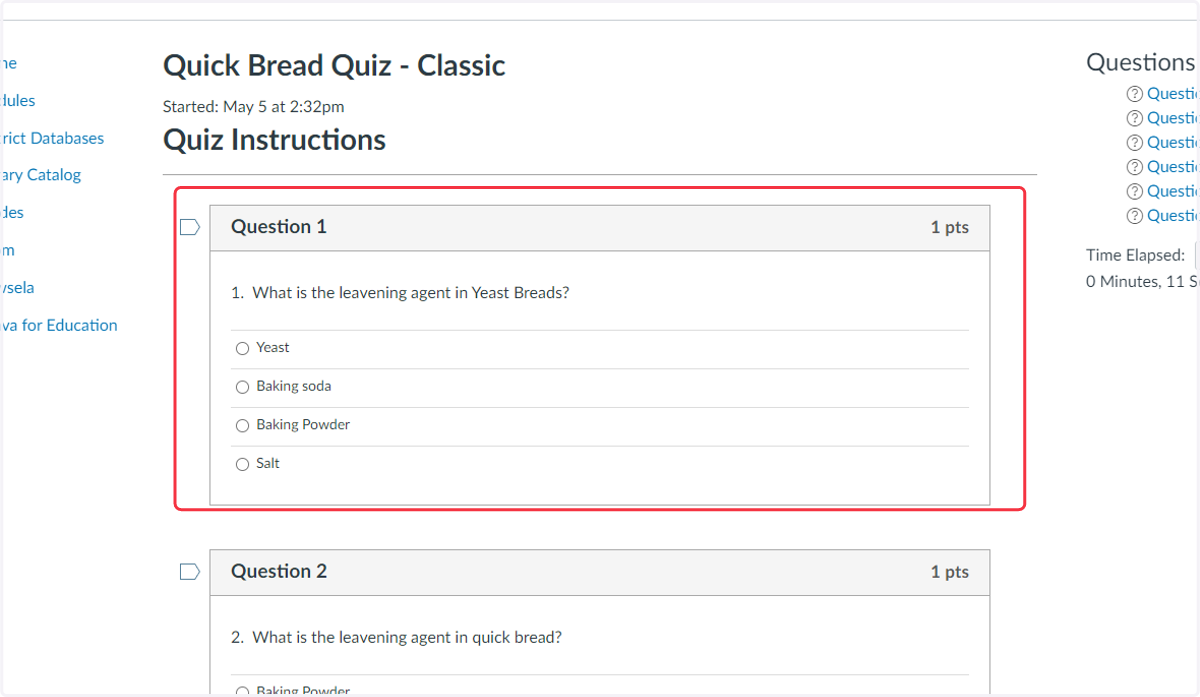
Next to each question is an option to flag the question. Select the flag to mark questions that you want to come back to before submitting the quiz.
5. Questions Navigation List
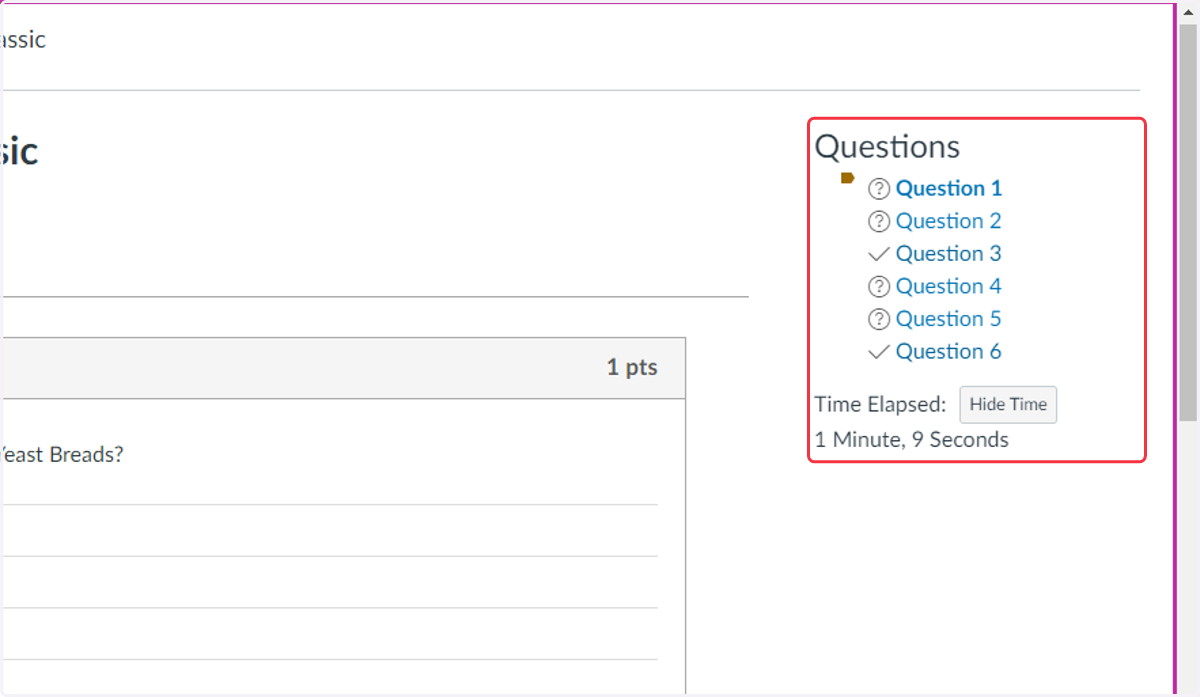
The quiz will include a list identifying the number of questions on the quiz and the status of each question.
For any questions you have flagged, there will be a flag icon next to the question.
If you have answered the question, there will be a checkmark next to the question.
If you have not responded to the question, there will be a question mark showing.
You can select the question in the list to jump to the question on the quiz.
Note: Some quizzes may not allow you to go back to previous questions.
6. Checking Save Status
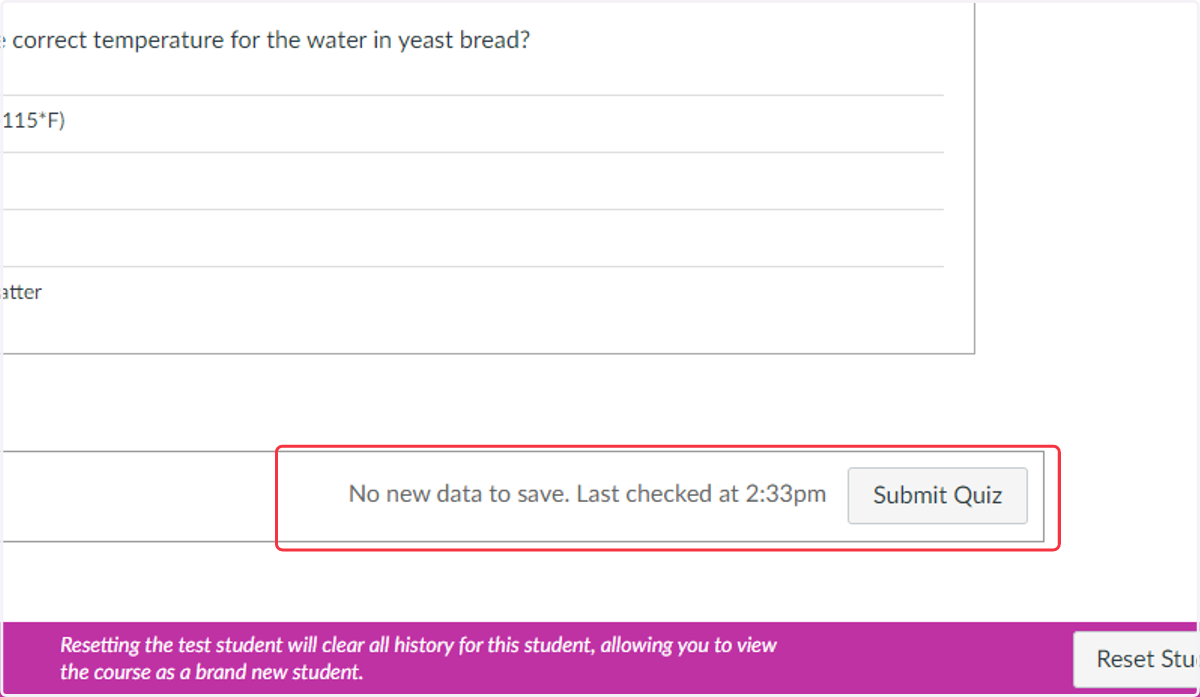
Classic quizzes autosave, but you need to check the following BEFORE closing the tab.
Is there a saved message next to the submit button?
Does your teacher allow you to exit and come back later to complete the quiz?
Are there short answer/essay questions? These types of questions do not always save when you leave the quiz and come back later.
7. Click on Submit Quiz
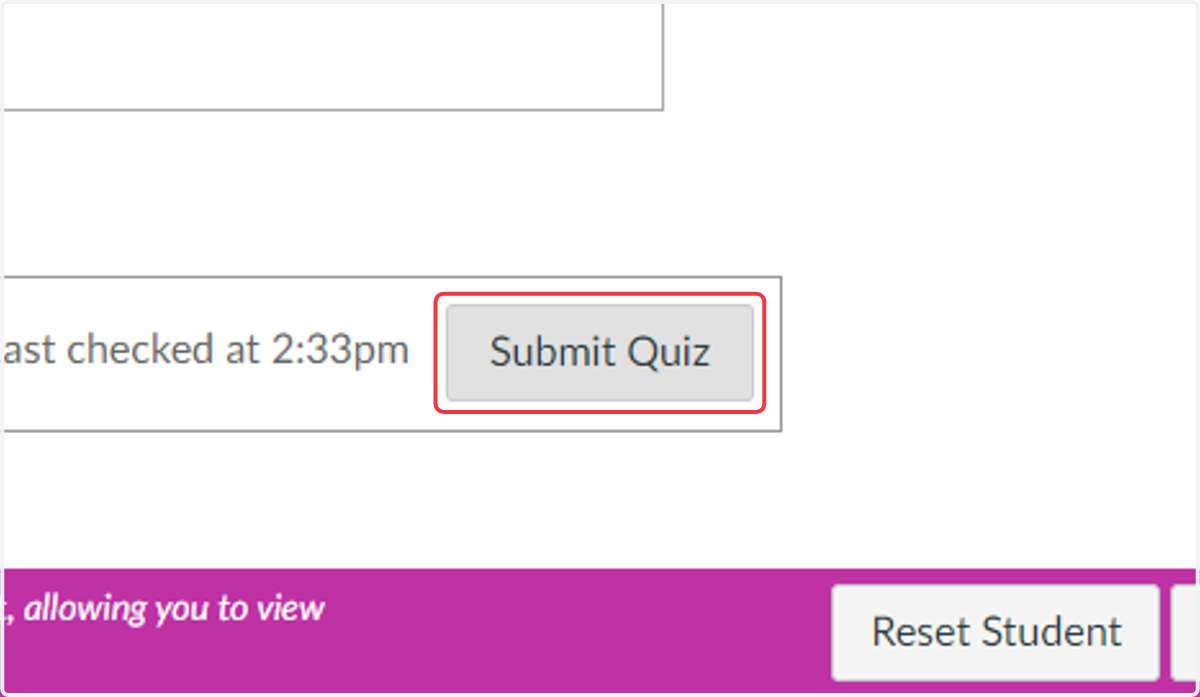
Only Select Submit Quiz when you are done and ready to turn it in. If your teacher is giving you extra time to complete the quiz, do not submit, make sure your responses are saved, and close the tab.
Make sure responses are SAVED by looking at the bottom of the page next to the Submit Quiz button before leaving the quiz.
8. Quiz Details Page
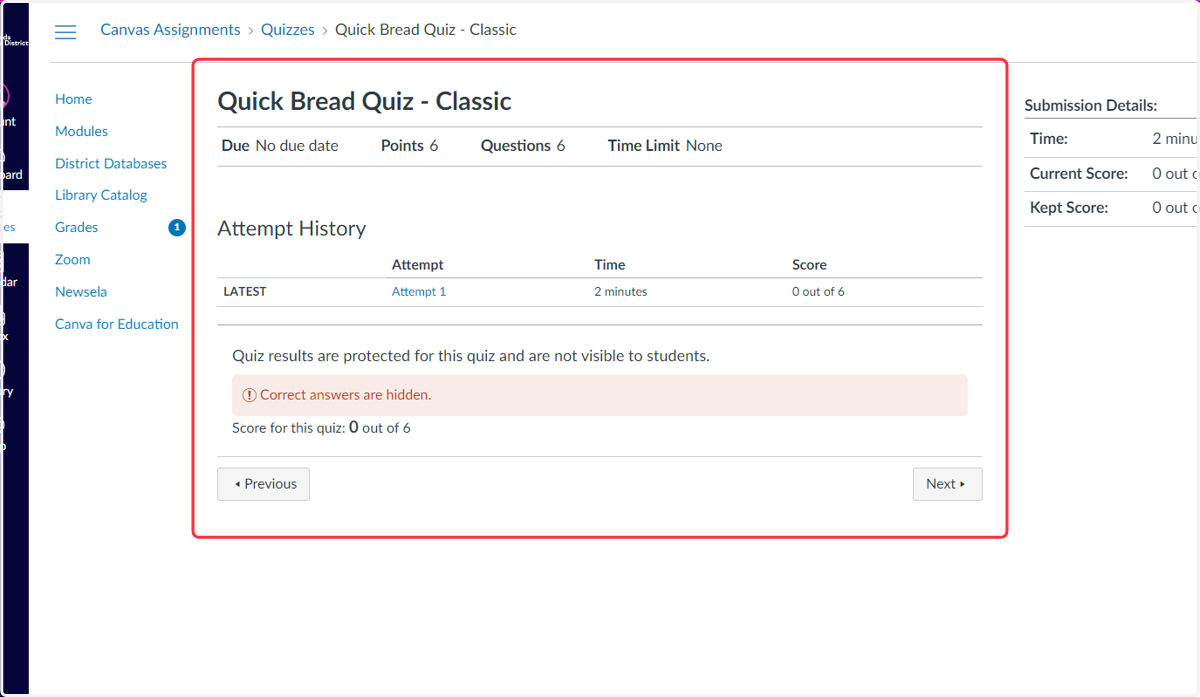
The quiz page will list your attempts, the time for the attempt, and score if the quiz is autograded.
Note: Not all questions can be autograded so the score displayed may change after individual questions are manually graded by the teacher.