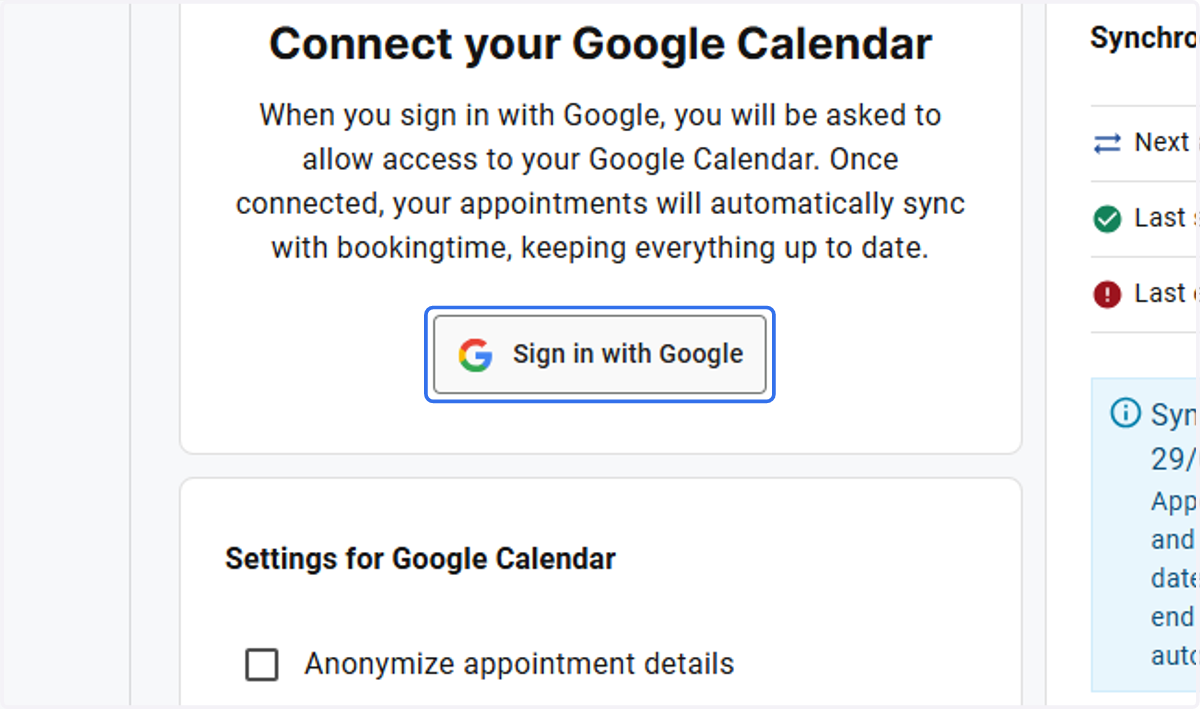
Add Google Calendar Integration in Bookingtime
startpage
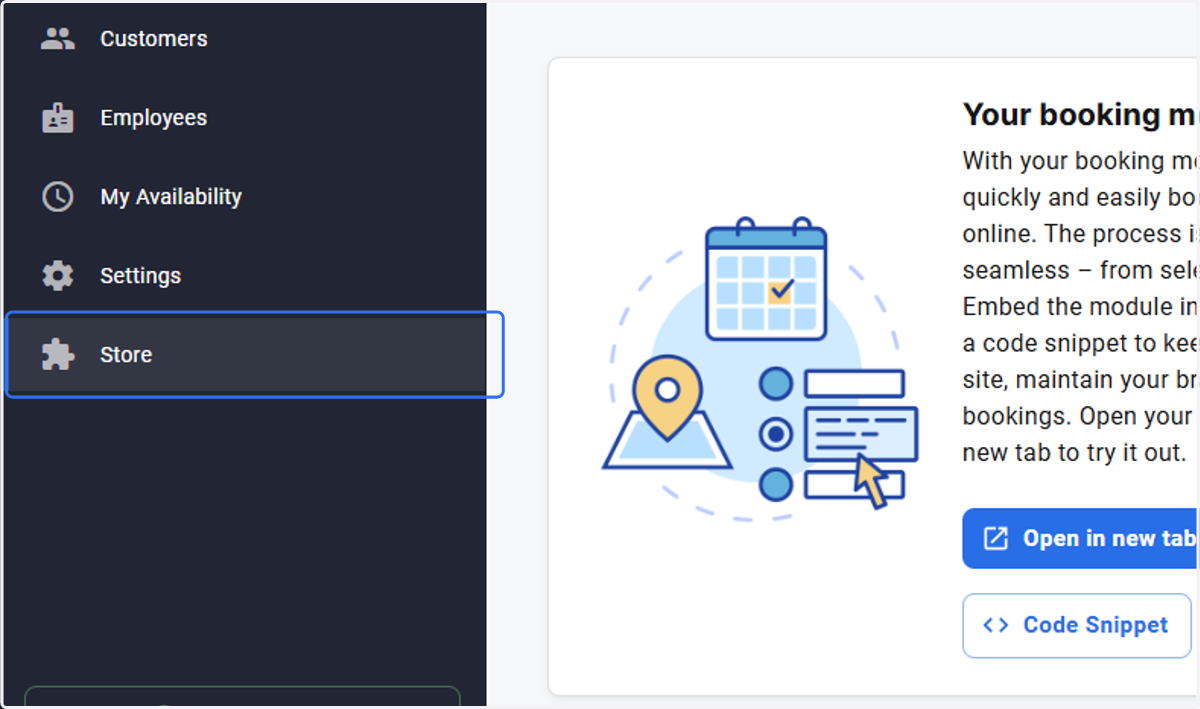
1. Click on Store
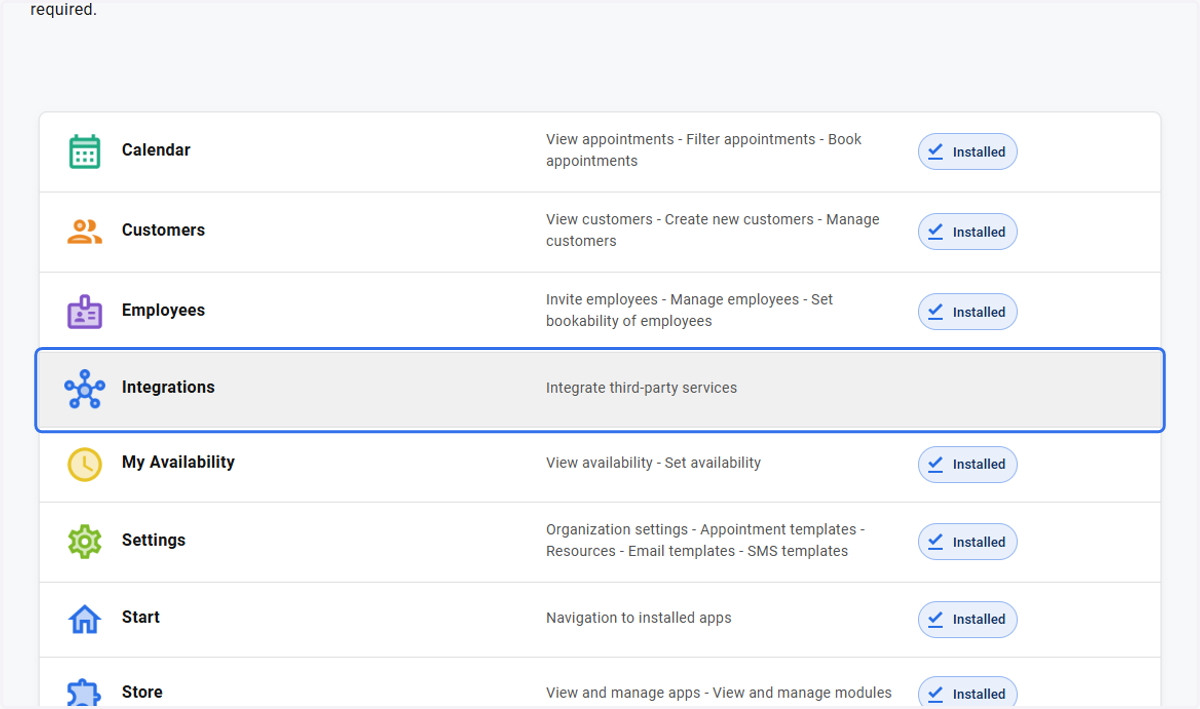
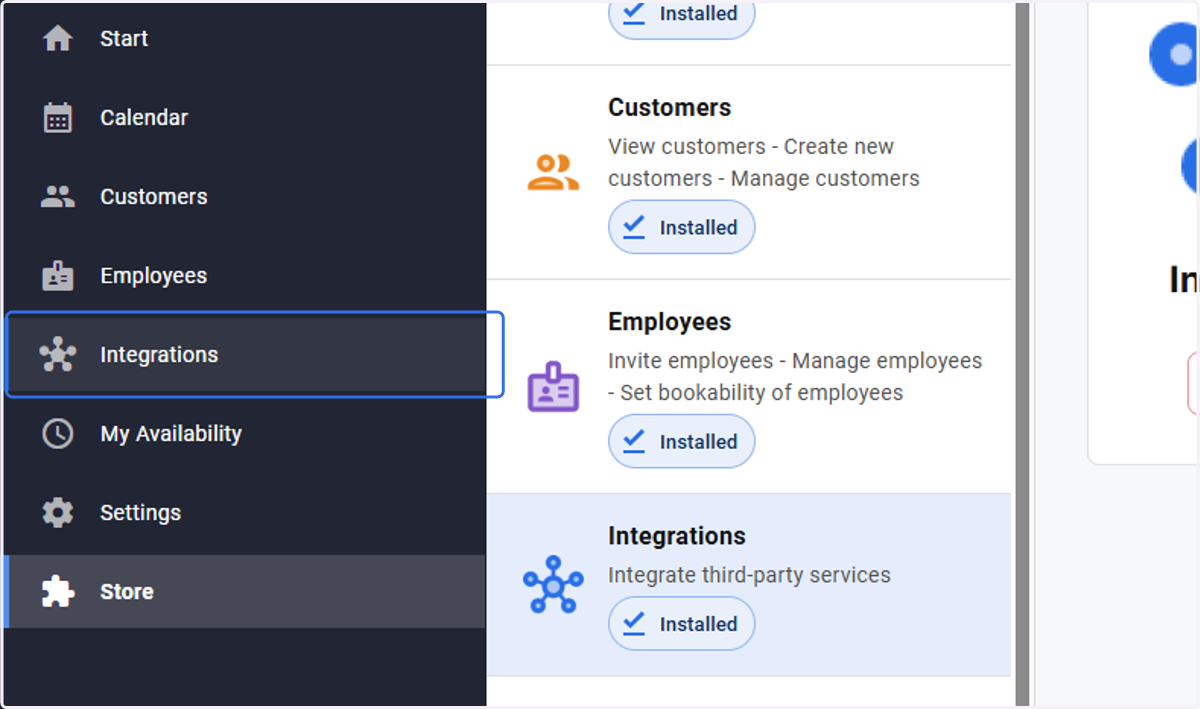
if you do not see the "Integrations" app in the left panel menu, you will have to install it in the store.
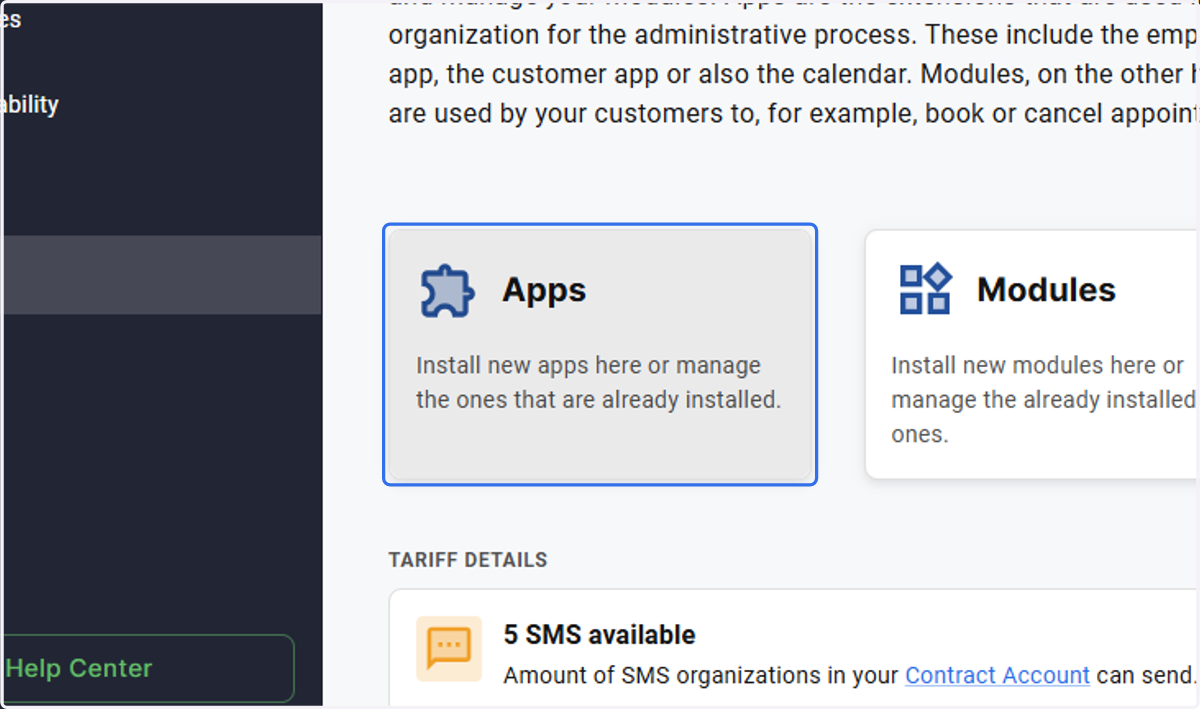
2. Click on Apps…
3. Click on Integrations…
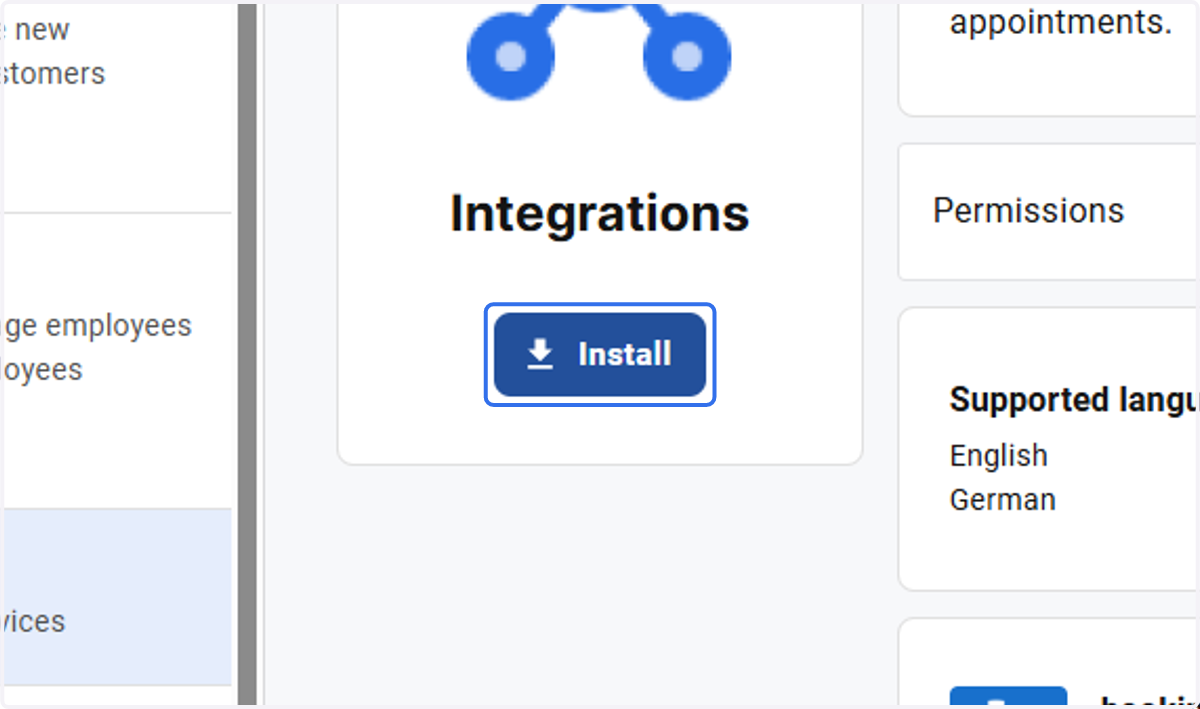
4. Click on Install
5. Click on Integrations
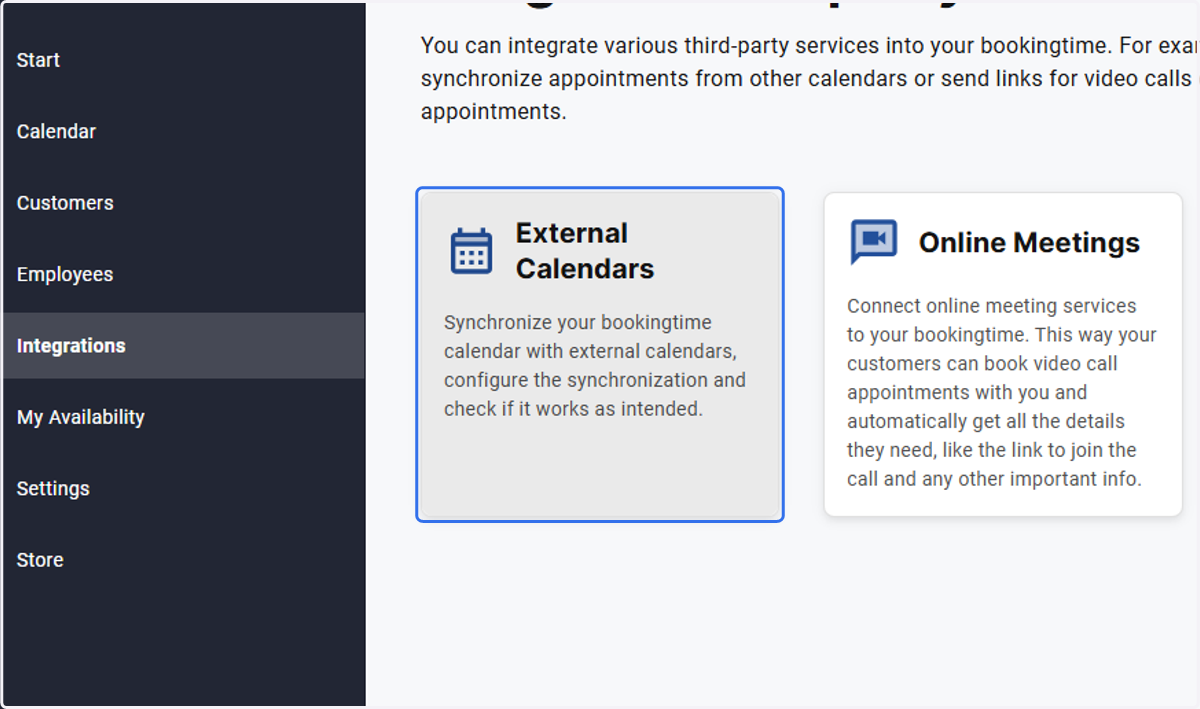
6. Click on External Calendars to add an external calendar e.g Google
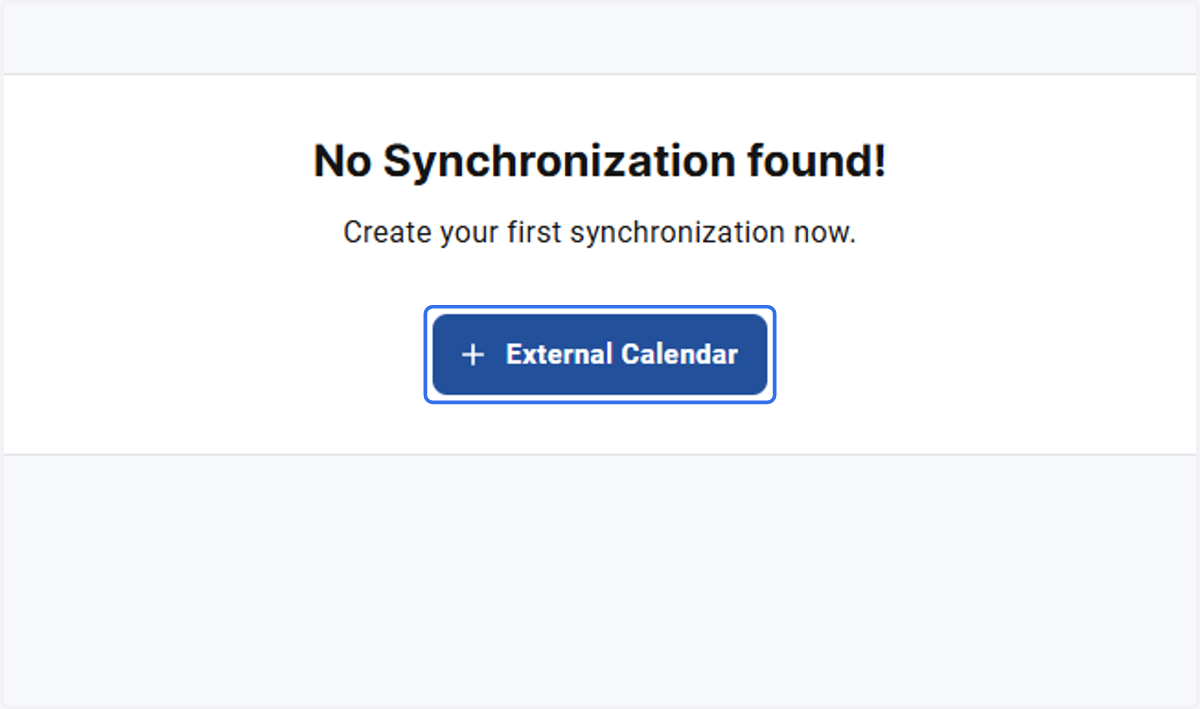
7. Click on External Calendar
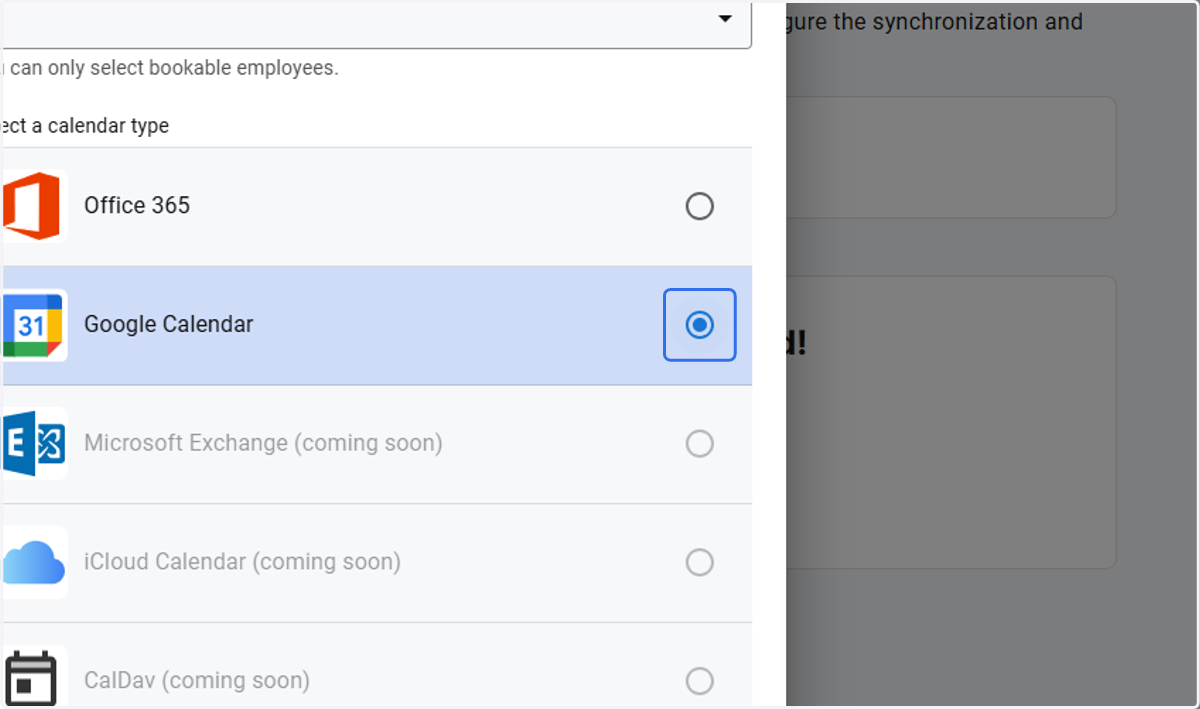
8. Select Google Calendar
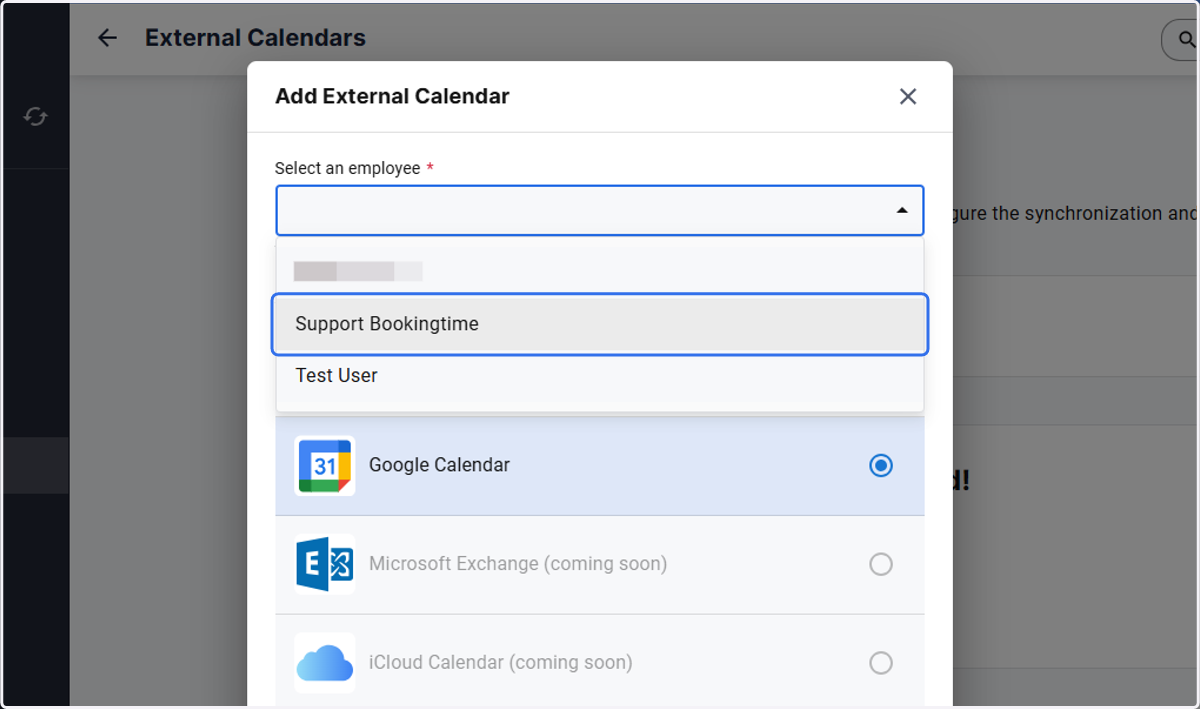
9. Click on Support Bookingtime/ select the relevant employee
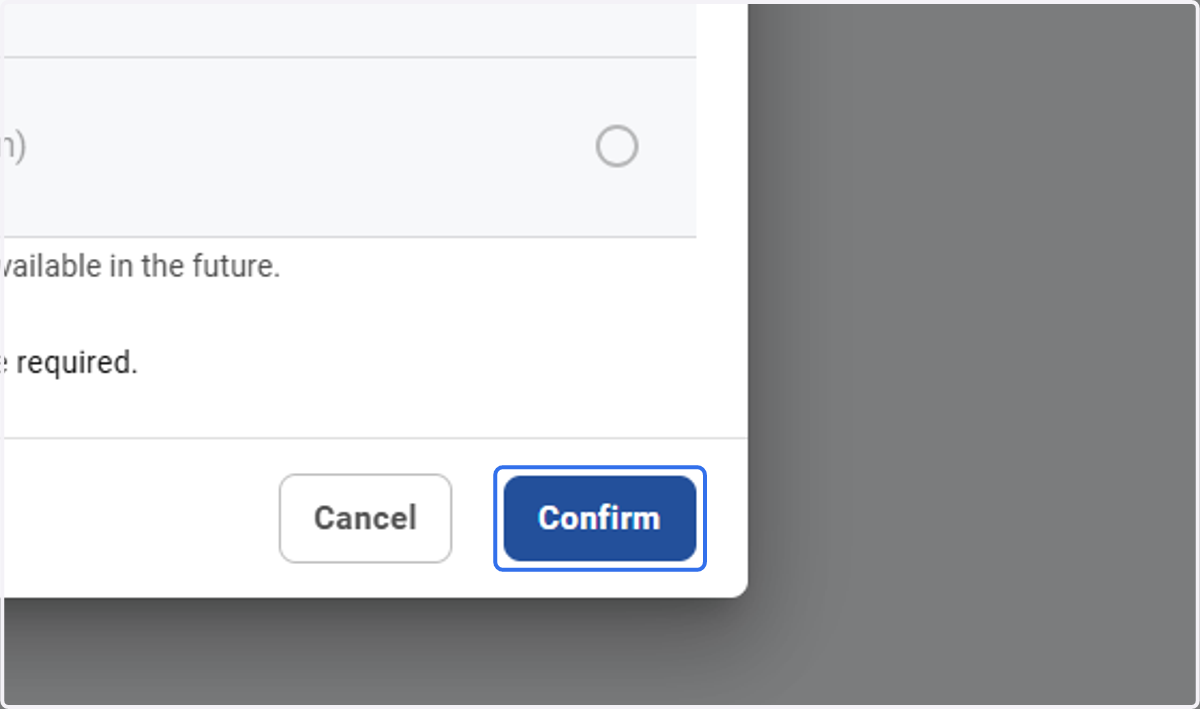
10. Click on Confirm
11. Click on Sign in with Google and follow the prompts