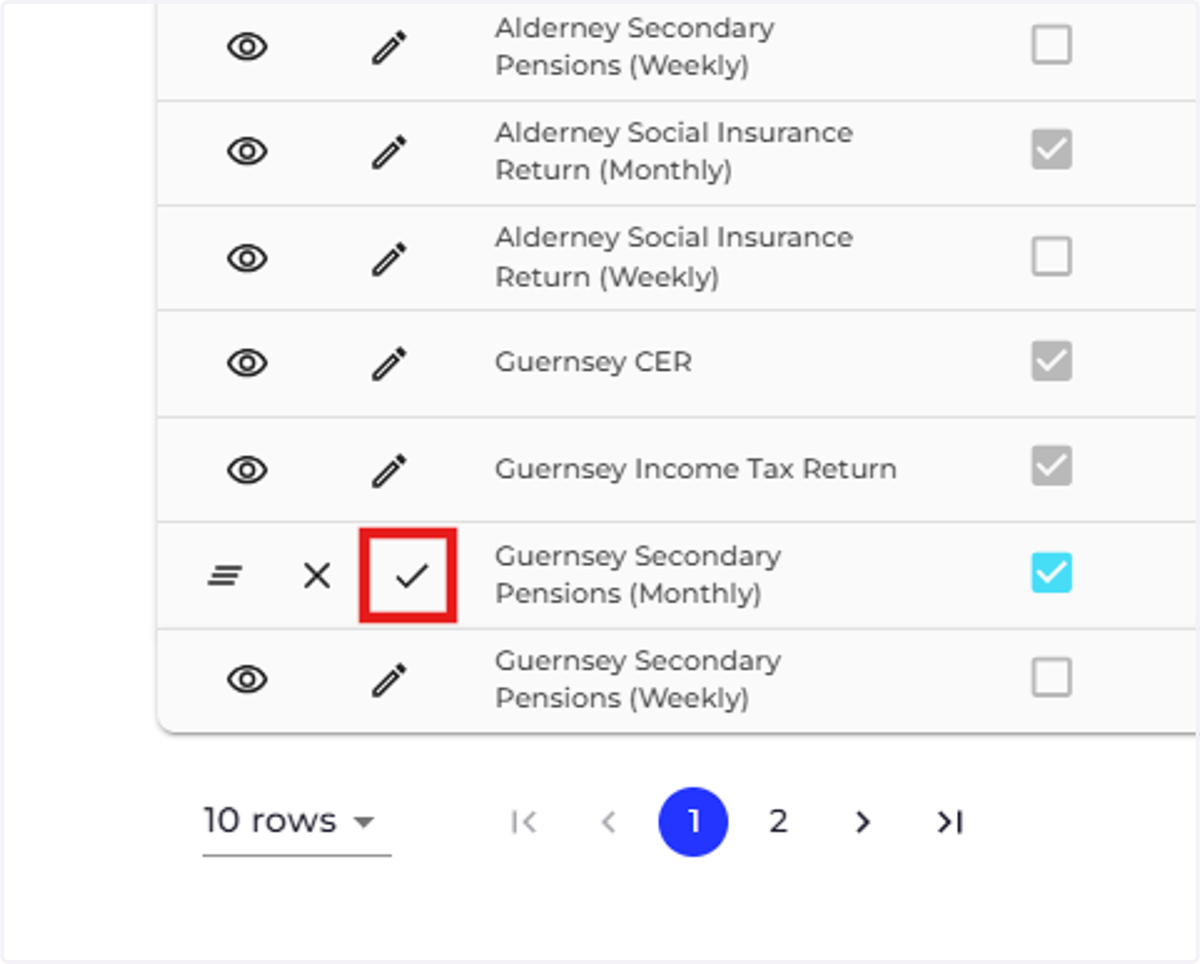
Activate Secondary Pension Returns
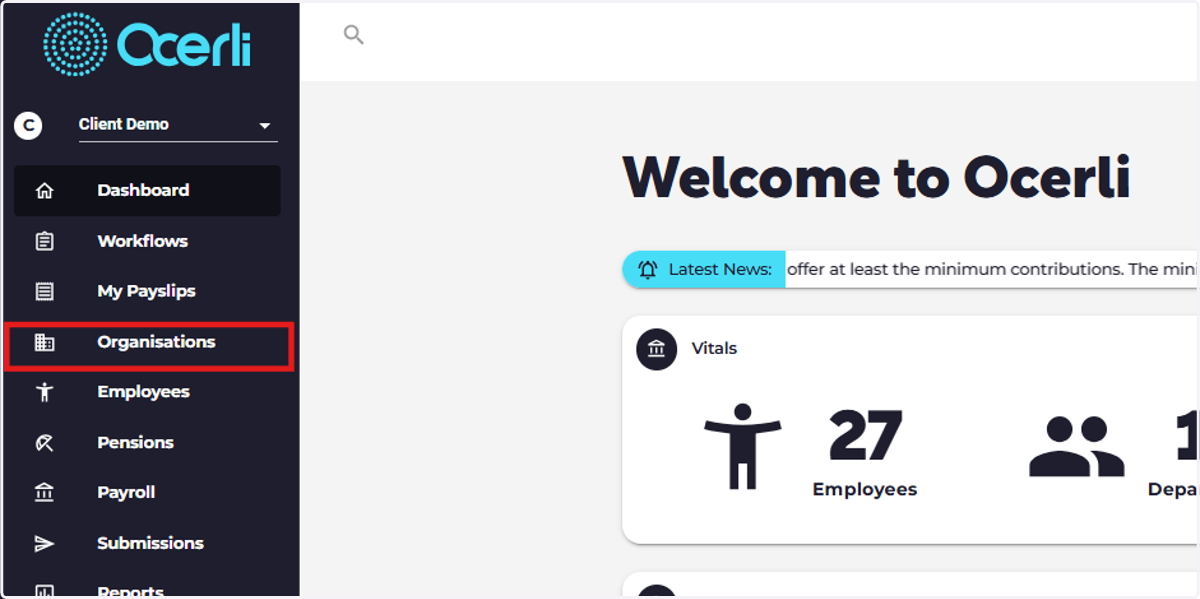
1. Click on Organisations
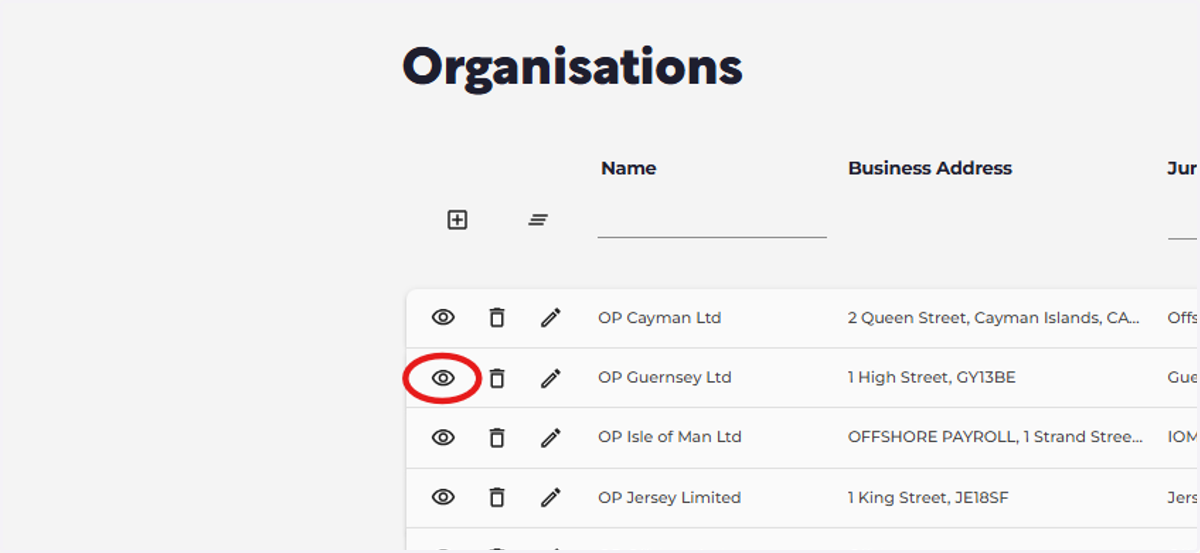
2. Click on the eye icon next to the organisation you wish to update.
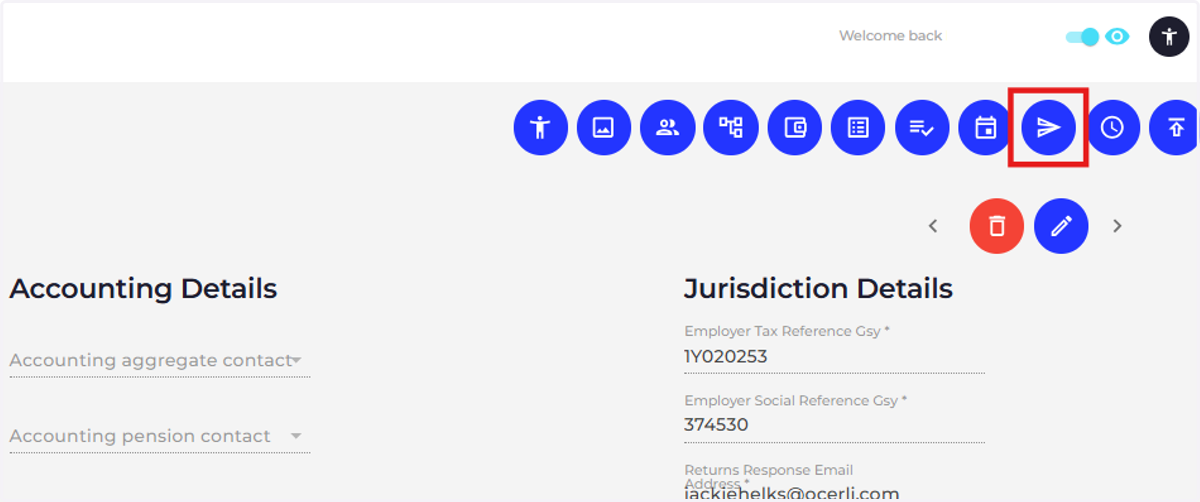
3. Click on Submissions
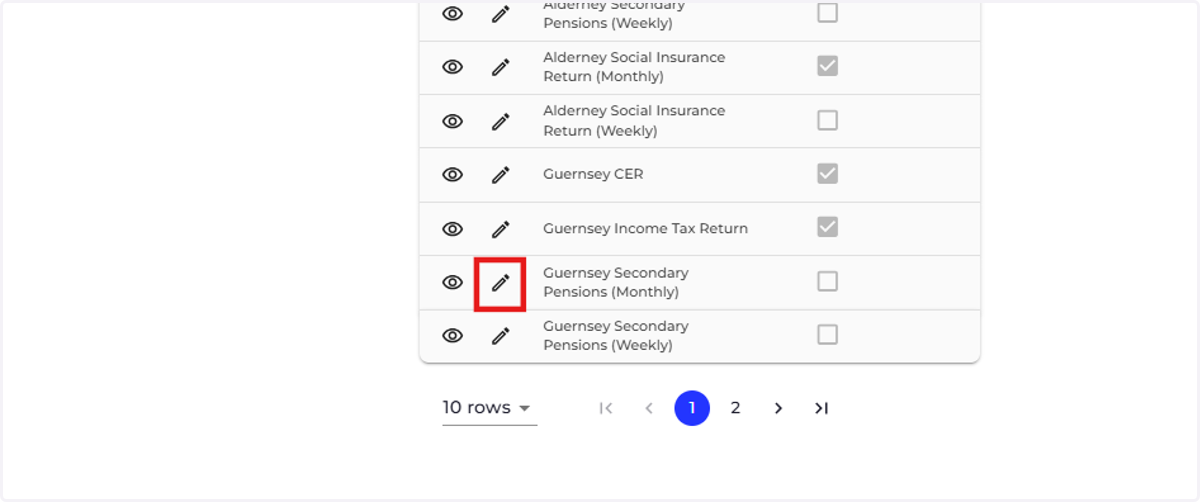
4. Click the pencil icon next to the returns you would like to activate.
5. Check Enabled
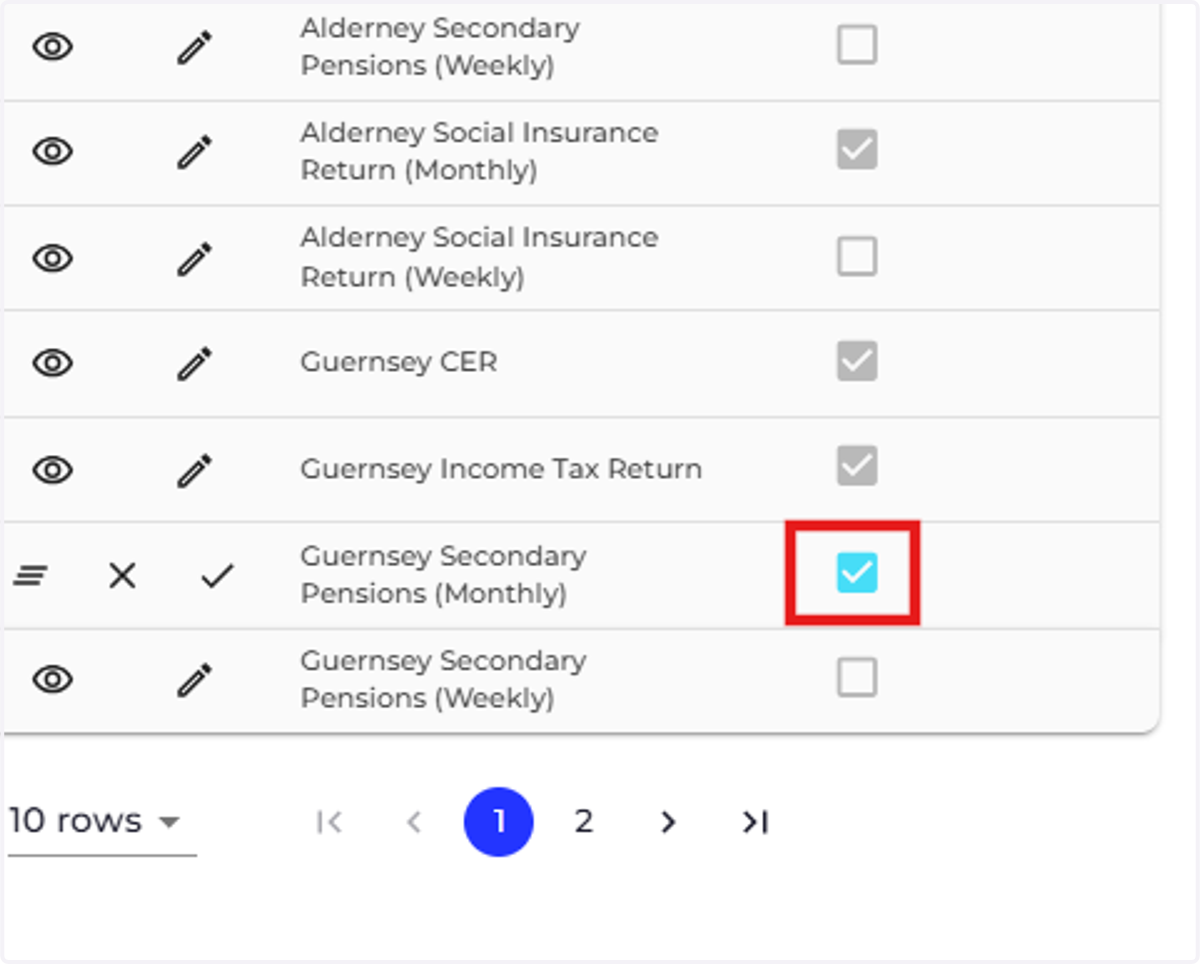
6. Click the tick to save your changes.