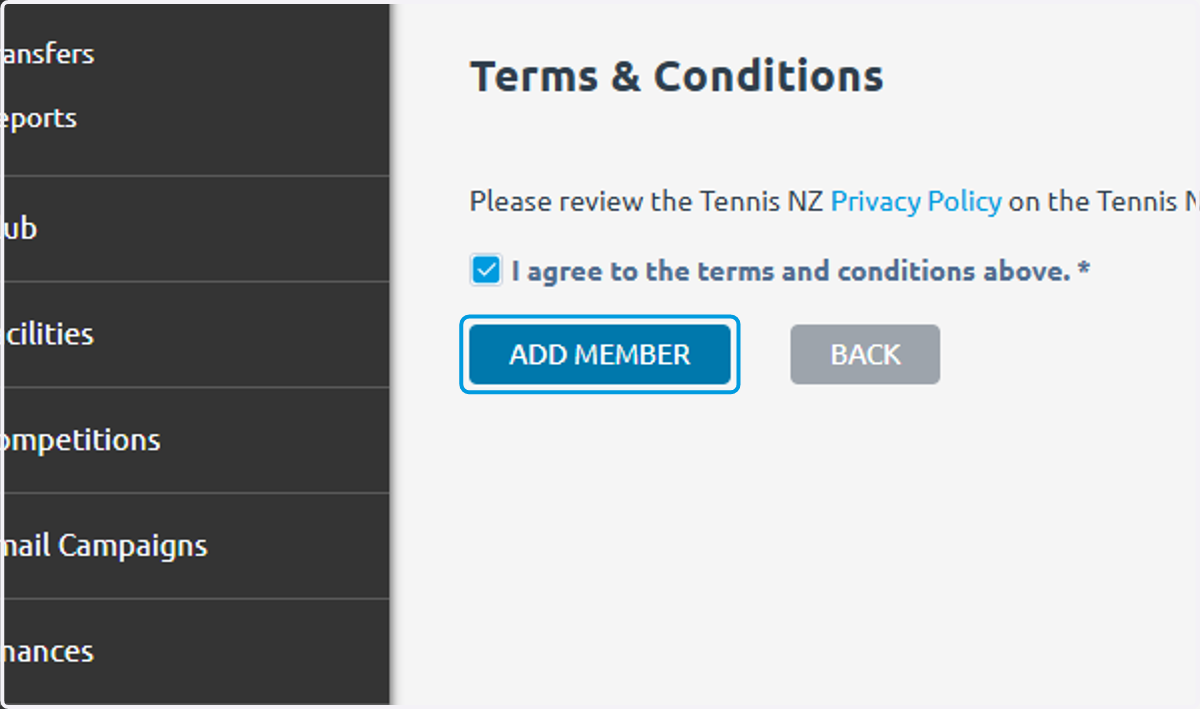
Add a new Member in MatchPoint
If they are transferring from a different club the process is different
MatchPoint
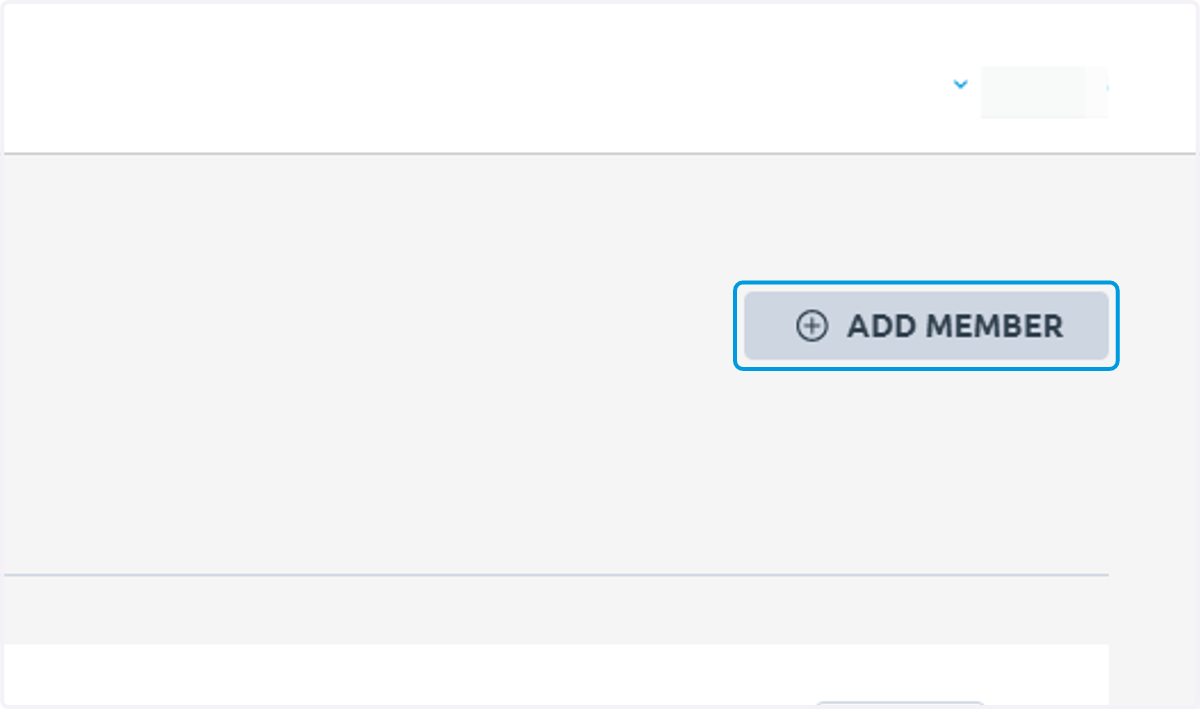
1. Click on ADD MEMBER
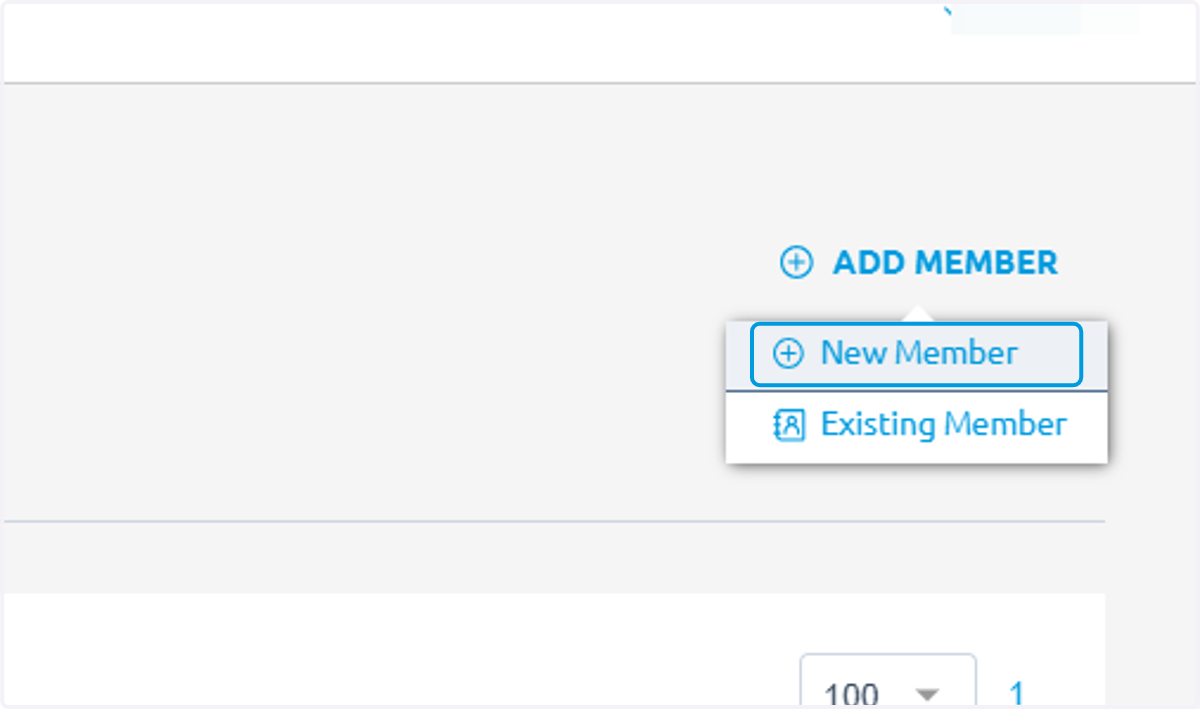
2. Click on New Member
3. Required information is marked by an asterisk
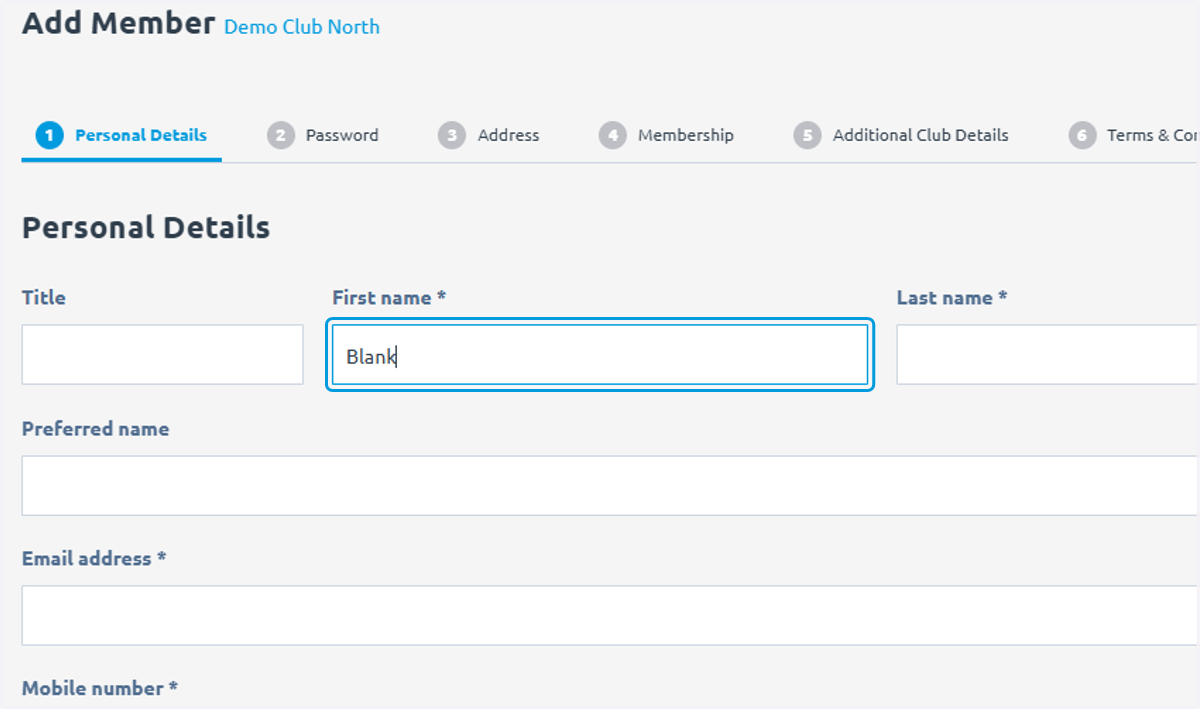
4. Email address and mobile number are required
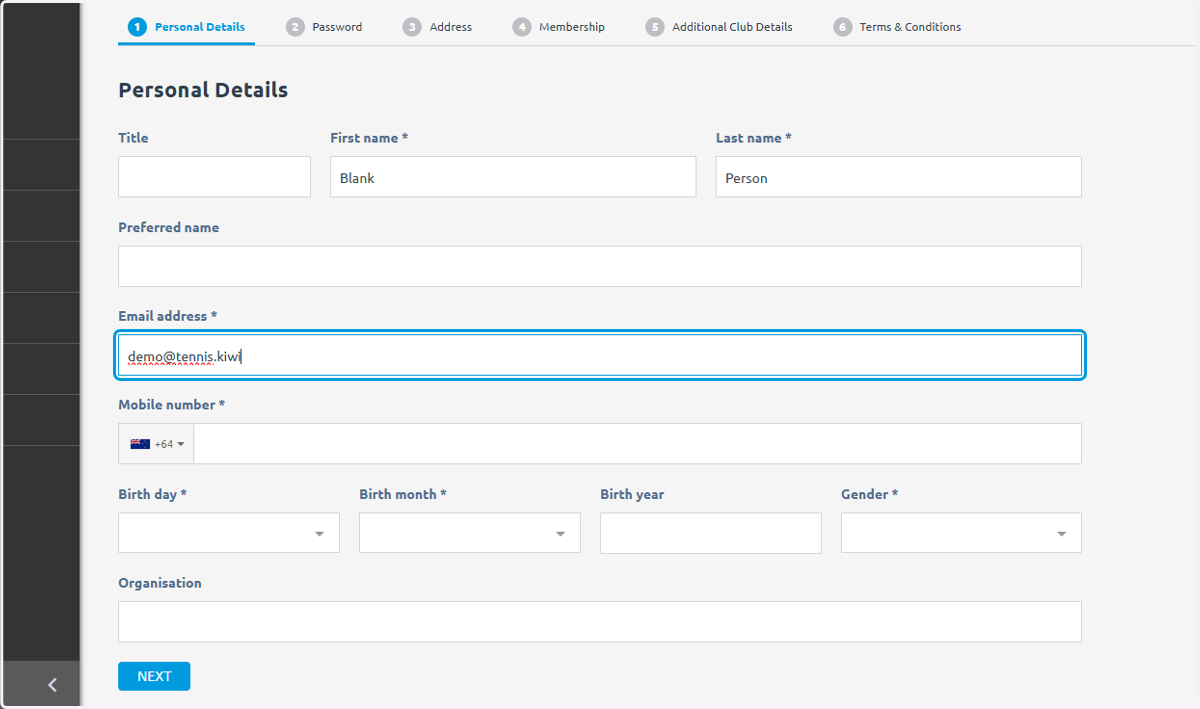
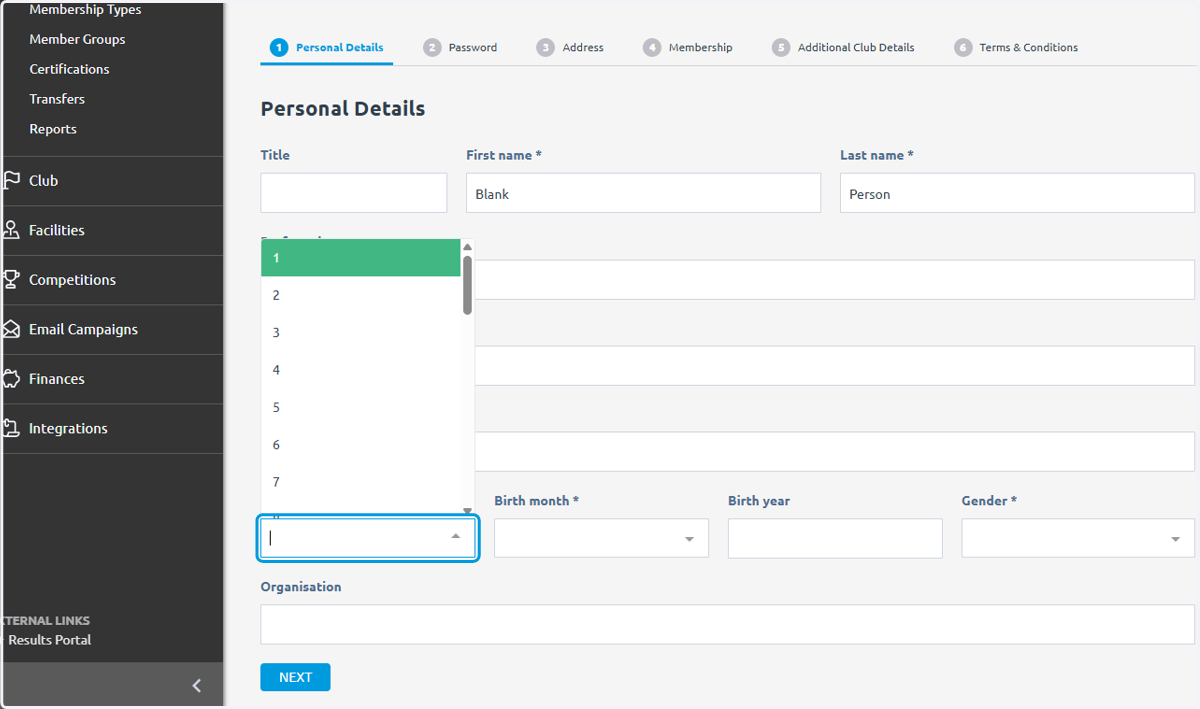
5. All fields of date of birth are required for World Tennis Number
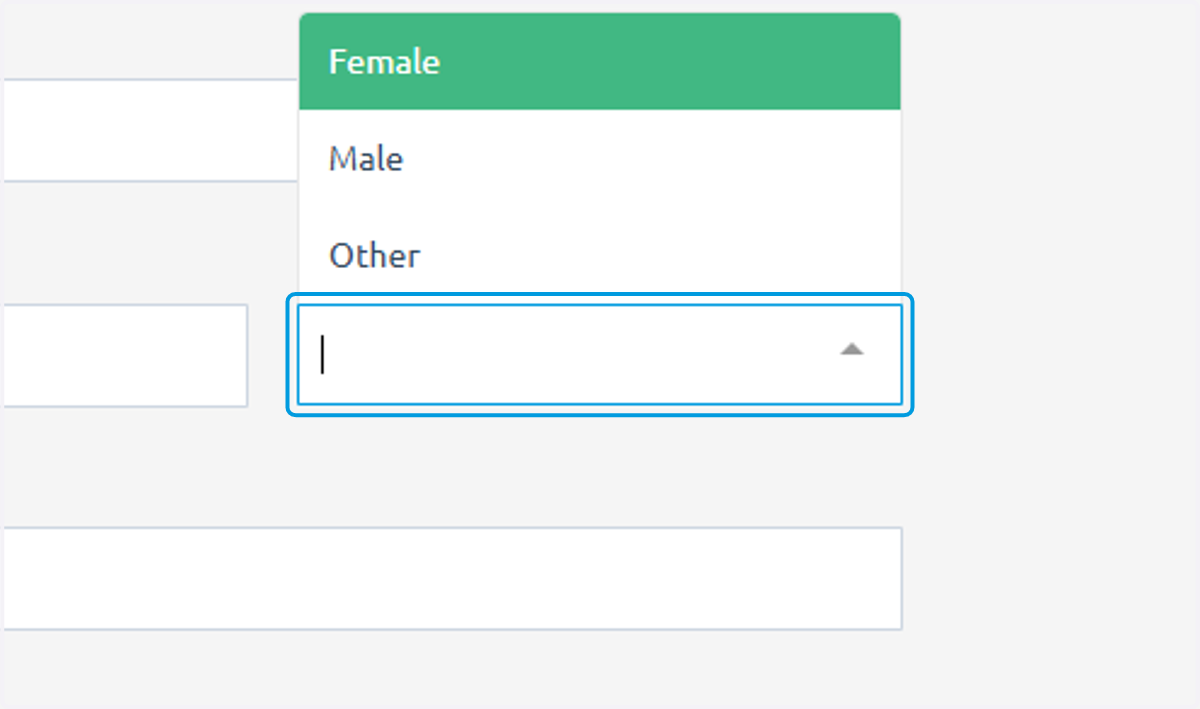
6. Gender also required
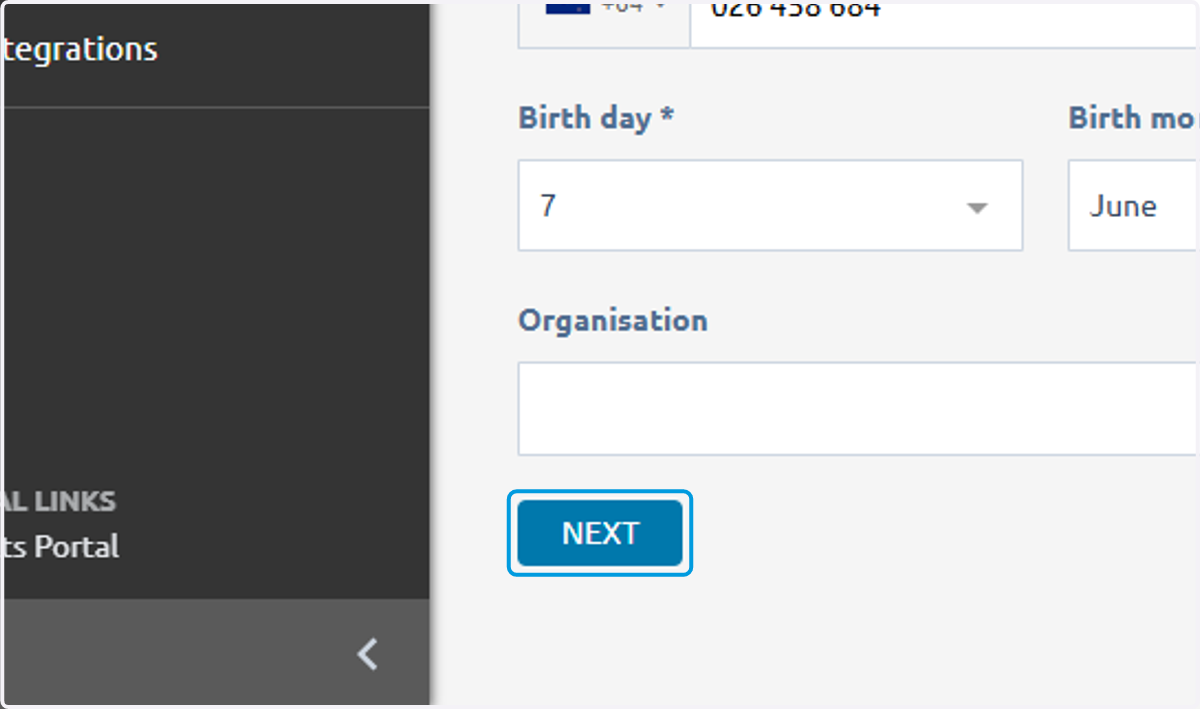
7. Click on NEXT
8. Type password, a person can change this when they first log in
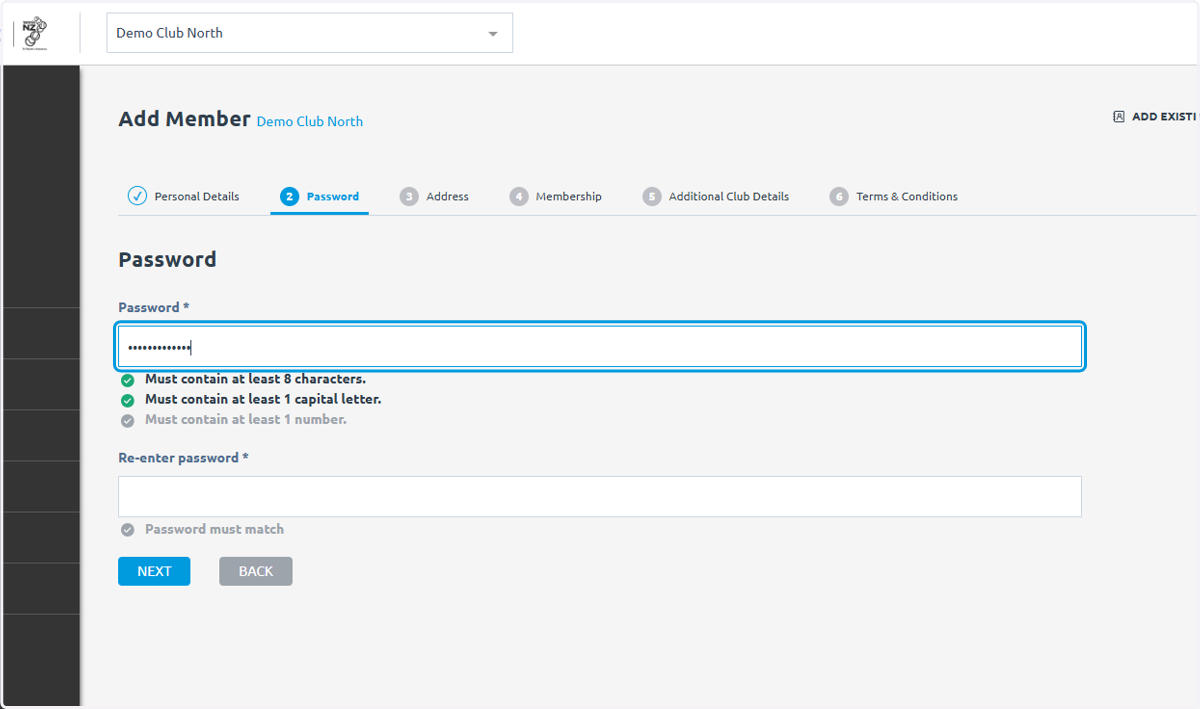
9. Reenter passwor
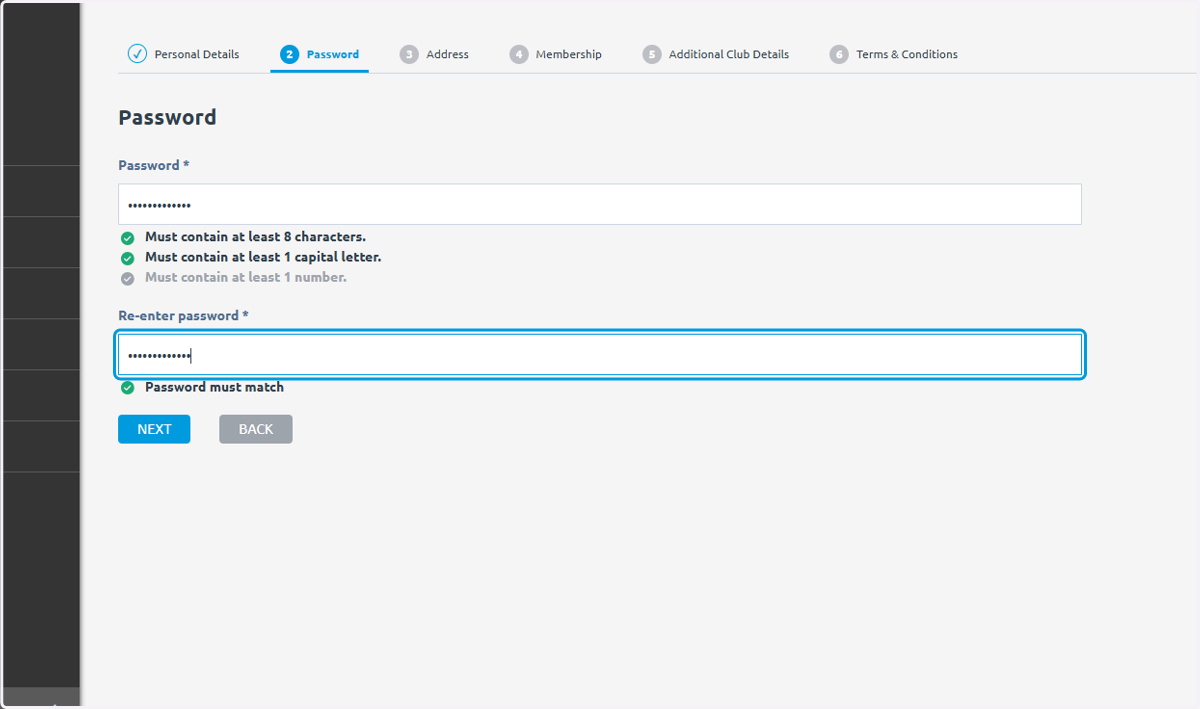
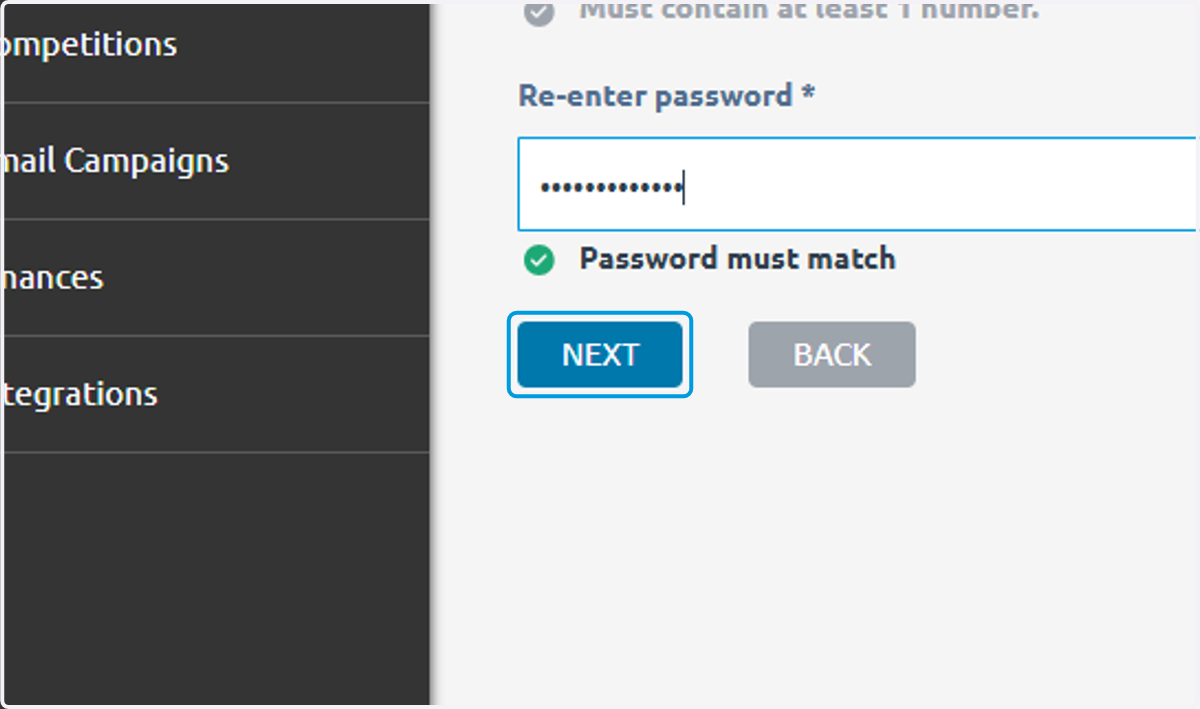
10. Click on NEXT
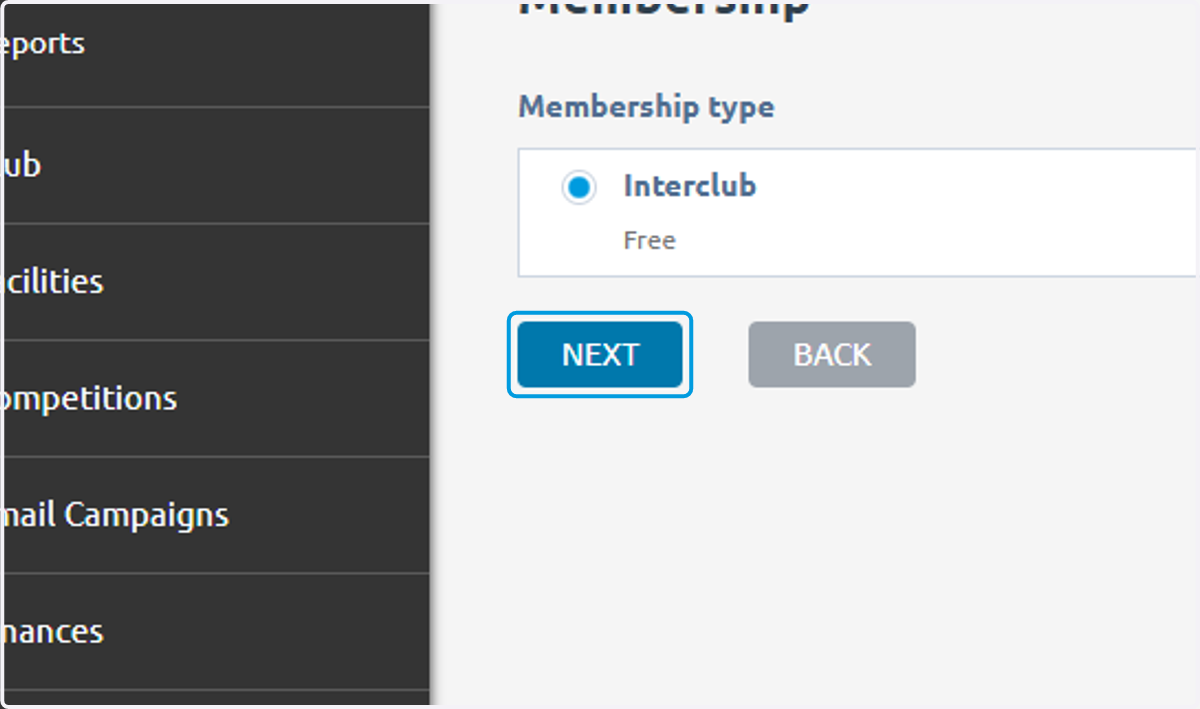
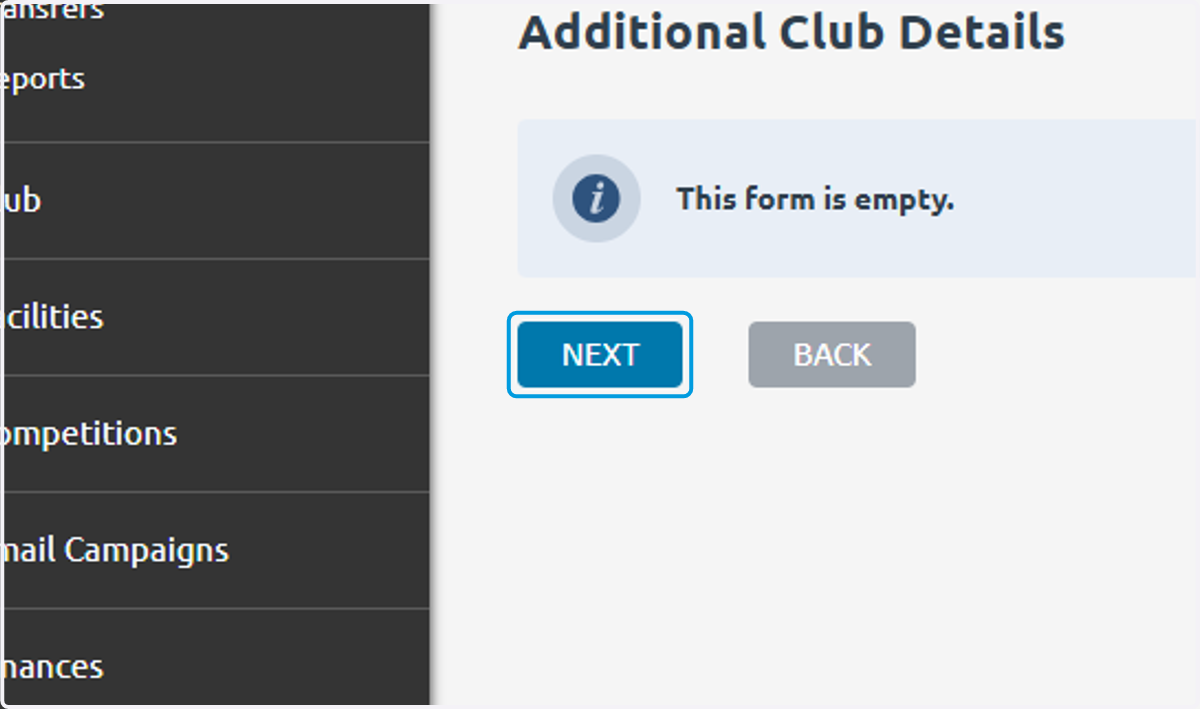
11. Click on NEXT
12. Click on NEXT
13. Check I agree to the terms and conditions above.
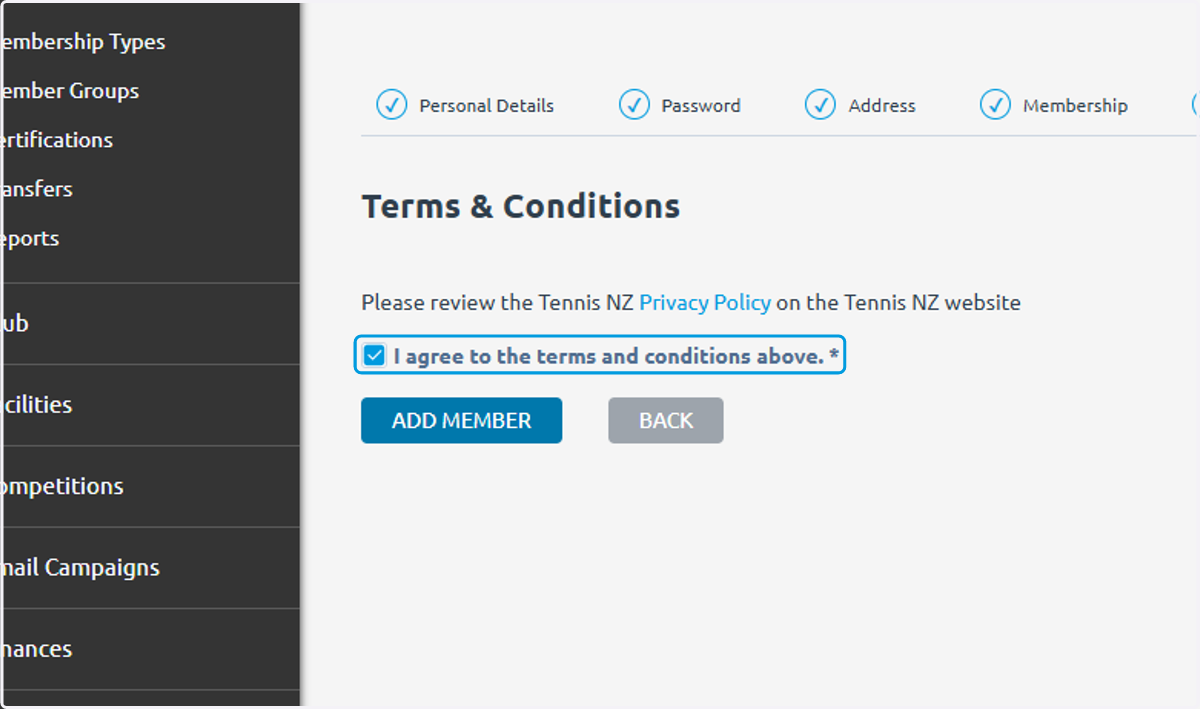
14. Click on ADD MEMBER