Register Parents Students in Skylight Dance Club
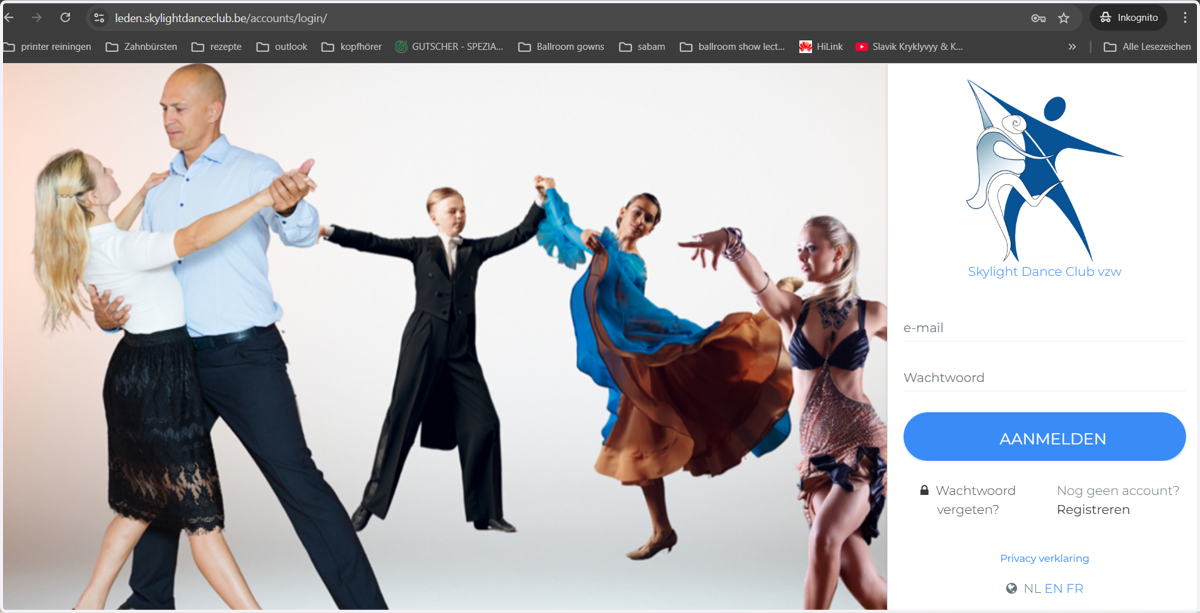
Skylight Dance Club vzw - Sign in
1. https://leden.skylightdanceclub.be/accounts/login/
Use the button or type link into your browser
2. Click on Register
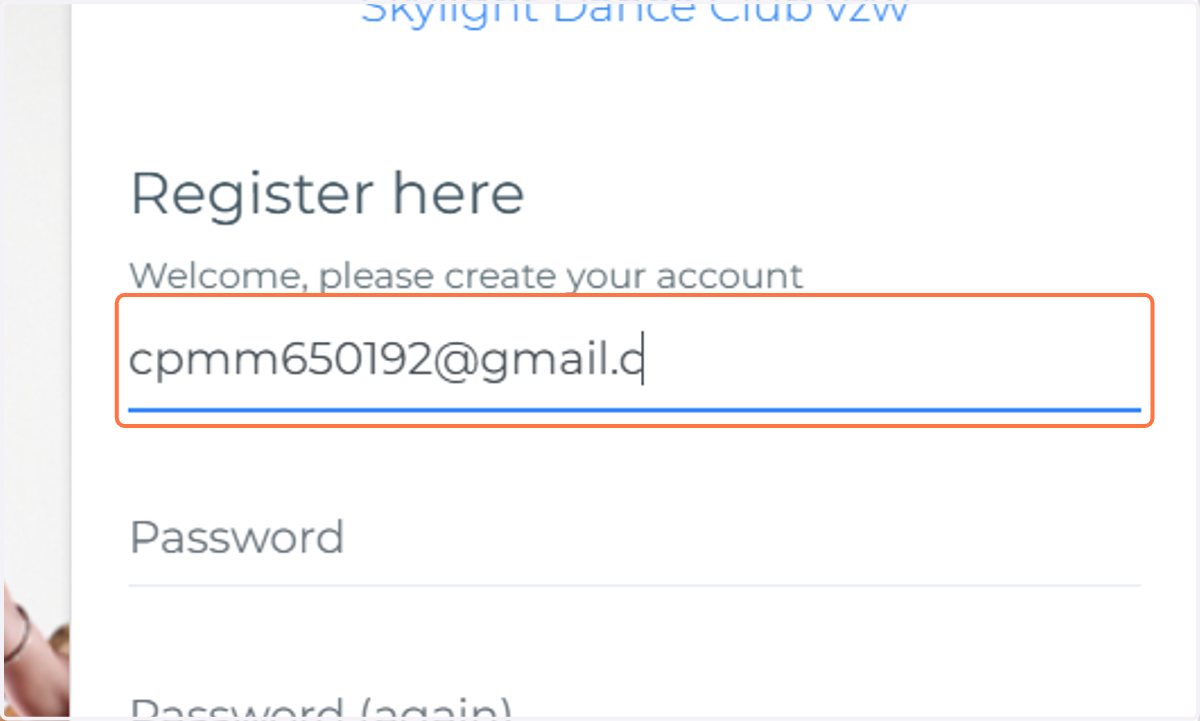
3. Type your email address
4. Create an 10 digit password and type it
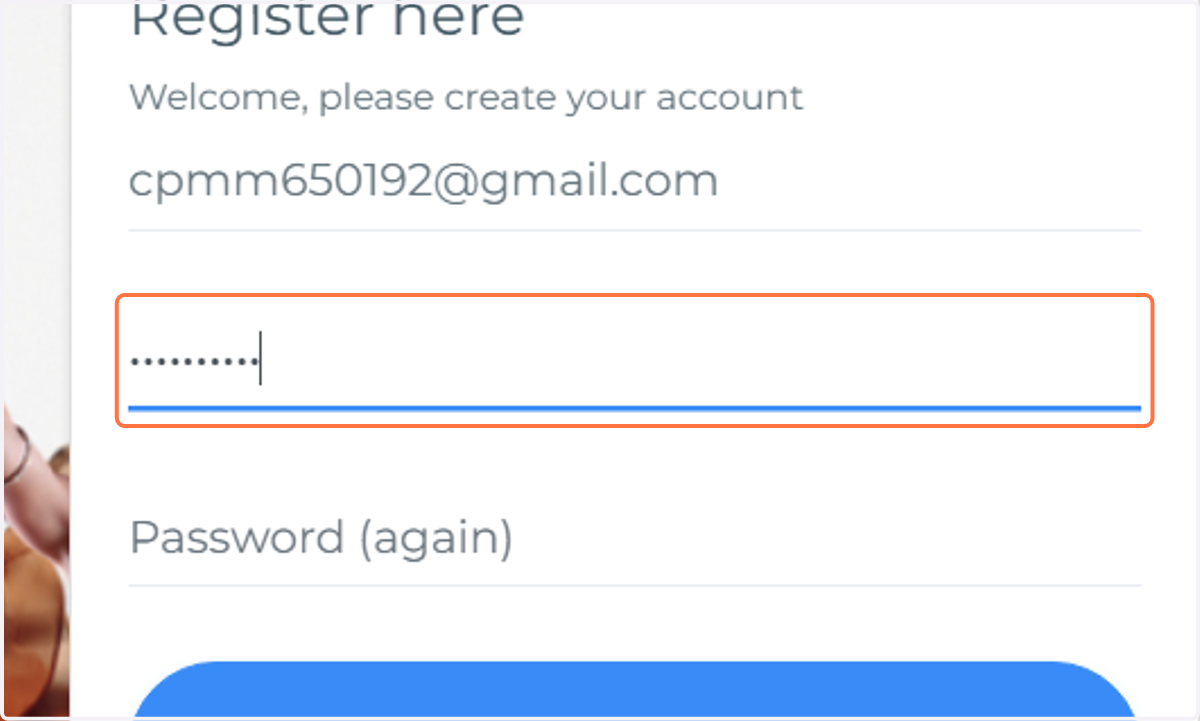
5. Confirm your password
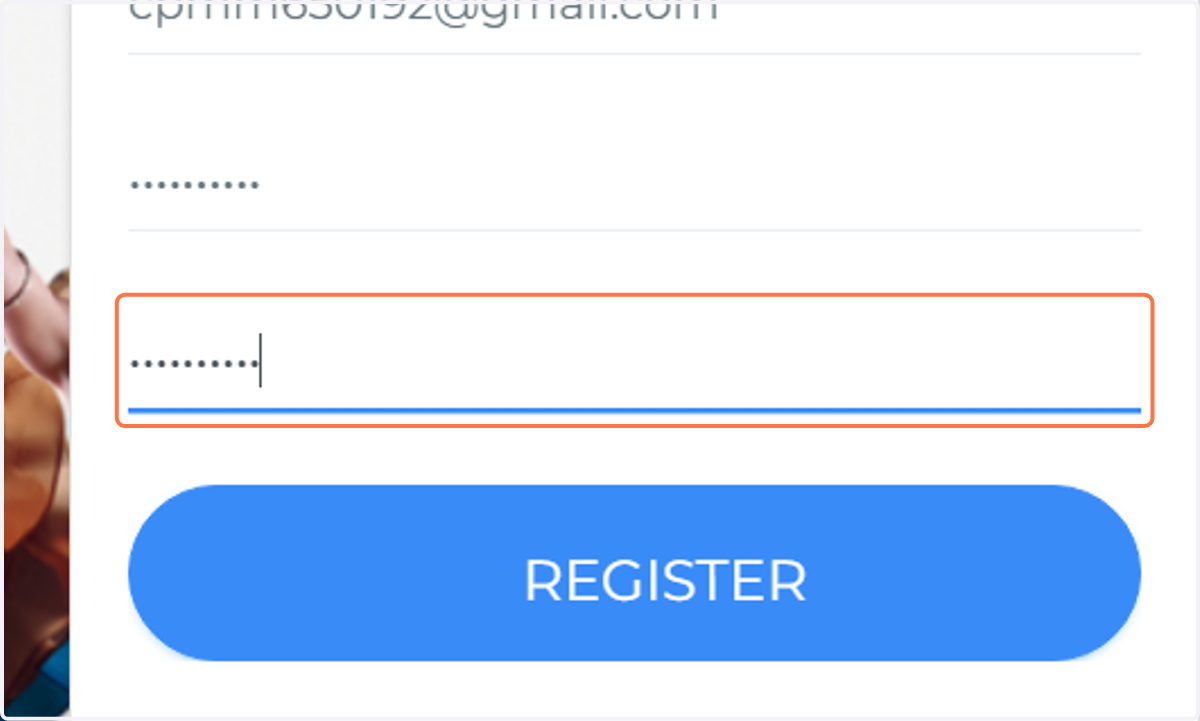
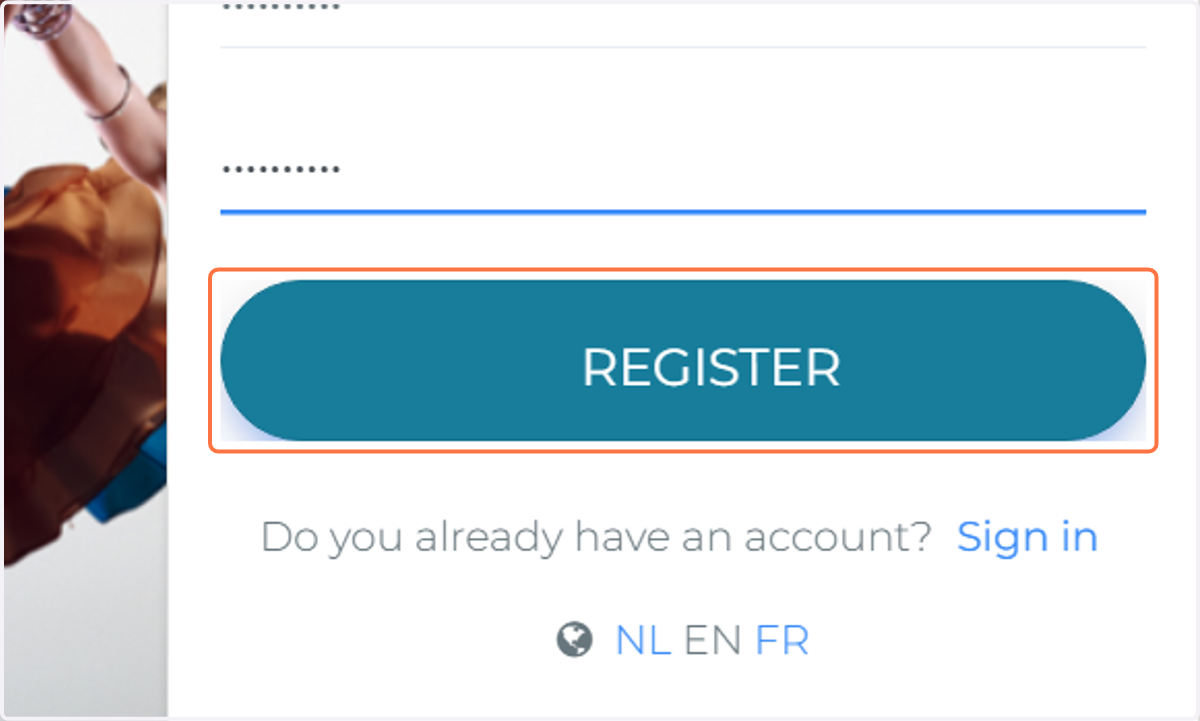
6. Click on REGISTER
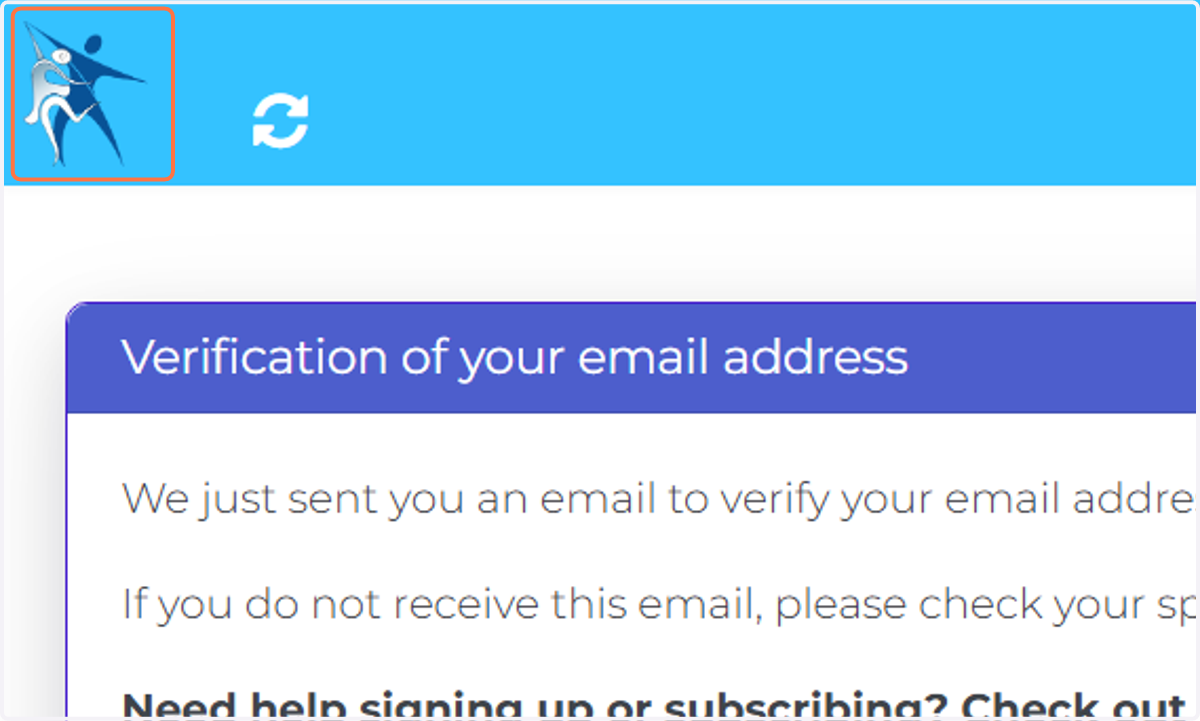
7. Verify your email also the spam account and follow the instructions
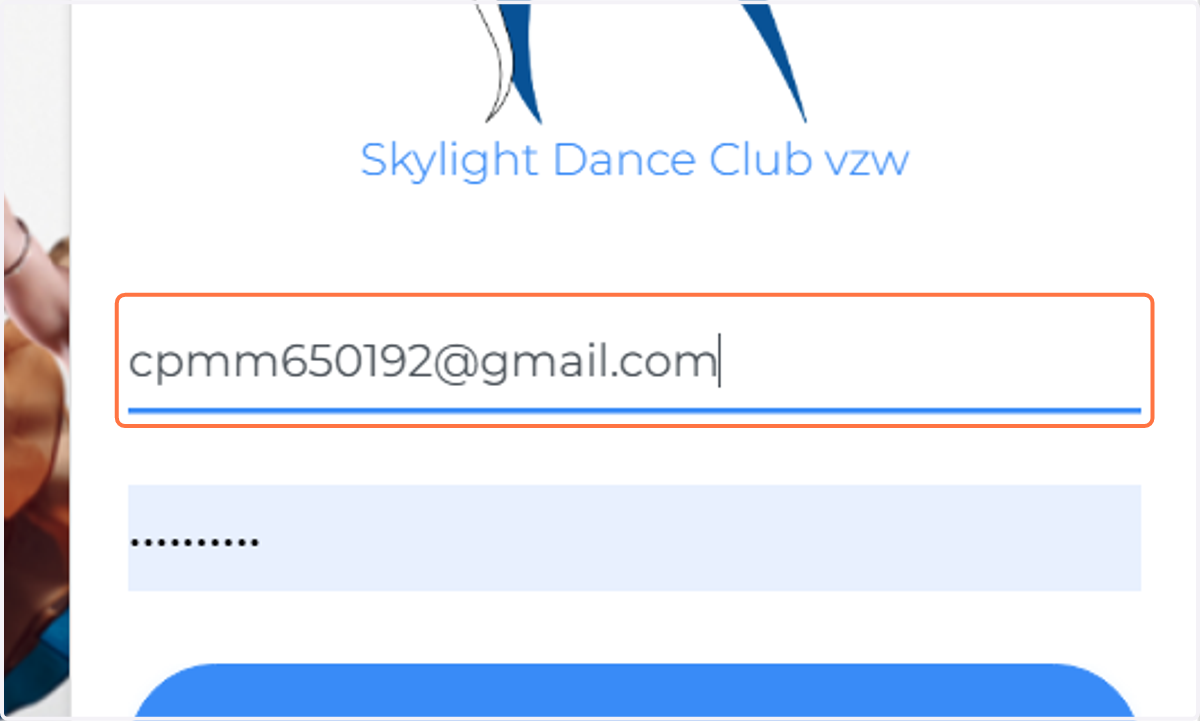
8. type your email address
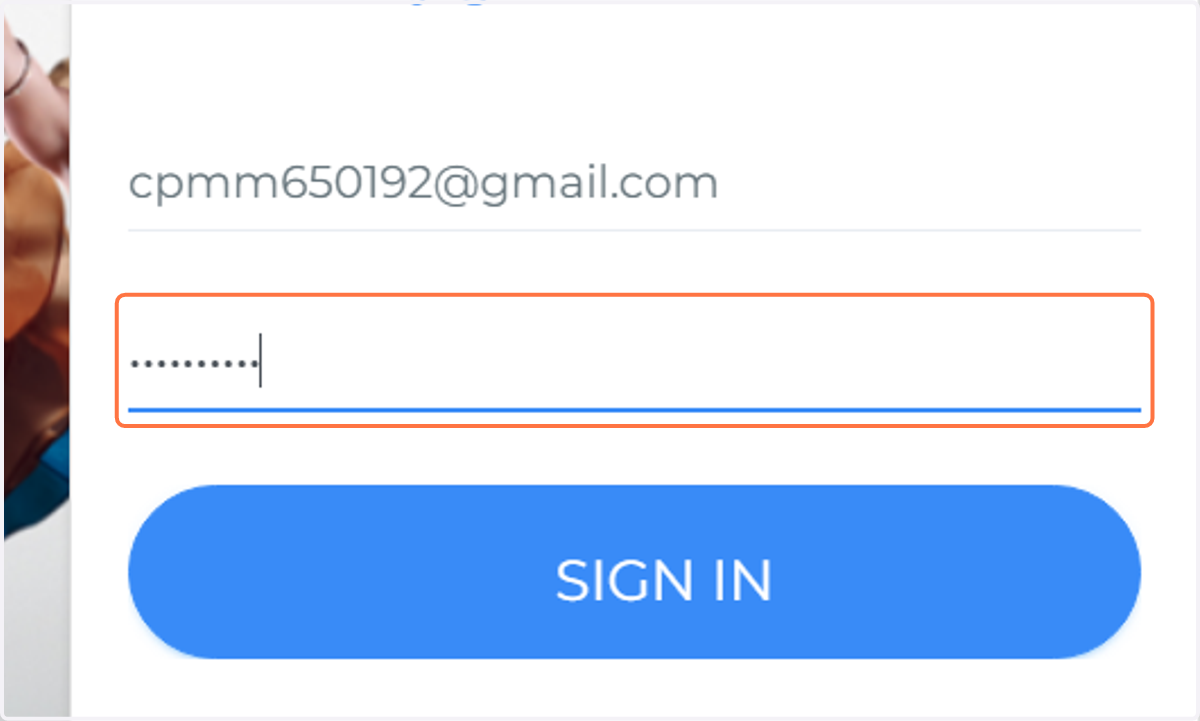
9. Type password
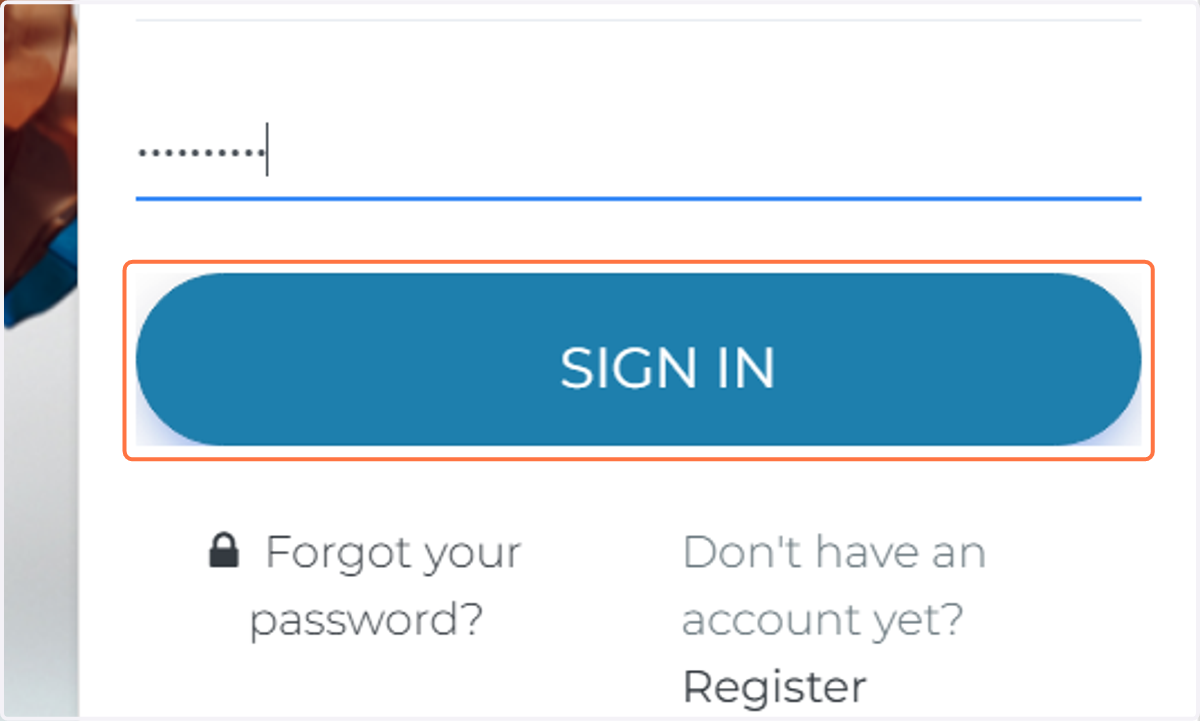
10. Click on SIGN IN
11. Choose your option for the registration
your are a parent / guardian and you wish to sign up your child choose 1
If you are a dancestudent choose 2
If you are a dancestudent and parent or guardian choose 1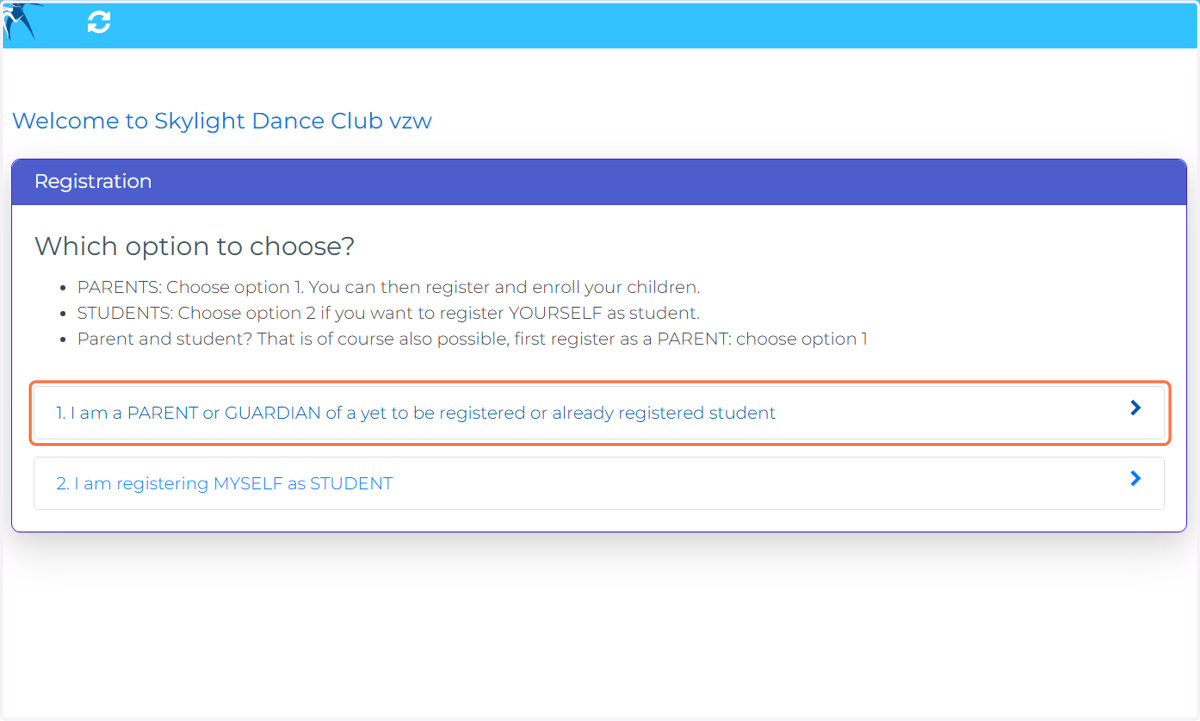
12. Type your First as Guardian
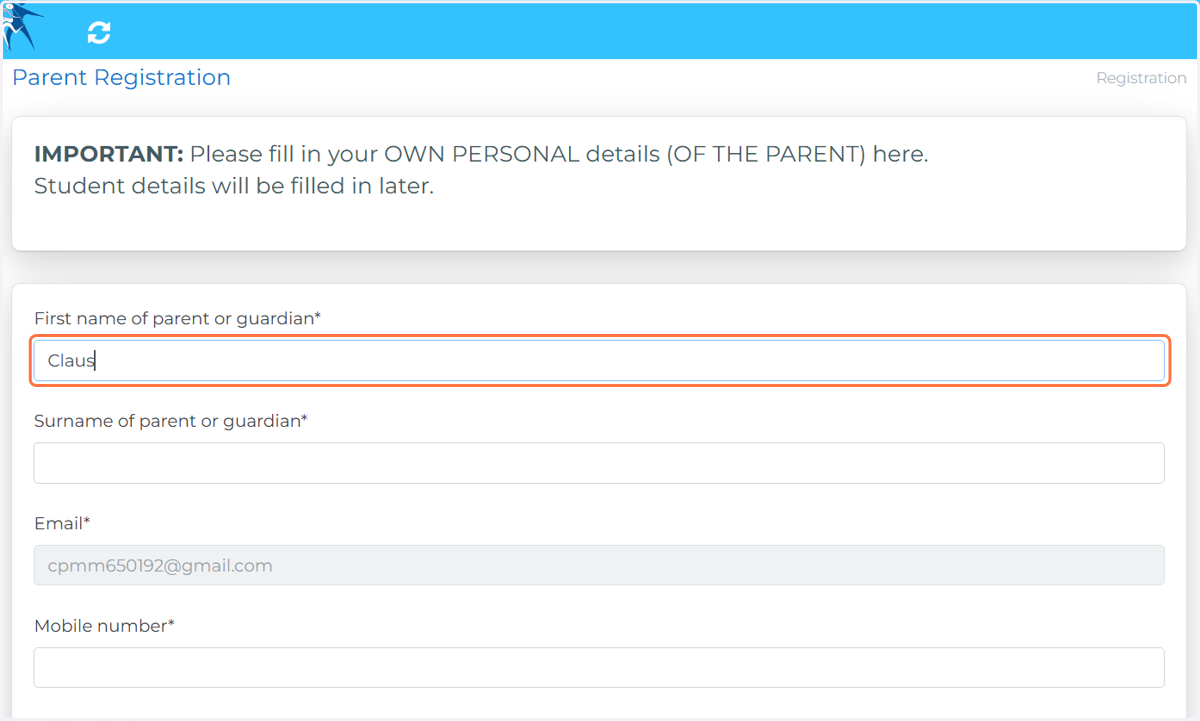
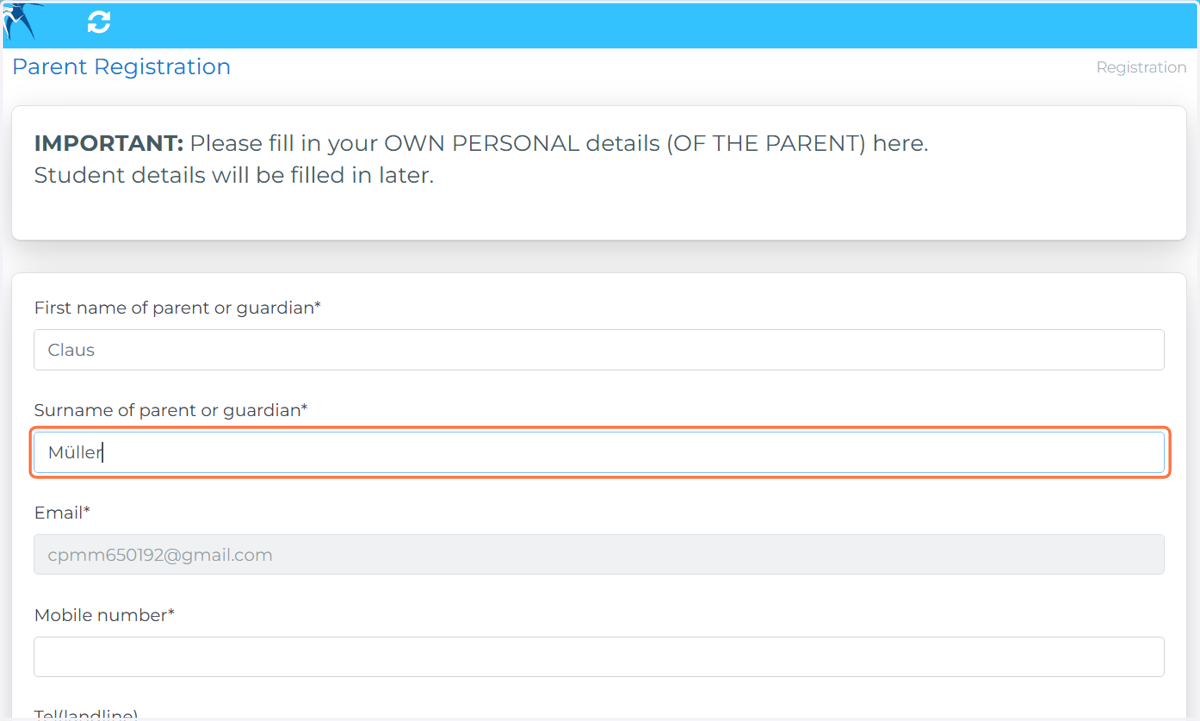
13. Fill in your surname
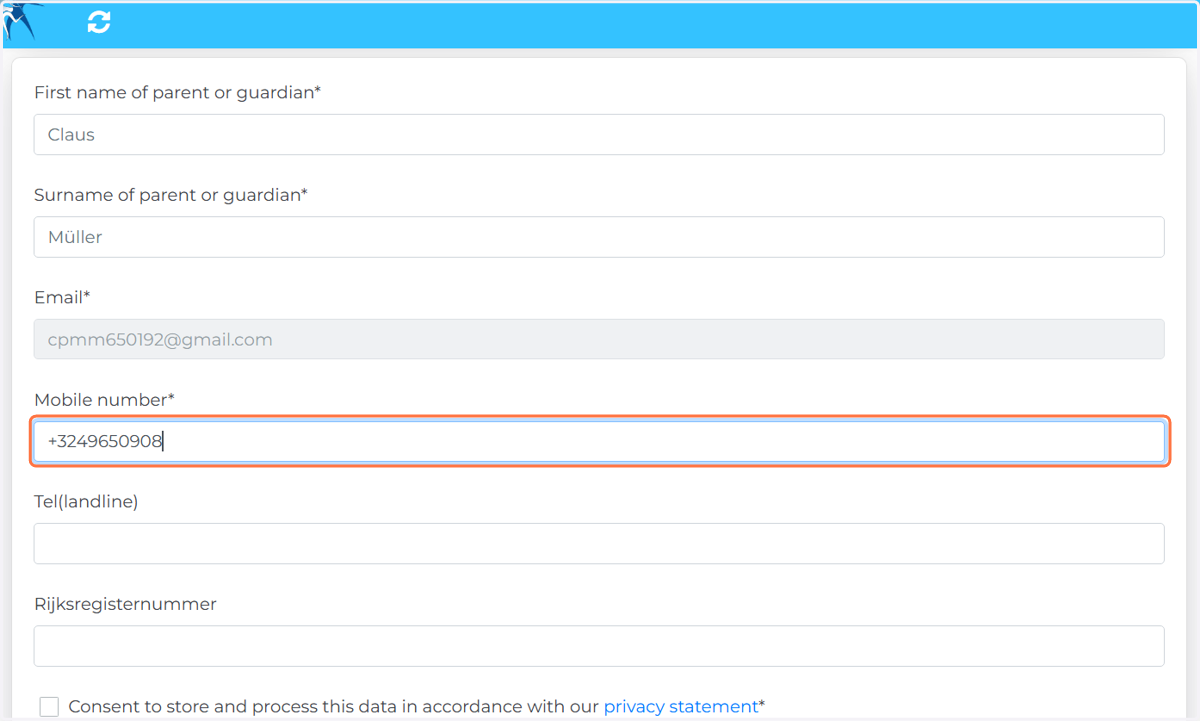
14. Type your mobile phone number
15. Check Consent to store and process this data in accordance with our privacy statement
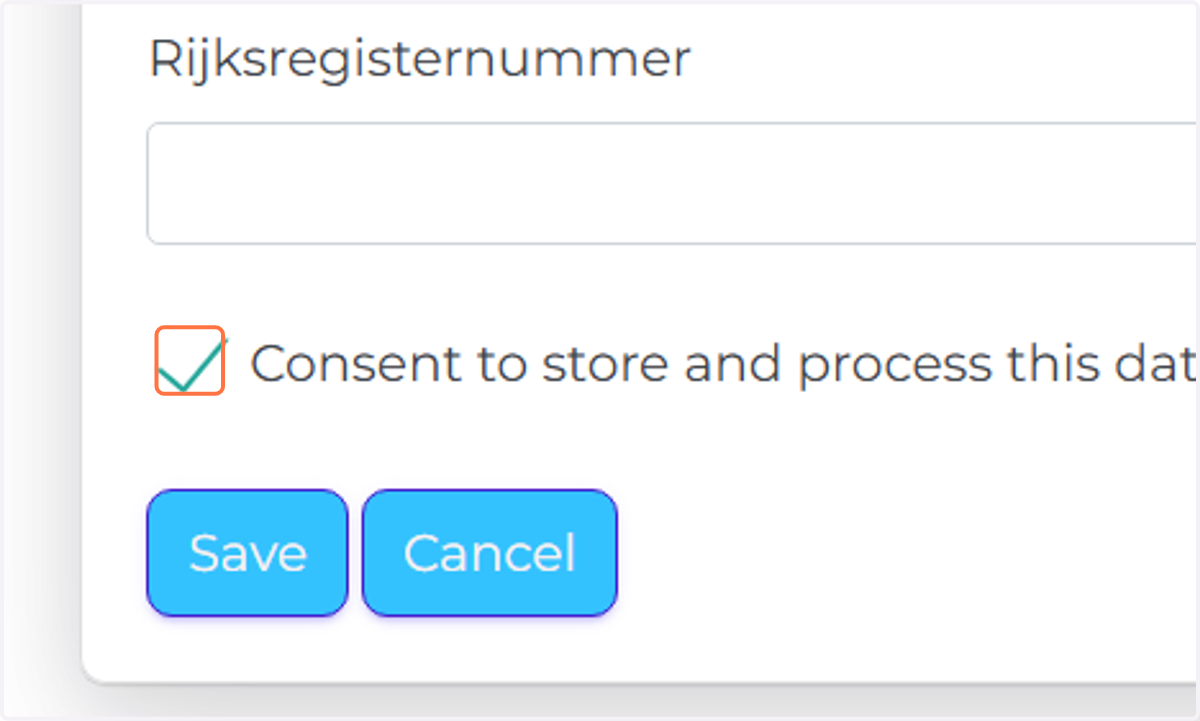
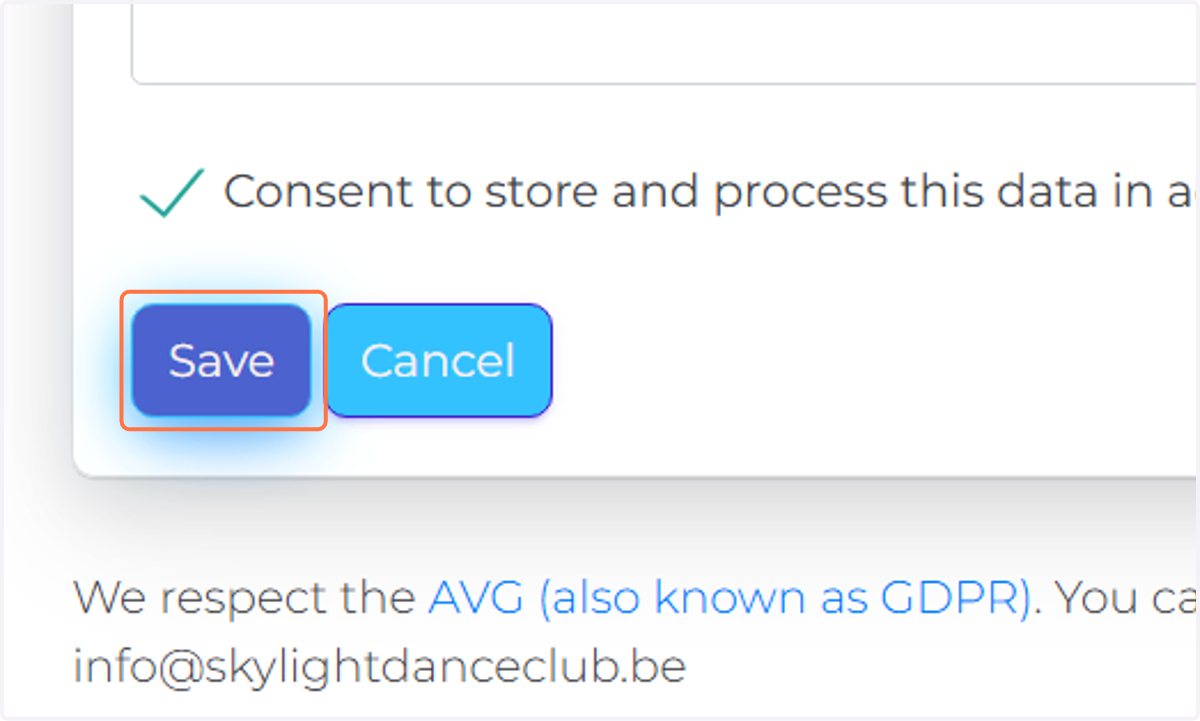
16. Click on Save
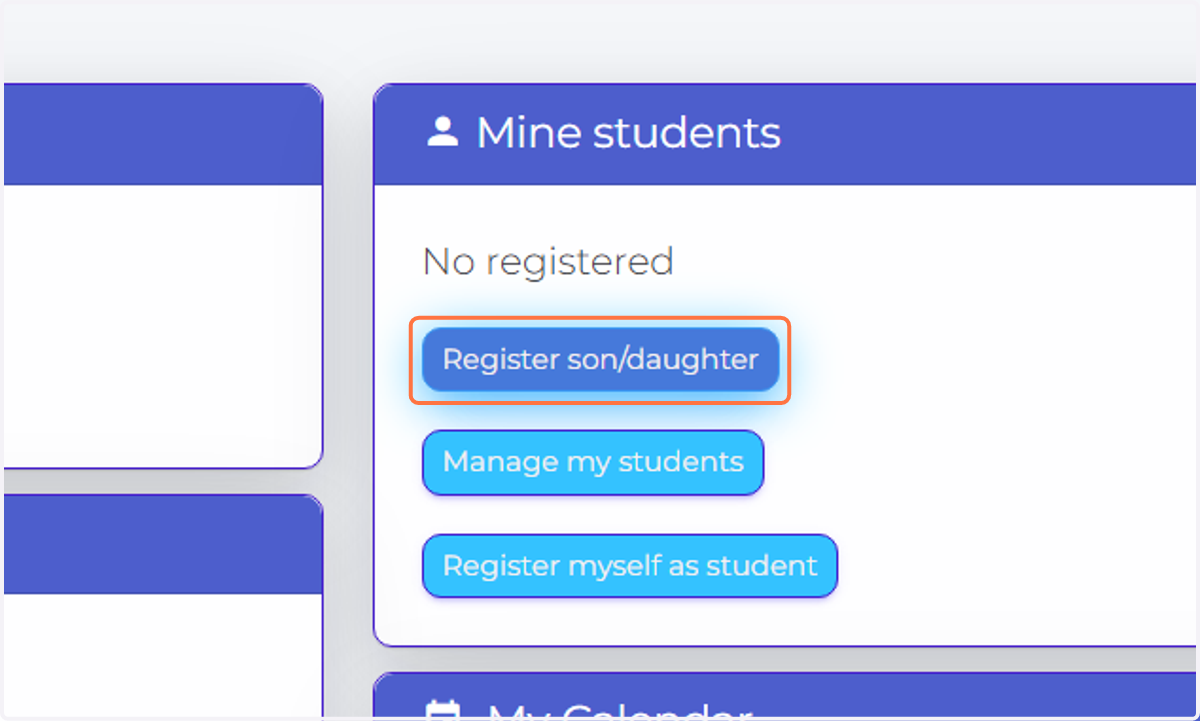
17. Click on Register son/daughter
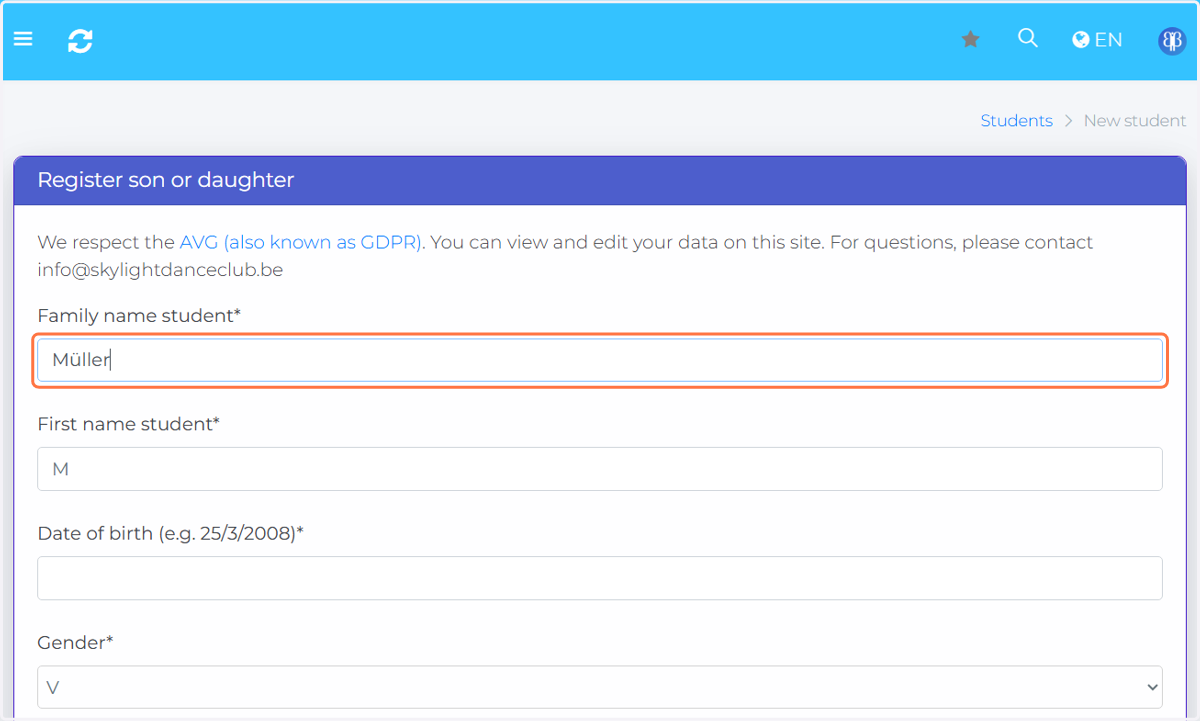
18. Type surname of your child
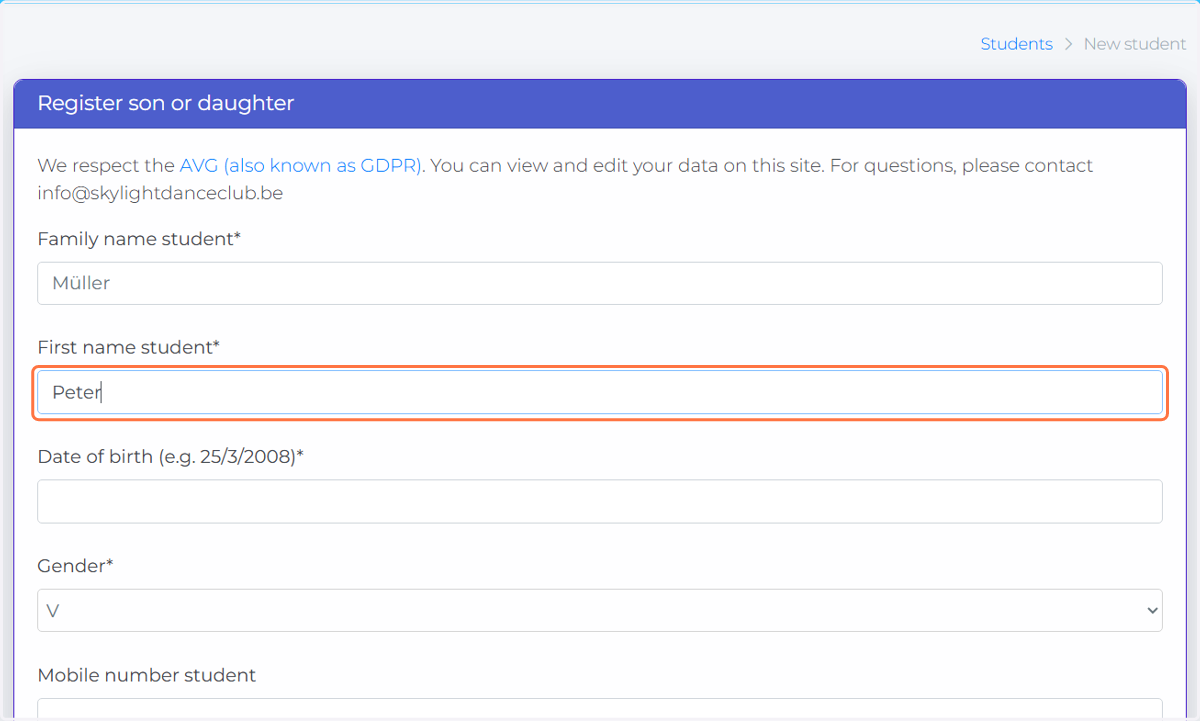
19. Type first name of your child
20. Type date of birth of your child
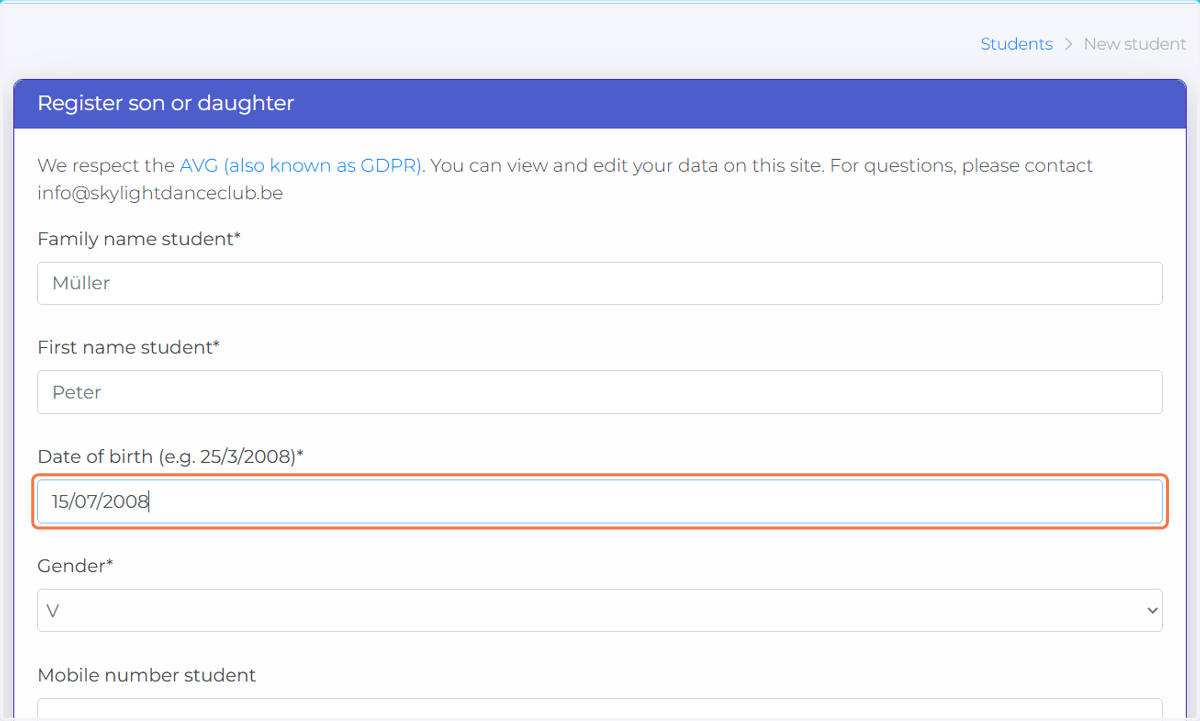
21. Select Gender
V = feminine
M = masculine
X= others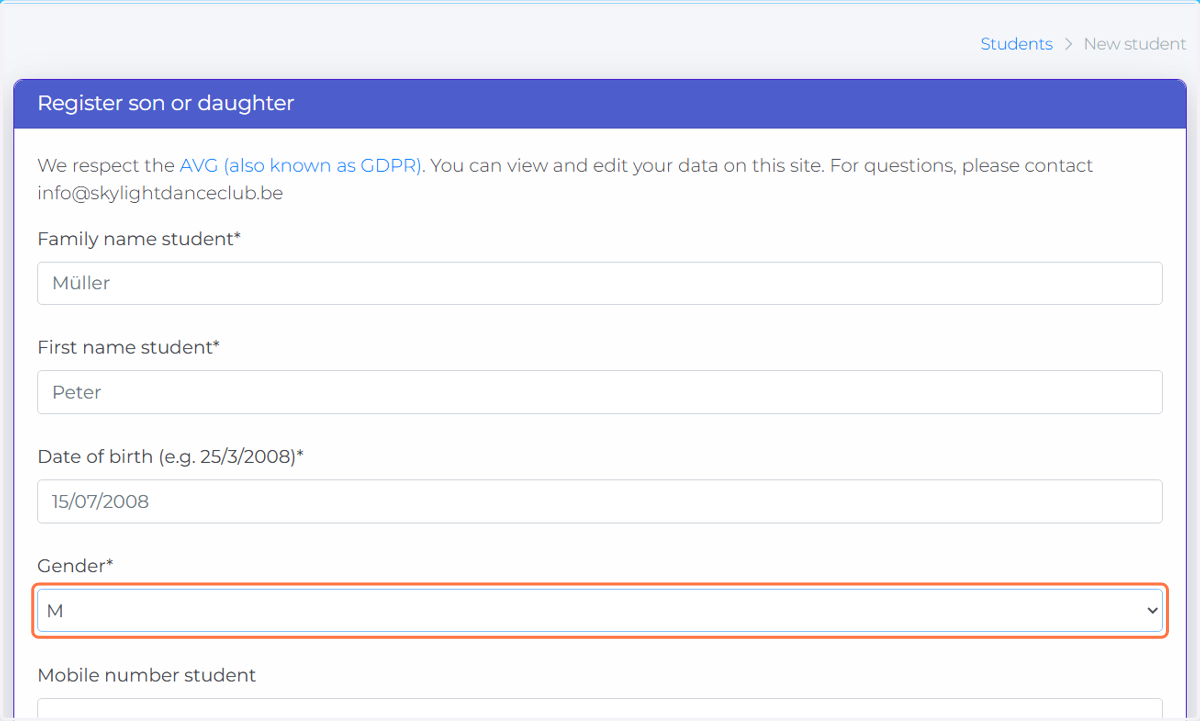
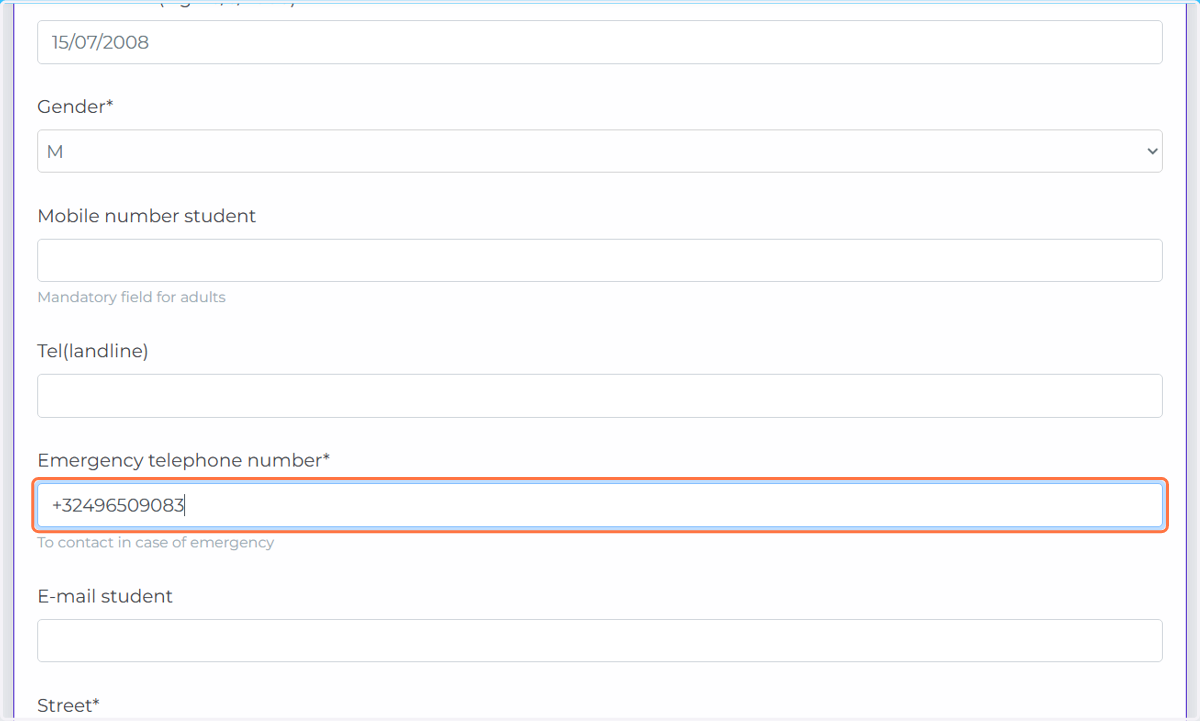
22. Type emergency phone number
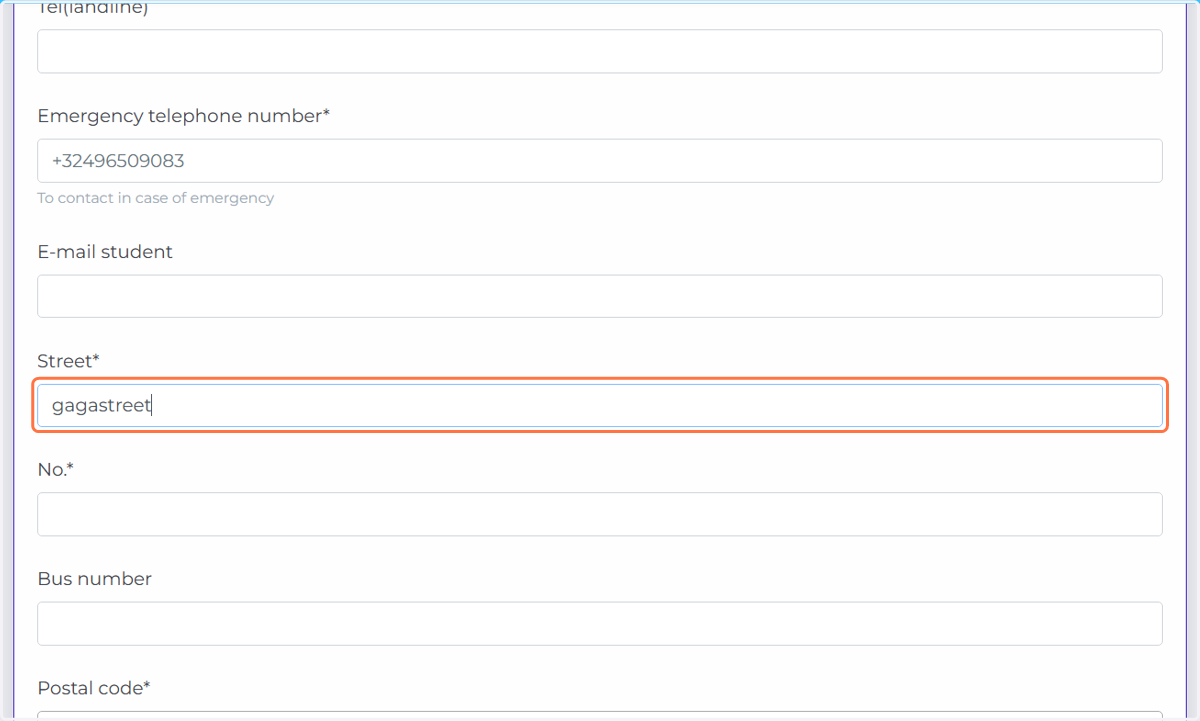
23. Type Street Name
24. Type house number
Don't forget the boxnumber if needed
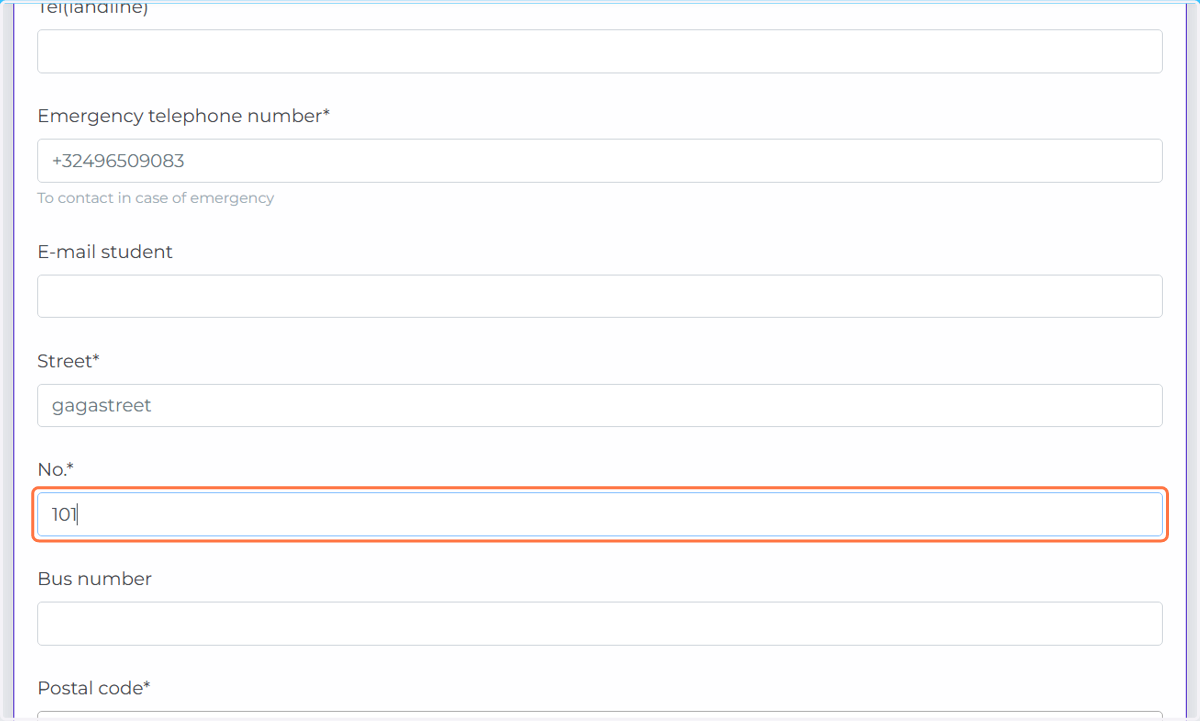
25. Click on dropdown trigger
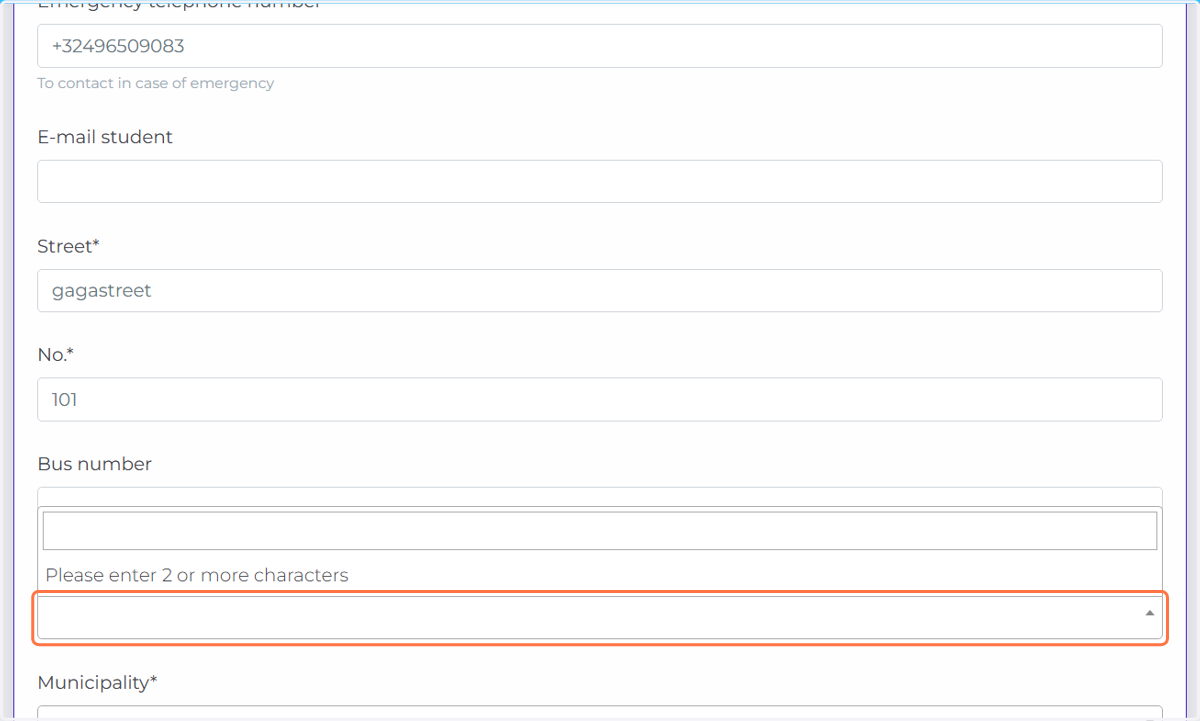
26. Type post code
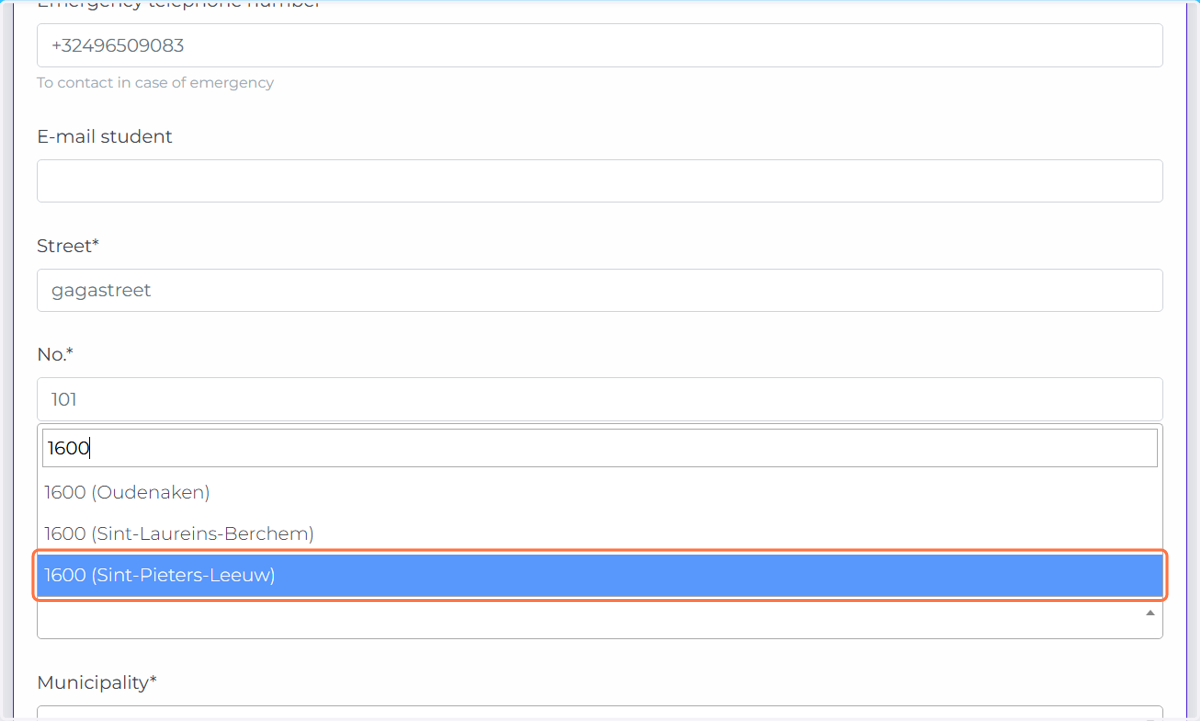
choose municipality
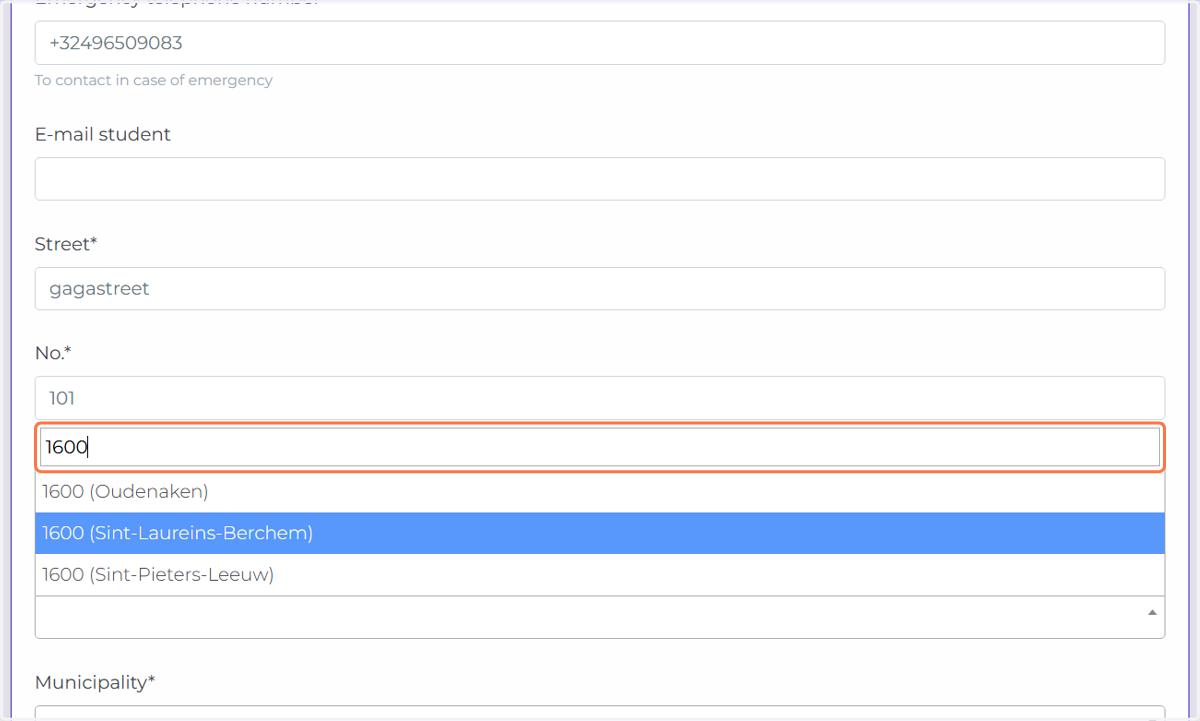
27. Click on the corresponding one
28. Check Consent to store and process this data in accordance with our privacy statement
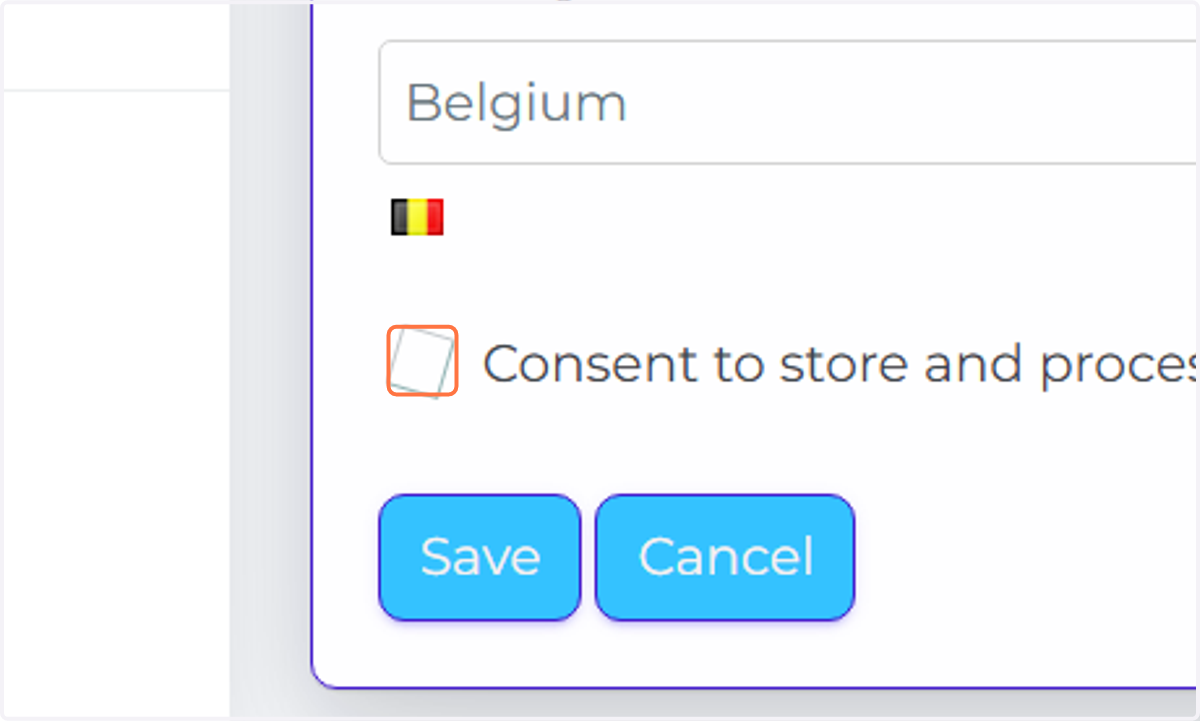
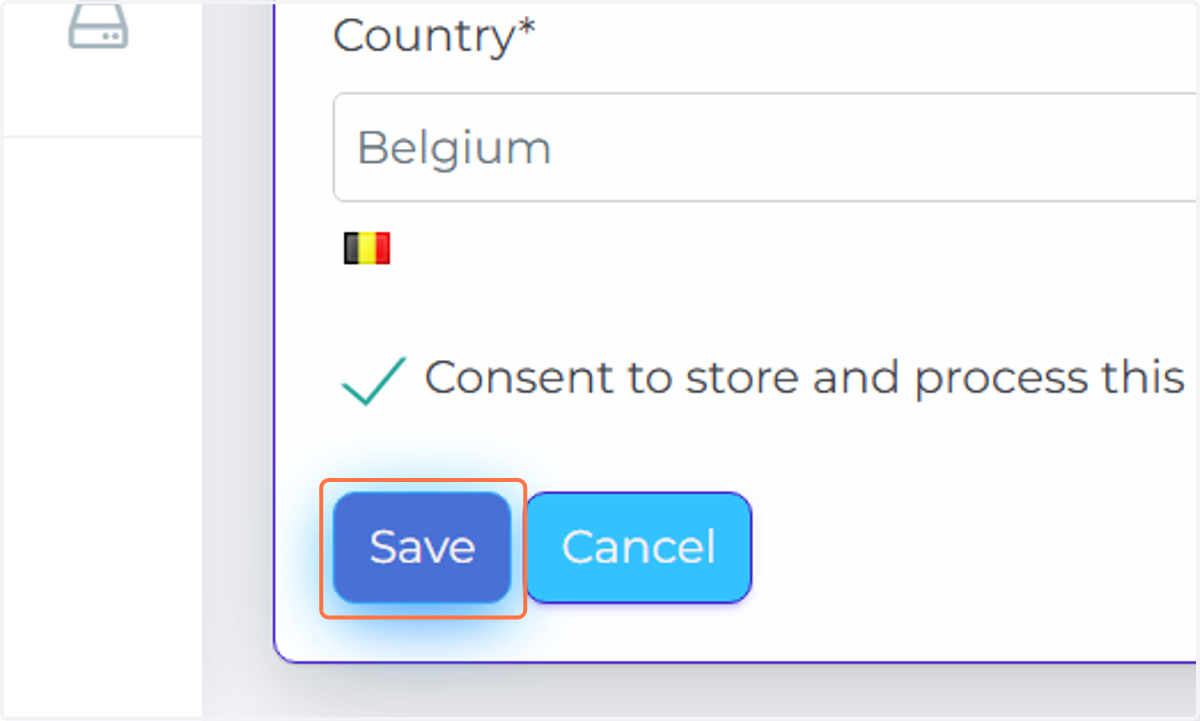
29. Click on Save
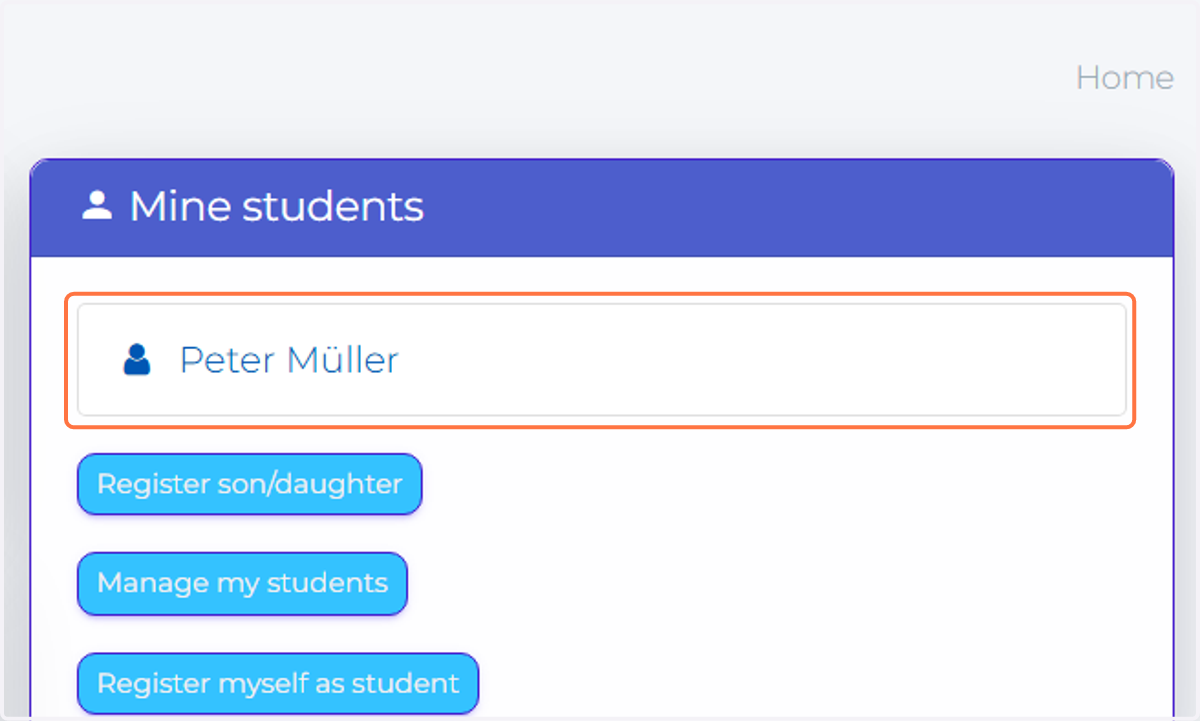
30. Click on your child's name
Here you can start to sign up your child to the classes
31. scroll to courses to choose classes
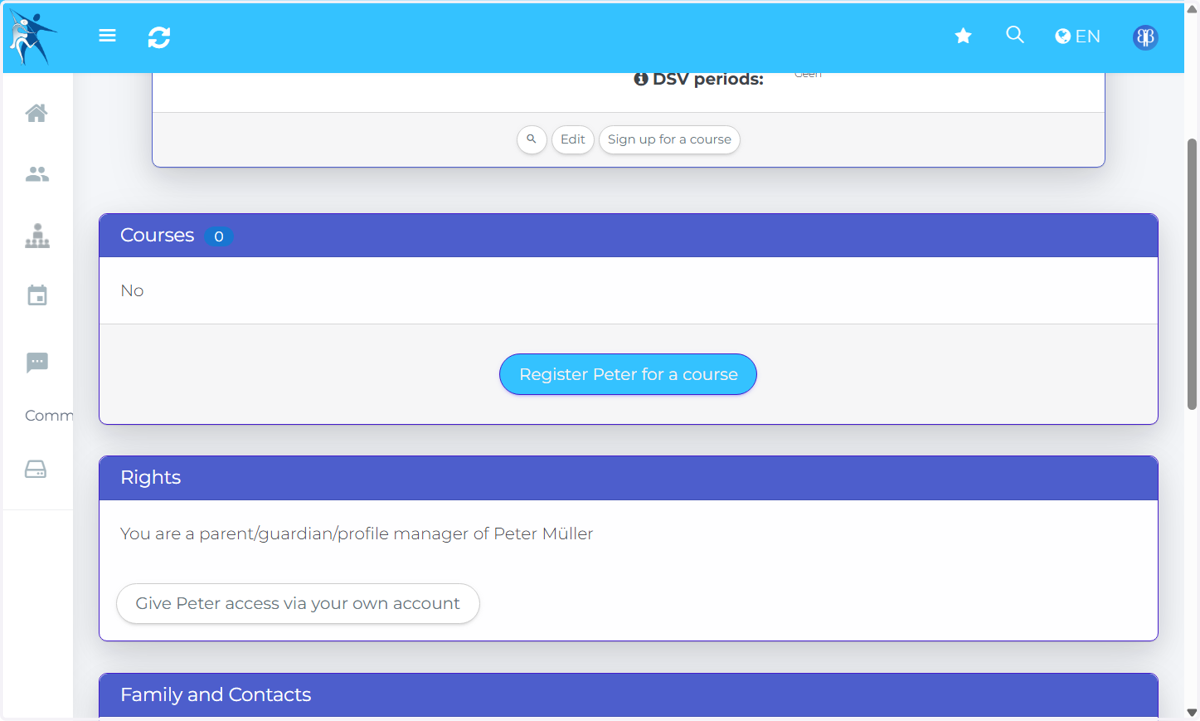
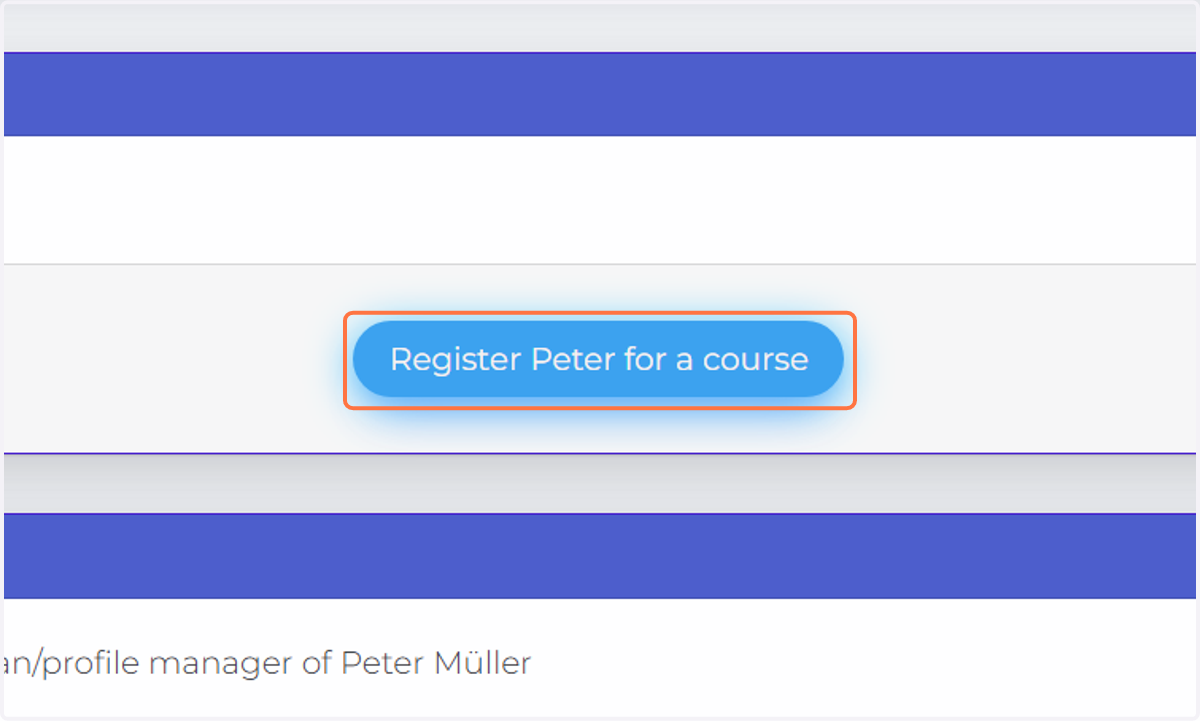
32. Click on Register your child for a course
Your child's name should appear on the register button
33. Click on NEXT
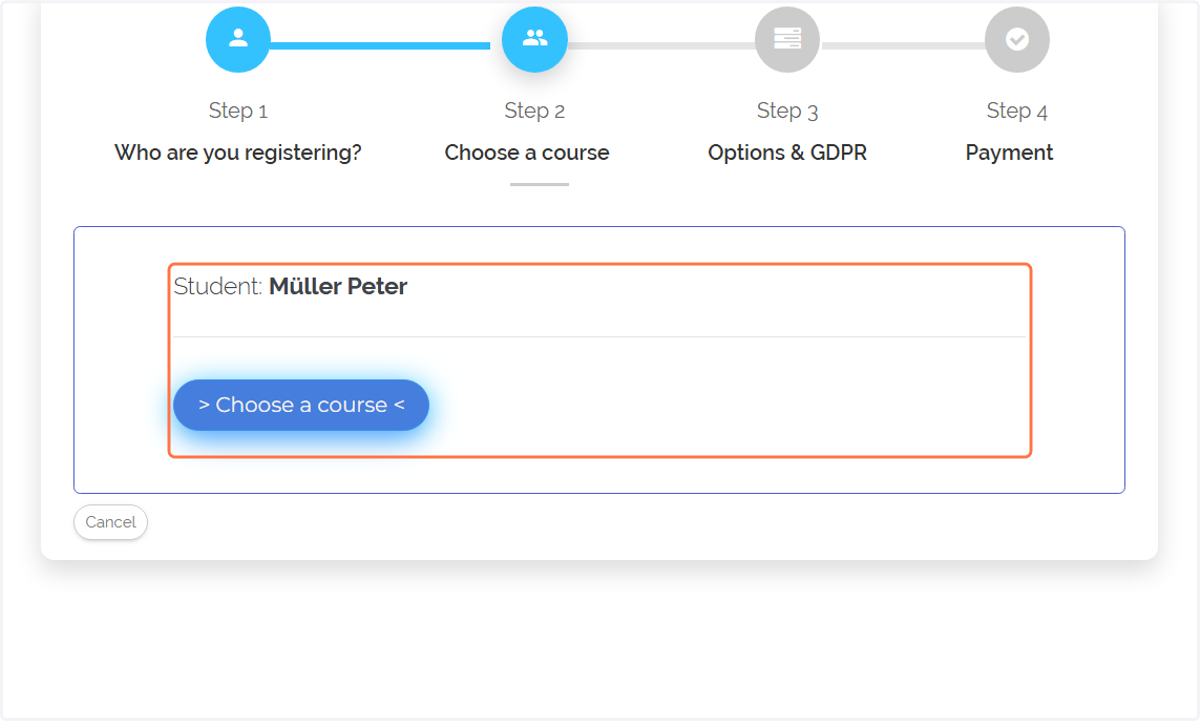
34. Click on Step 2 Choose a course
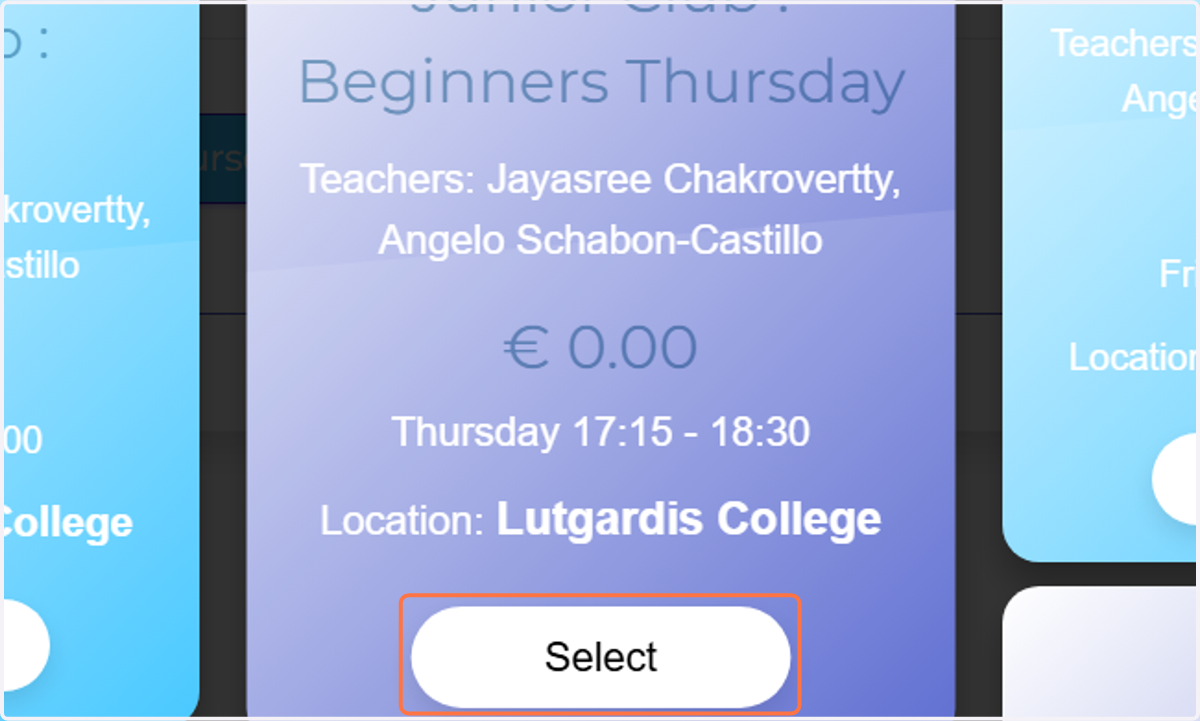
35. Select a class from the list
36. Click on NEXT
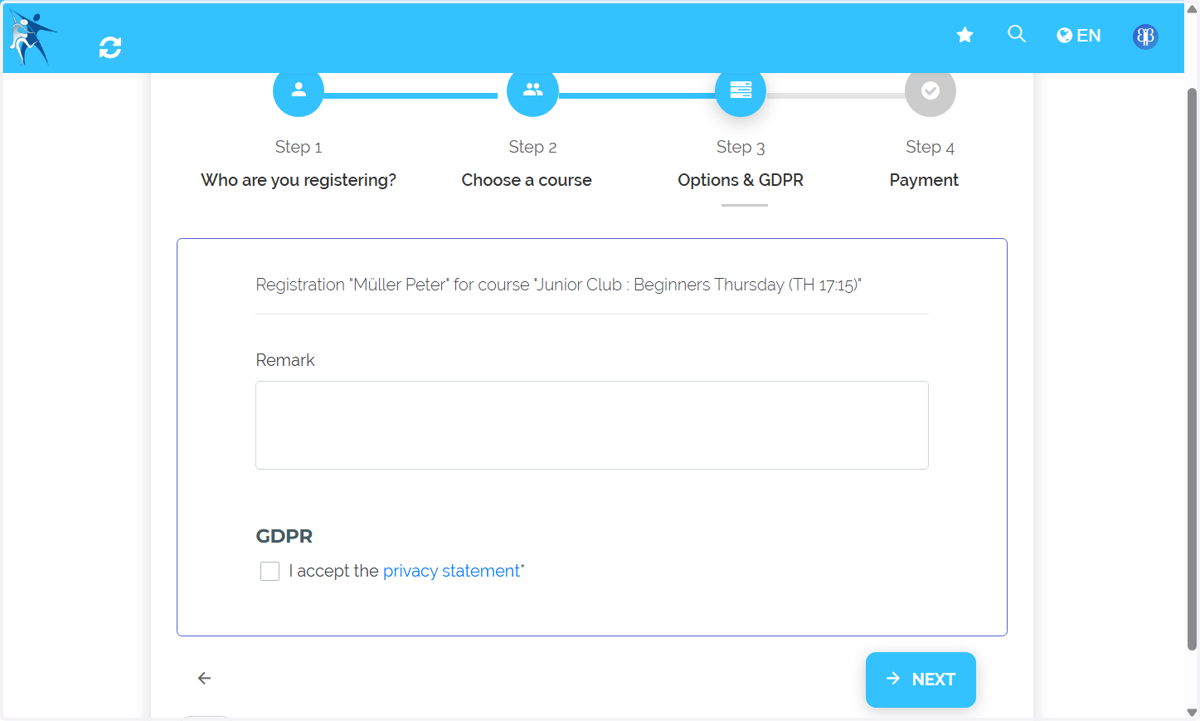
37. This screenshot should show your child sign up for one class
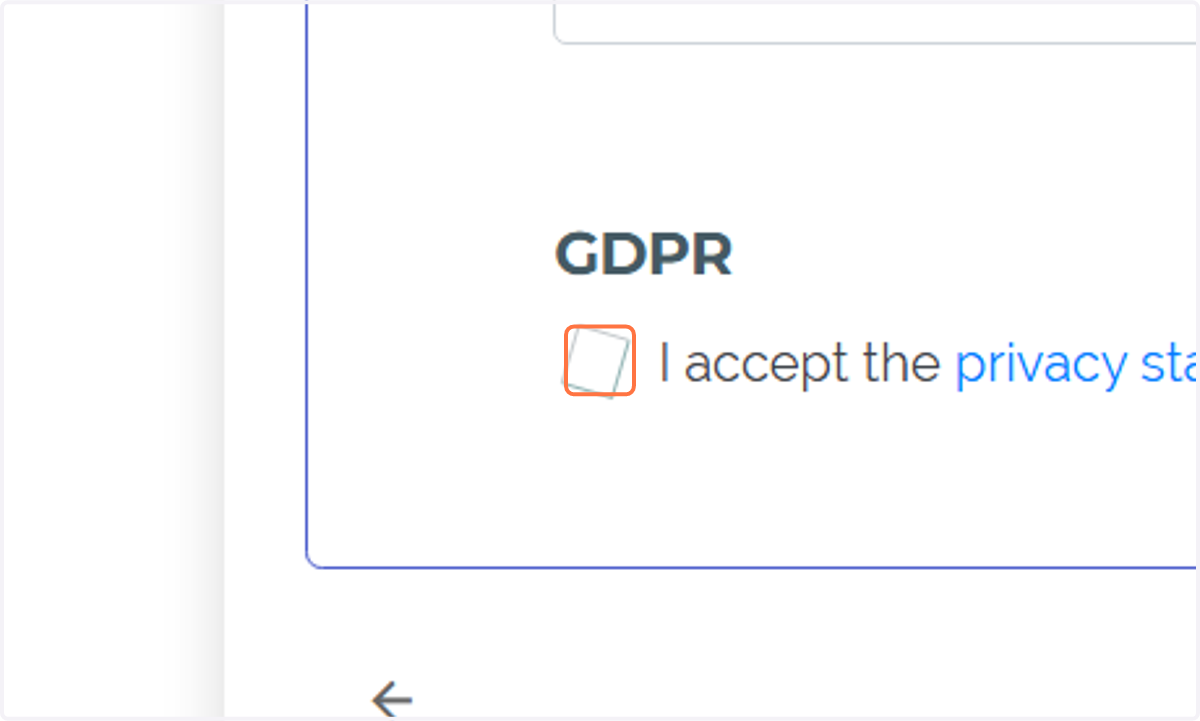
38. Check I accept the privacy statement
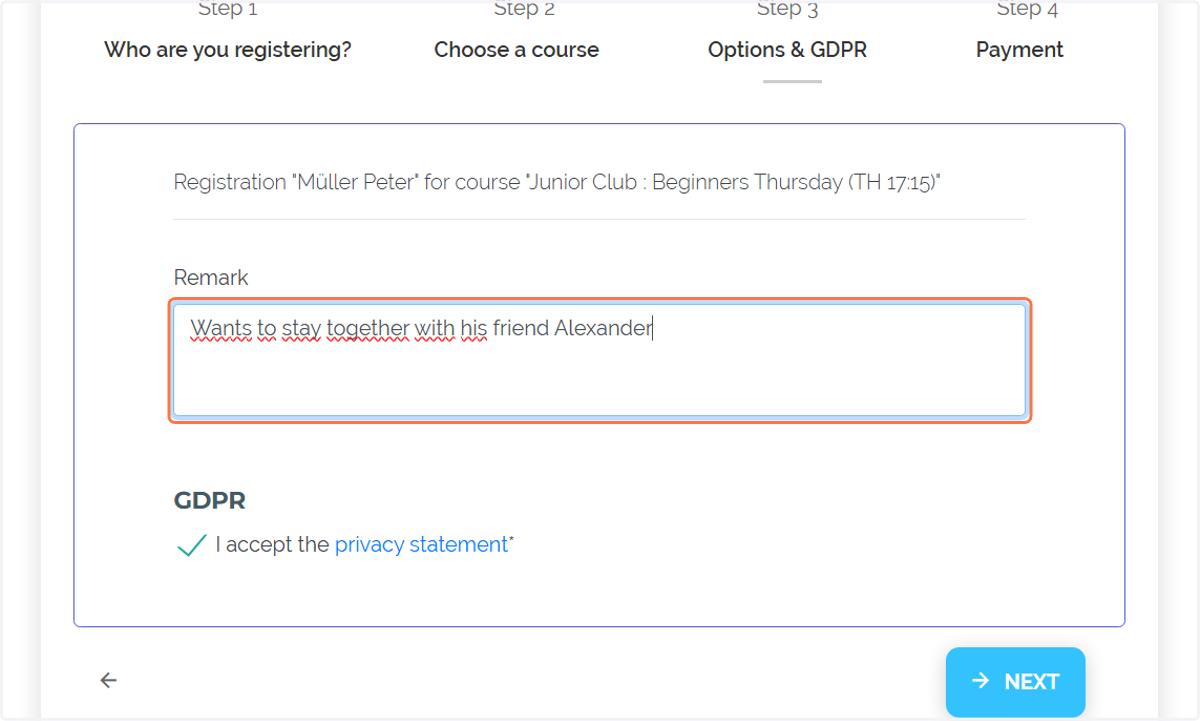
39. Type any remarks if needed
40. Click on NEXT
41. Click on TO PAYMENT
No worries now, all classes are on 0 for the moment
Well done and thank you very much indeed
You did register yourself as a parent and your child as a dancing student. As well you signed you child for one class.
If you wish sign up for more classes, please repeat steps 32 to 41
Registering yourself for dance classes
Please follow the next steps
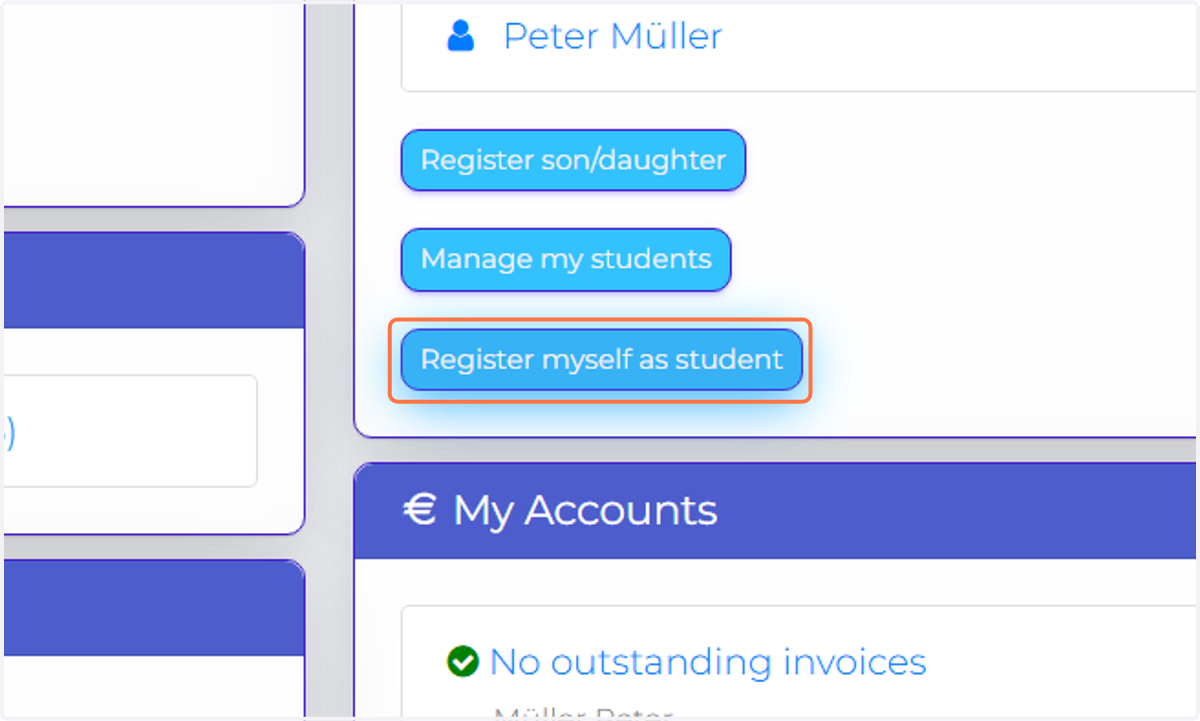
42. Click on Register myself as student
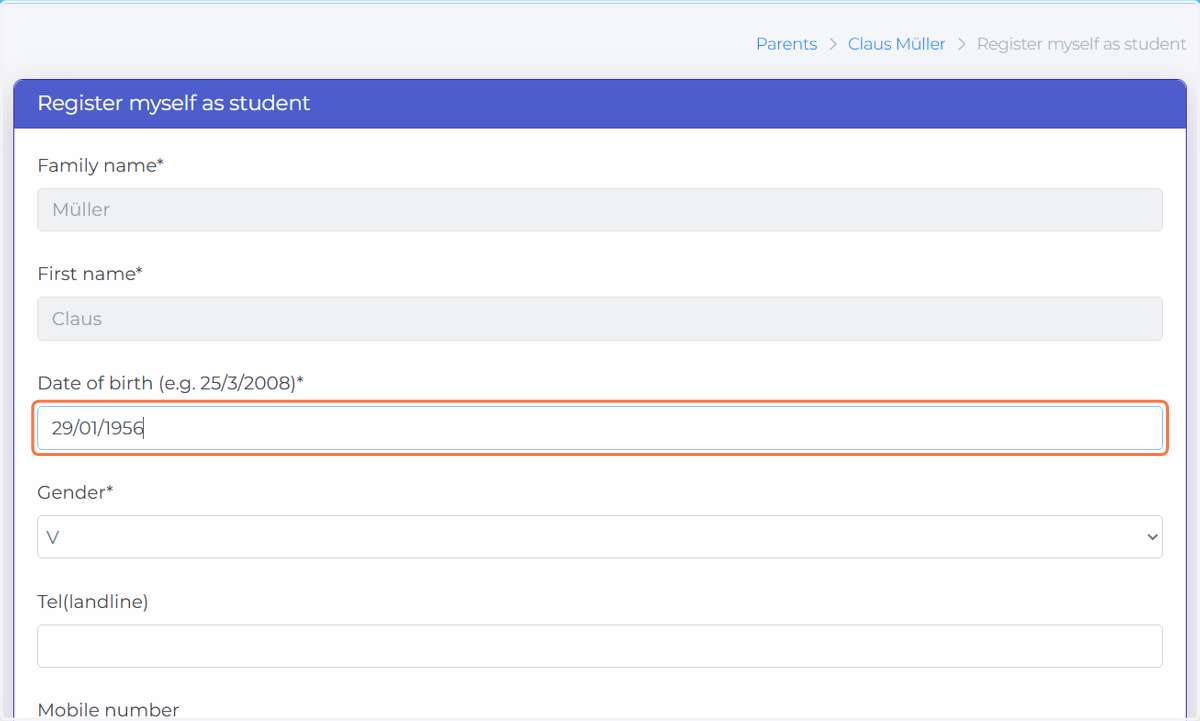
43. Type your date of birth
44. Select Gender
V = Feminine
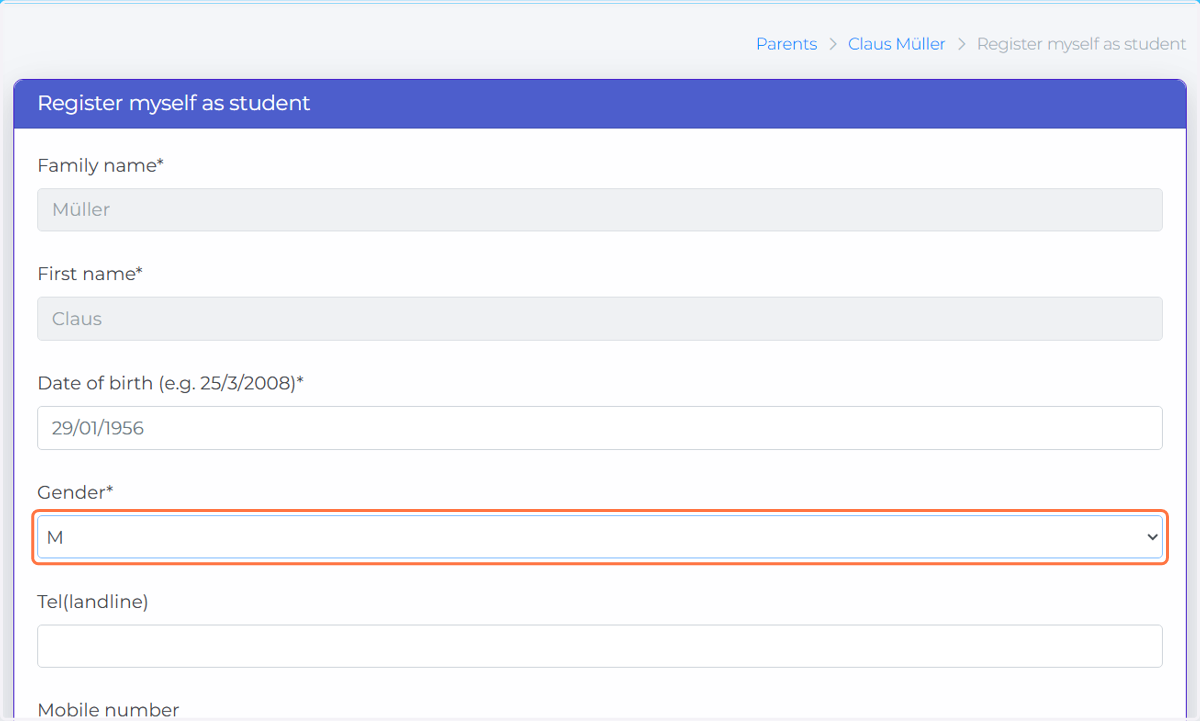
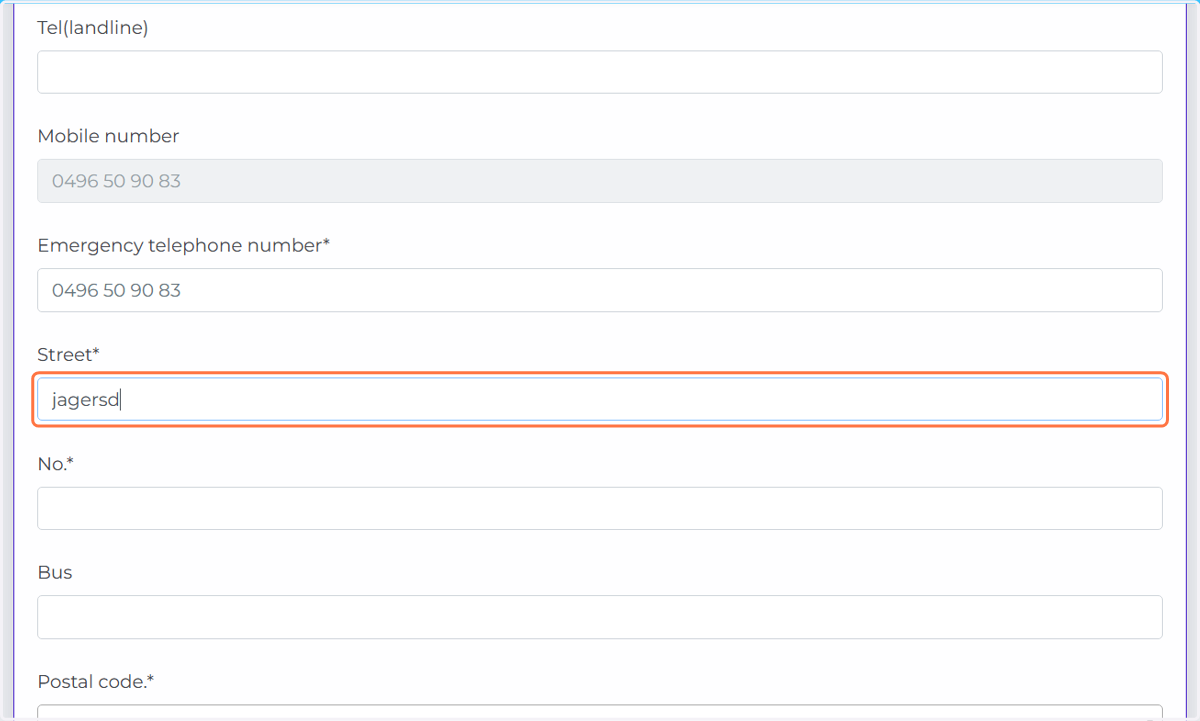
45. Type your streetname
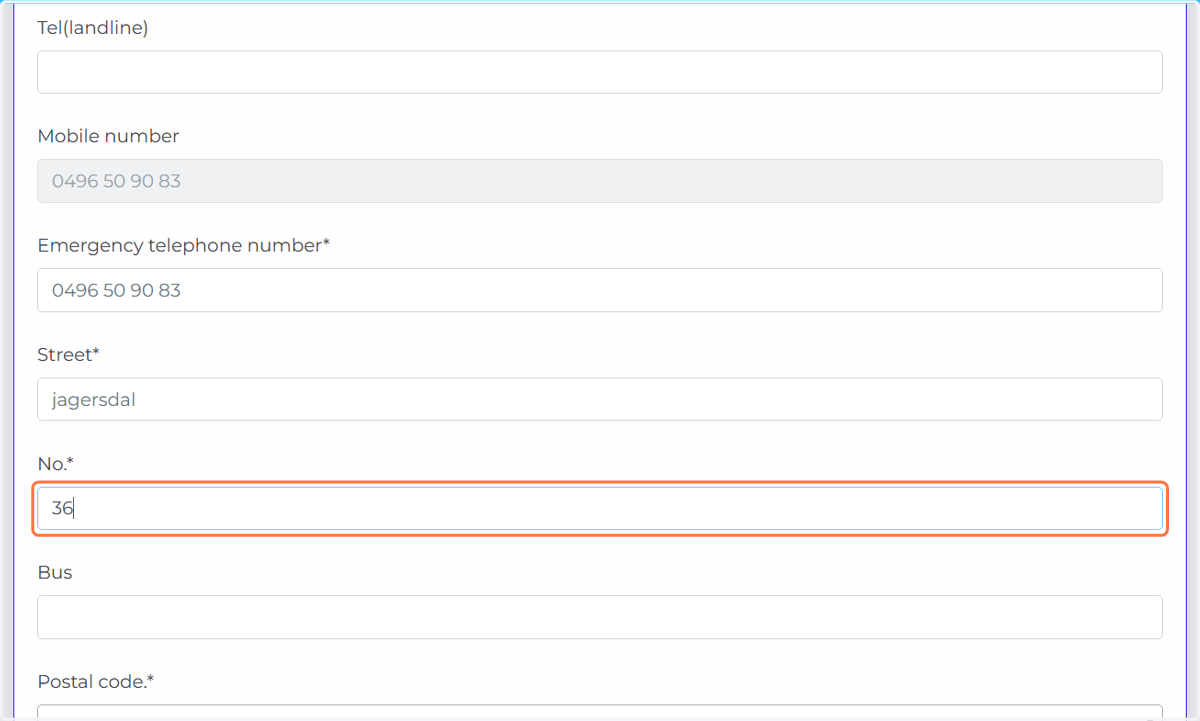
46. Type house number and add box number if needed
47. Type your post code
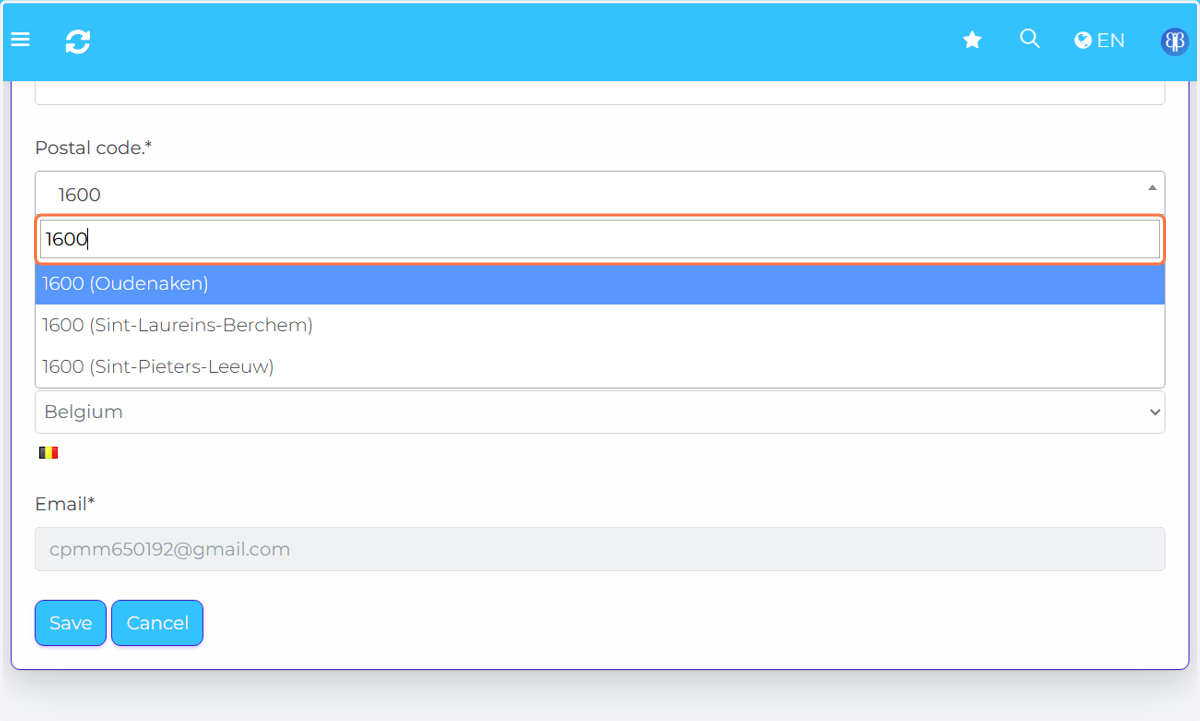
48. choose your municipality
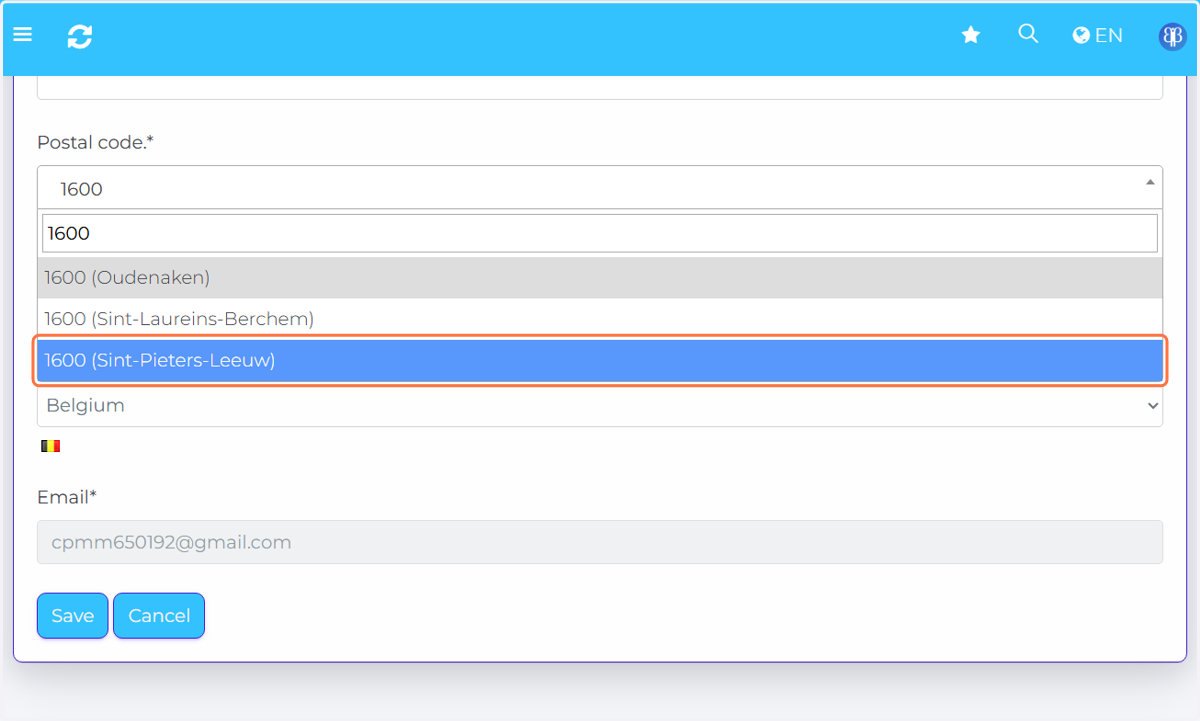
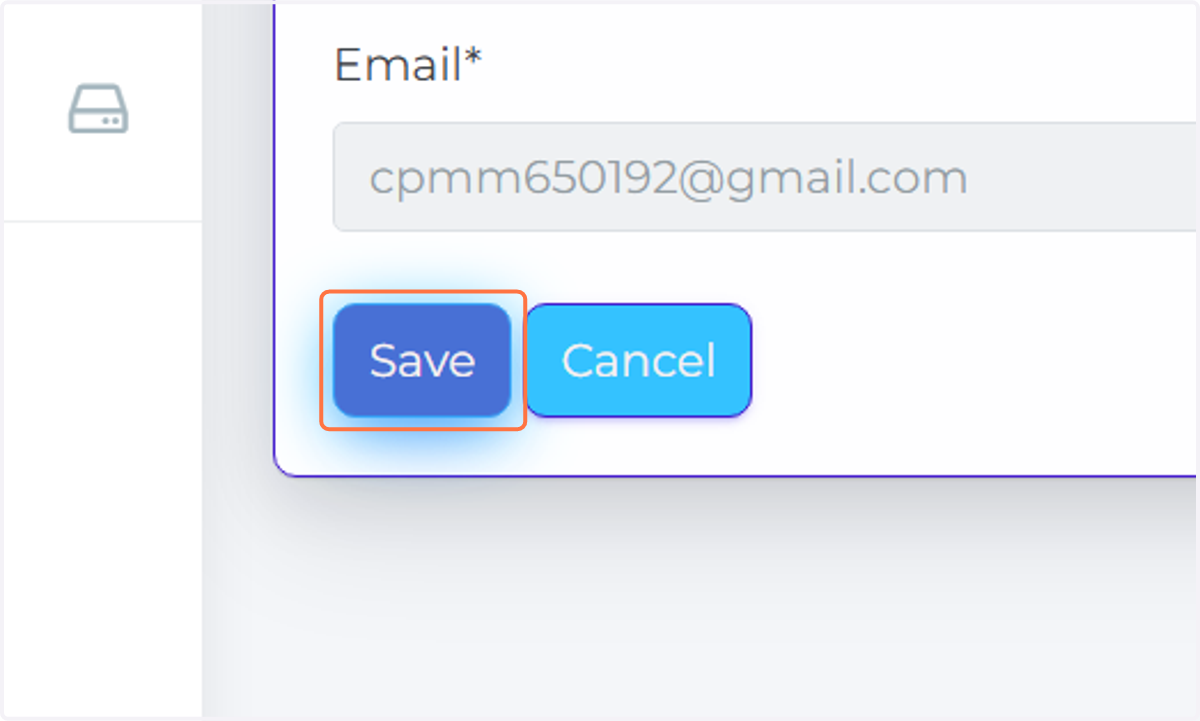
49. Click on Save
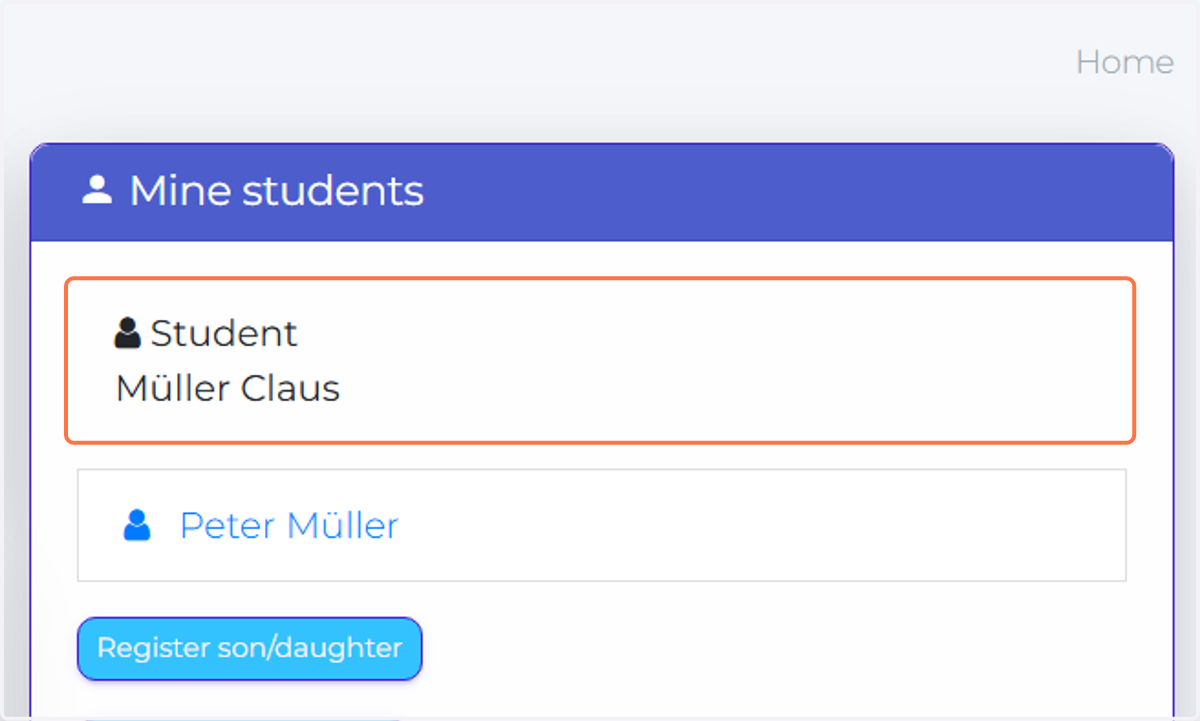
50. Click on Student…
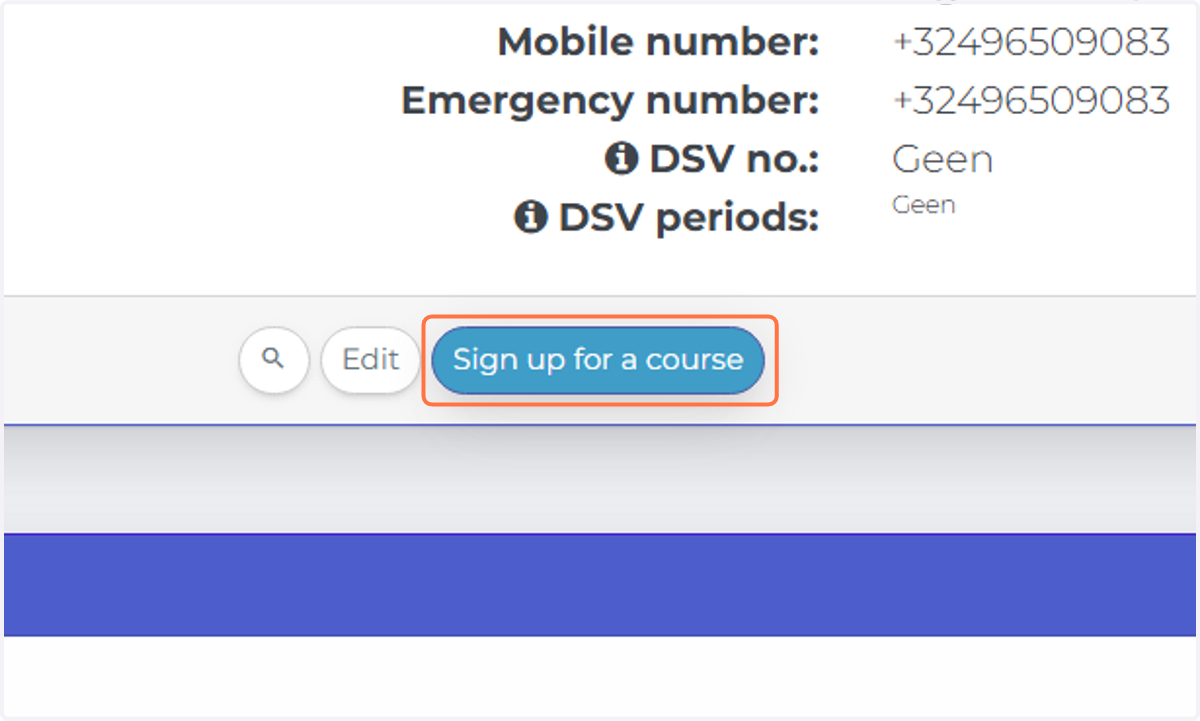
51. Click on Sign up for a course
52. Click on NEXT
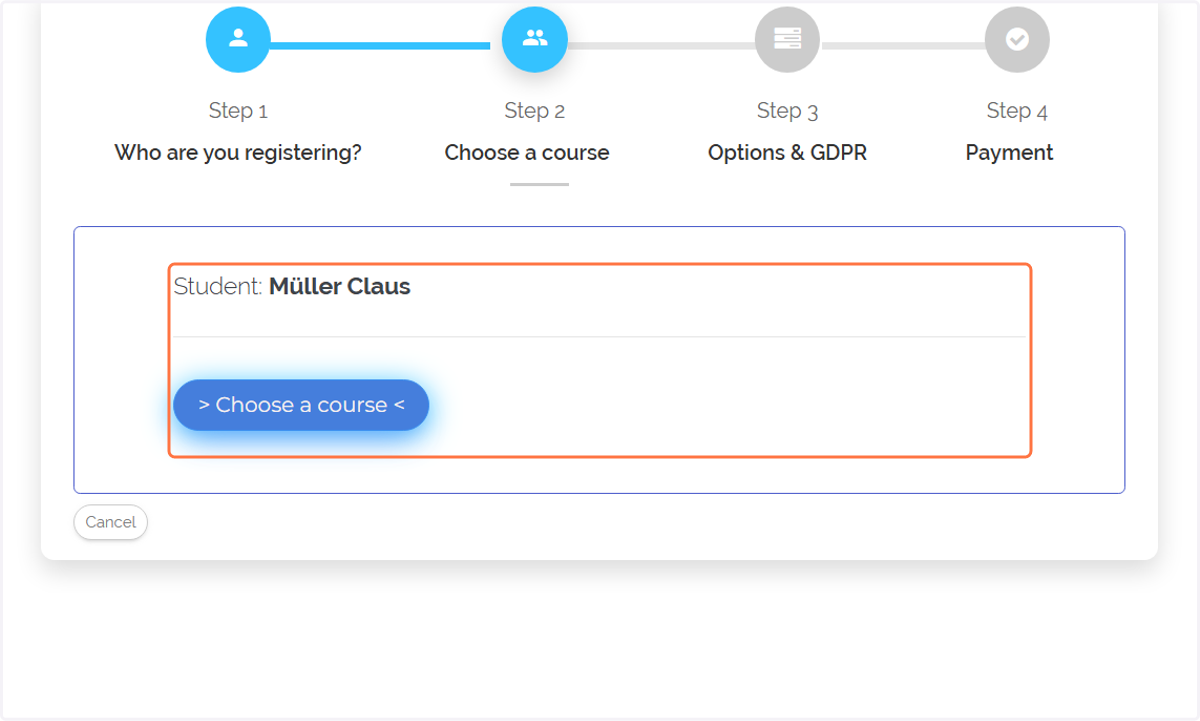
53. Click on Step 2 Choose a course
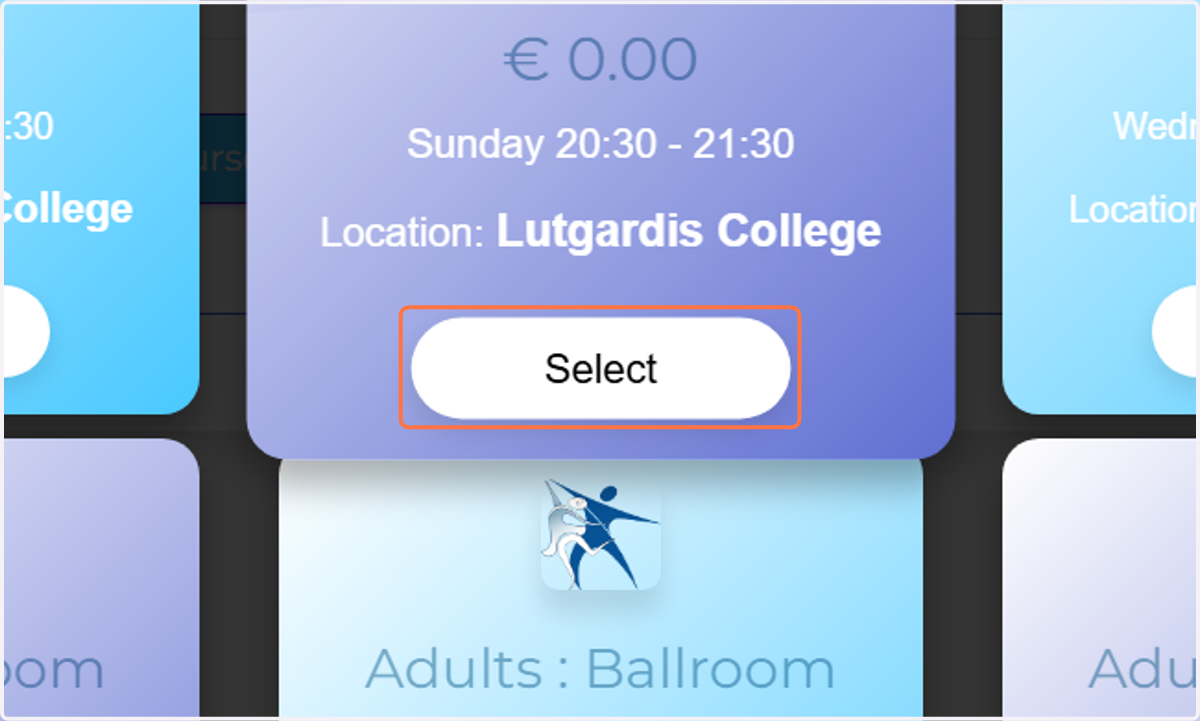
54. Choose a class and click on select
55. Click on NEXT
56. Add a remark if needed
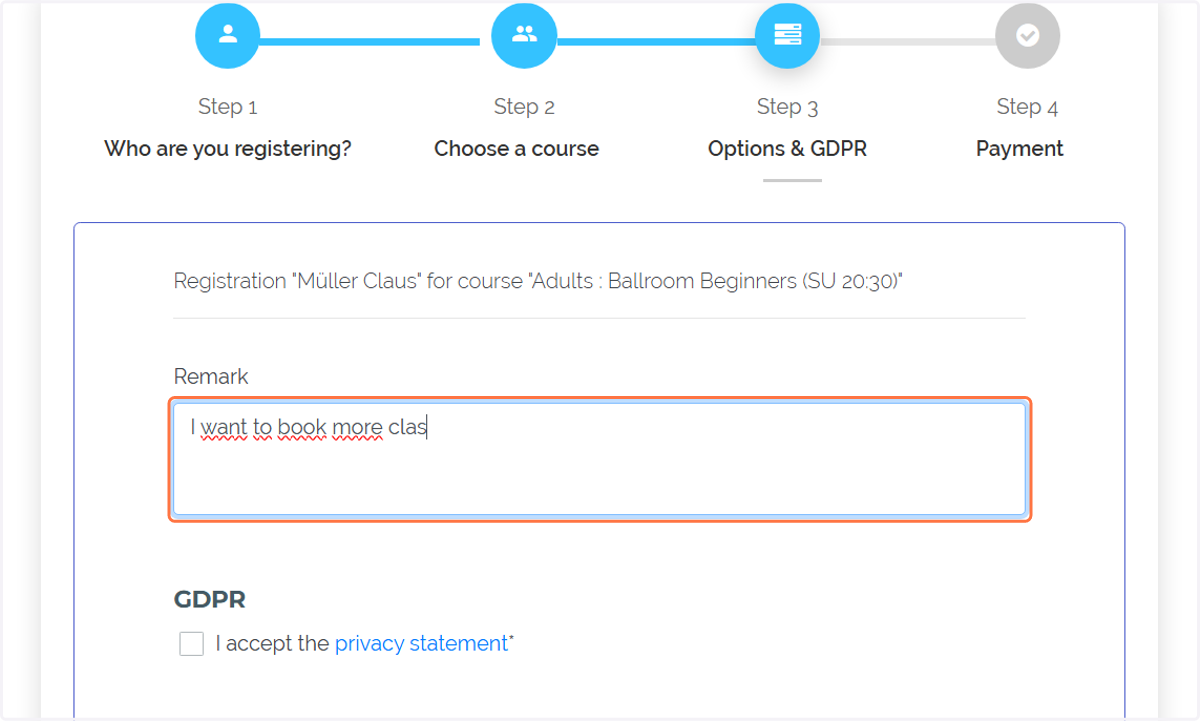
57. Check I accept the privacy statement
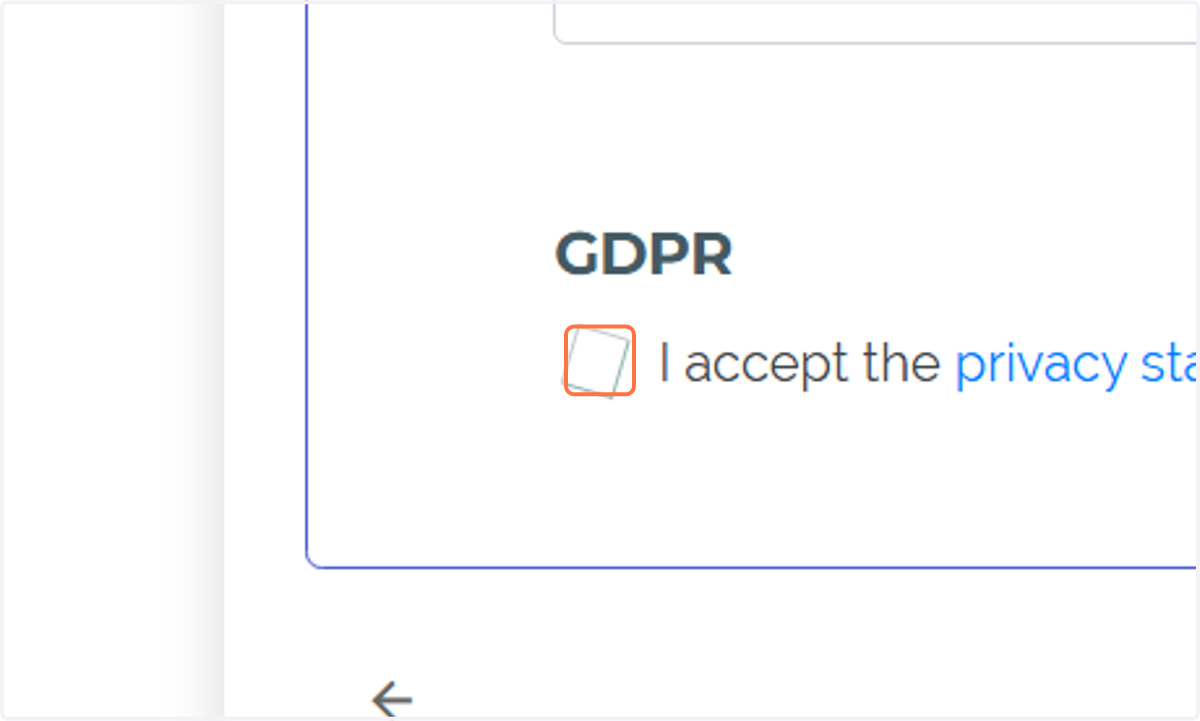
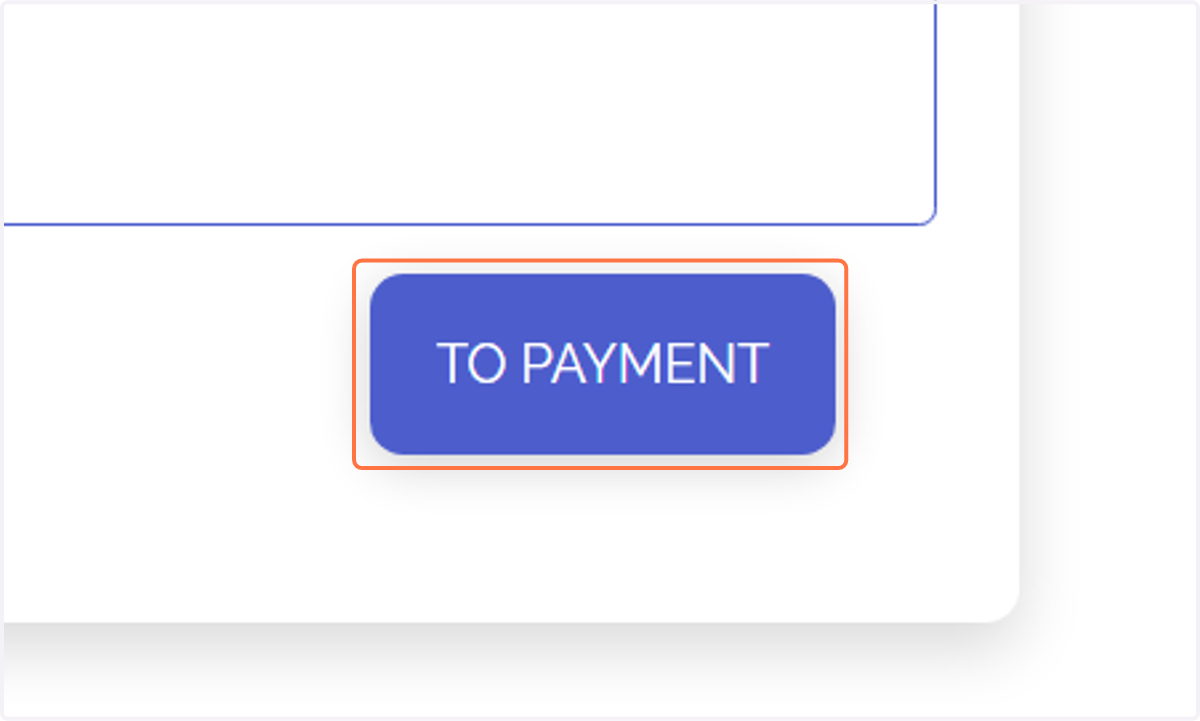
58. Click on TO PAYMENT
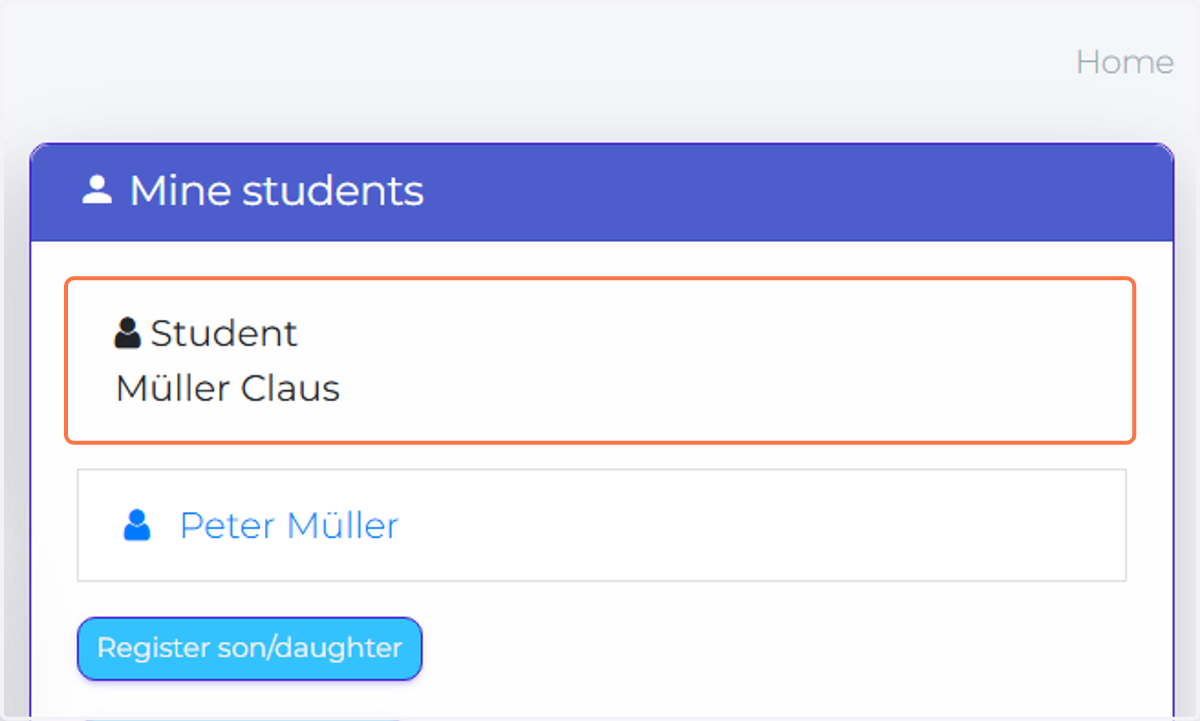
59. Click on Student…
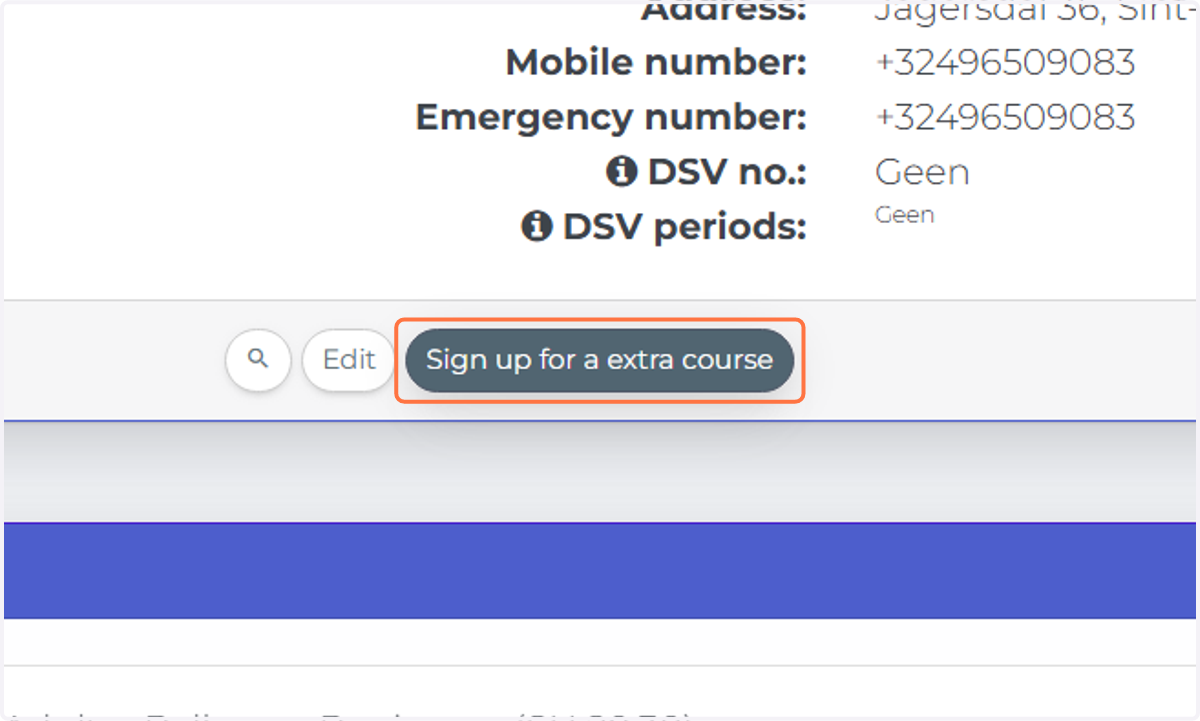
60. Click on Sign up for a extra course
61. Click on NEXT
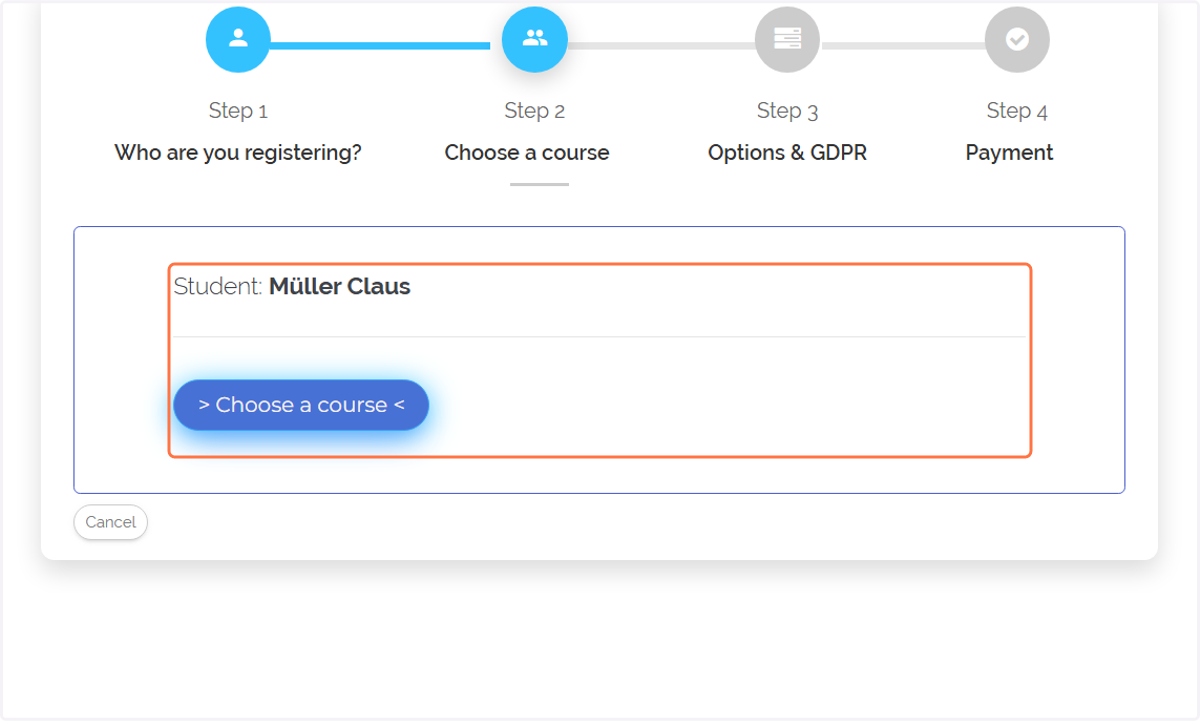
62. Click on Step 2 Choose a course
63. Choose a another class and select
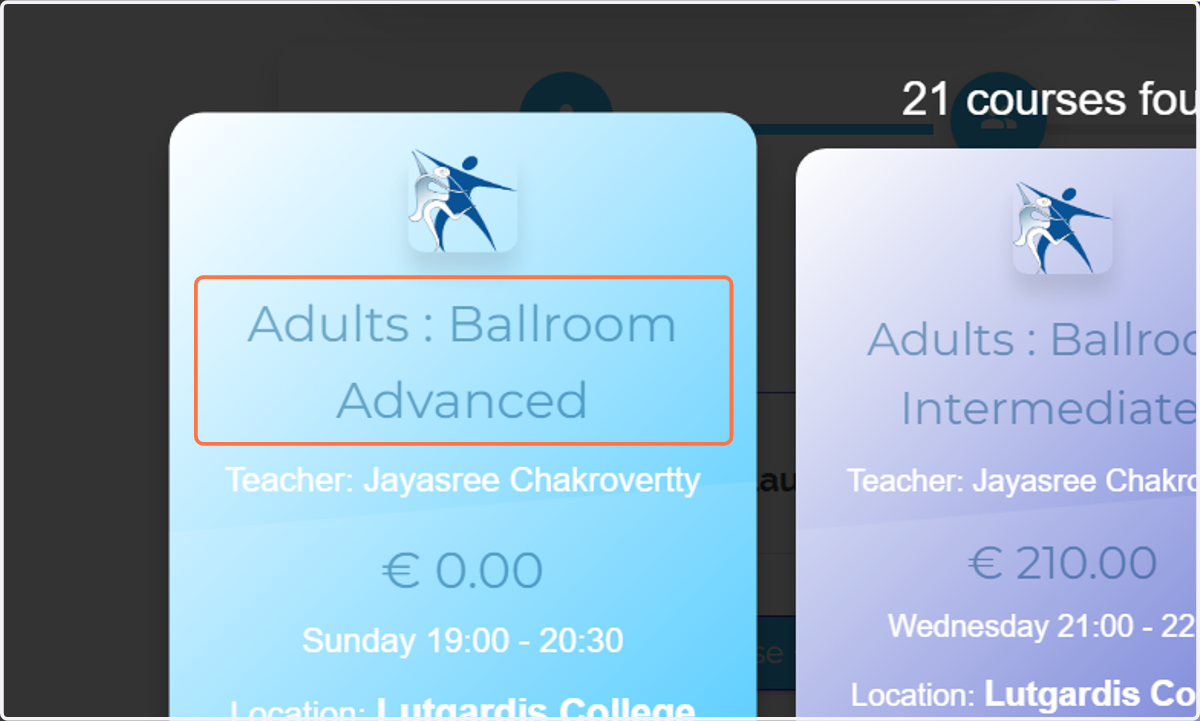
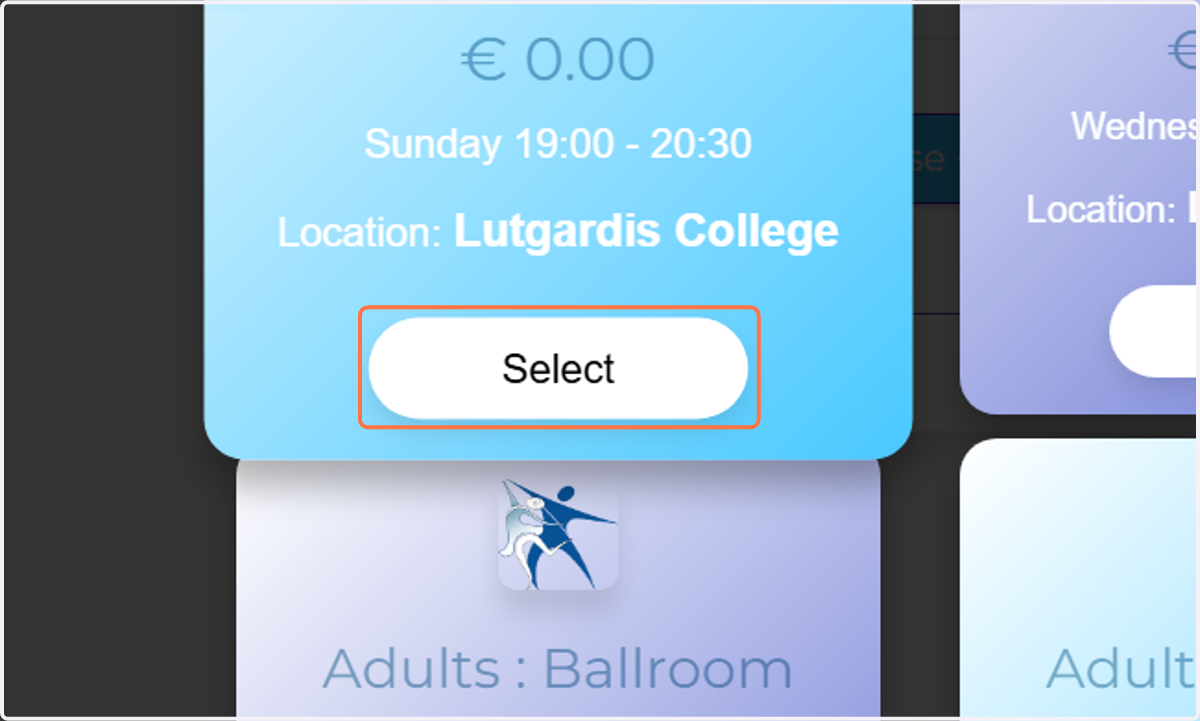
64. Click on Select
65. Click on NEXT
66. Click on NEXT
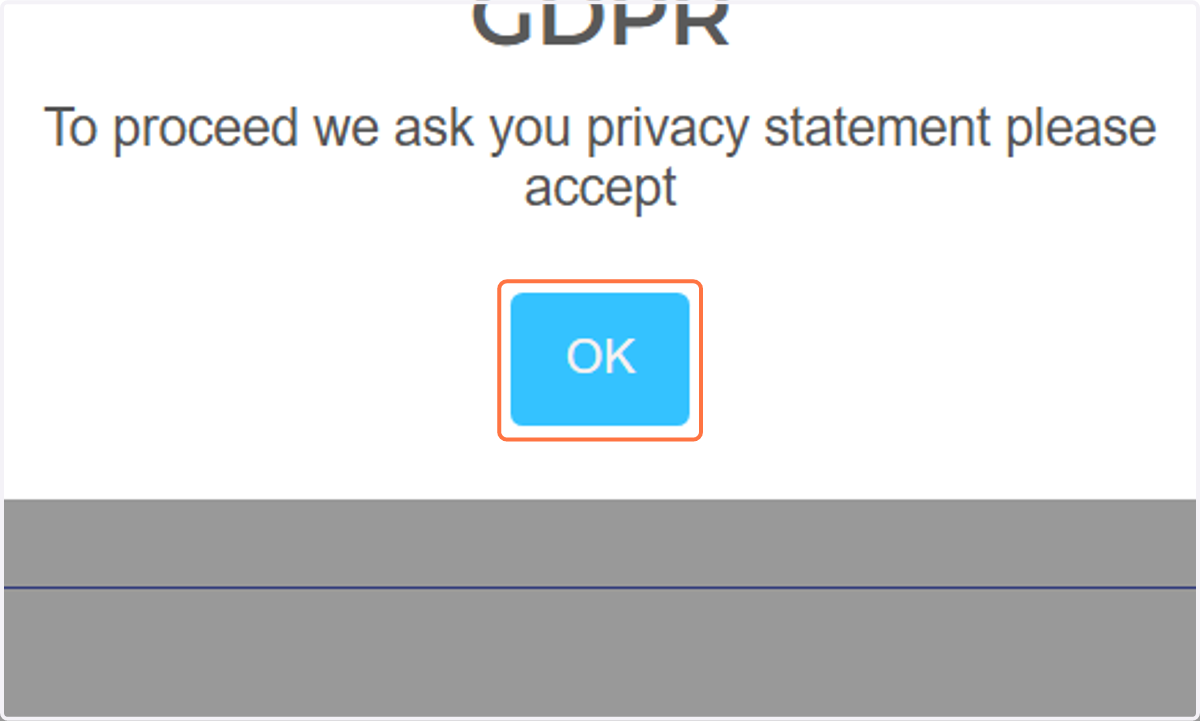
67. Click on OK
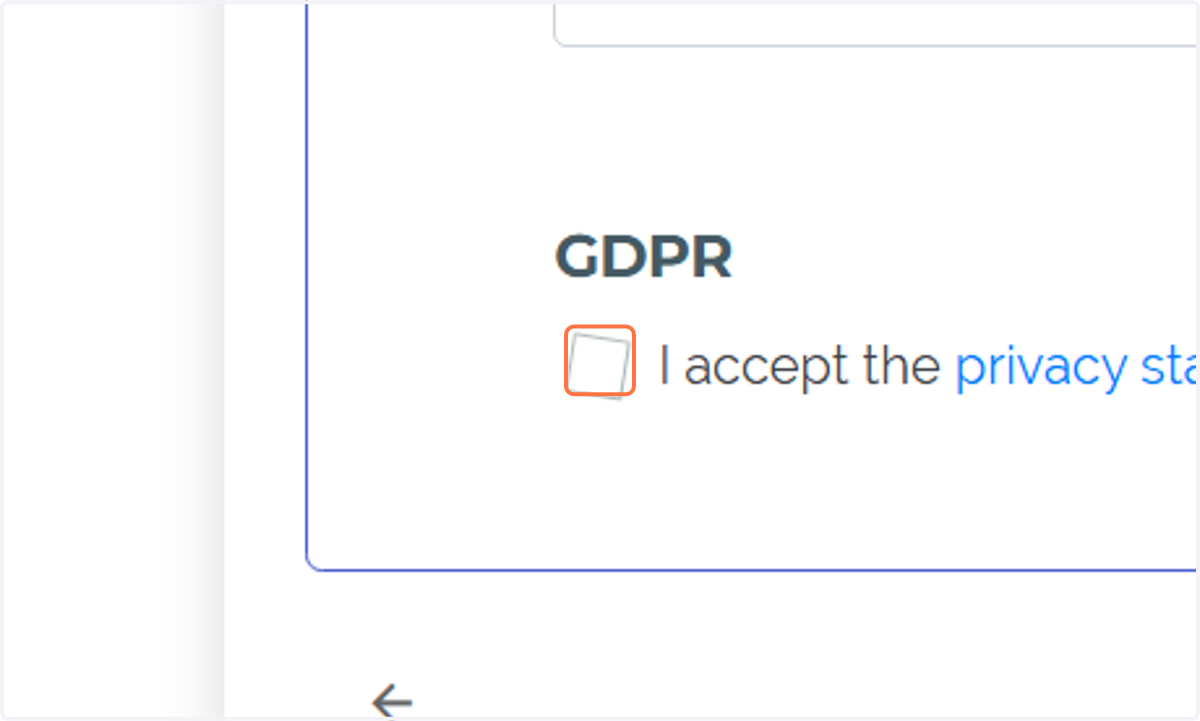
68. Check I accept the privacy statement
69. Click on NEXT
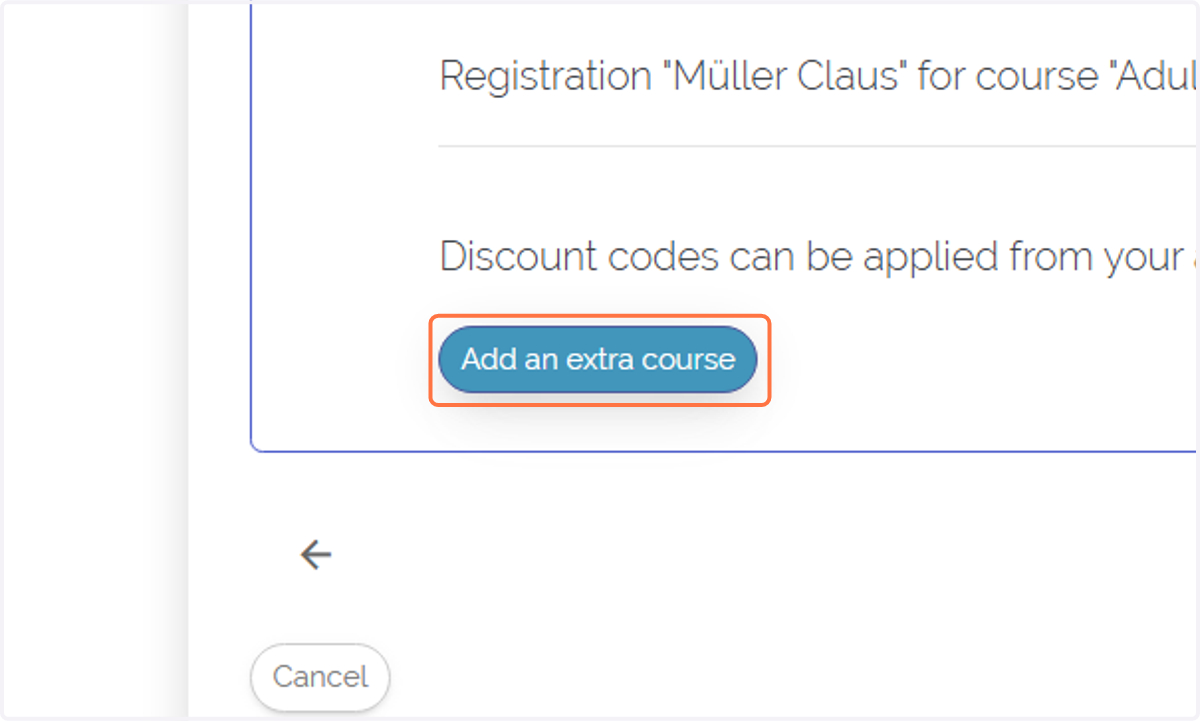
70. Click on Add an extra course
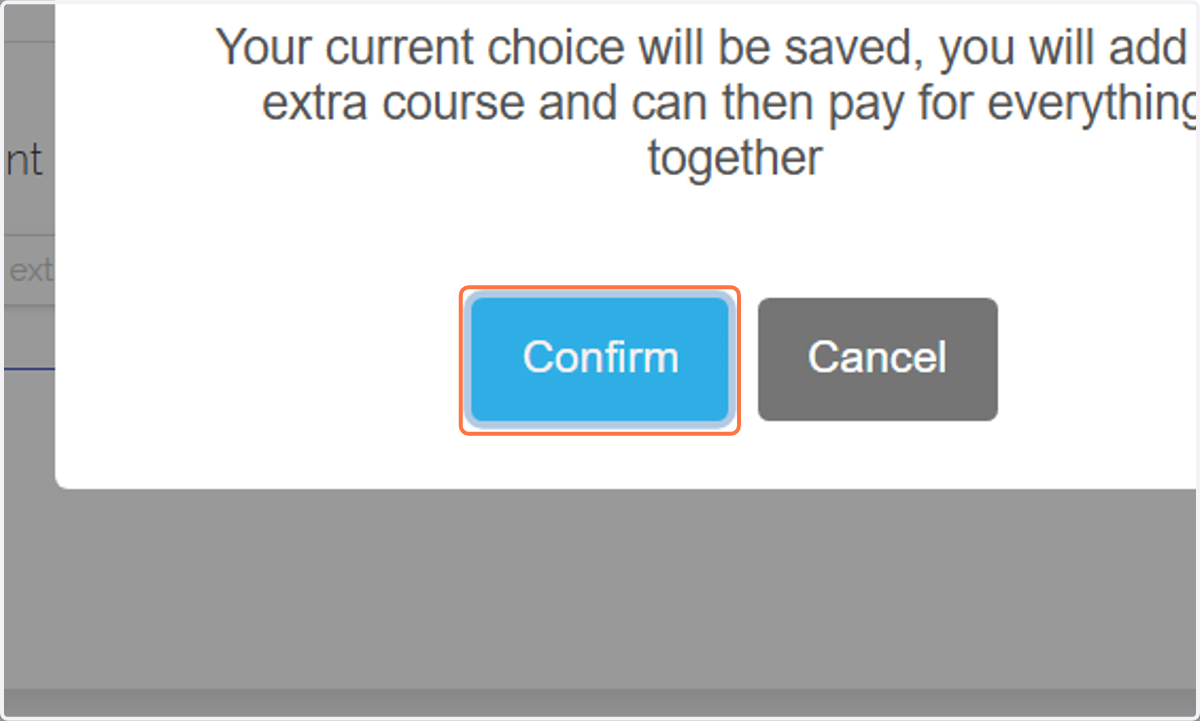
71. Click on Confirm
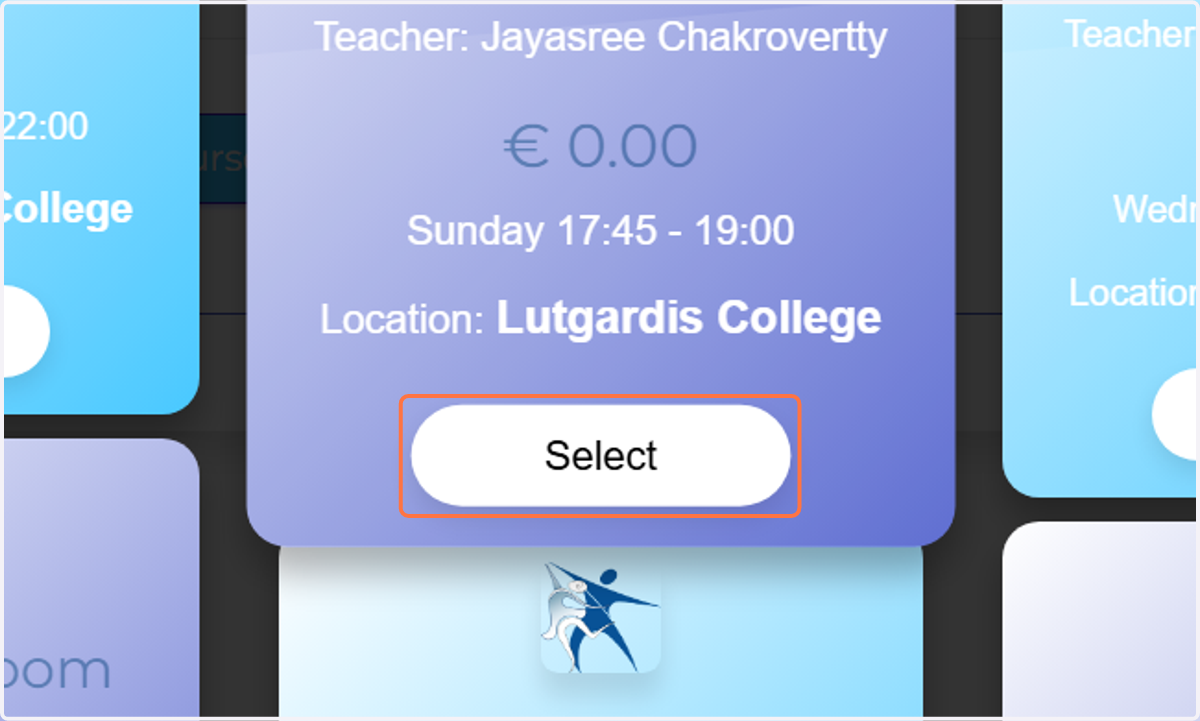
72. Click on Select
73. Click on NEXT
74. Check I accept the privacy statement
75. Click on NEXT
76. Click on TO PAYMENT