How to format Tango step descriptions with bullet points
Tango
1. Go to the Workflow you want to update
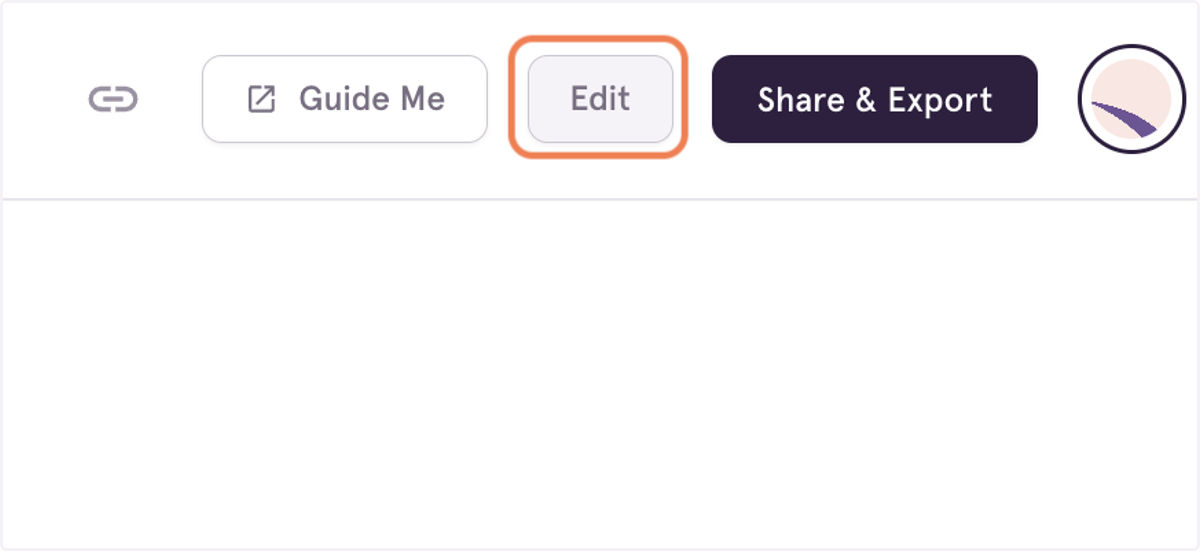
2. Click on Toggle Edit Mode
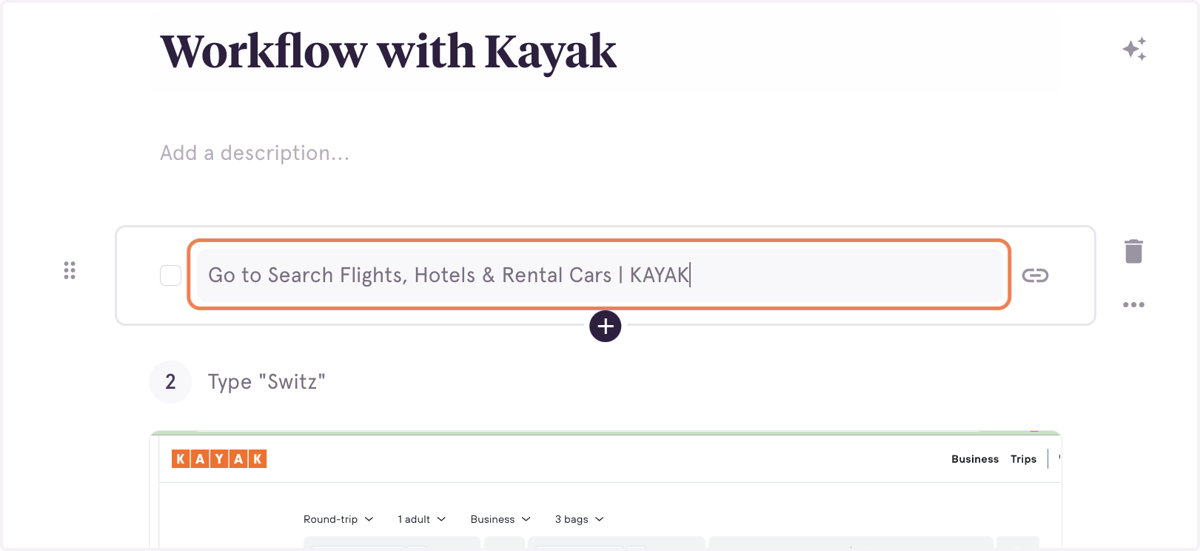
3. Click on a step heading to open the step description text box
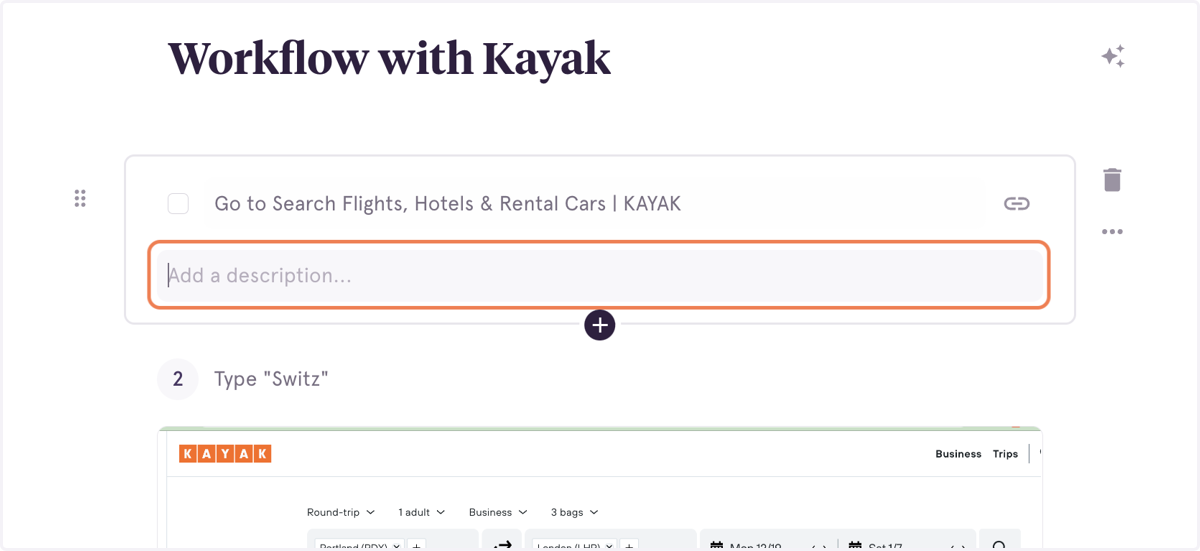
4. Start typing your bulleted list
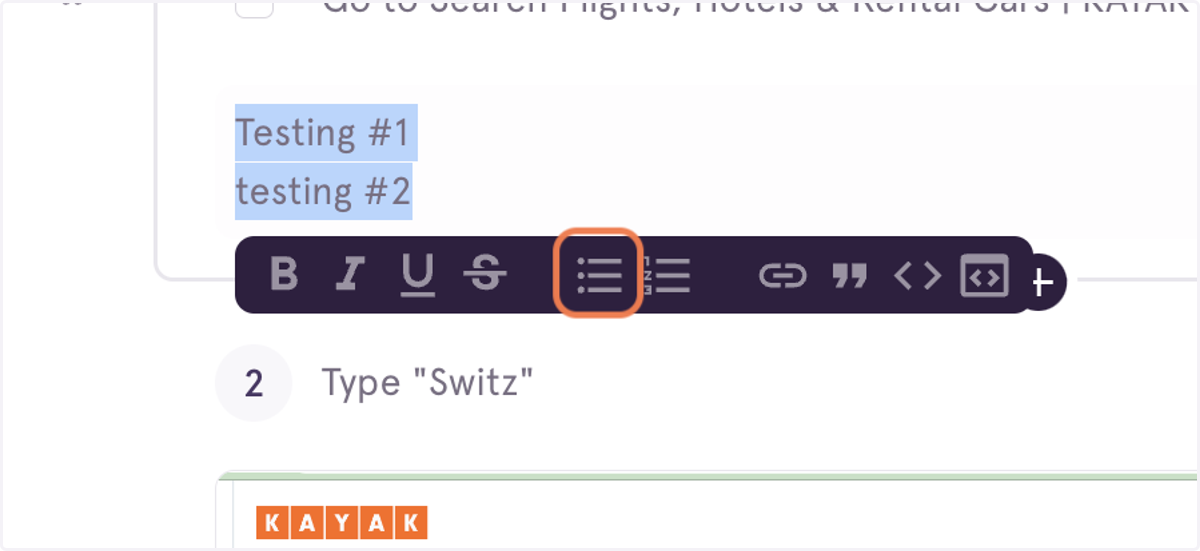
5. Highlight the copy in the description box to enable text formatting
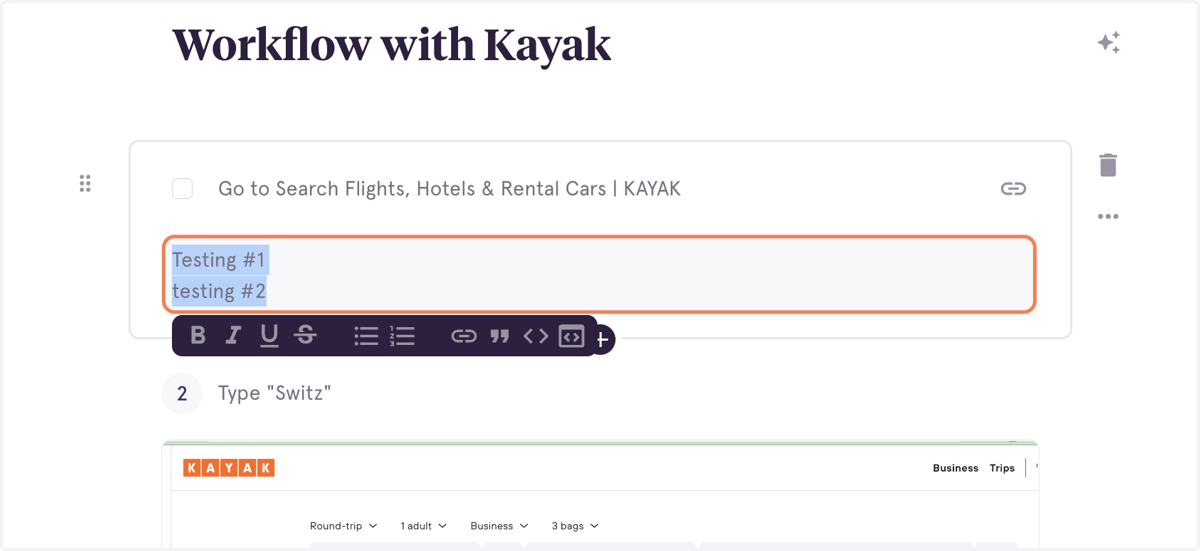
6. Click on Bullet List
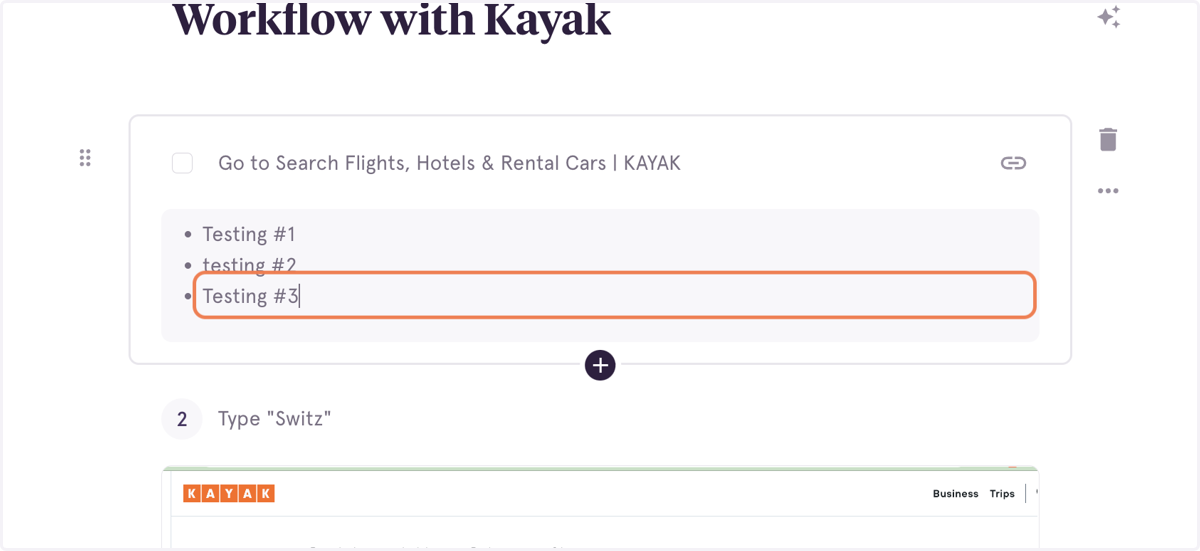
7. Add additional bullets, if needed
8. Click on Save Workflow