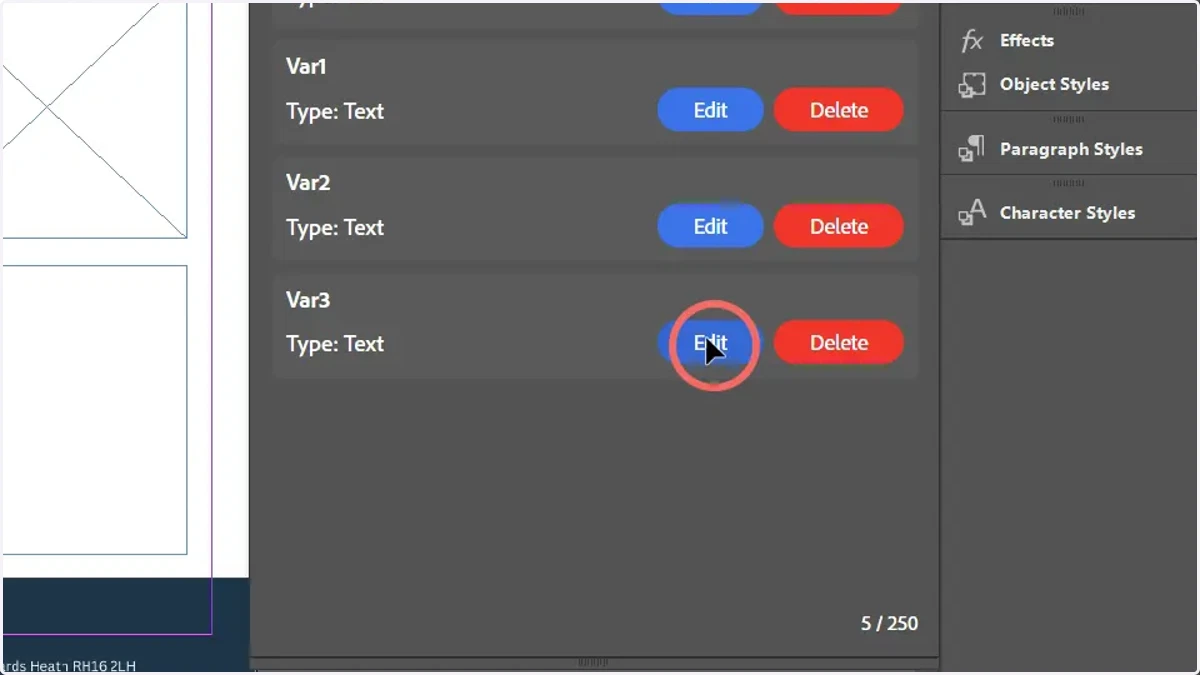
Creating multiple, identical variables in Invent
Here, we will learn how to create multiple variables within Invent utilising a simple process.
These variables will all utilise identical settings, with the exception of the variable names which are required to be unique.
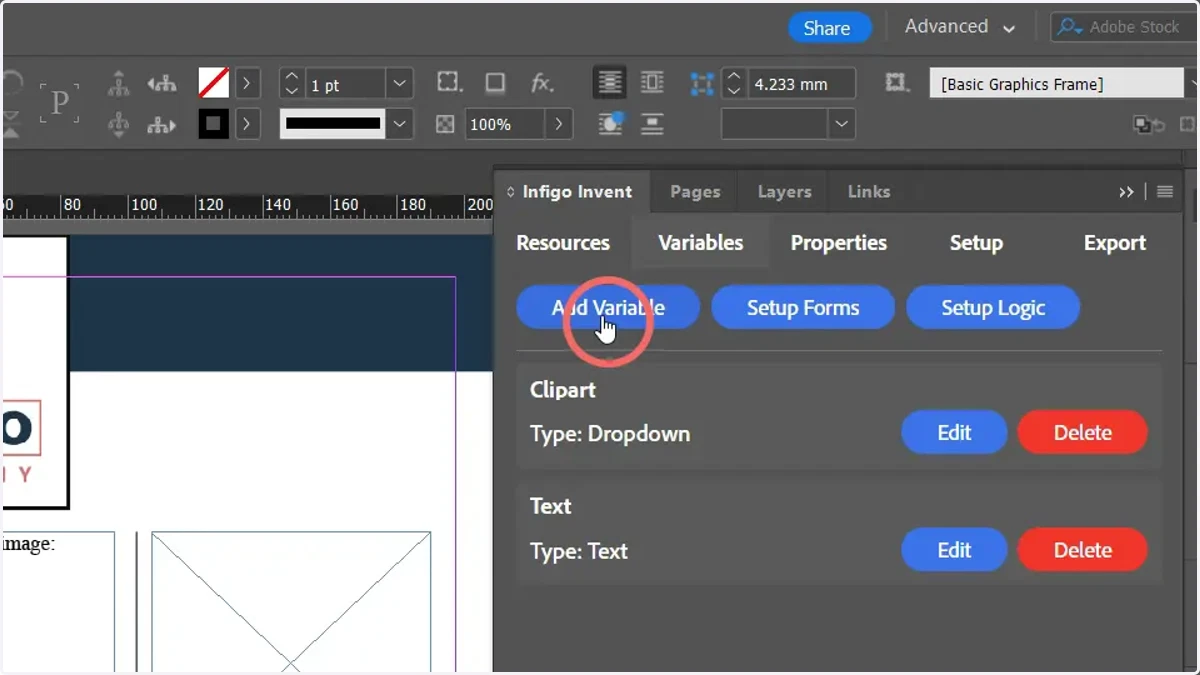
1. To begin, add a new variable within Invent
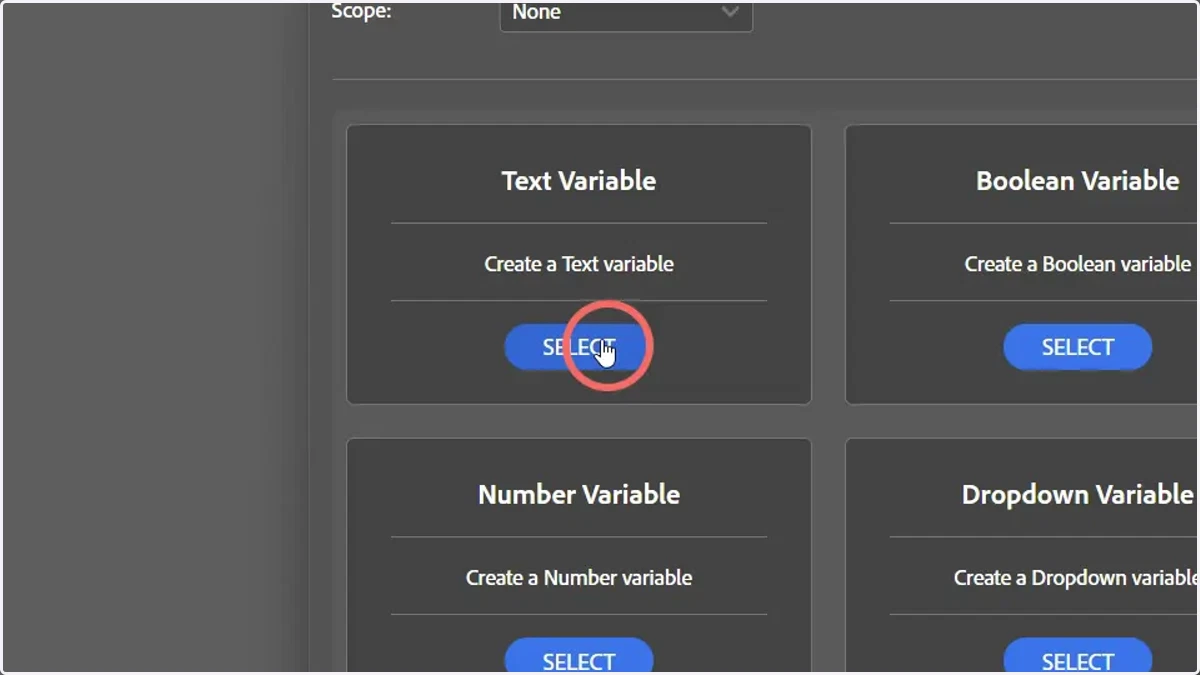
2. Select the variable type
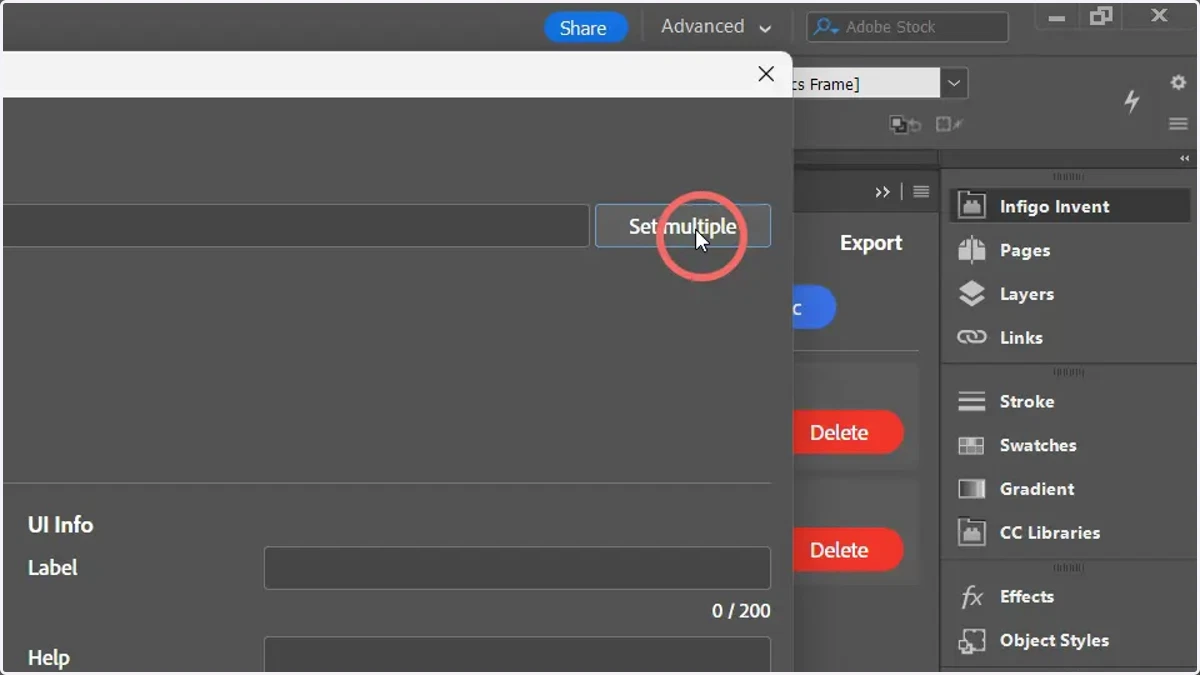
3. Click Set multiple
4. A pop up window will display allowing input of a variable name
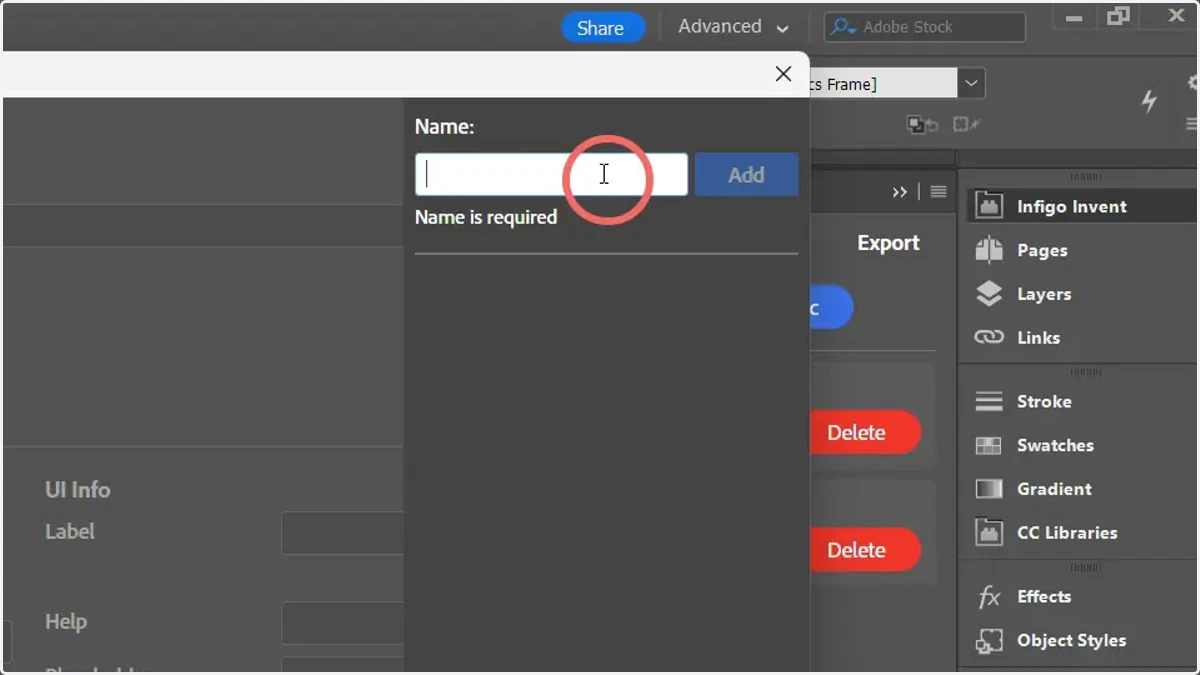
5. Enter a variable name and click add
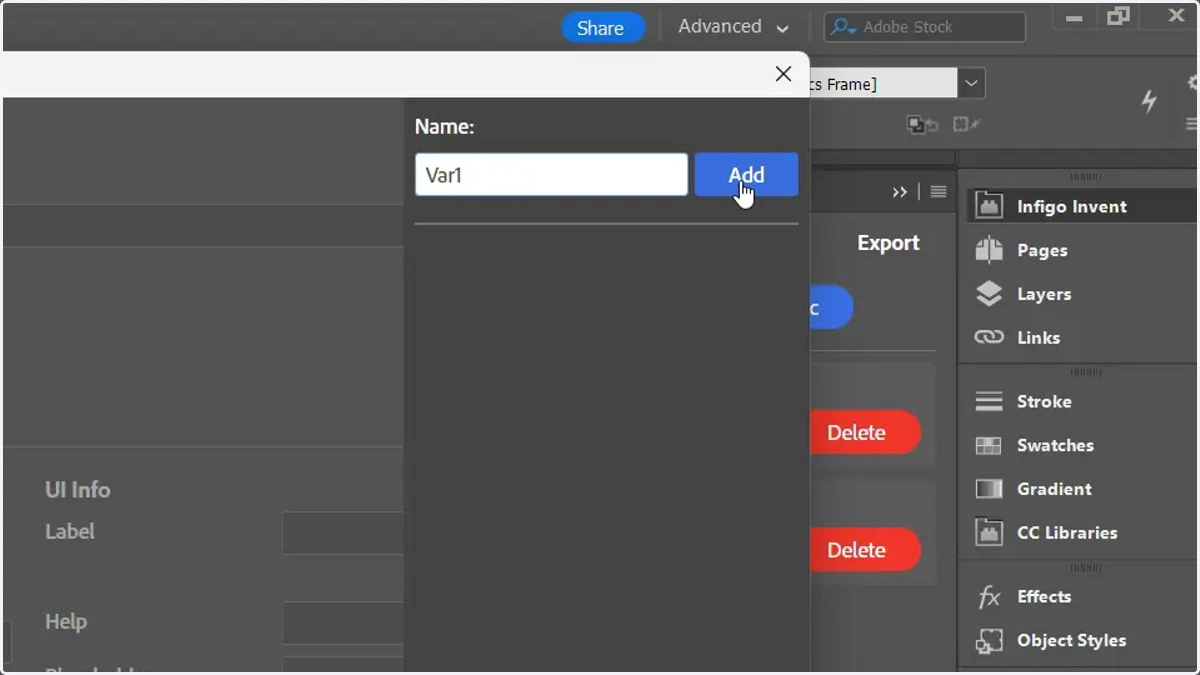
6. This variable will be added to the list below. This step can be repeated multiple times
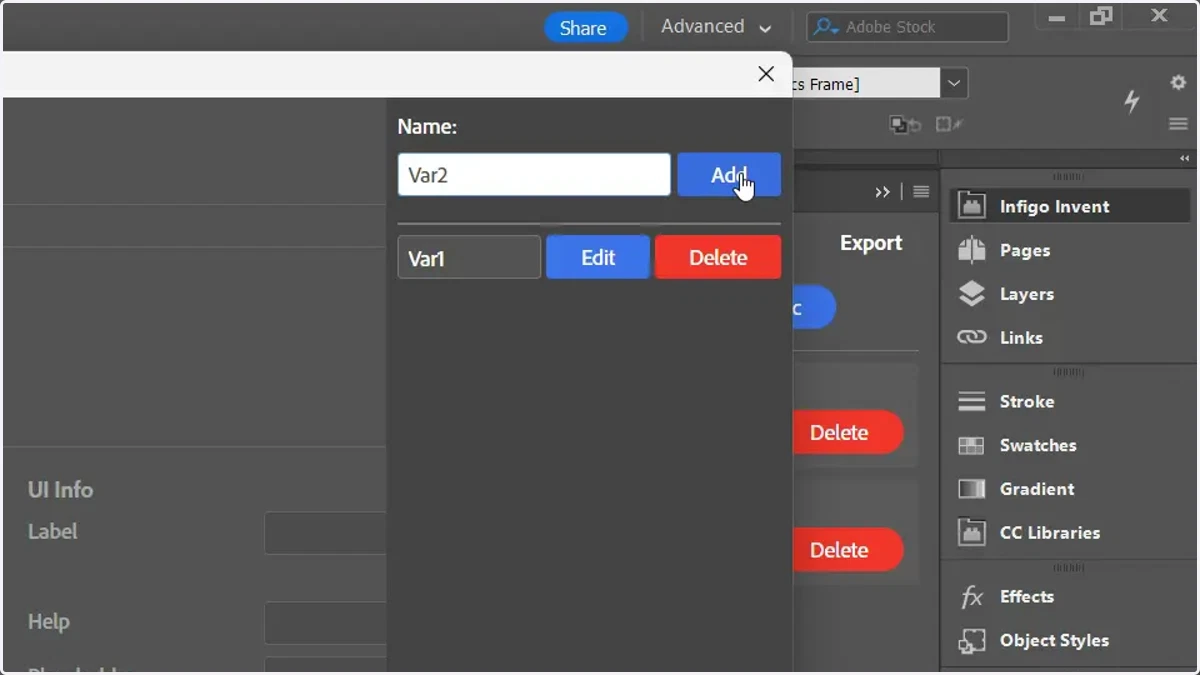
7. Click to return to the main variable window
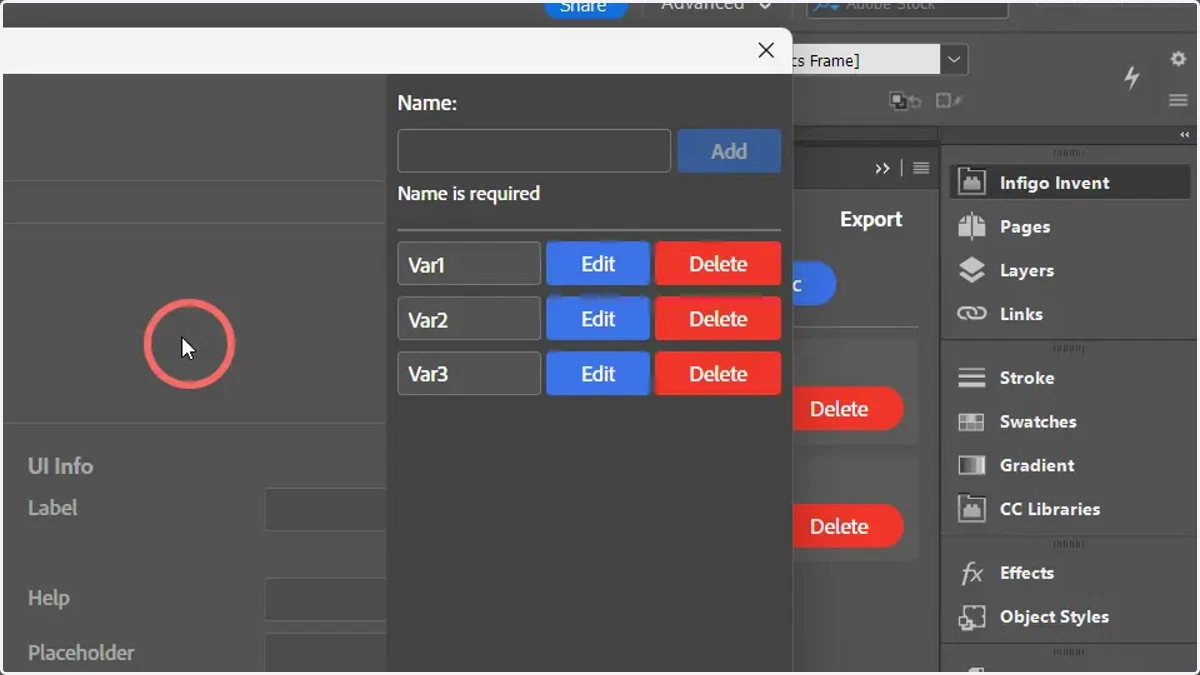
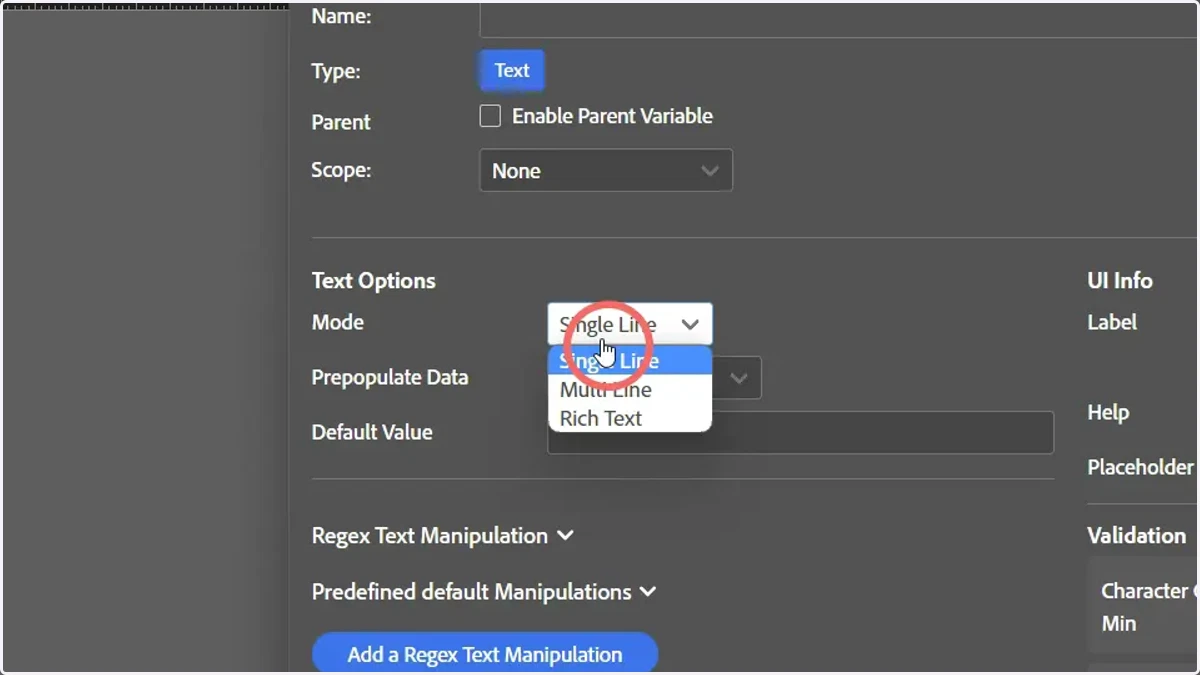
8. Amend variable settings
Whatever settings you apply on this screen, will be applied to all of the multiple variables specified.
9. Click save
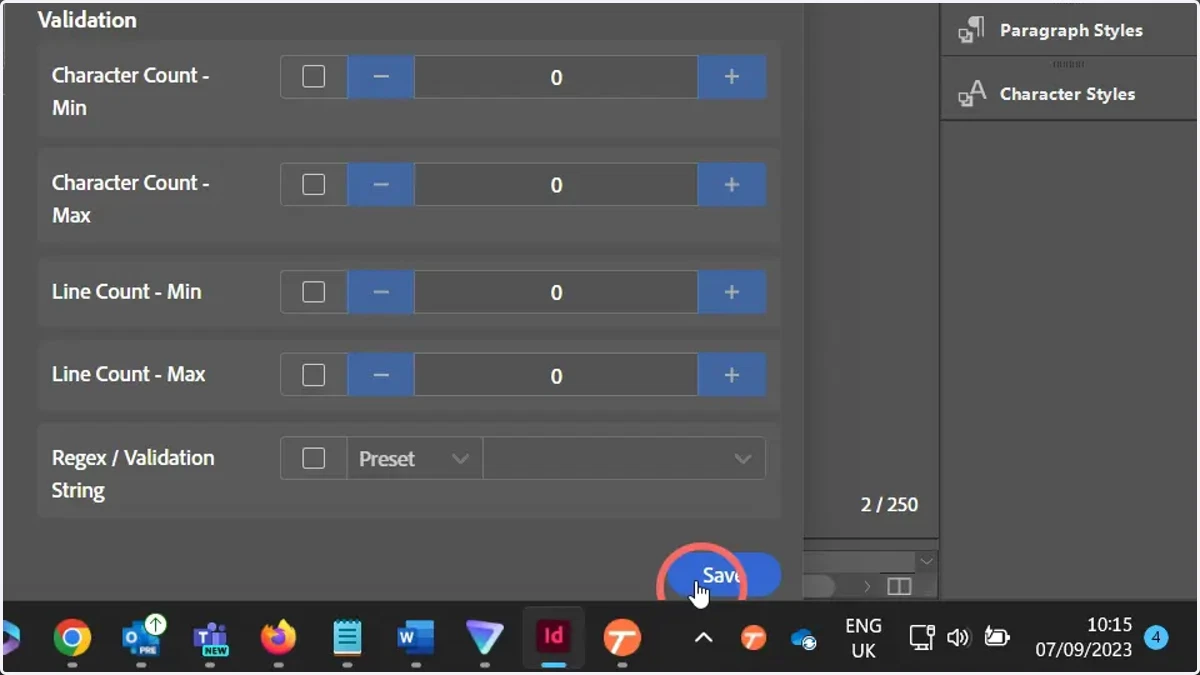
10. All of your variables will now be created
They will have identical configurations and setups, with the exception of the variable name.