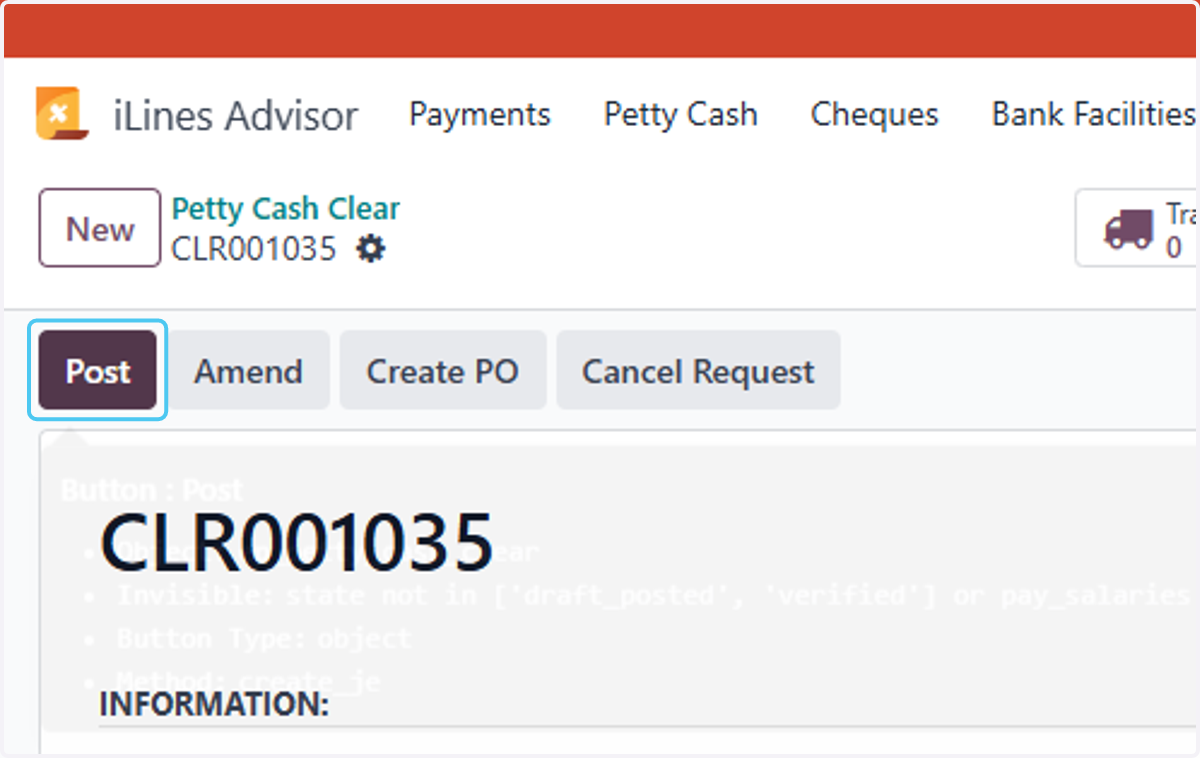
Process Petty Cash Clear On Deduct from salary in Odoo
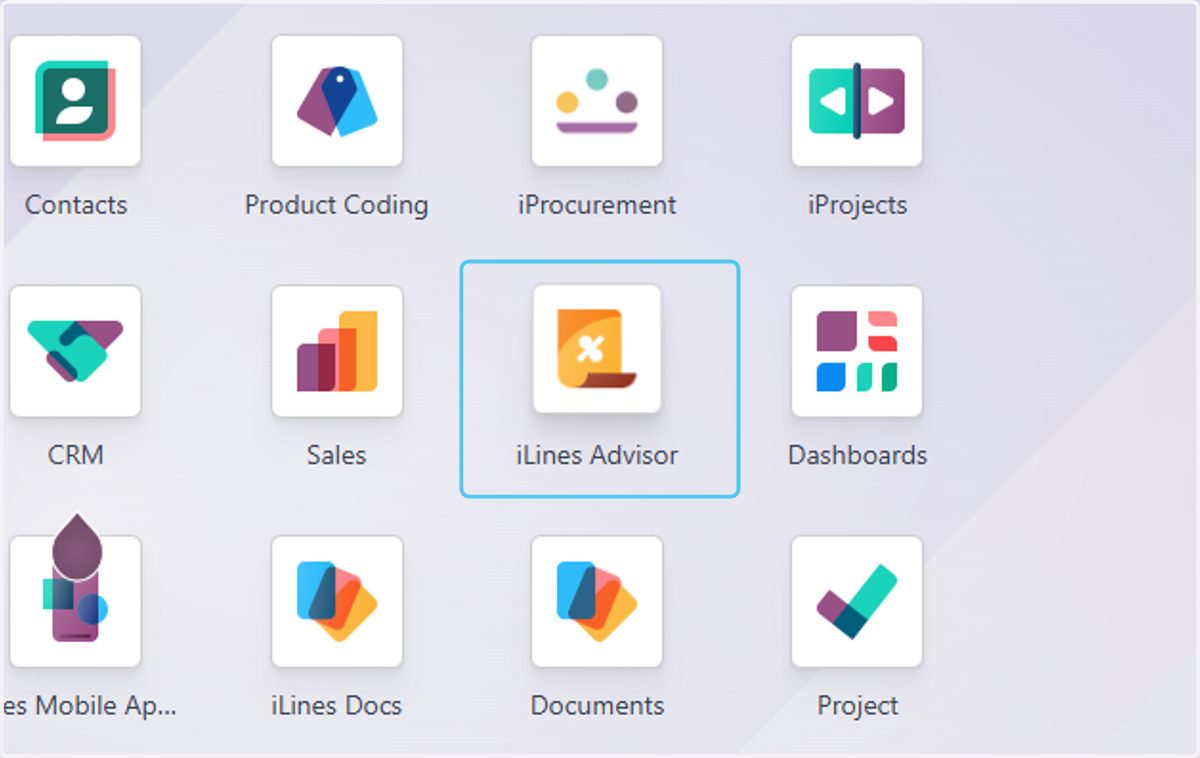
1. Click on iLines Advisor
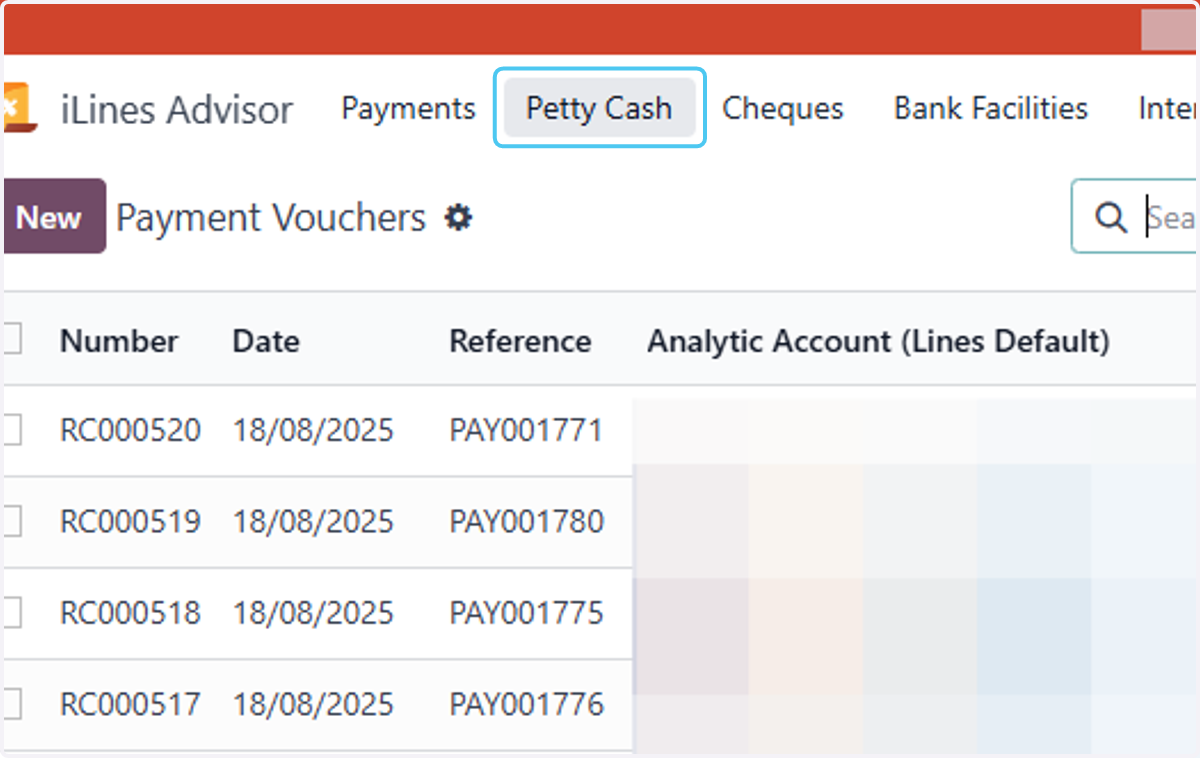
2. Click on Petty Cash
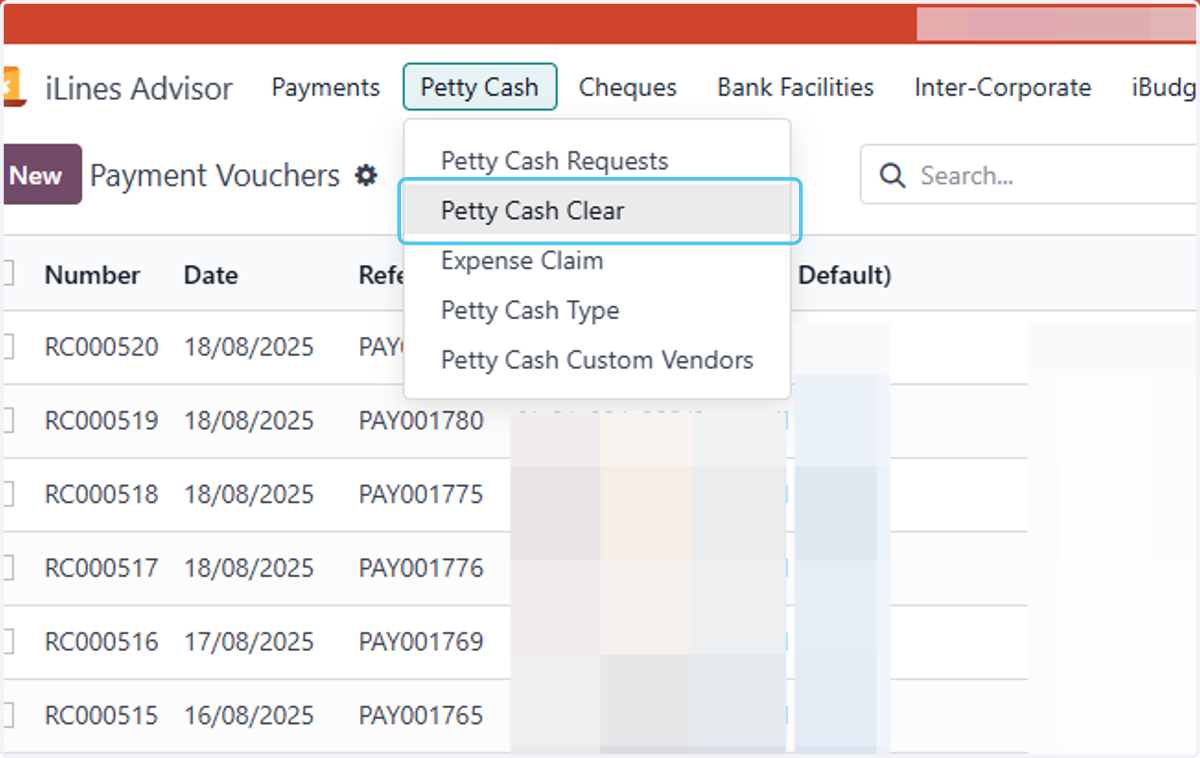
3. Click on Petty Cash Clear
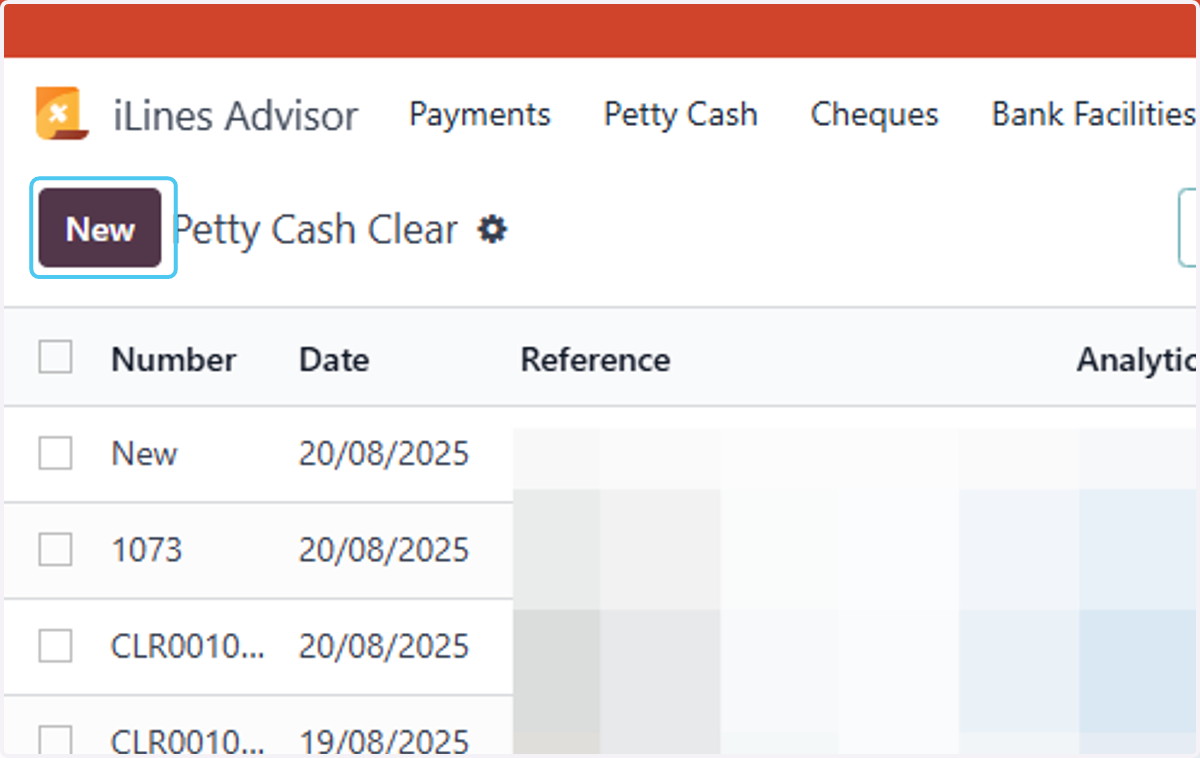
4. Click on New
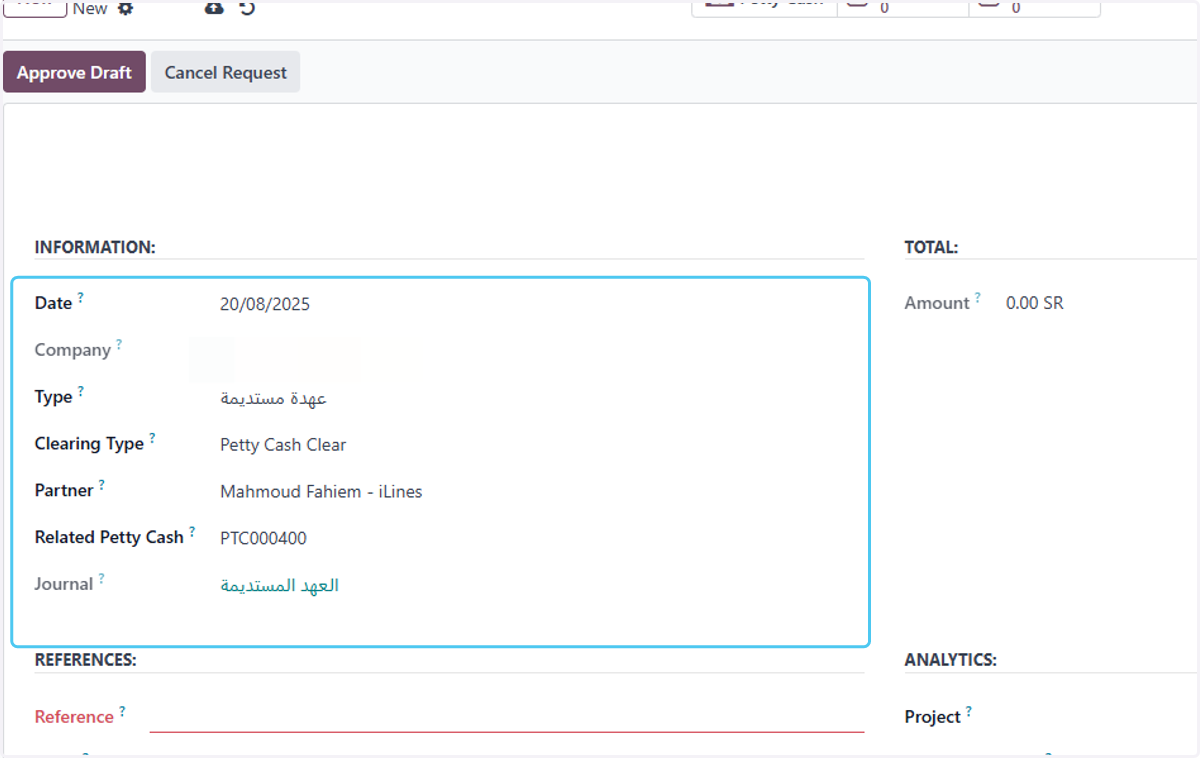
5. Fill in the following information
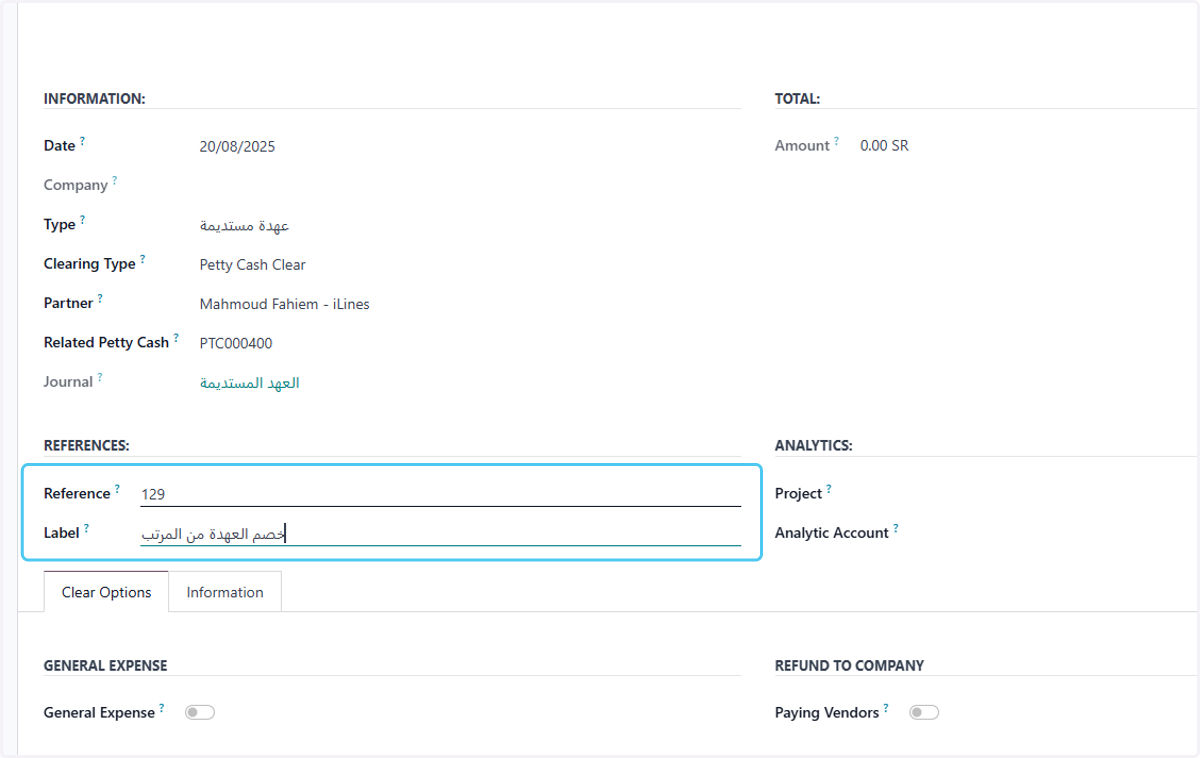
6. Writing the reference and label
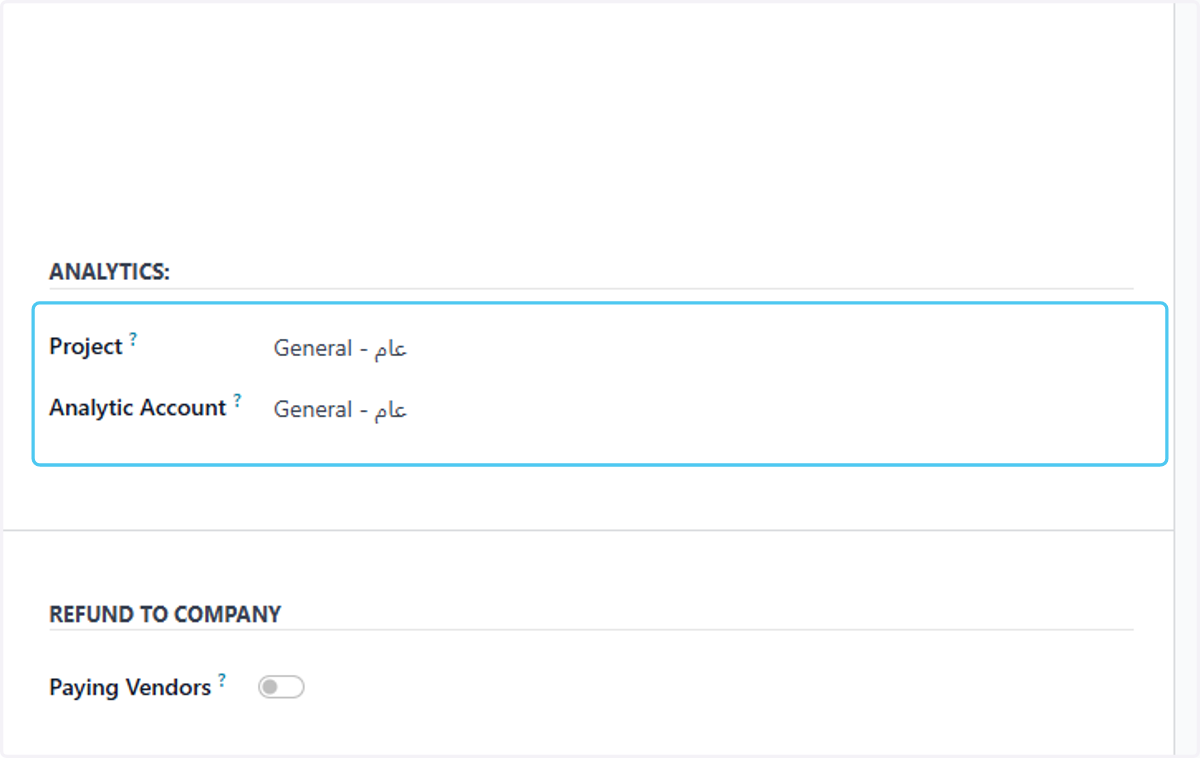
7. Choose analytics
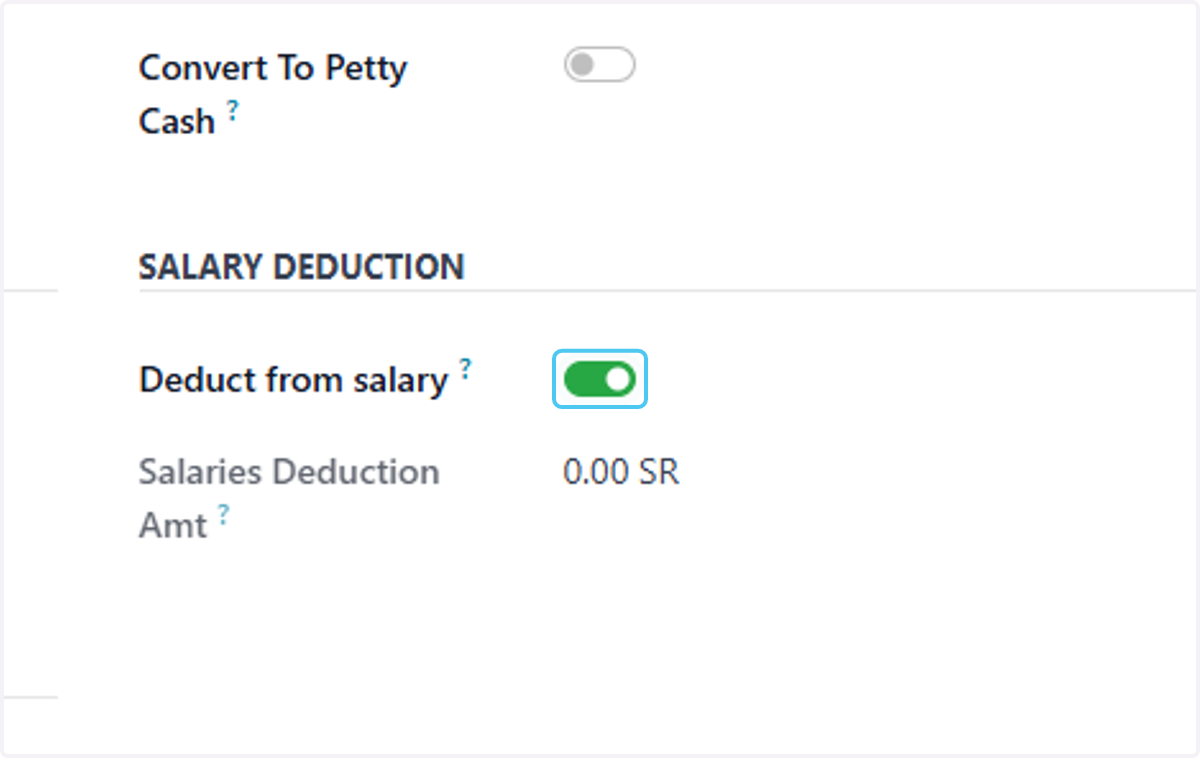
8. Check Deduct from salary?
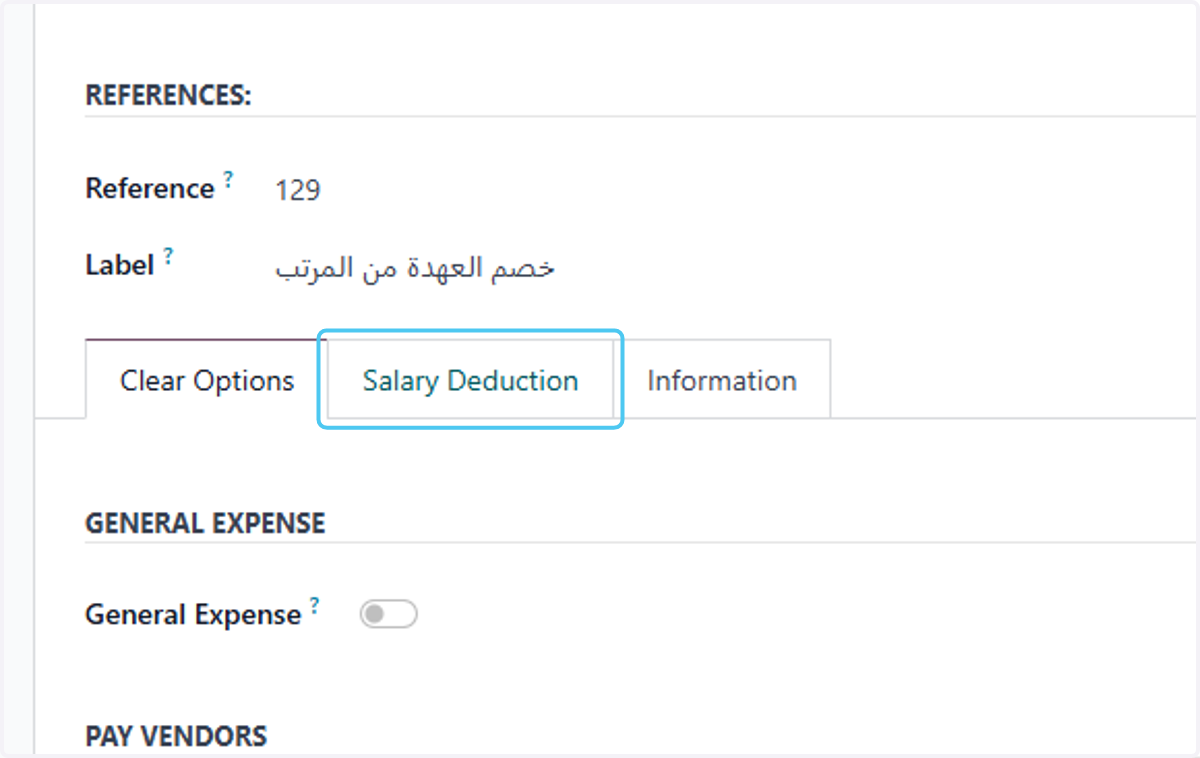
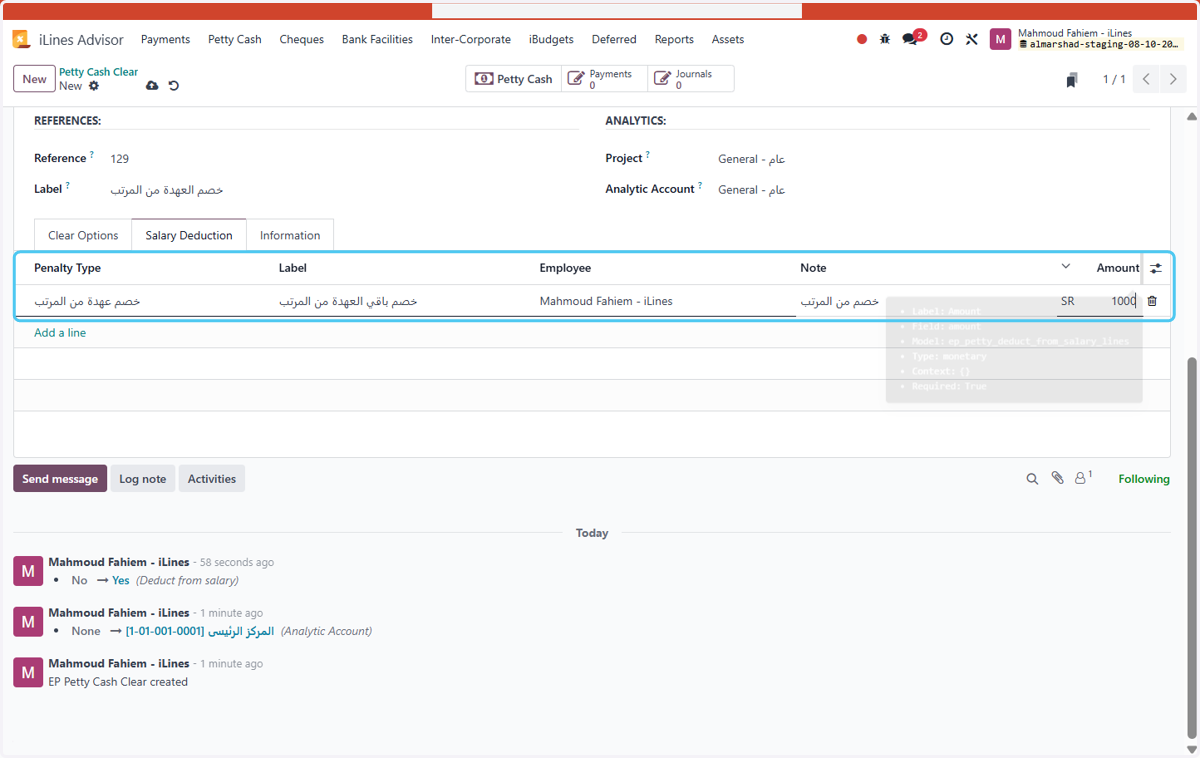
9. Click on Salary Deduction
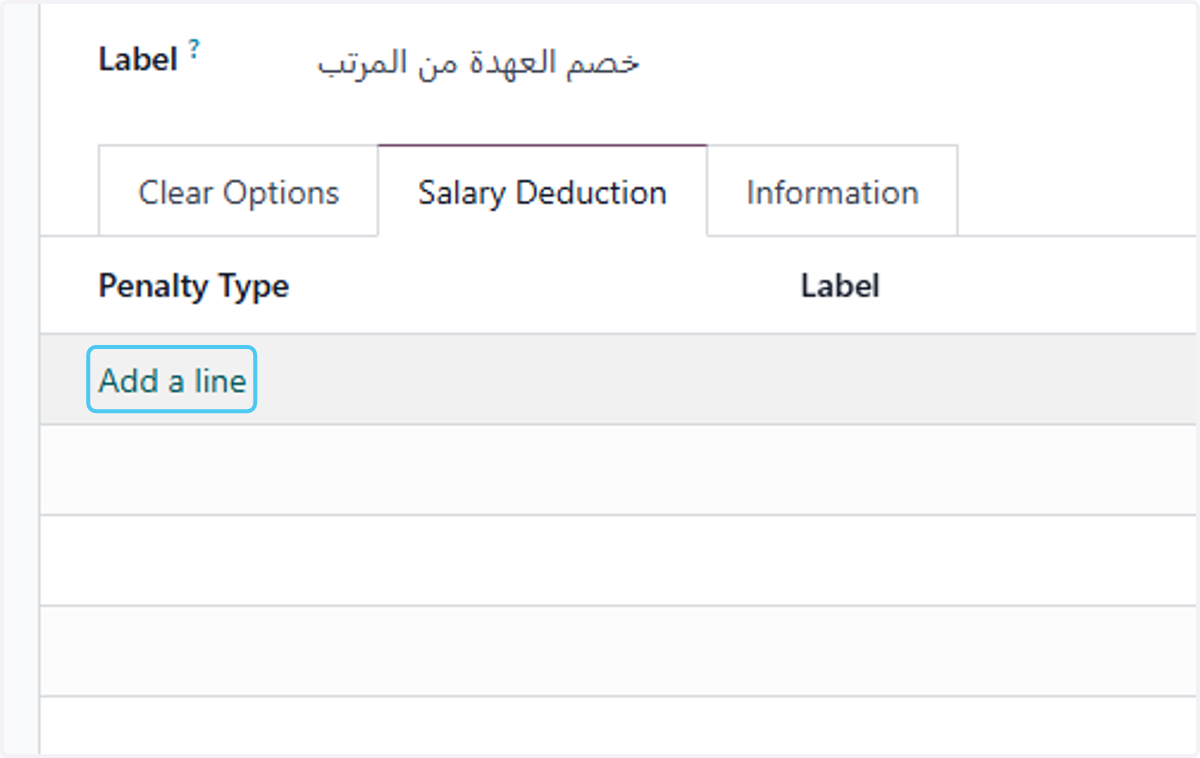
10. Click on Add a line
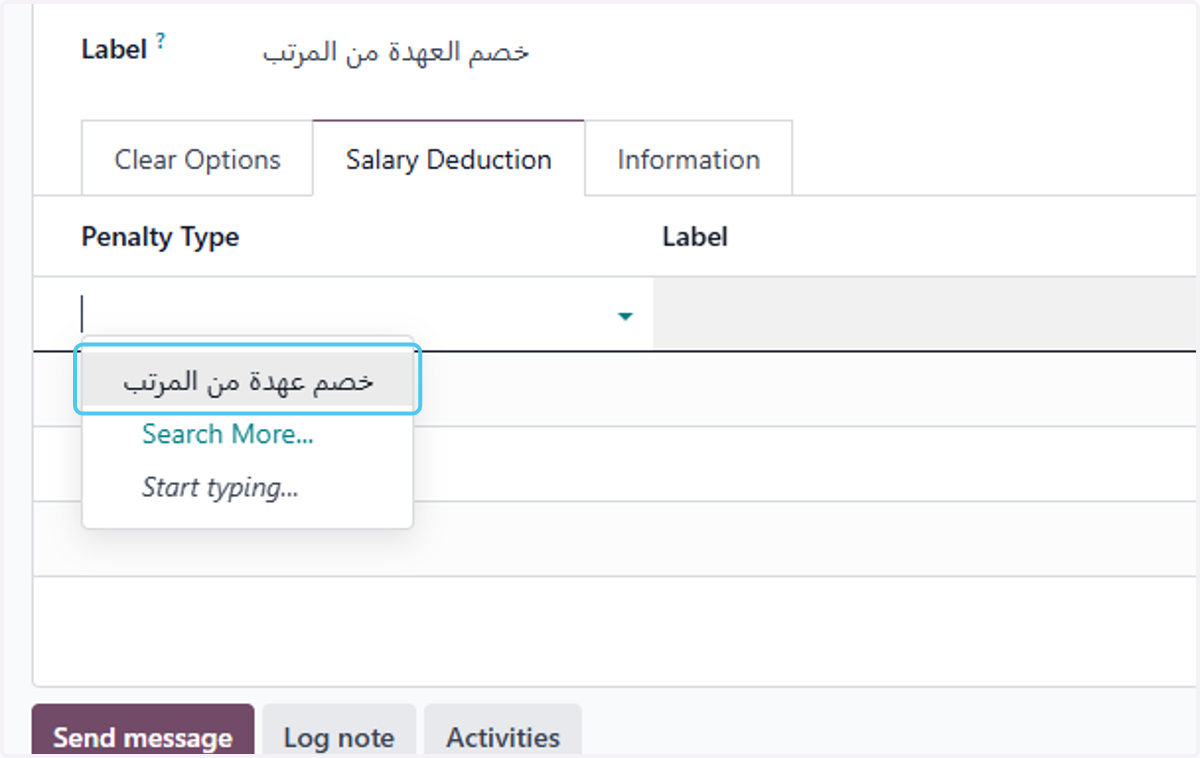
11. Click on Type
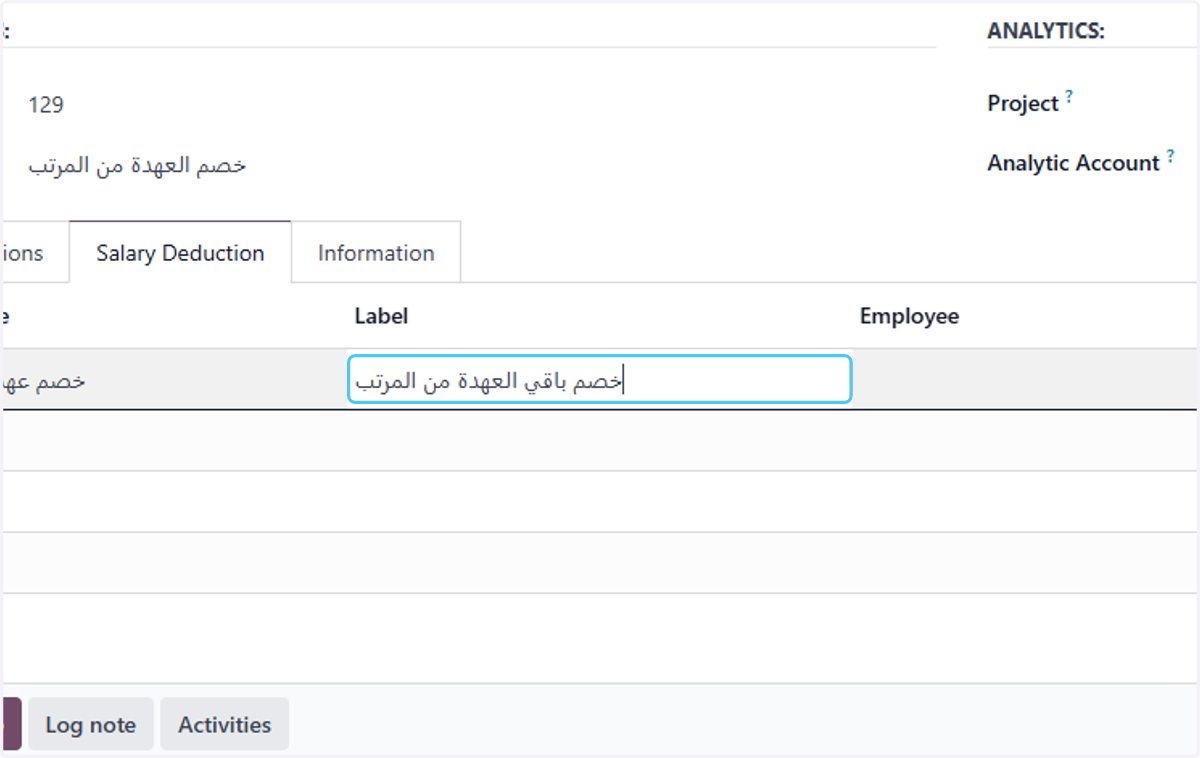
12. Label "خصم باقي العهدة من المرتب"
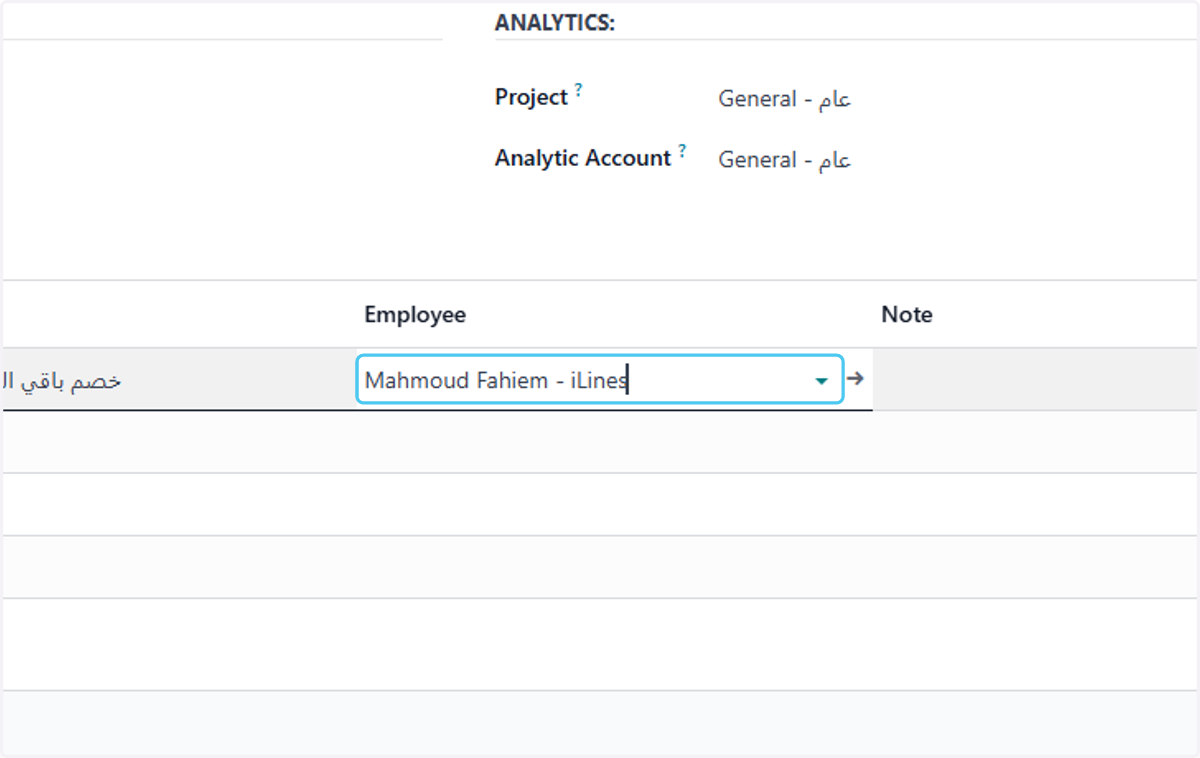
13. Employee "Mahmoud Fahiem - iLines"
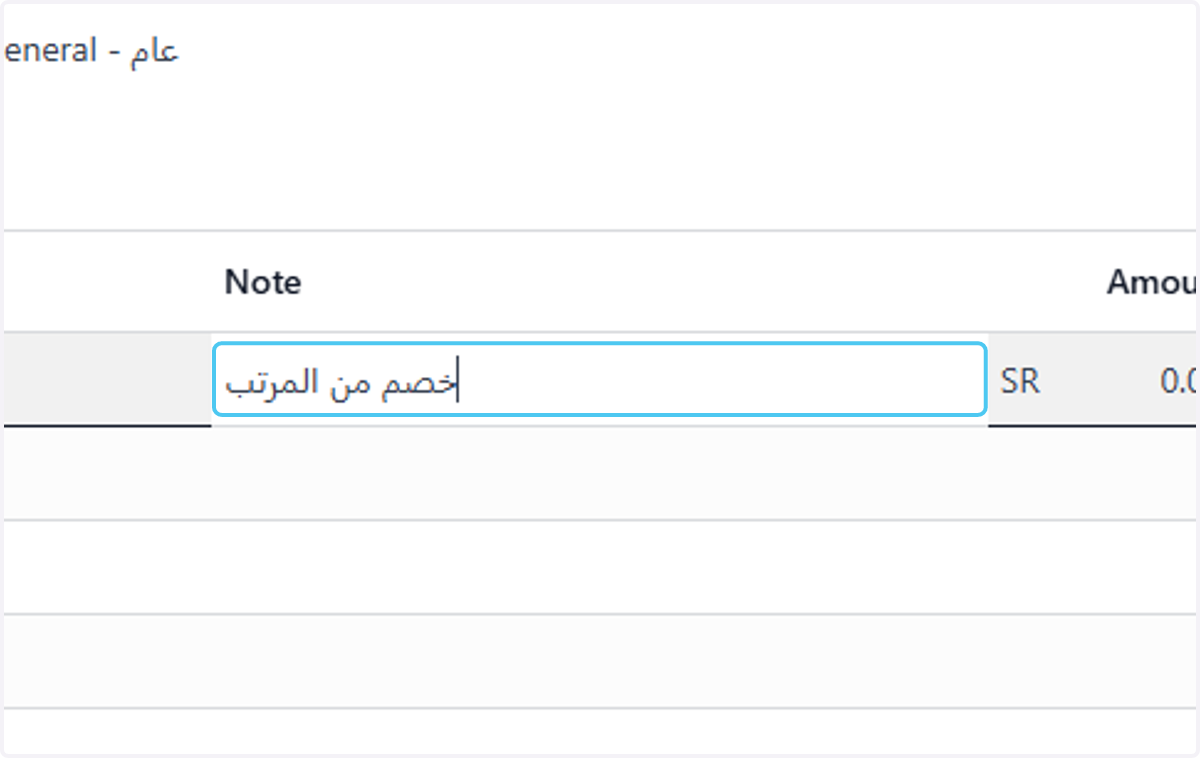
14. Note "خصم من المرتب"
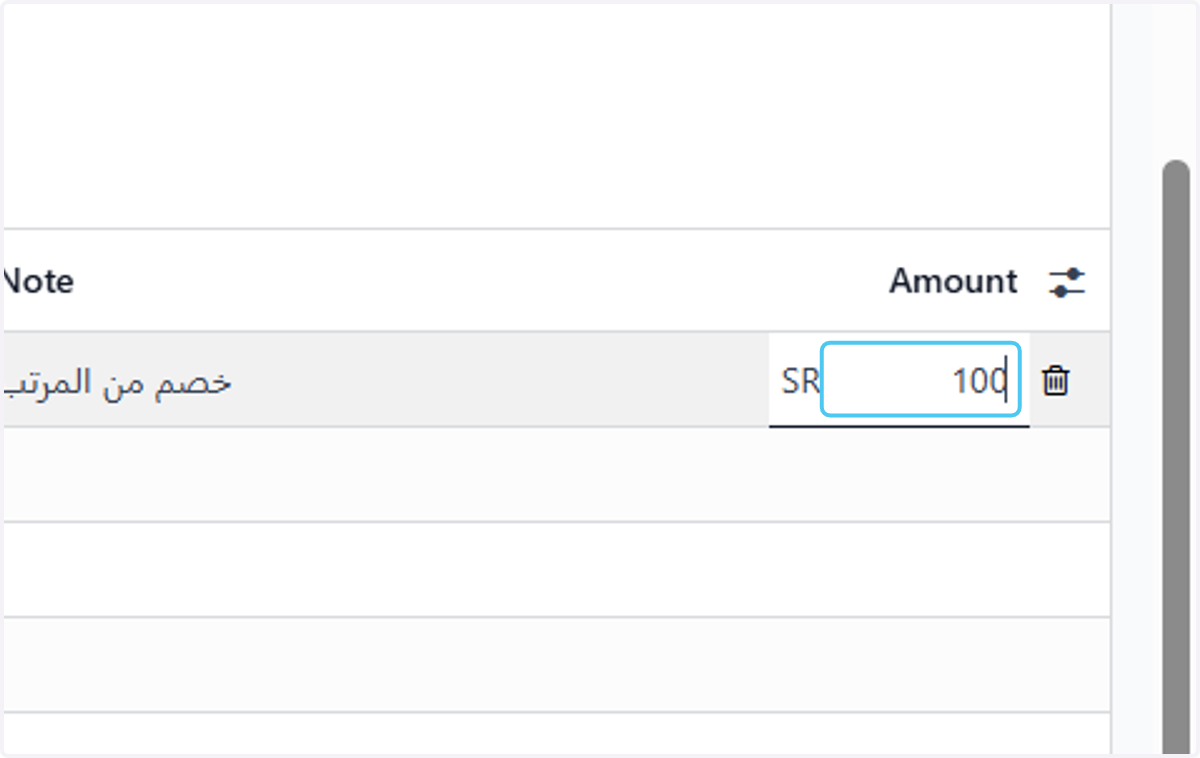
15. Amount "1000"
16. All Line
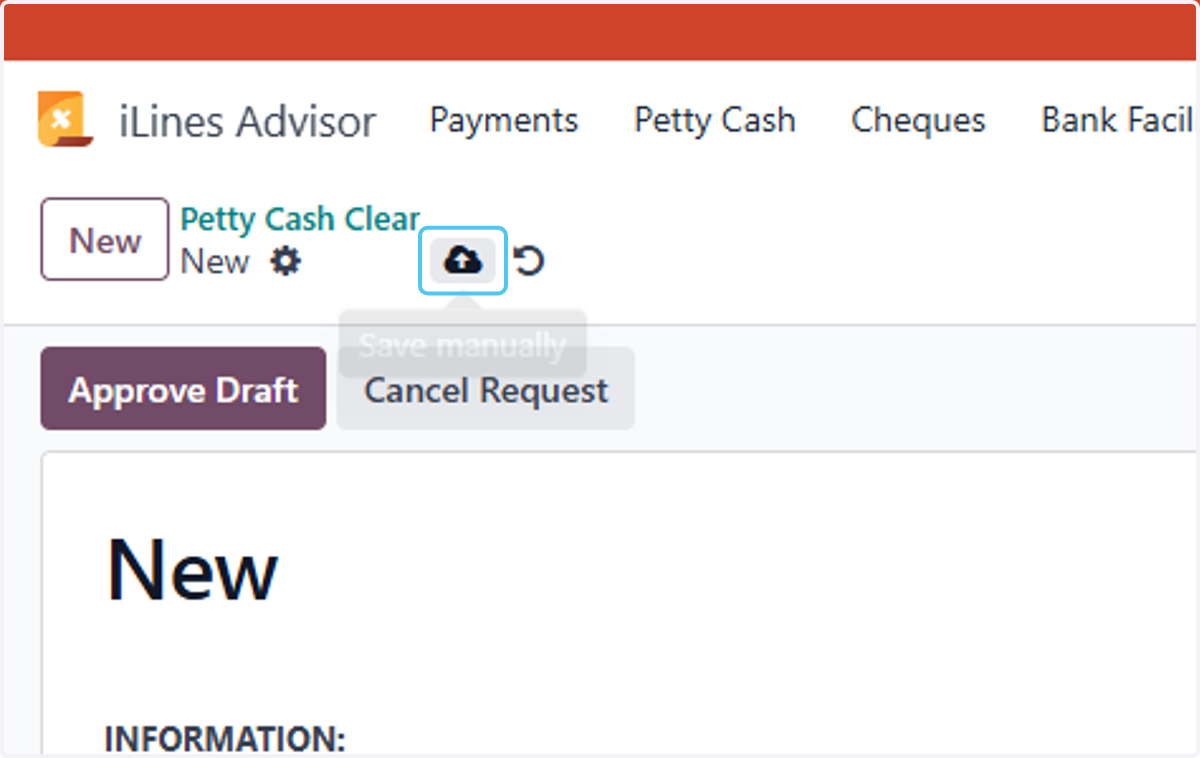
17. Click on Save manually
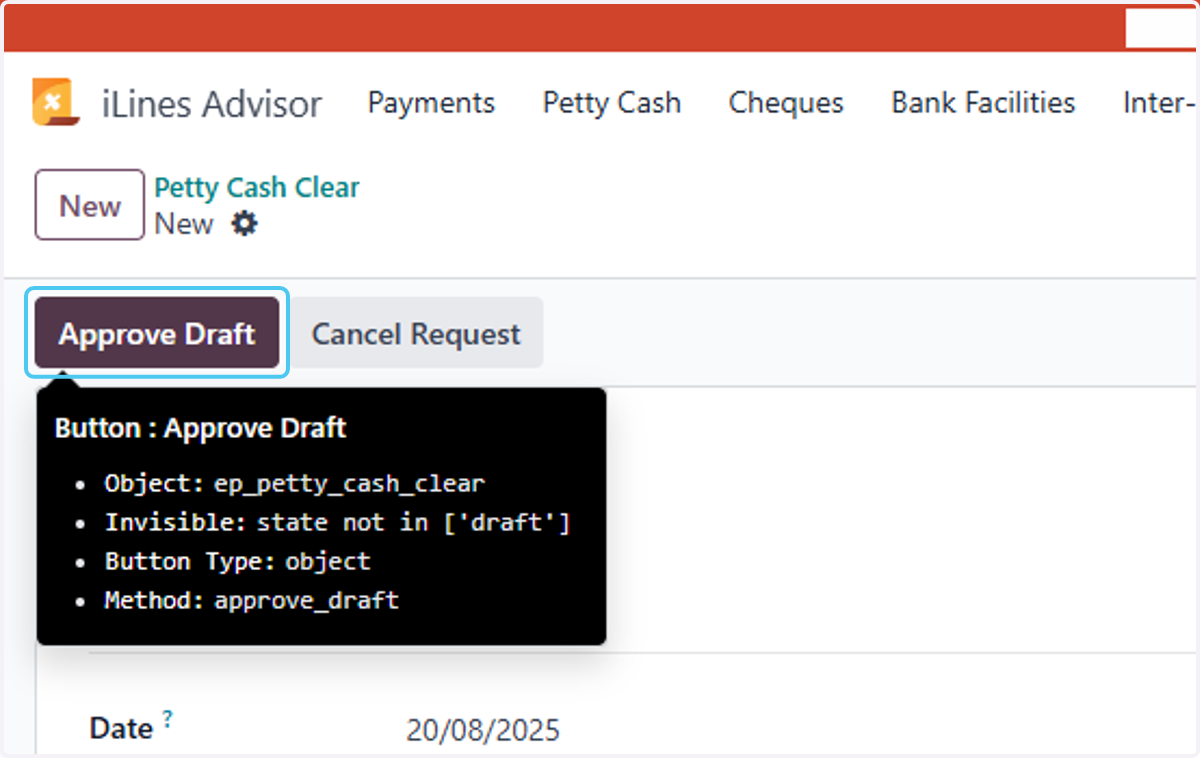
18. Click on Approve Draft
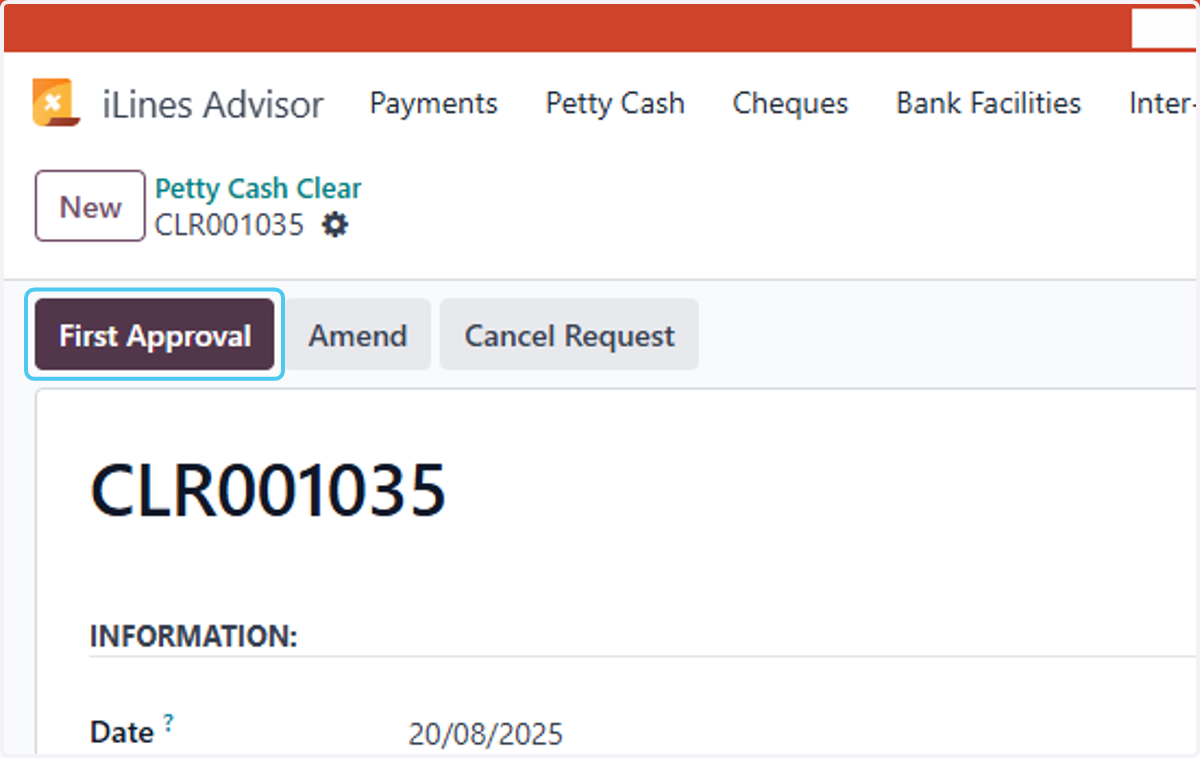
19. Click on First Approval…
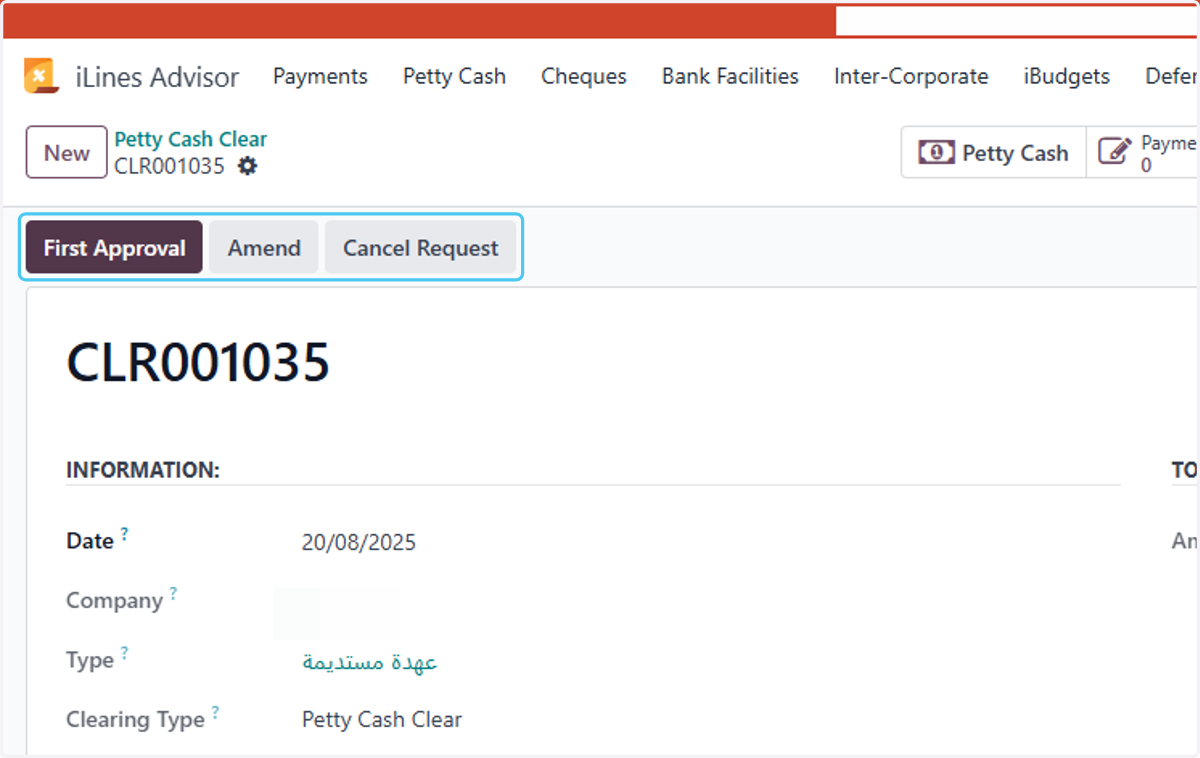
20. Click on First Approval
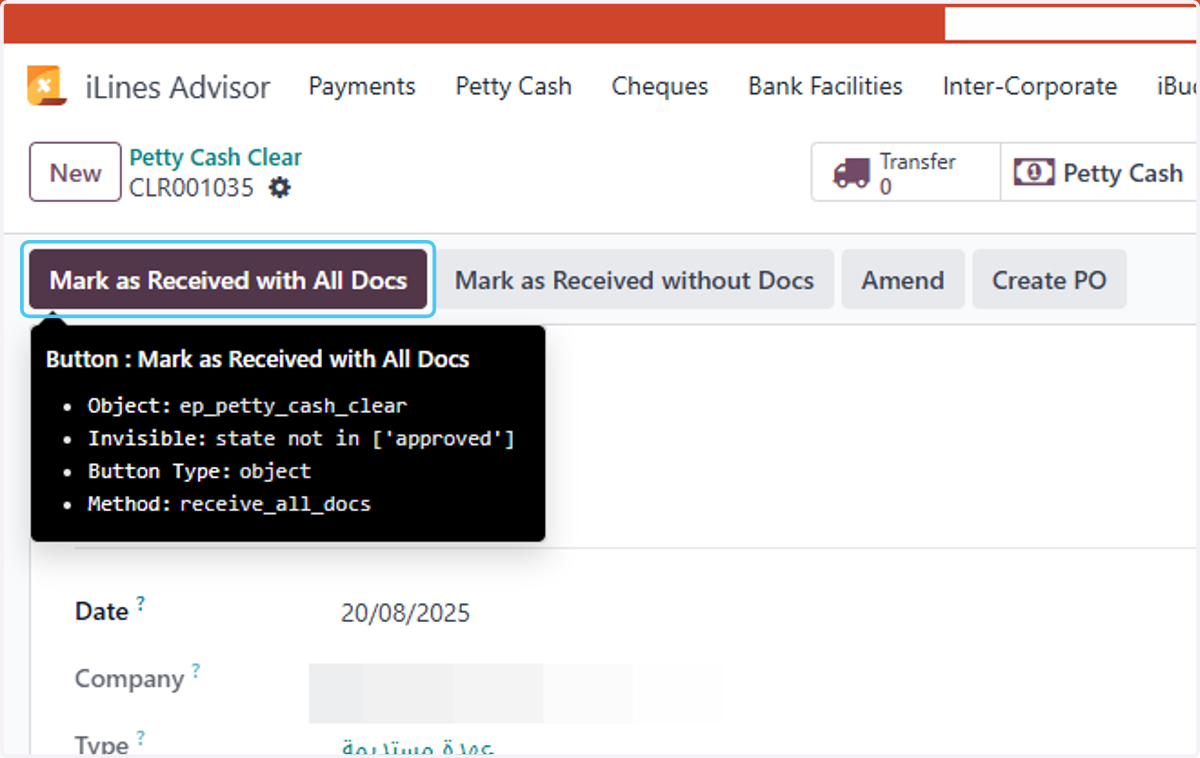
21. Click on Mark as Received with All Docs
22. Click on Post