Connecting Avid AI to HubSpot
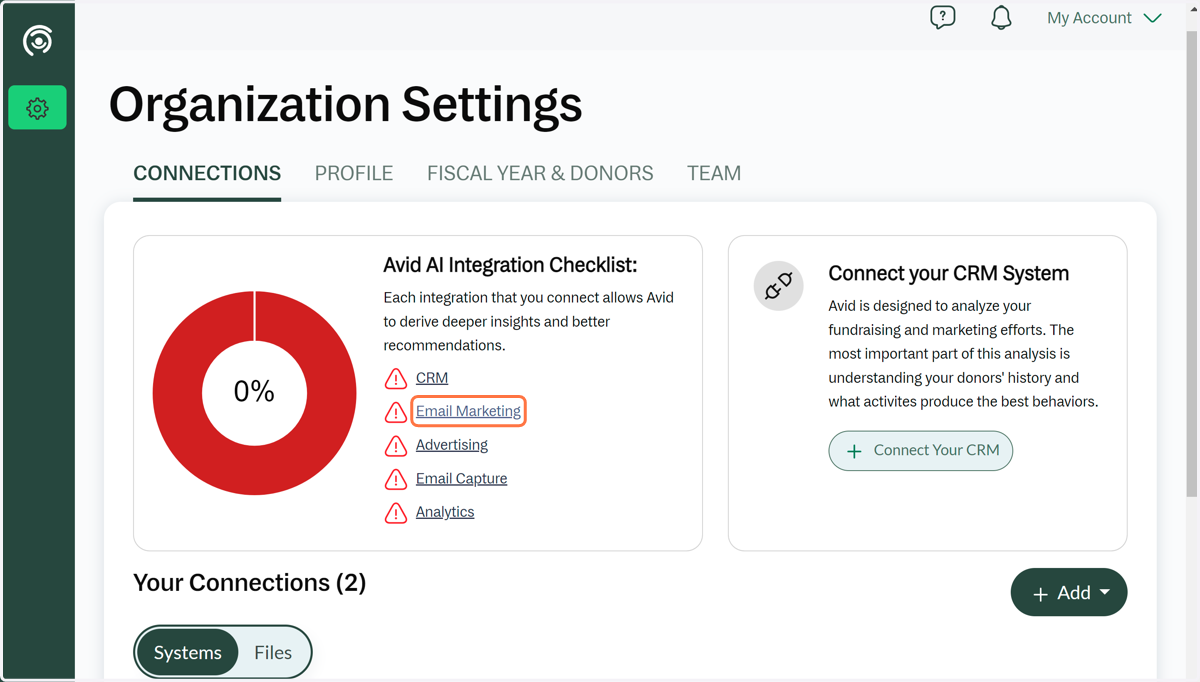
1. Click on Email Marketing
Starting from your settings screen, you will be able connect your email marketing platform.
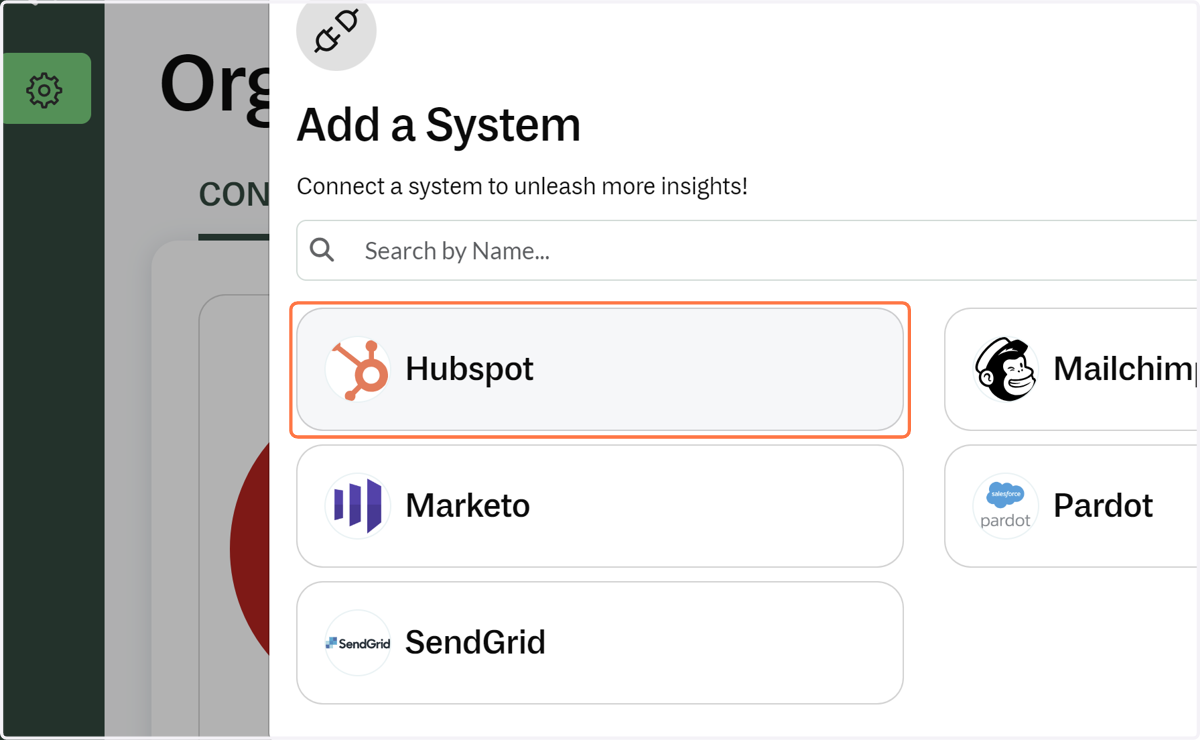
2. Click on Add a System…and the Hubspot tile
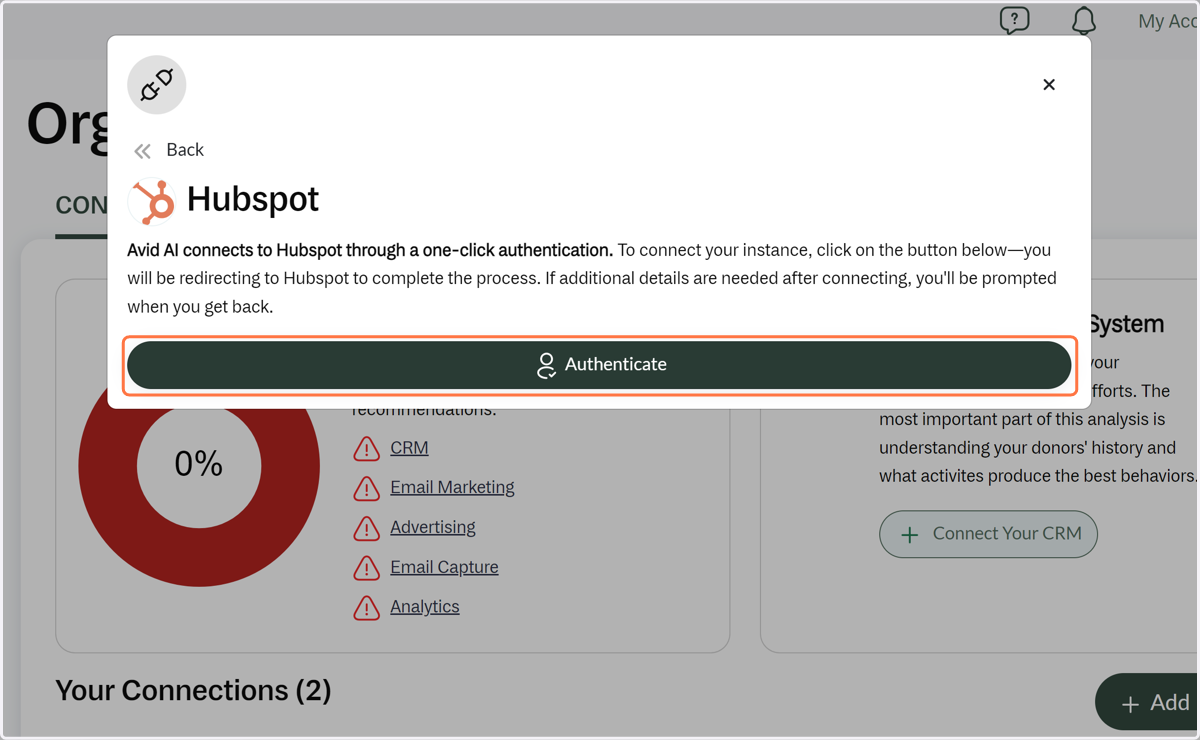
3. Click on Authenticate
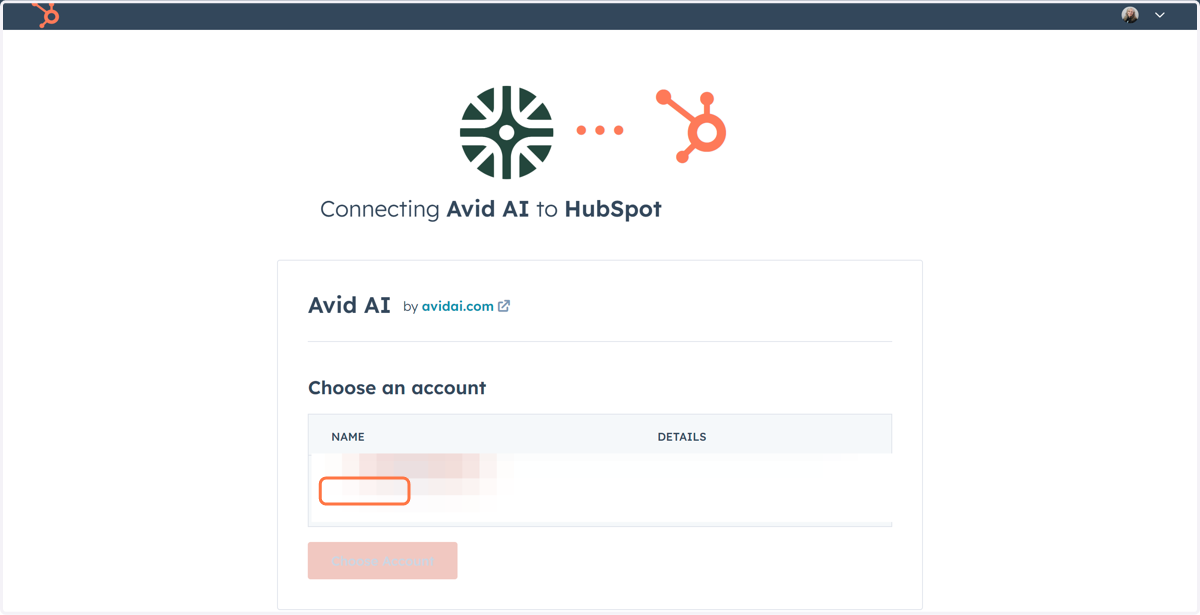
4. Select Avid AI
If you are logged in to Hubspot, you will see the screen below to authorize the connection. If you are not logged in, you will be prompted to log in to your account. Make sure you have access with admin privileges. Once you log in and authorize, your connection will be complete.
5. Not high enough permission
If you do not have the correct access to authorize your connection, feel free to go to the Settings page and invite a team member who does (if you haven't invited them already).
