Sharing pass with friend when you are not present
The following steps allow you to make a booking for a friend so that they may use your pass when you are not present at the counter. You need not go through these steps if you are going to be with them.
Please note that sharing of passes can only be done at least 1 day in advance.
Mindbodyonline
1. Click here to the booking site
After clicking the link above, come back here and follow the steps. Click next to go to the next step.
<< Please note that sharing of passes can only be done at least 1 day in advance >>
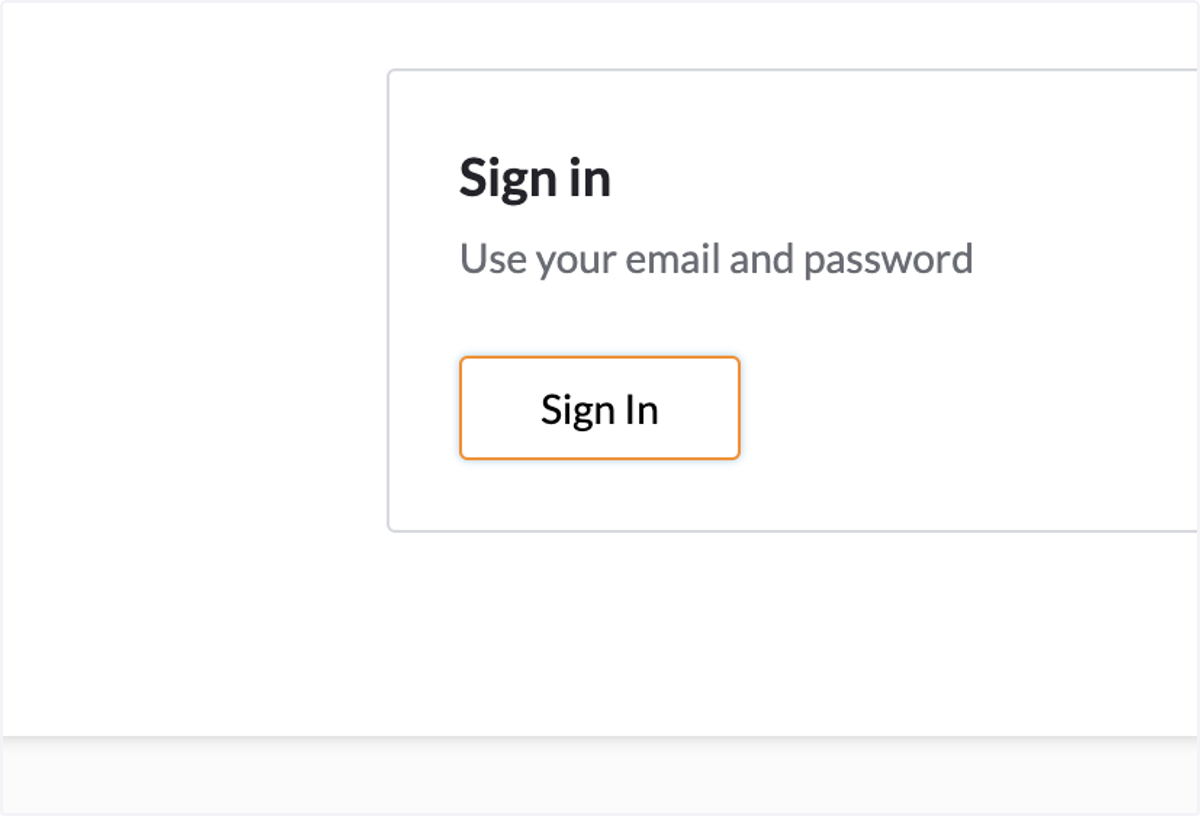
2. Click on Sign In
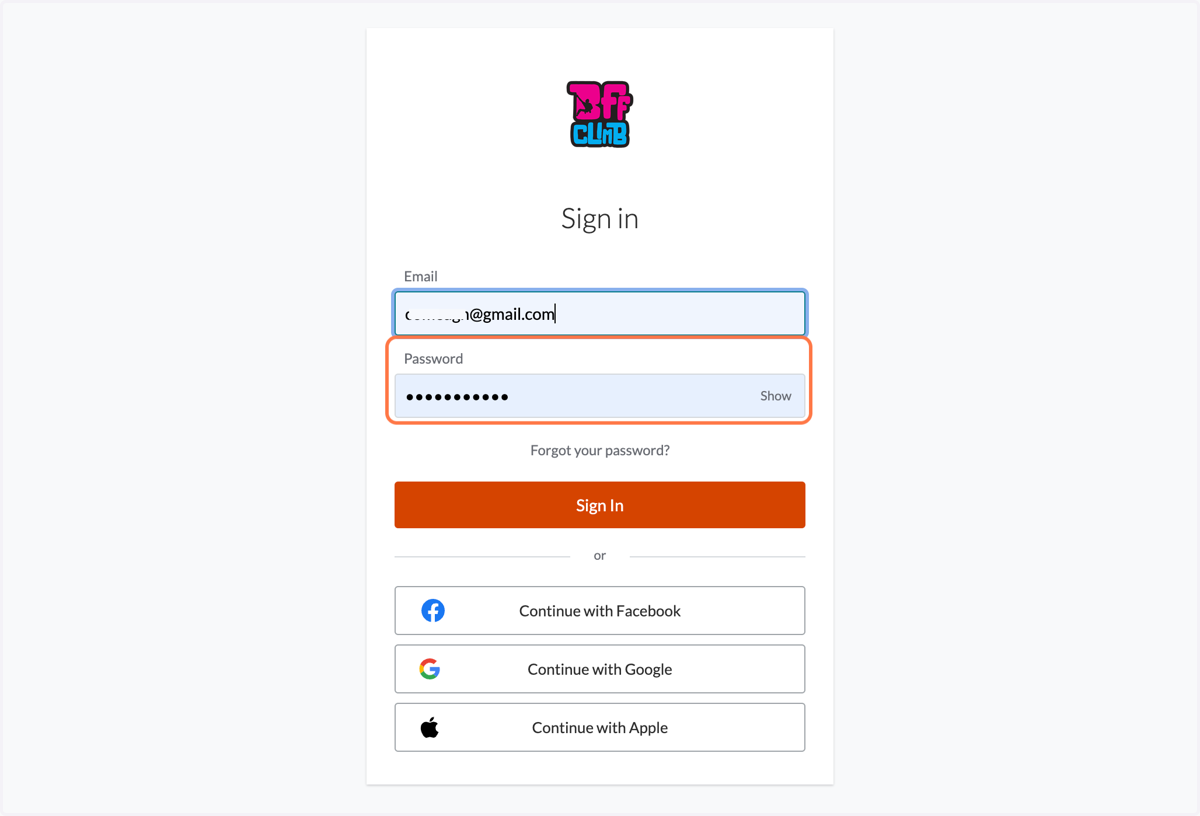
3. Enter your email and password to login
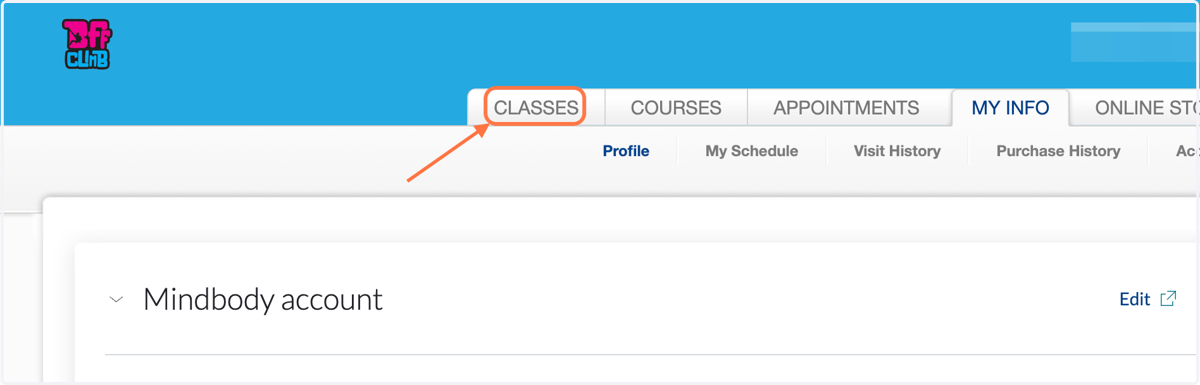
4. Click on CLASSES
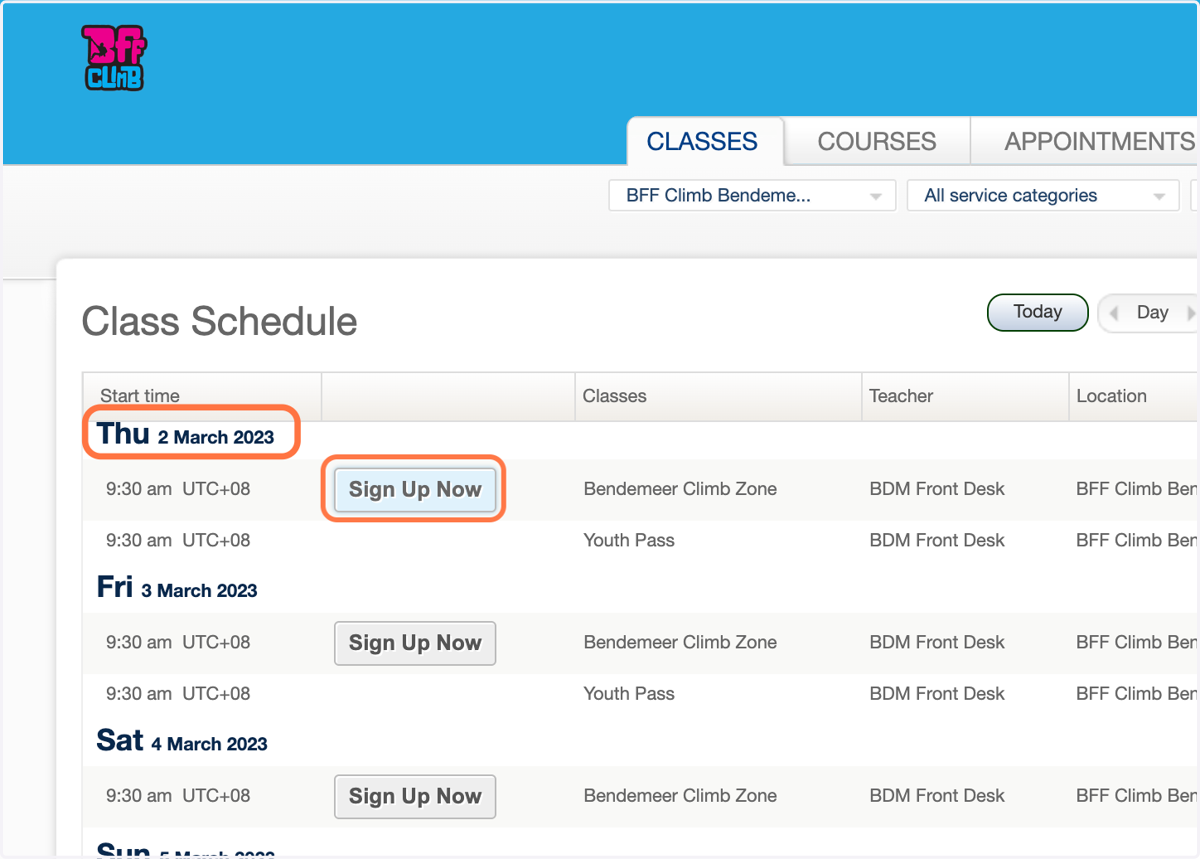
5. Select the day you would like to book for your friend. Click Sign Up Now
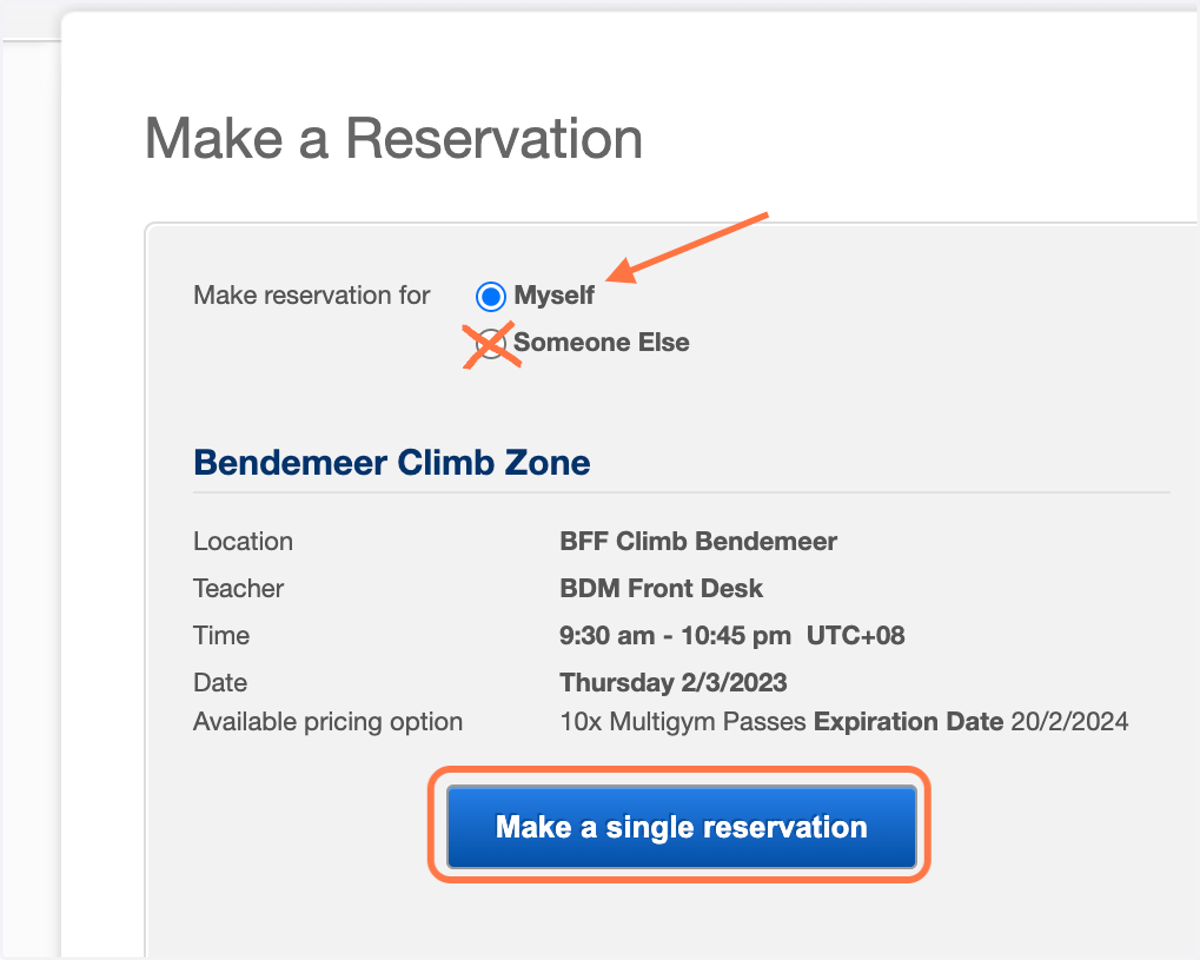
6. Select 'Myself' and click 'Make a single reservation'
DO NOT select someone else
7. This page confirms your booking for 1 friend. To add more booking for multiple pax, Click on Book another class
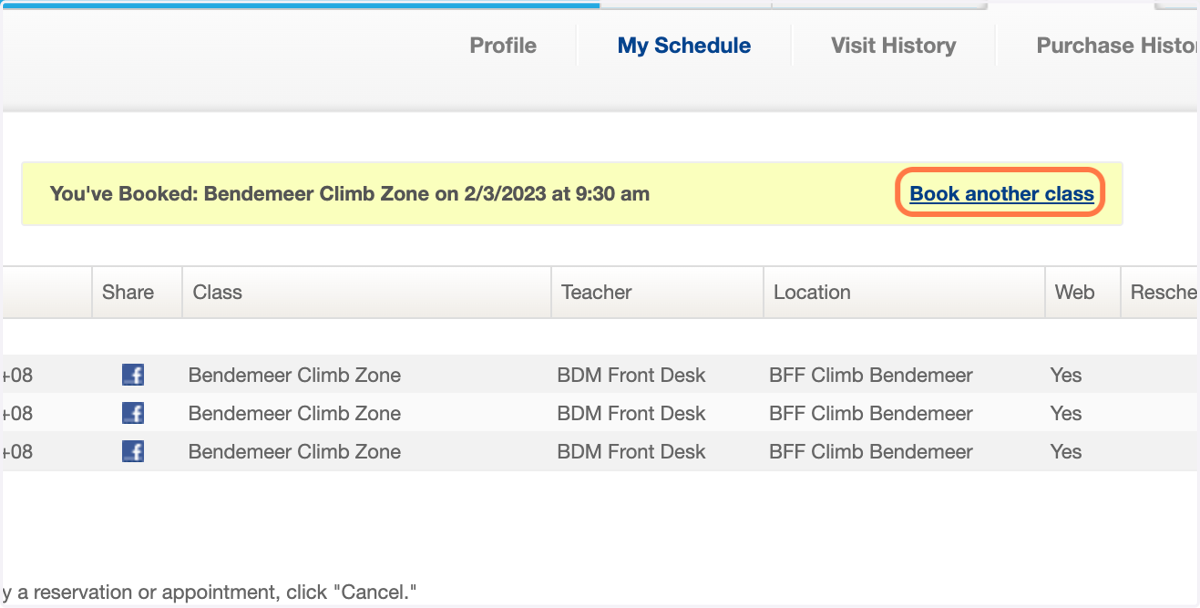
8. Repeat the steps to book for more friends
9. Cancellation
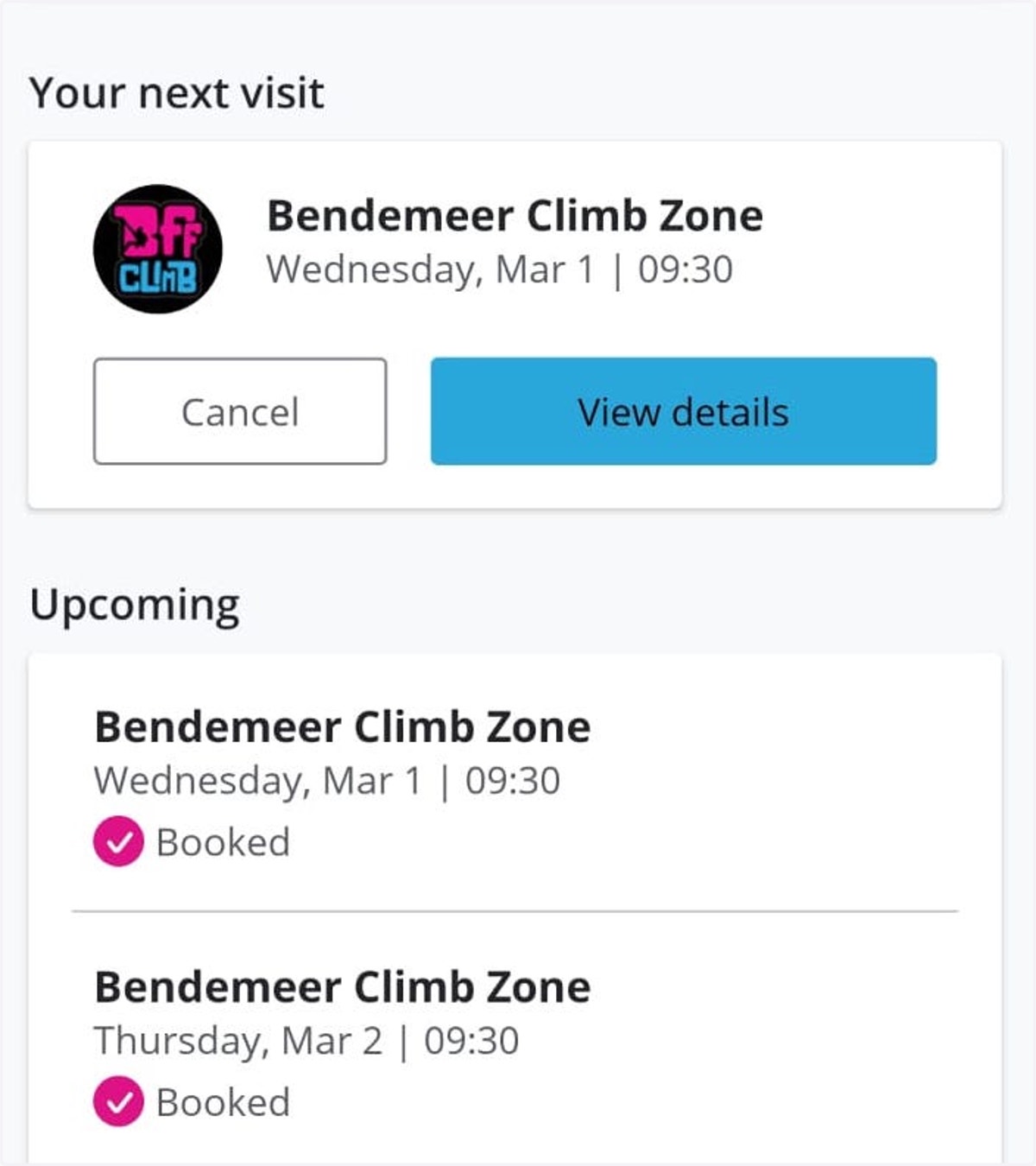
To cancel a booked slot, the easiest way is to use the BFF Climb app. Find the booked slot on the home screen and click cancel.