Setting Up a Resume on ALT Labour
1. Click on Company Name at the top right
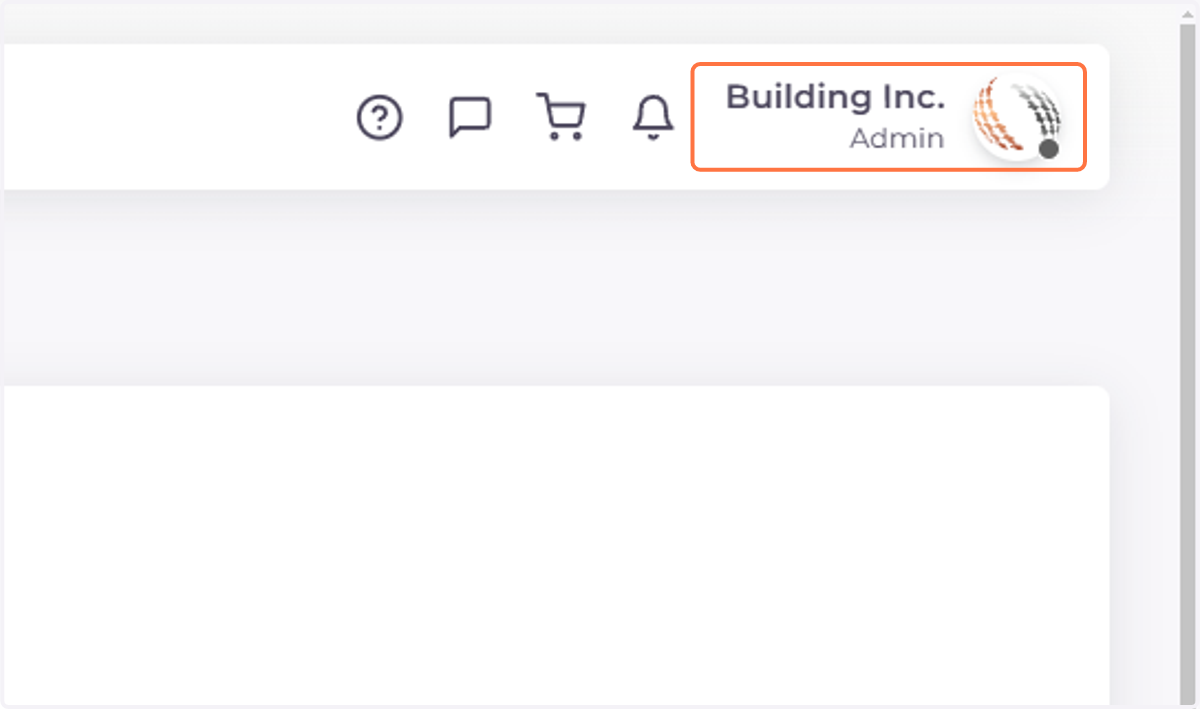
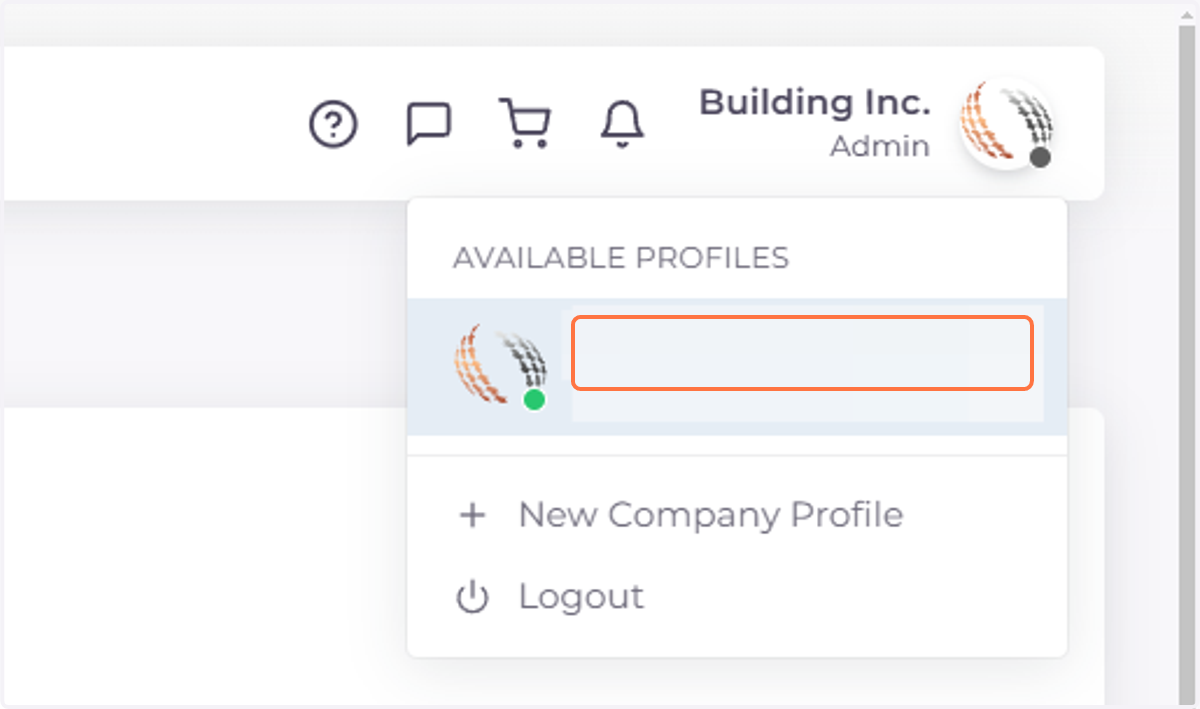
2. Click on Name
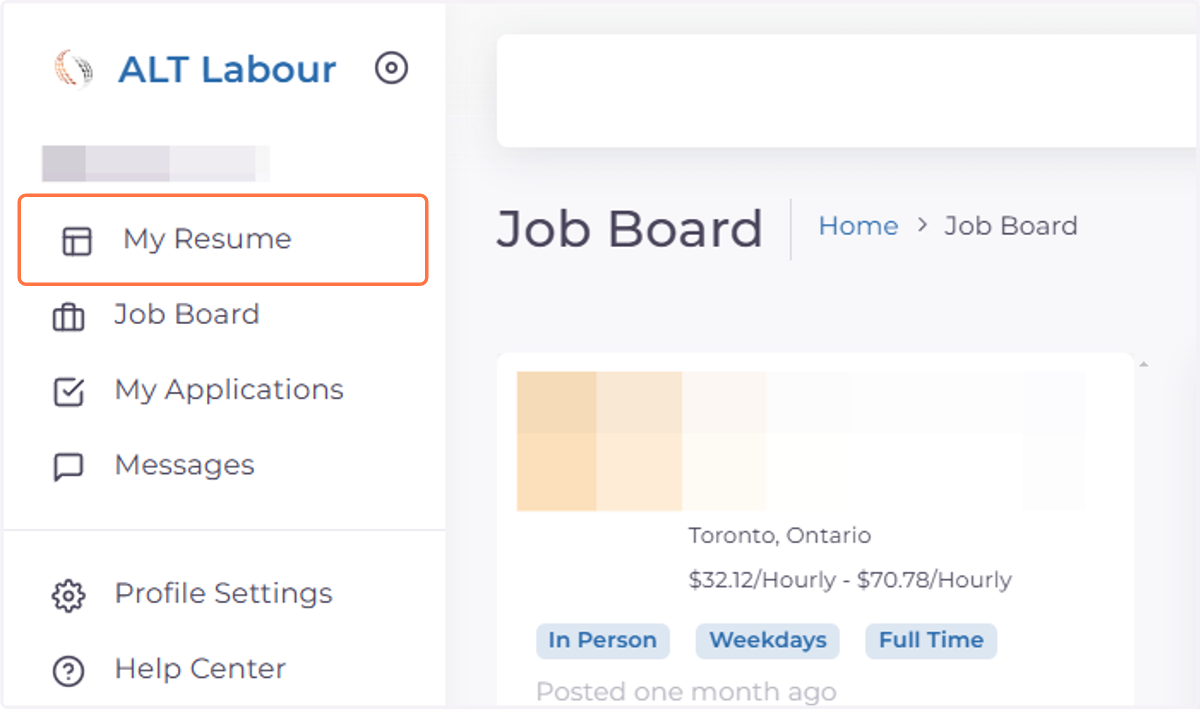
3. Click on My Resume
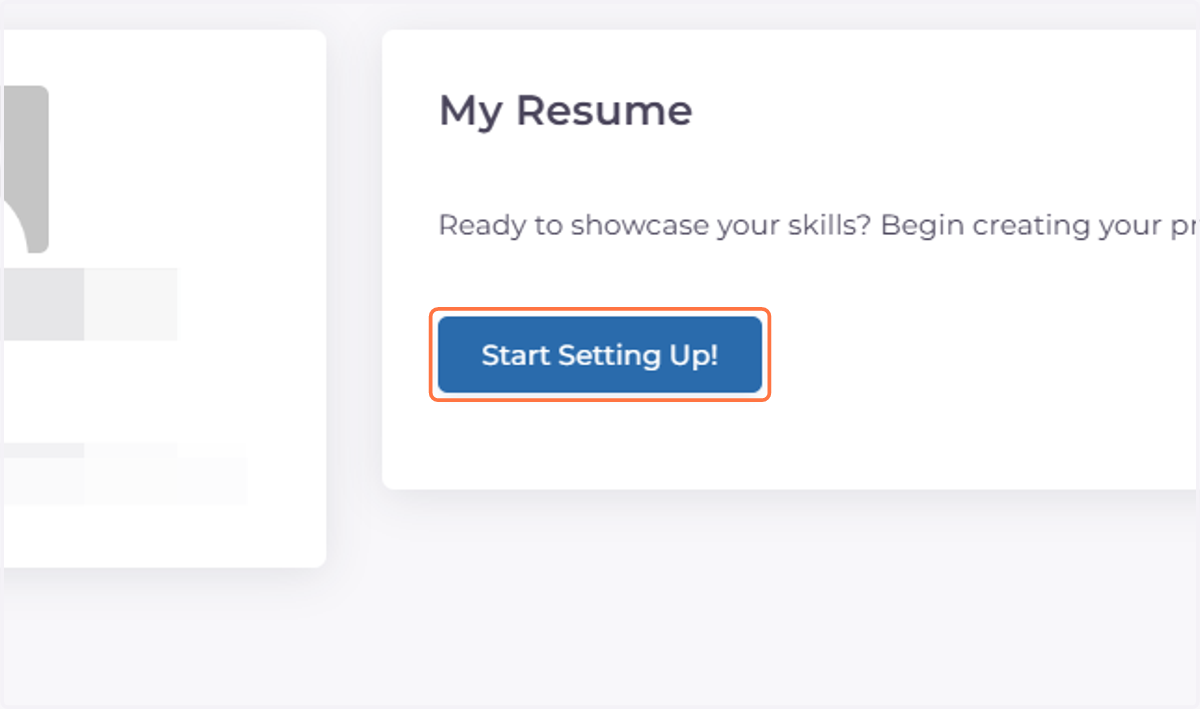
4. Click on Start Setting Up!
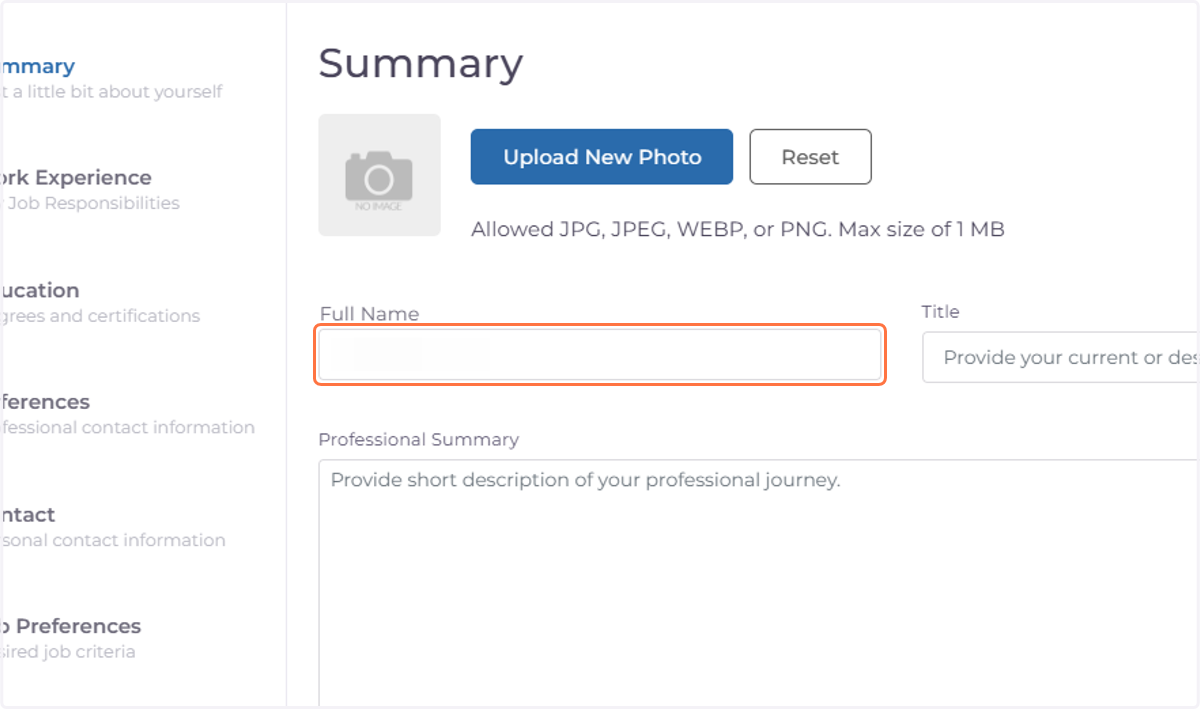
5. Click on Full Name
6. Click on dropdown trigger
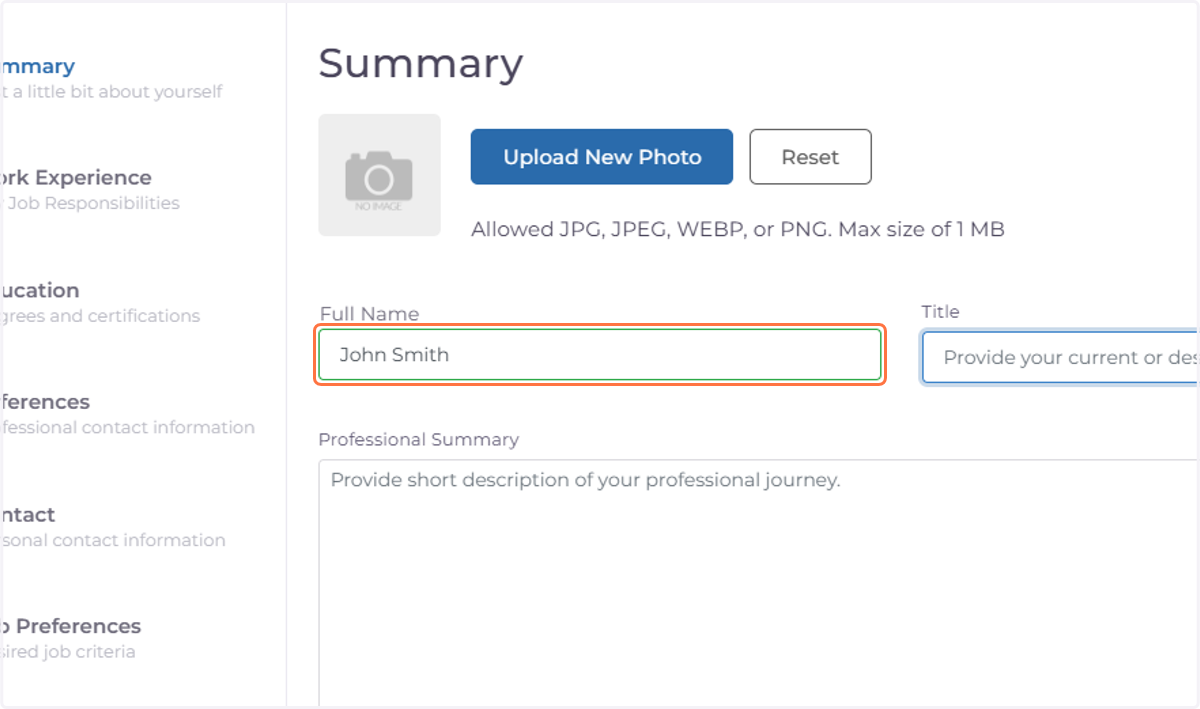
7. Type your name
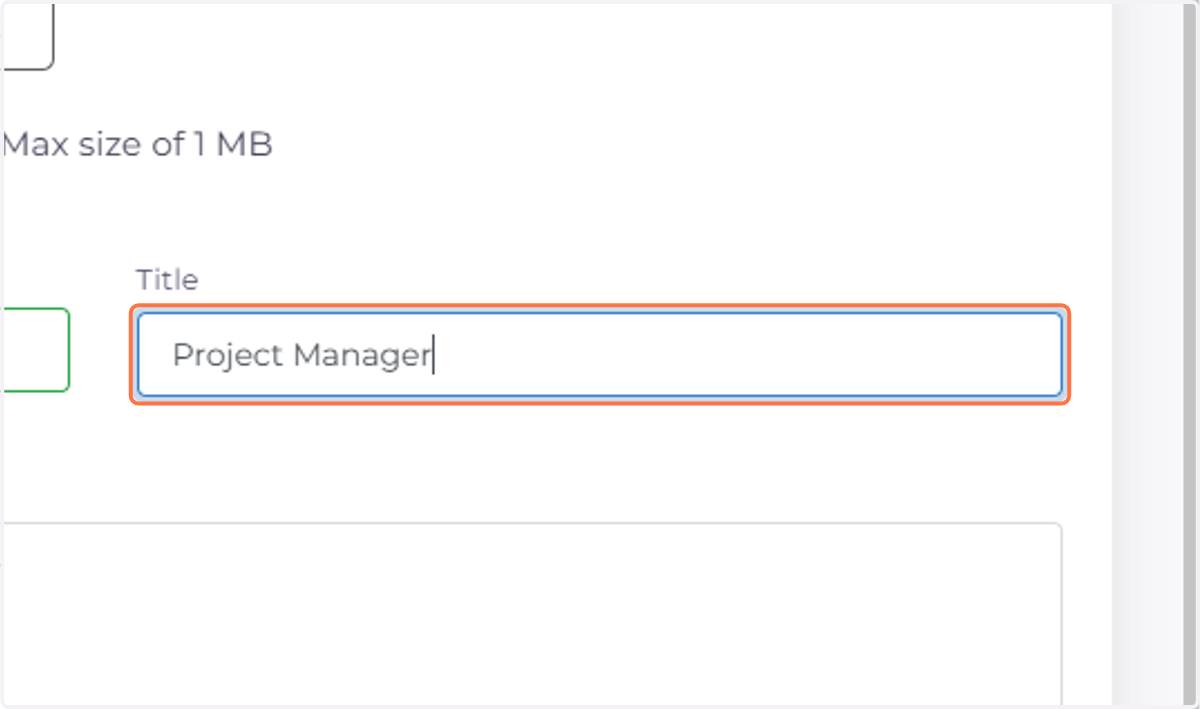
8. Type your title
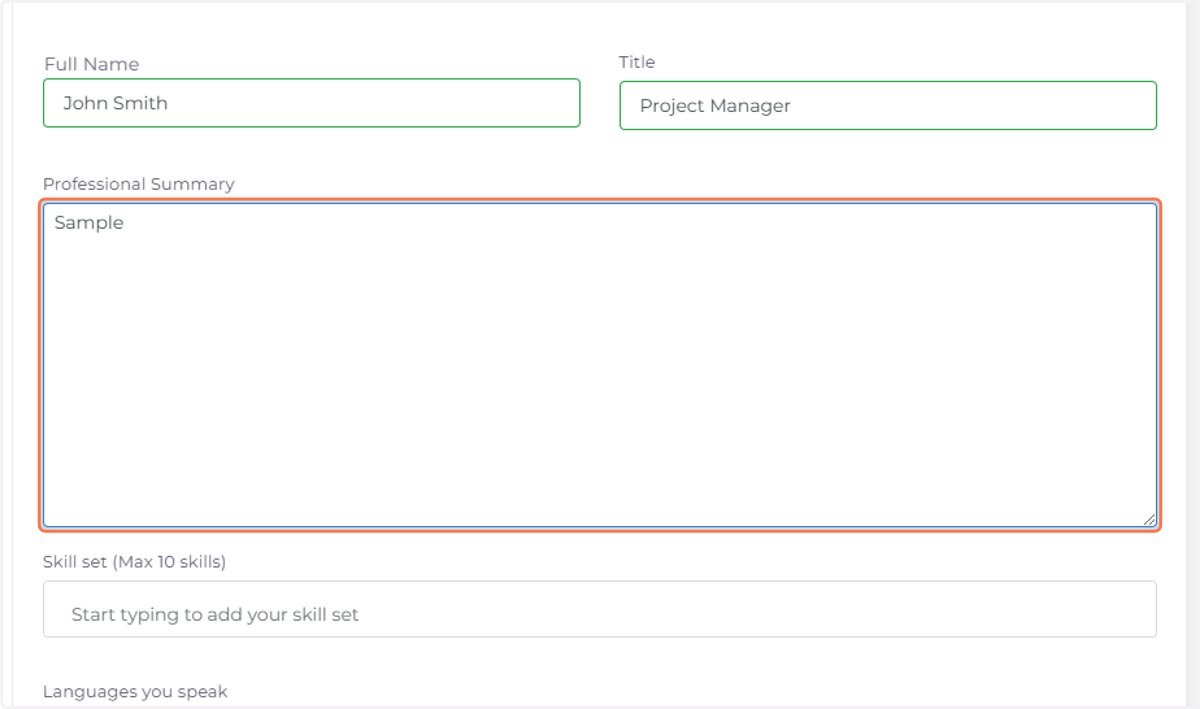
9. Type professional summary
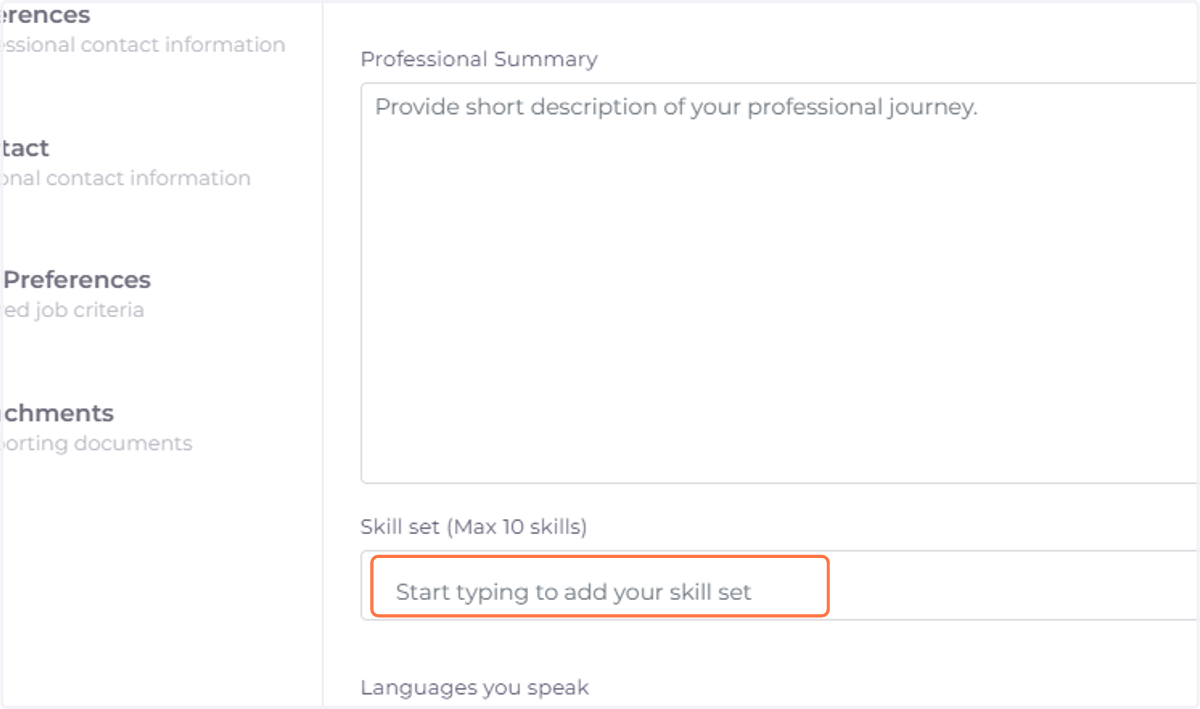
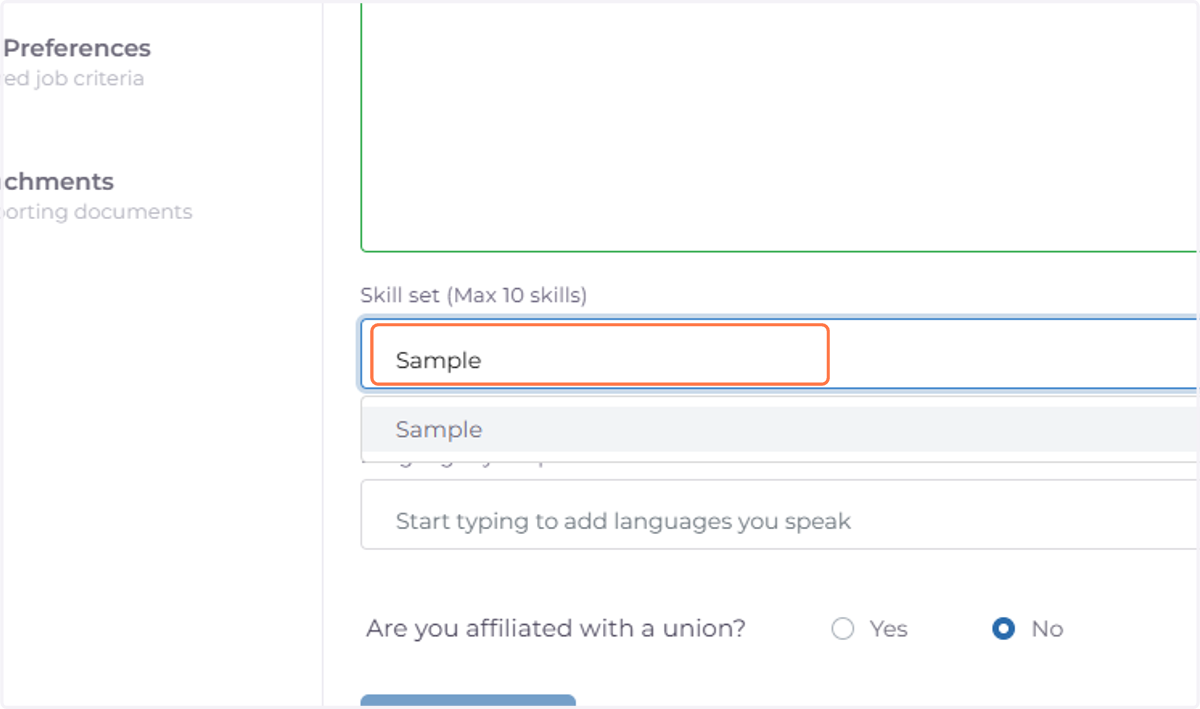
10. Type your skill set
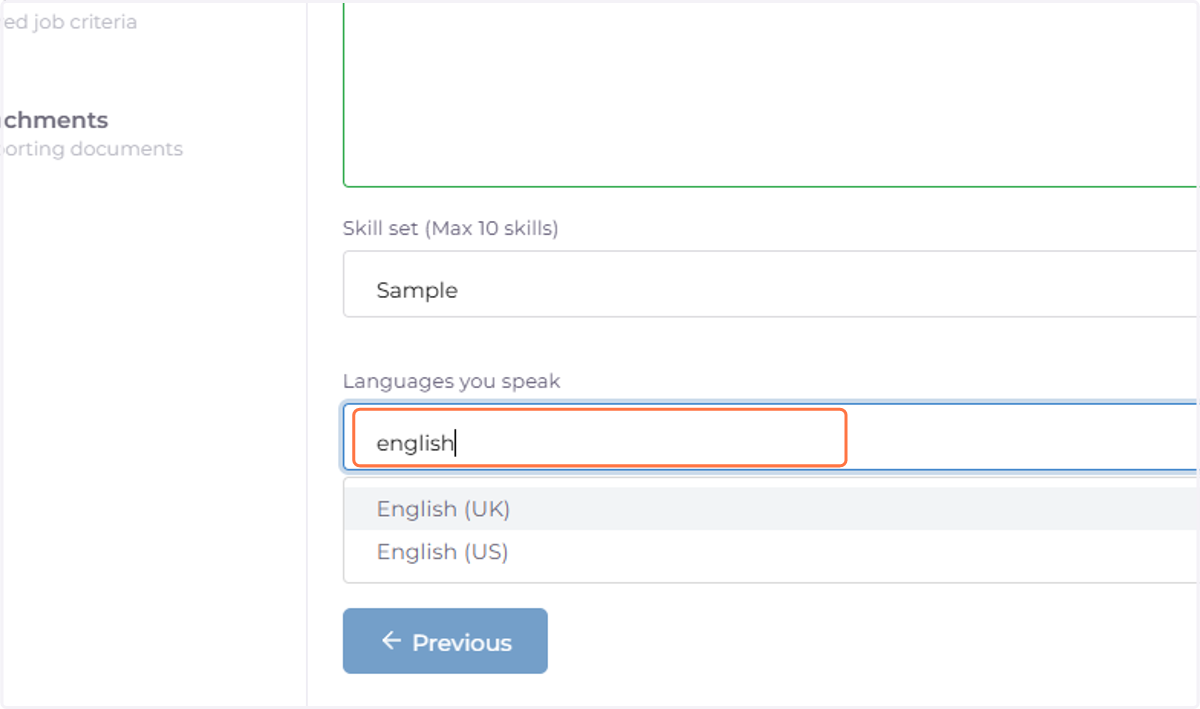
11. Select spoken languages
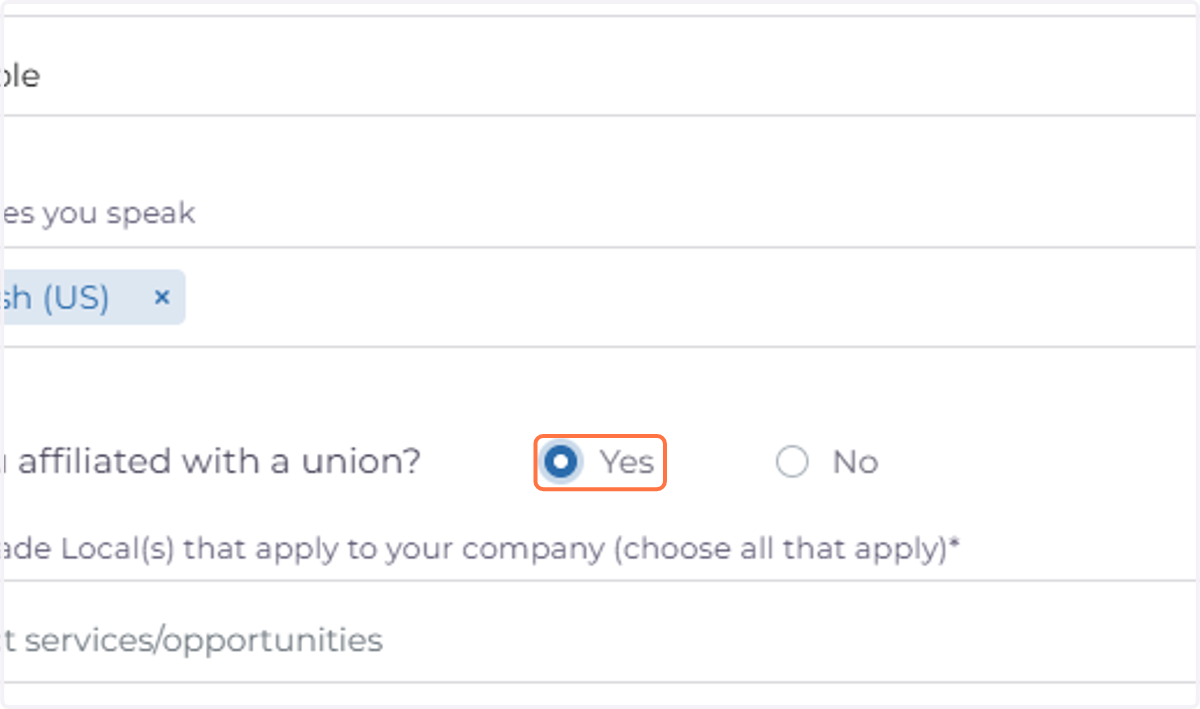
12. Select Yes or No
13. Click on Next
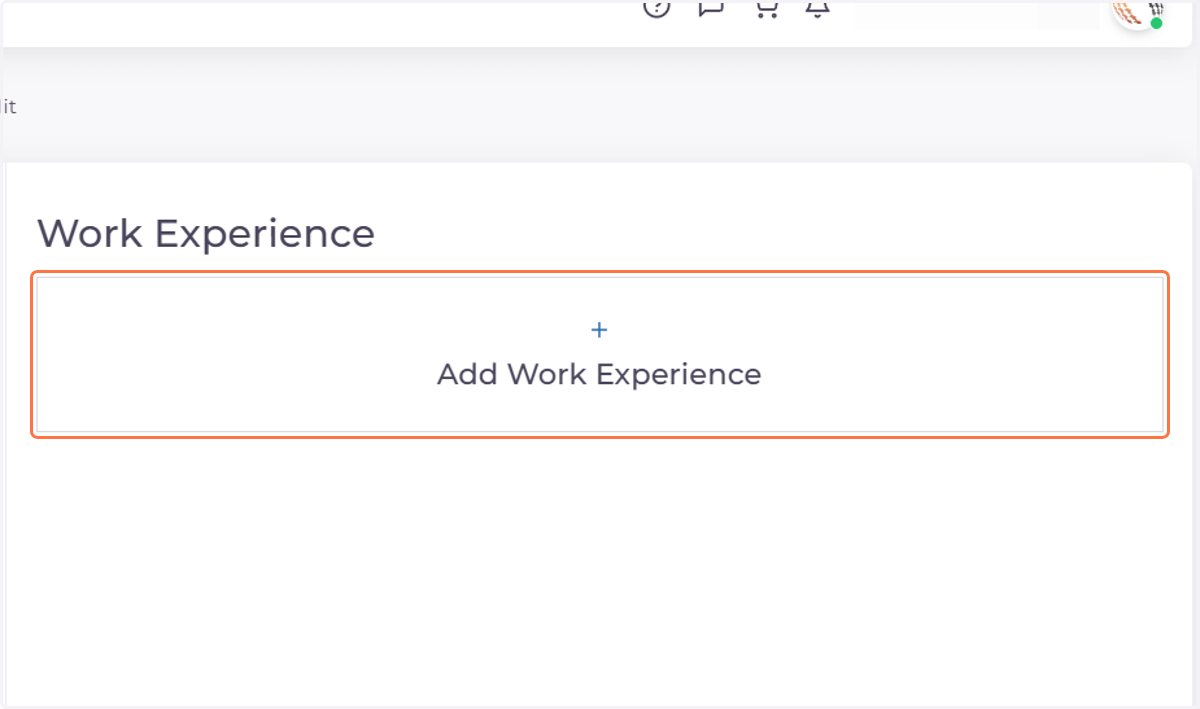
14. Click on Add Work Experience
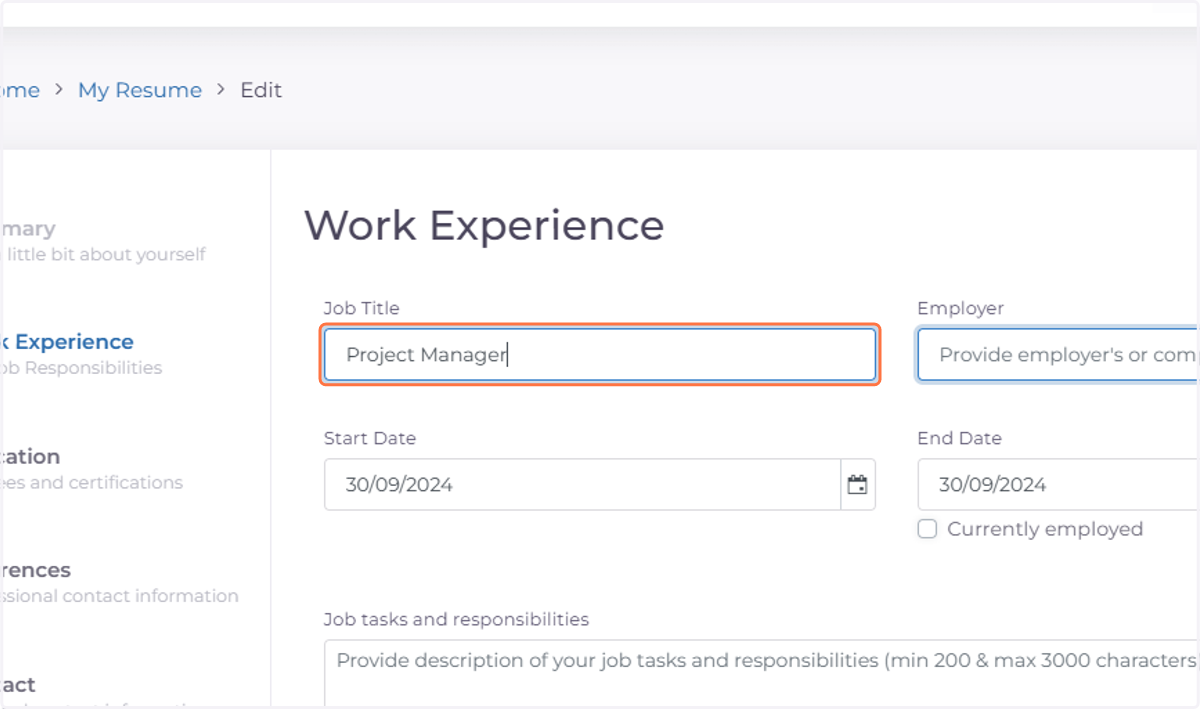
15. Type Job Title
16. Fill in Employer
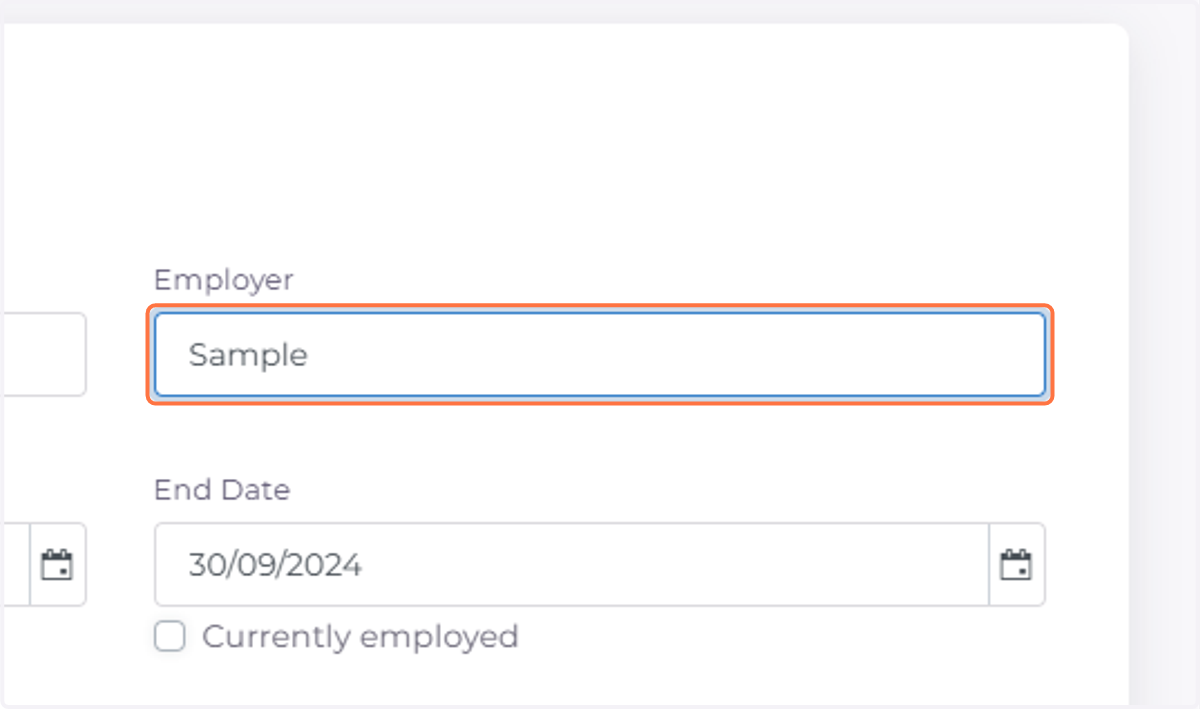
17. Click on dropdown trigger
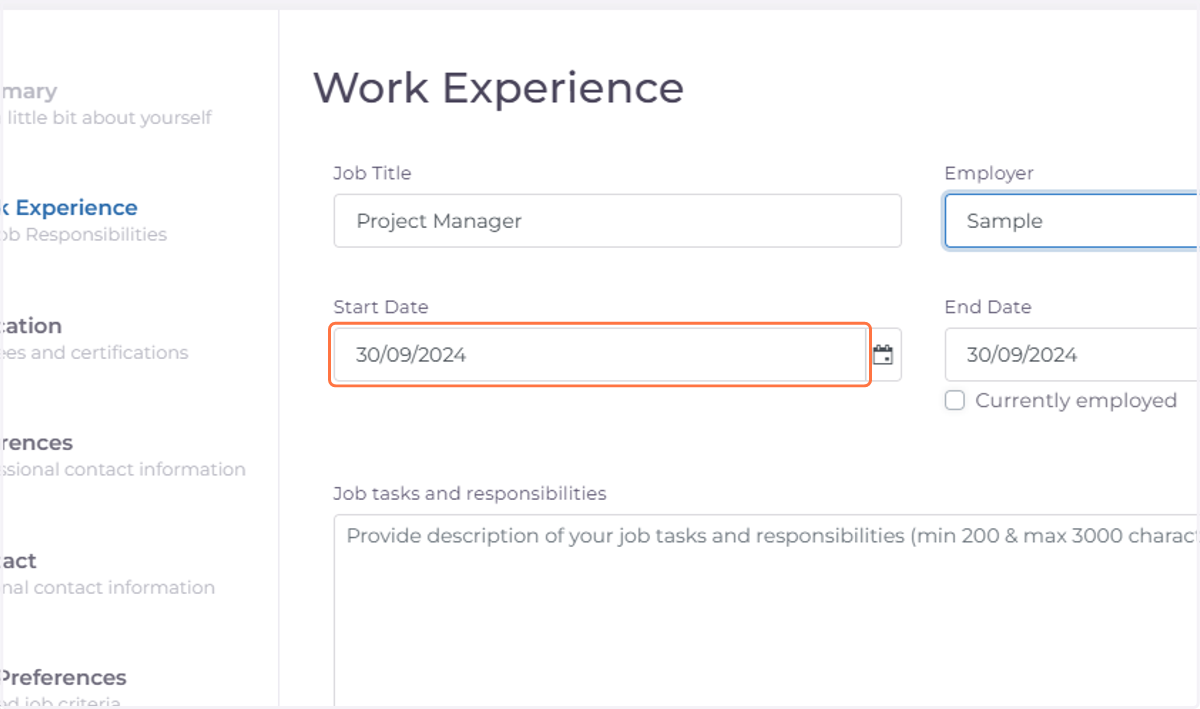
18. Click on highlight
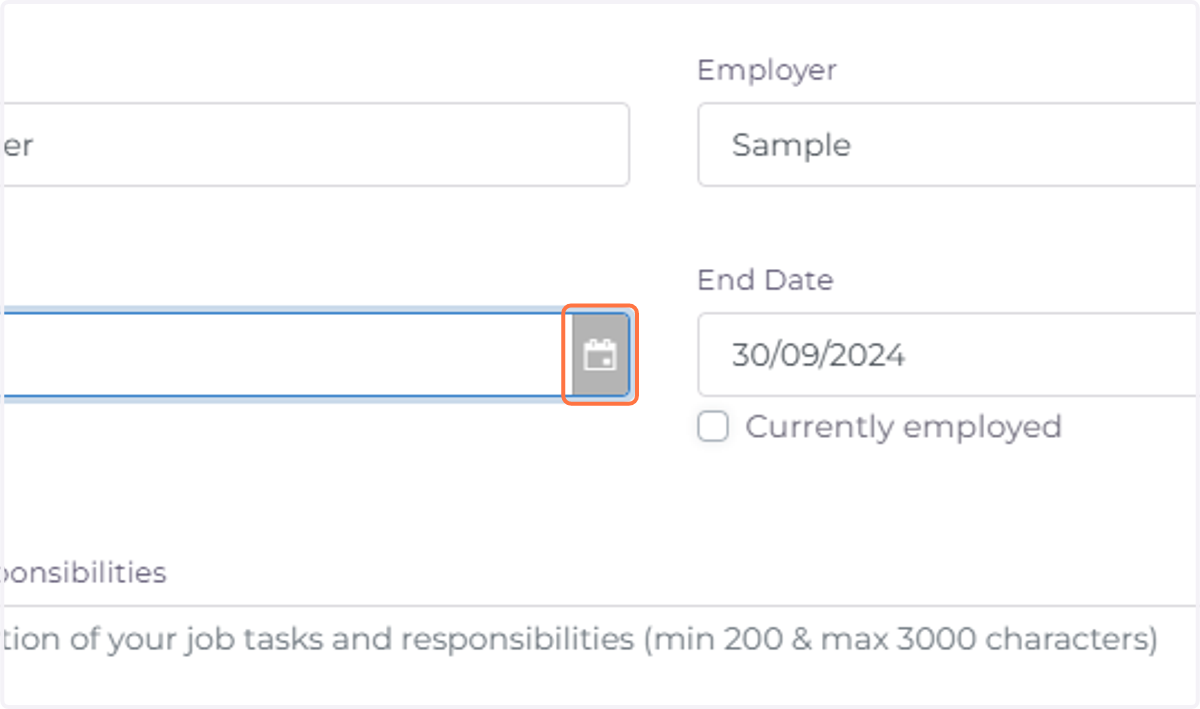
19. Select dates
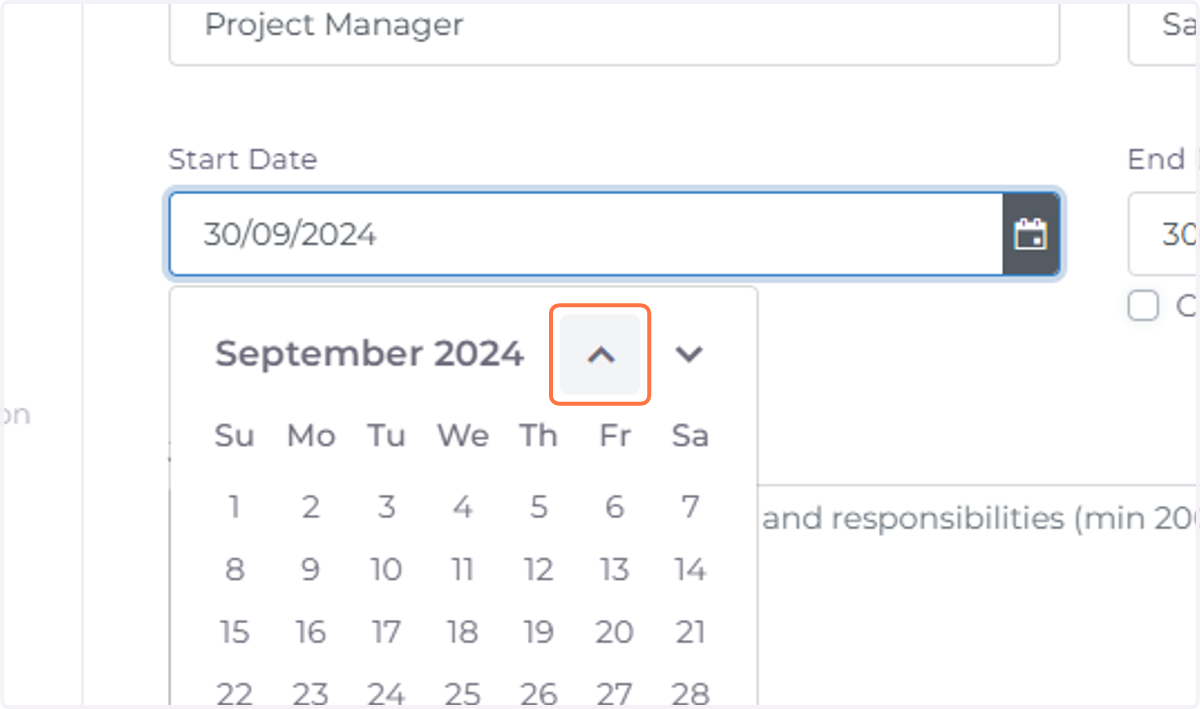
20. Fill in Job Tasks and Responsibilities
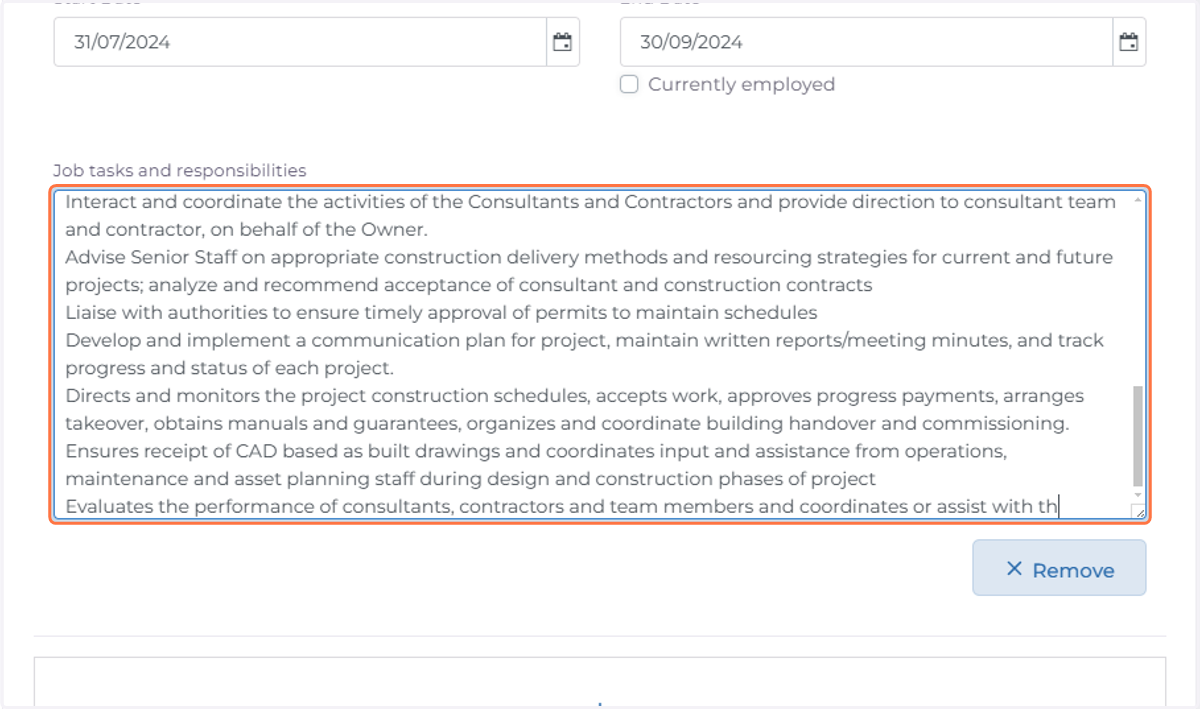
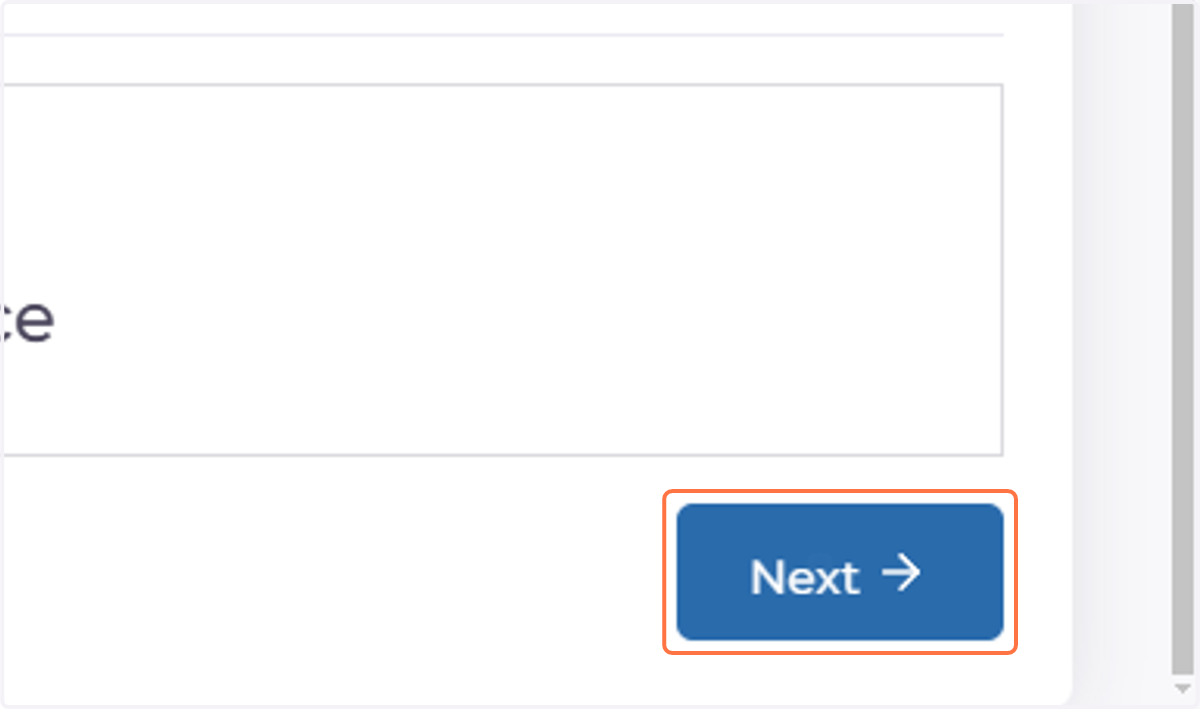
21. Click on Next
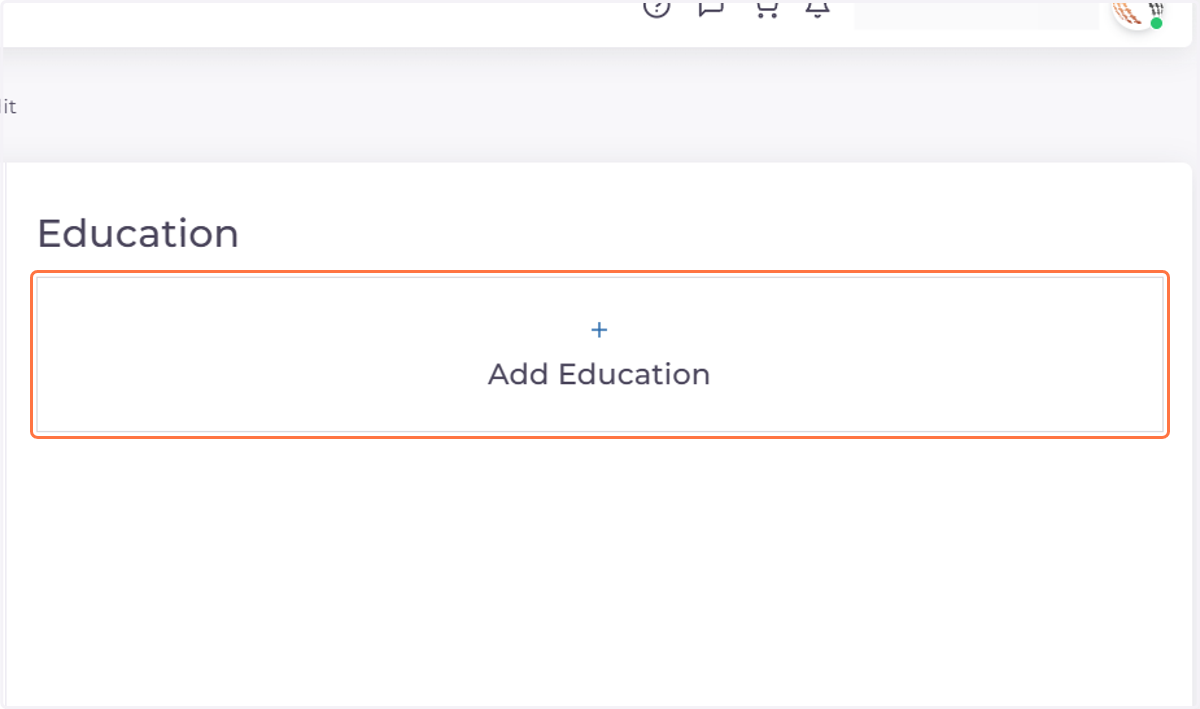
22. Click on Add Education
23. Fill in Educational Institution
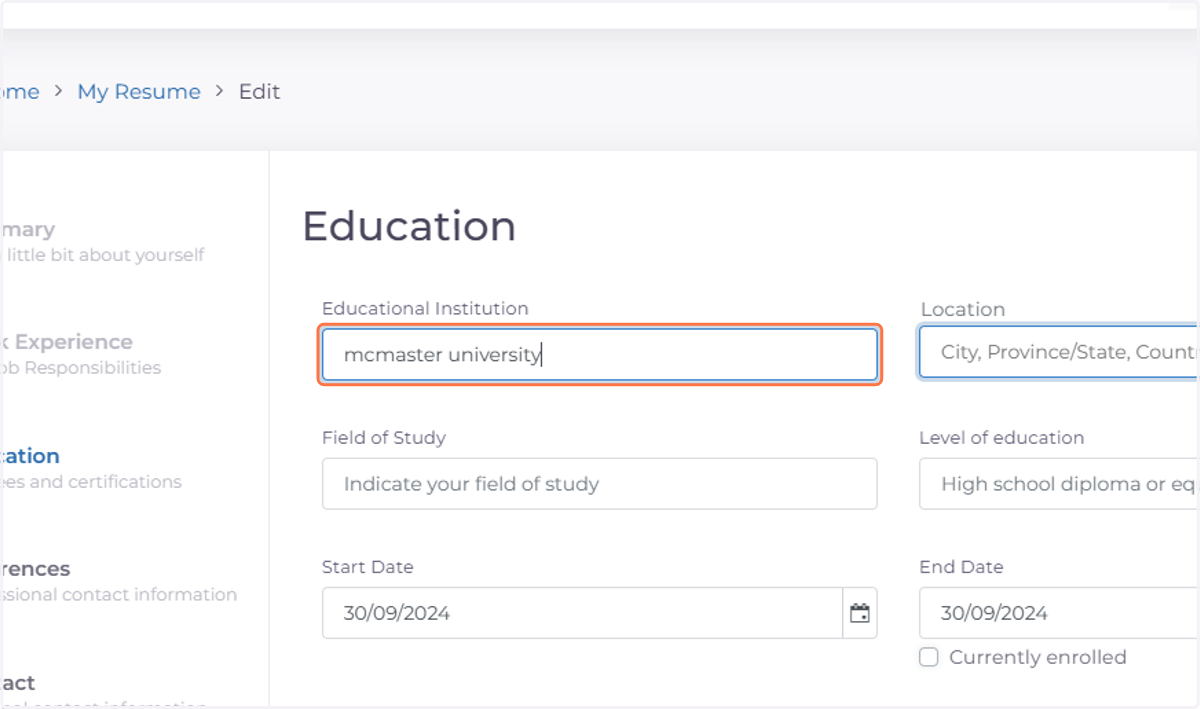
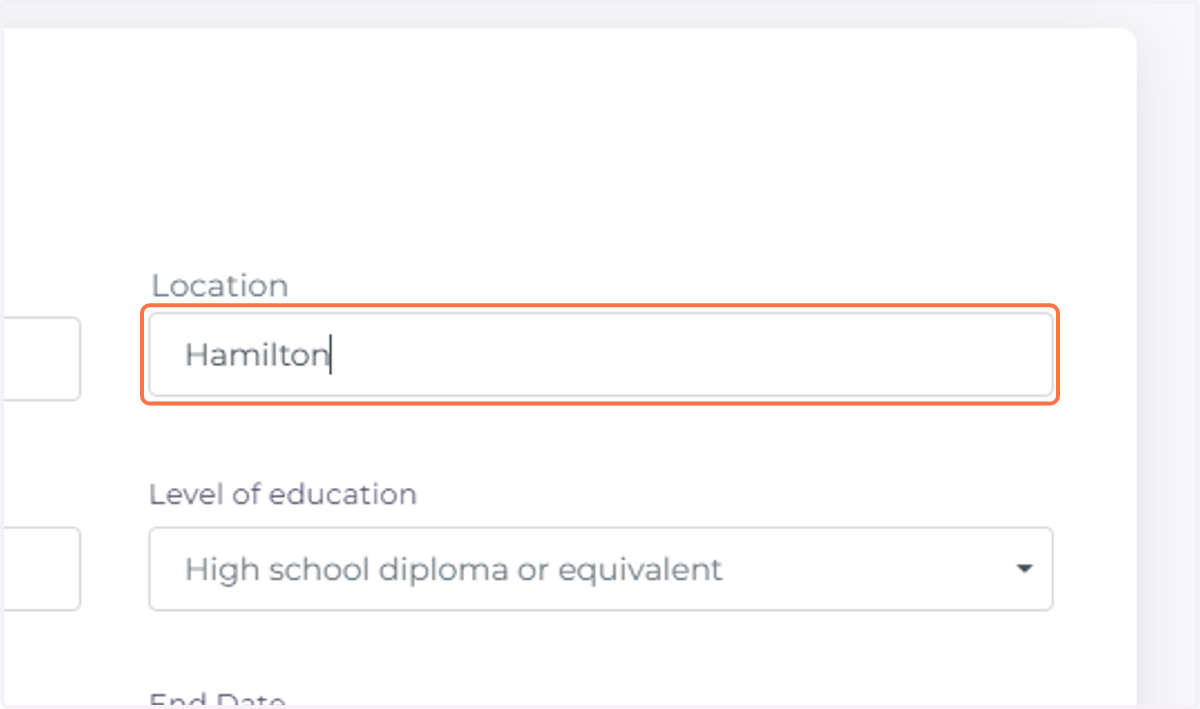
24. Fill in Location
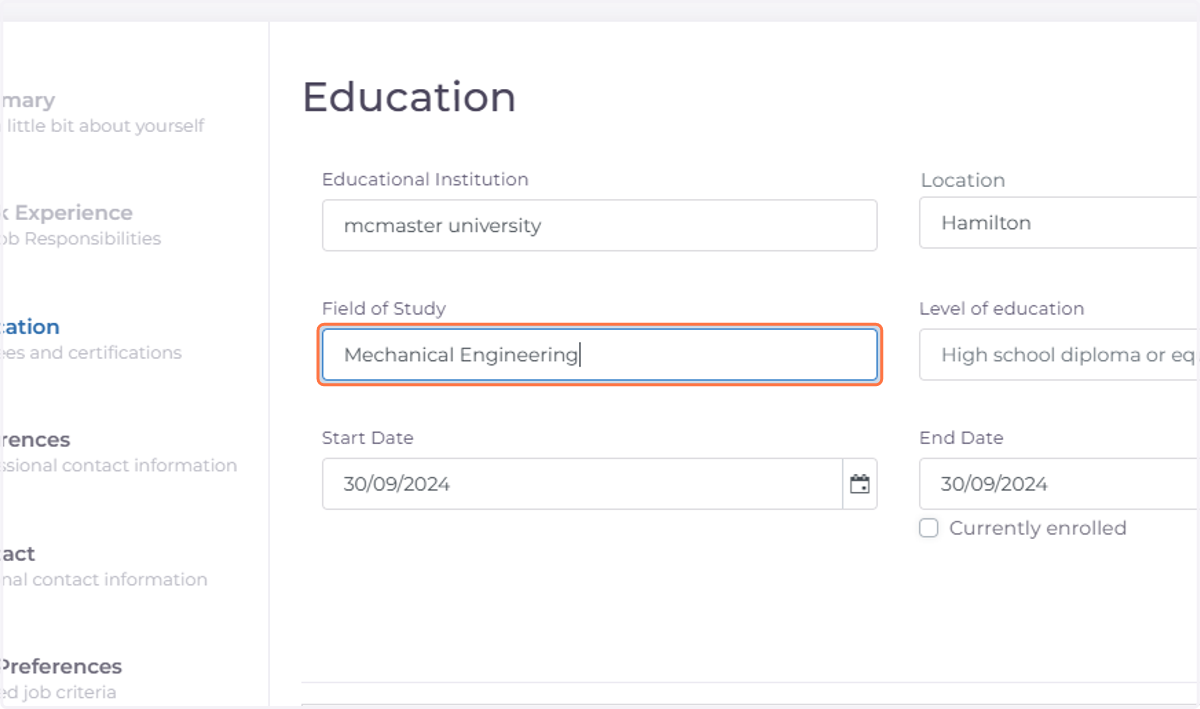
25. Fill in Field of Study
26. Click on dropdown trigger
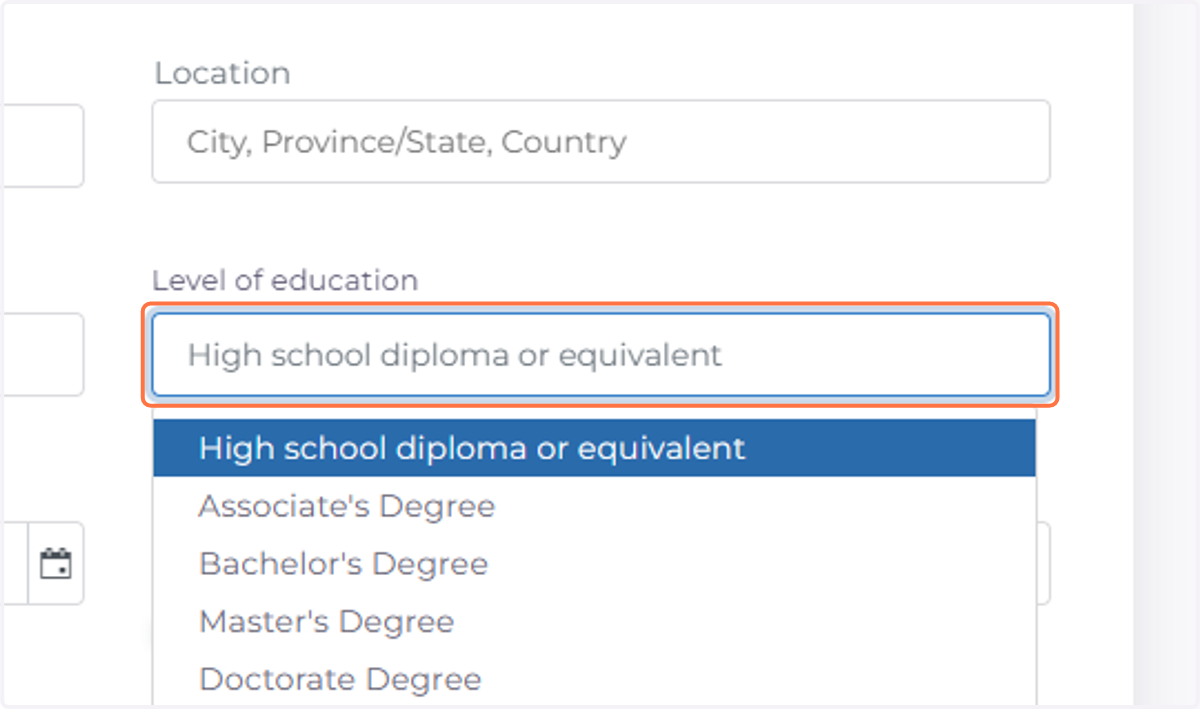
27. Select Level of Education
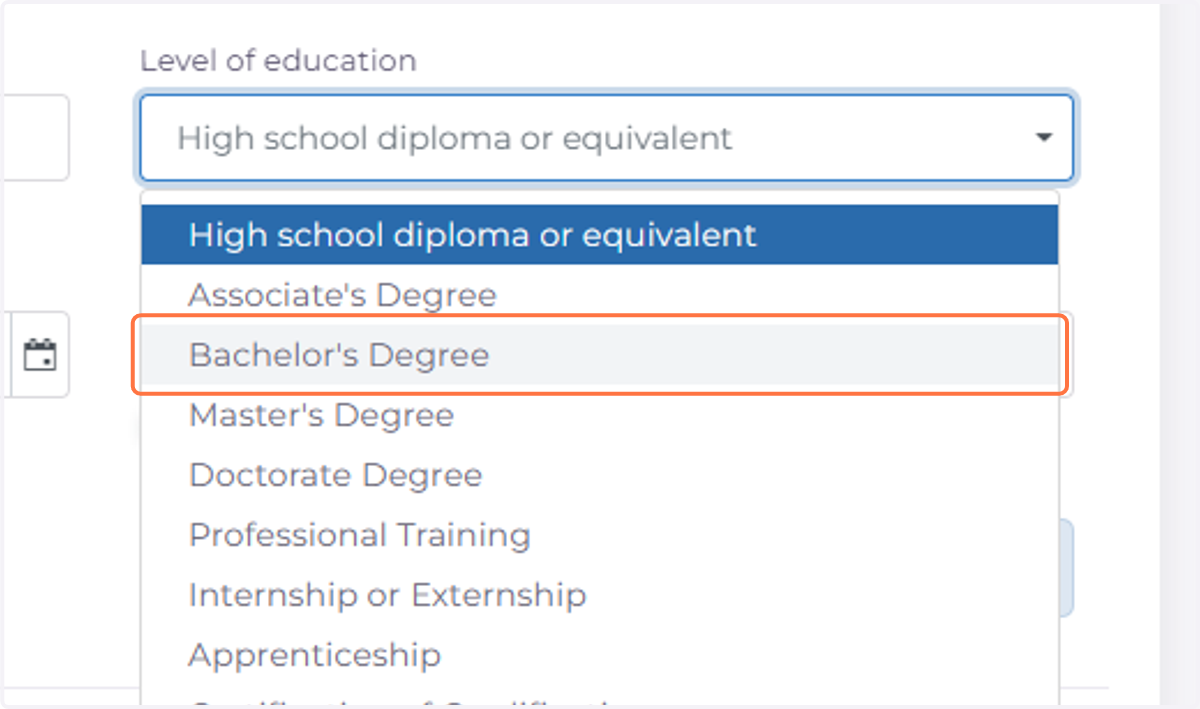
28. Click on dropdown trigger
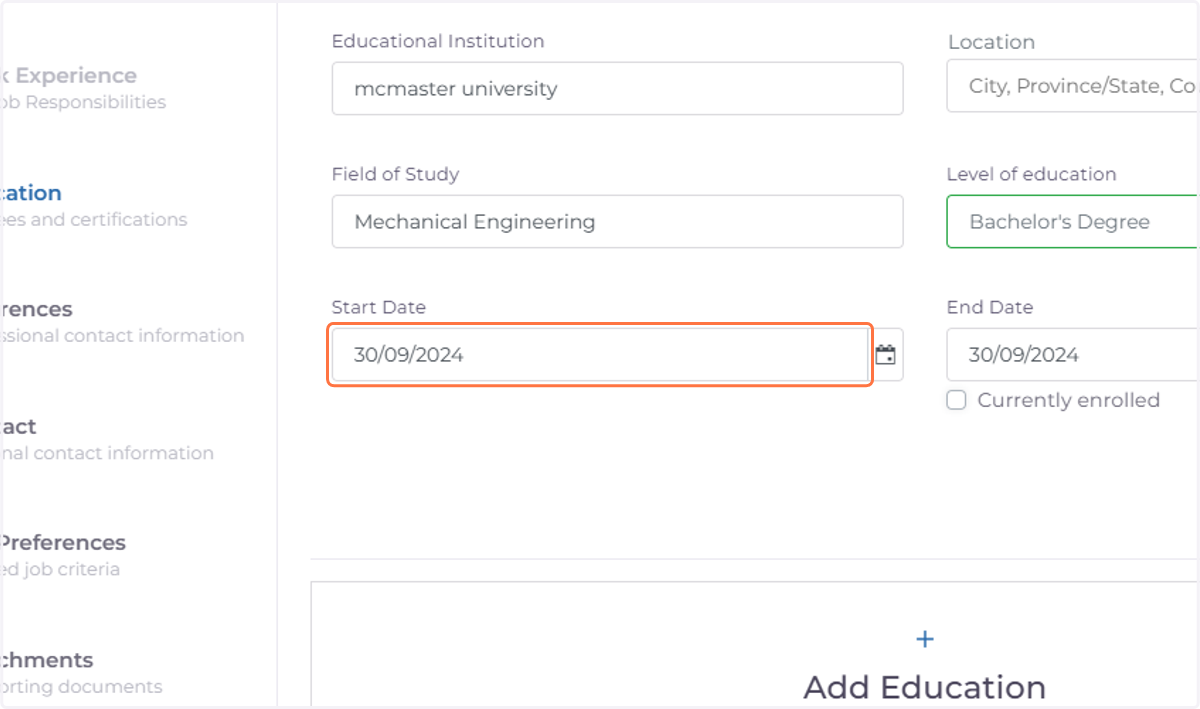
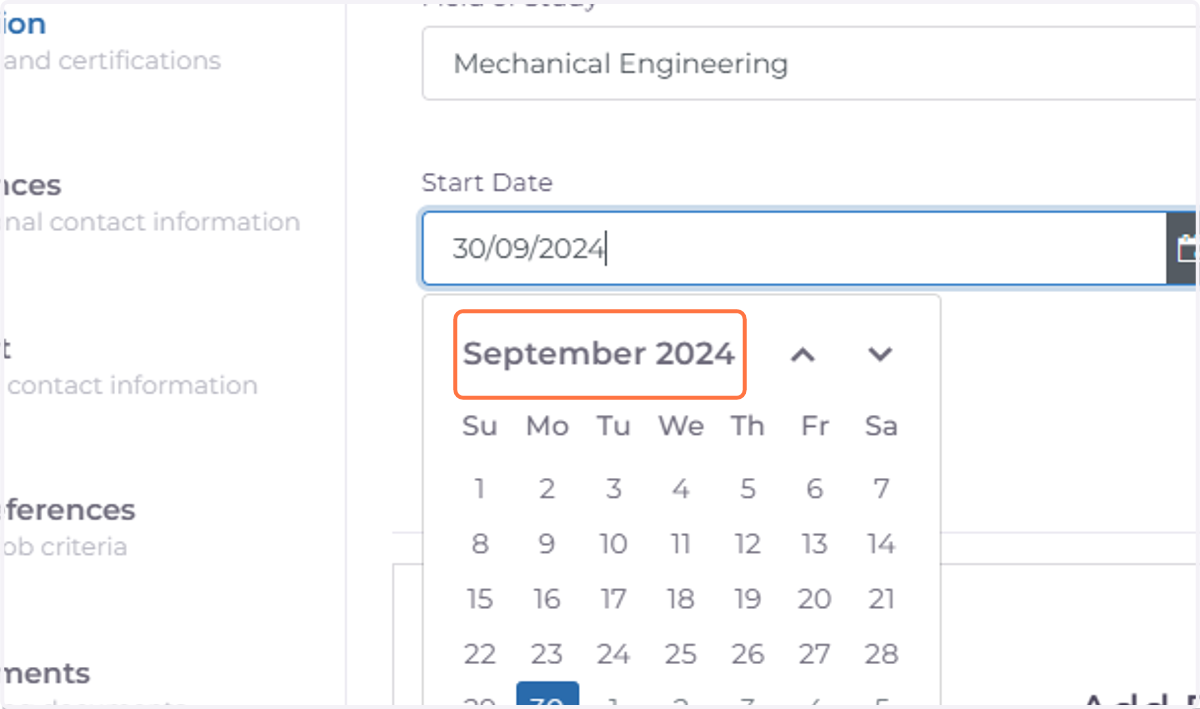
29. Select Dates
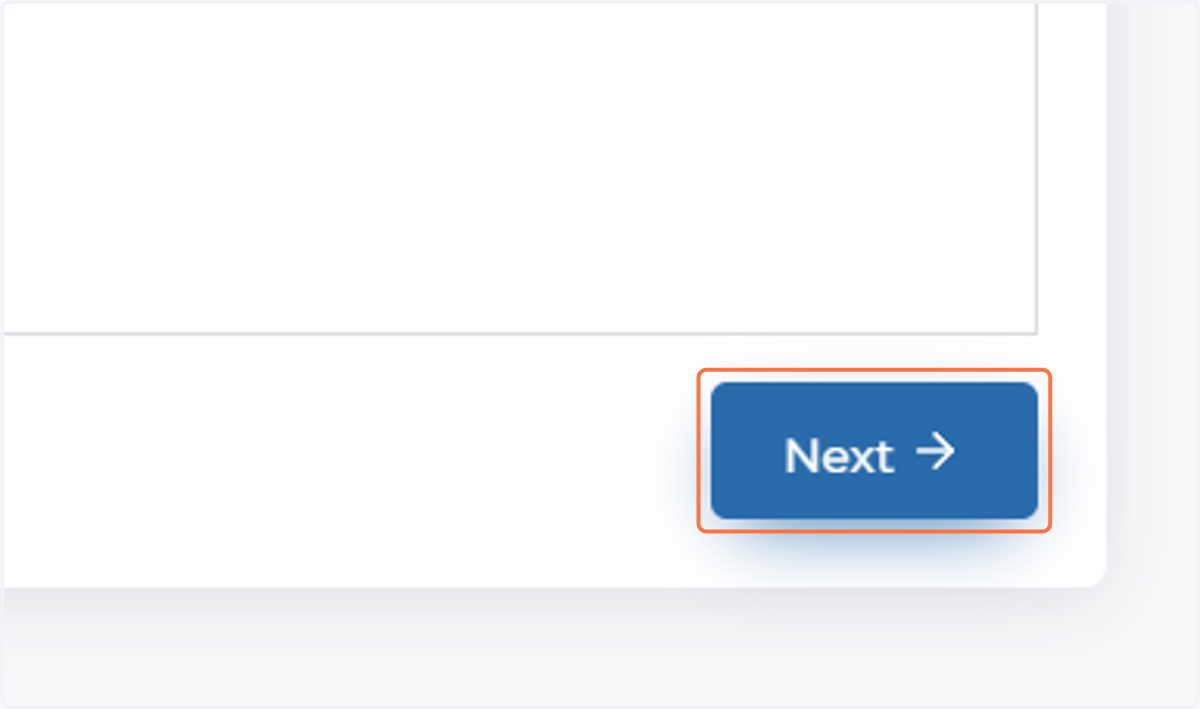
30. Click on Next
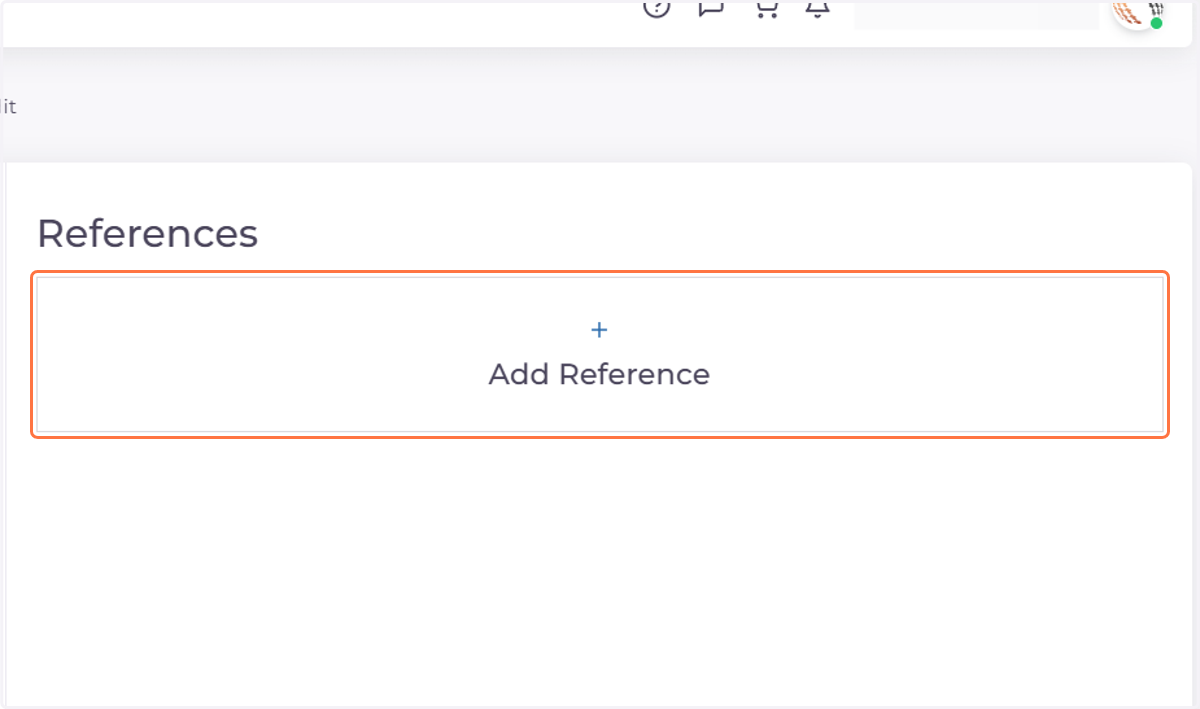
31. Click on Add Reference
32. Fill in Reference Name
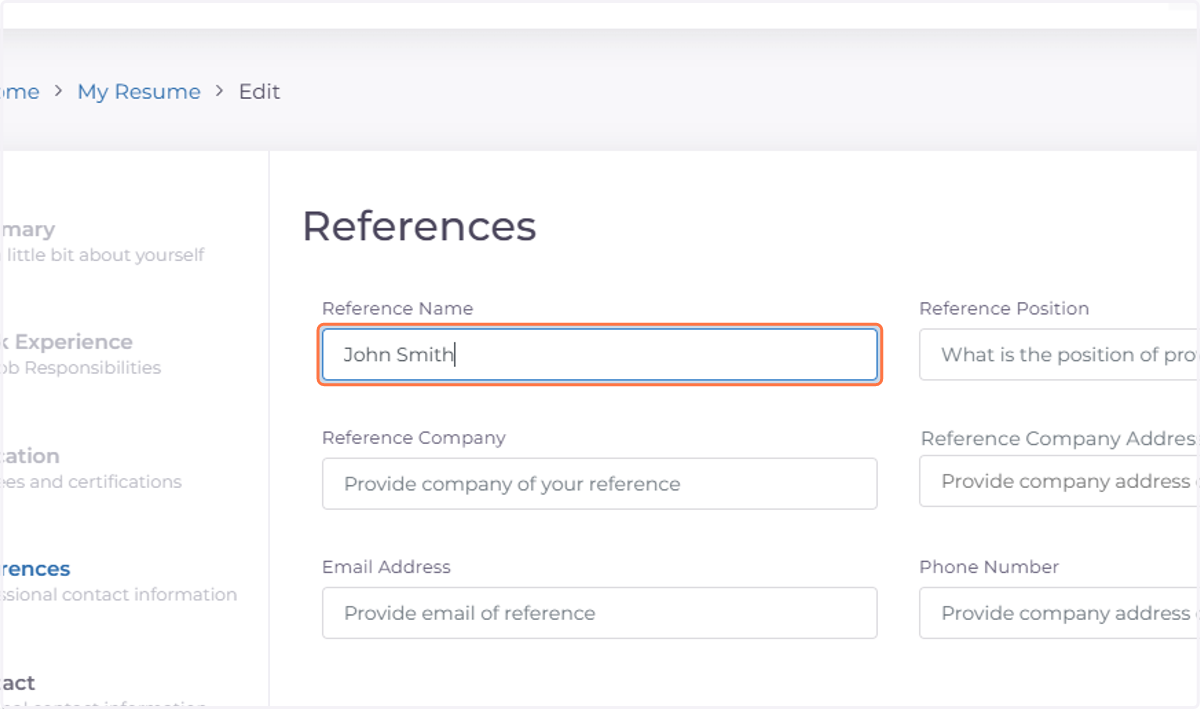
33. Fill in Reference Company
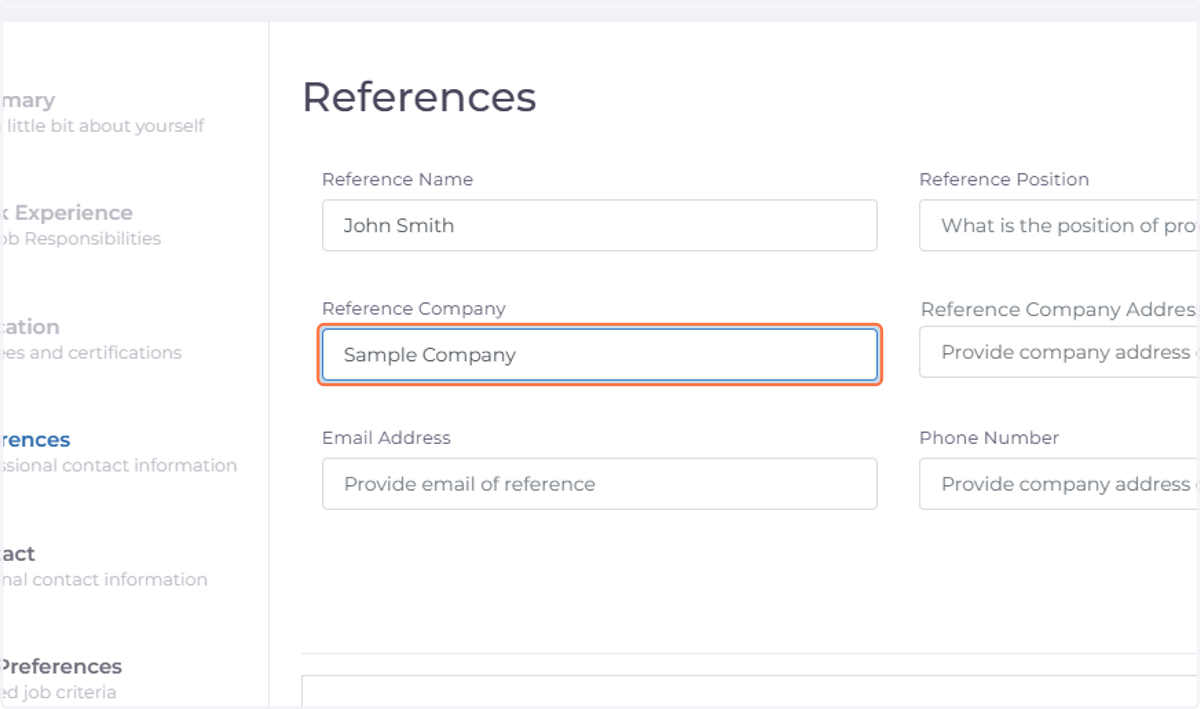
34. Fill in Reference Position
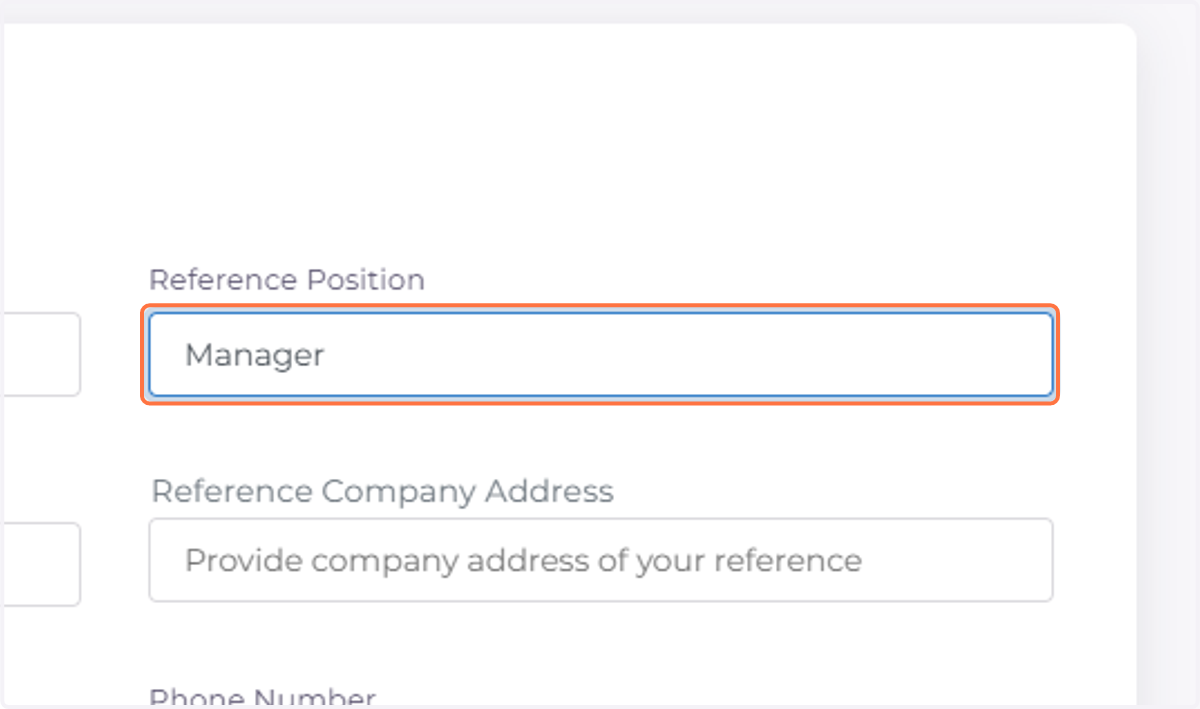
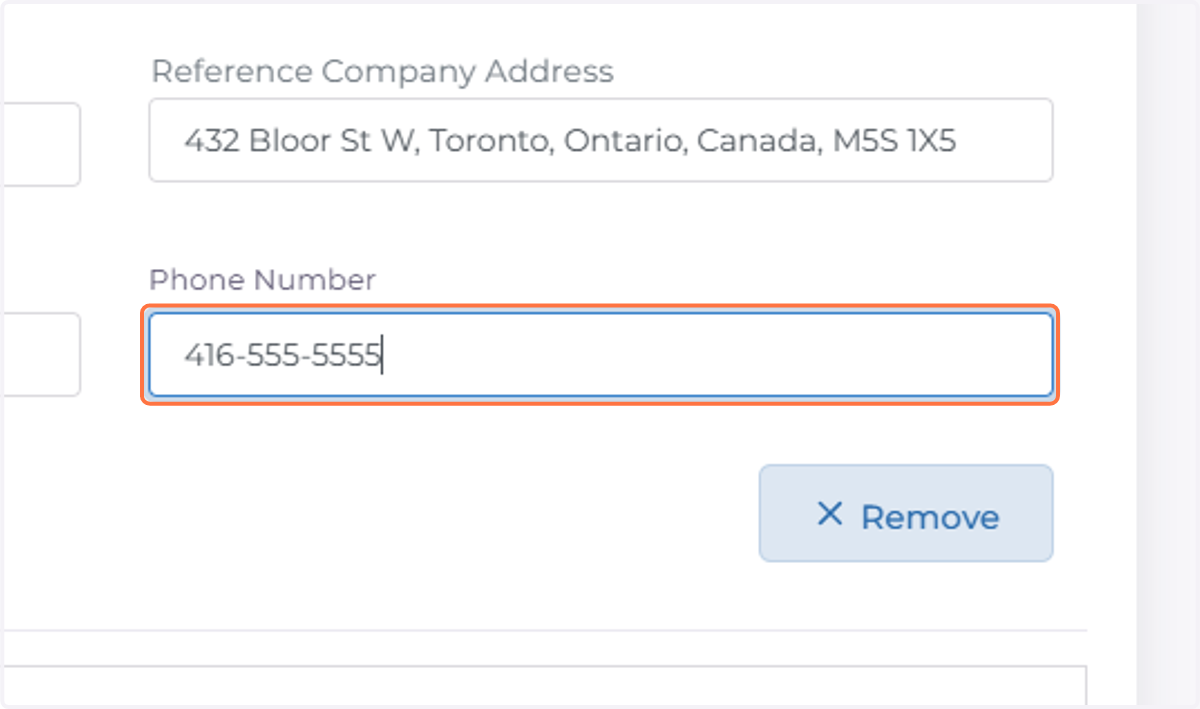
35. Fill in Address
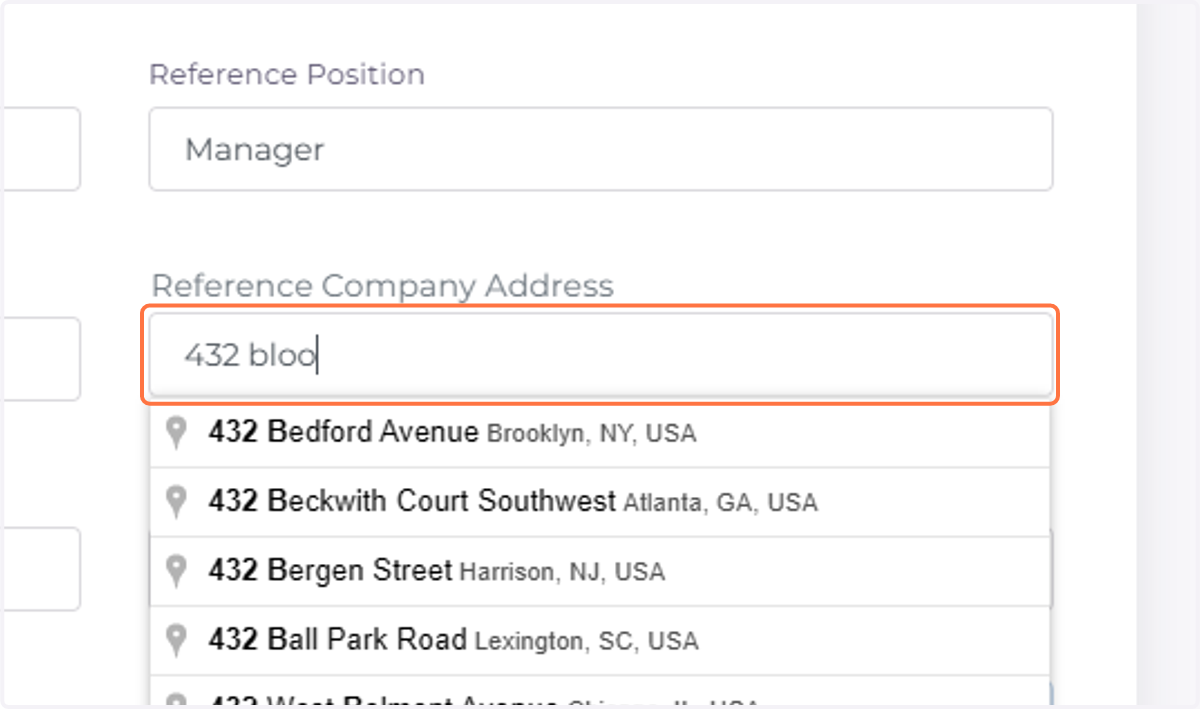
36. Fill in Email Address
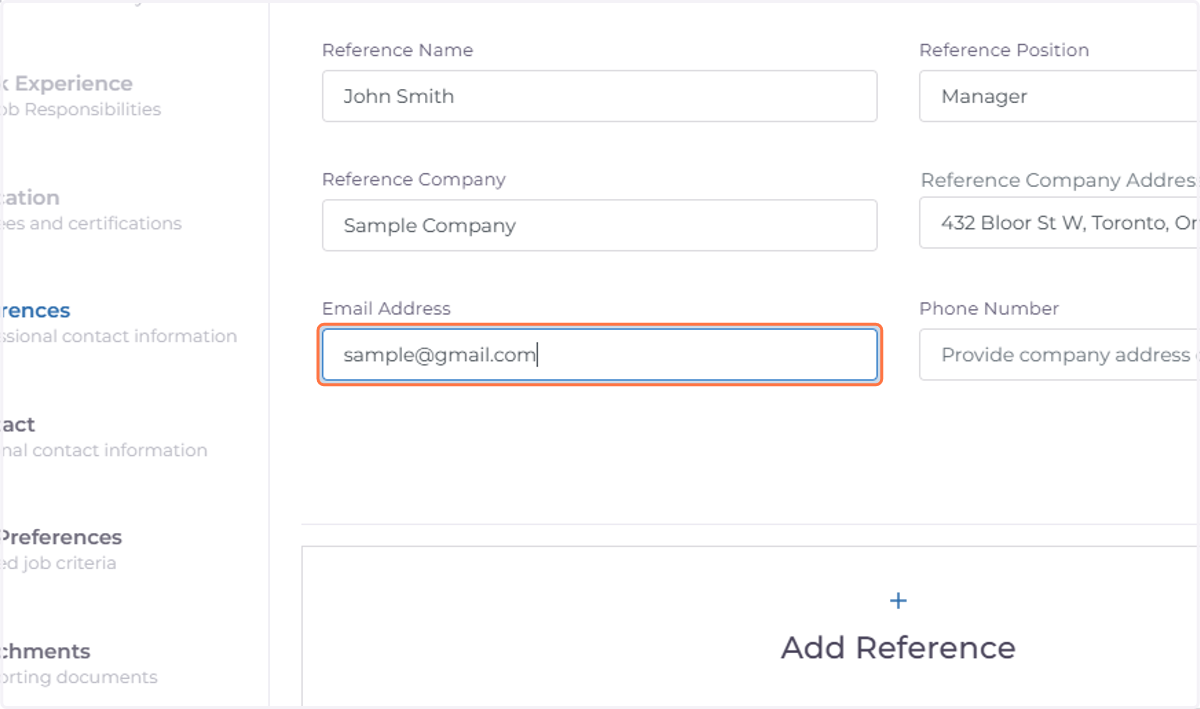
37. Fill in Phone Number
38. Click on Next
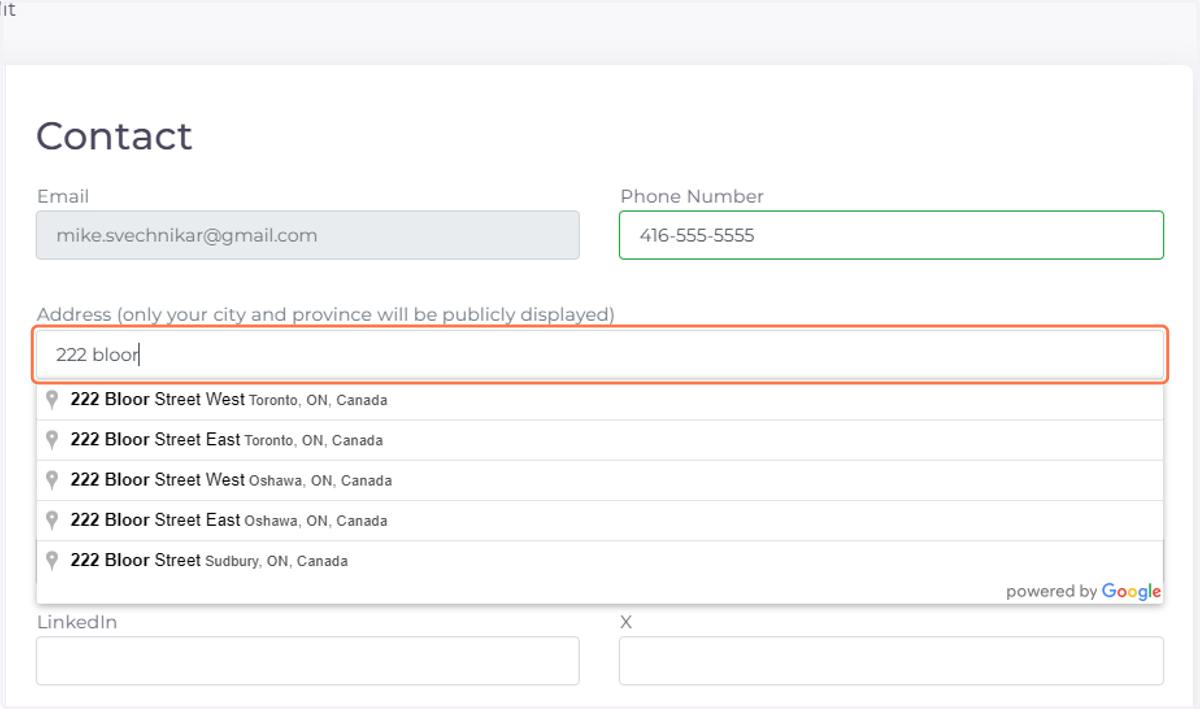
39. Fill in Address
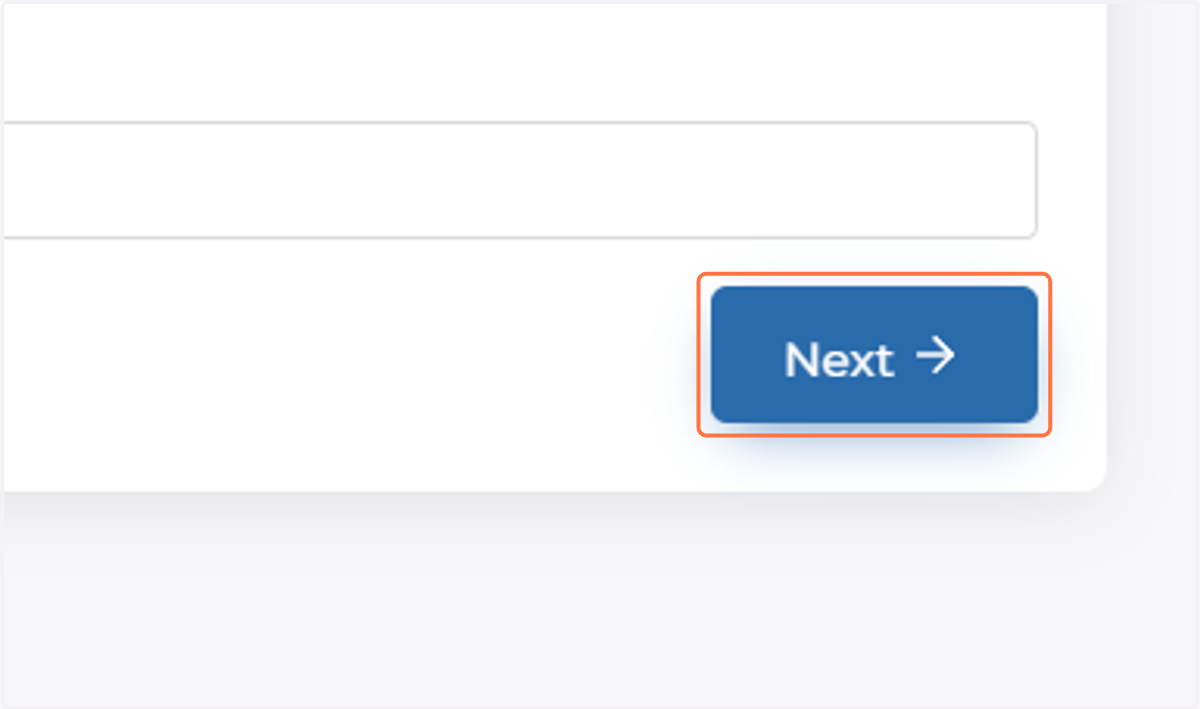
40. Click on Next
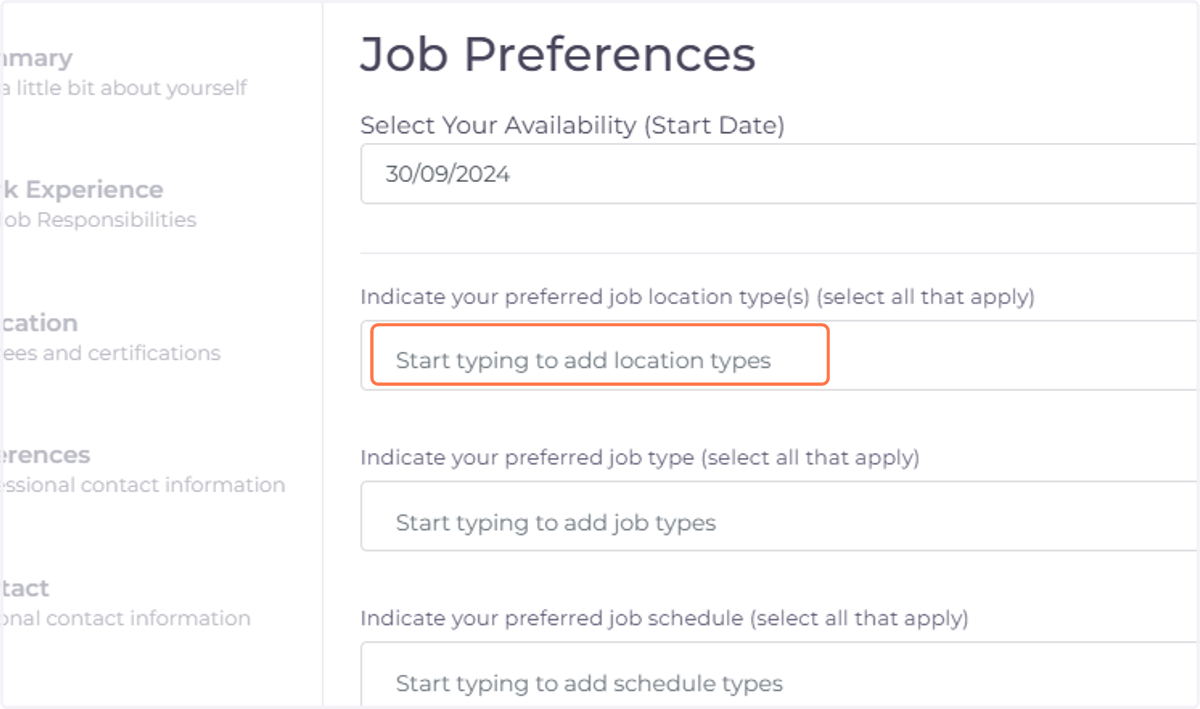
41. Click on dropdown trigger
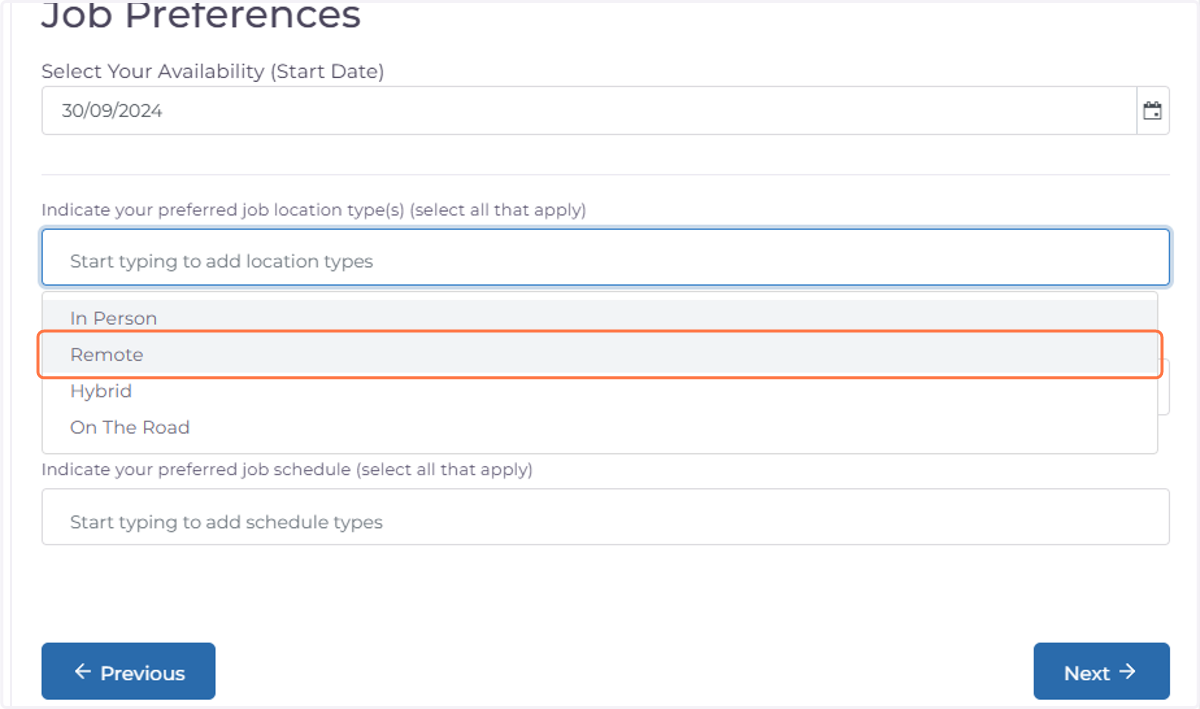
42. Select preferred job location
43. Click on dropdown trigger
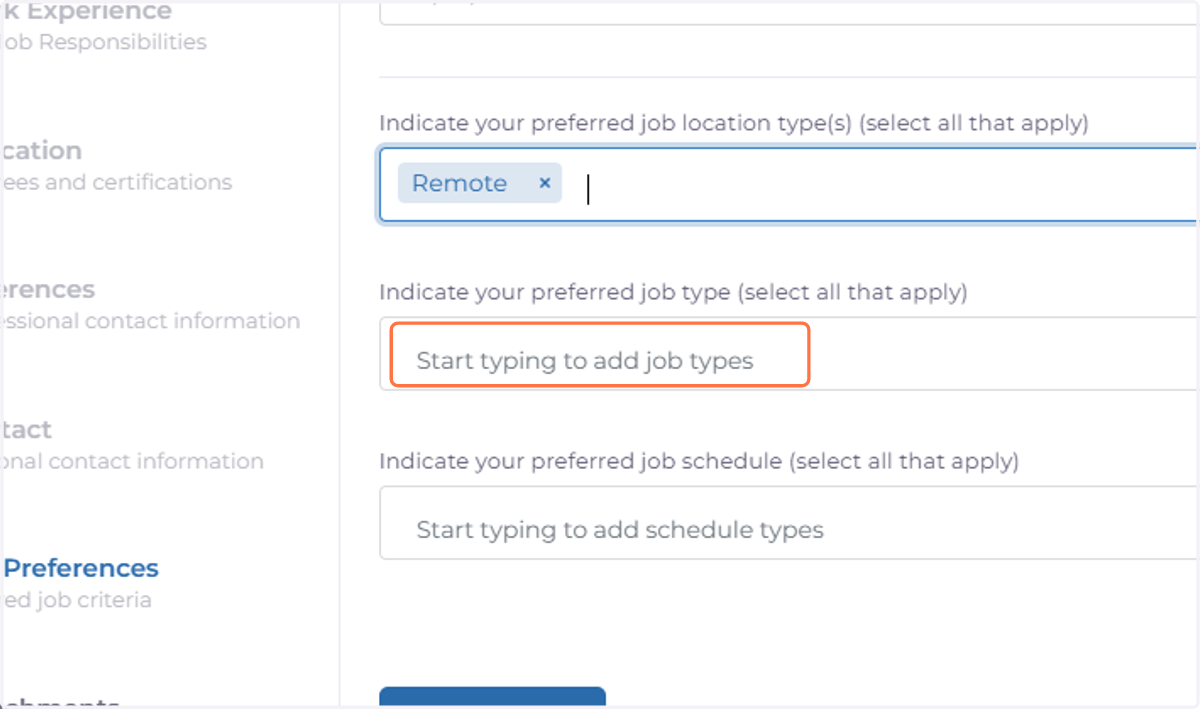
44. Select job type
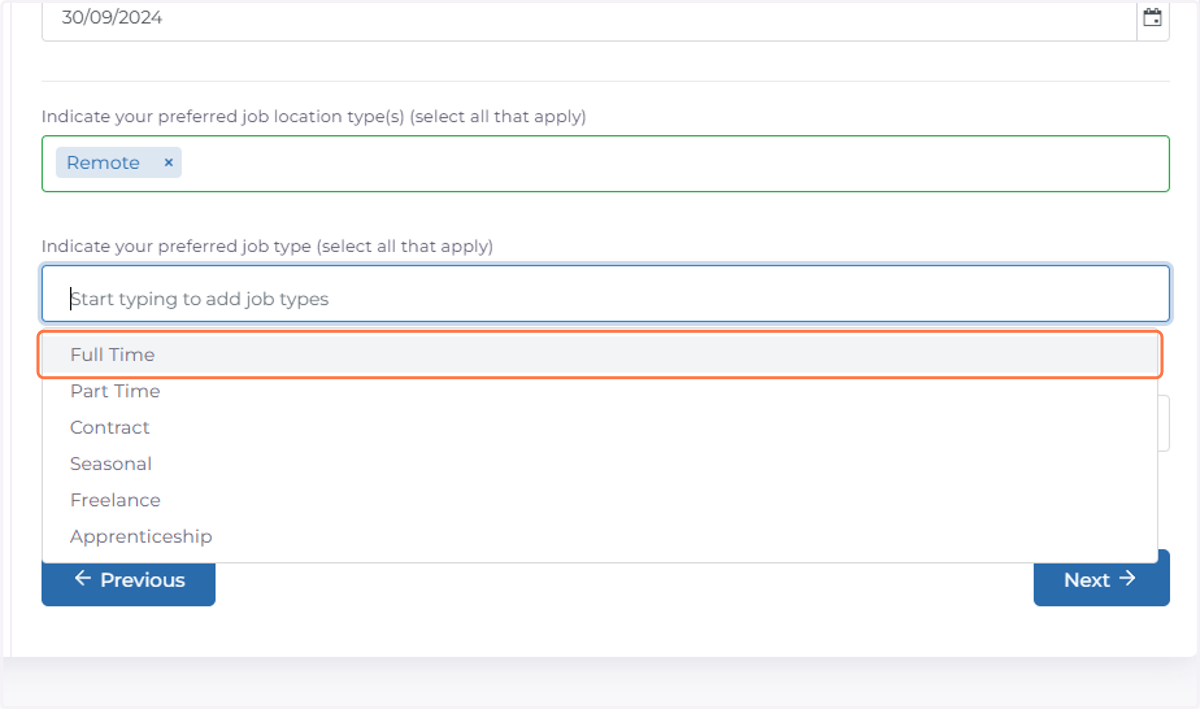
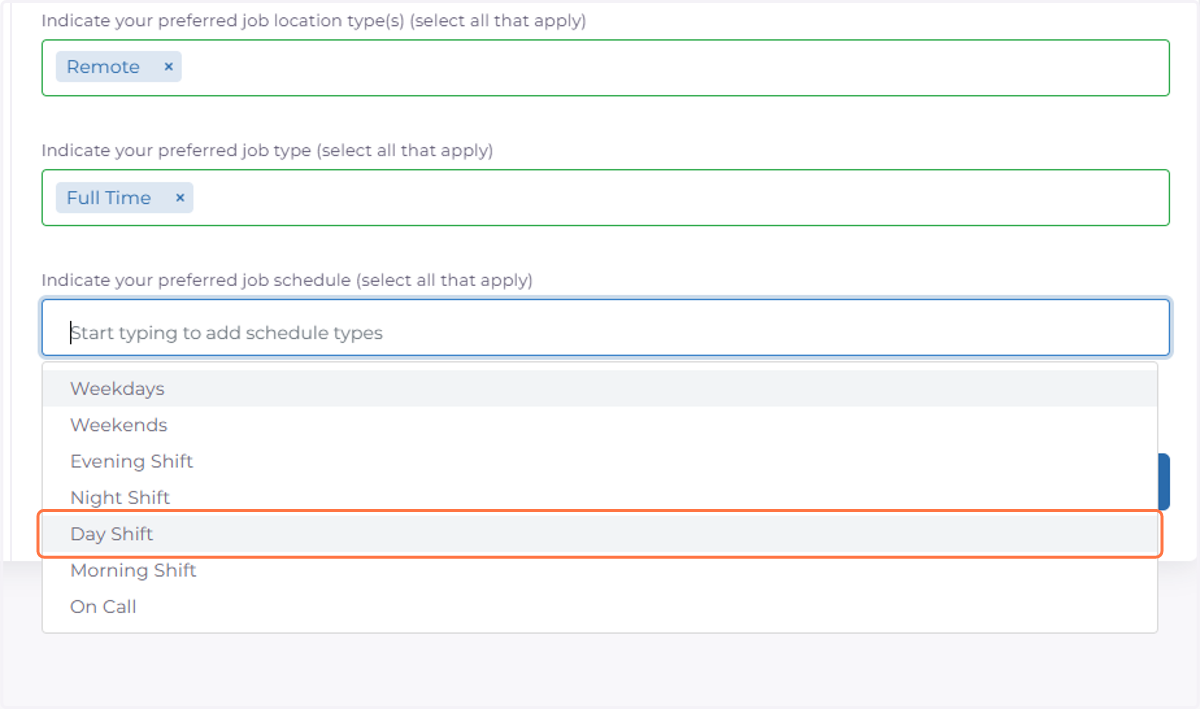
45. Click on dropdown trigger
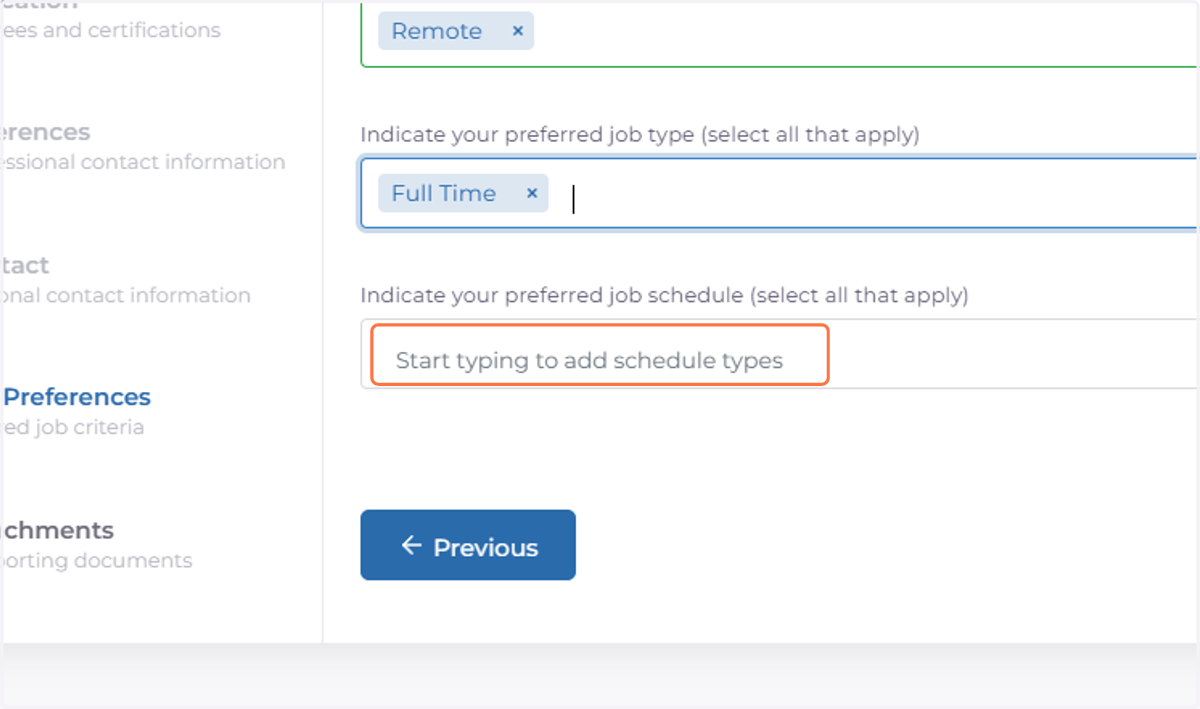
46. Select Job Schedule
47. Click on Next
48. Select "Resume.pdf" from file upload menu
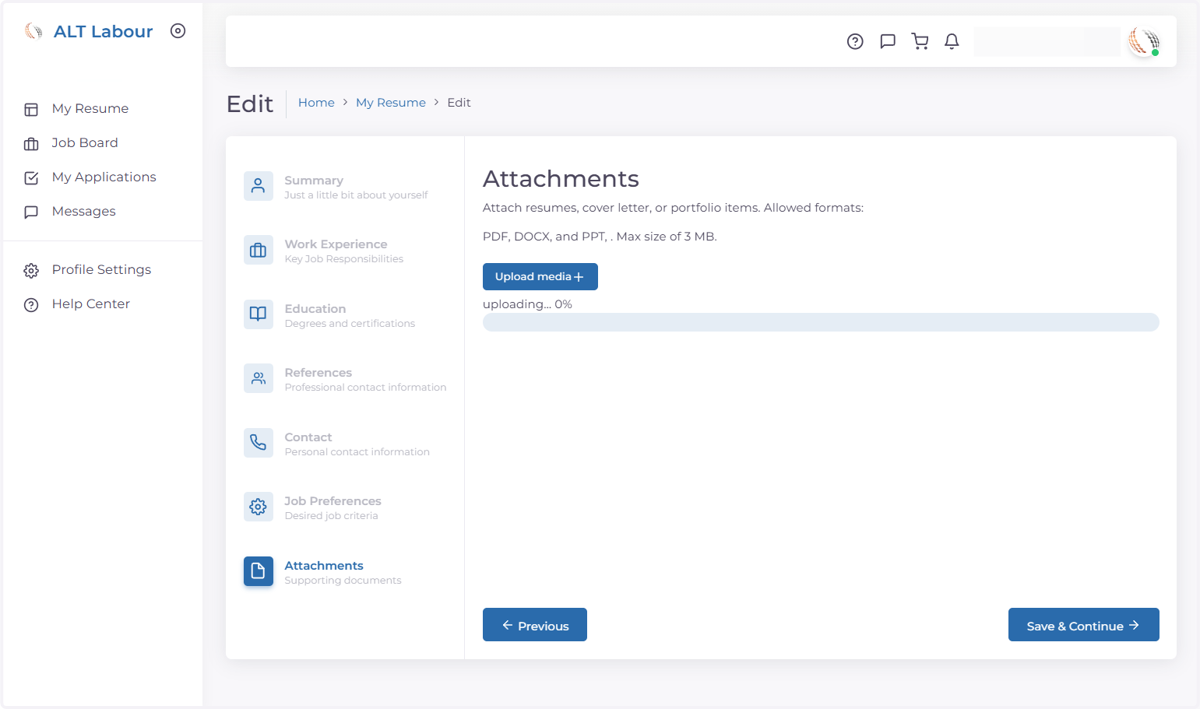
49. Click on Save & Continue