Travel Planner - Tutorial
1. Open the Travel Planner app
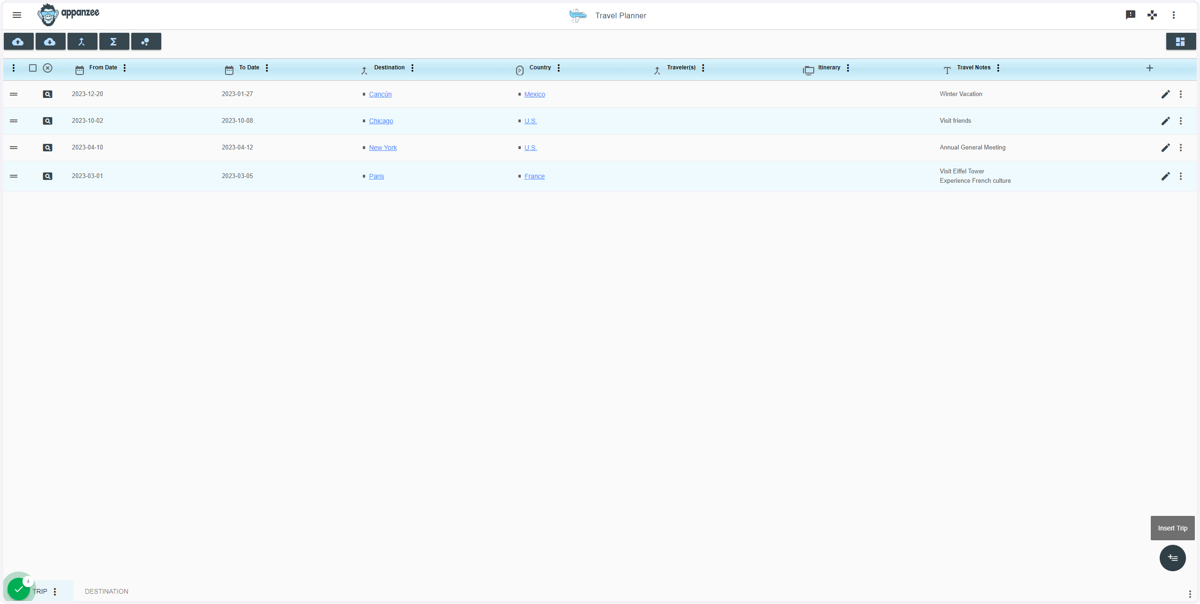
2. Click on Insert Trip

3. Type which date you are travelling from
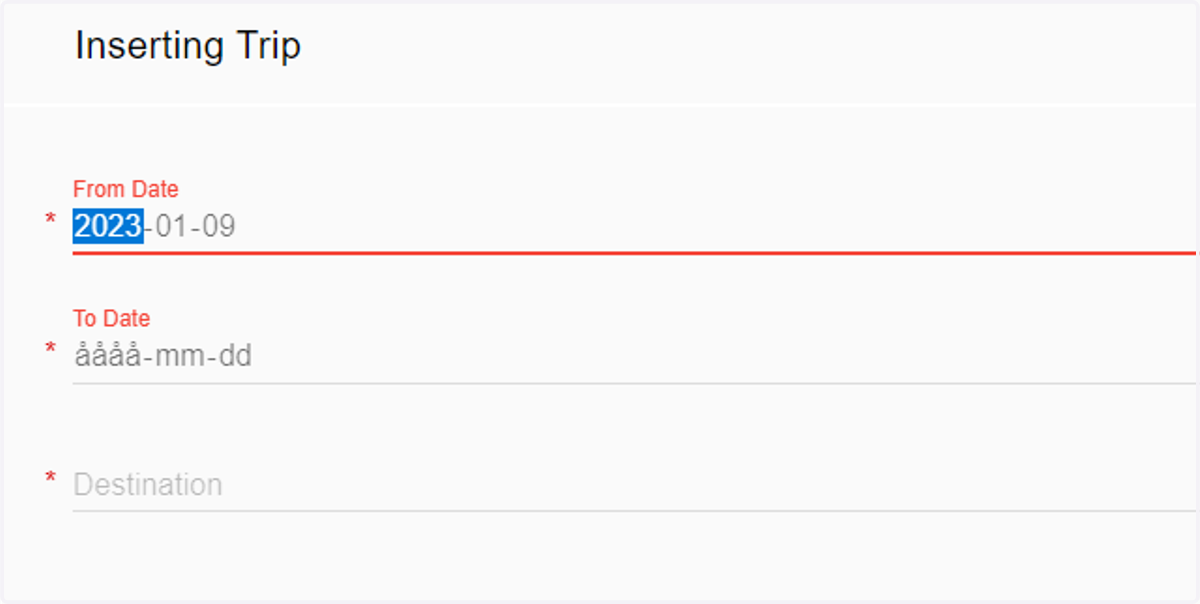
4. Or use the calendar button
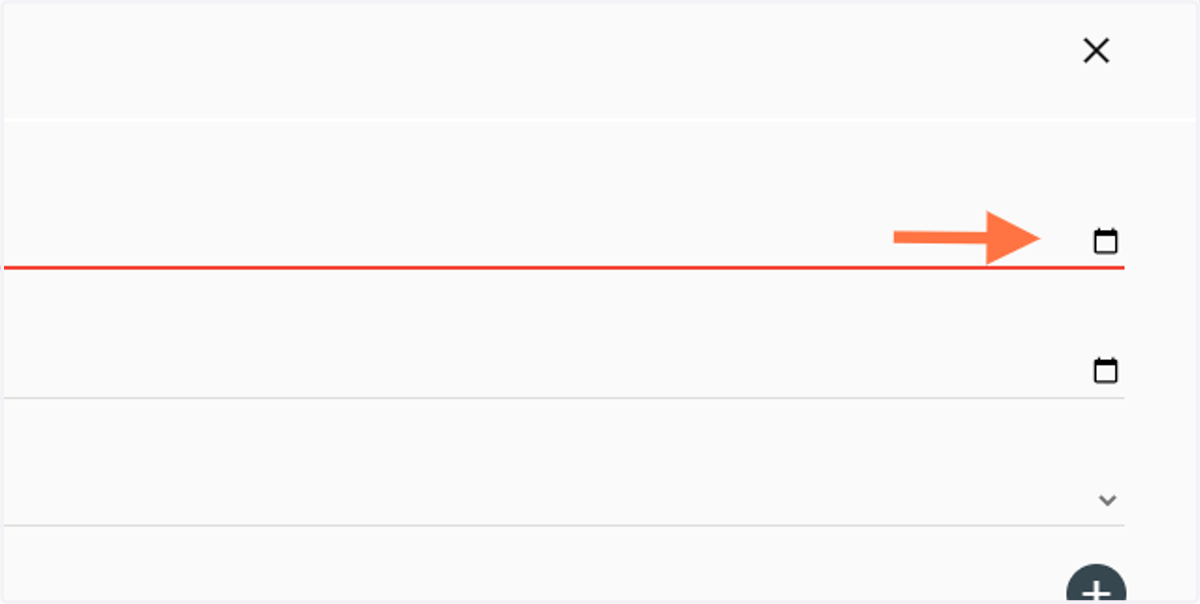
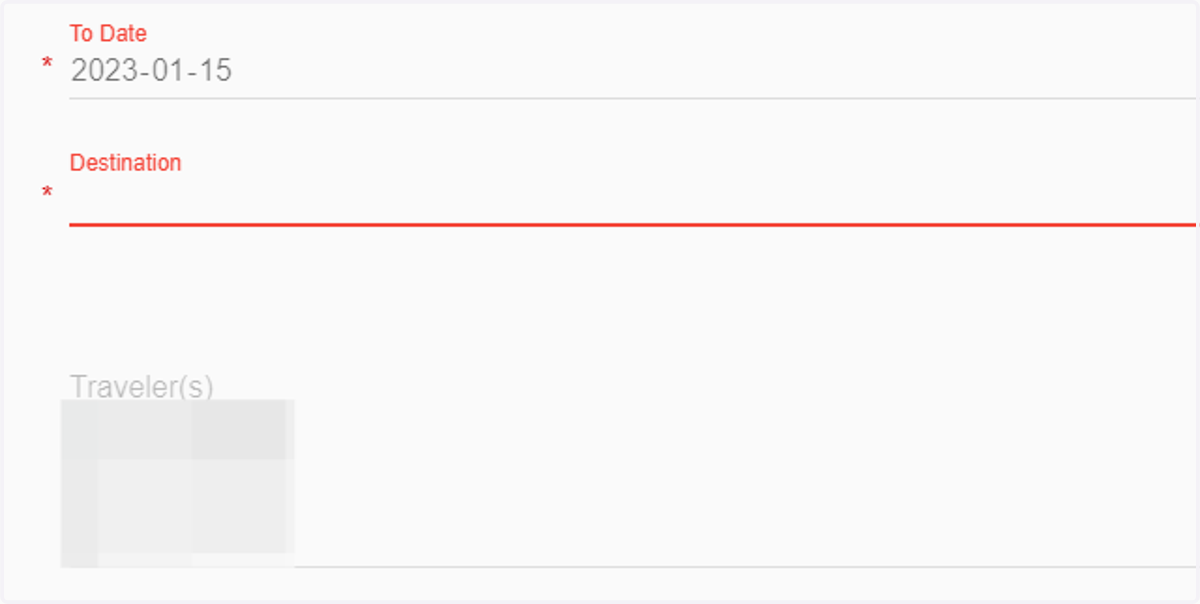
5. Same thing here, type which date you are returning
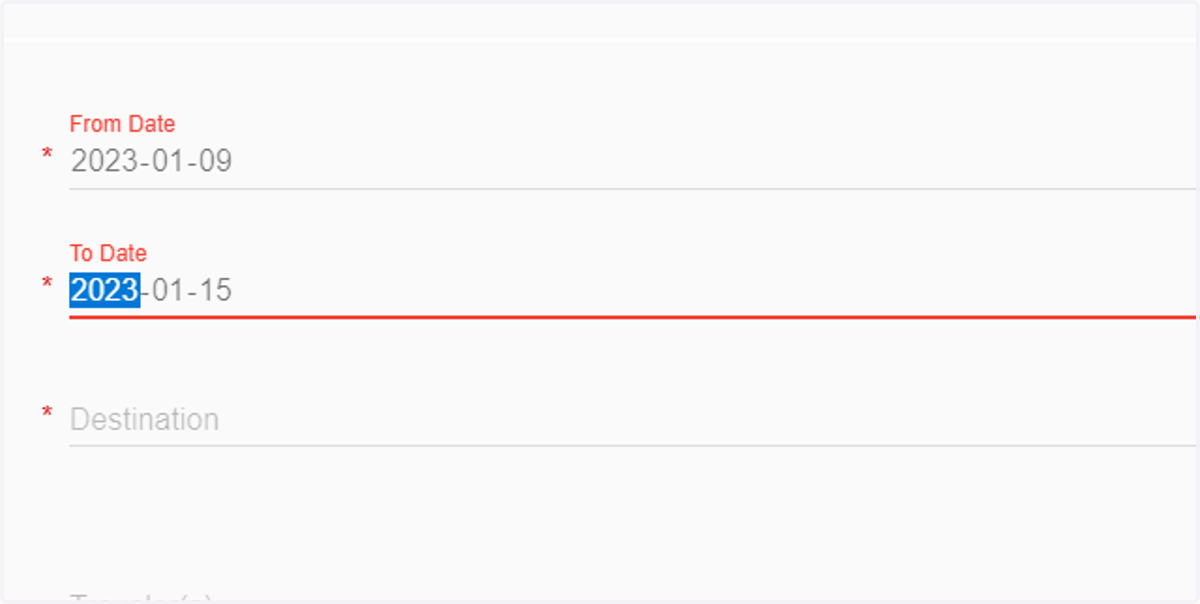
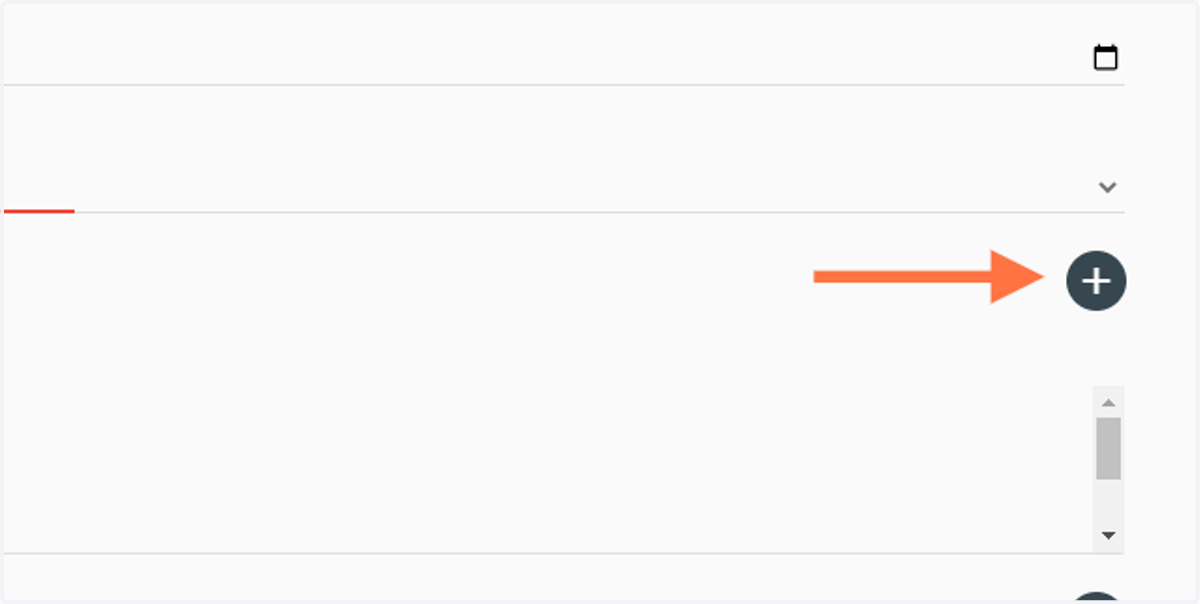
6. Click on the dropdown meny by Destination to see if your city is listed
7. If not, click on add
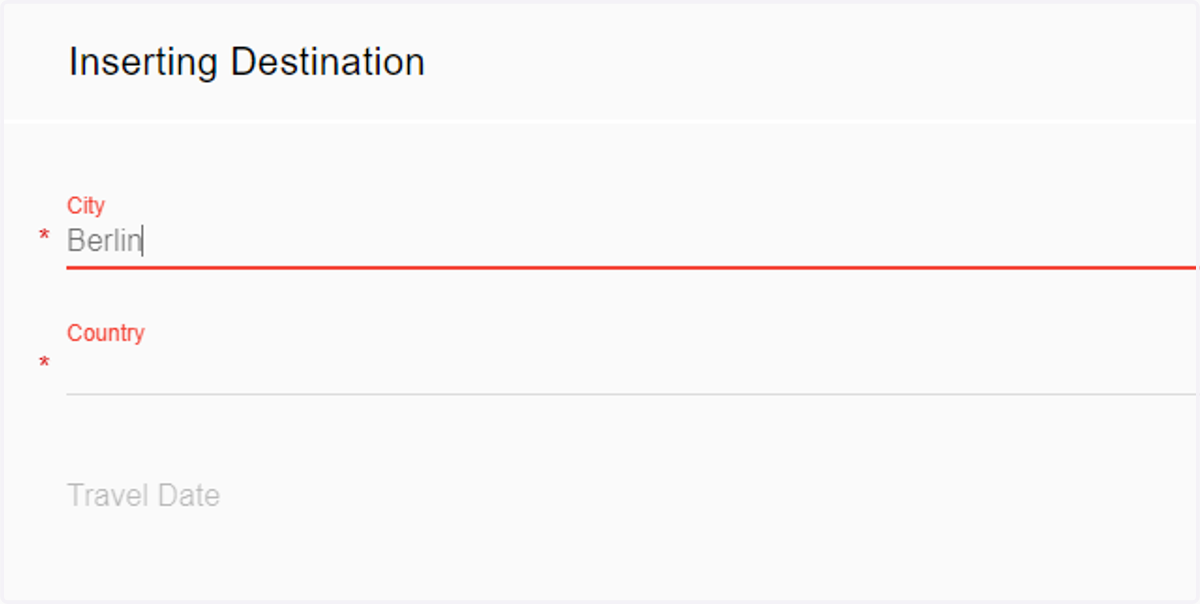
8. Type in the City
9. Type in Country
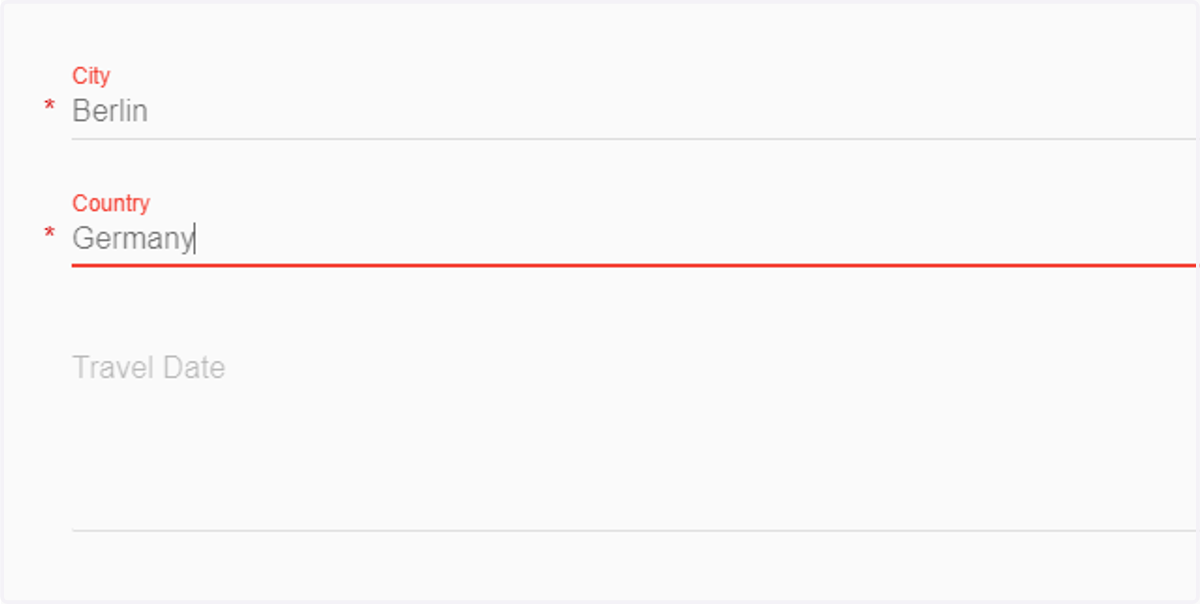
10. Click on Insert Destination
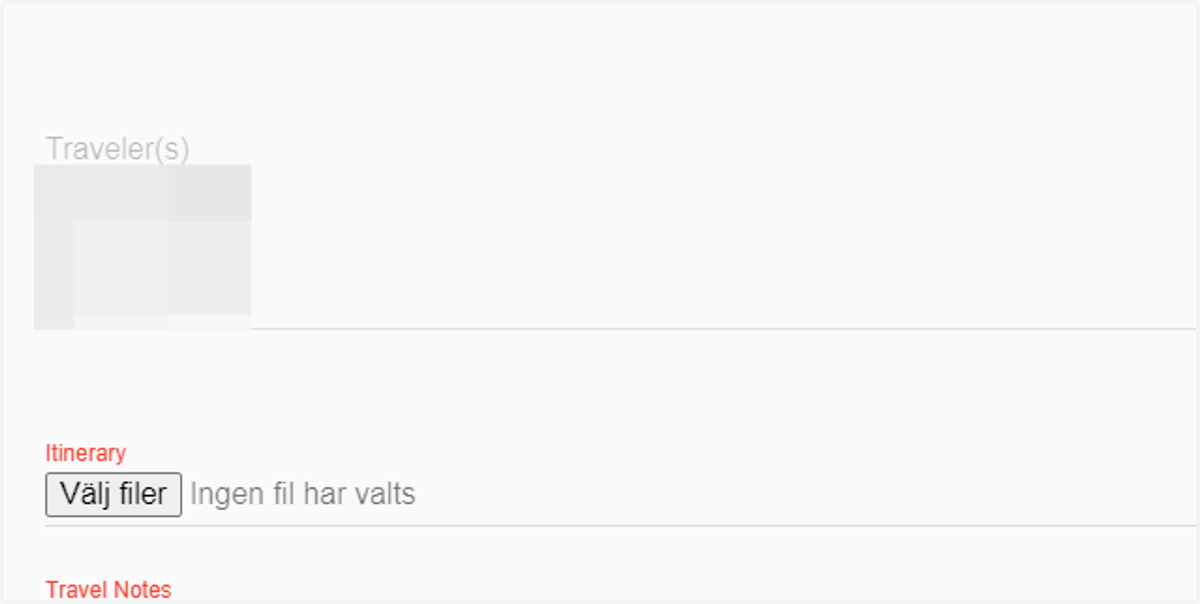
11. Choose or add traveler (This list is connected to the Staff App)
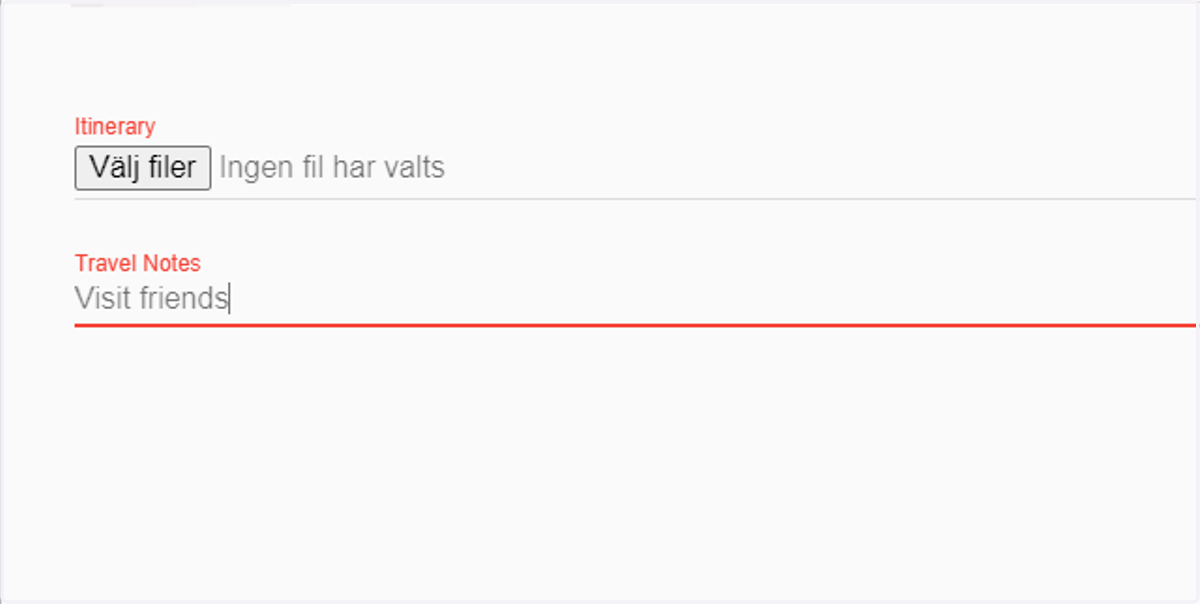
12. (Optional) Type a note for the travel
13. Finally, click on INSERT TRIP
14. Done!