Guide to Depositing via Bank Wire

  1. 1. Login to the client portal and choose the trading account you want to deposit funds into and click on Deposit.
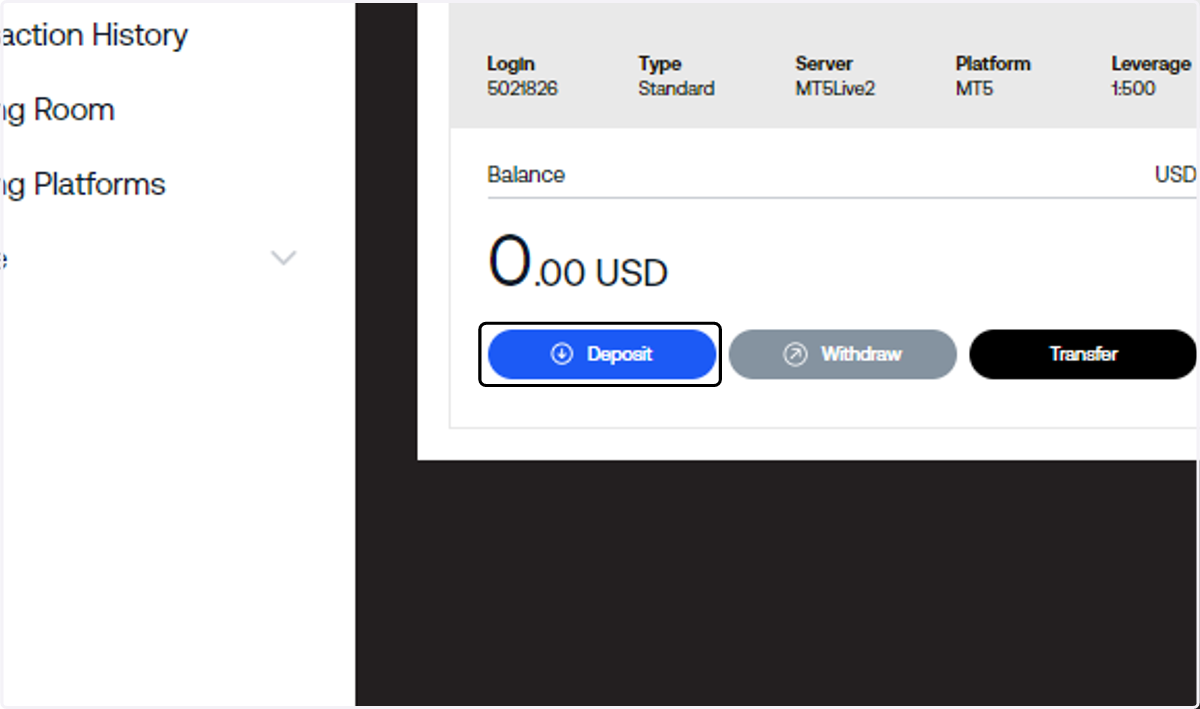
    Login to the client portal and choose the trading account you want to deposit funds into and click on Deposit.
  2. 2. Under Payment Method, click on Bank Wire Transfer.
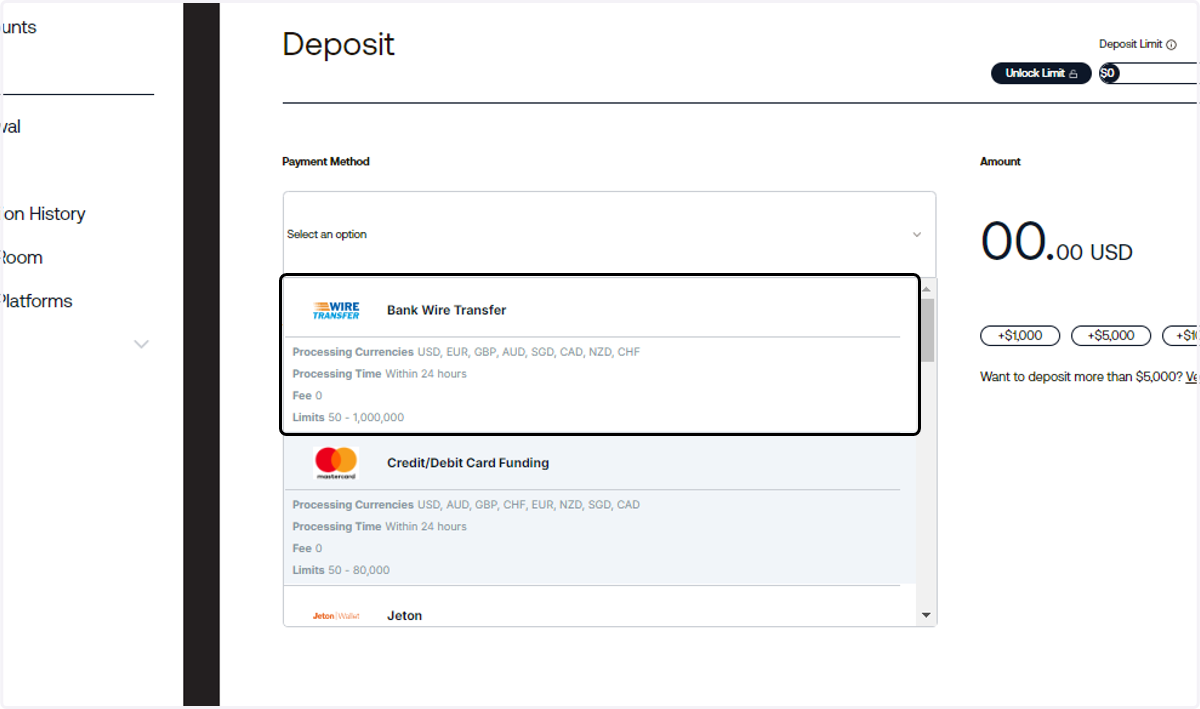
    Under Payment Method, click on Bank Wire Transfer.
  3. 3. Input the amount you wish to deposit.
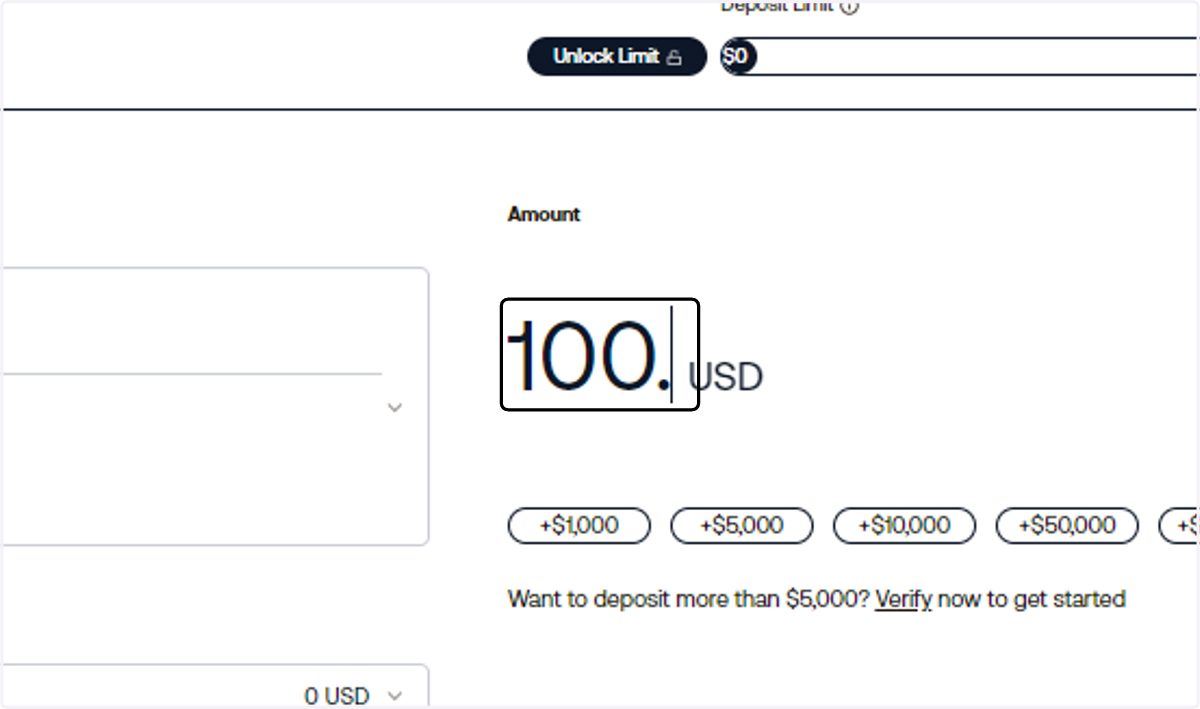
    Input the amount you wish to deposit.
  4. 4. Click on Deposit.

    Click on Deposit.
  5. 5. Send the funds to the bank account shown on the screen.
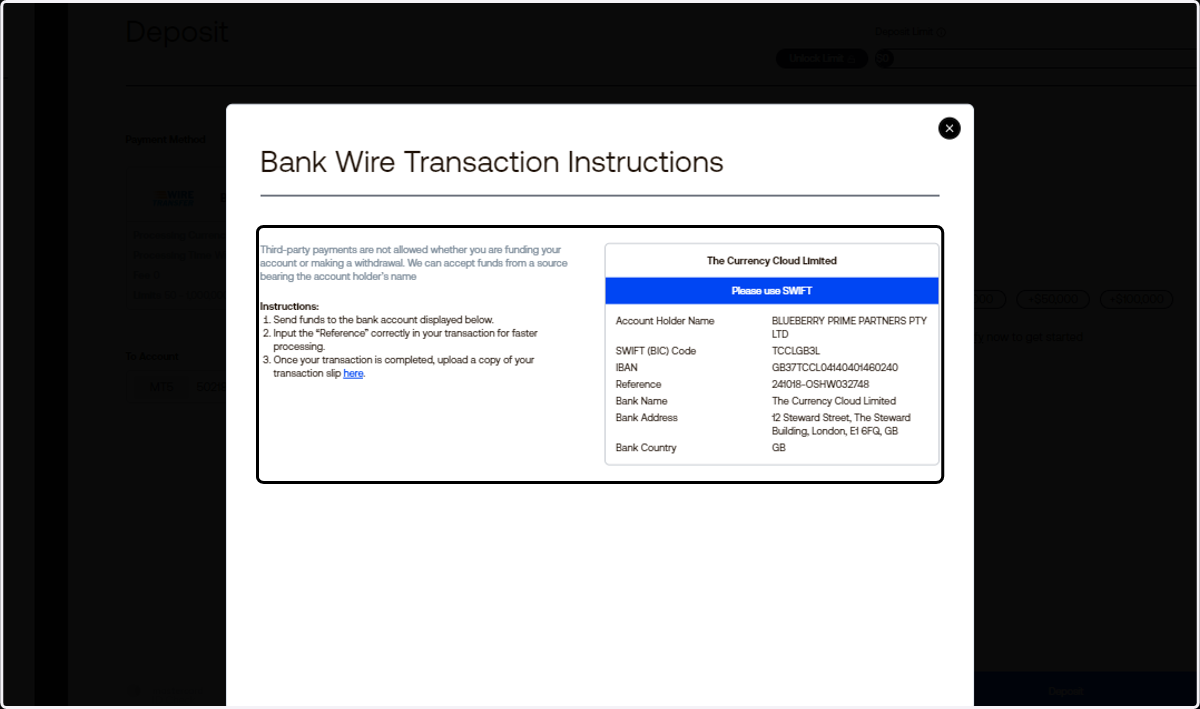
    Send the funds to the bank account shown on the screen.
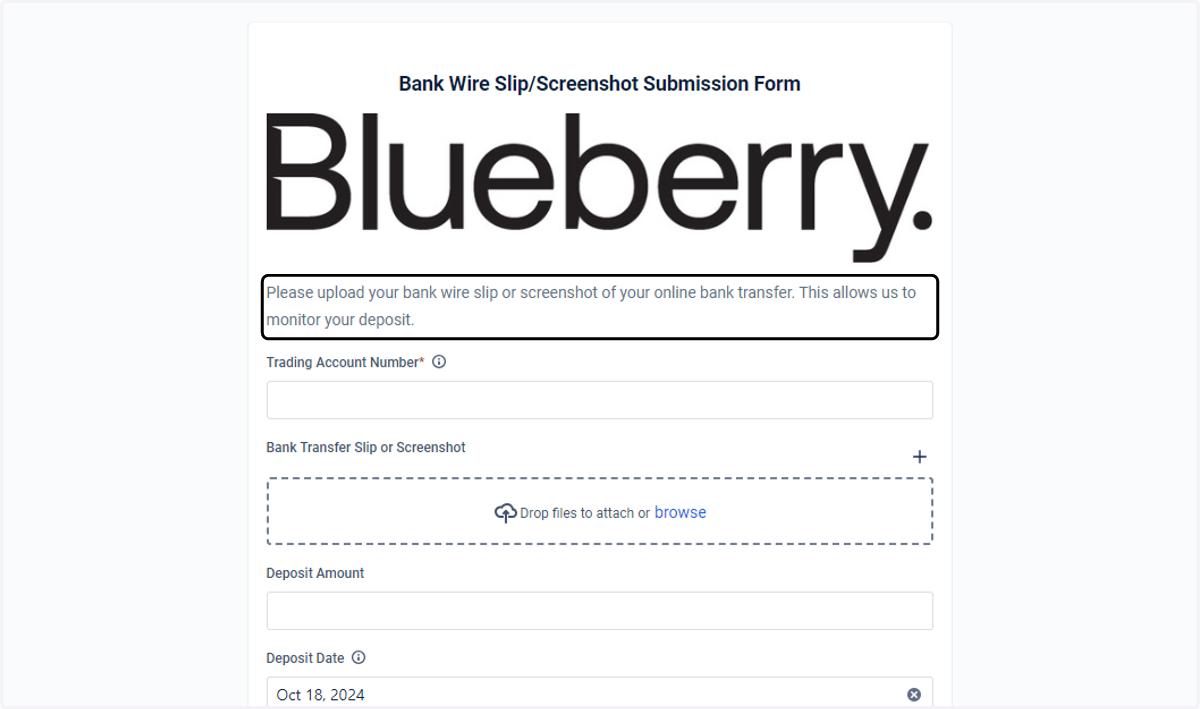
  6. 6. Once your transaction is completed, upload a copy of your transaction slip by clicking on "here".
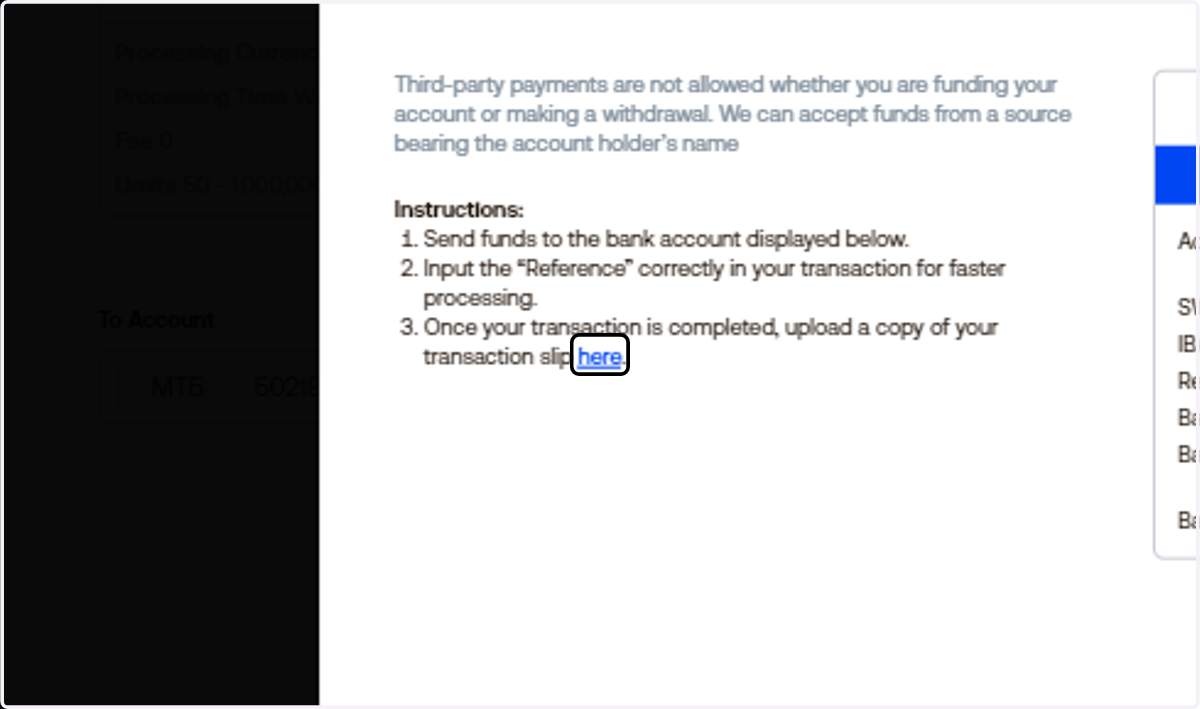
    Once your transaction is completed, upload a copy of your transaction slip by clicking on "here".
  7. 7. Fill out the form.

    Fill out the form.
  8. 8. Click on Submit.

    Click on Submit.