Adding a new person without an email address

  1. 1. Click on Relationships, People and then All People
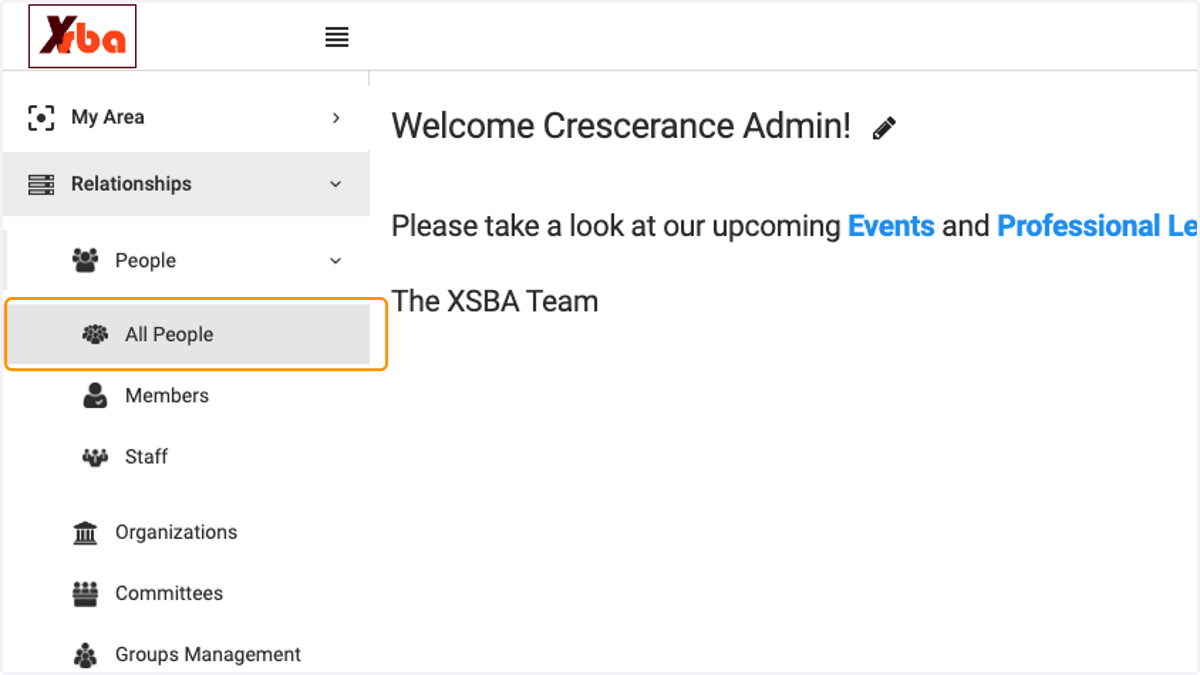
    Click on Relationships, People and then All People
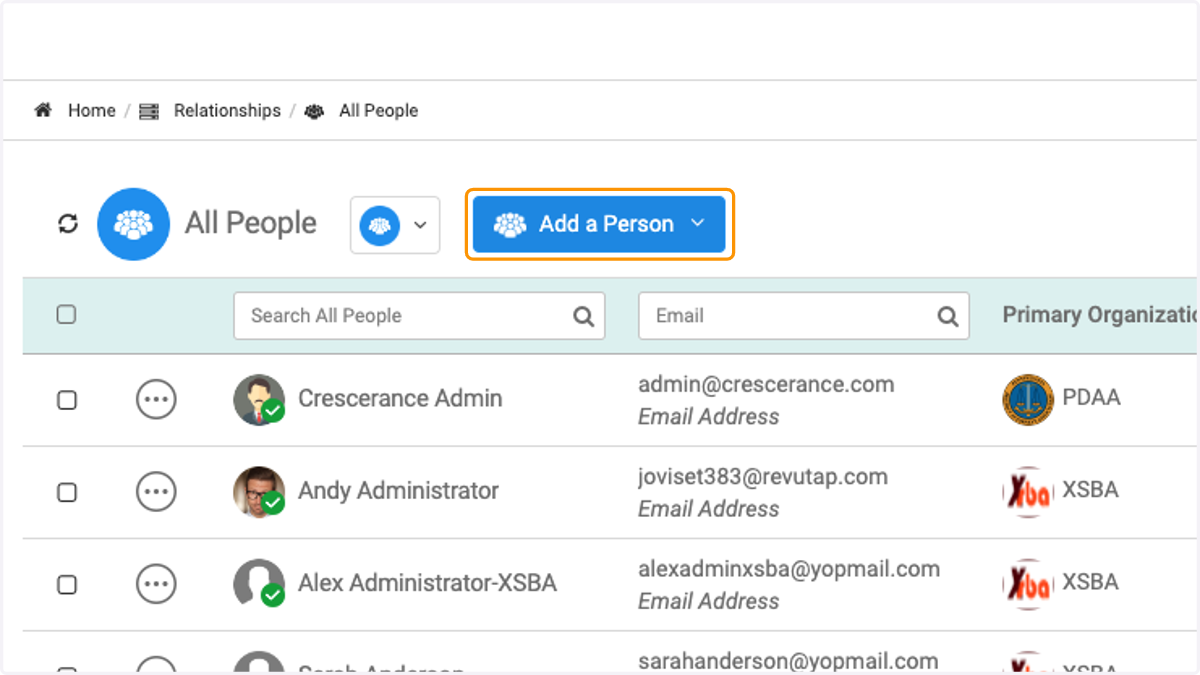
  2. 2. Click on Add a Person

    Click on Add a Person
  3. 3. Chose what type of person you are adding
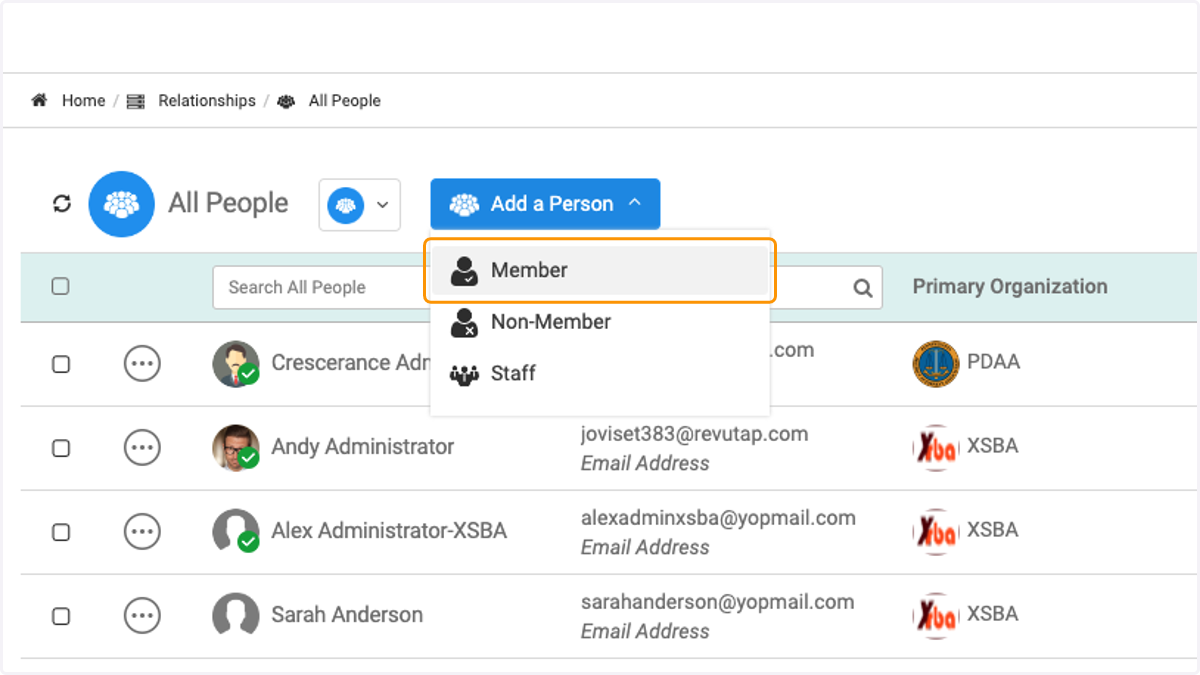
    Chose what type of person you are adding
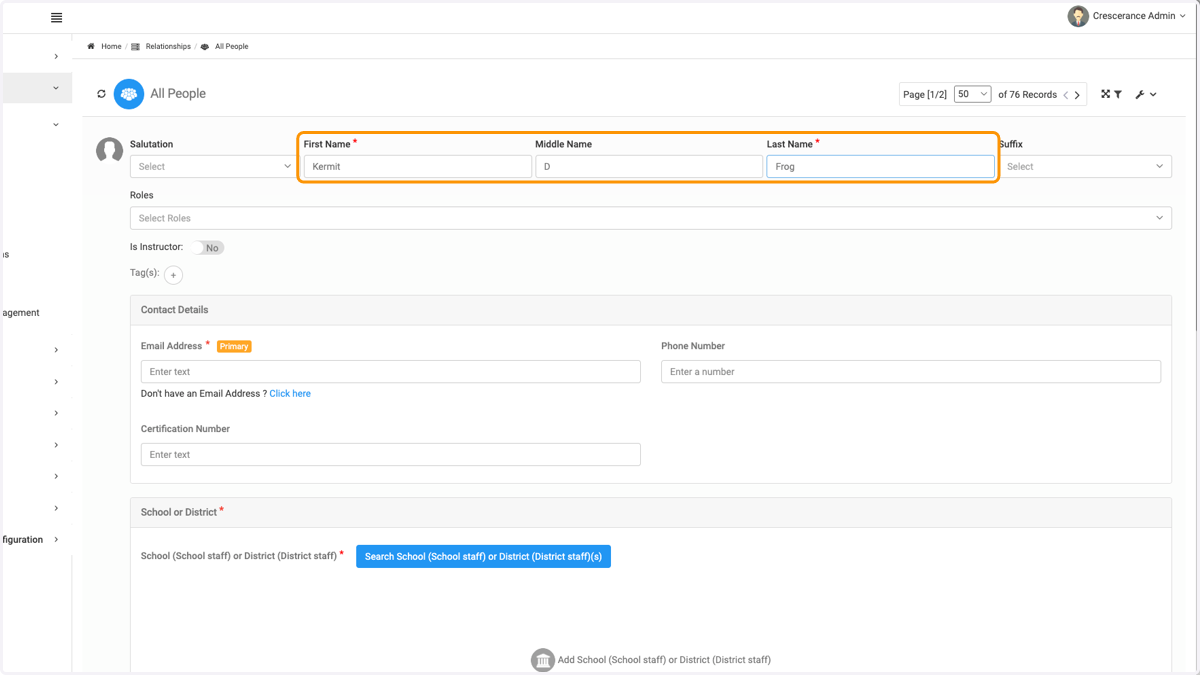
  4. 4. Type persons name

    Type persons name
  5. 5. Click on Click here to have a system generated email created
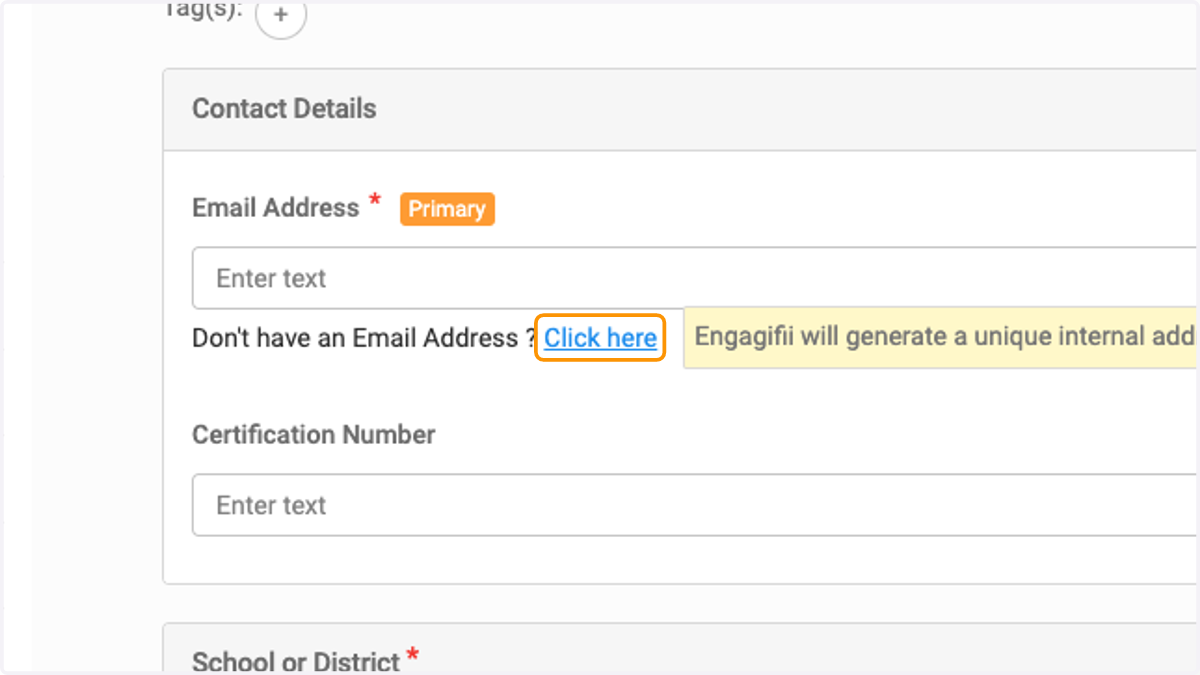
    Click on Click here to have a system generated email created
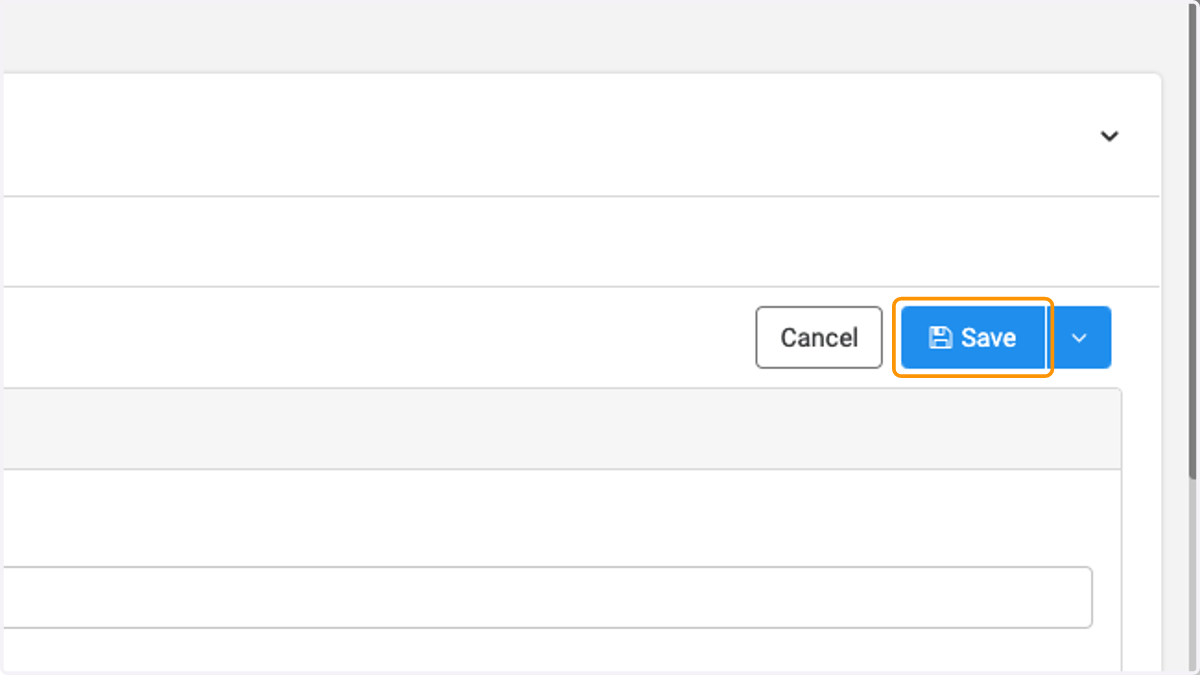
  6. 6. Once all mandatory fields are entered, click on Save
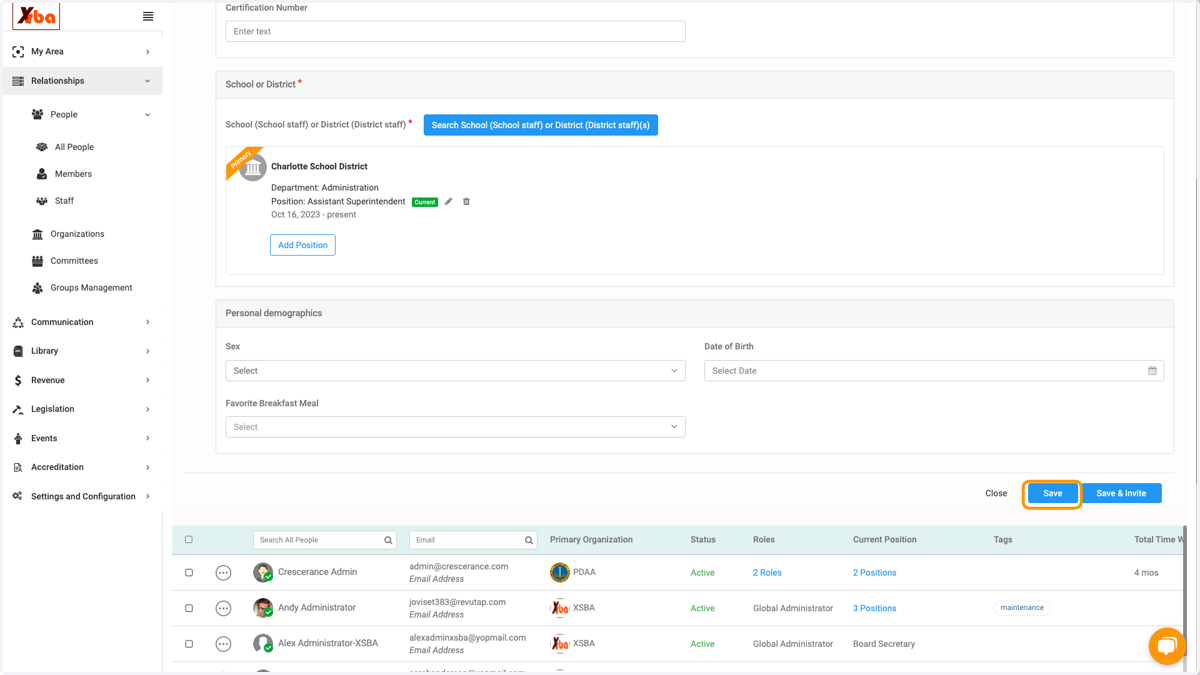
    Once all mandatory fields are entered, click on Save
  7. 7. To update the email address, click on the person's name
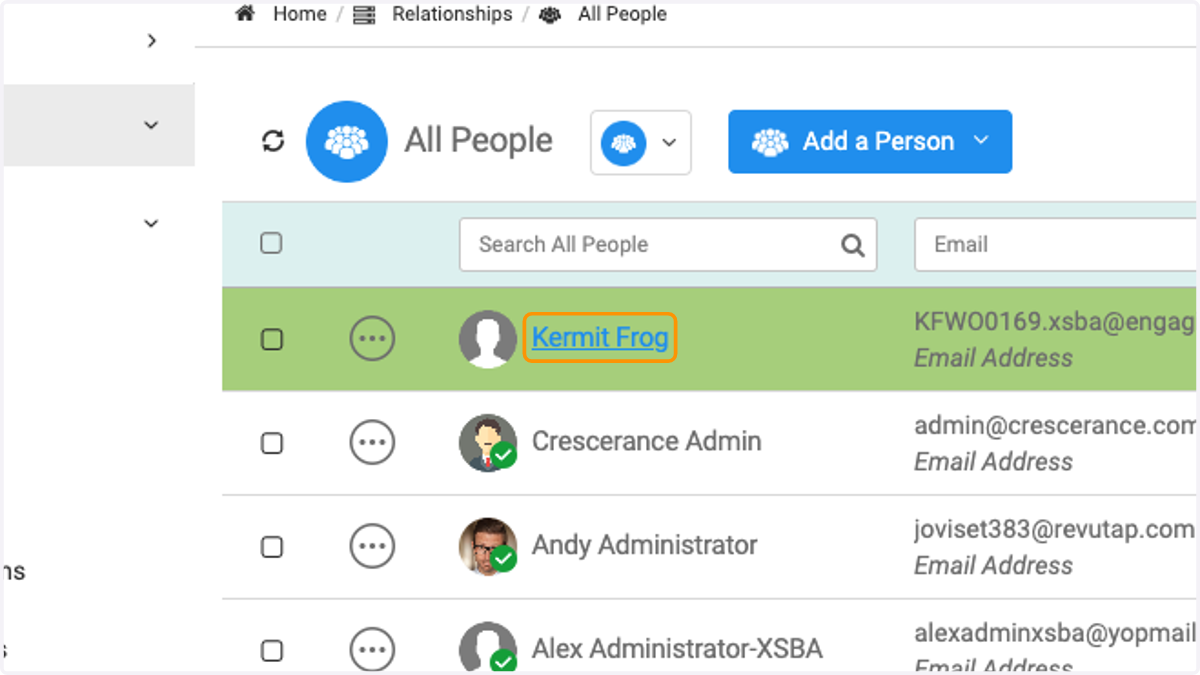
    To update the email address, click on the person's name
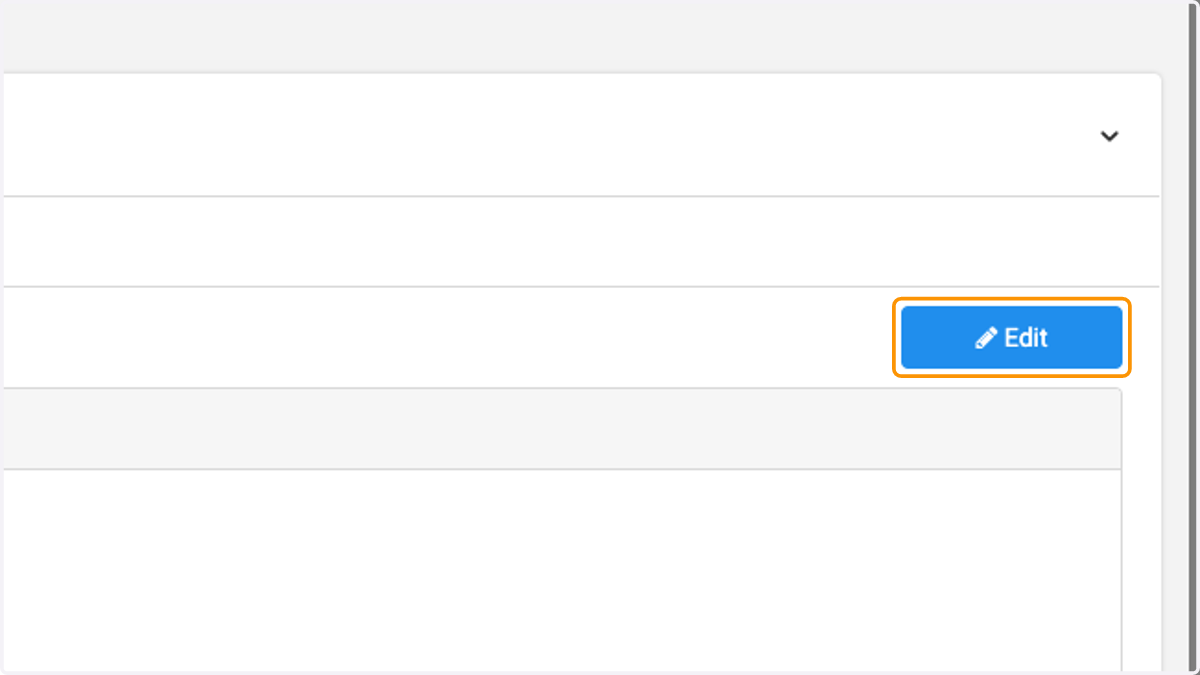
  8. 8. Click on Edit

    Click on Edit
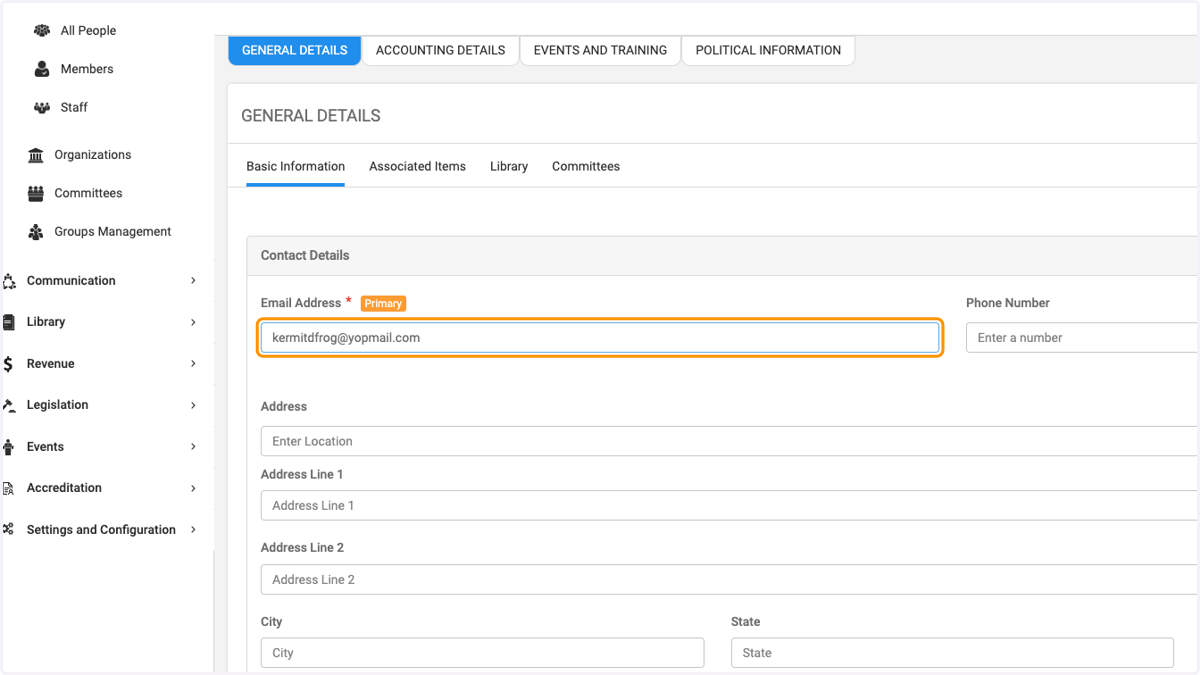
  9. 9. Type in new email address

    Type in new email address
  10. 10. Click on Save

    Click on Save