Steps to Subscribe to Trending Today! with Slack

Trendingtoday

  1. 1. Go to www.trendingtoday.app

  2. 2. Click on Get Started

    Click on Get Started

Slack

  1. 3. Go to api.slack.com

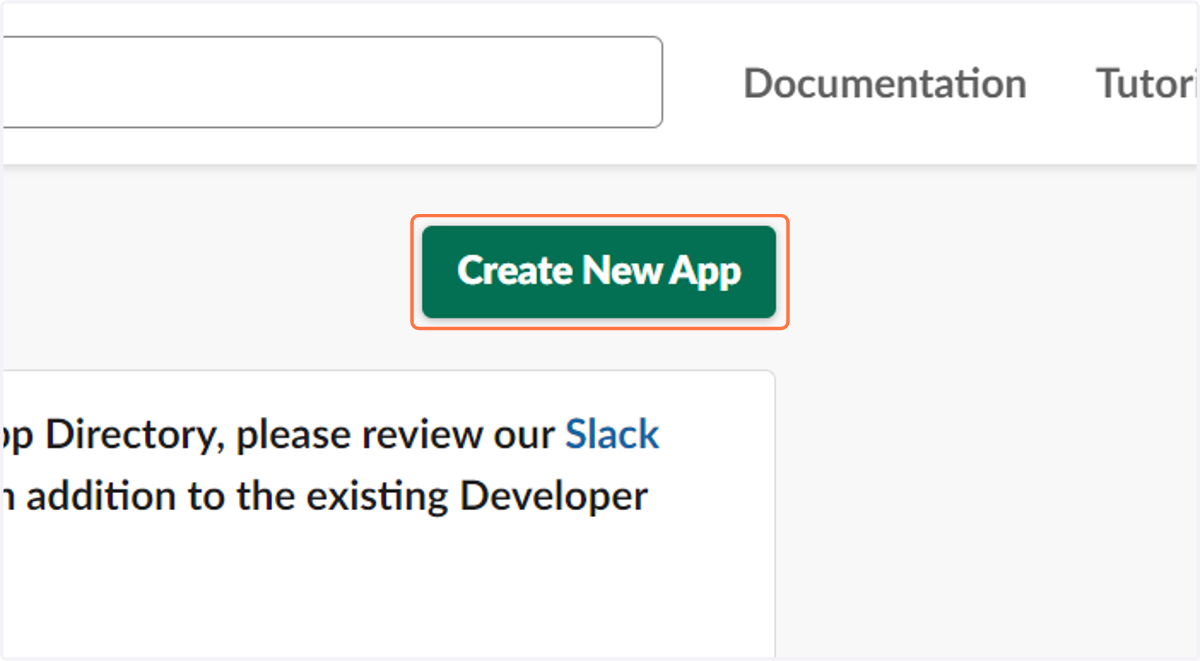
  2. 4. Click on Create New App

    Click on Create New App
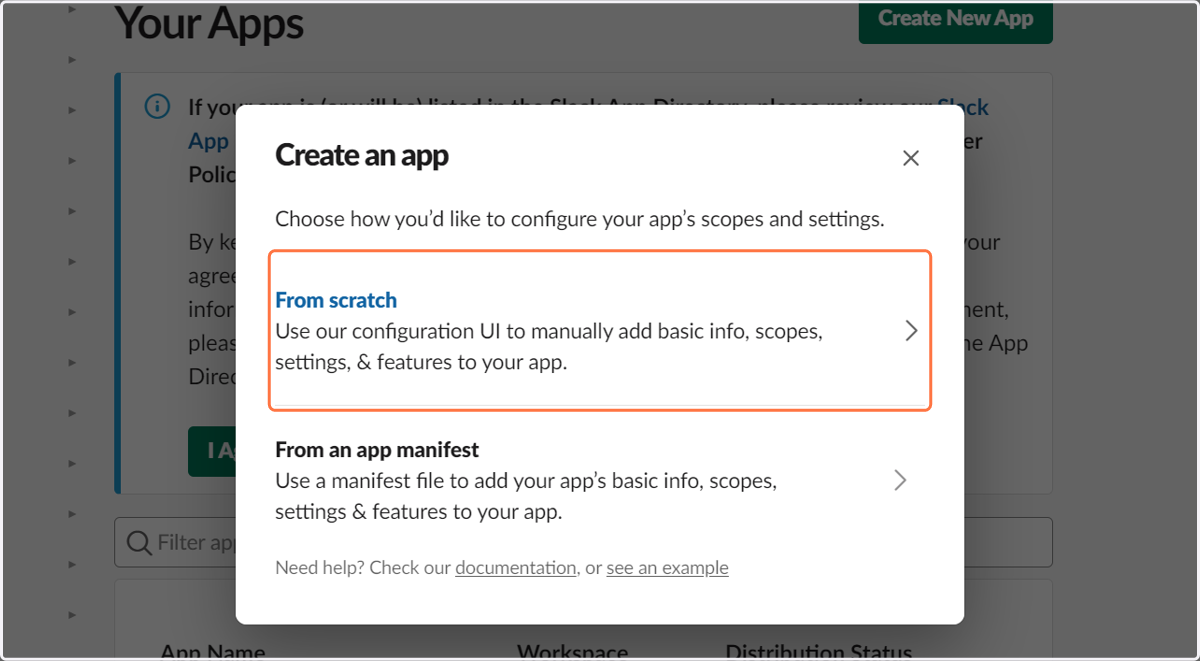
  3. 5. Click on From scratch…

    Click on From scratch…
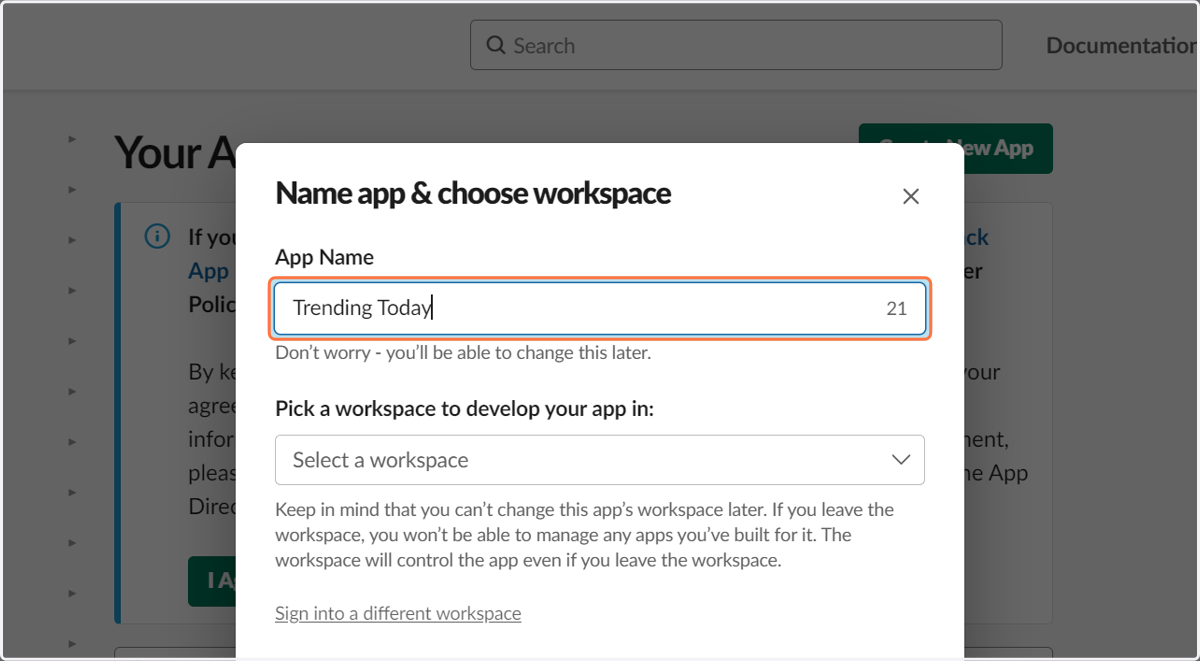
  4. 6. Type "Trending Today"

    Type "Trending Today"
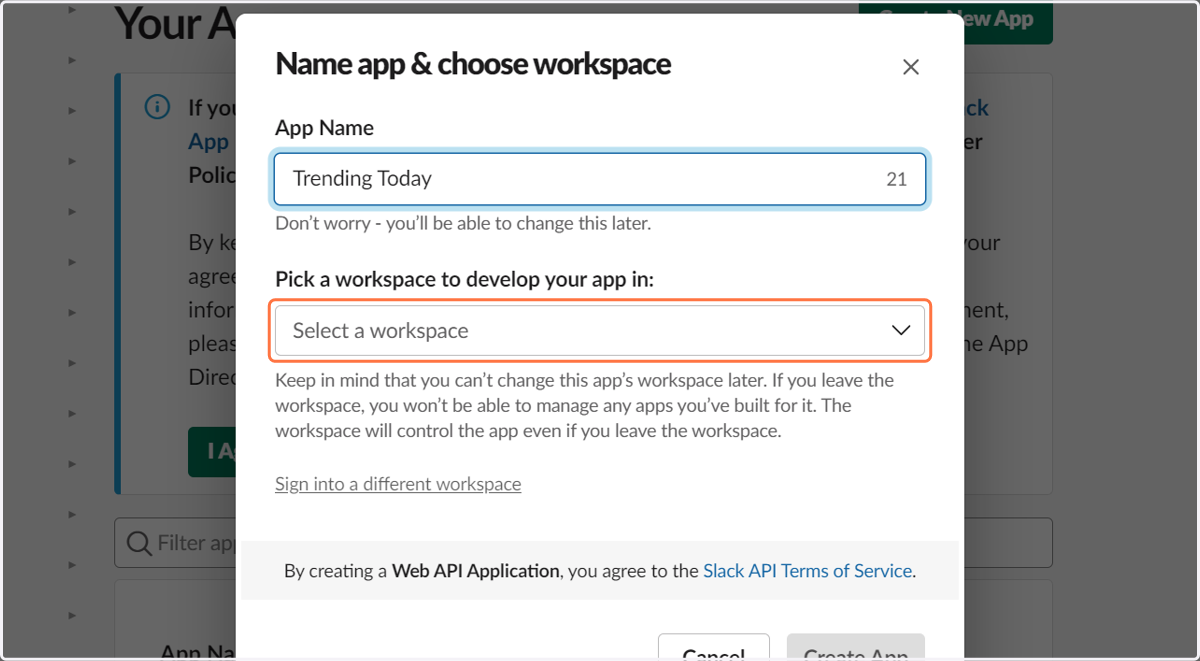
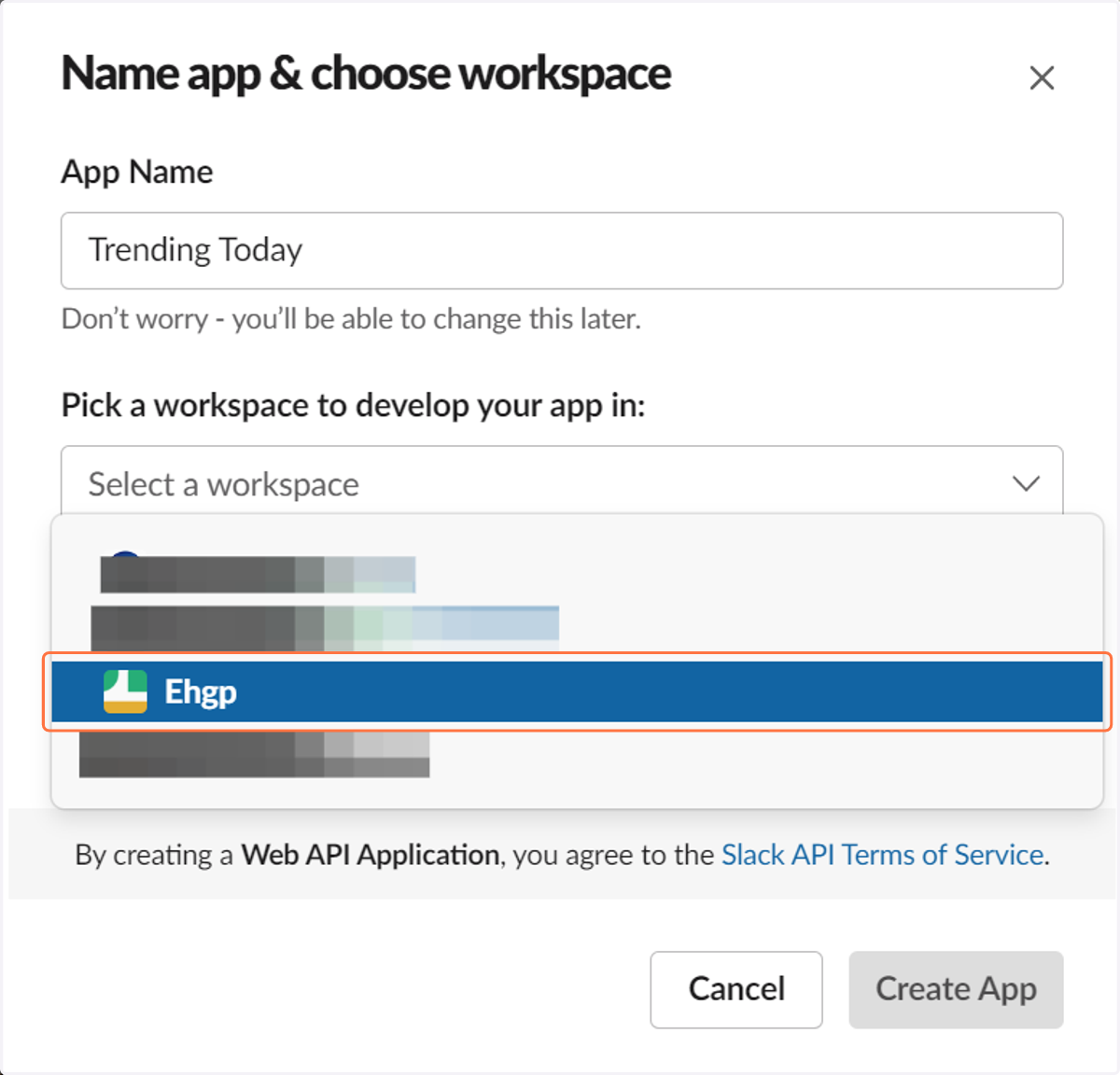
  5. 7. Click on Select a team

    Click on Select a team
  6. 8. Click on Your Channel Name

    Click on Your Channel Name
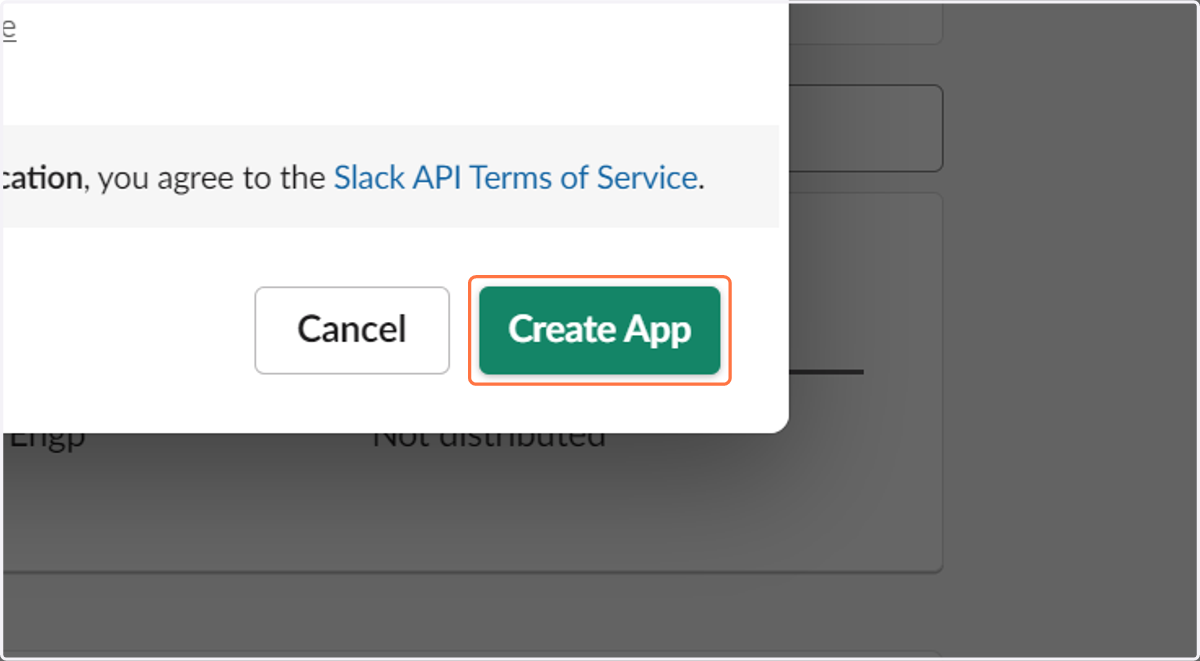
  7. 9. Click on Create App

    Click on Create App
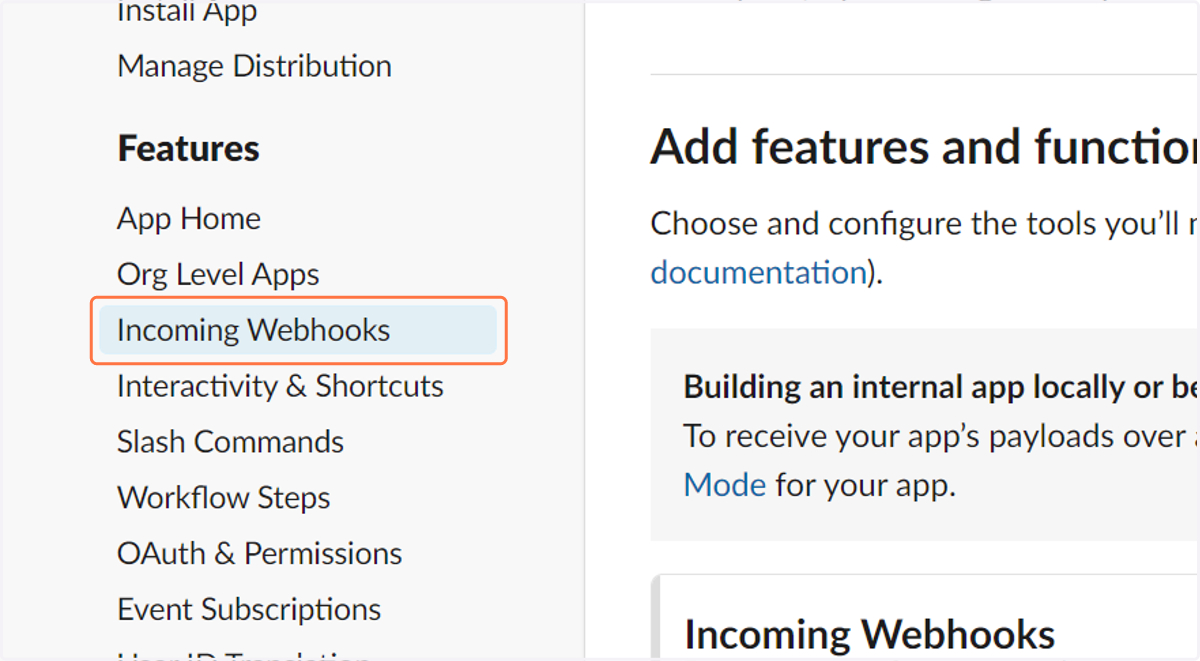
  8. 10. Click on Incoming Webhooks

    Click on Incoming Webhooks
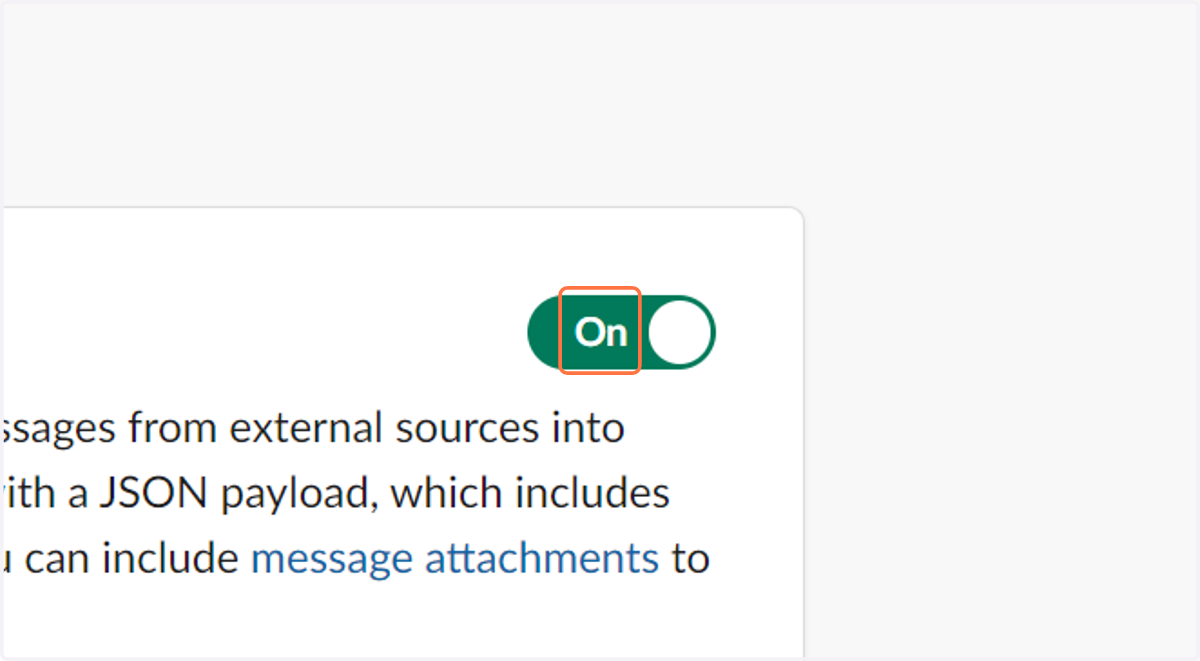
  9. 11. Click on On

    Click on On
  10. 12. Click on Add New Webhook to Workspace
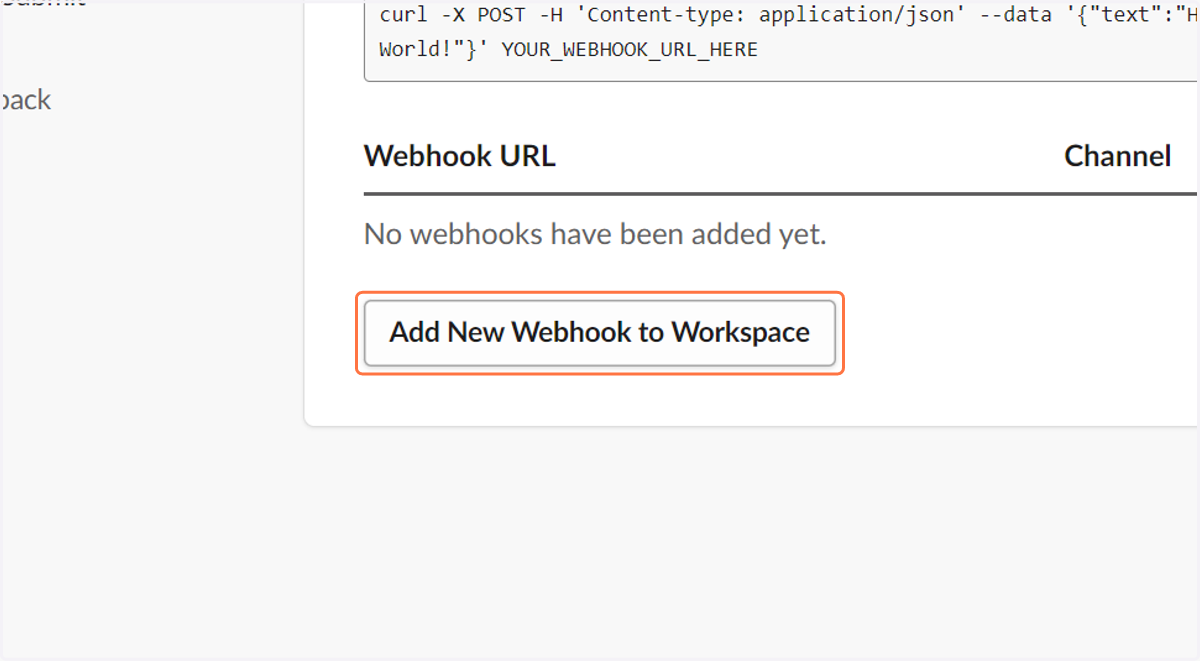
    Click on Add New Webhook to Workspace
  11. 13. Click on First item in group channels, general or the channel you want the bot in
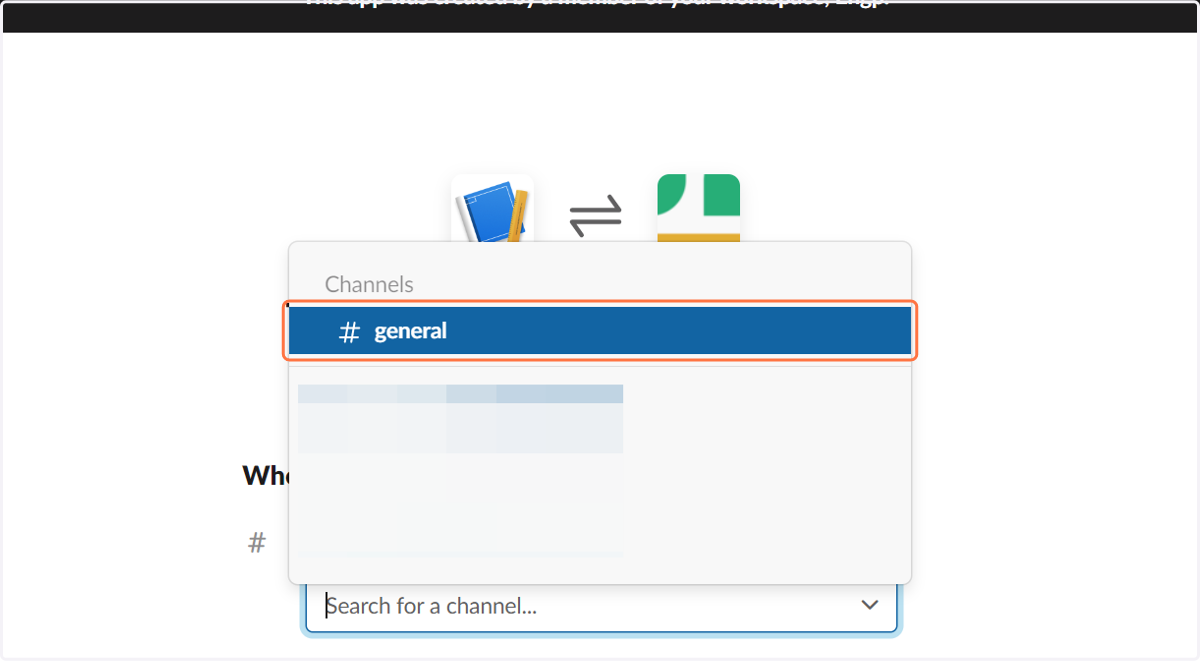
    Click on First item in group channels, general or the channel you want the bot in
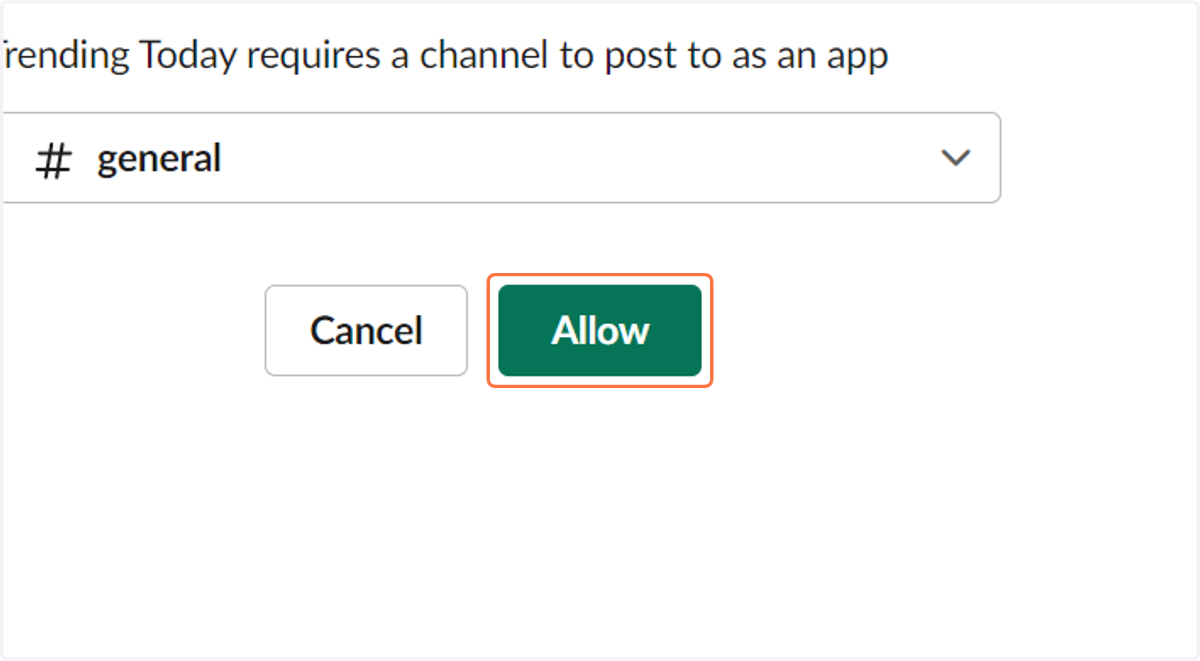
  12. 14. Click on Allow

    Click on Allow
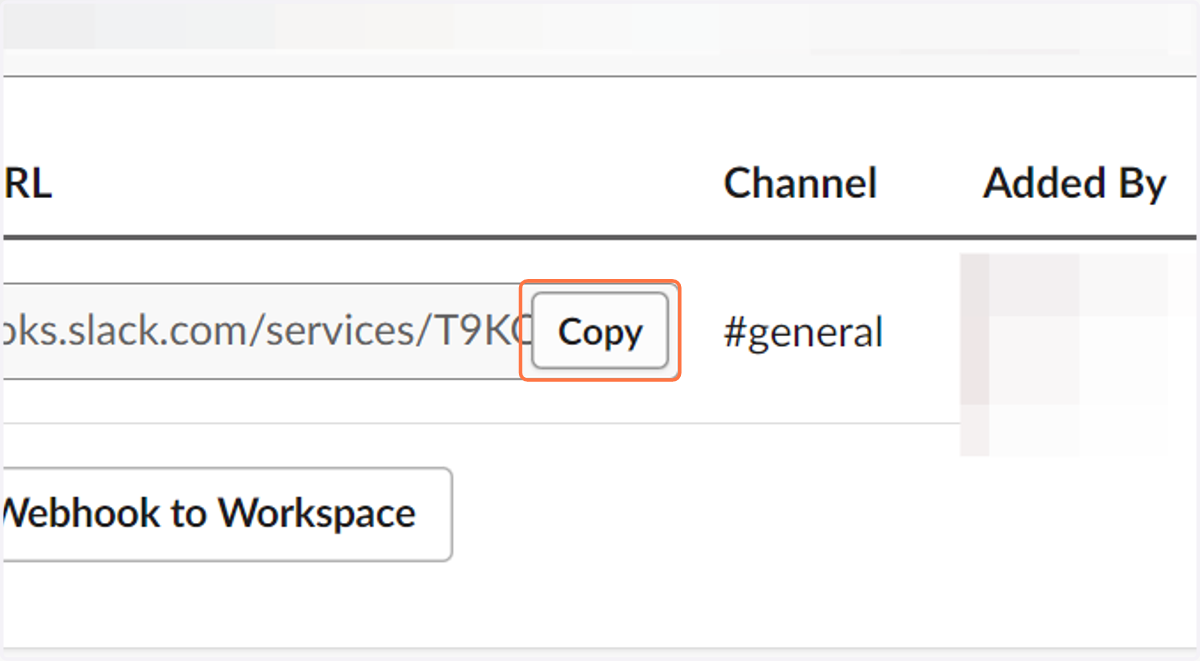
  13. 15. Click on Copy

    Click on Copy
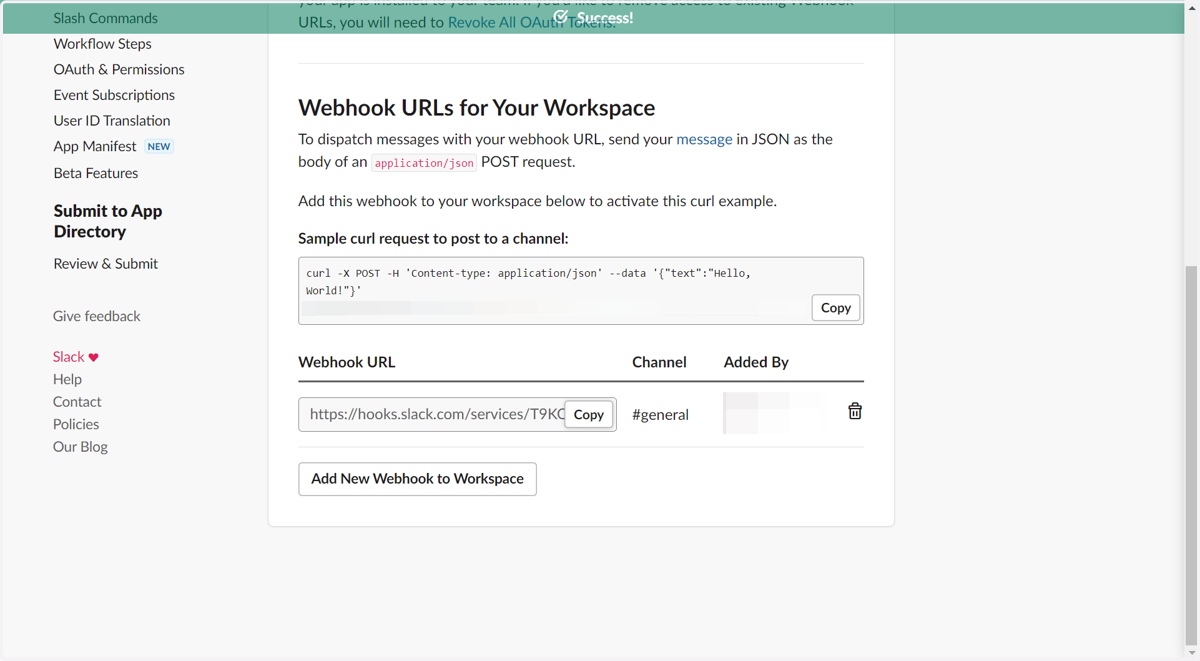
  14. 16. Copy text area

    Copy text area

Trendingtoday

  1. 17. Go to www.trendingtoday.app

  2. 18. Click on Buy Now

    Click on Buy Now

Stripe

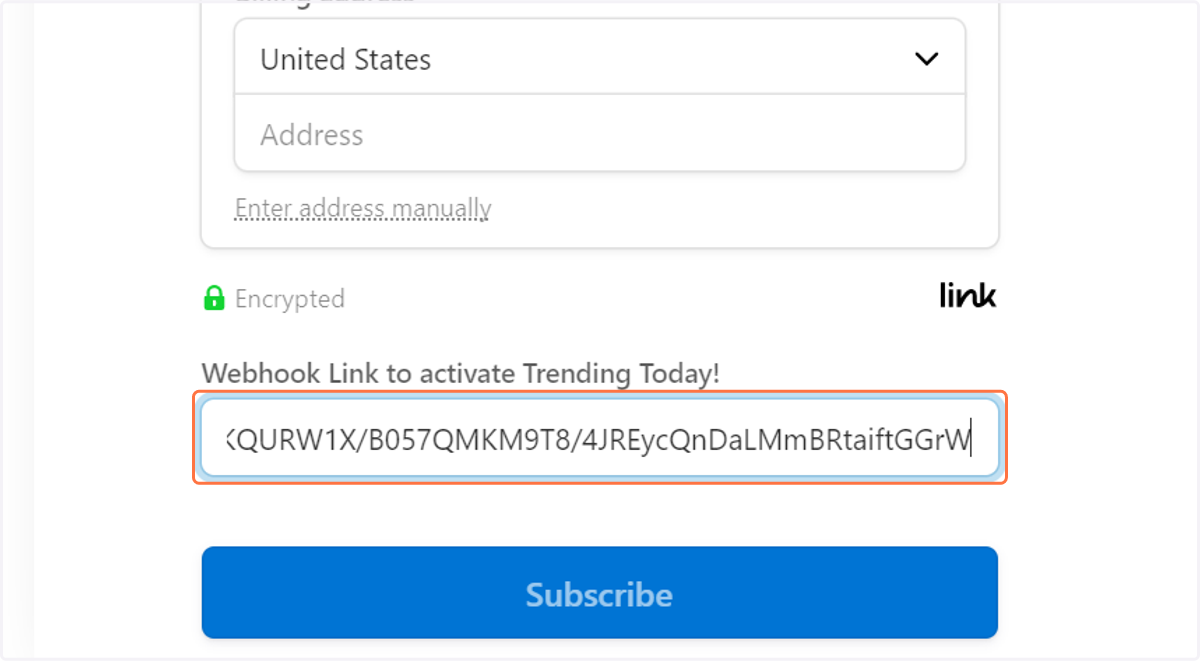
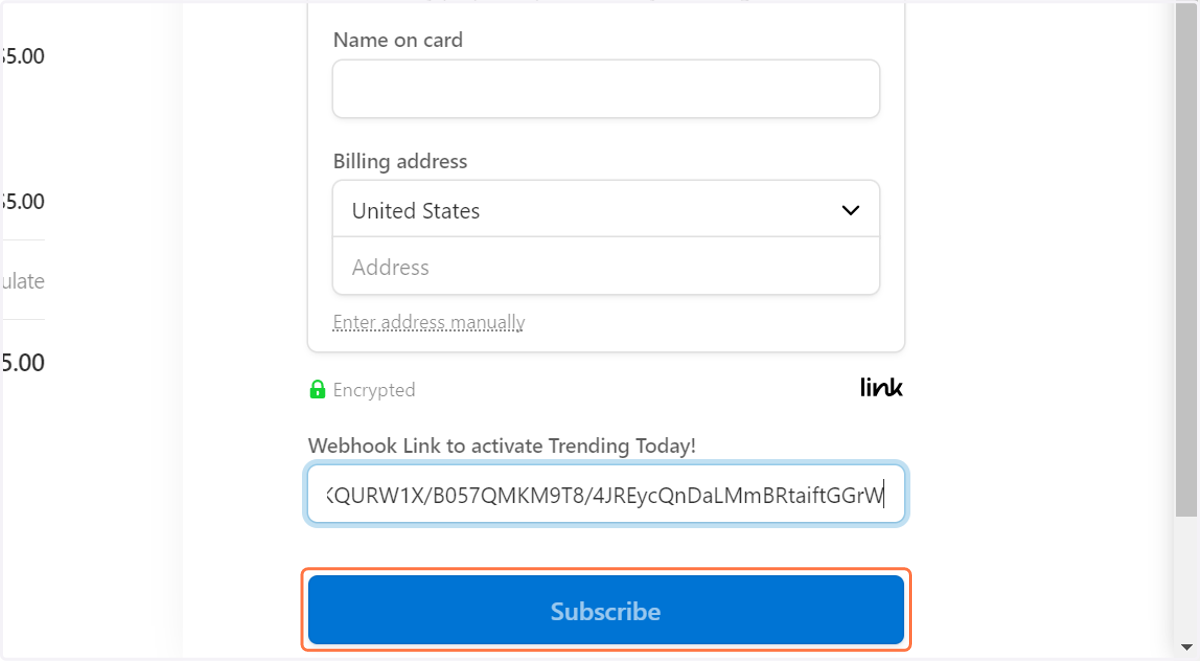
  1. 19. Paste input

    Paste input
  2. 20. Click on Subscribe…

    Click on Subscribe…