Manually Add Repair Attempt from Leak Tab

Chateau How To

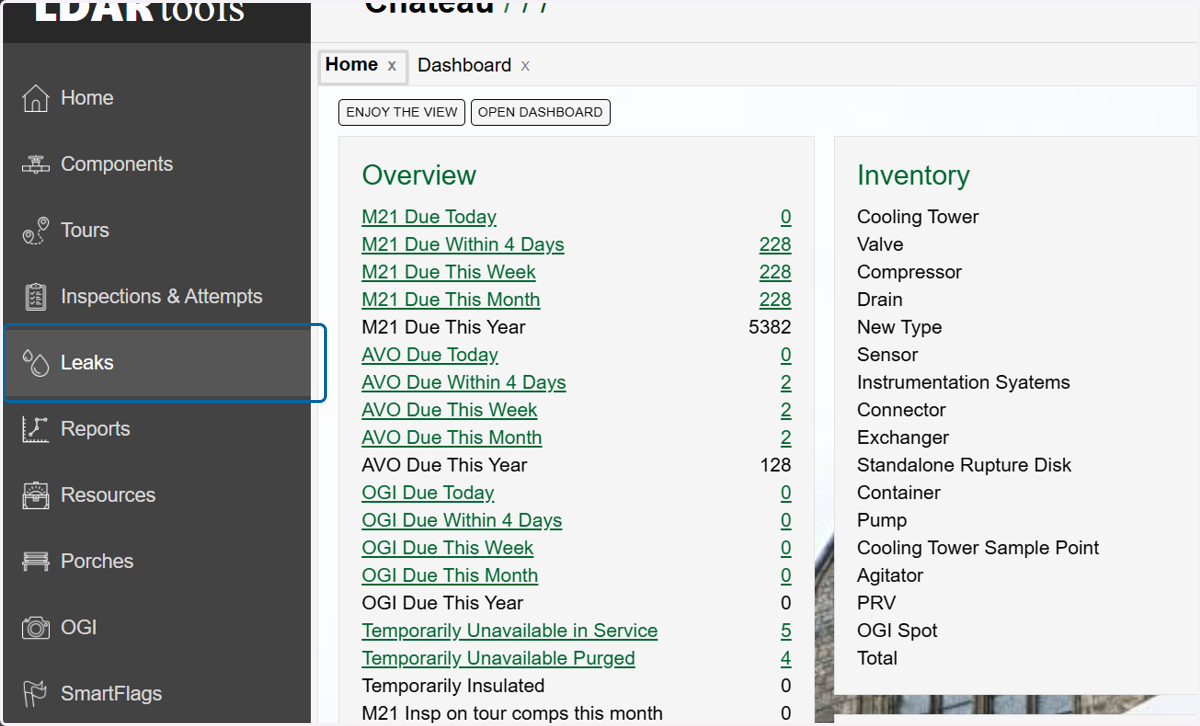
  1. 1. Click on Leaks.

    Click on Leaks.
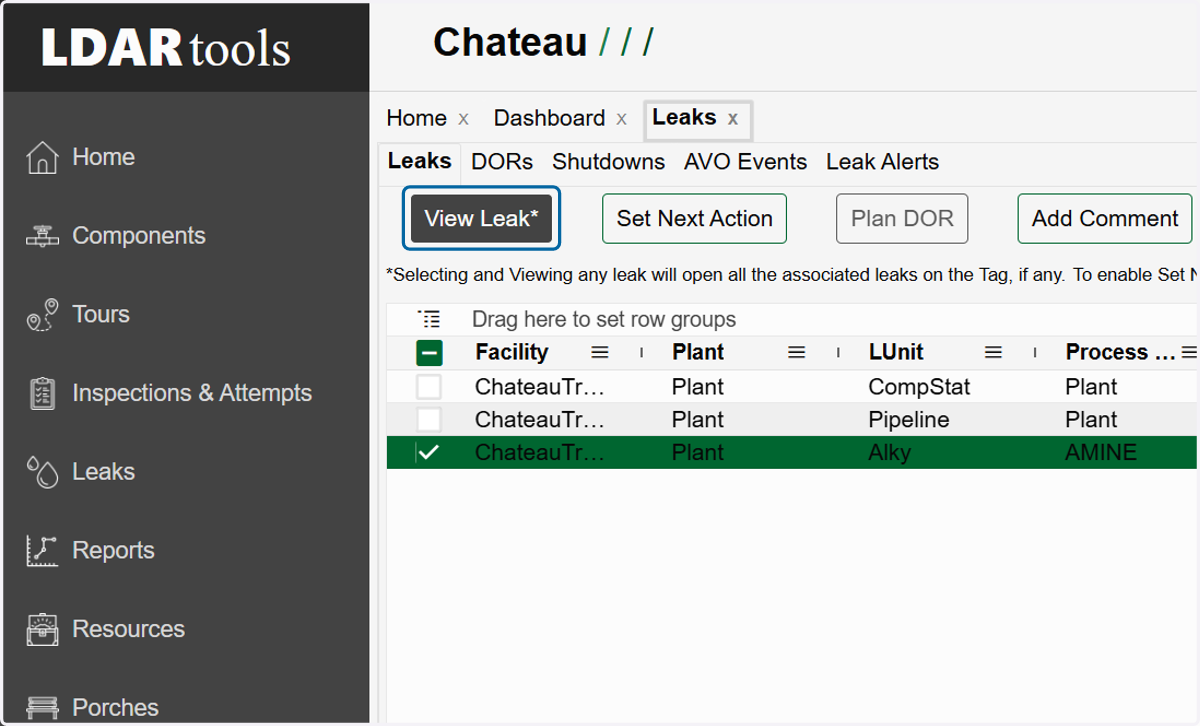
  2. 2. Choose the leak to which you want to add the attempt.
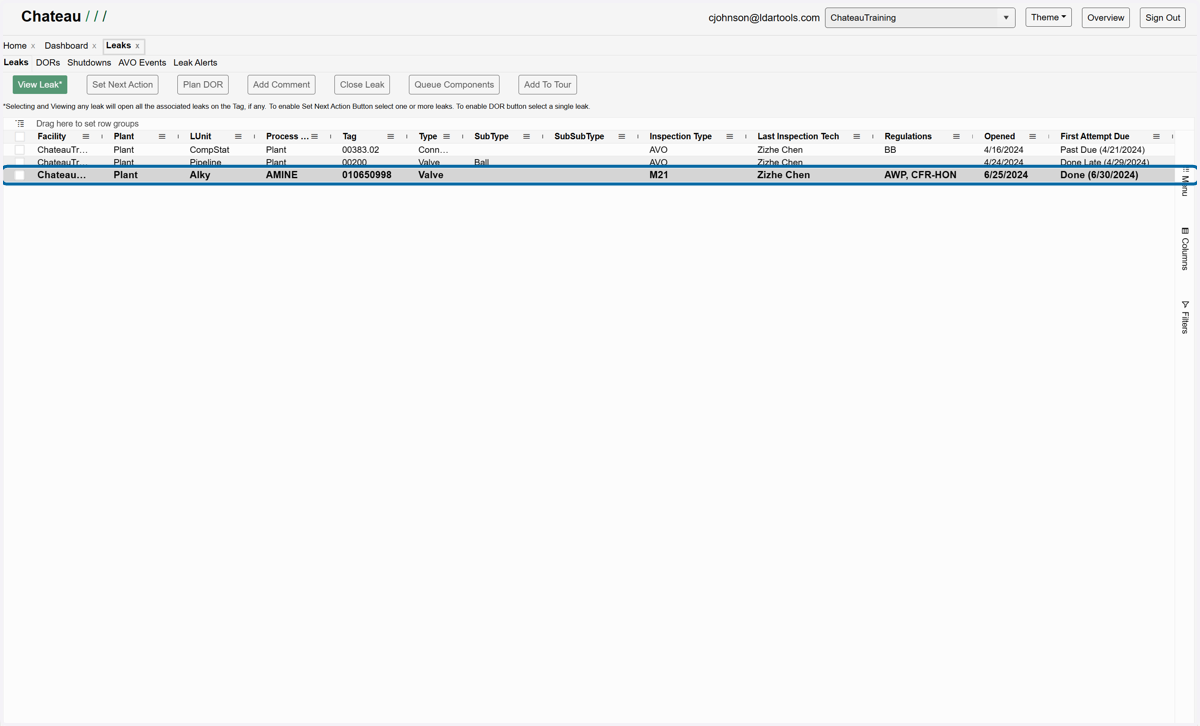
    Choose the leak to which you want to add the attempt.
  3. 3. Click on View Leak*

    Click on View Leak*
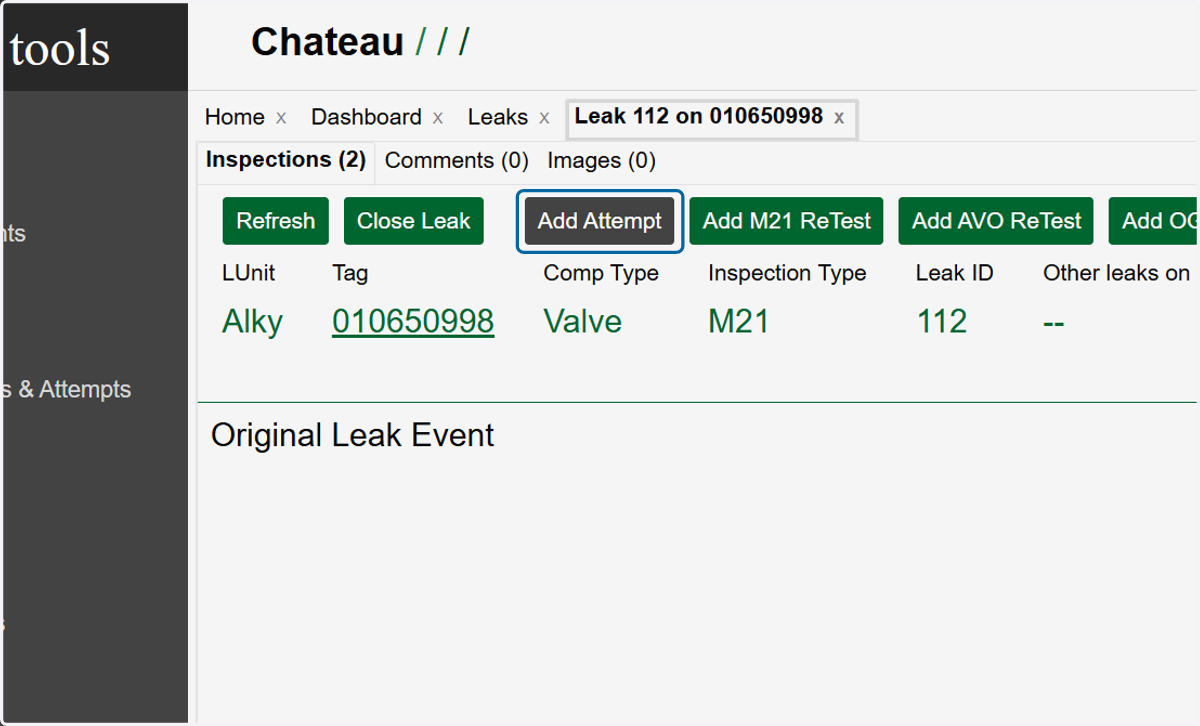
  4. 4. Click Add Attempt

    Click Add Attempt
  5. 5. Click on the Calander icon in the Performed On field to add the Date/Time of the repair.
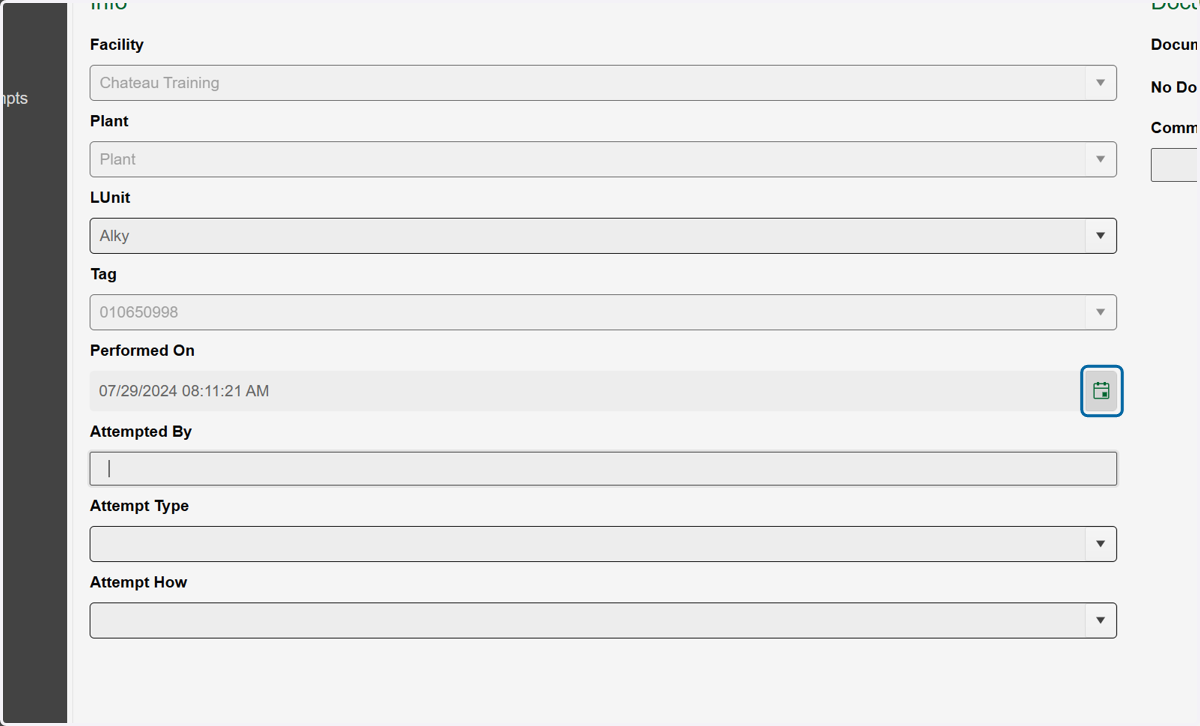
    Click on the Calander icon in the Performed On field to add the Date/Time of the repair.
  6. 6. The Attempted By field should be completed with the name of the person who carried out the repair.
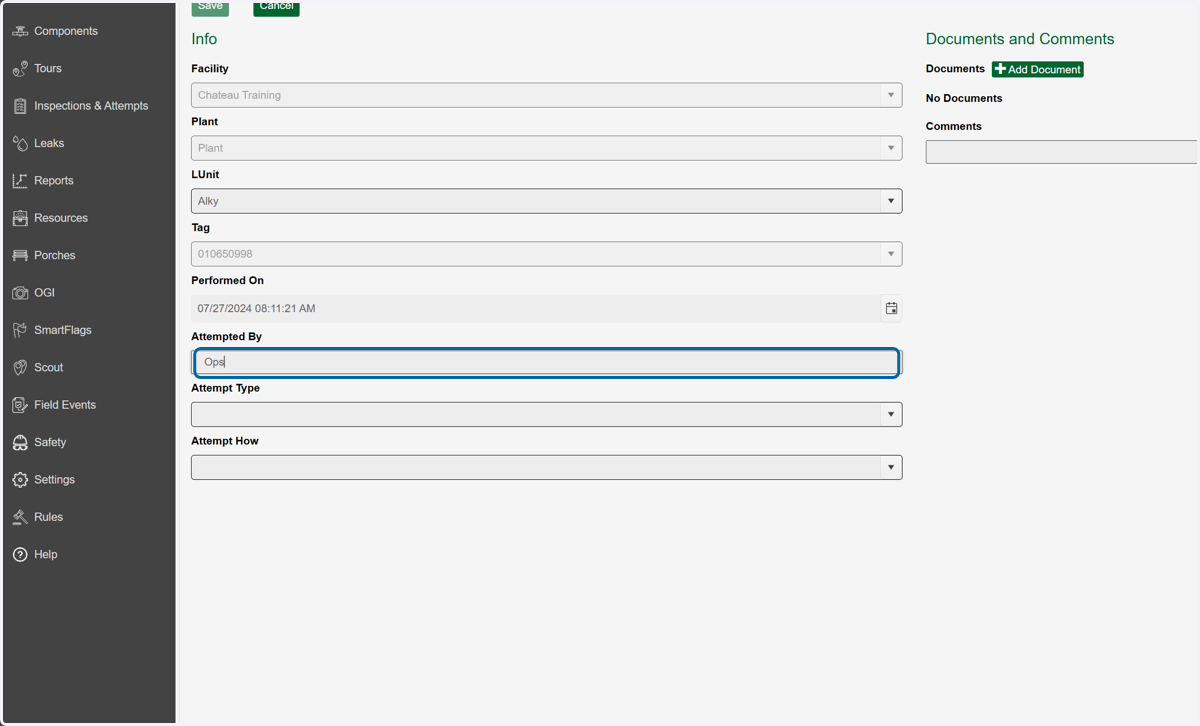
    The Attempted By field should be completed with the name of the person who carried out the repair.
  7. 7. Choose an Attempt Type. This will determine your options in the Attempt How dropdown.
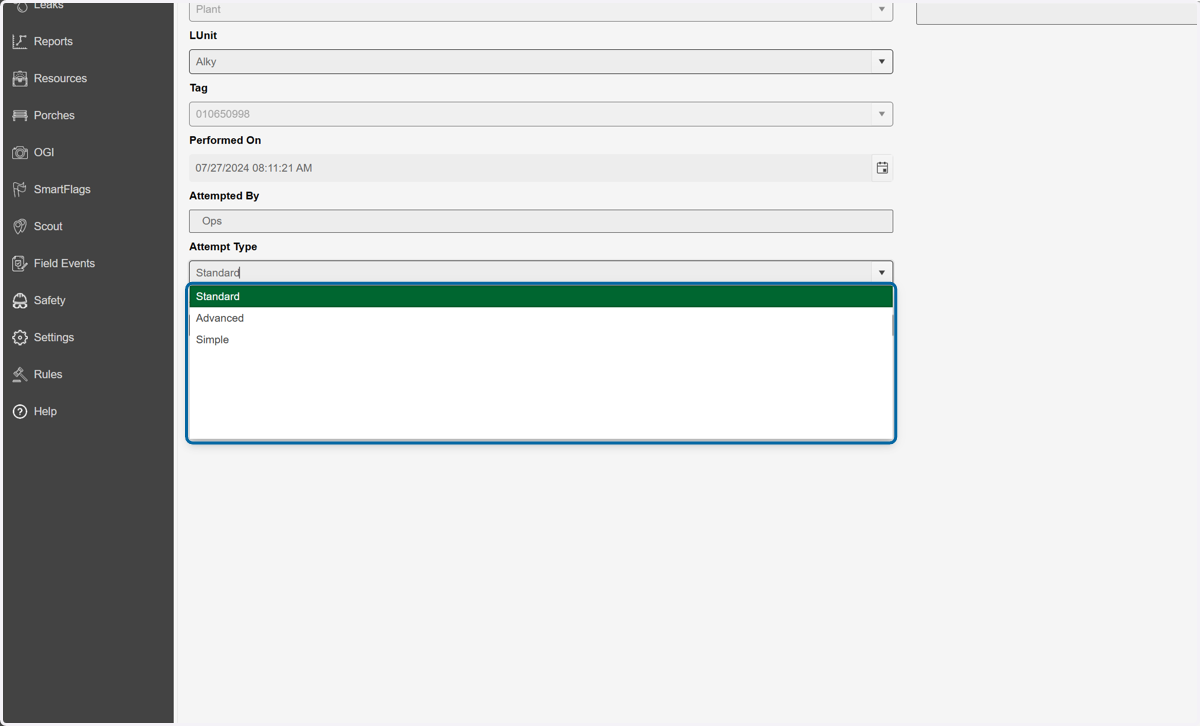
    Choose an Attempt Type. This will determine your options in the Attempt How dropdown.
  8. 8. Select an Attempt How. If the repair you require isn't listed, consider altering the Attempt Type.
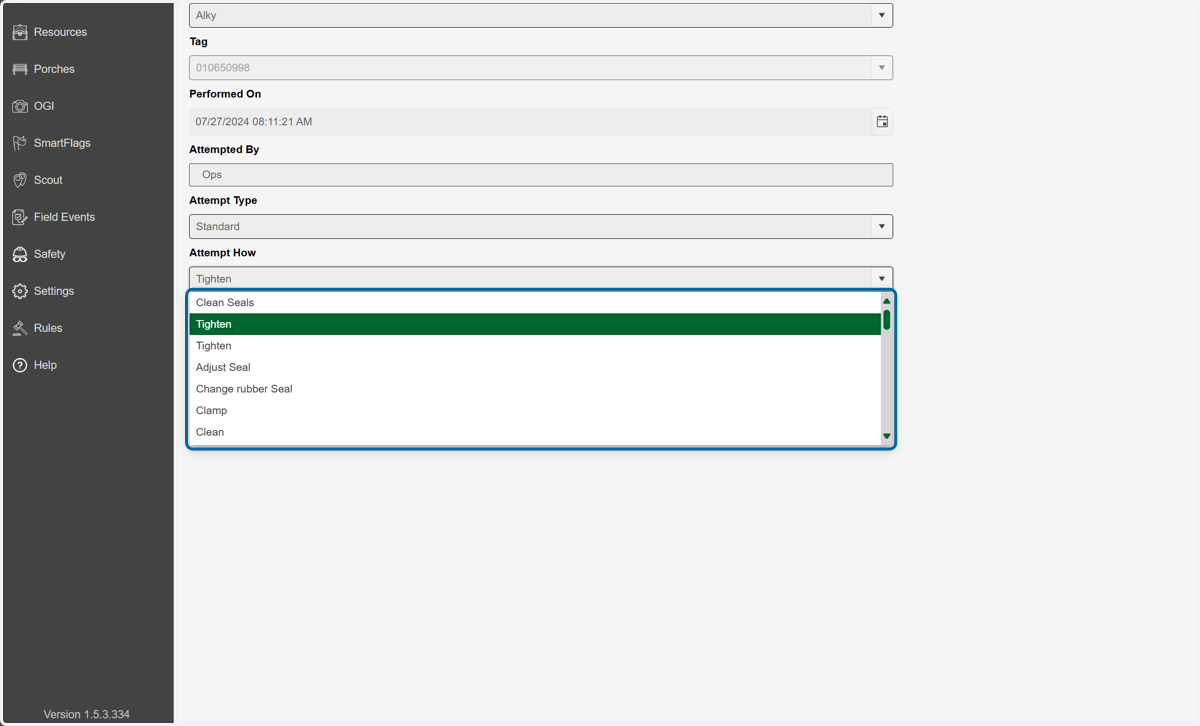
    Select an Attempt How. If the repair you require isn't listed, consider altering the Attempt Type.
  9. 9. Option to add documents and comments
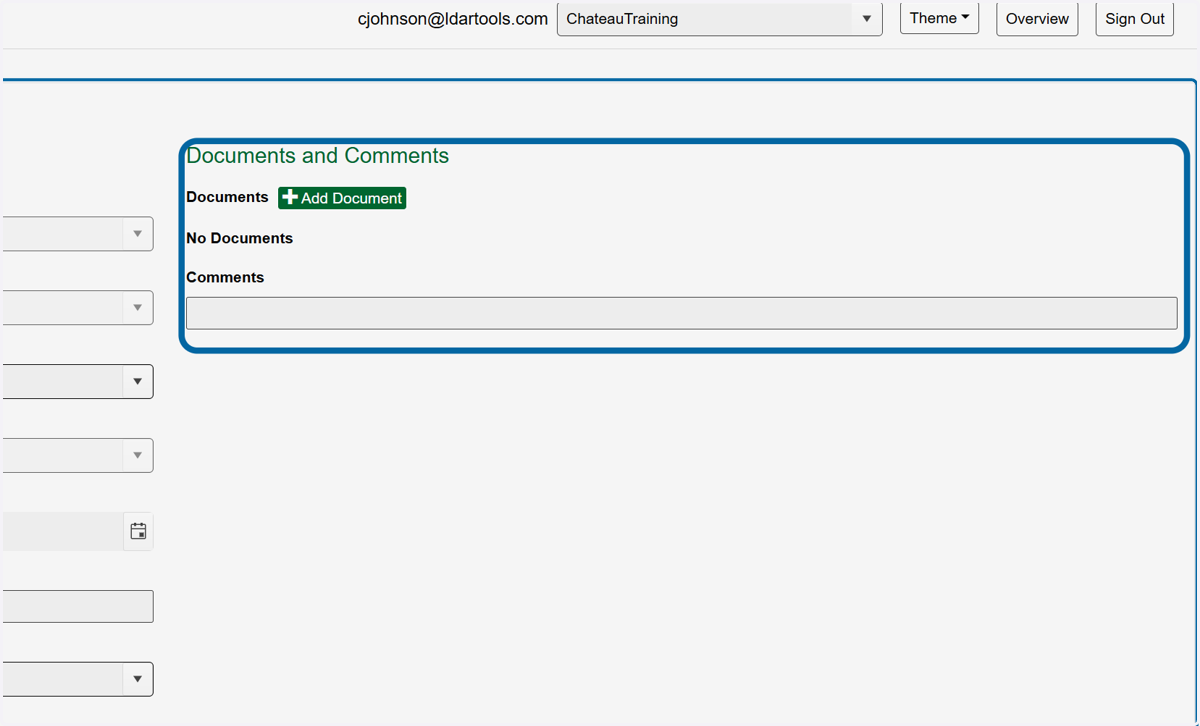
    Option to add documents and comments
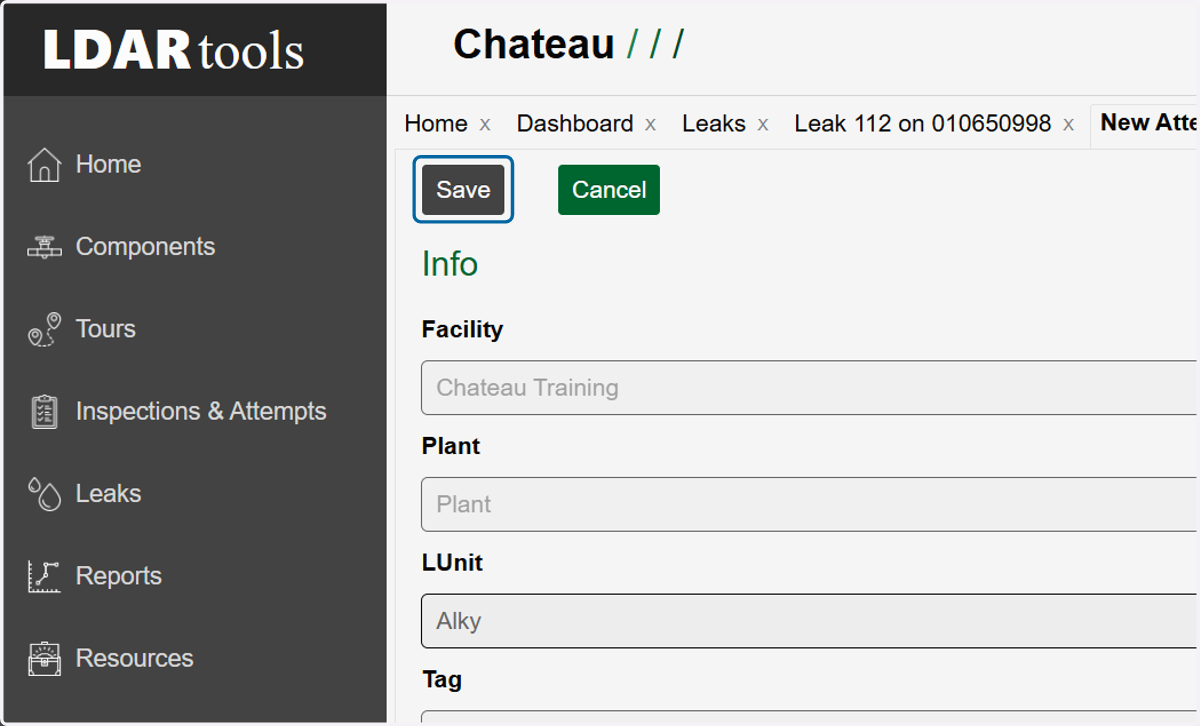
  10. 10. Click on Save to finish

    Click on Save to finish