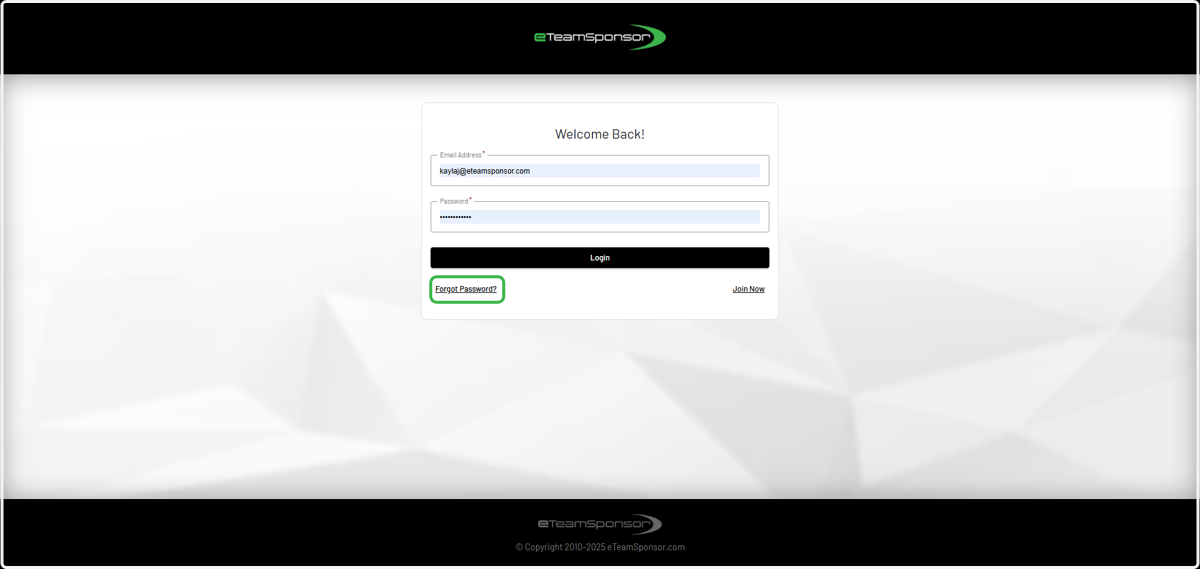
How to Login to eTeamSponsor
1. Go to eteamsponsor.com

2. Click on LOGIN (top right corner)

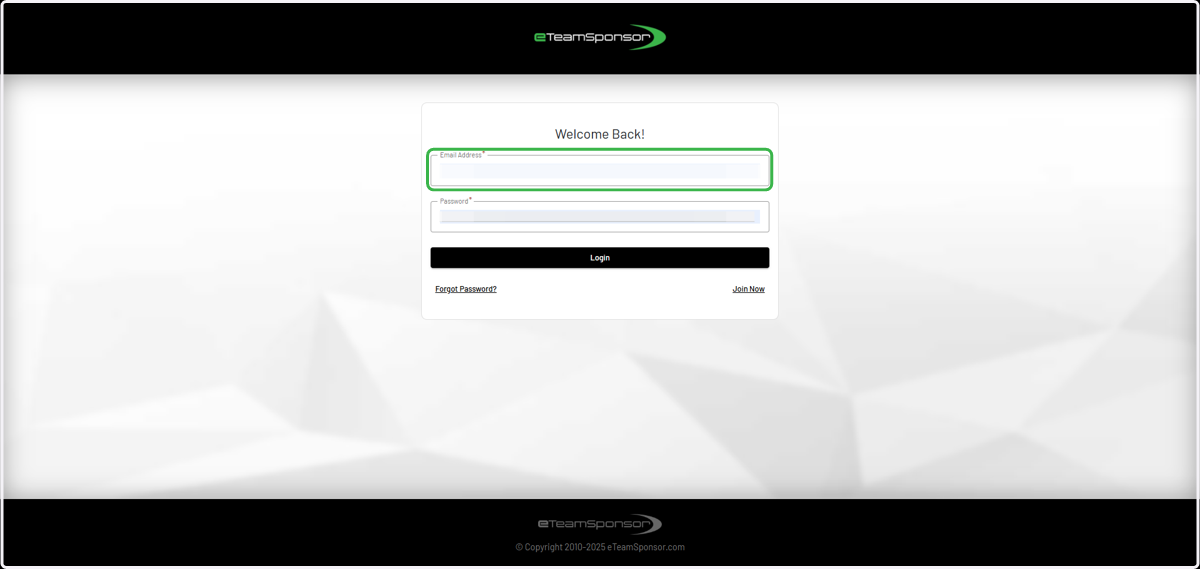
3. Enter your email address
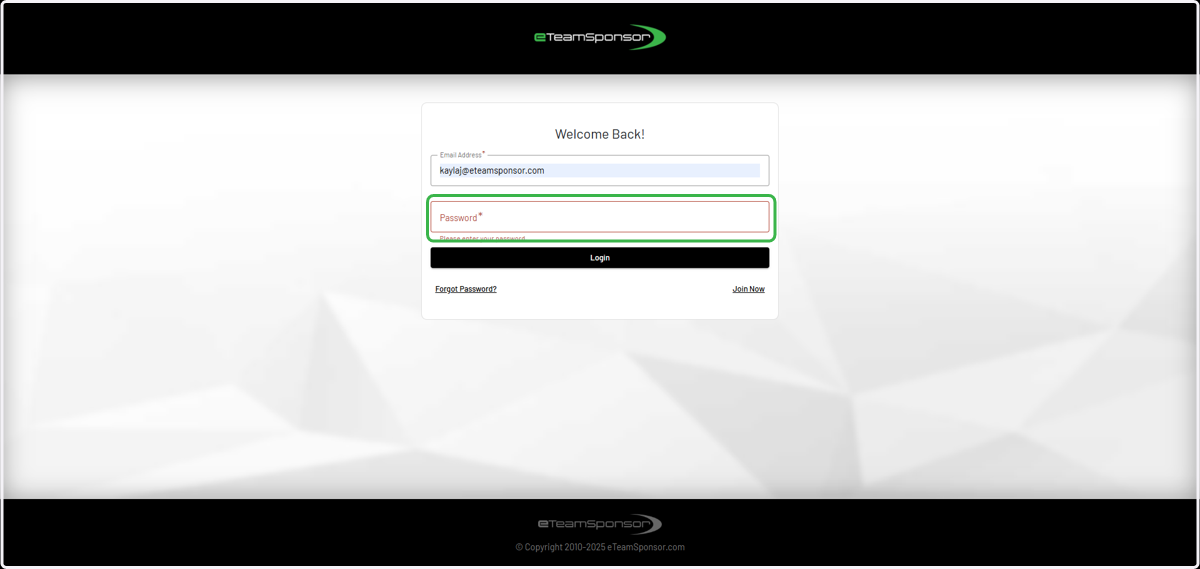
4. Enter your password
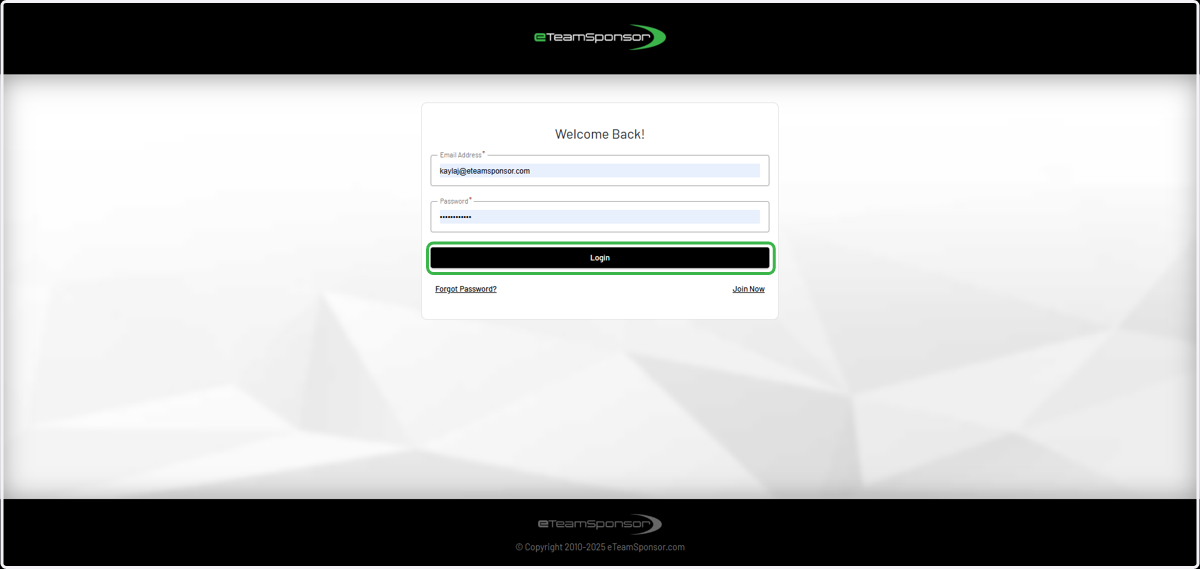
5. Click Login
6. (optional) Utilize "Forgot Password" option, if needed
If you don't remember your password, enter your email address and click "Forgot Password." A magic link will be emailed to you.