PAWS - How to View/Accept Financial Aid Requirements and Offers
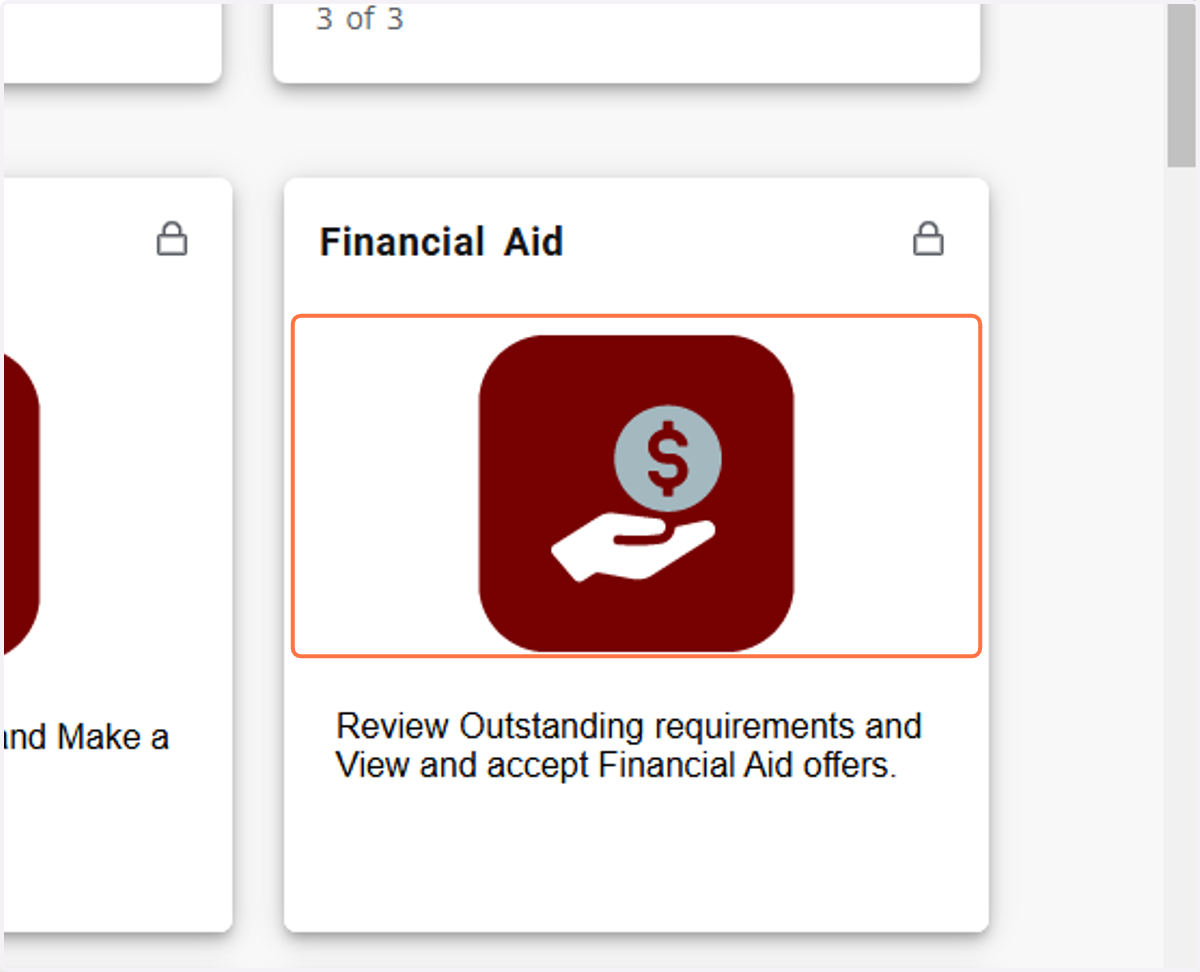
1. Click on Financial Aid
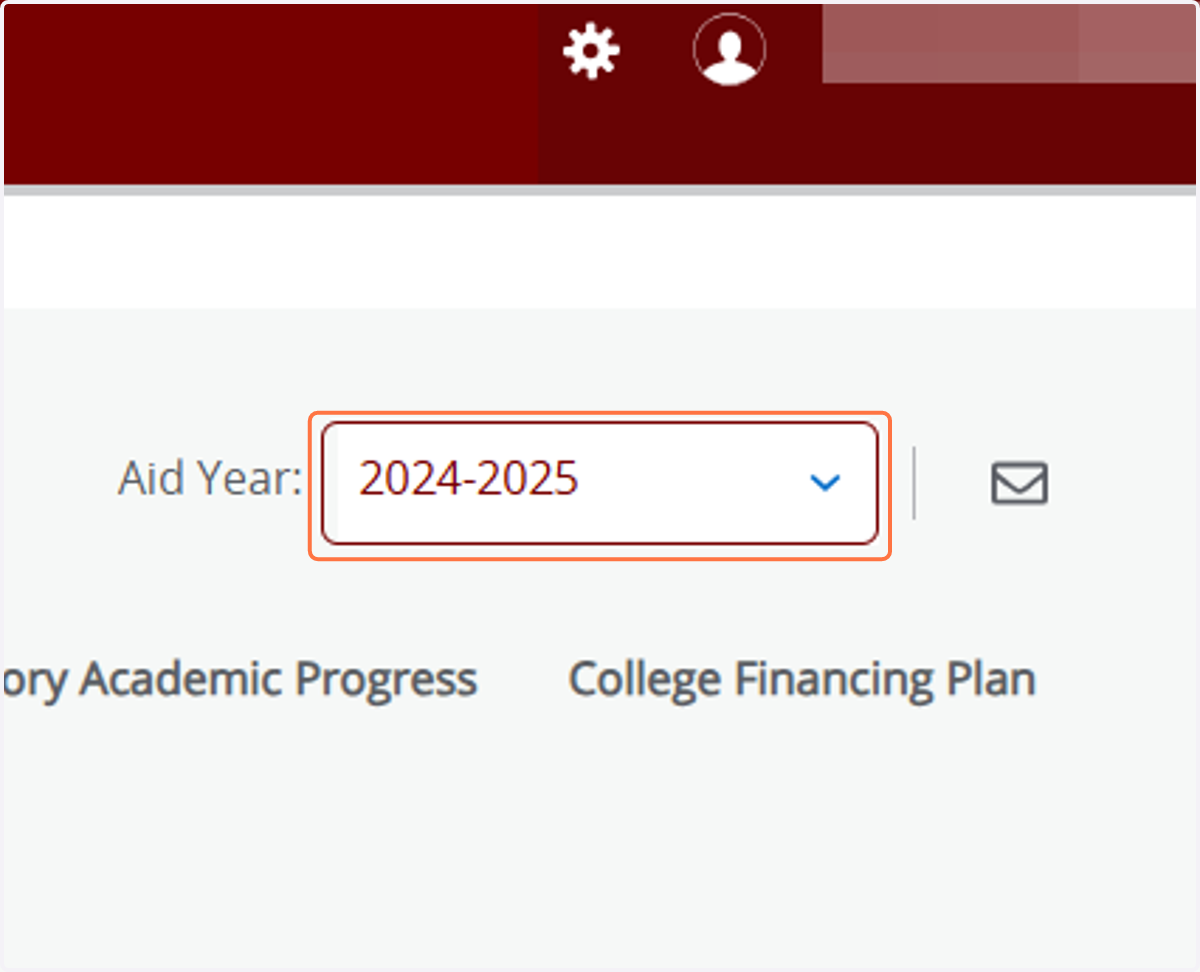
2. Click on Aid Year Drop-down
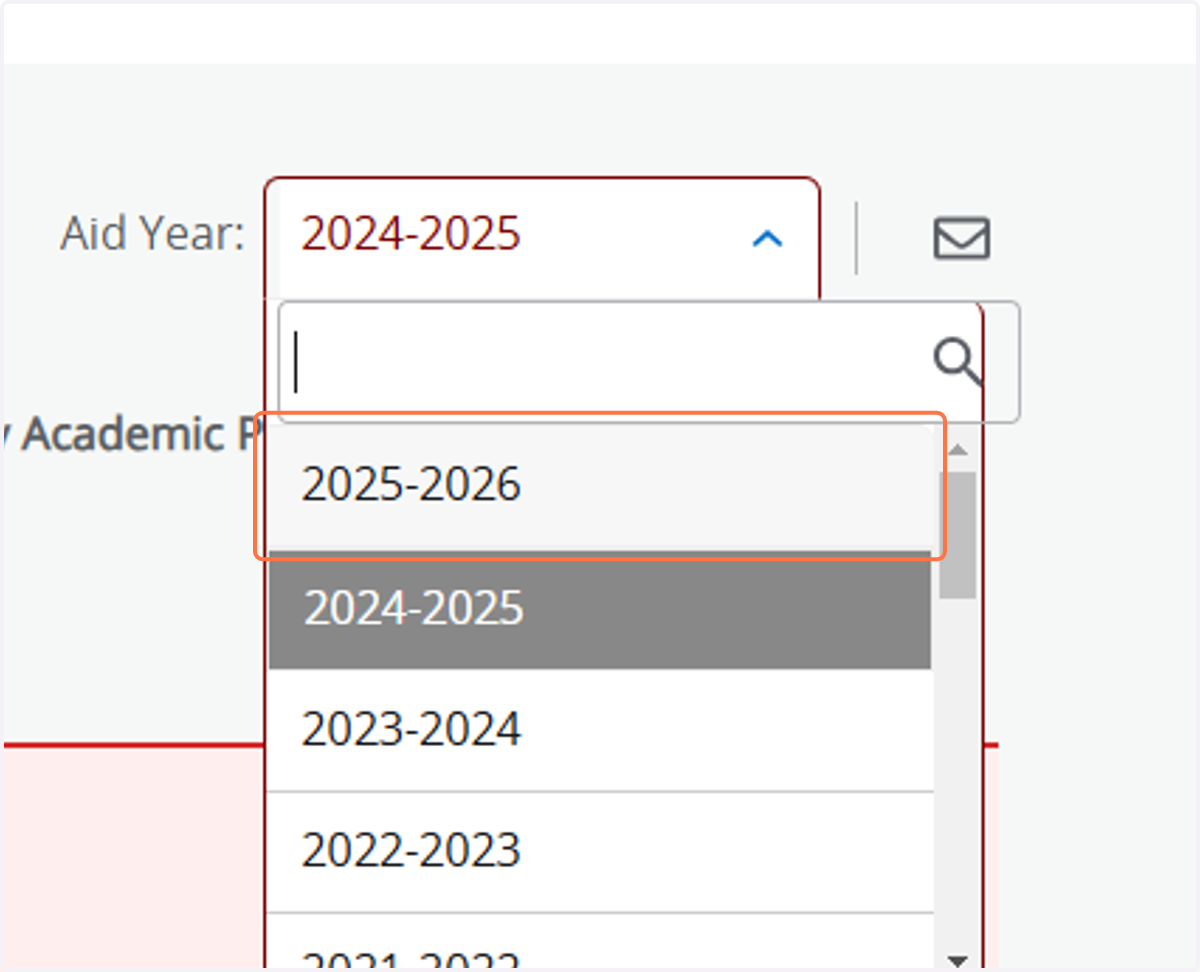
3. Select Aid Year you want to review
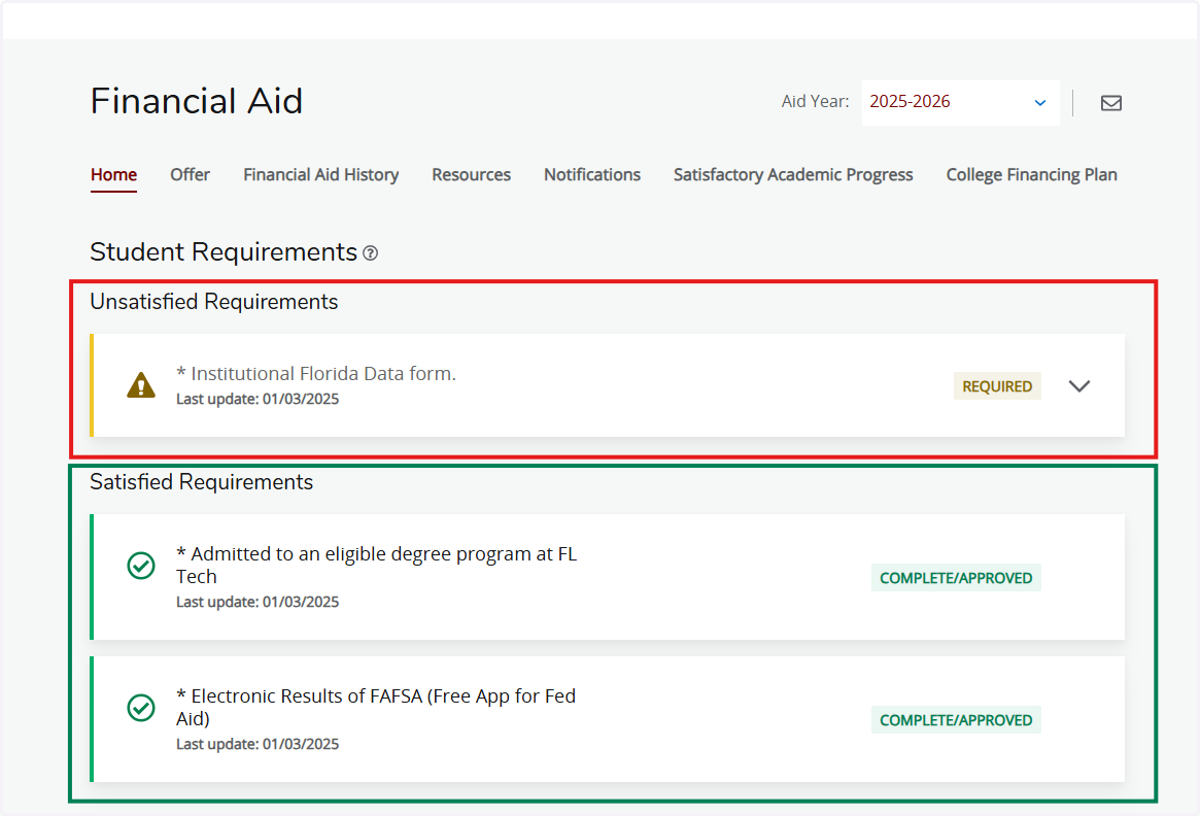
4. On the Home tab, you will find Unsatisfied and Satisfied Requirements
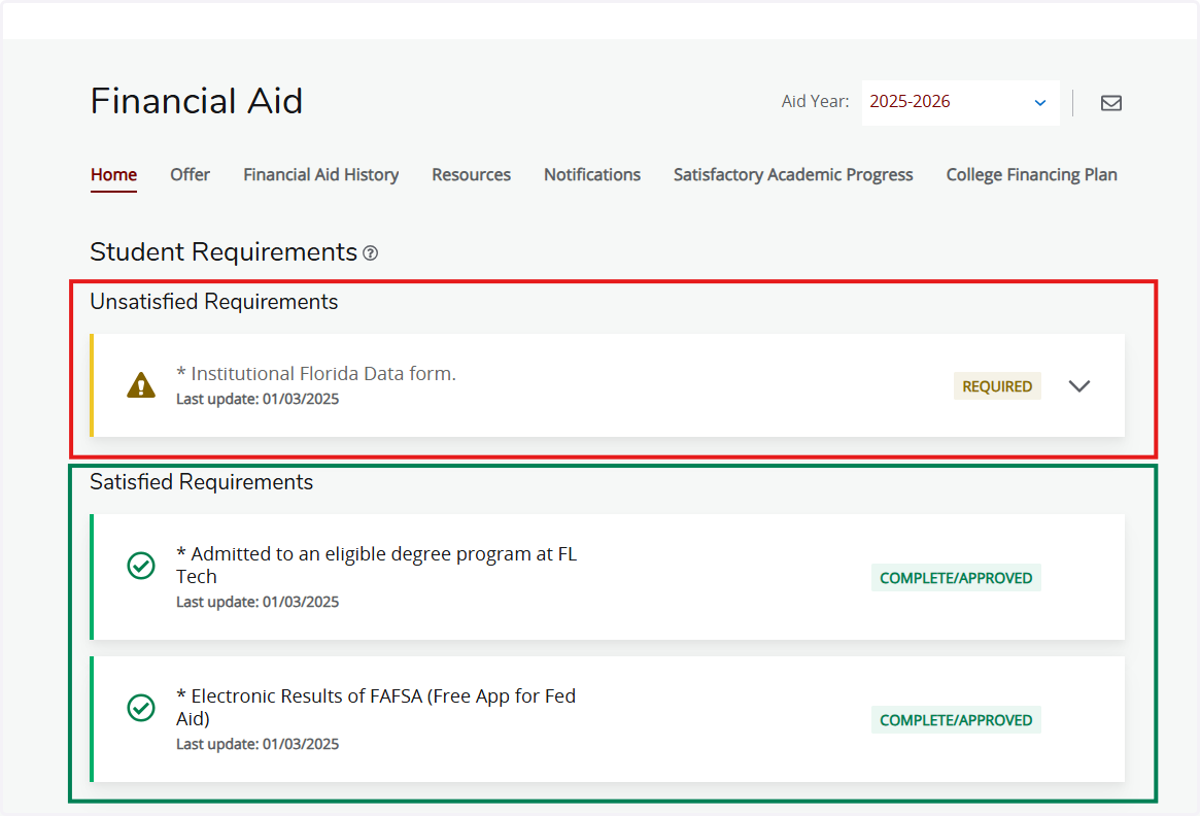
5. To view details of unsatisfied requirement, click on the Drop-down for that requirement
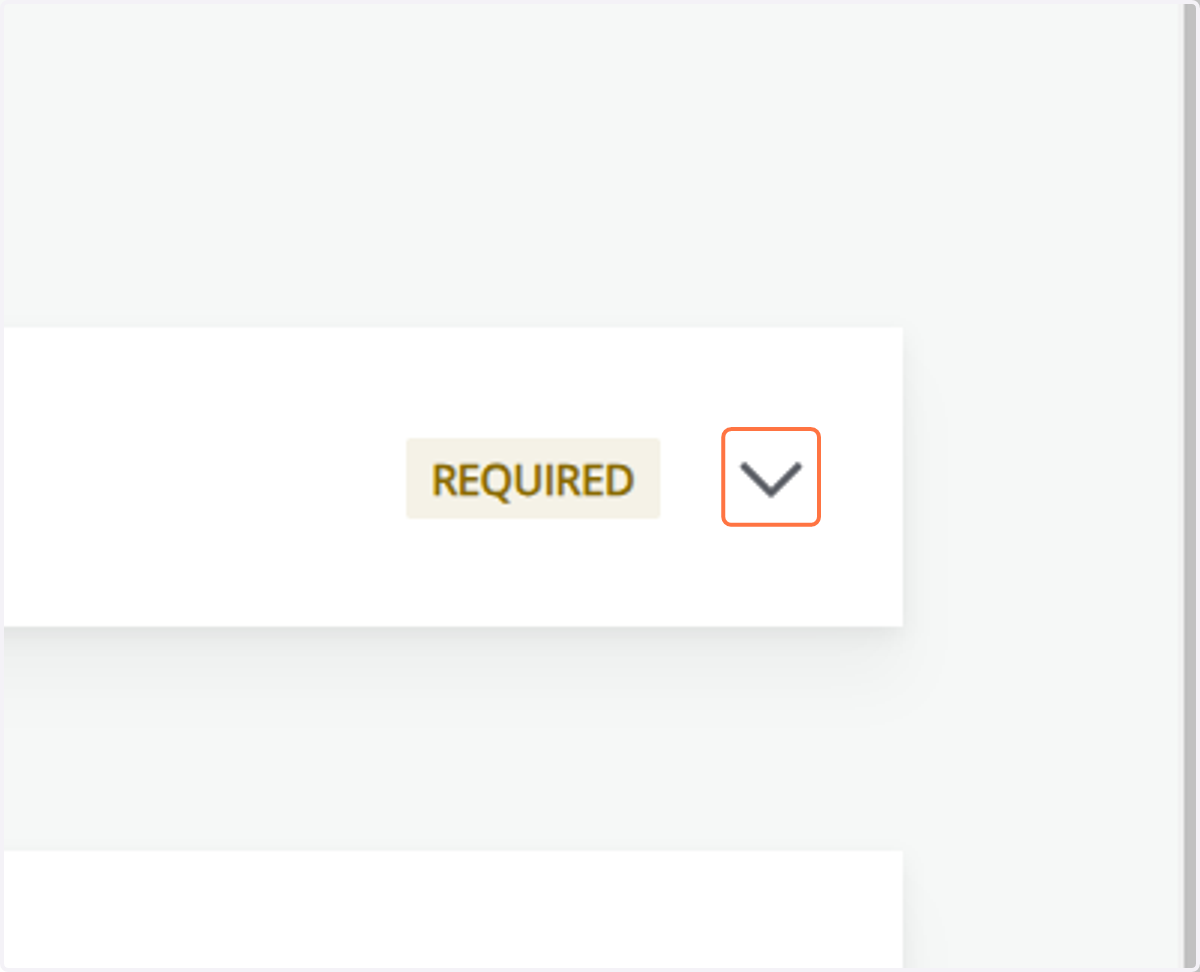
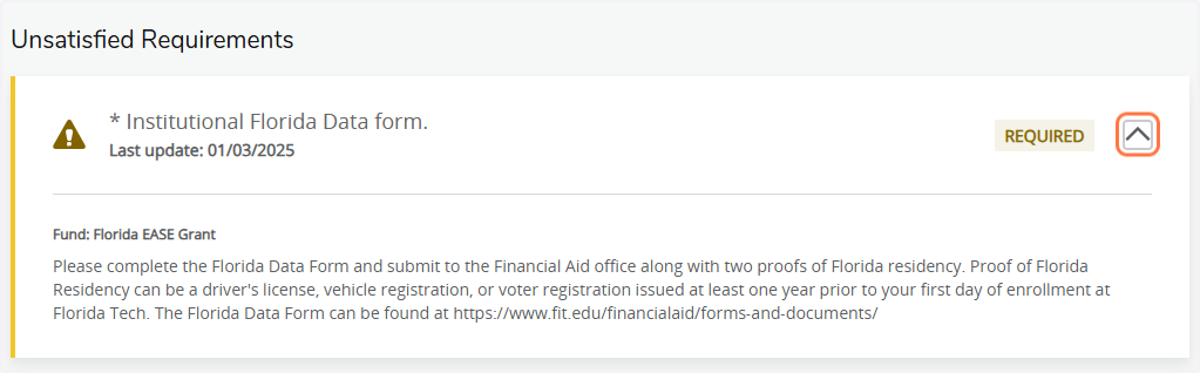
6. Review Details
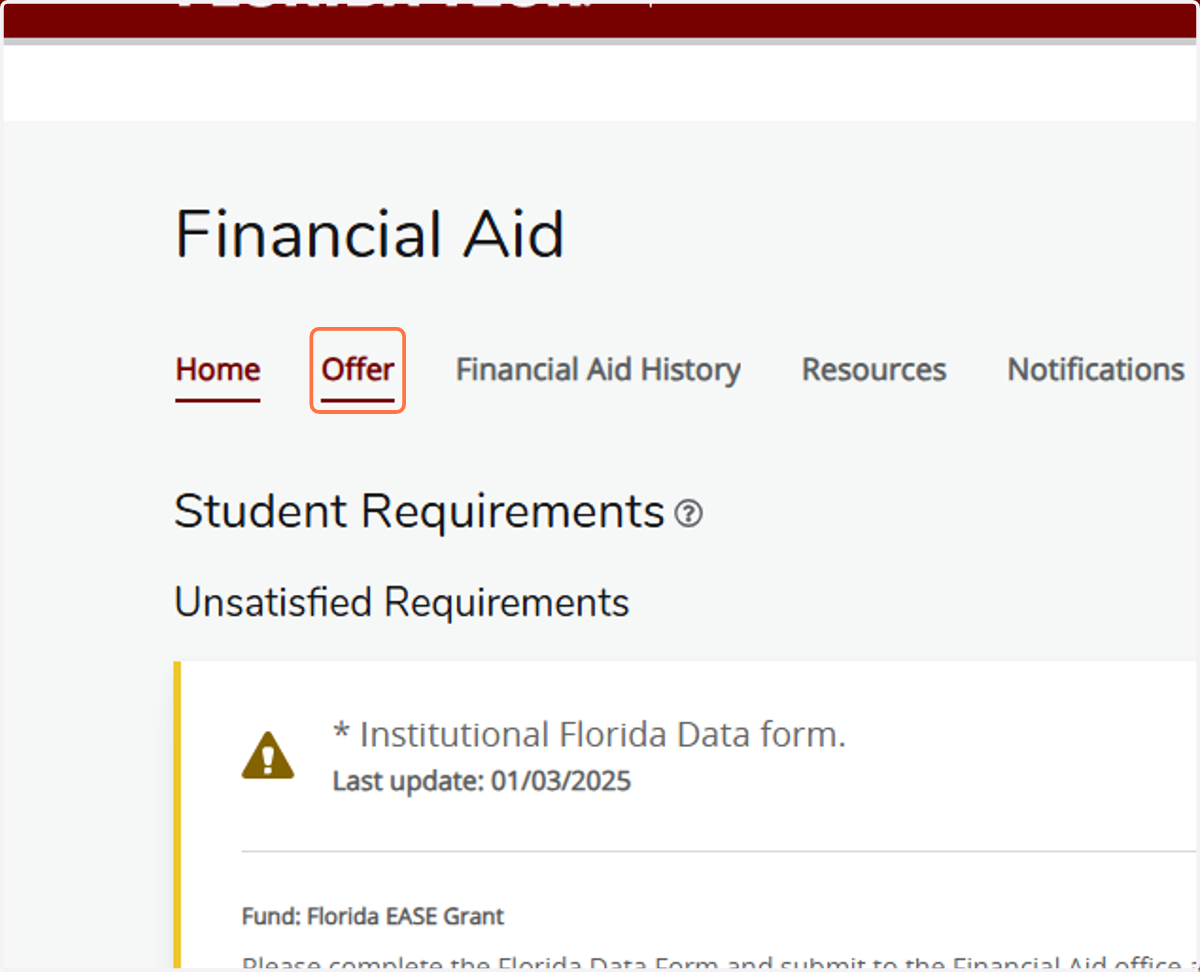
7. To View/Accept your Offers, click on the Offer tab
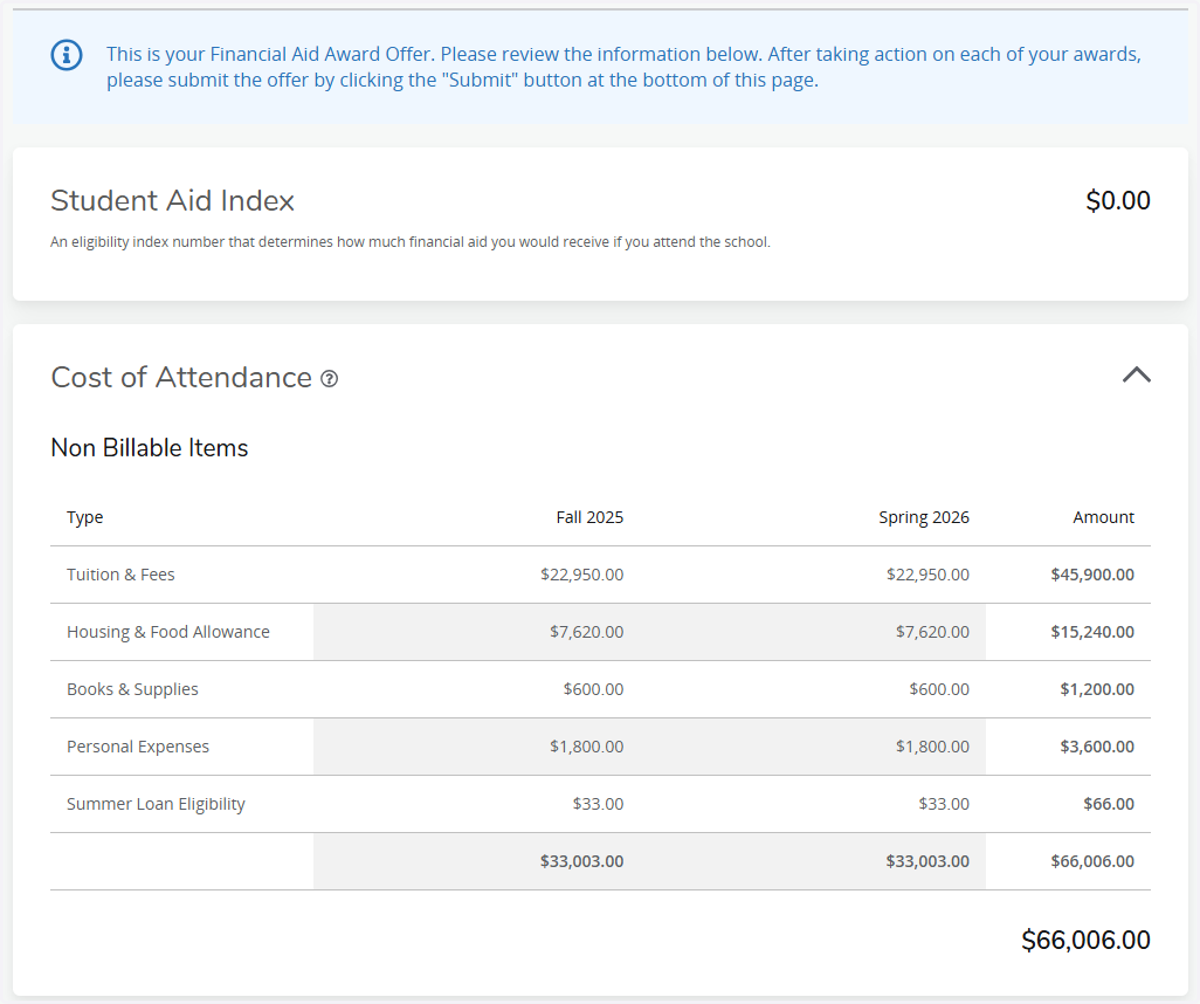
8. Review your Student Aid Index and Cost of Attendance
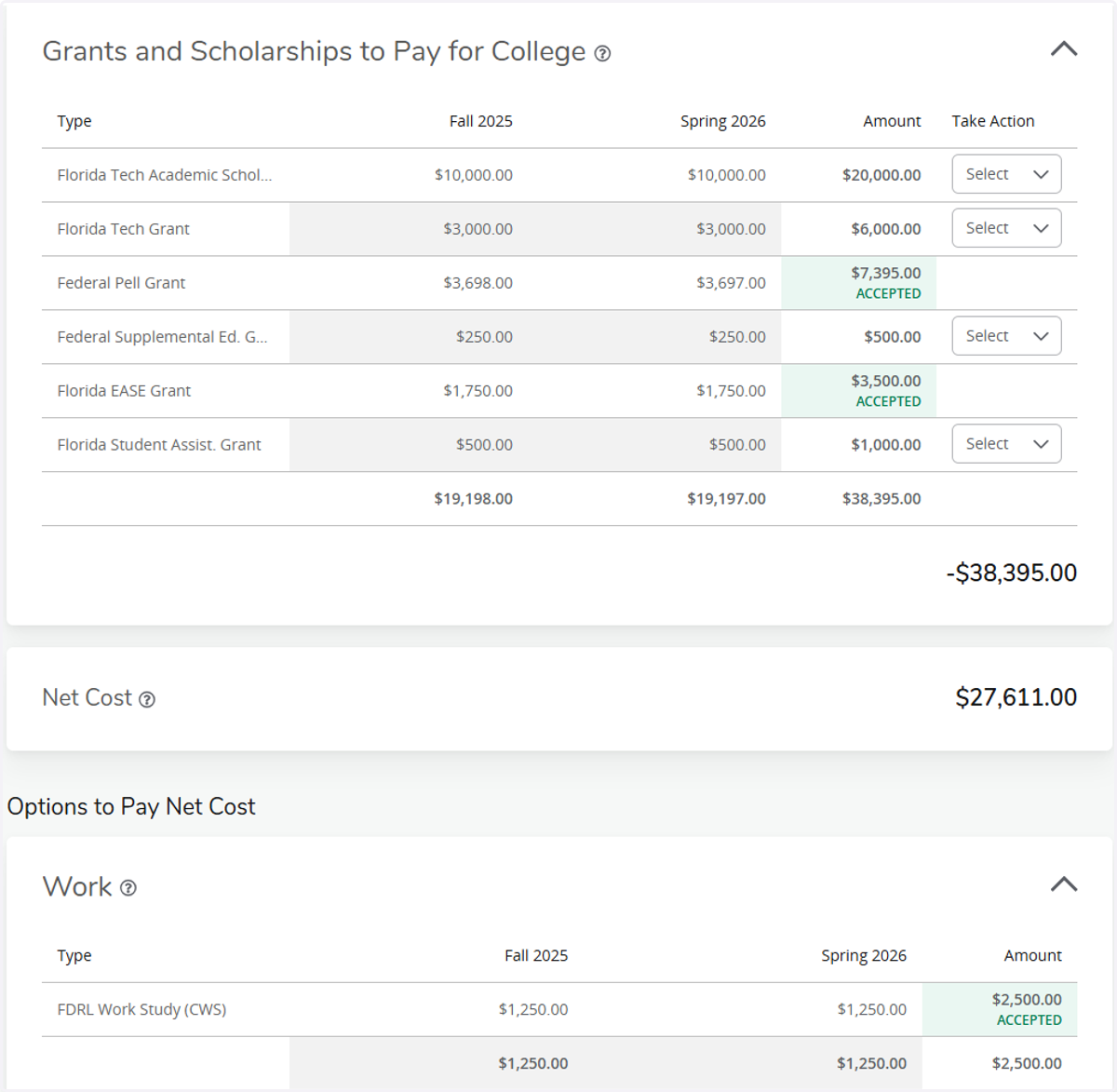
9. Scroll down to view your Grants and Scholarship offers. Listed below those are also other Options to Pay Net Cost, such as loans and work.
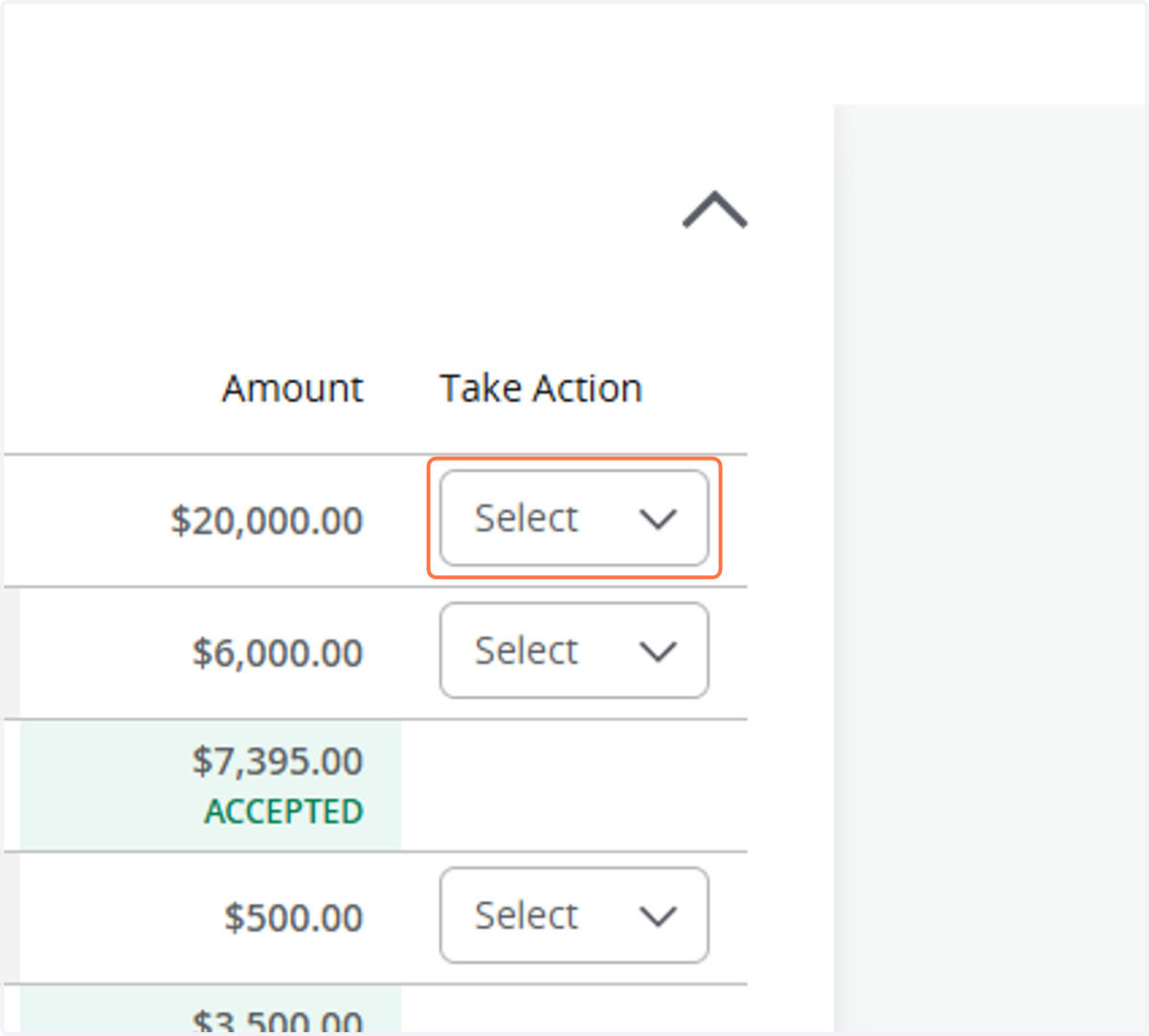
10. To Accept your offers, click on Select drop-down
11. Click on Accept
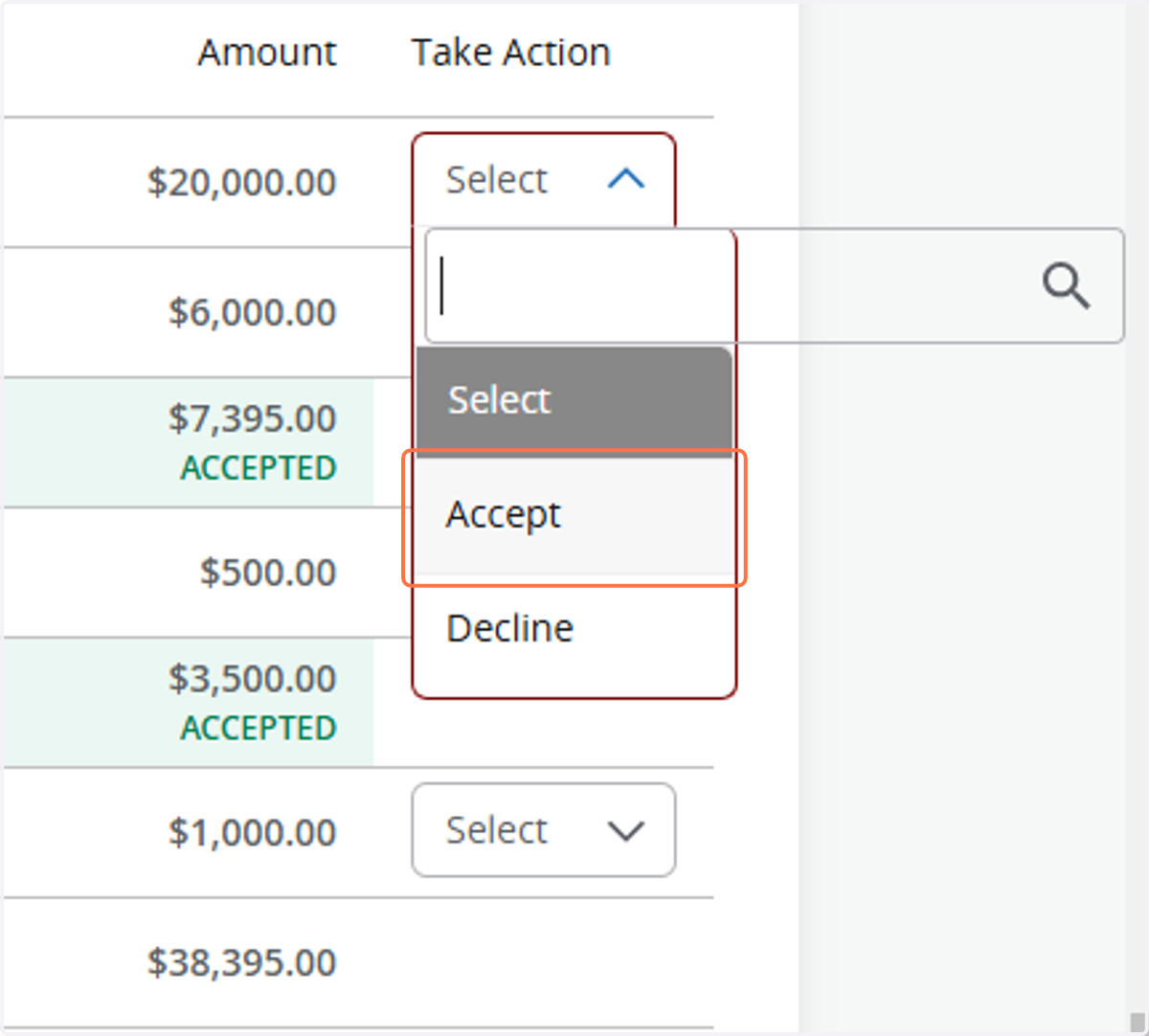
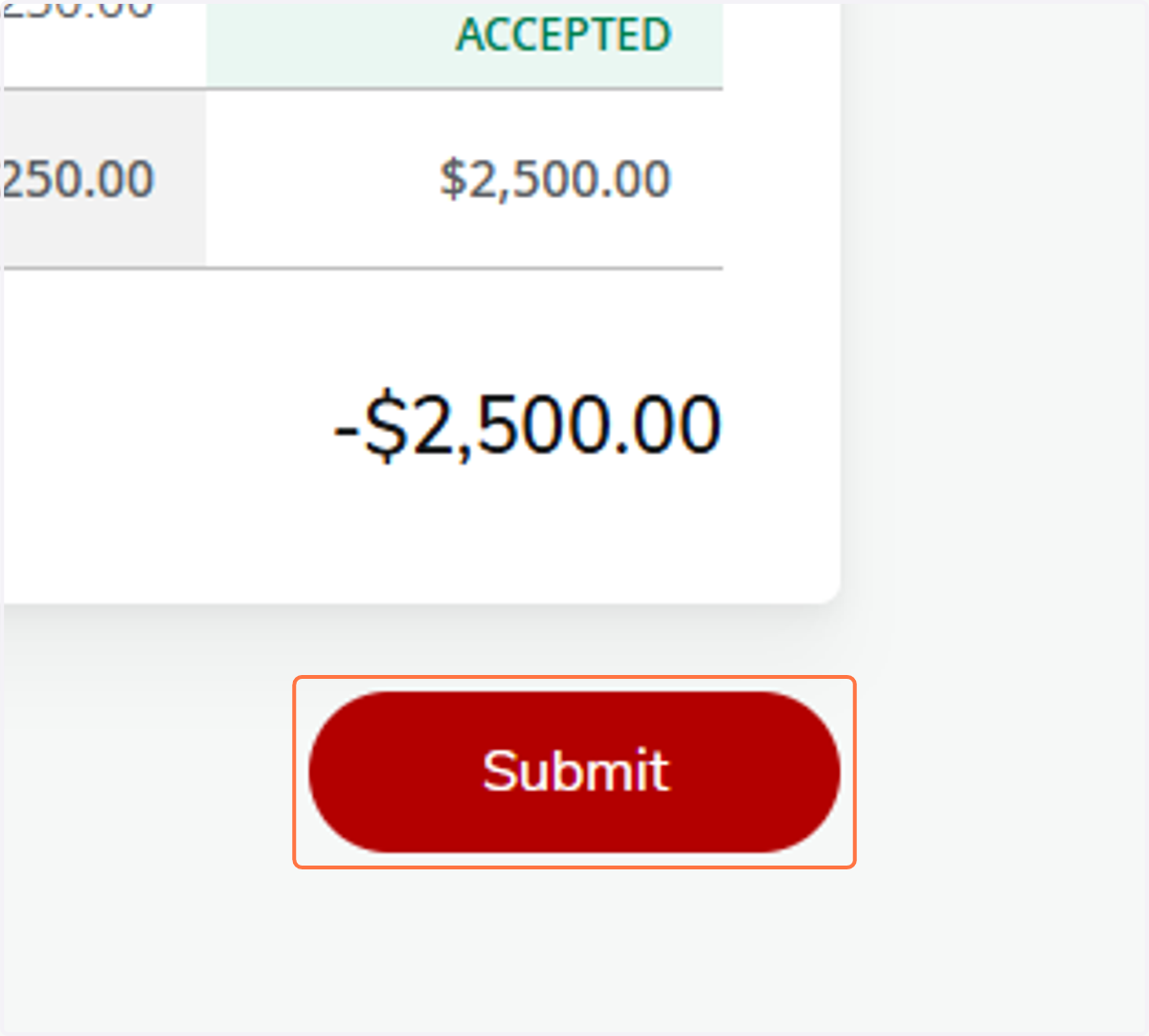
12. You can also Decline offers the same way. When done with all offers, scroll to the bottom and click on Submit
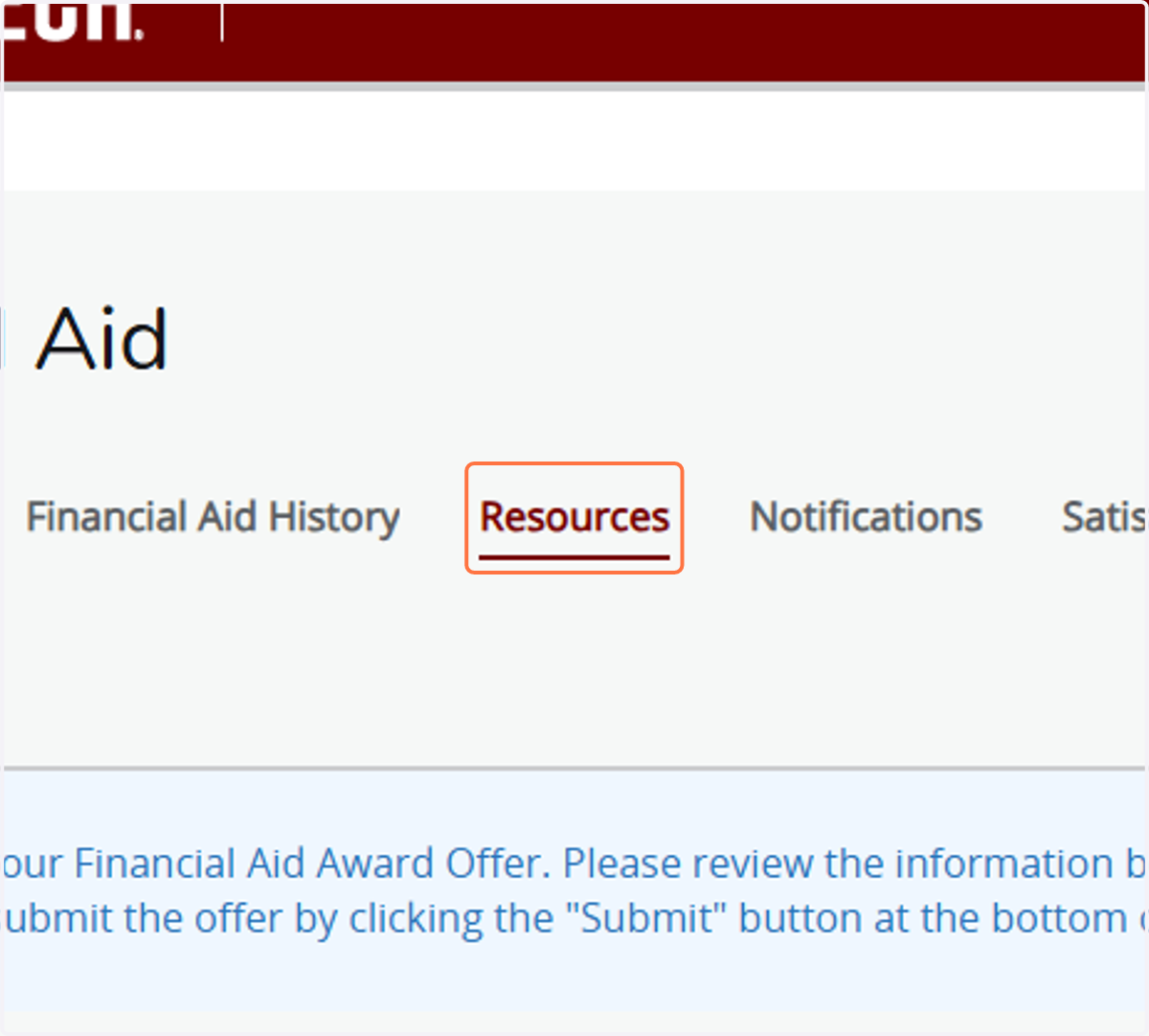
13. To view Terms and Conditions of your offers, click on the Resources tab
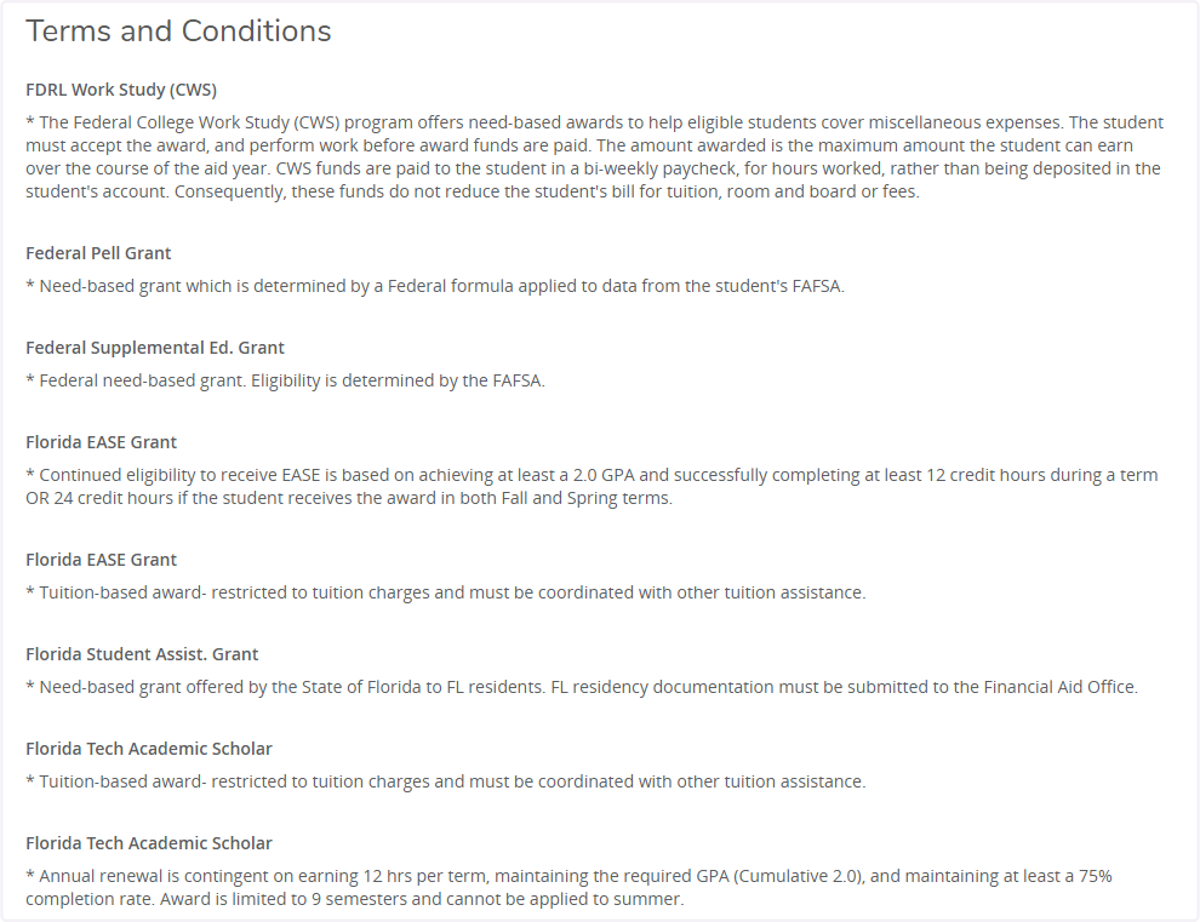
14. Review your Terms and Conditions
15. After accepting your offers, it is a good idea to go back to Home, to check for additional requirements
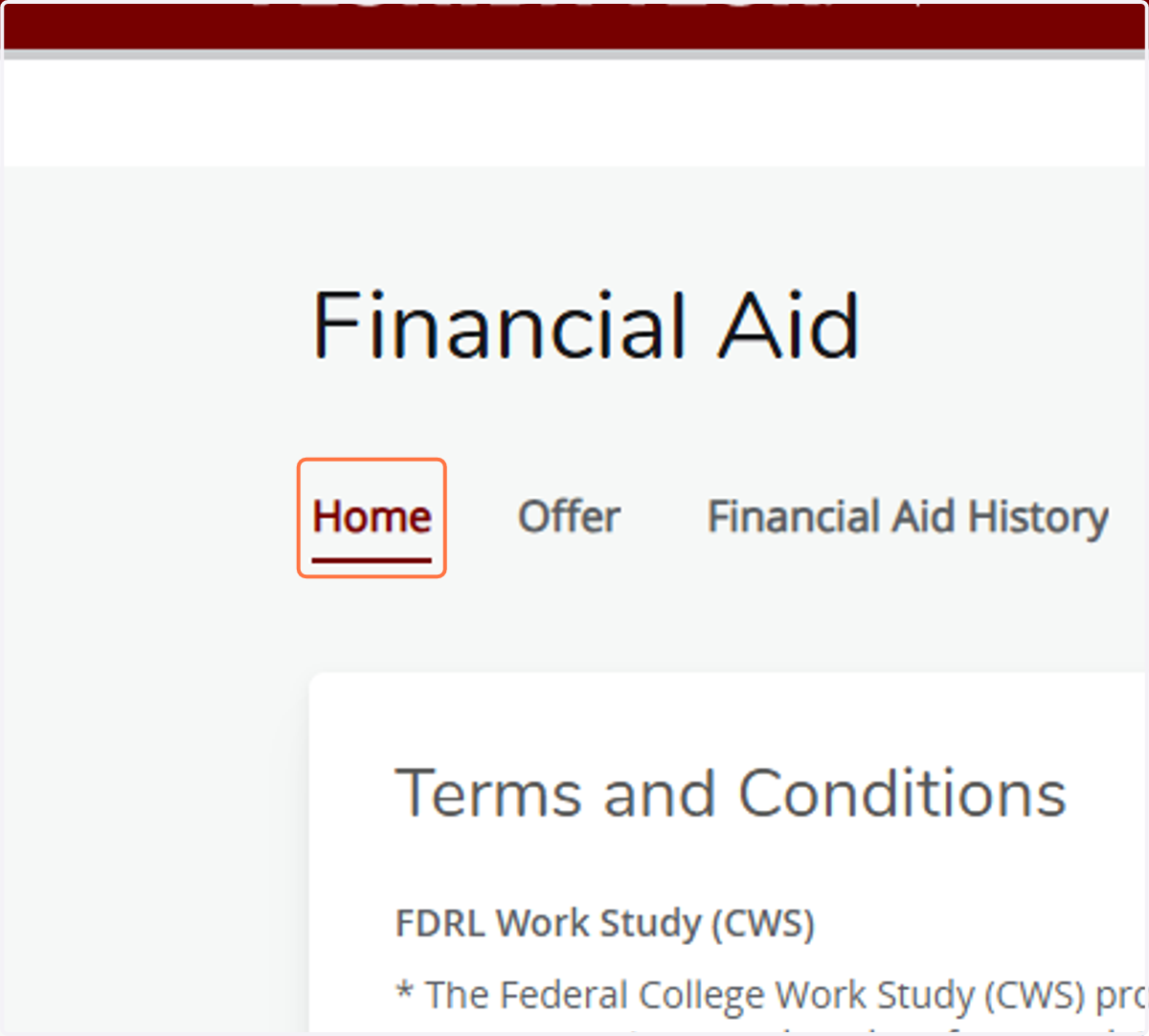
16. Check for any additional requirements added after you accepted offers.