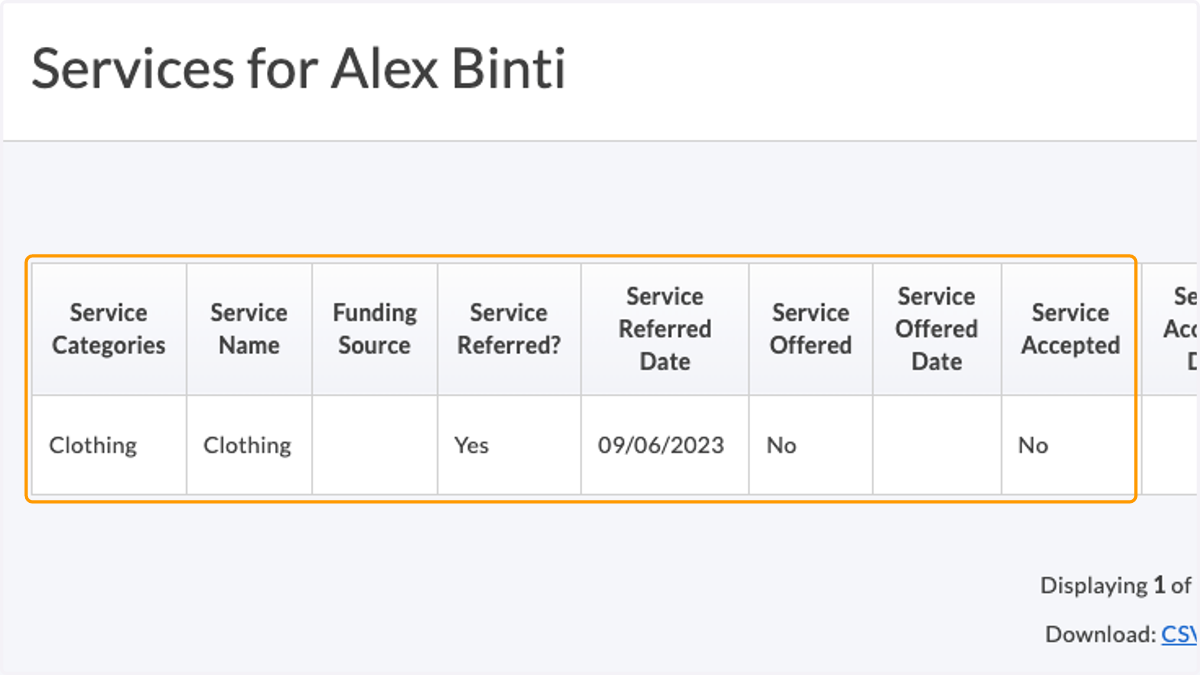
Adding a Service (Licensing)
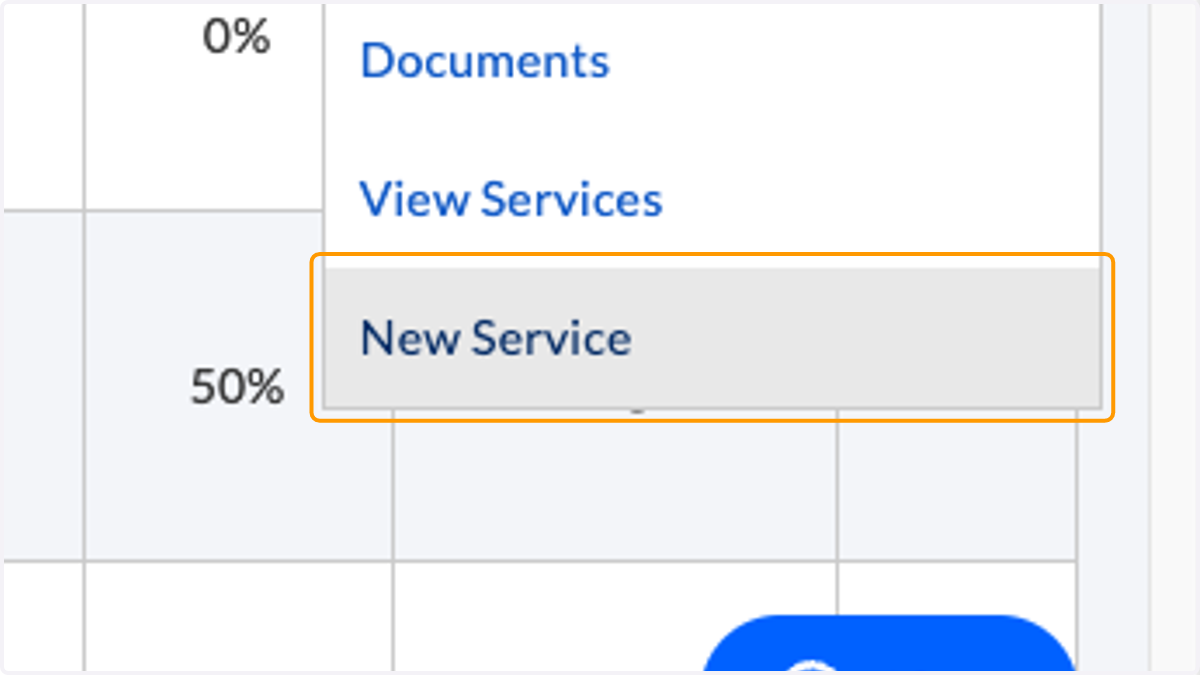
1. Click Actions > New Service
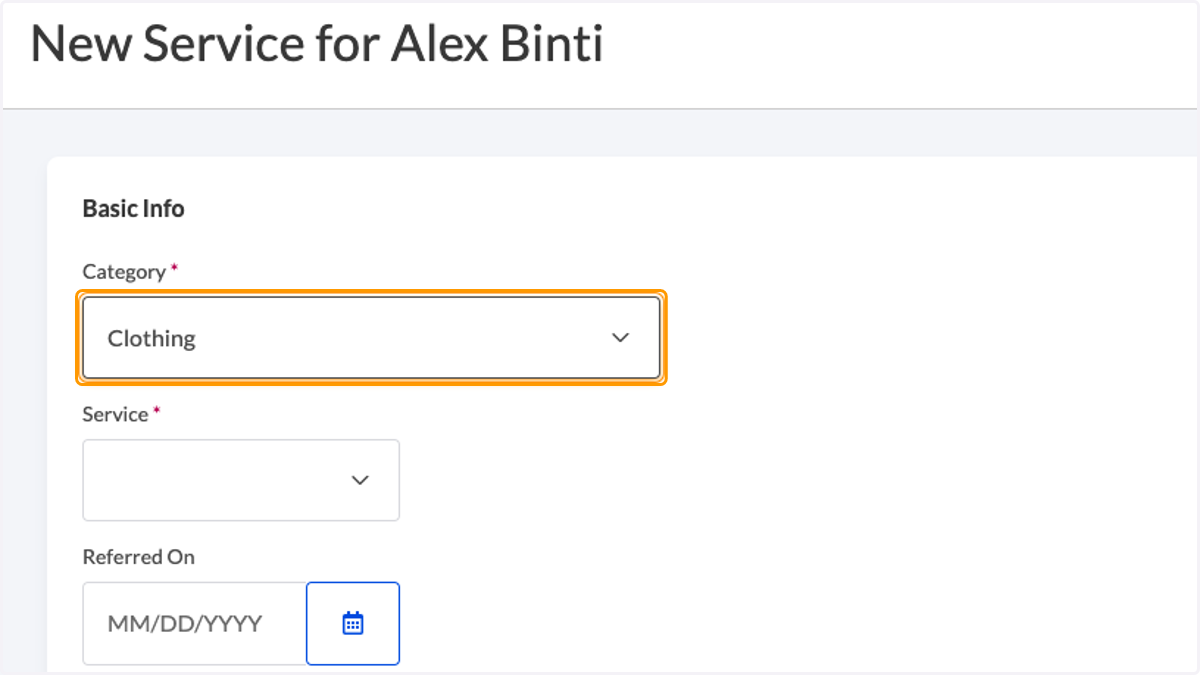
2. Select a service category
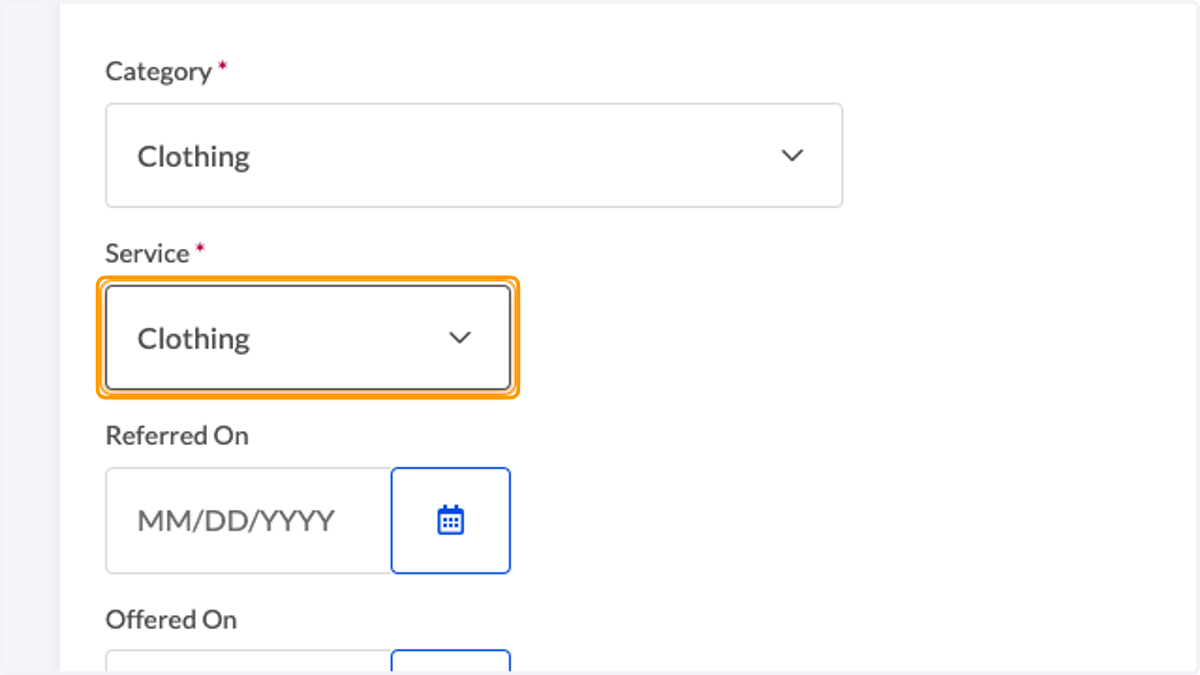
3. Select a service
4. [OPTIONAL] Enter a referral date
![[OPTIONAL] Enter a referral date](https://images.tango.us/workflows/05674879-7550-4257-b5c7-6dd3ee68d0d9/steps/12c5fae0-c505-41a4-9457-0bdd8f1e4329/8d773744-dd76-41ce-9a54-89263928e55b.png?fp-x=0.0954&fp-y=0.2725&fp-z=2.4056&w=1200&border=F4F2F7&bx=52&by=180&bw=160&bh=64&c=FF9900&dpr=1.00)
5. [OPTIONAL] Enter the date the service was offered to a caregiver
![[OPTIONAL] Enter the date the service was offered to a caregiver](https://images.tango.us/workflows/05674879-7550-4257-b5c7-6dd3ee68d0d9/steps/90affbd9-eac8-4da8-976a-29941e67844f/a9cc40d8-aeeb-4450-a8c7-98876ac339ad.png?fp-x=0.0954&fp-y=0.3972&fp-z=2.4056&w=1200&border=F4F2F7&bx=52&by=277&bw=160&bh=64&c=FF9900&dpr=1.00)
6. [OPTIONAL] Enter the date a caregiver accepted a service
![[OPTIONAL] Enter the date a caregiver accepted a service](https://images.tango.us/workflows/05674879-7550-4257-b5c7-6dd3ee68d0d9/steps/0c917690-6664-4a16-bfee-c14feeb220d6/5c4ed2ec-4ab2-4ad7-bb0a-de7cd4092f9e.png?fp-x=0.0954&fp-y=0.5514&fp-z=2.4056&w=1200&border=F4F2F7&bx=52&by=397&bw=160&bh=64&c=FF9900&dpr=1.00)
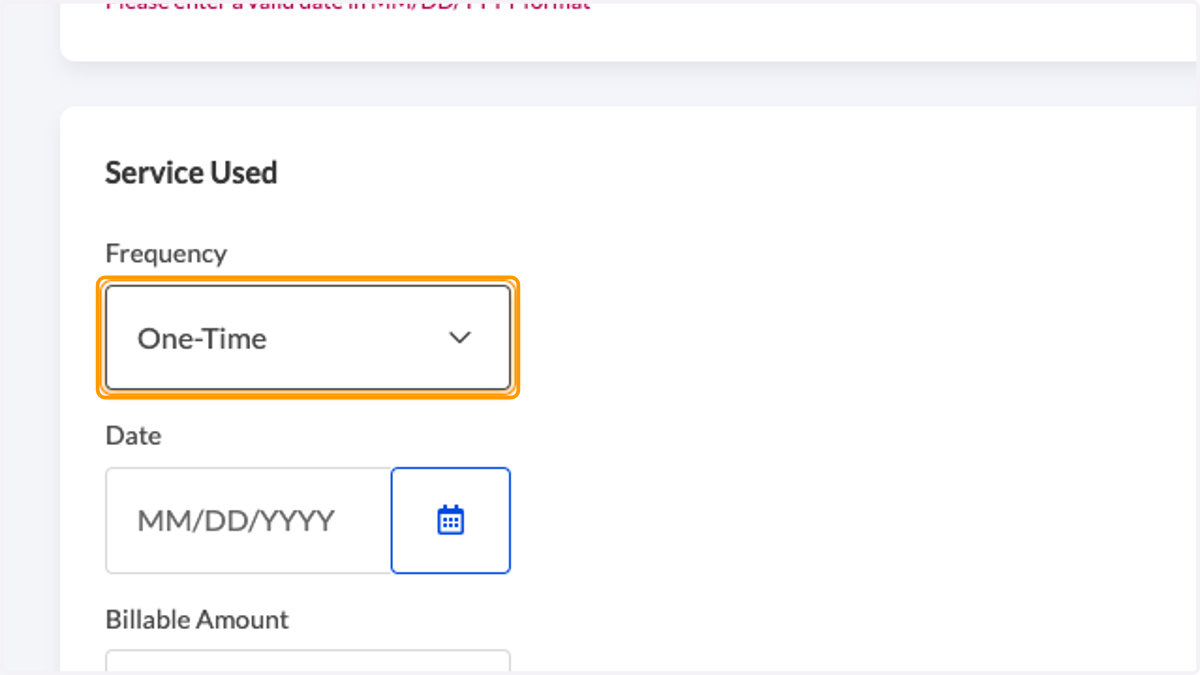
7. Choose the service frequency
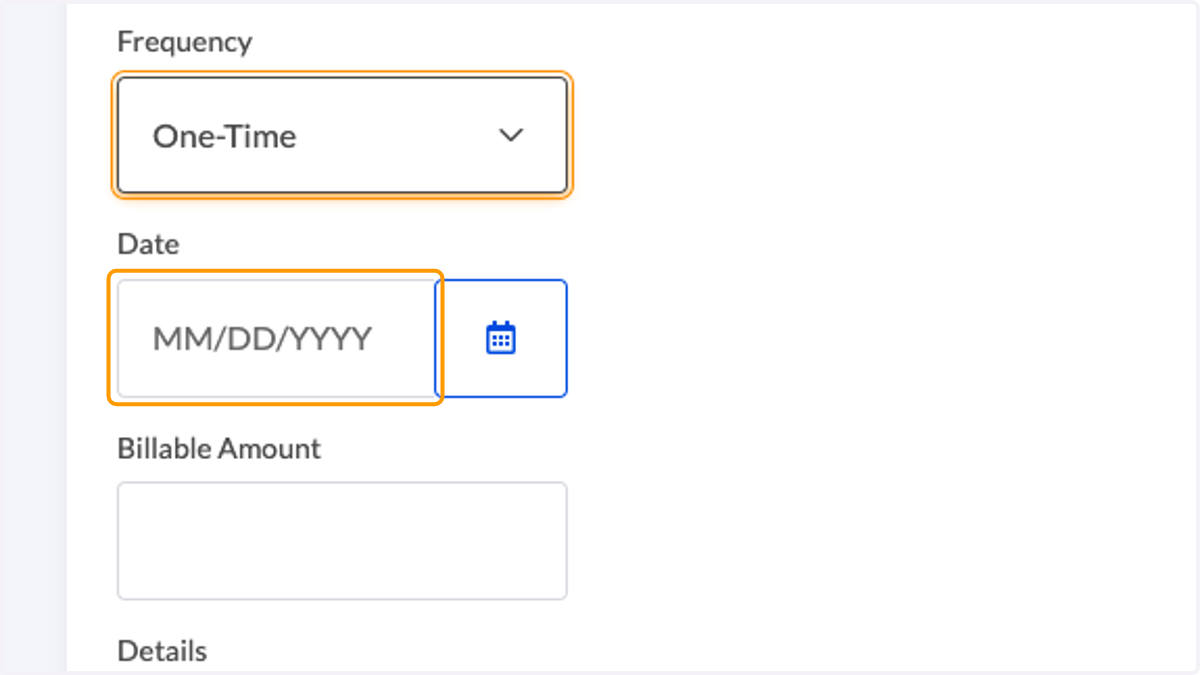
8. Enter a date of service
9. [OPTIONAL] Enter a billable amount
![[OPTIONAL] Enter a billable amount](https://images.tango.us/workflows/05674879-7550-4257-b5c7-6dd3ee68d0d9/steps/f1406e89-e7a7-4f4f-bc84-6bf82f6a7332/e03c55fe-a0d9-4320-bed8-f68f9c9eaa62.png?fp-x=0.1186&fp-y=0.3728&fp-z=2.1647&w=1200&border=F4F2F7&bx=52&by=258&bw=224&bh=64&c=FF9900&dpr=1.00)
10. [OPTIONAL] Provide additional details
![[OPTIONAL] Provide additional details](https://images.tango.us/workflows/05674879-7550-4257-b5c7-6dd3ee68d0d9/steps/d87fe744-92da-41e7-b705-e83e23d5af6e/648a75e7-3c81-40c6-aa43-6cd611fd8a79.png?fp-x=0.1595&fp-y=0.3606&fp-z=1.9184&w=1200&border=F4F2F7&bx=104&by=348&bw=448&bh=308&c=FF9900&dpr=1.00)
11. Click 'Create Service'
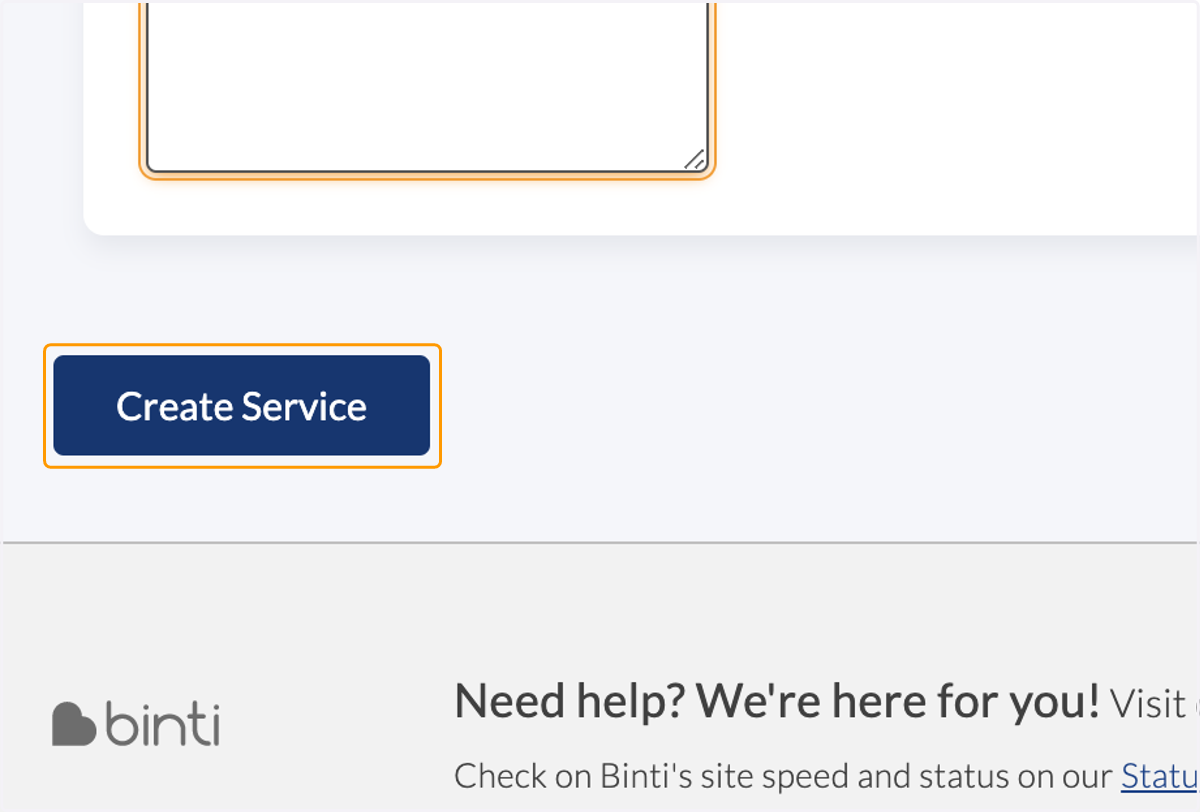
12. The service is now recorded