How to Post a Product on ALT Labour

ALT Labour

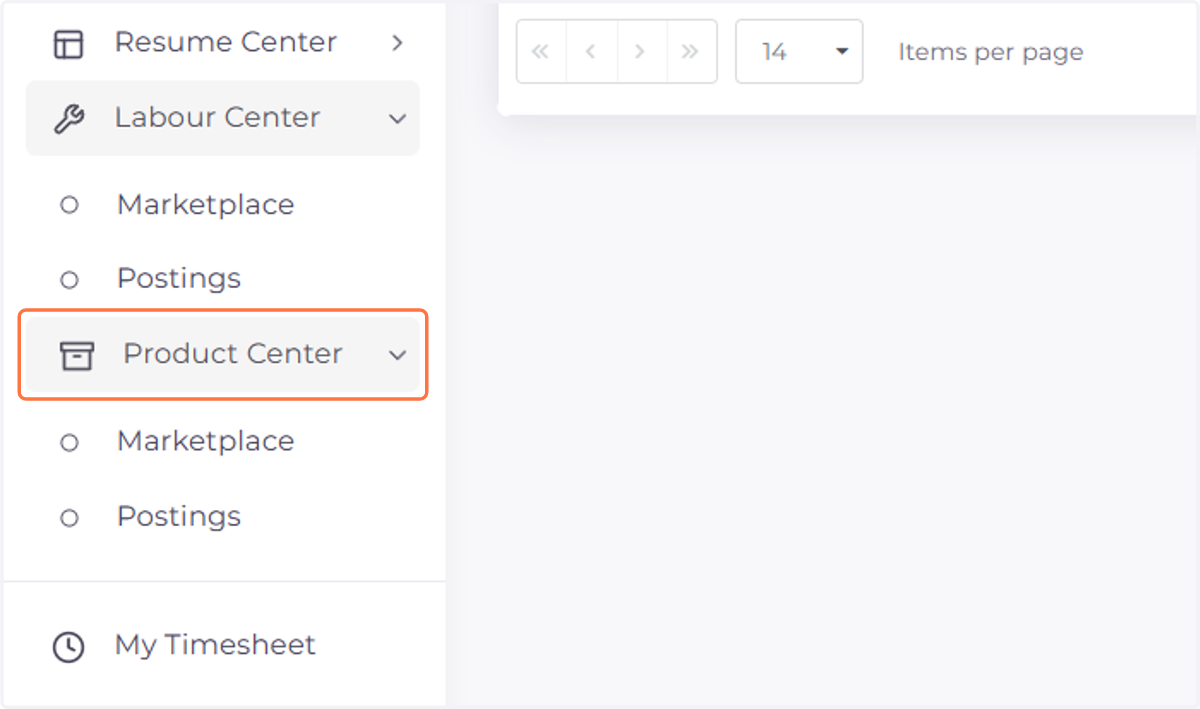
  1. 1. Click on Product Center

    Click on Product Center
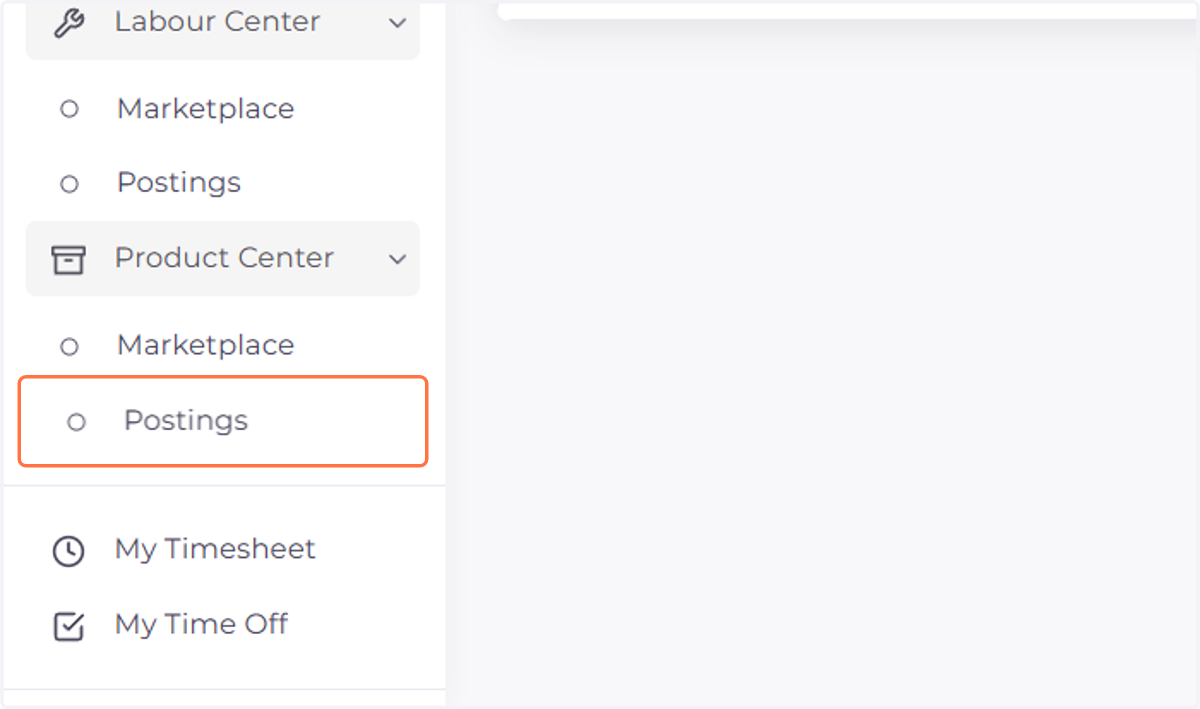
  2. 2. Click on Postings

    Click on Postings
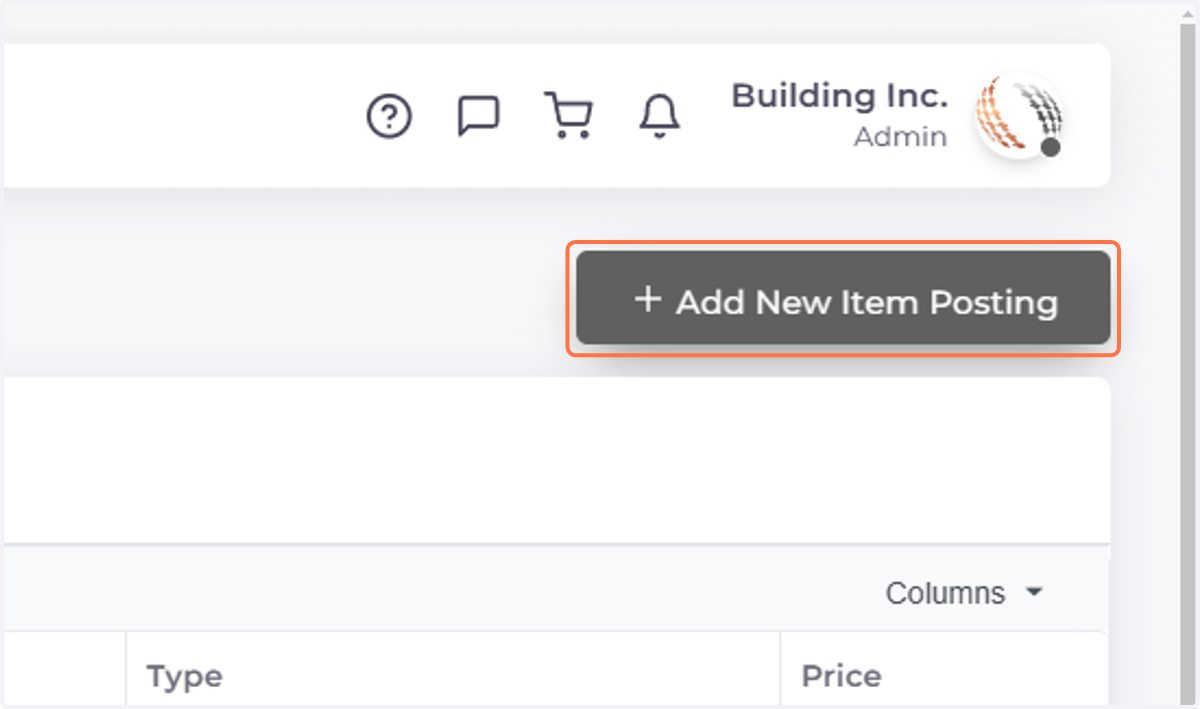
  3. 3. Click on Add New Item Posting

    Click on Add New Item Posting
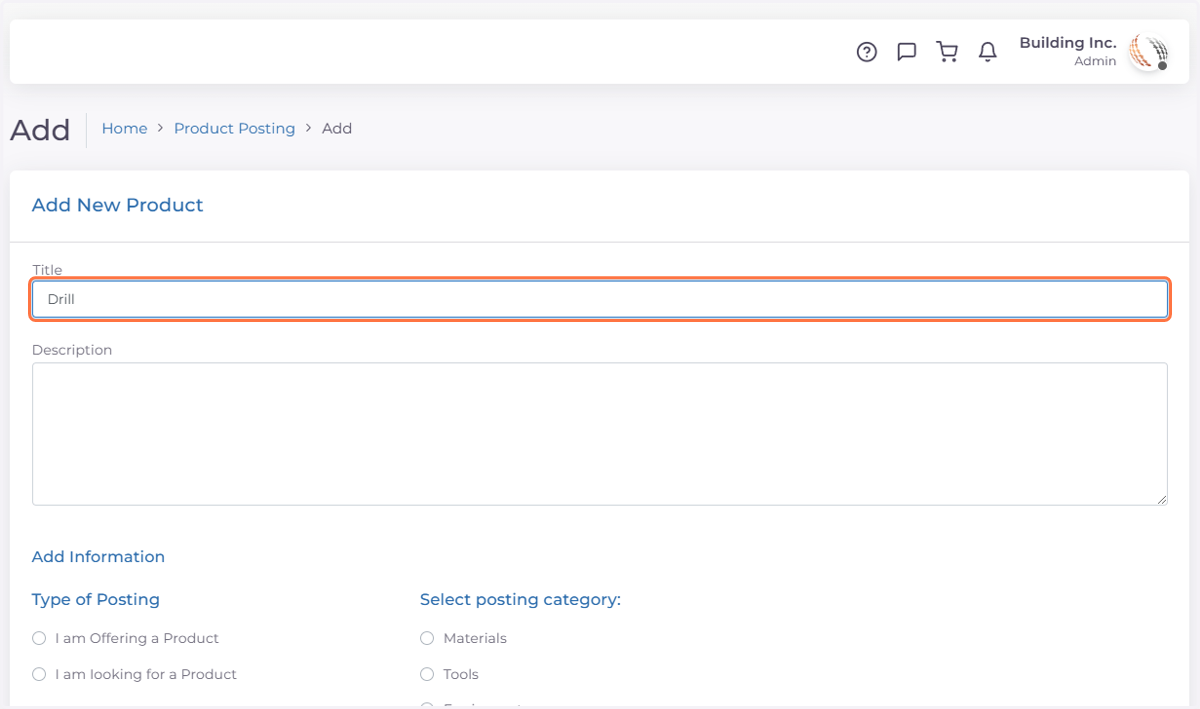
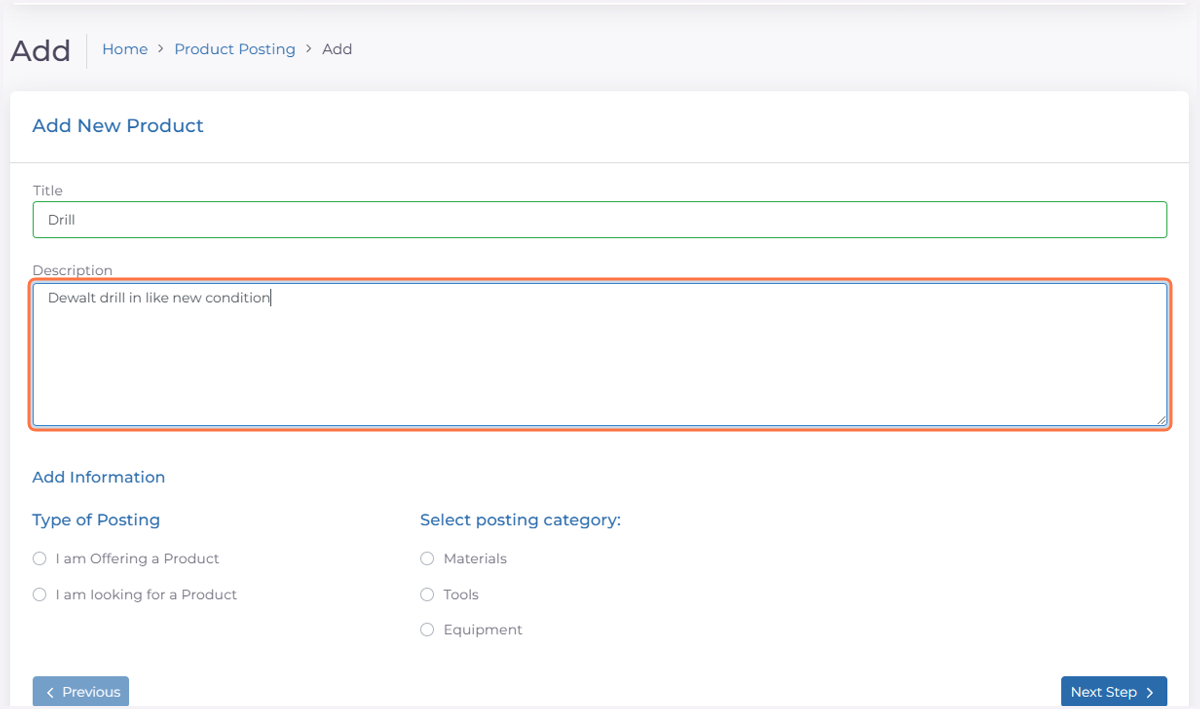
  4. 4. Type a Title

    Type a Title
  5. 5. Type a description

    Type a description
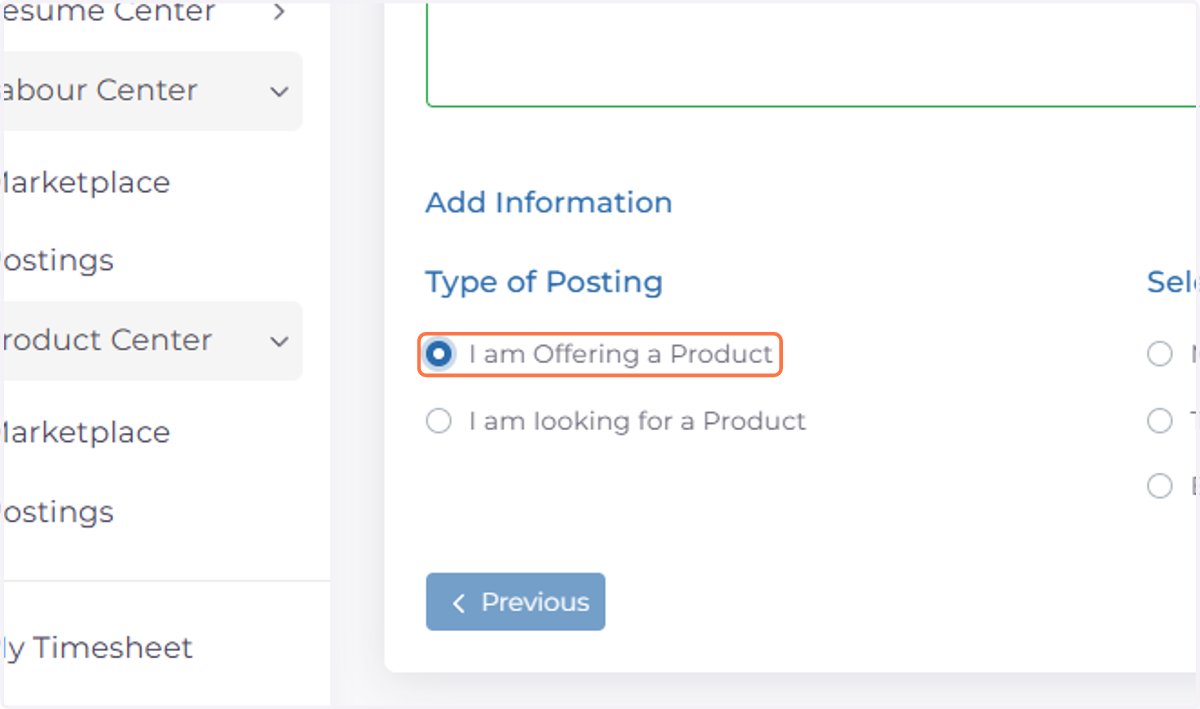
  6. 6. Select Type of Posting

    Select Type of Posting
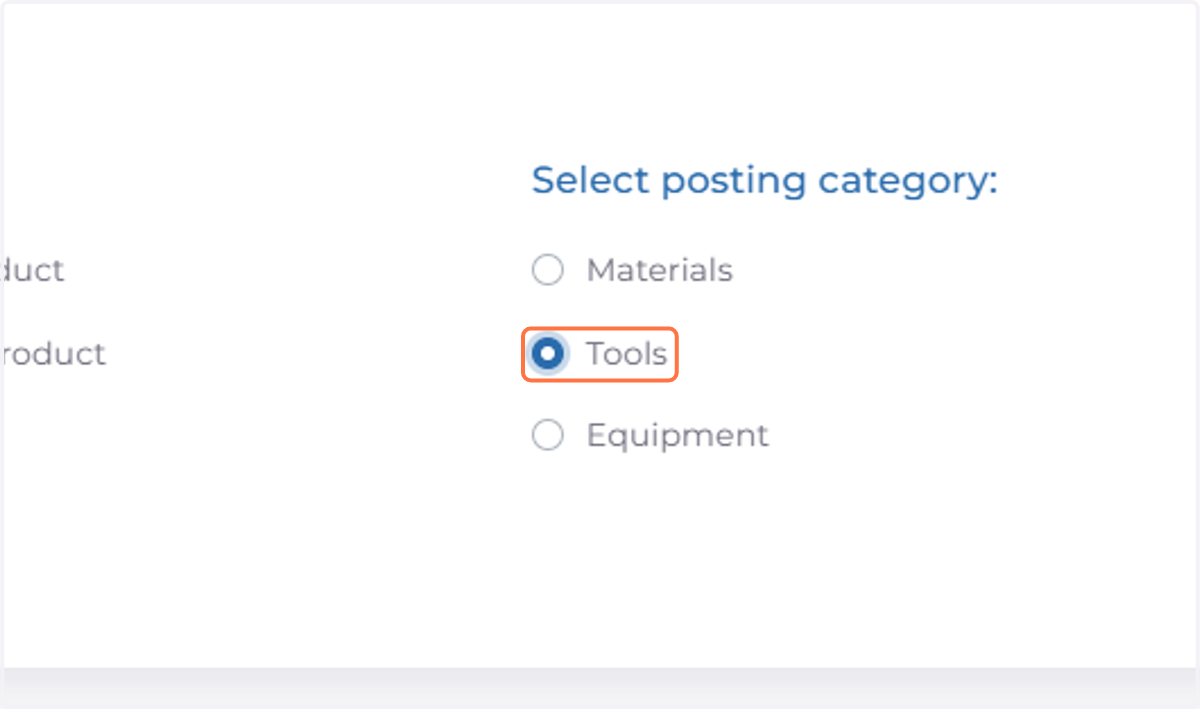
  7. 7. Select Posting Catagory

    Select Posting Catagory
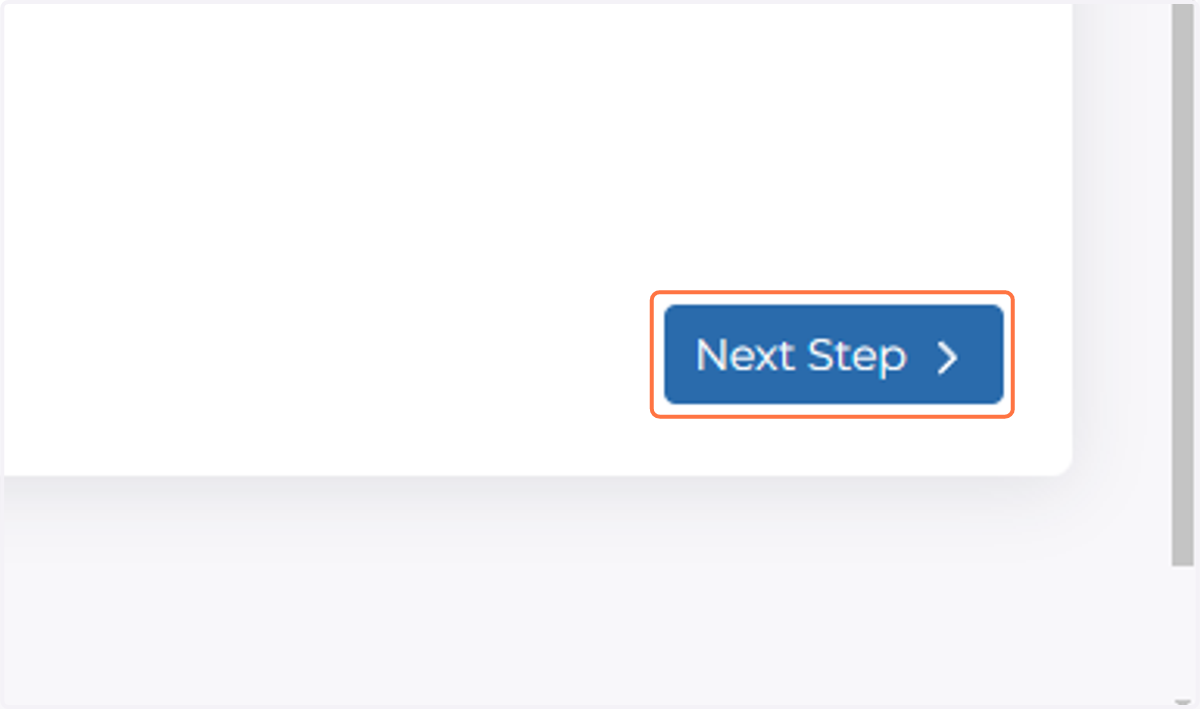
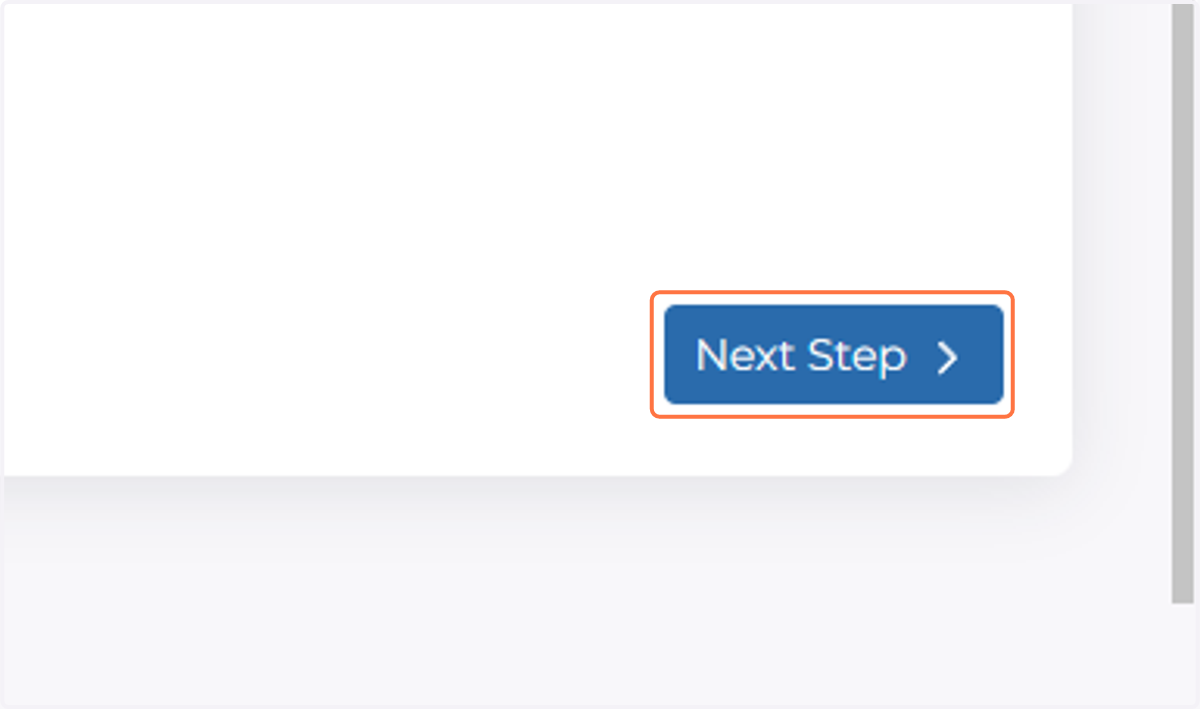
  8. 8. Click on Next Step

    Click on Next Step
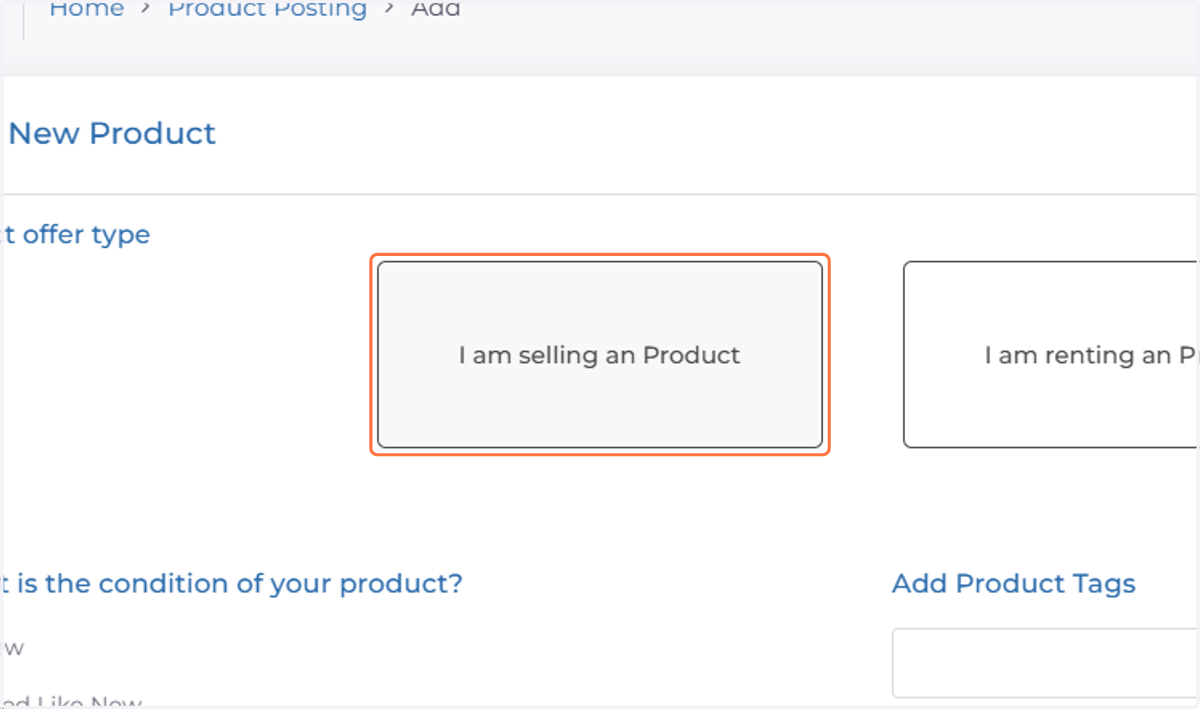
  9. 9. Select Offer Type

    Select Offer Type
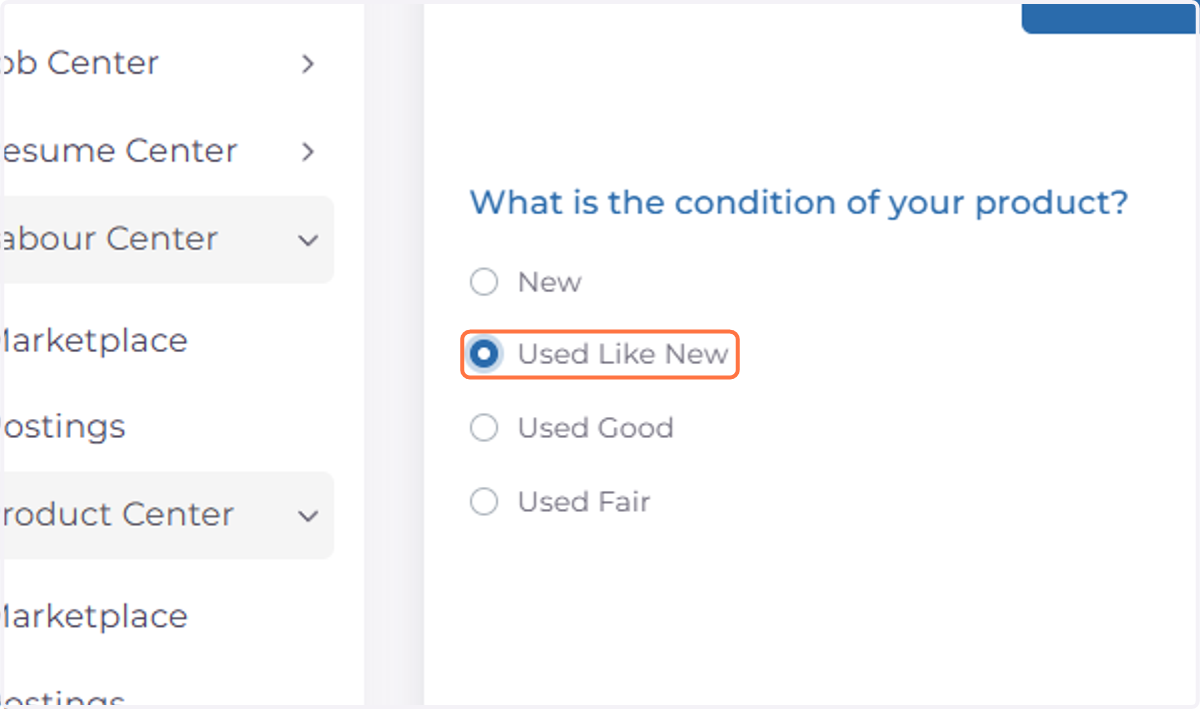
  10. 10. Select Condition

    Select Condition
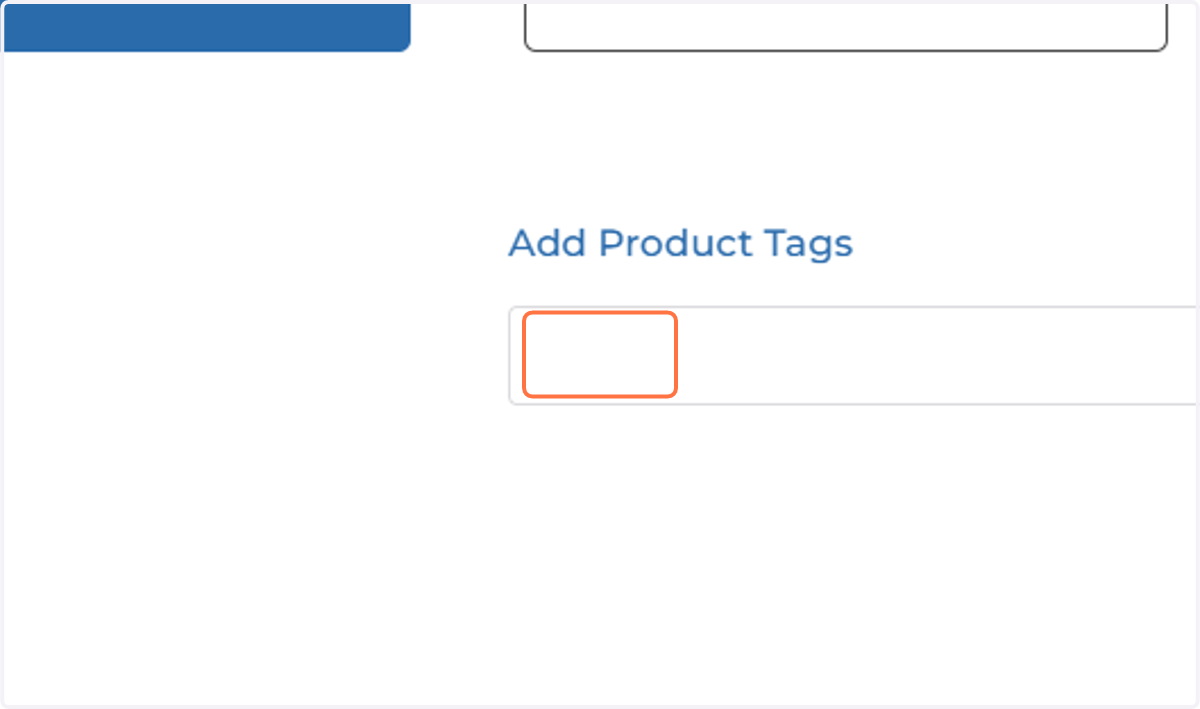
  11. 11. Click on dropdown trigger

    Click on dropdown trigger
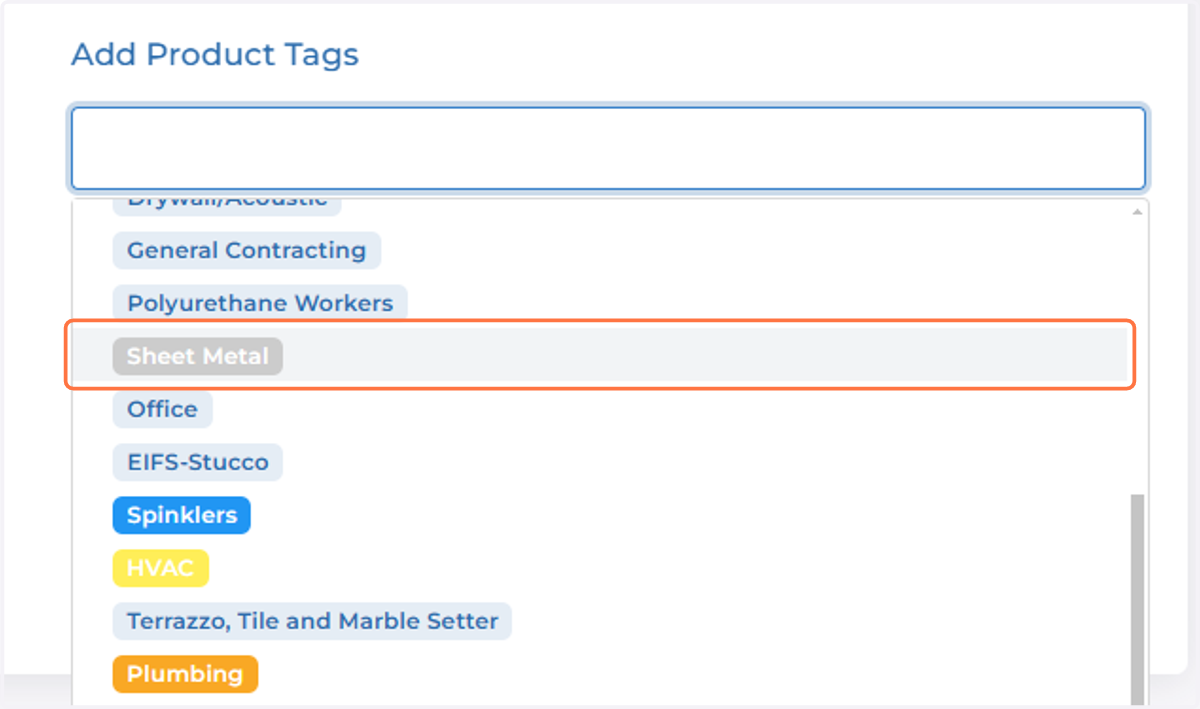
  12. 12. Select desired tags

    Select desired tags
  13. 13. Click on Next Step

    Click on Next Step
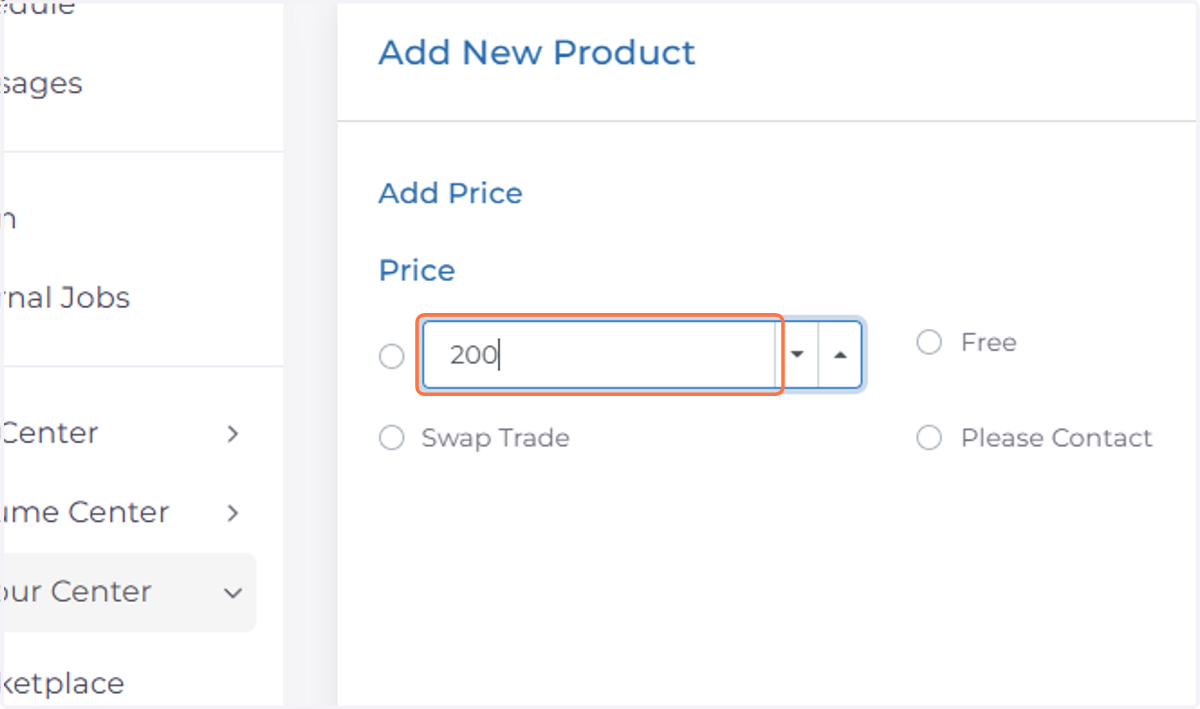
  14. 14. Fill in Price

    Fill in Price
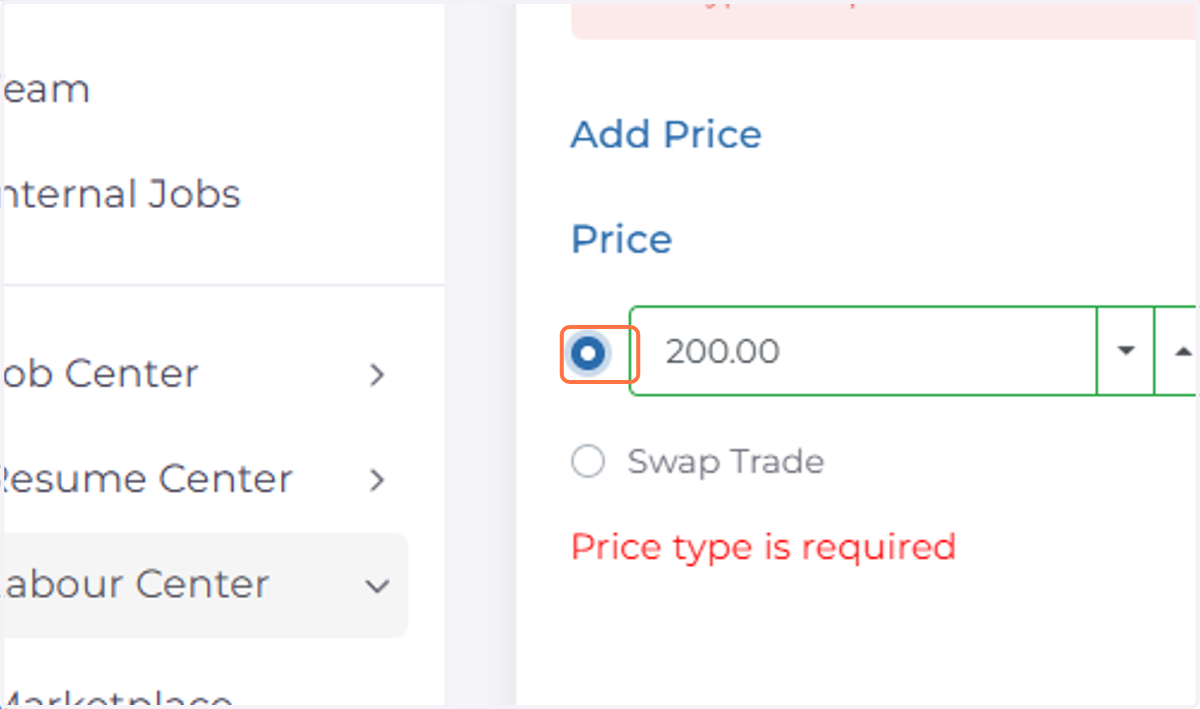
  15. 15. Select Price Type

    Select Price Type
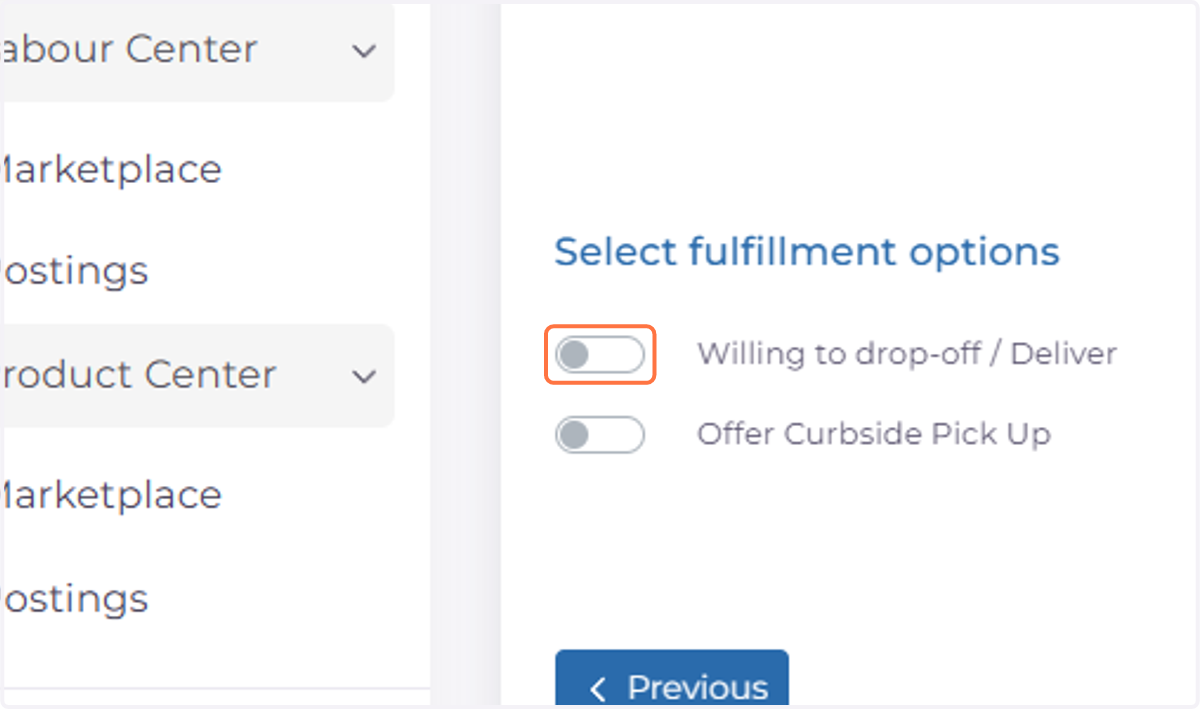
  16. 16. Select Fulfillment Options

    Select Fulfillment Options
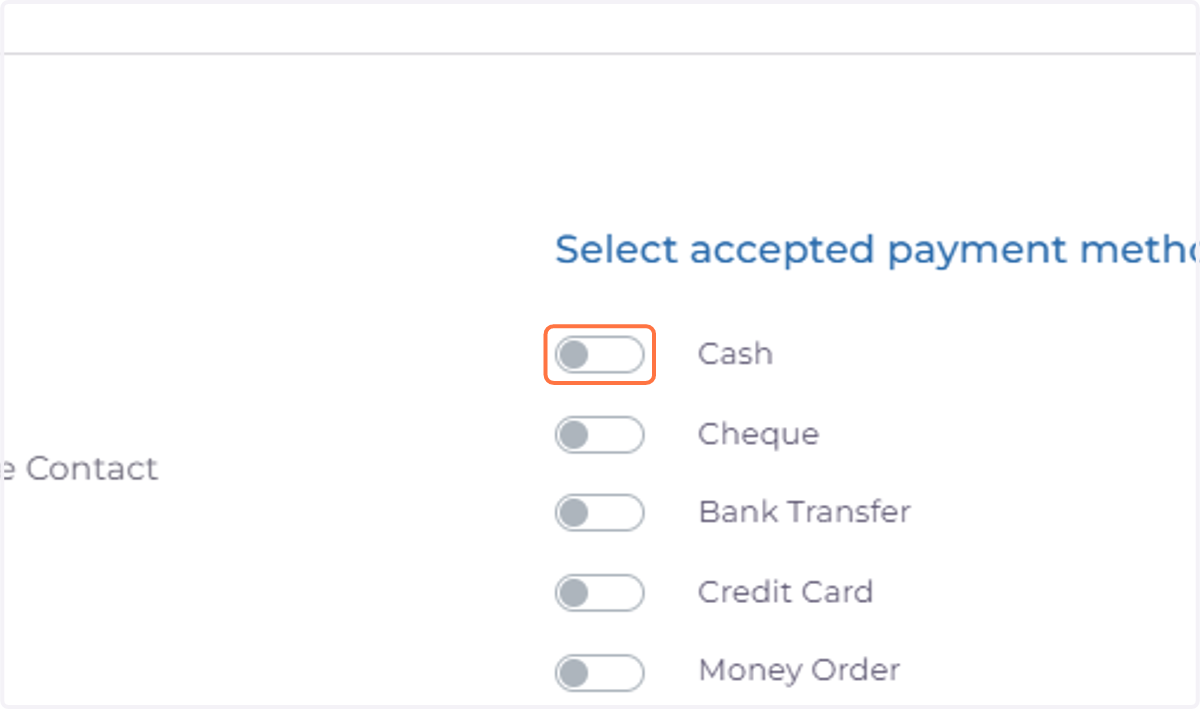
  17. 17. Select Accepted Payment Methods

    Select Accepted Payment Methods
  18. 18. Fill in Drop off and Pick up fees (If Applicable)
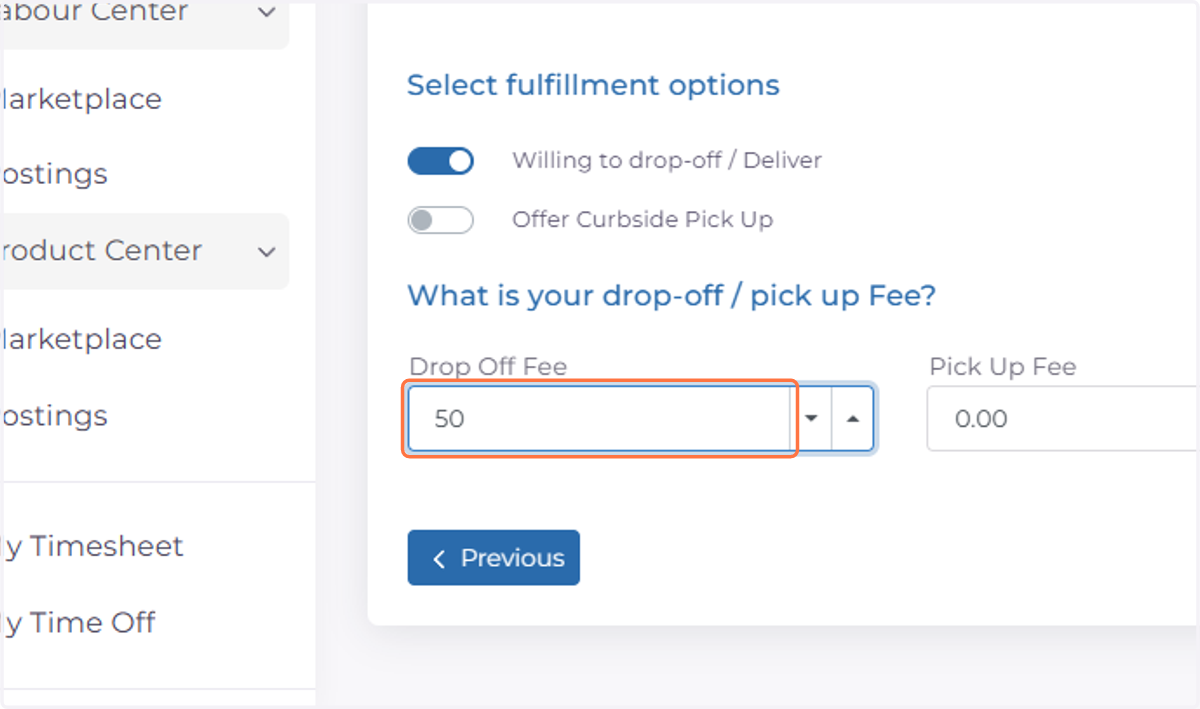
    Fill in Drop off and Pick up fees (If Applicable)
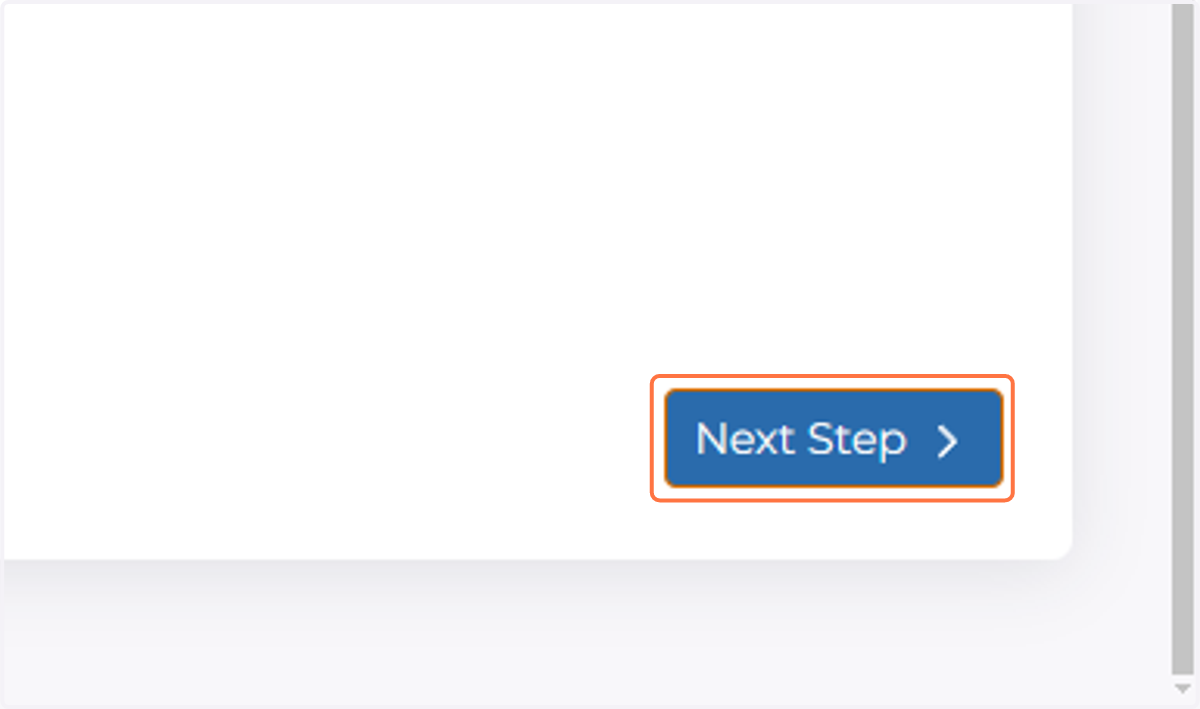
  19. 19. Click on Next Step

    Click on Next Step
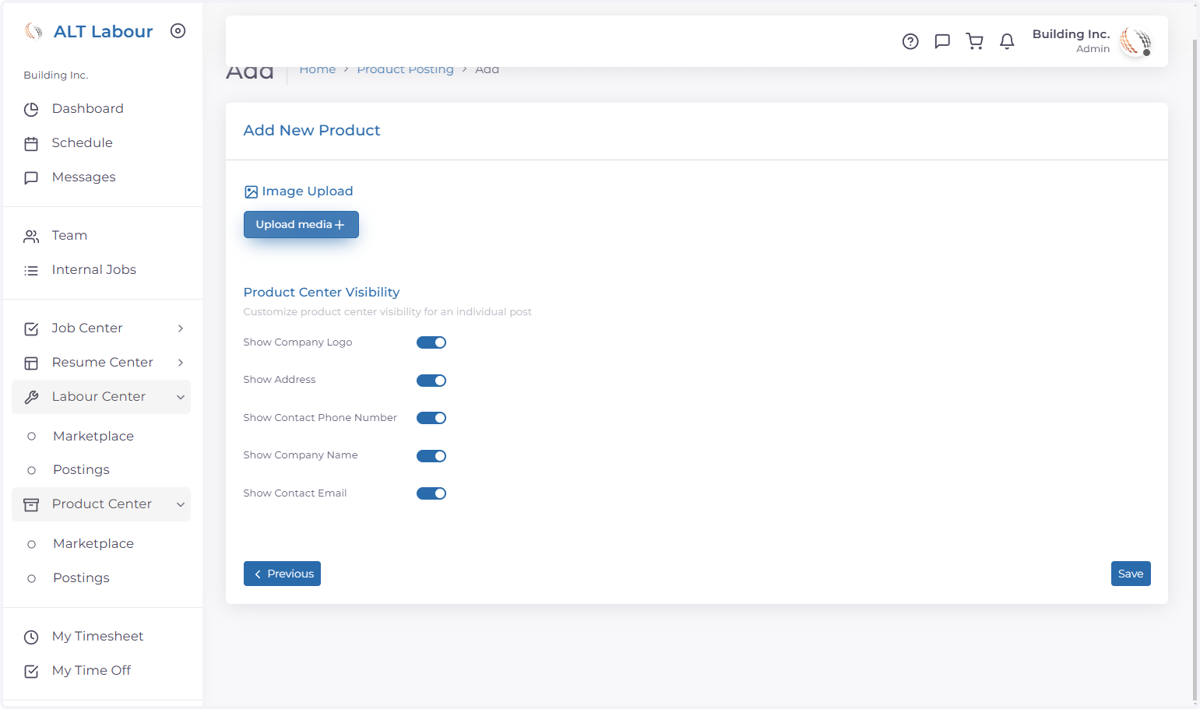
  20. 20. Click on Upload media

    Click on Upload media
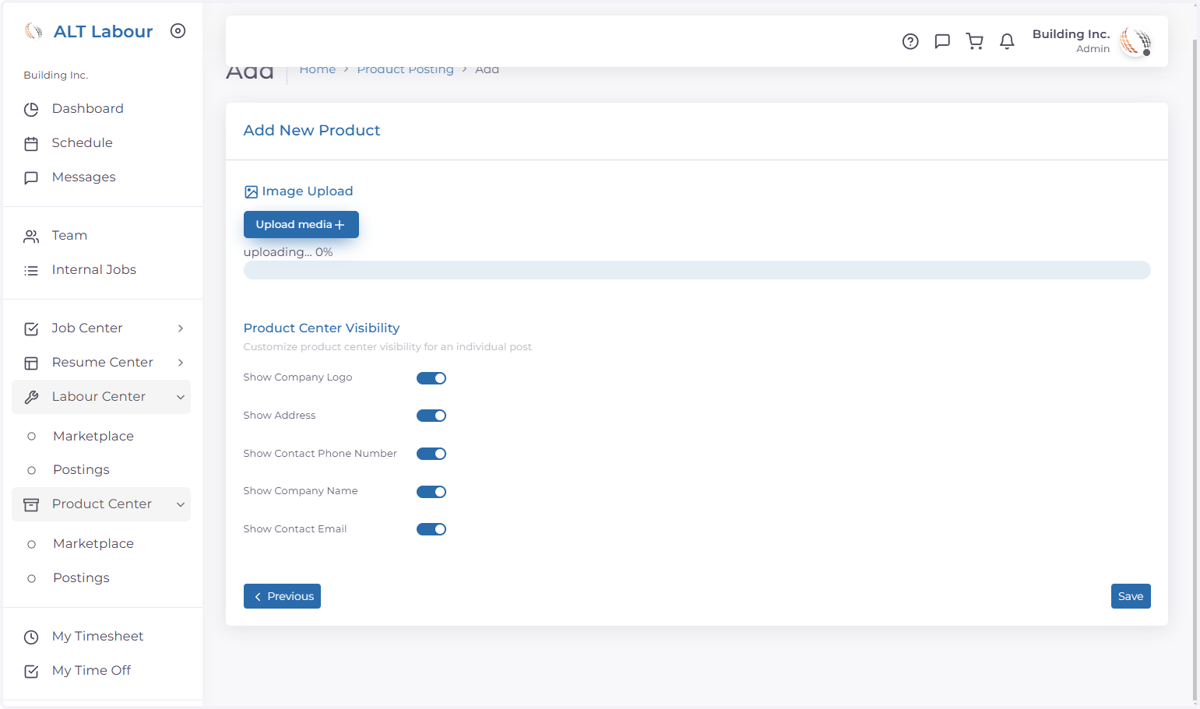
  21. 21. Select photo to upload

    Select photo to upload
  22. 22. Click on Save

    Click on Save
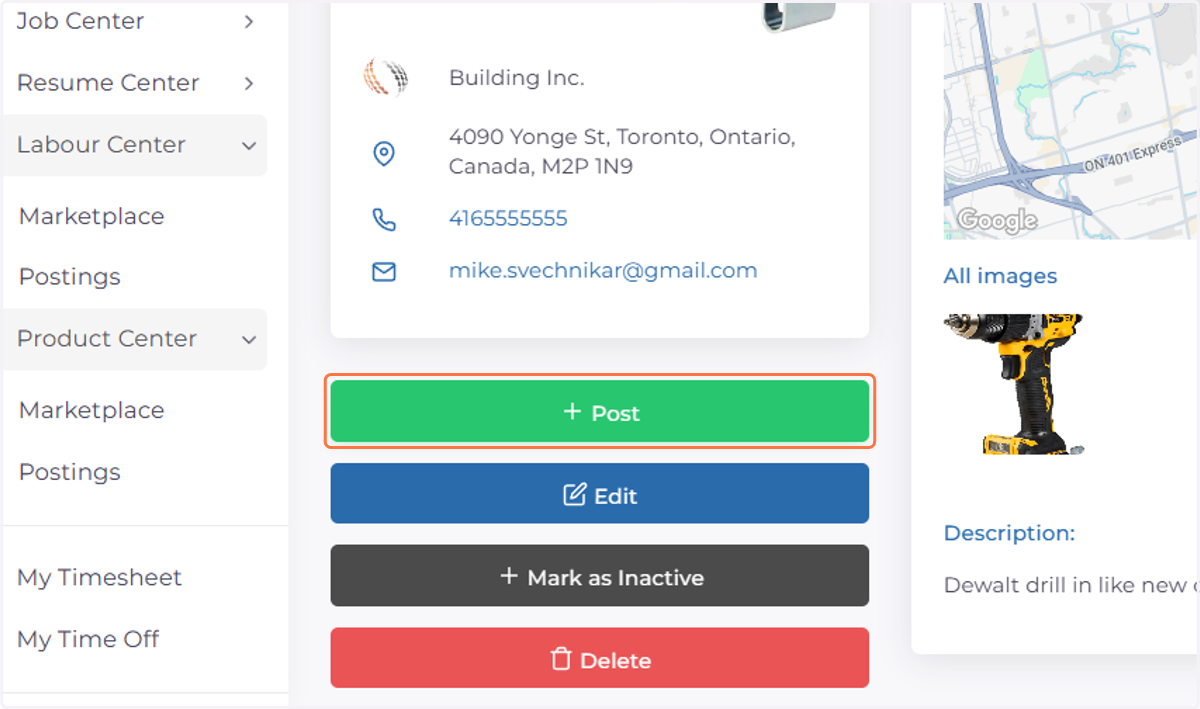
  23. 23. Click on Post

    Click on Post