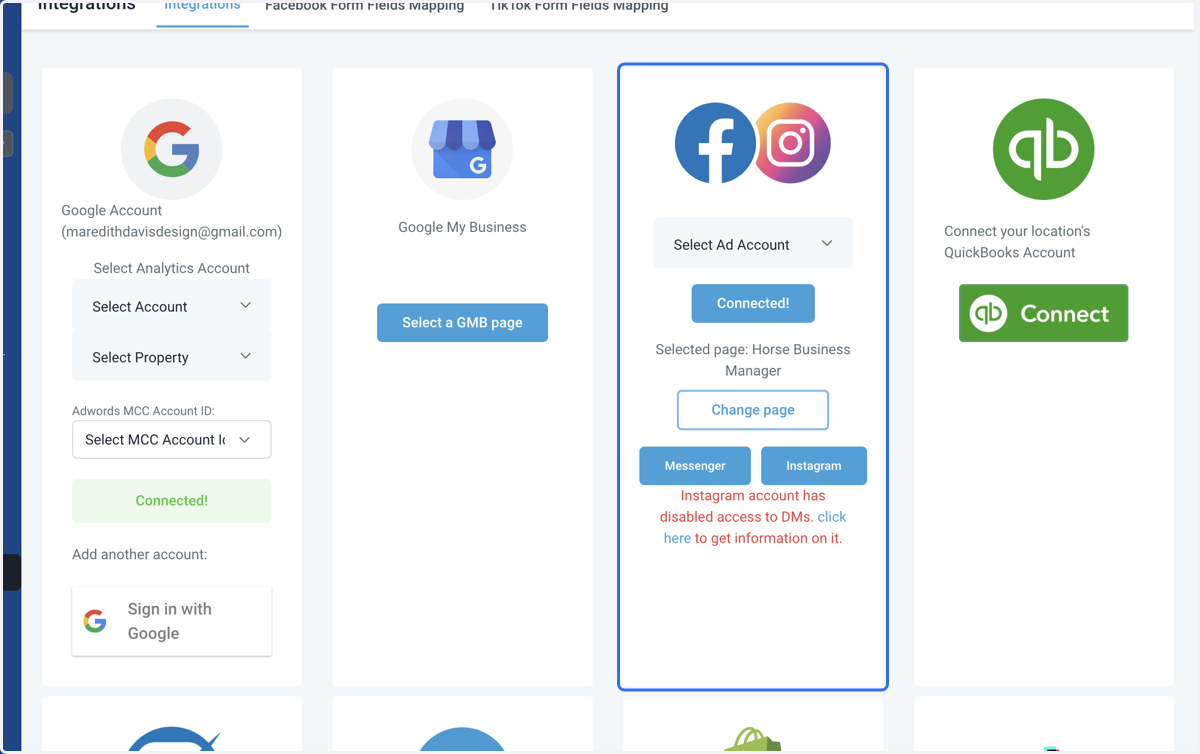
Connecting Facebook and Instagram
Horse Business Manager
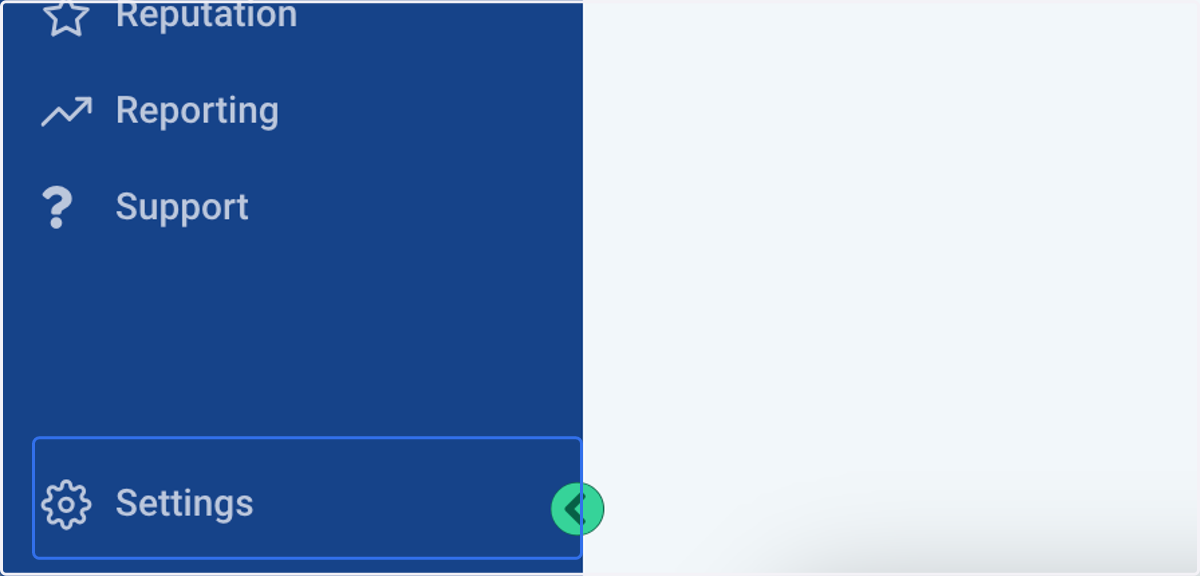
1. Click on Settings
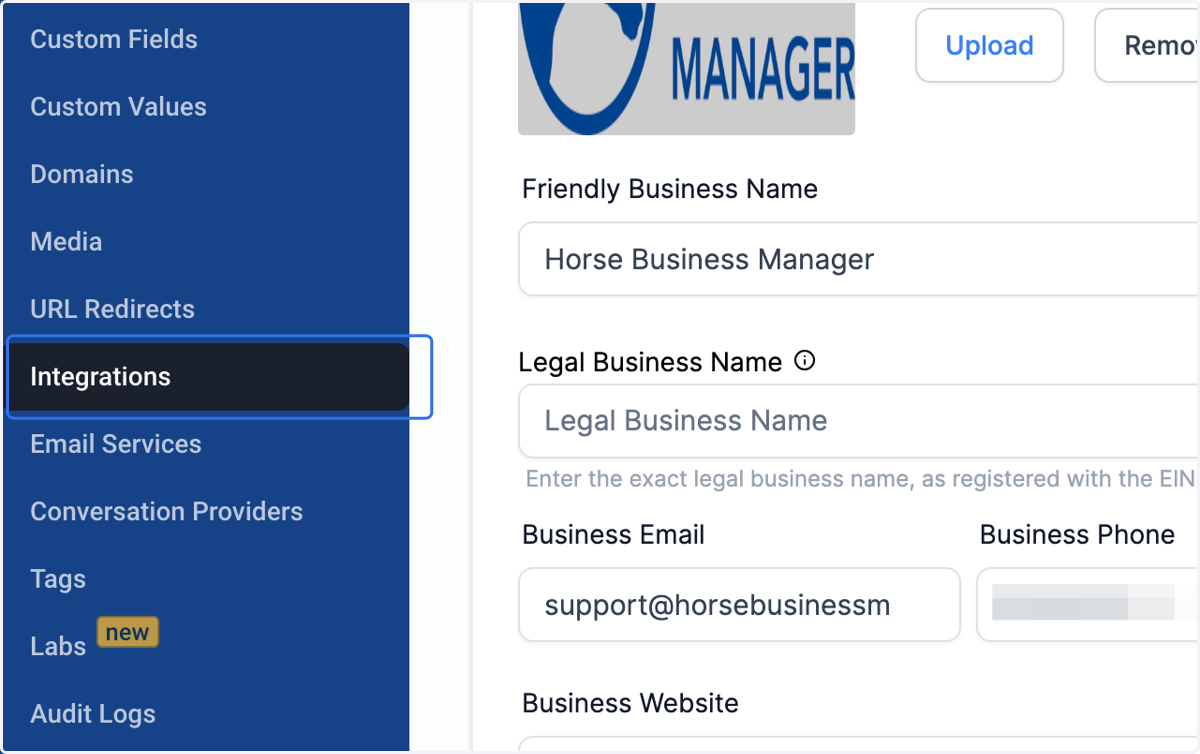
2. Click on Integrations
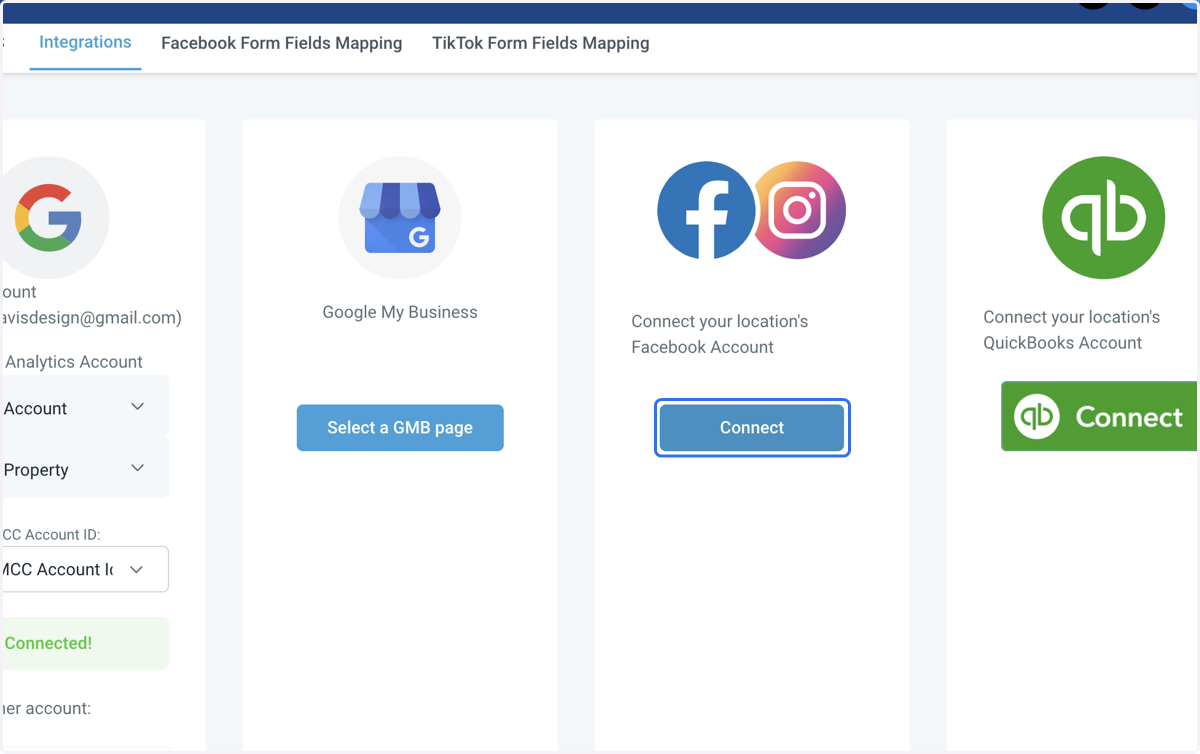
3. Locate the Facebook and Instagram account section. Click on Connect
4. Use the dropdown menu to select your Facebook page.
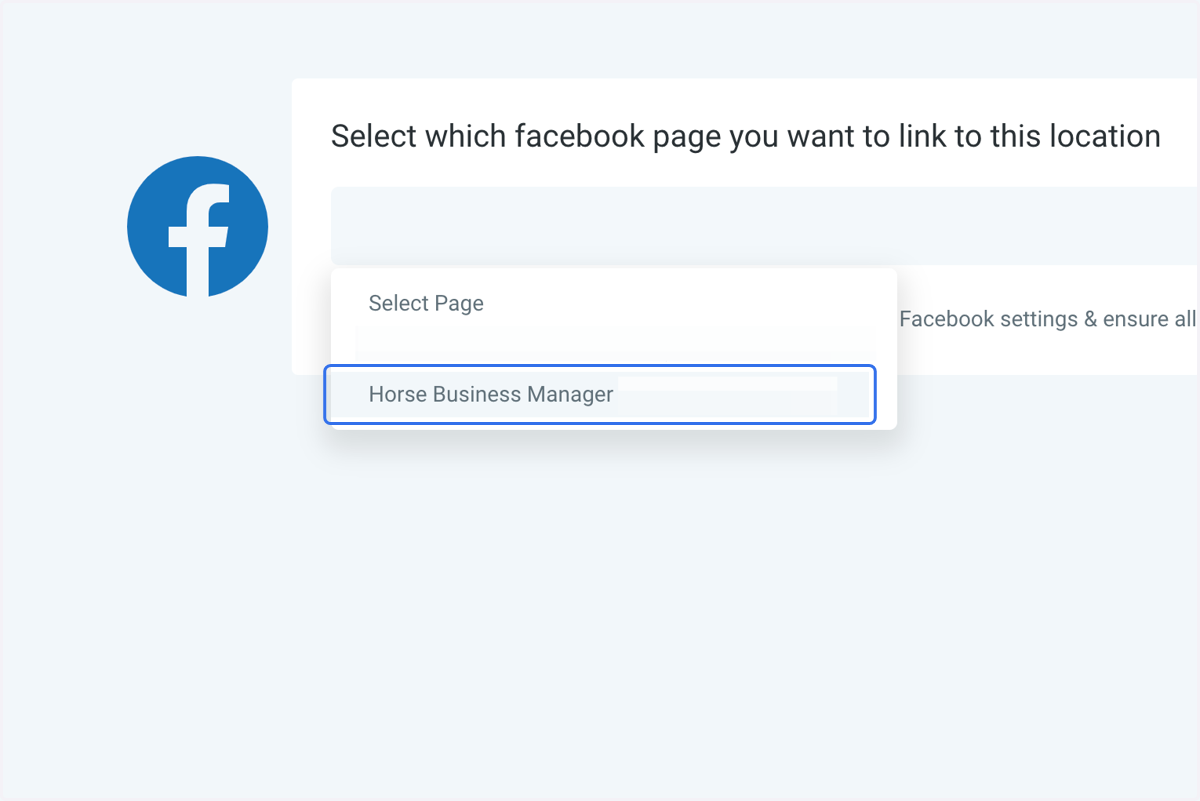
5. Click on Connect Facebook & Instagram
6. Your accounts will be connected!