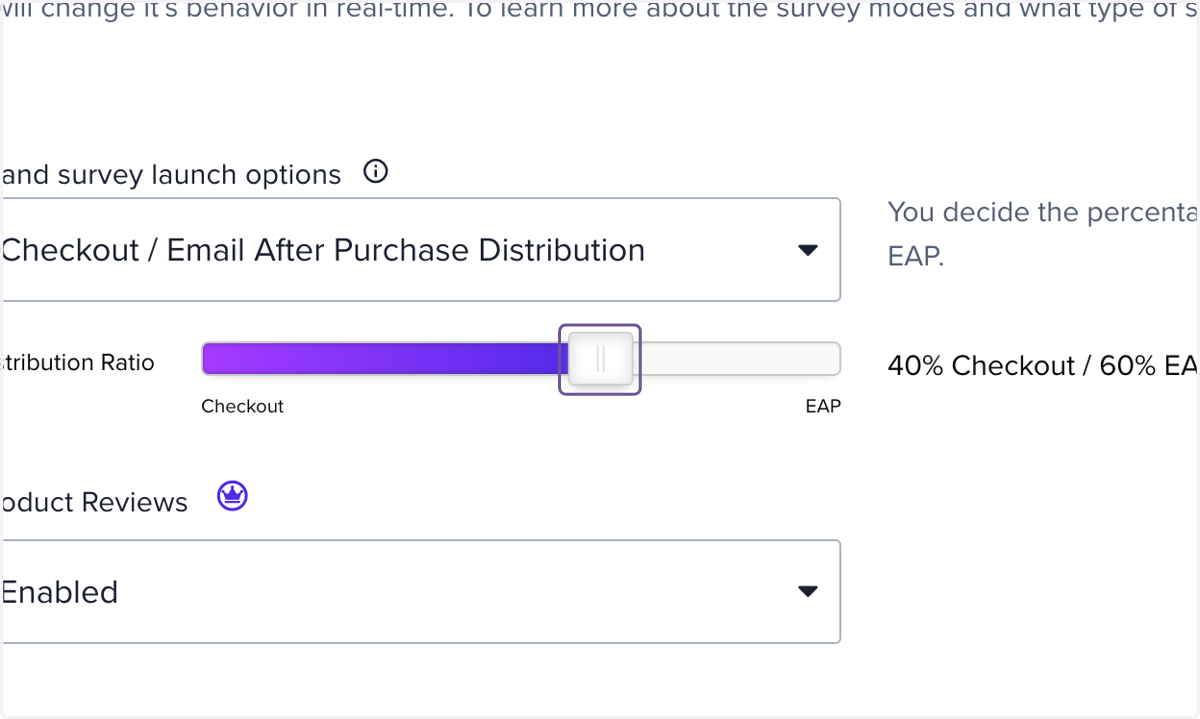
Steps for Setting Splitting Checkout vs post-purchase surveys
Did you know you can send out both checkout surveys AND post-purchase surveys and split them between your shoppers so they receive either or? This is a great way to collect a lot of reviews fast, while also getting Google Qualified reviews.
ResellerRatings.com
Go to https://www.resellerratings.com/merchant/store/<your_seo_name>/home/store_updates
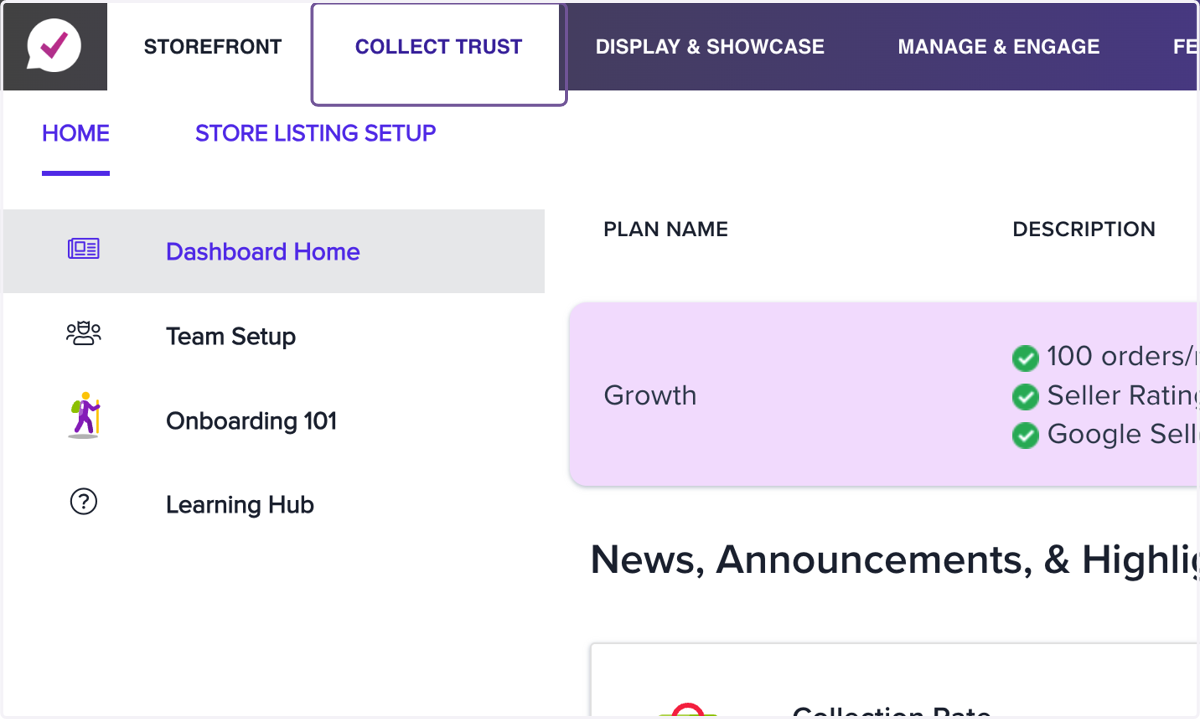
1. Click on Collect Trust
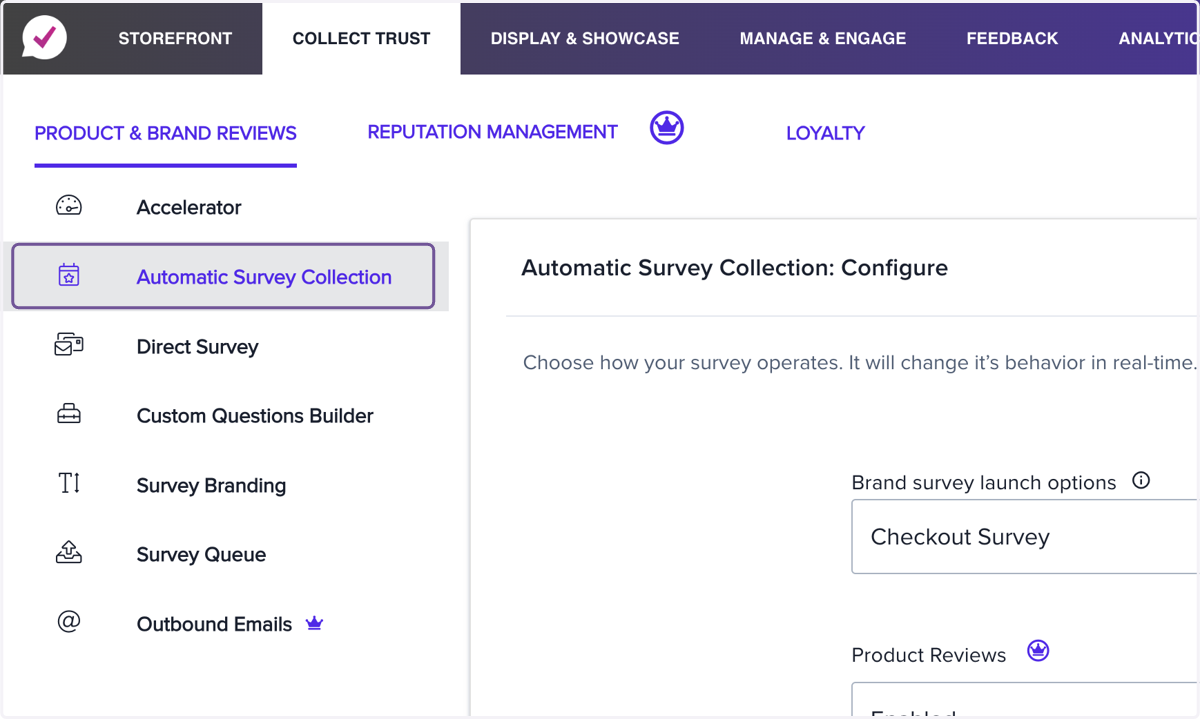
2. Click on Automatic Survey Collection
3. Click on Checkout Survey
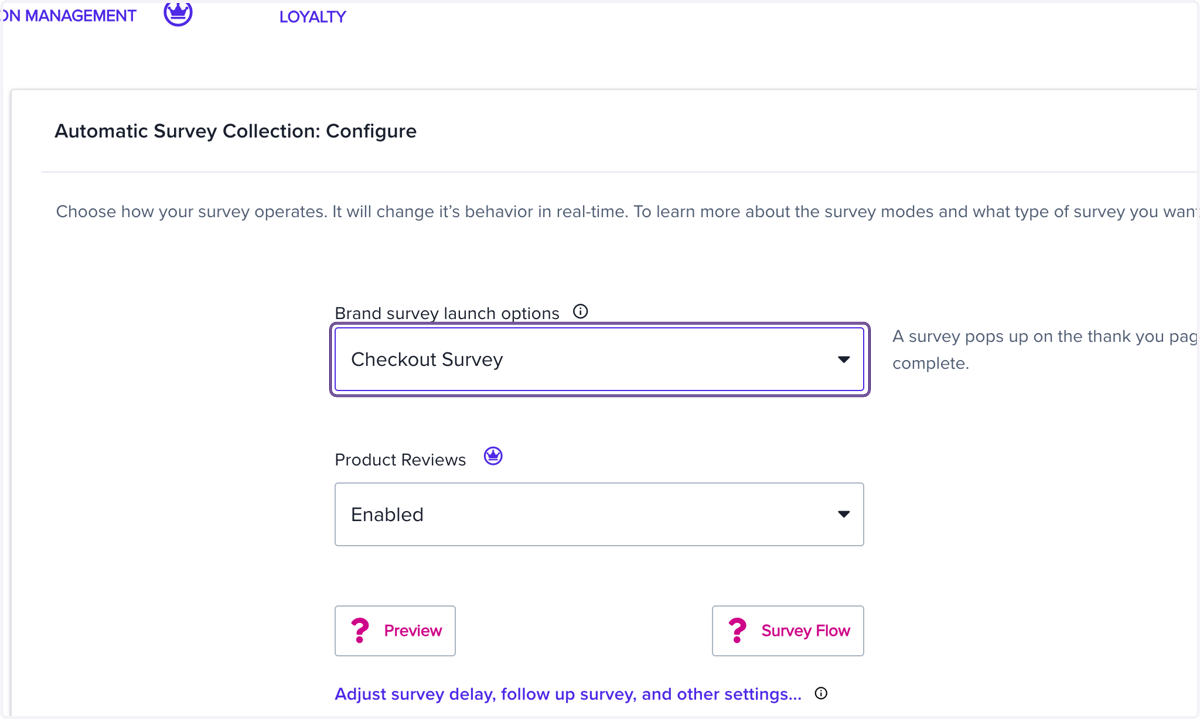
4. Click on Checkout / Email After Purchase Distribution
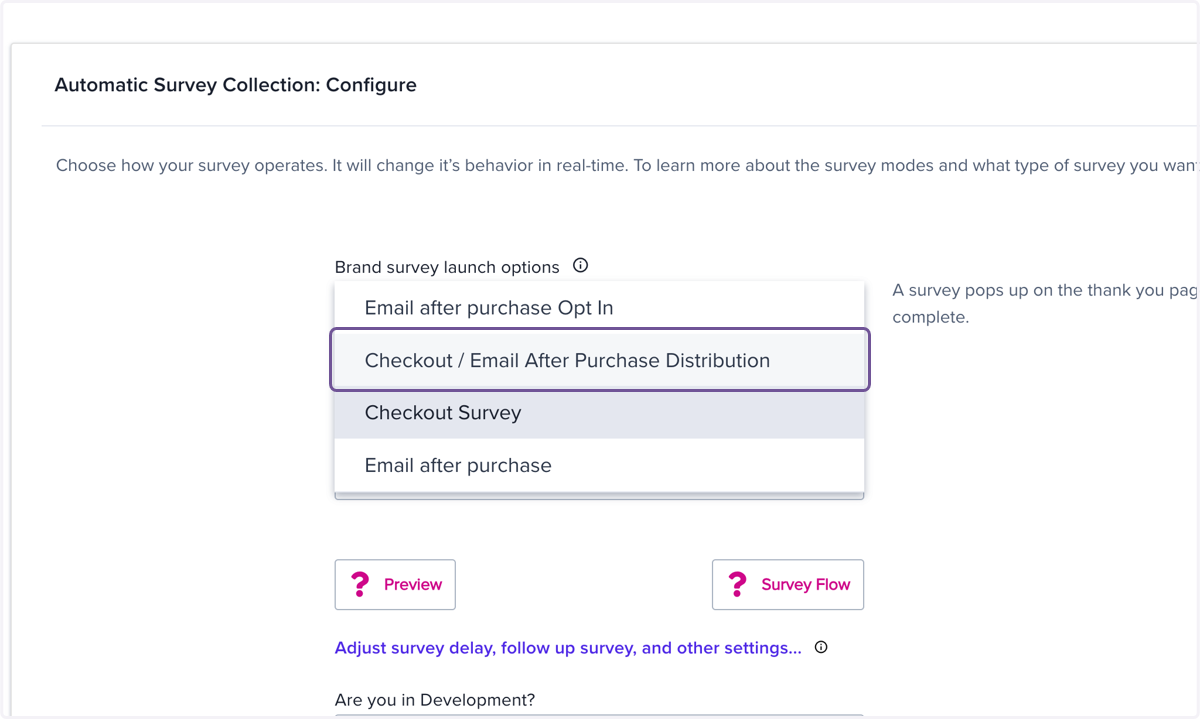
5. Drag highlighted element