Creating a Permit

JustPark Suite

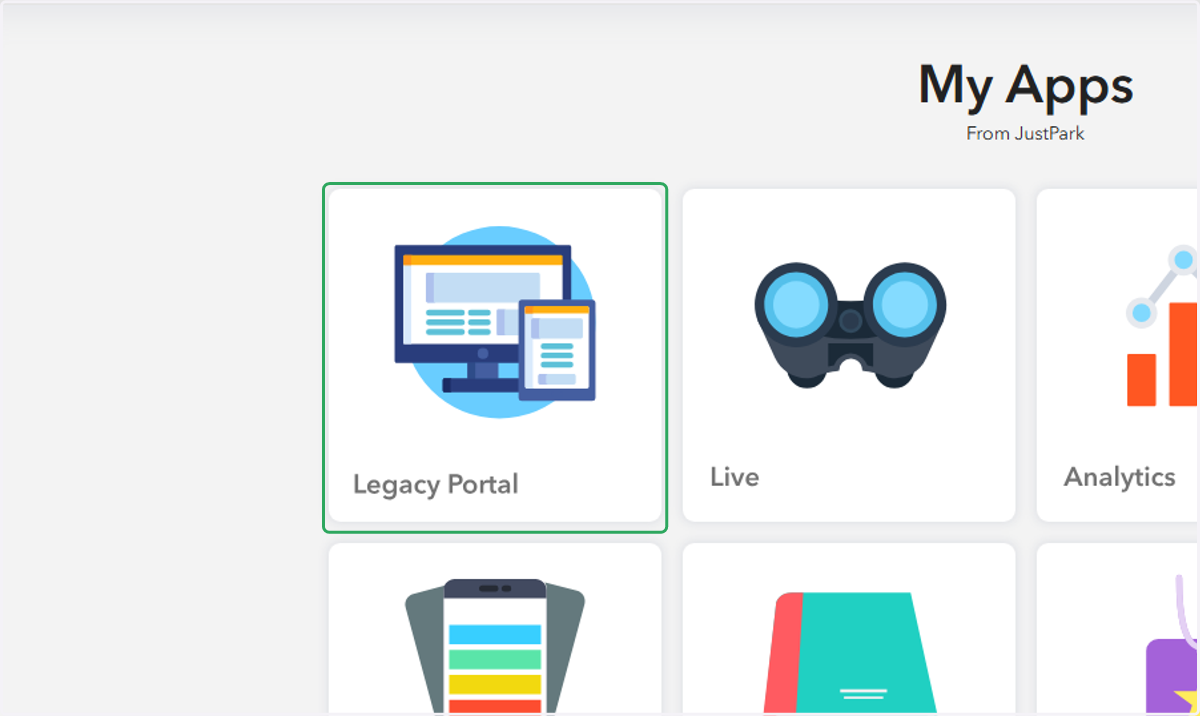
  1. 1. Click on Legacy Portal in Suite

    Click on Legacy Portal in Suite
  2. 2. Click on the appropriate Portal account
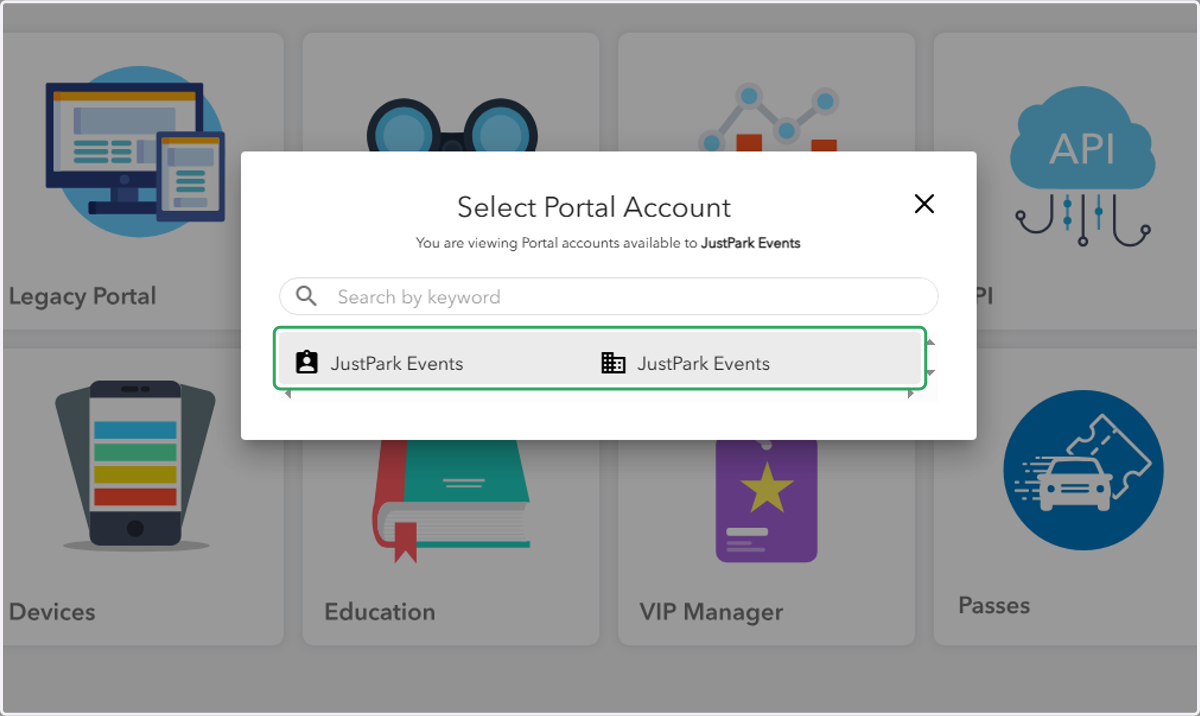
    Click on the appropriate Portal account
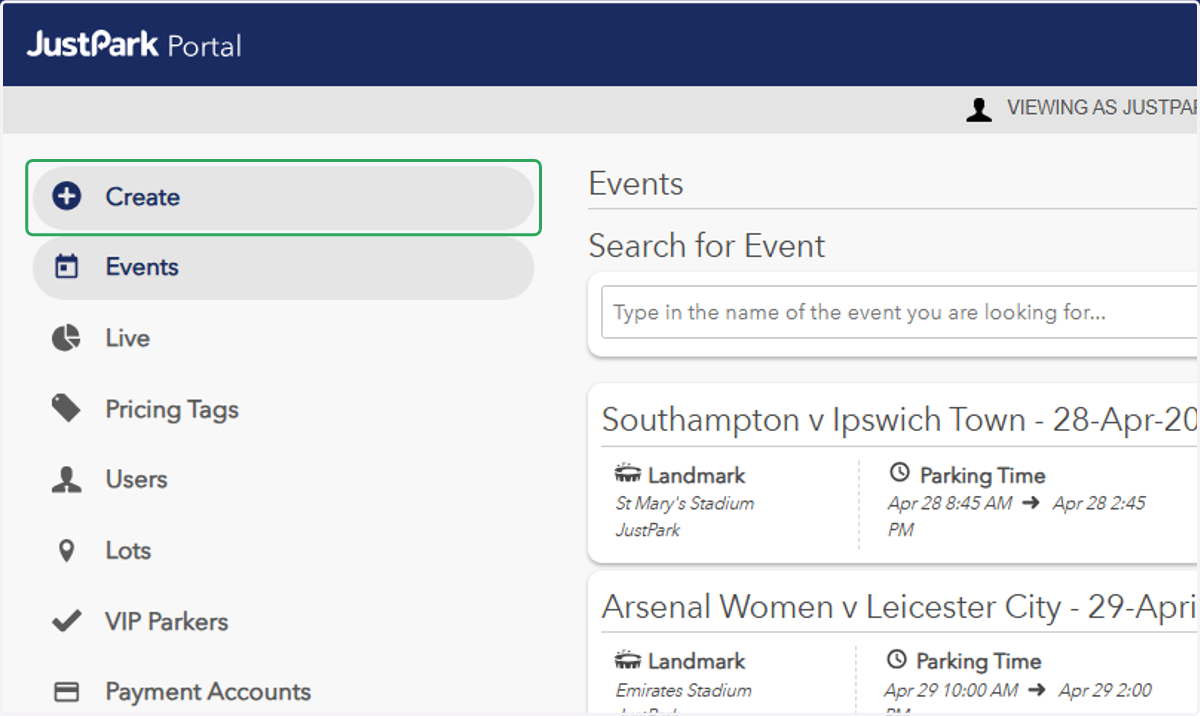
  3. 3. Click on "Create"

    Click on "Create"
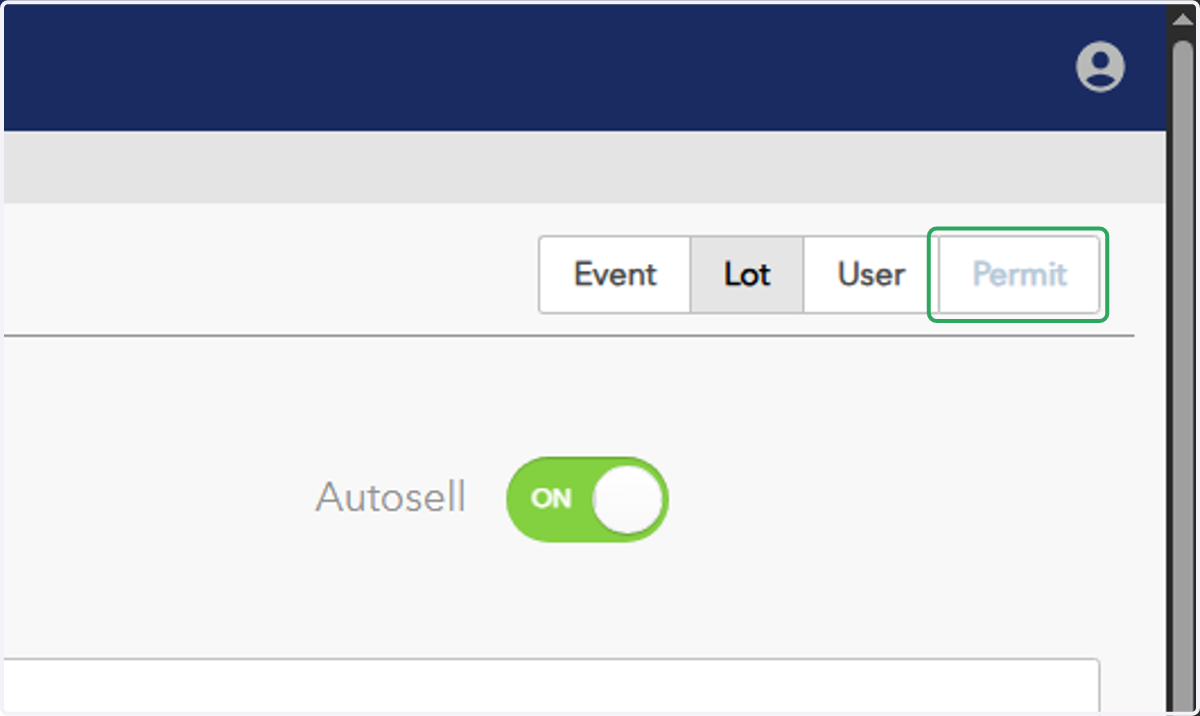
  4. 4. Click on "Permit"

    Click on "Permit"
  5. 5. Type the first and last name of the permit holder
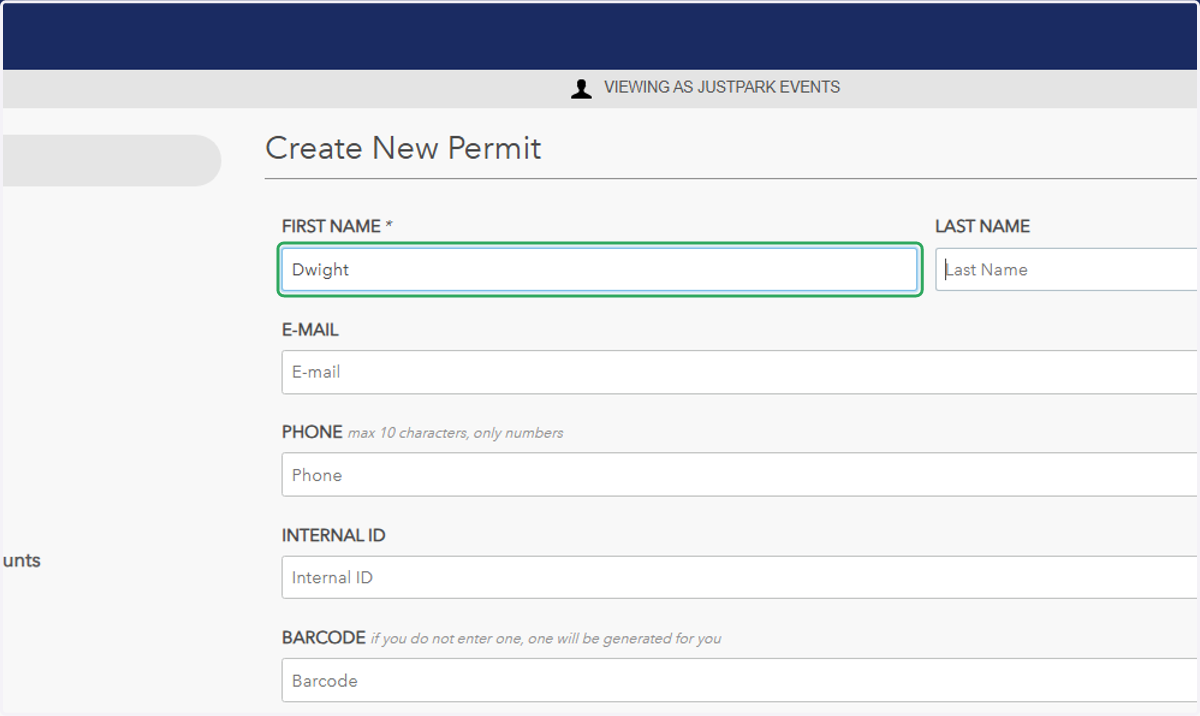
    Type the first and last name of the permit holder
  6. 6. Select a date and time for when the permit should be valid from
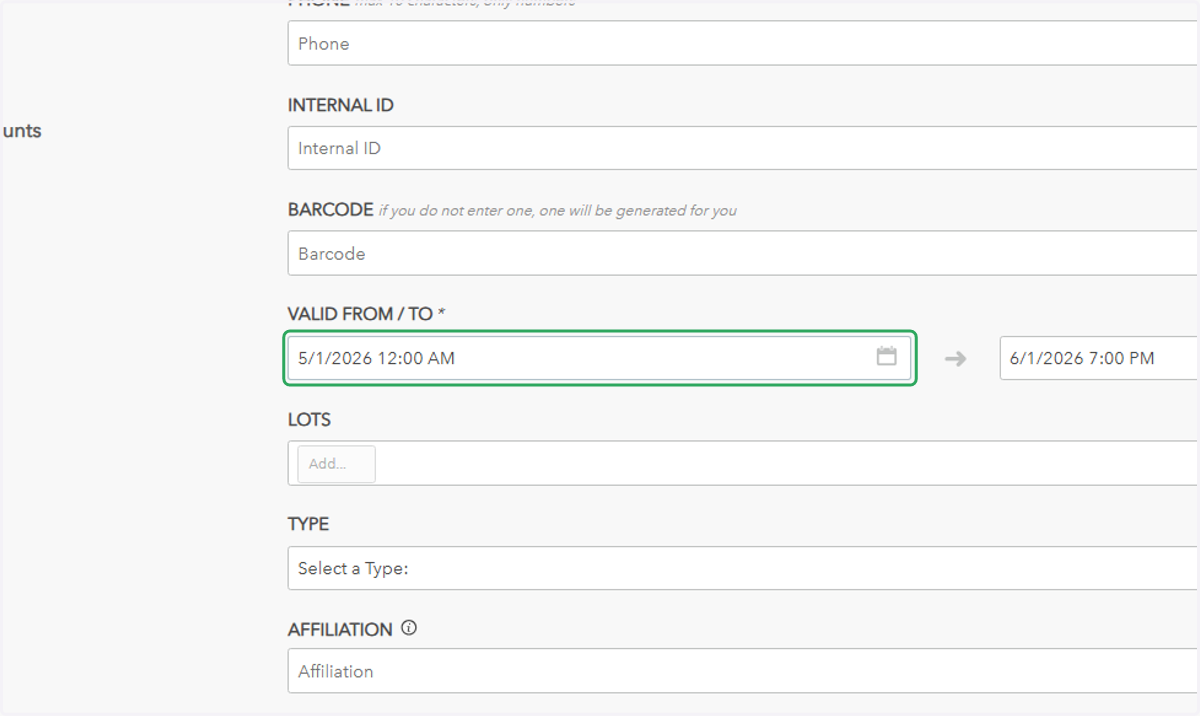
    Select a date and time for when the permit should be valid from
  7. 7. Select a date and time for when the permit should be valid until
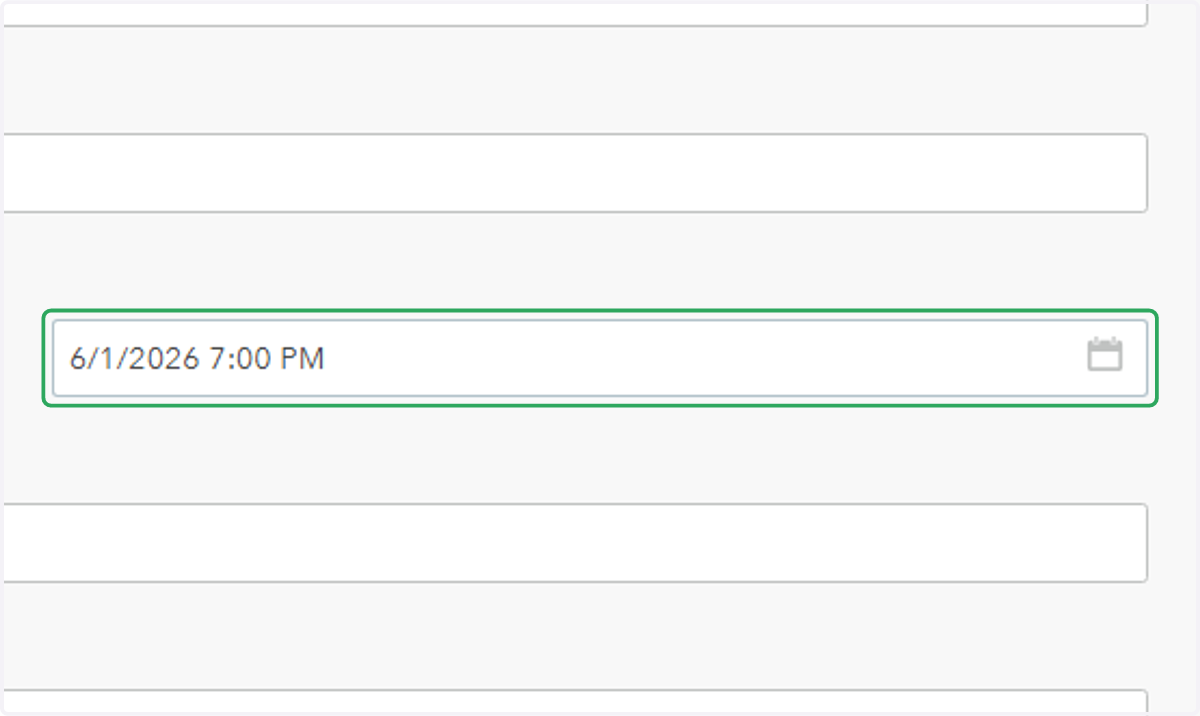
    Select a date and time for when the permit should be valid until
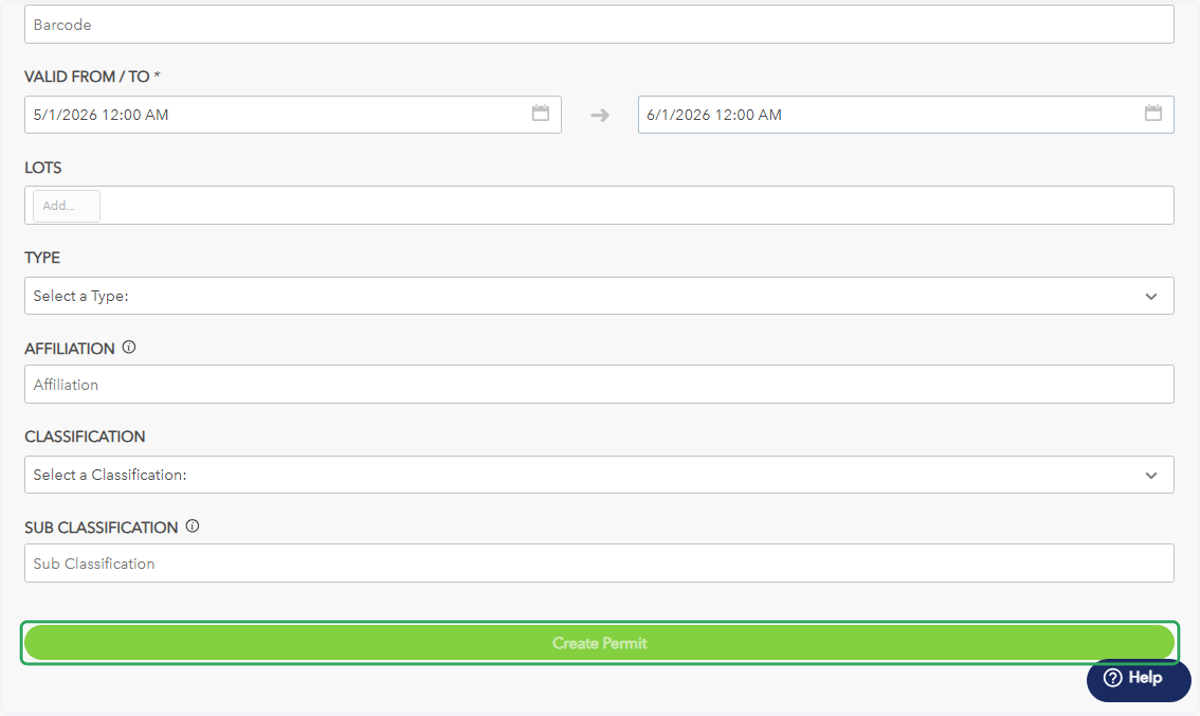
  8. 8. Click on Create Permit

    Click on Create Permit