Zoho Desk

Zoho API Console

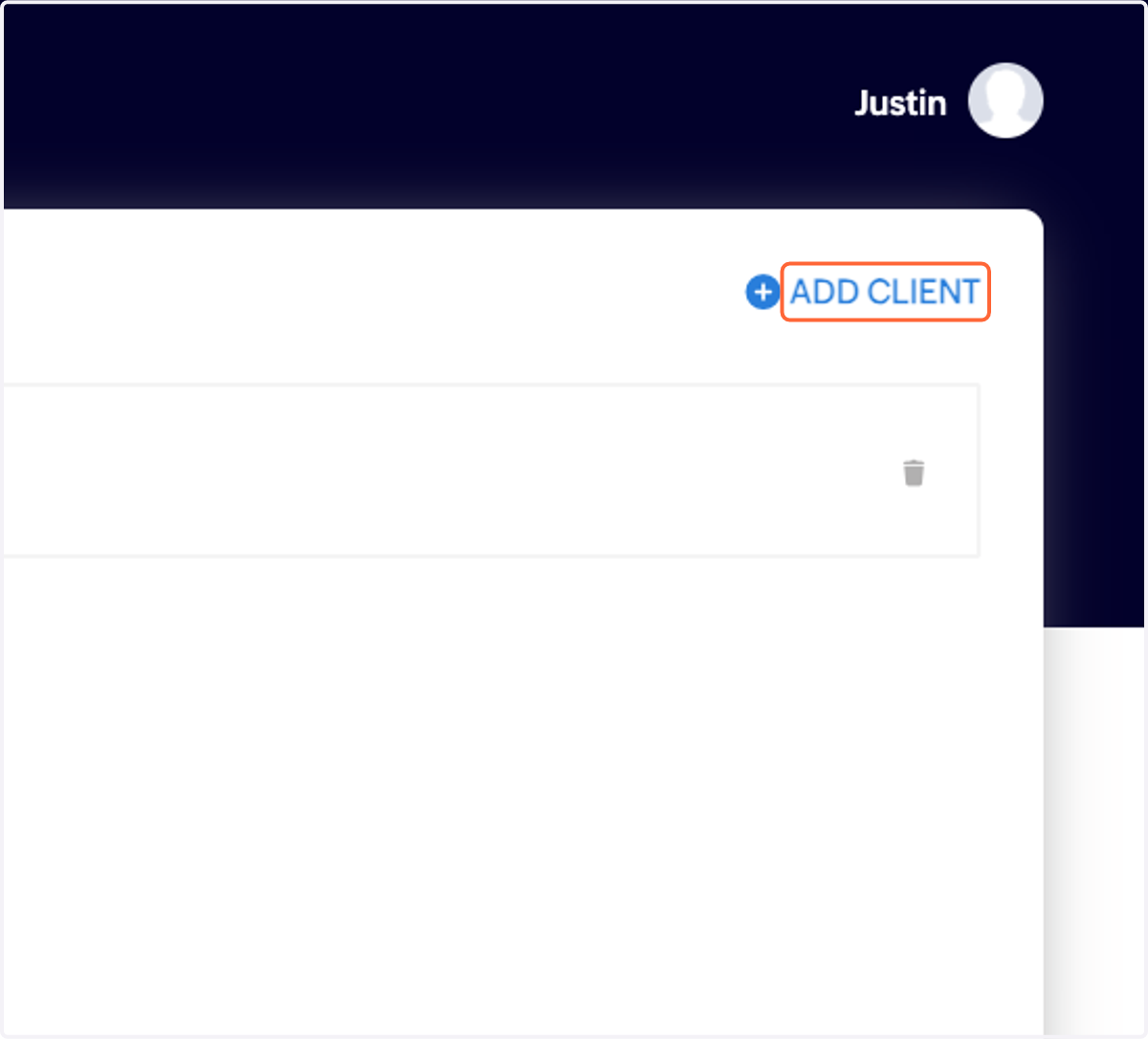
  1. 1. Click on ADD CLIENT

    Click on ADD CLIENT
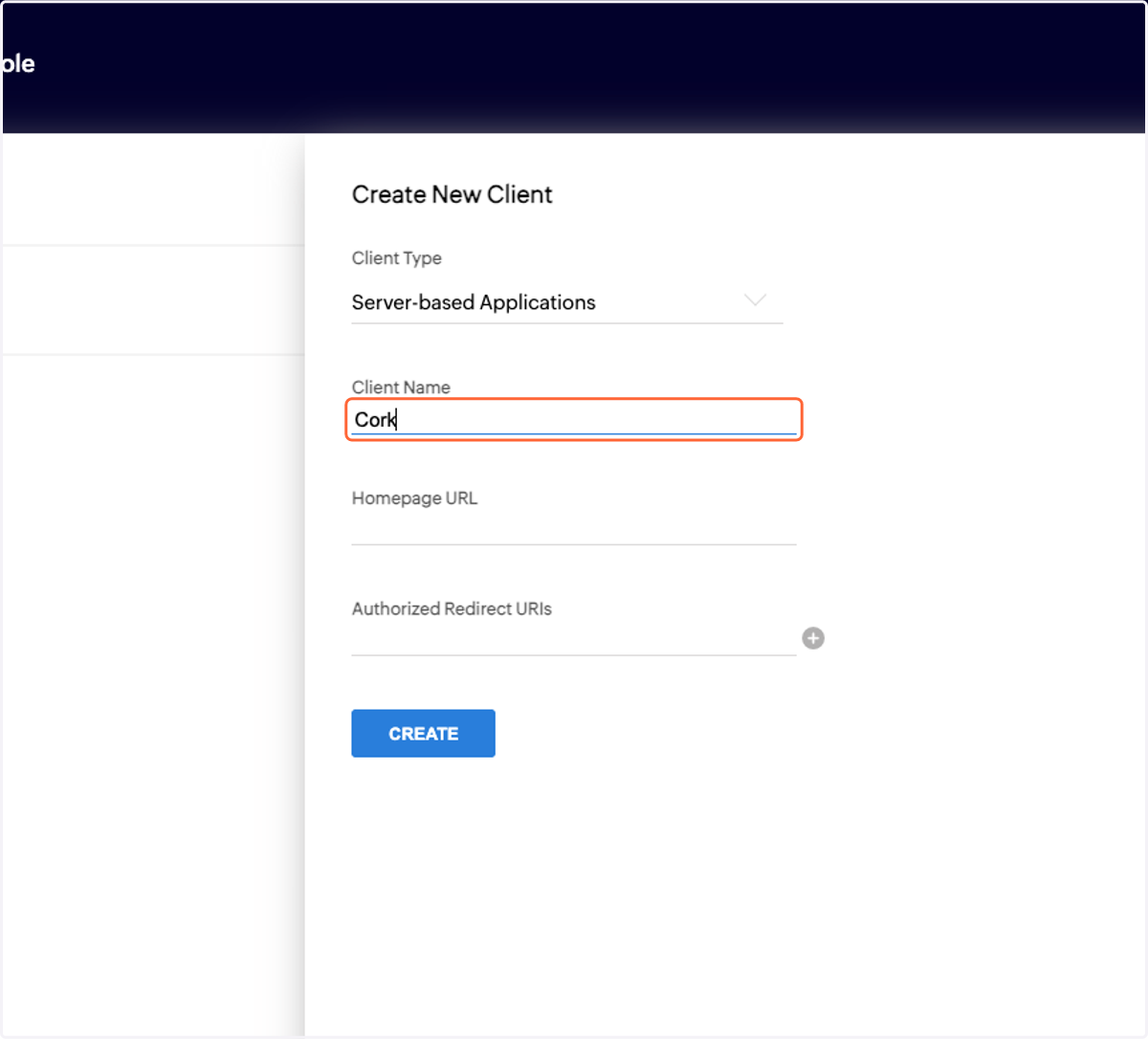
  2. 2. Click on Server-based Applications…
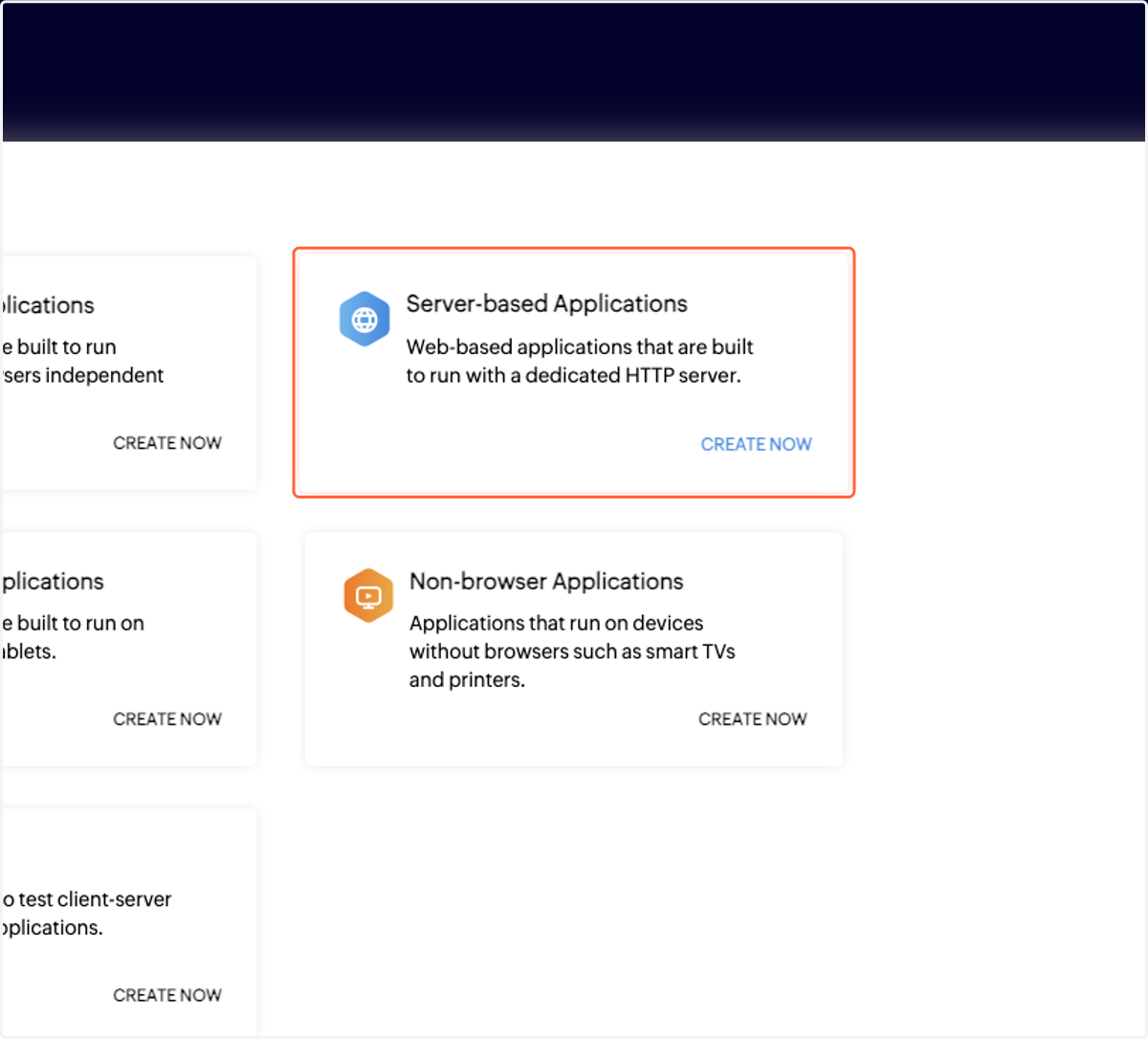
    Click on Server-based Applications…
  3. 3. Type in text field

    Type in text field
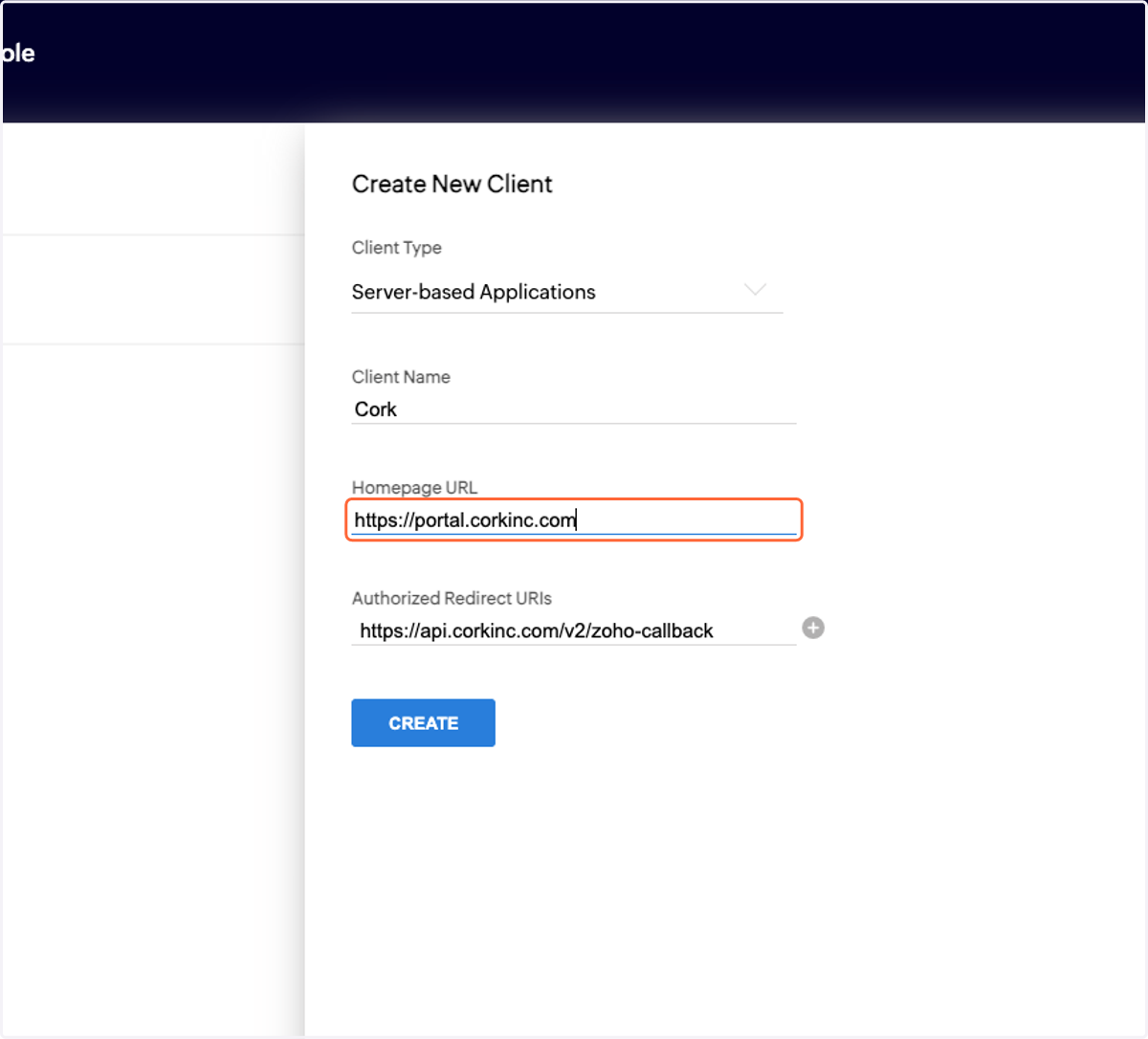
  4. 4. Type https://portal.corkinc.com

    Type https://portal.corkinc.com
  5. 5. Type https://api.corkinc.com/v2/zoho-callback
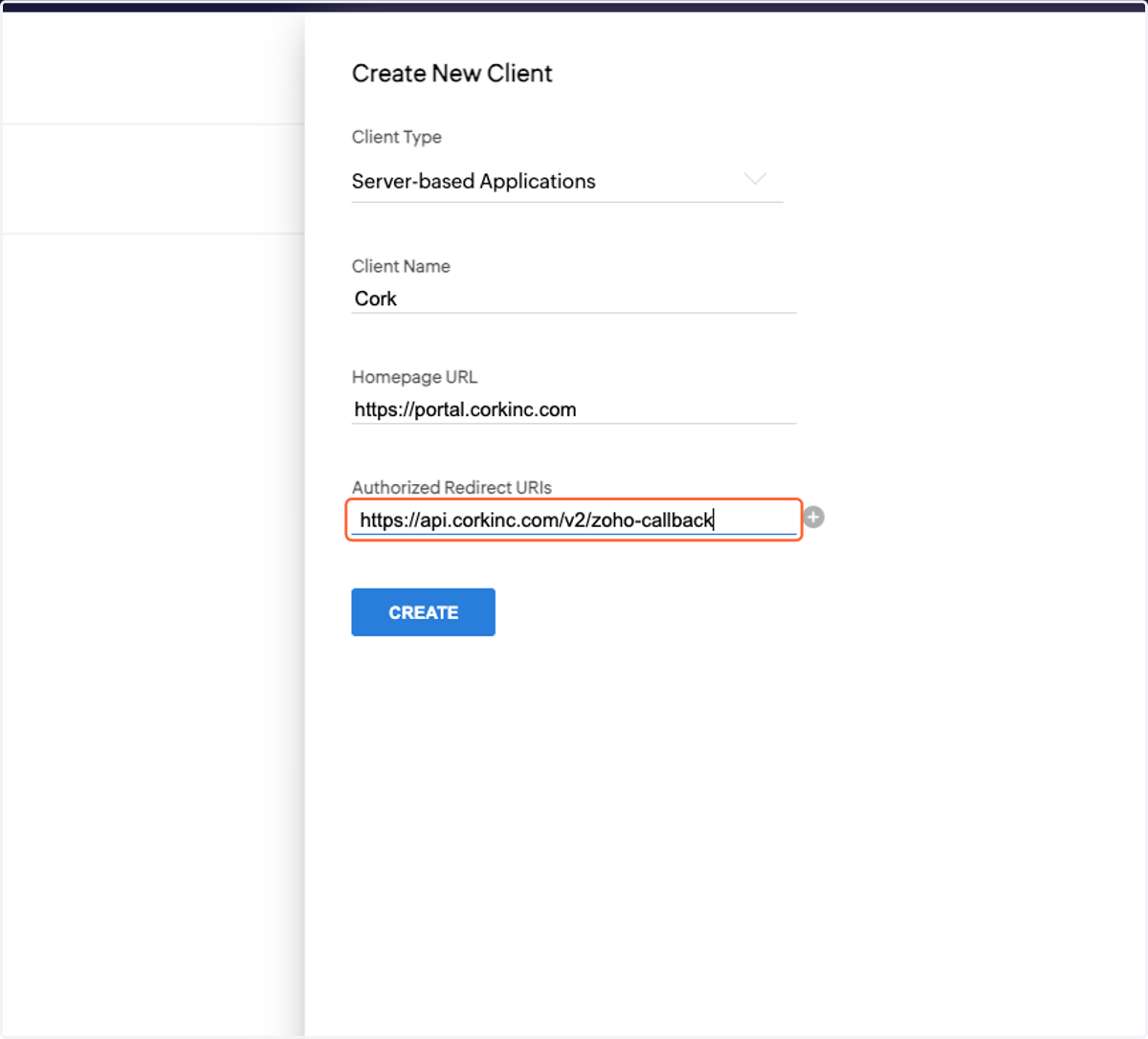
    Type https://api.corkinc.com/v2/zoho-callback
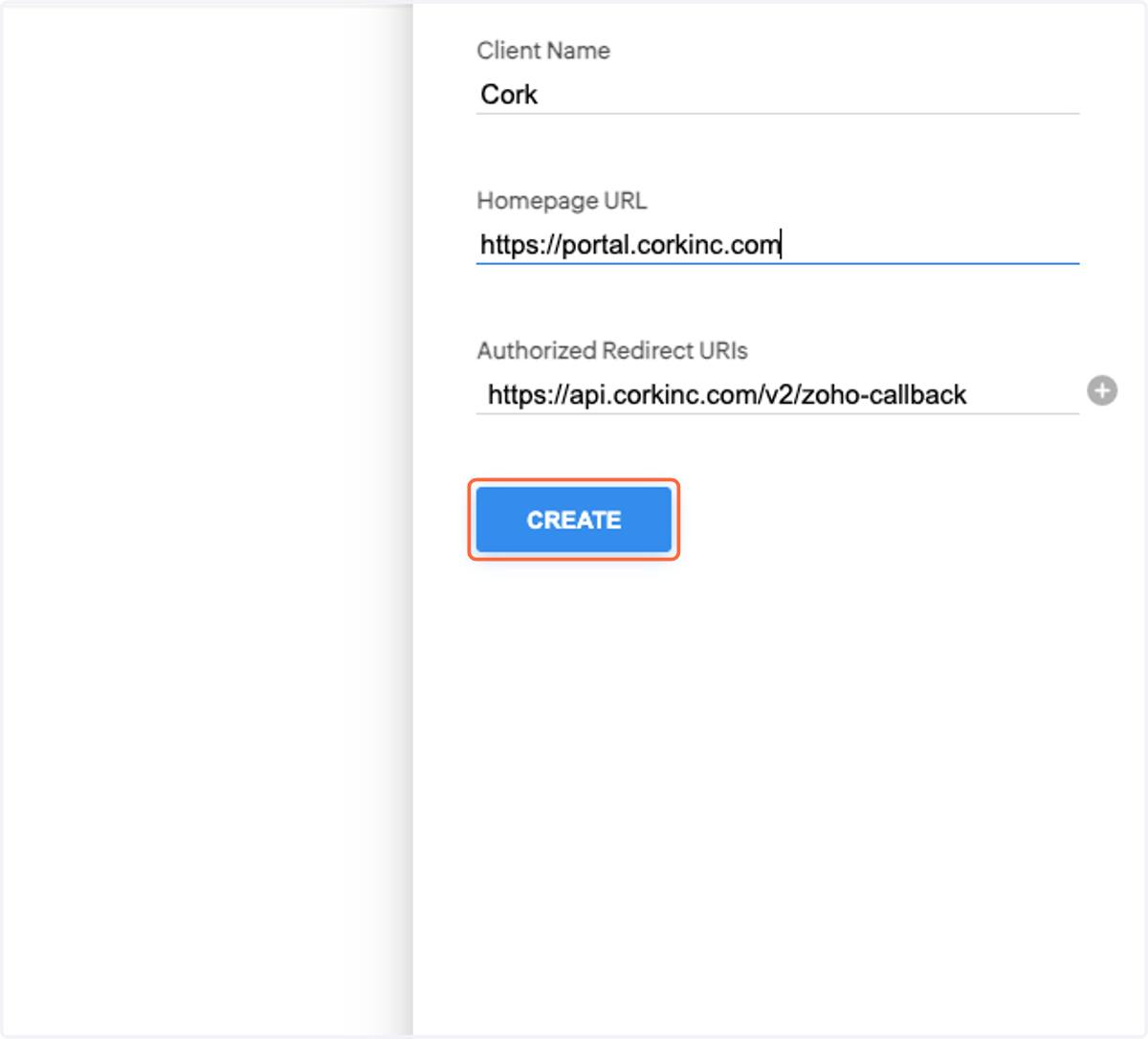
  6. 6. Click on CREATE

    Click on CREATE
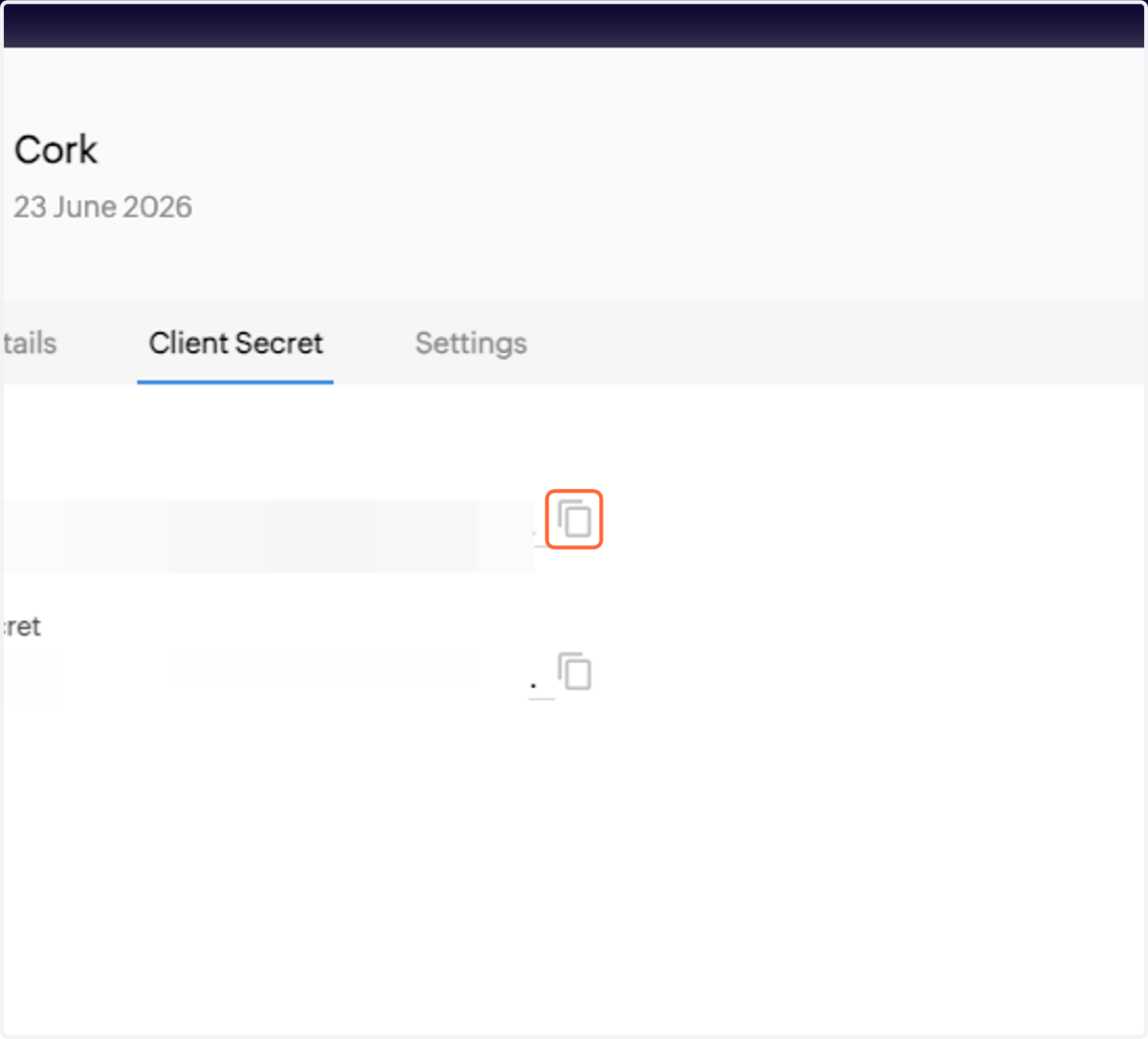
  7. 7. Copy the Client ID

    Copy the Client ID

Cork

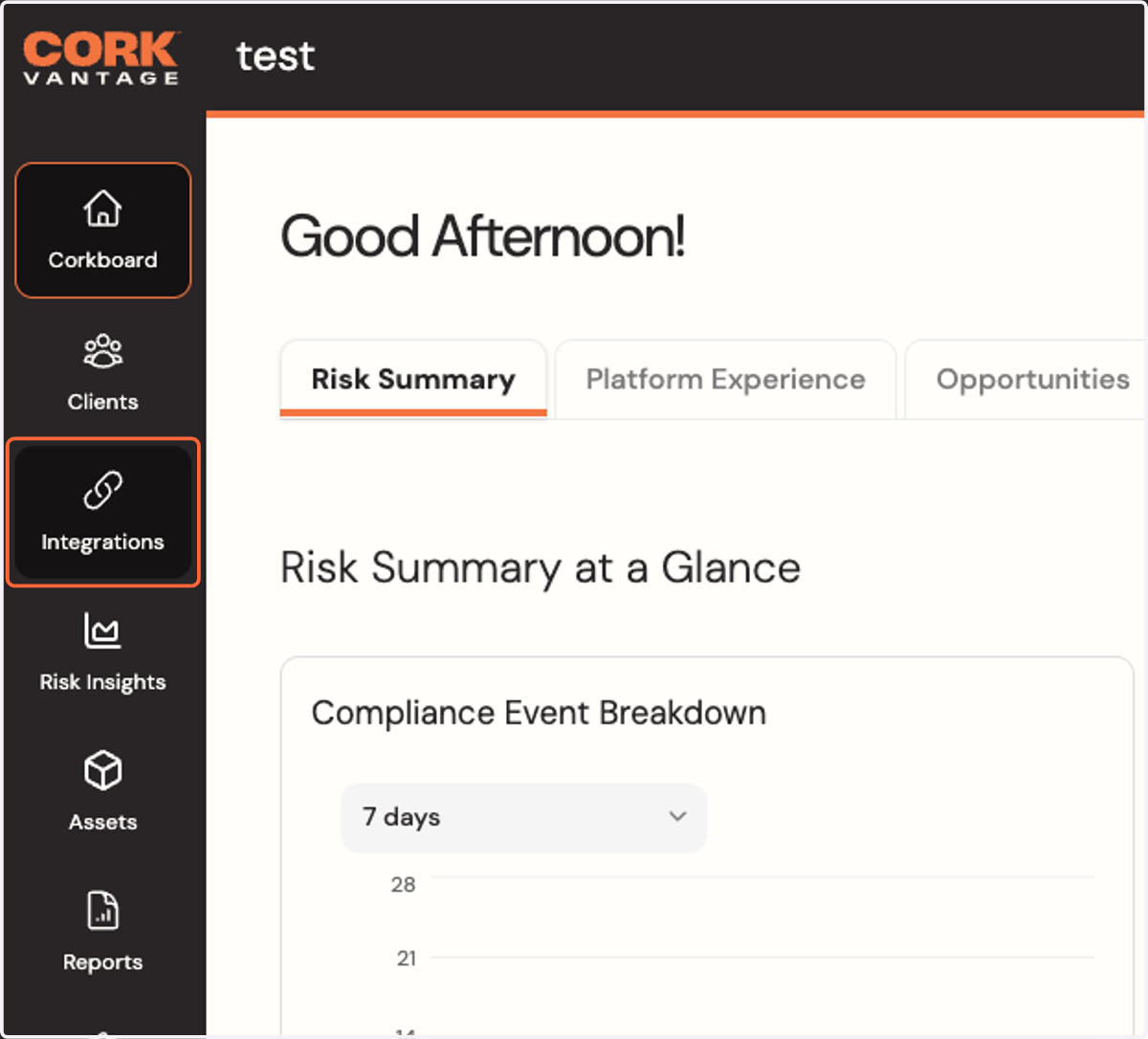
  1. 8. Click on Integrations

    Click on Integrations
  2. 9. Click on Configure Zoho Desk integration
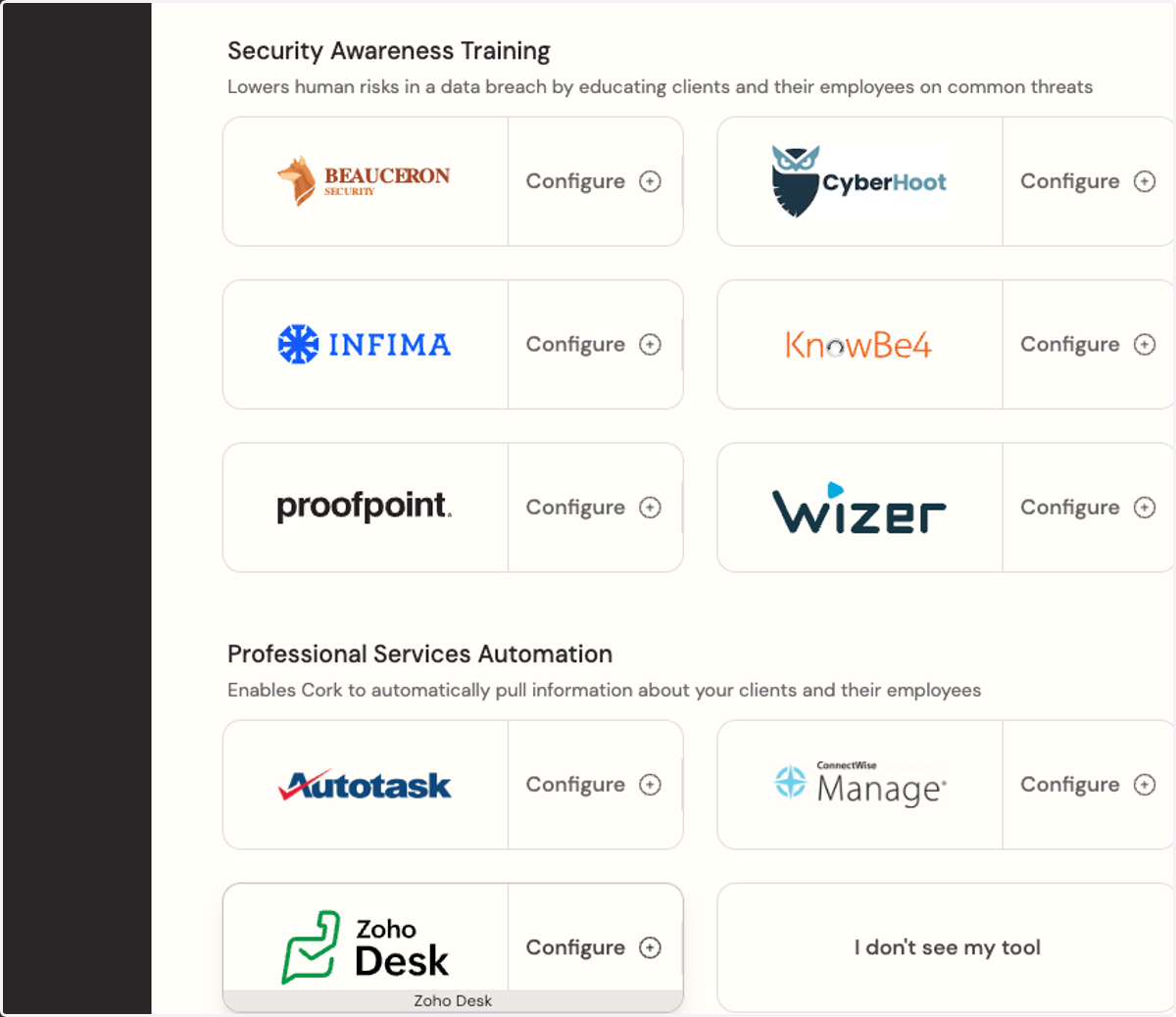
    Click on Configure Zoho Desk integration
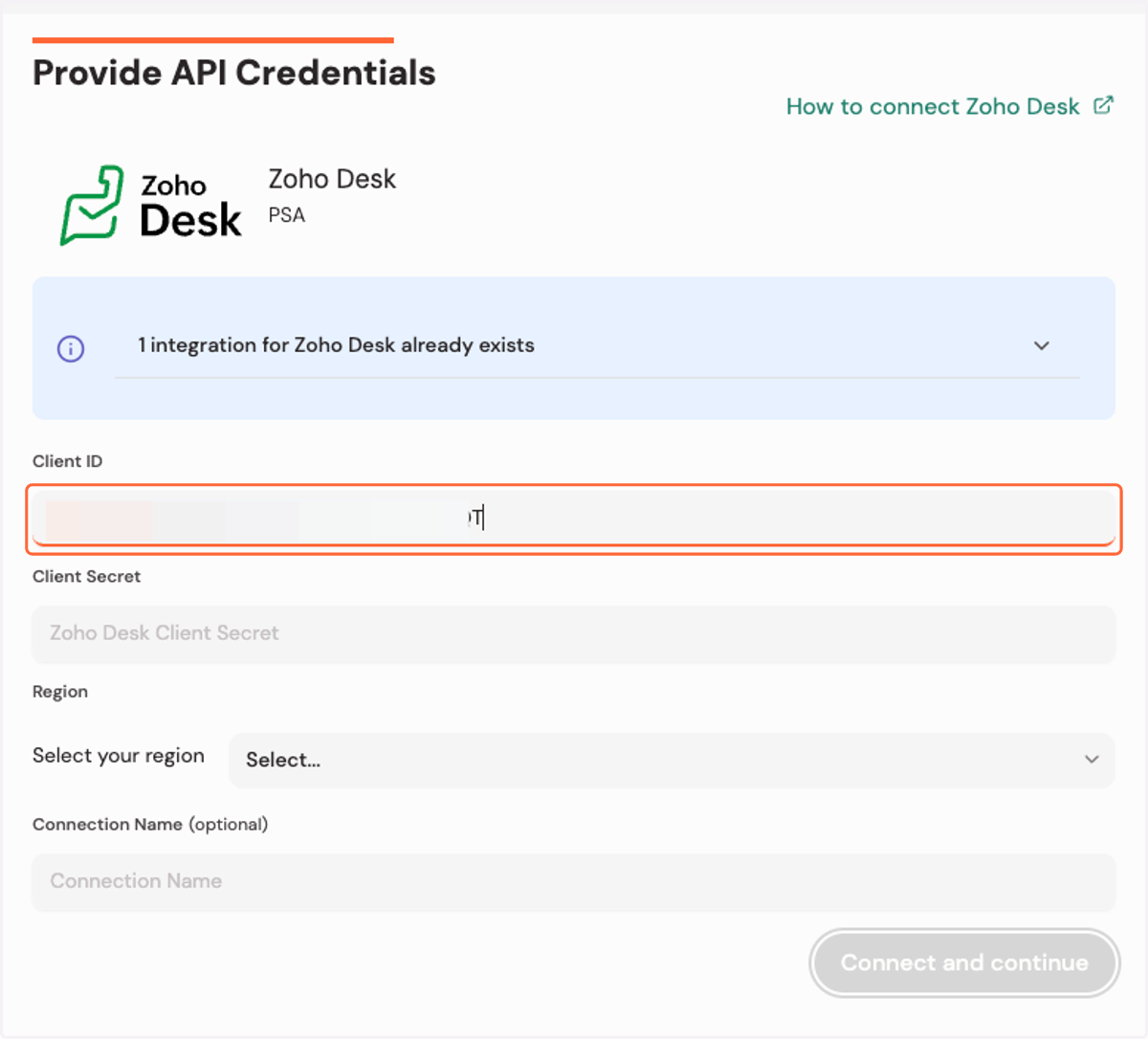
  3. 10. Paste the client ID

    Paste the client ID

Zoho API Console

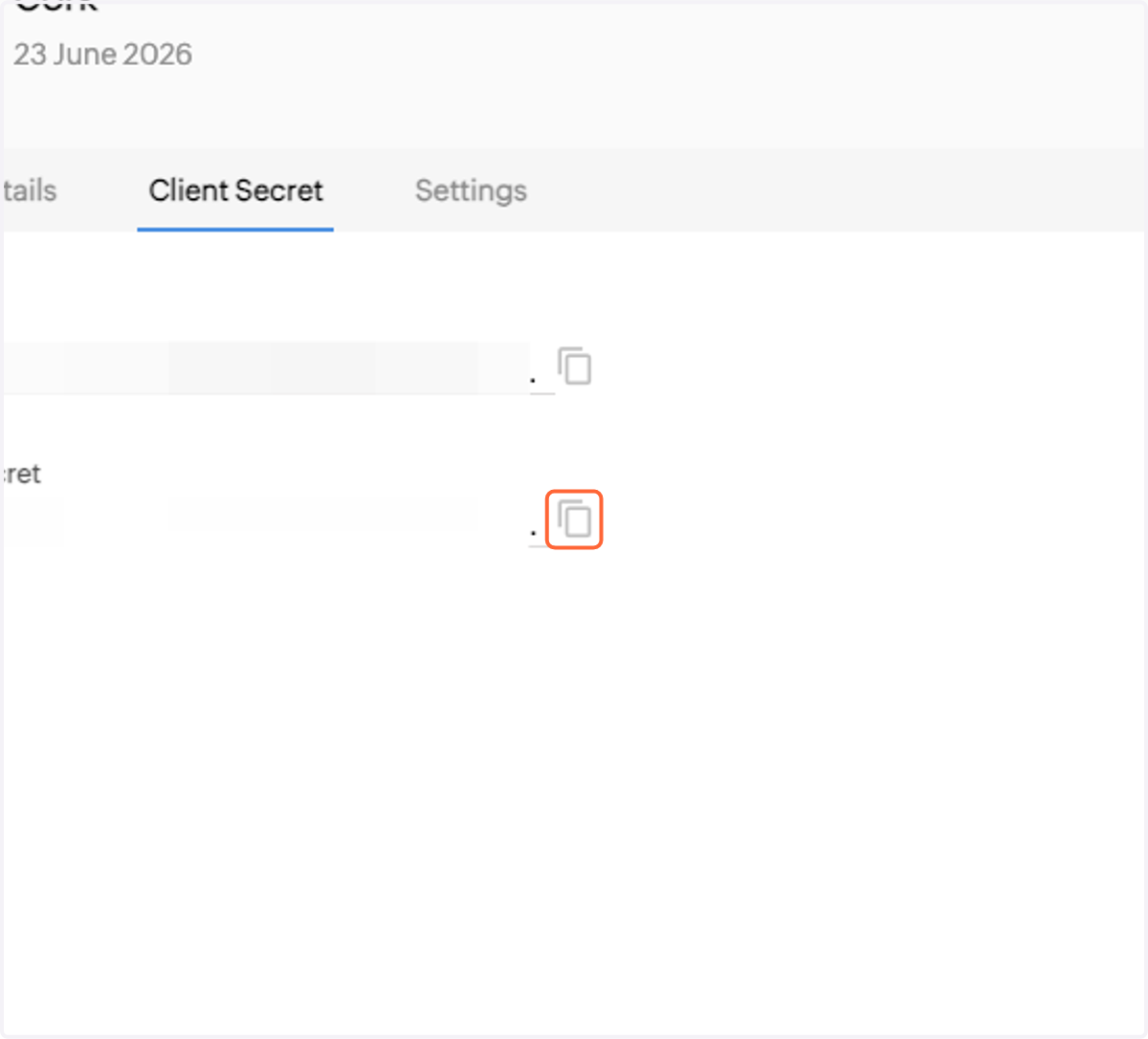
  1. 11. Copy the Client Secret

    Copy the Client Secret

Cork - Integrations

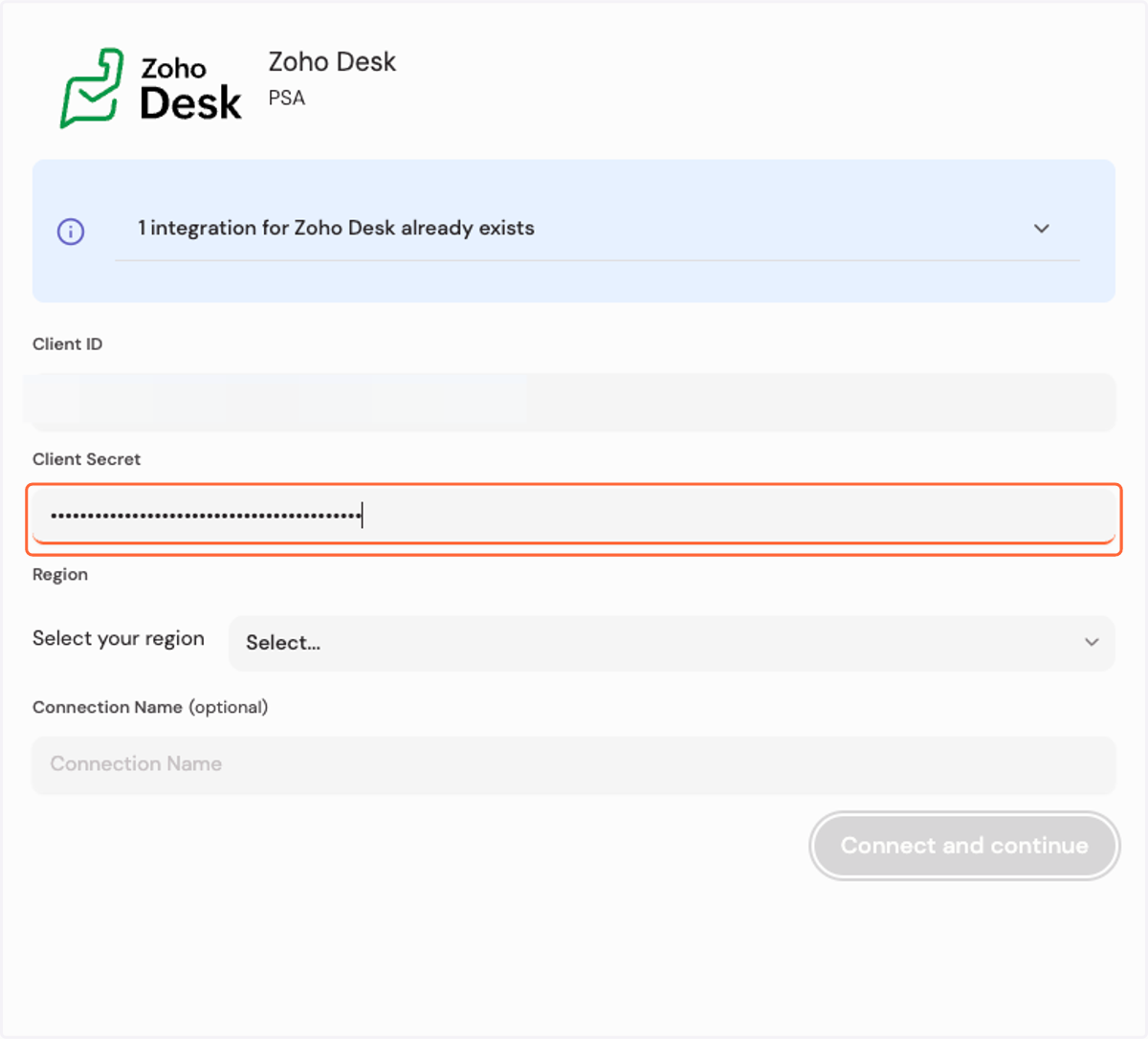
  1. 12. Paste the client secret

    Paste the client secret
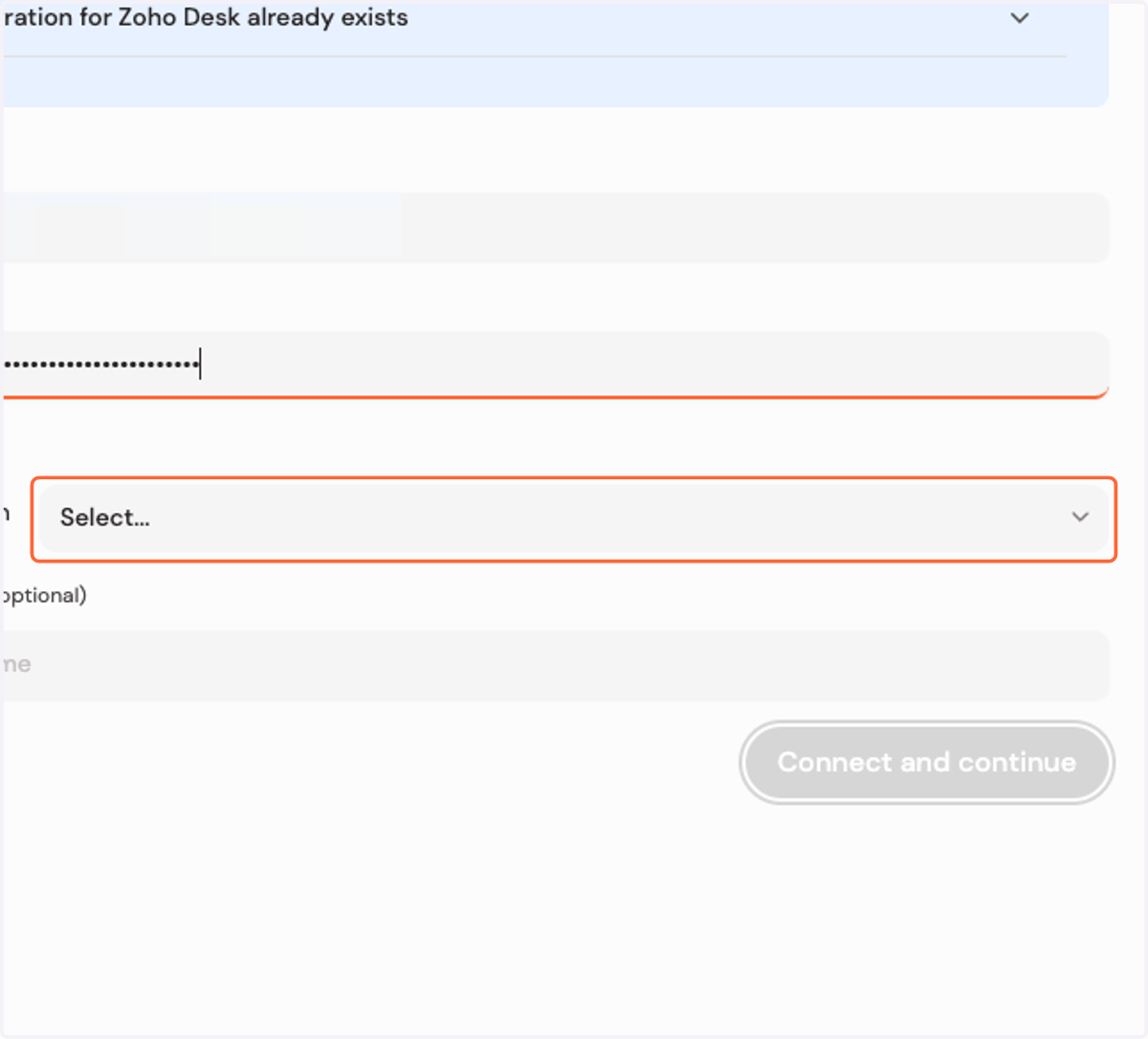
  2. 13. Select Region

    Select Region
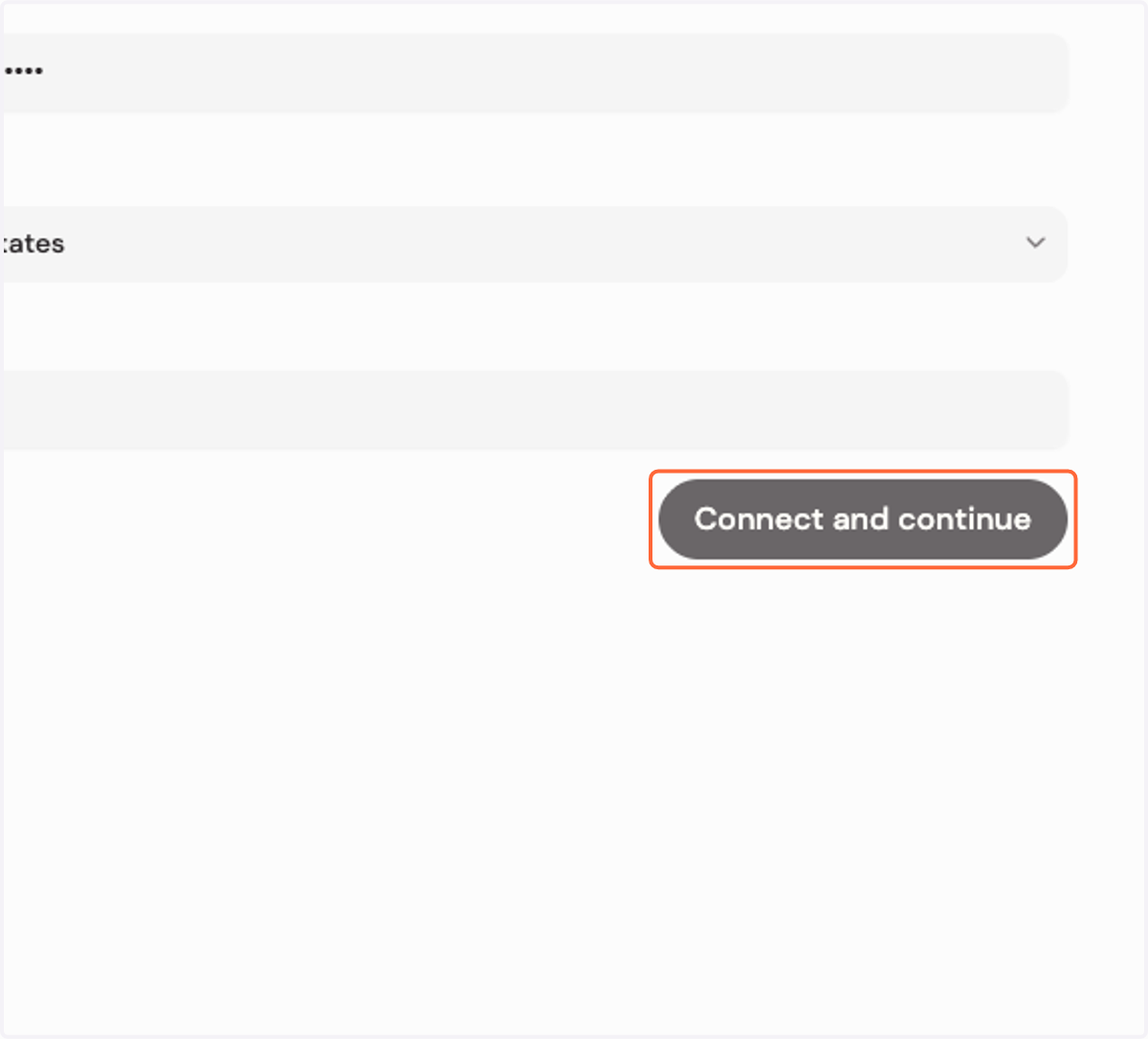
  3. 14. Click on Connect and continue

    Click on Connect and continue

Zoho Accounts

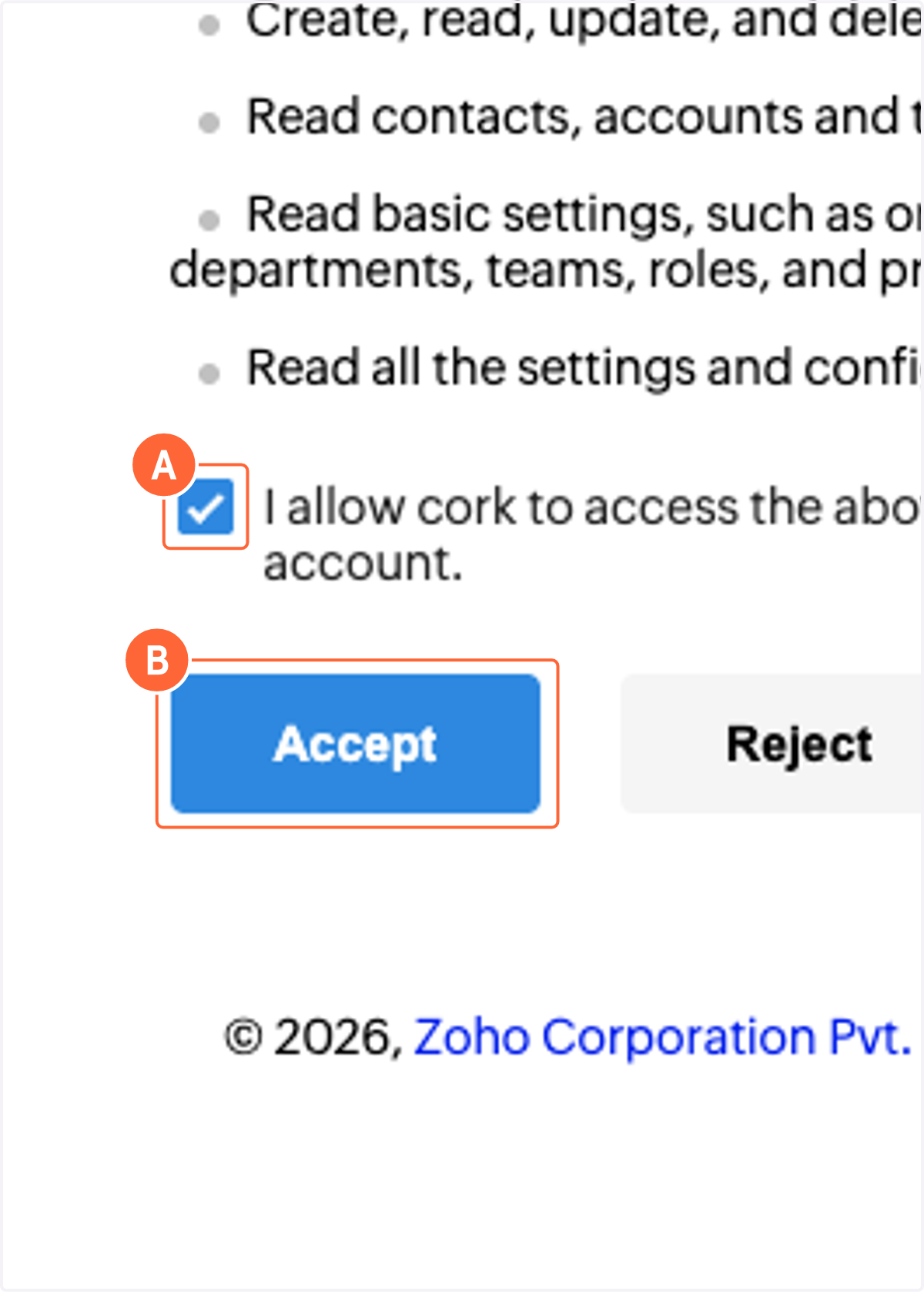
    1. 15. A. Select I allow cork to access the above data from my Zoho account.

    2. 15. B. Click on Accept

    A. Select I allow cork to access the above data from my Zoho account. B. Click on Accept