Creating a New Demo Account
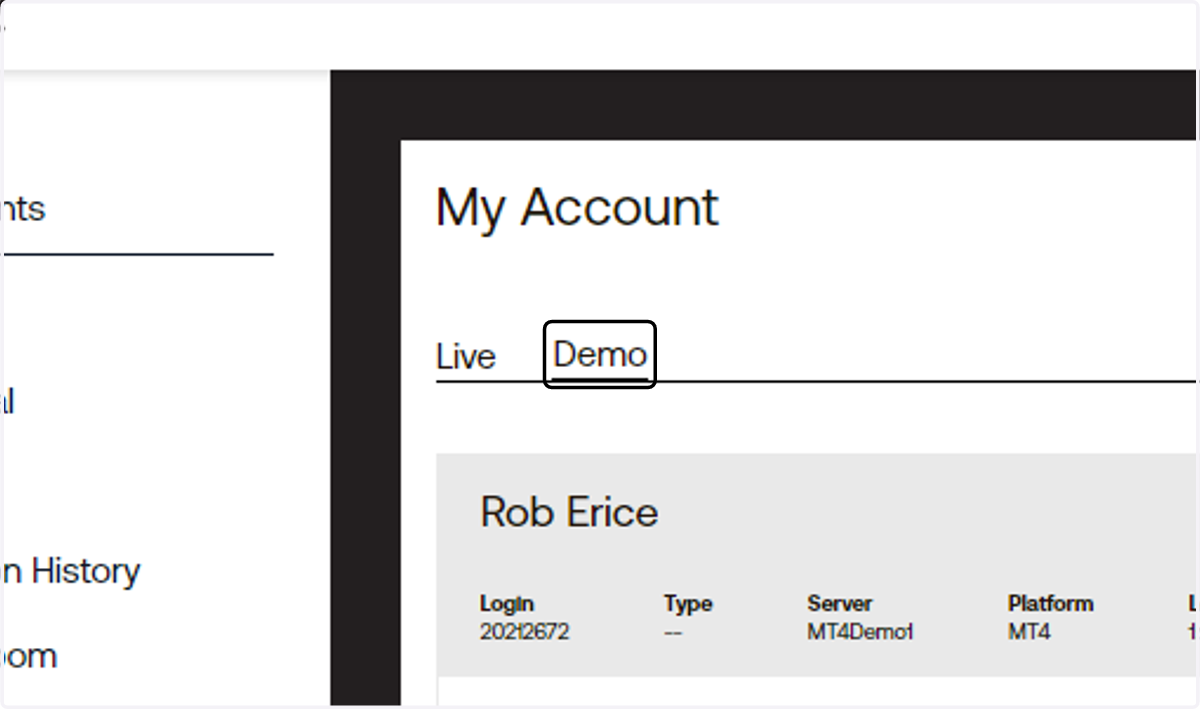
1. Login to your client portal and under My Account, click on Demo
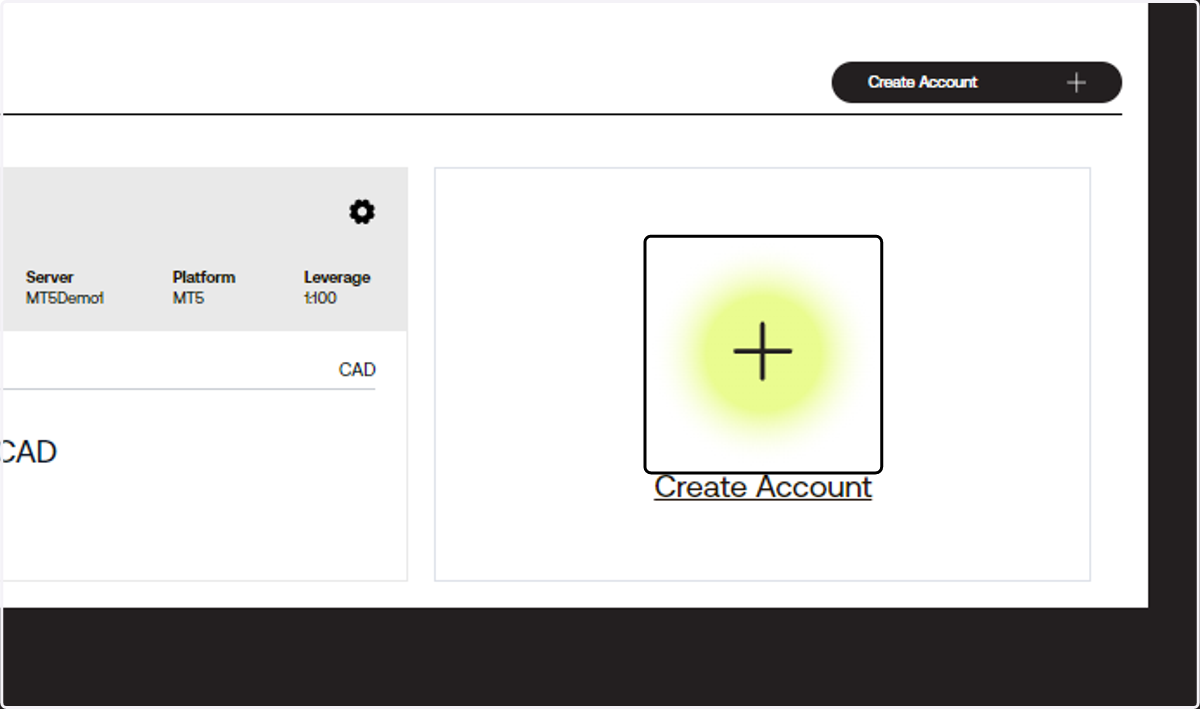
2. Click on + Create New Account
3. Choose your Account Type
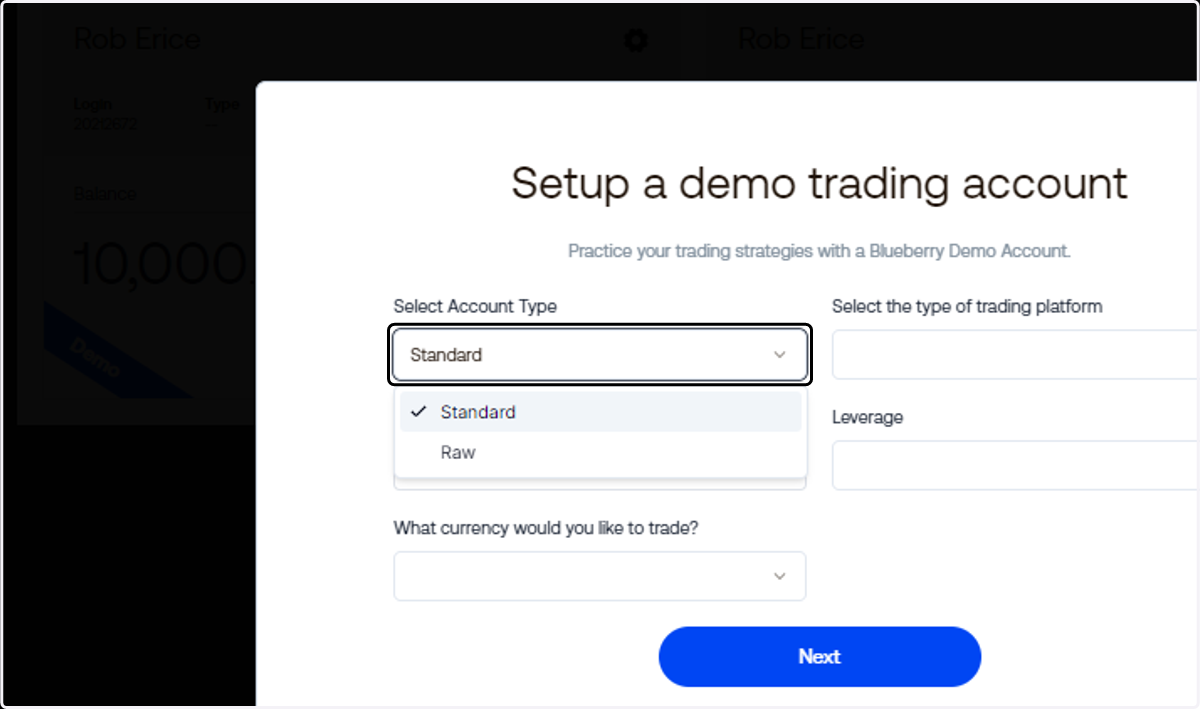
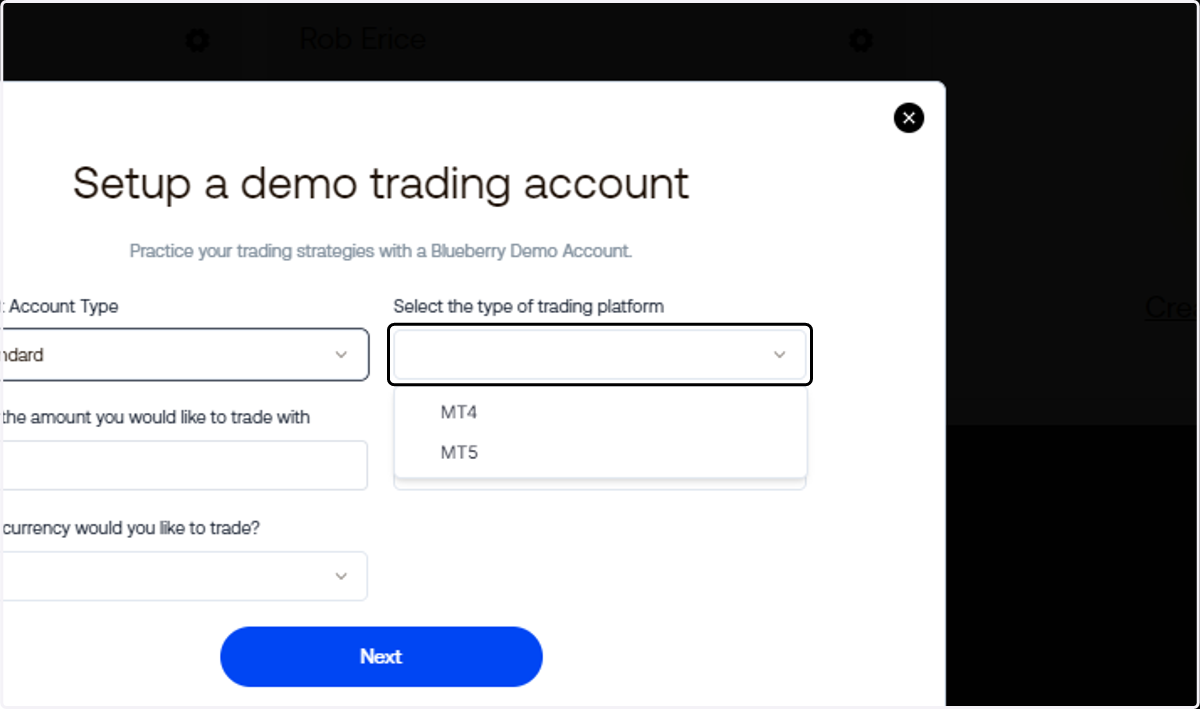
4. Choose your trading platform
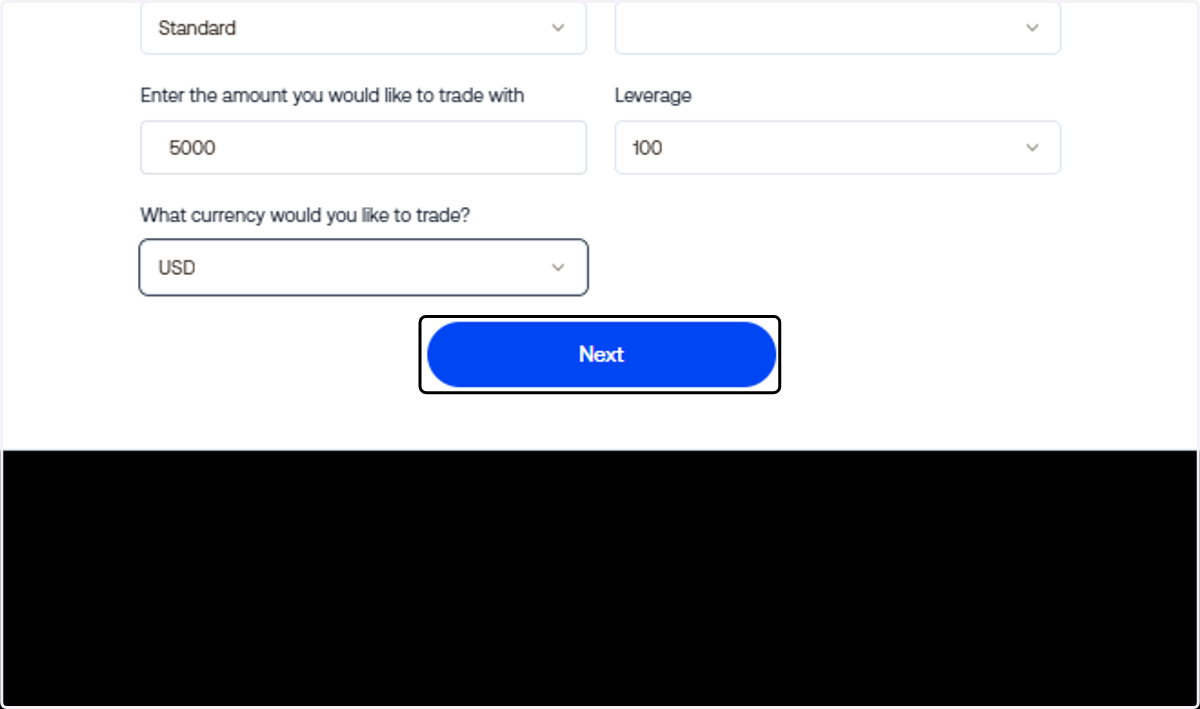
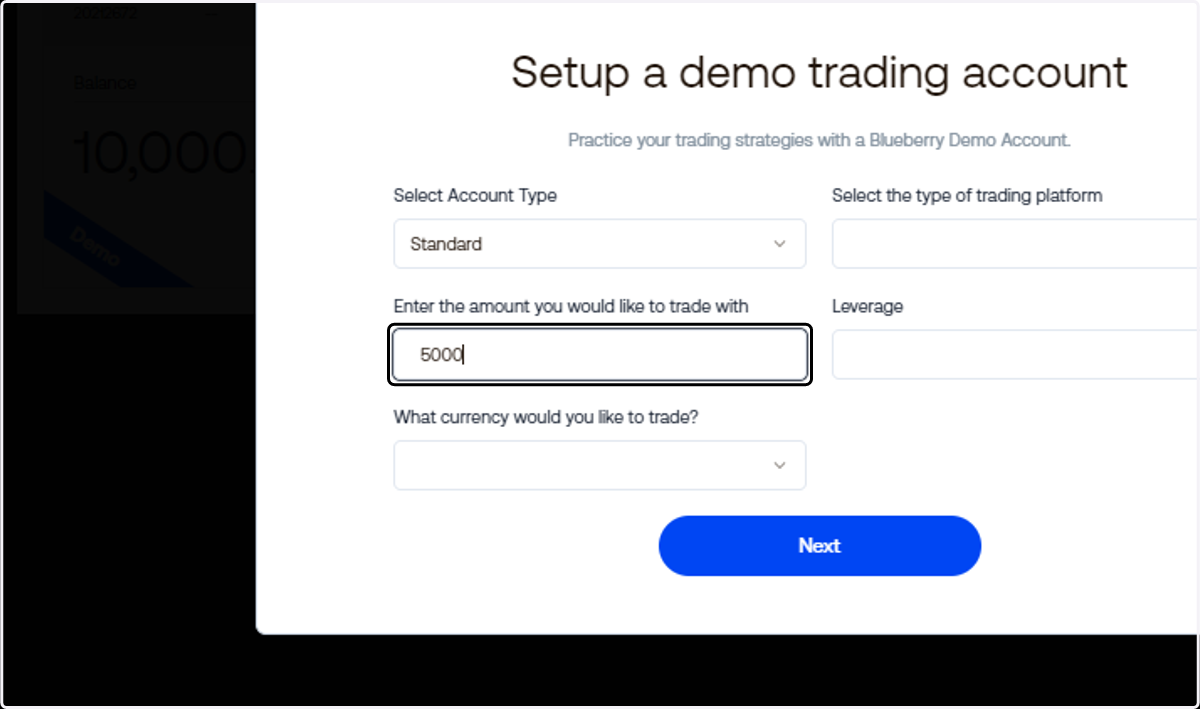
5. Input the amount that you wish to have on your demo account
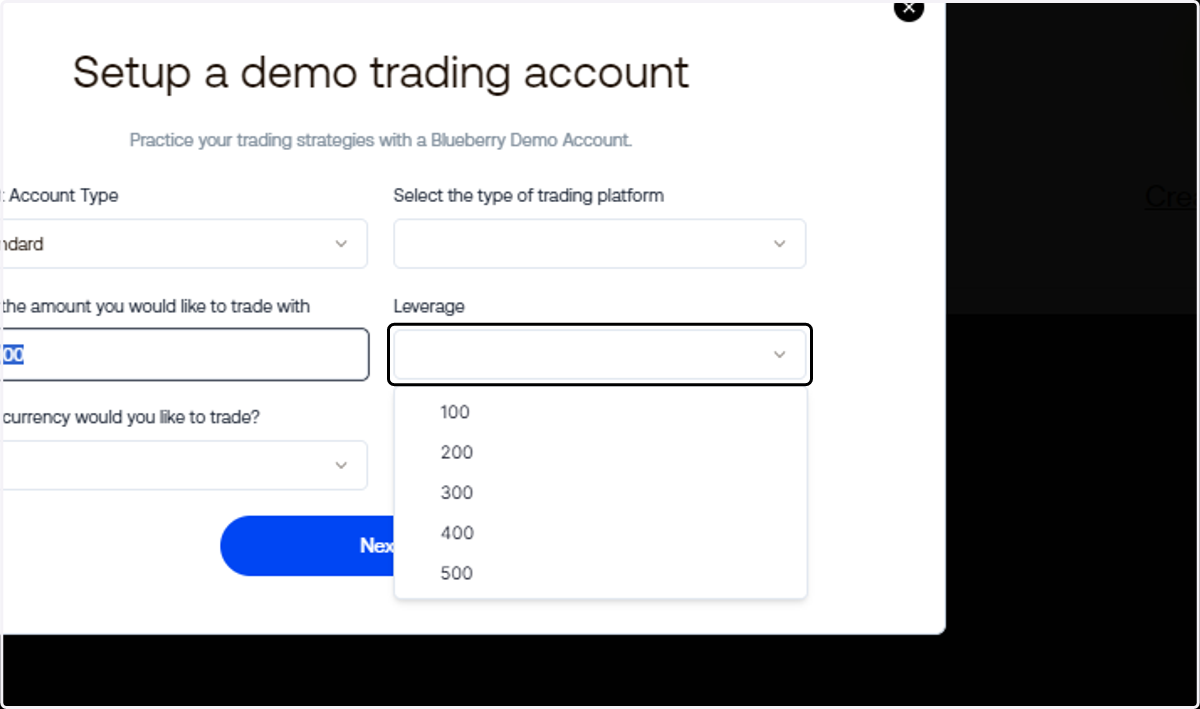
6. Choose your leverage
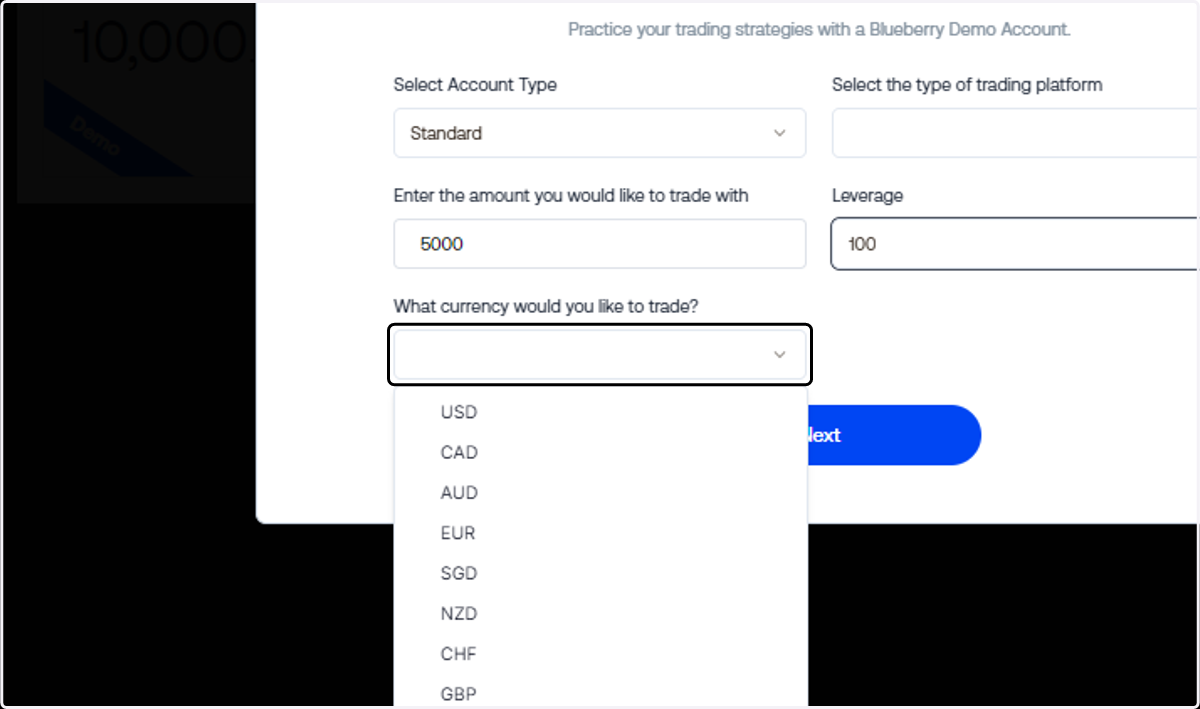
7. Choose your preferred trading account currency
8. Click on Next