Sign-Up Process
Gpfco
1. Go to Golden Pear Law Firm Portal at https://portal.gpfco.com/
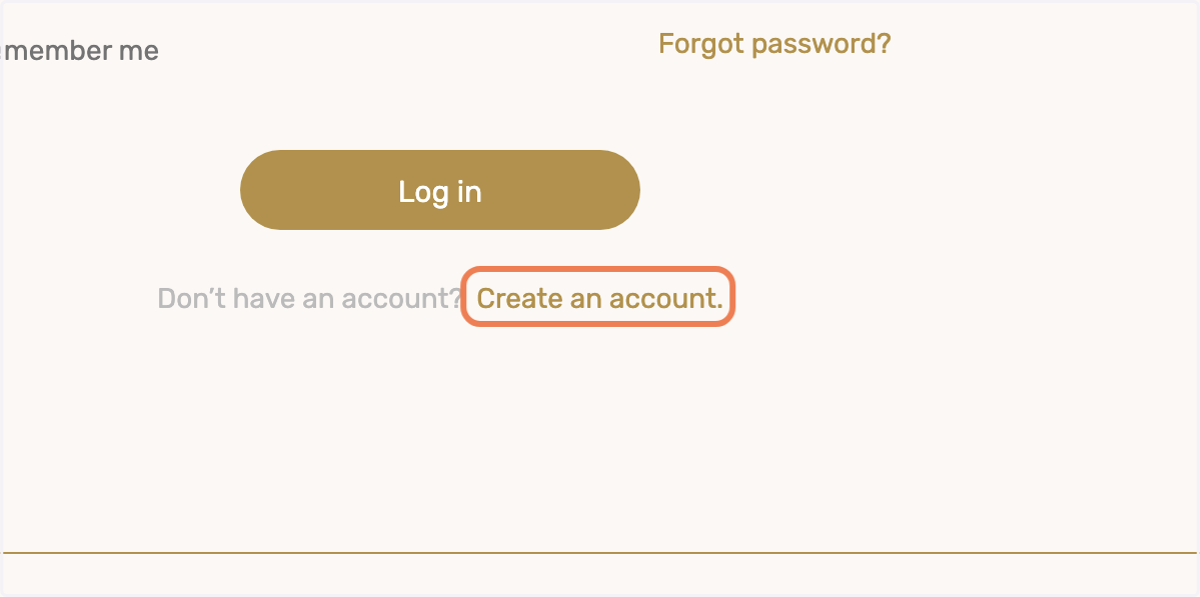
2. Click on Create an account.
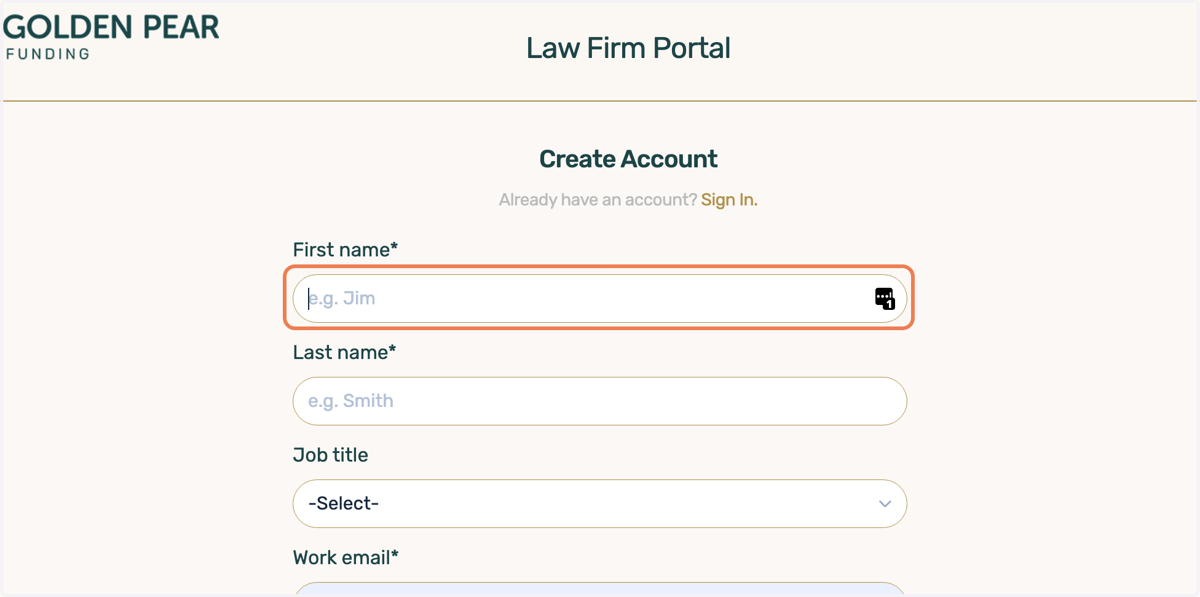
3. Type in your First Name
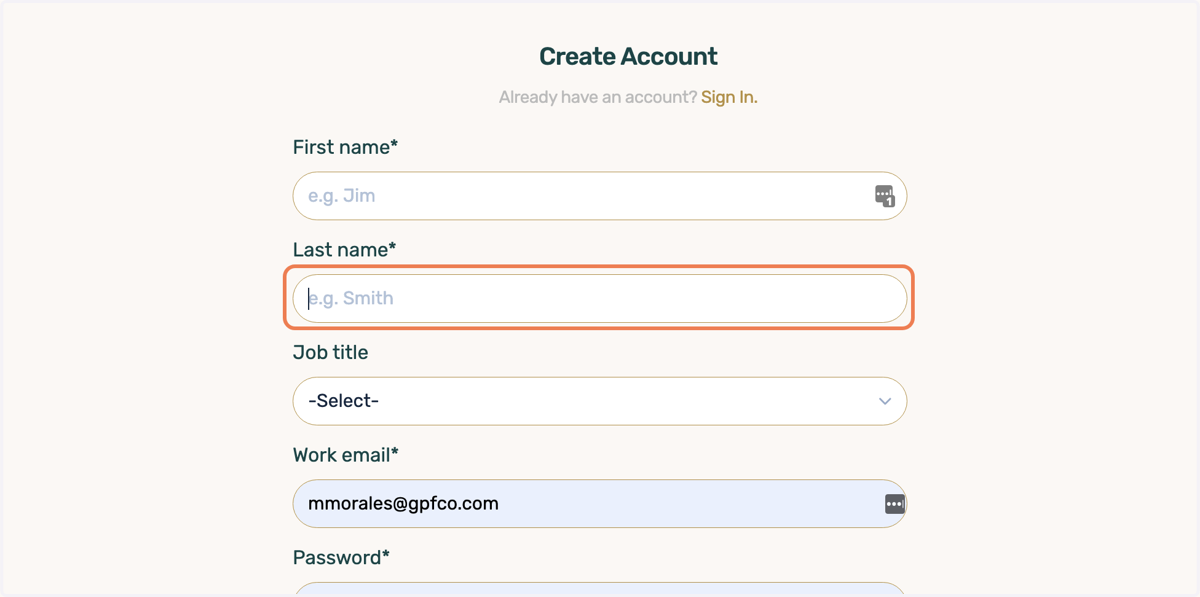
4. Type in your Last Name
5. Select your role

6. Type in your work email
Law Firm portal works best with emails associated to the Law Firm primary domain
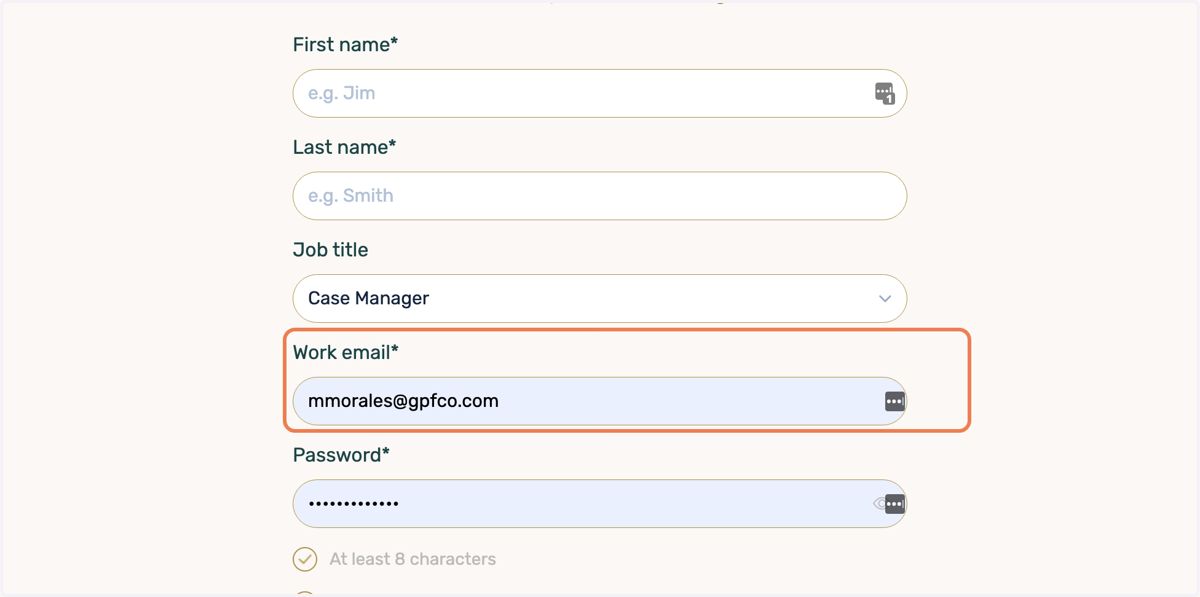
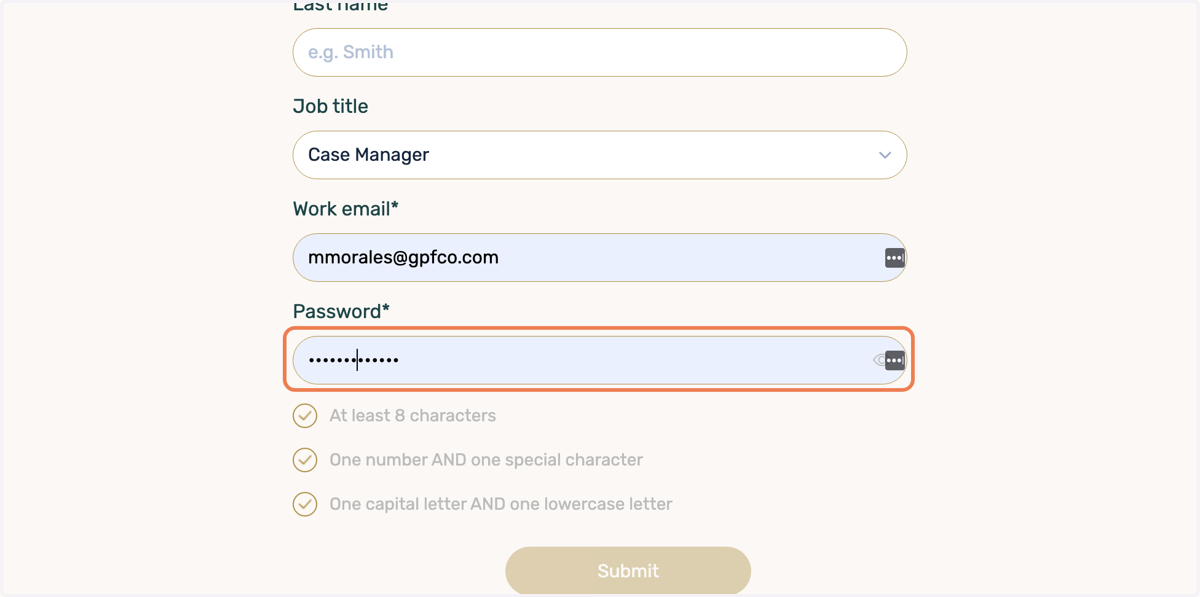
7. Select a Password
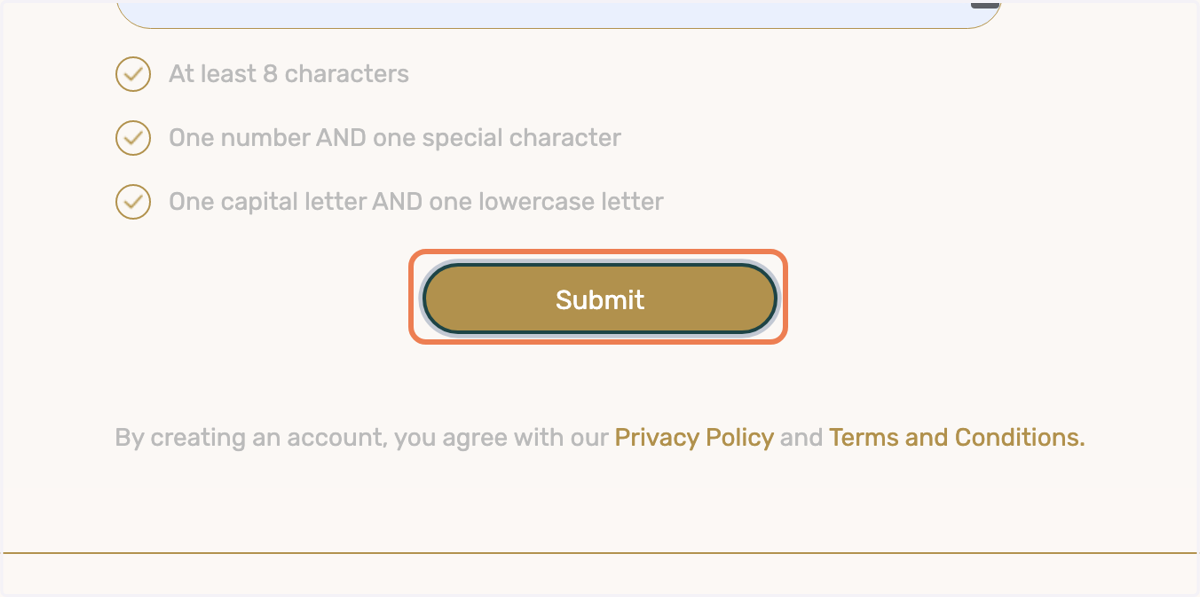
8. Click on Submit
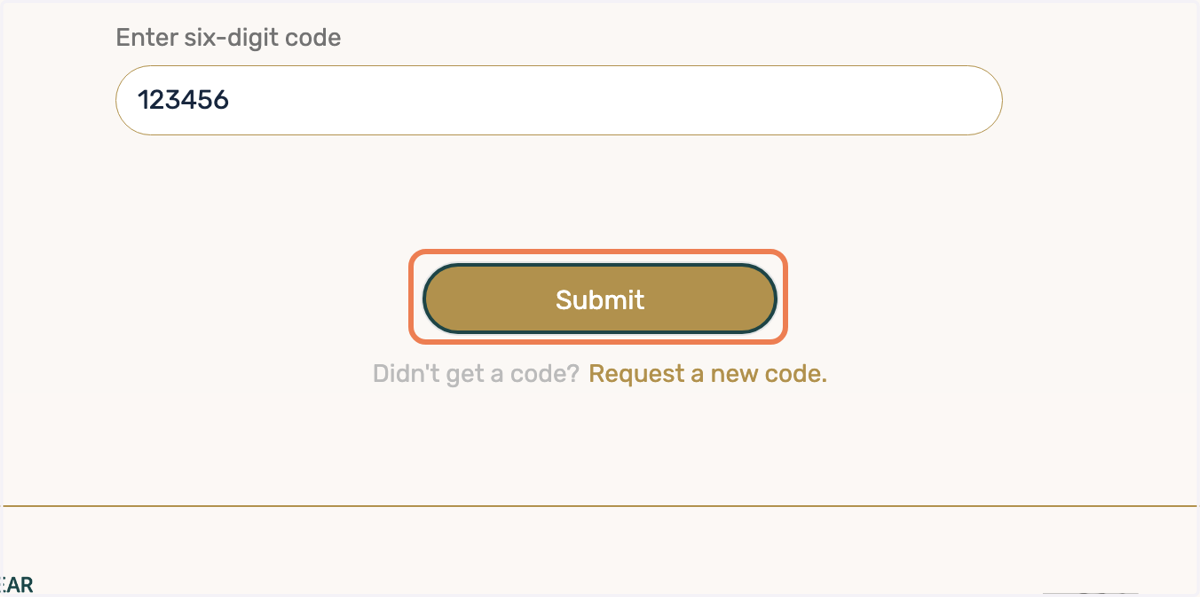
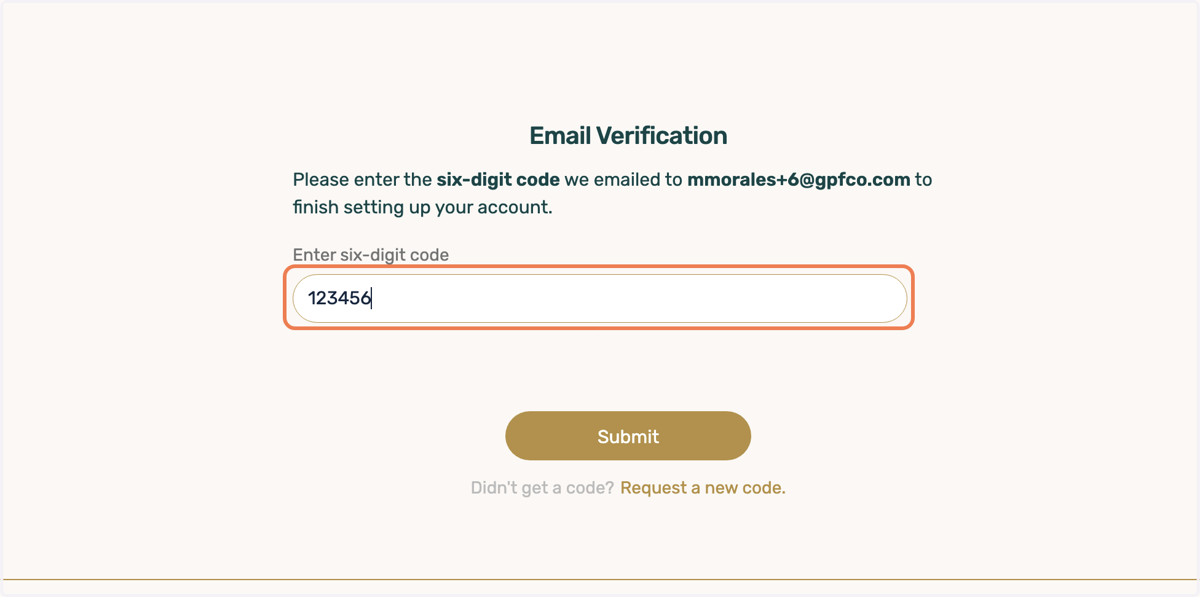
9. Type in the six-digit code we sent to your inbox
10. Click on Submit