Finding the quiz & CE certificate for an On-Demand Webinar.
NOTE: To take the quiz, you must be logged in as an ELITE member. Trial members cannot access the quiz.
1. Beneath the webinar, you will have 4 options to choose from
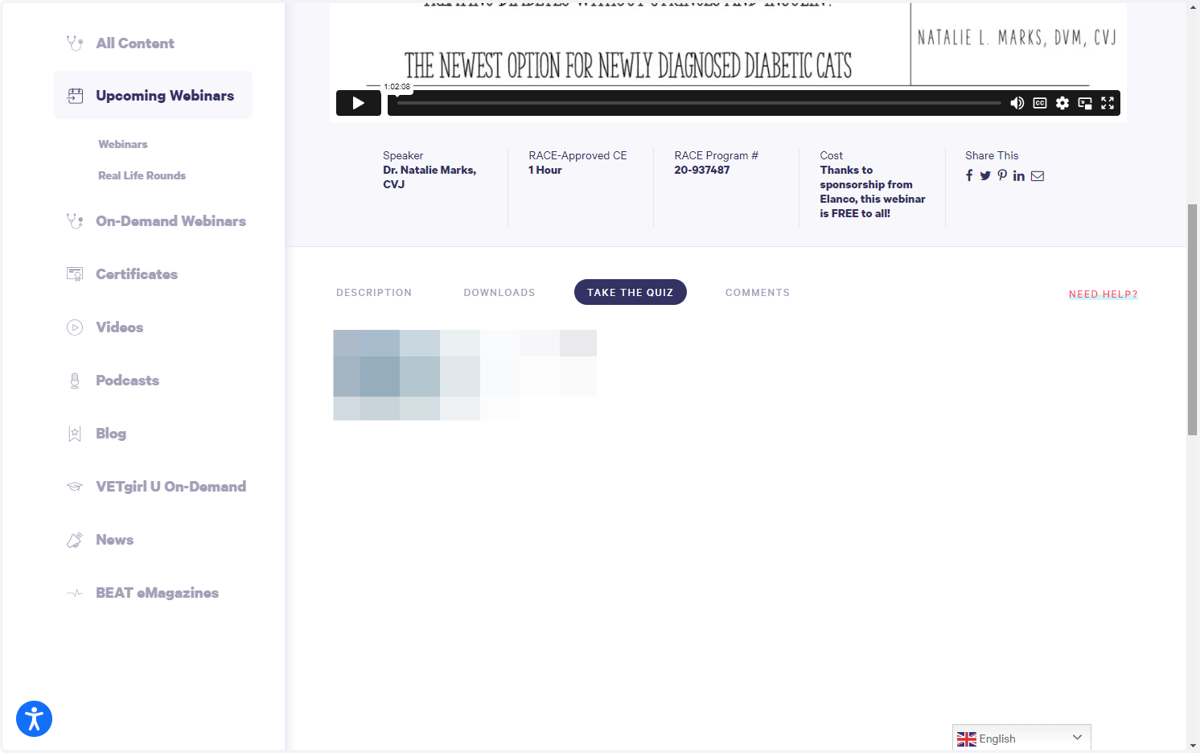
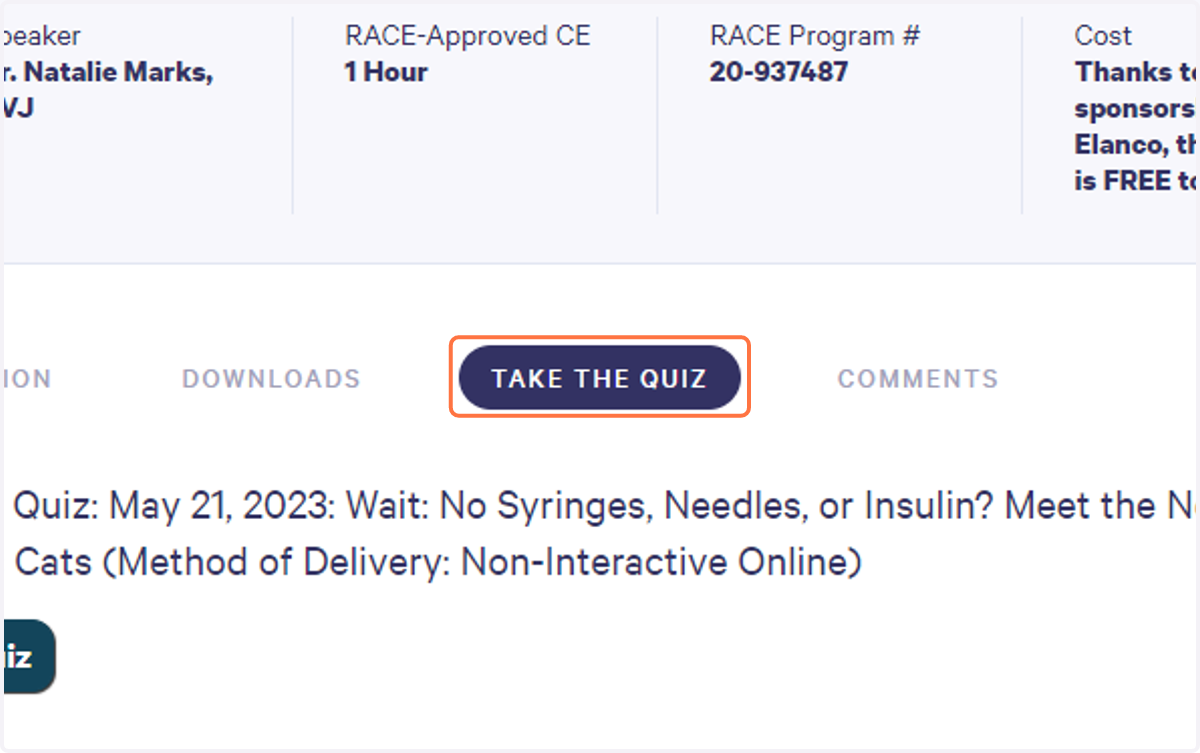
2. Click on the TAKE THE QUIZ button
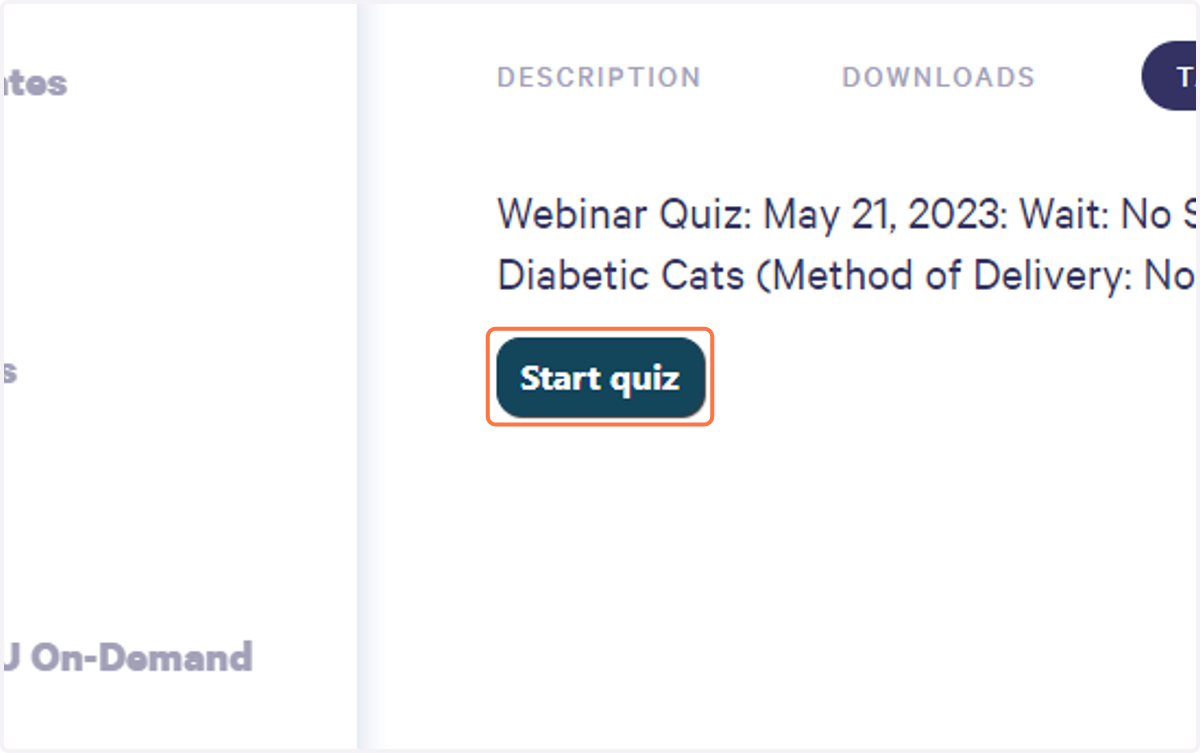
3. Then you may click Start Quiz
4. Take the quiz and provide correct answers to the questions.
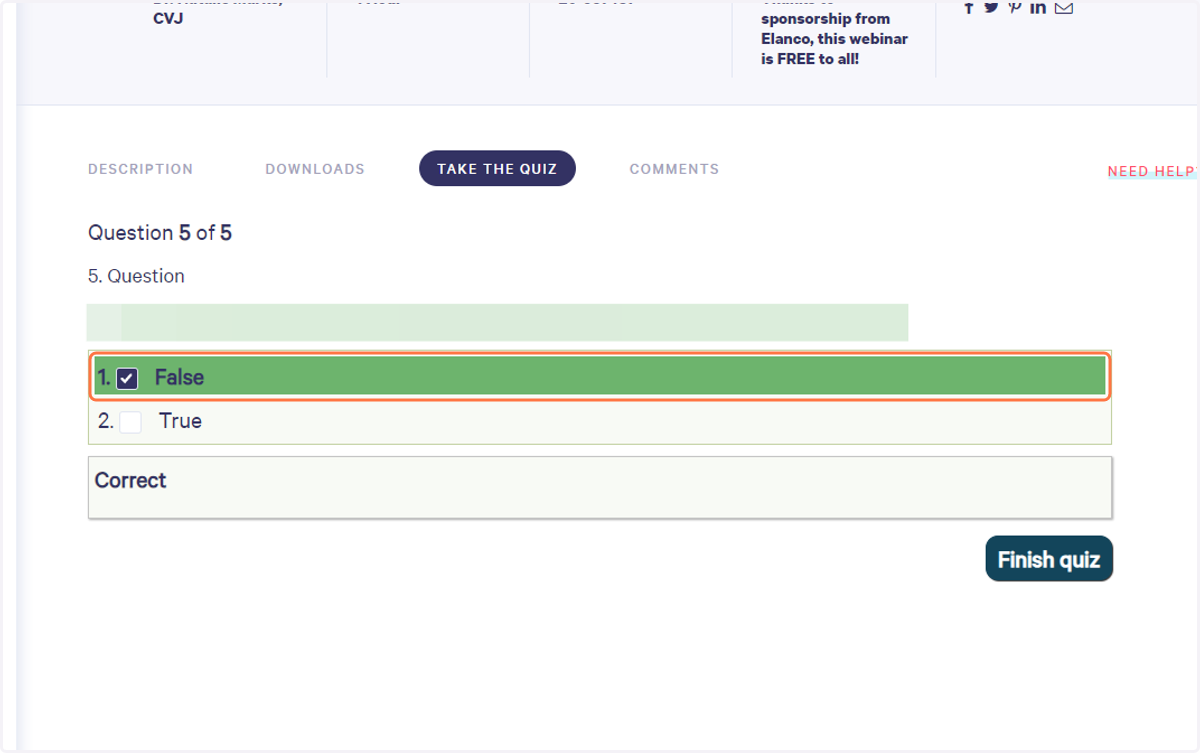
5. Once you have a passing score, you will have the option to select Finish Quiz
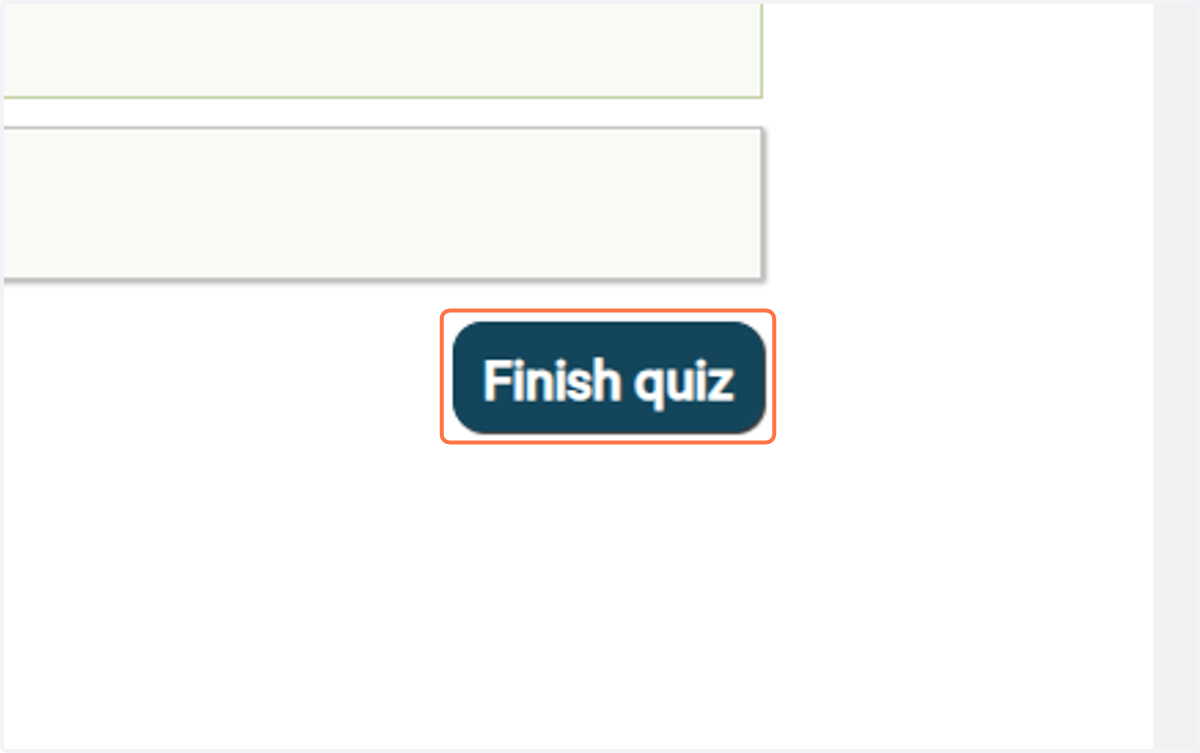
6. After successfully completing the quiz with a passing score, you will be able to see the Print Certificate button.
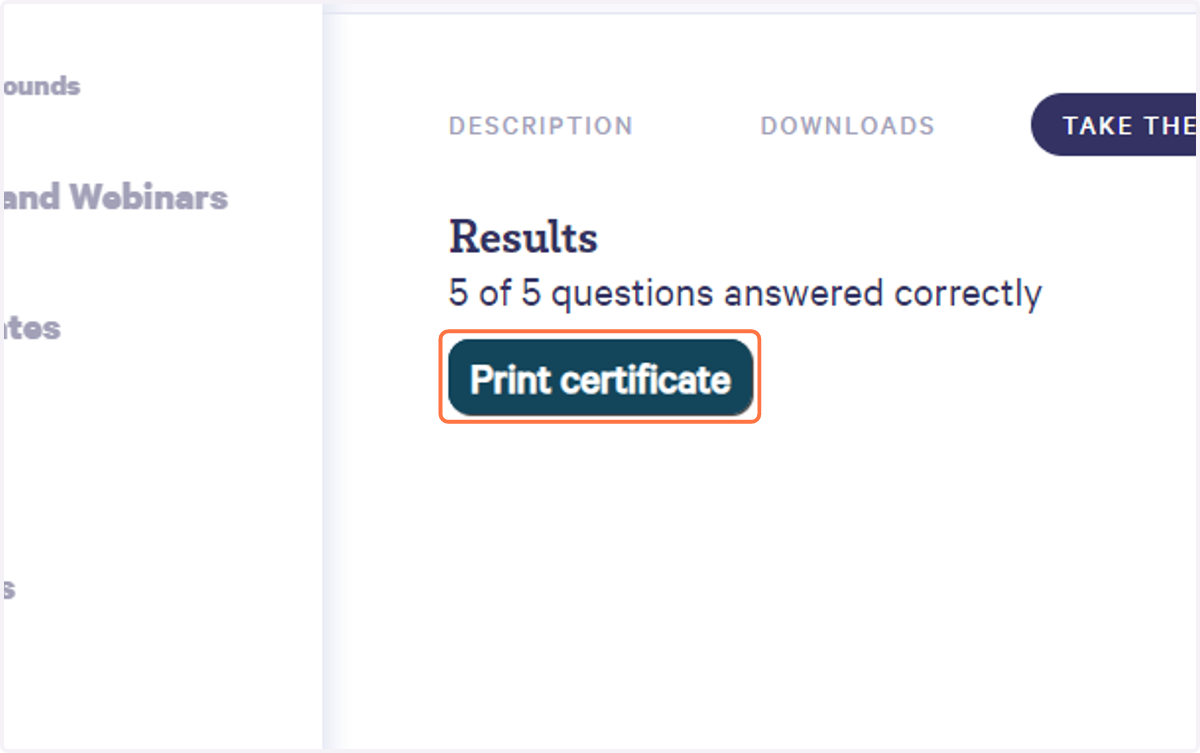
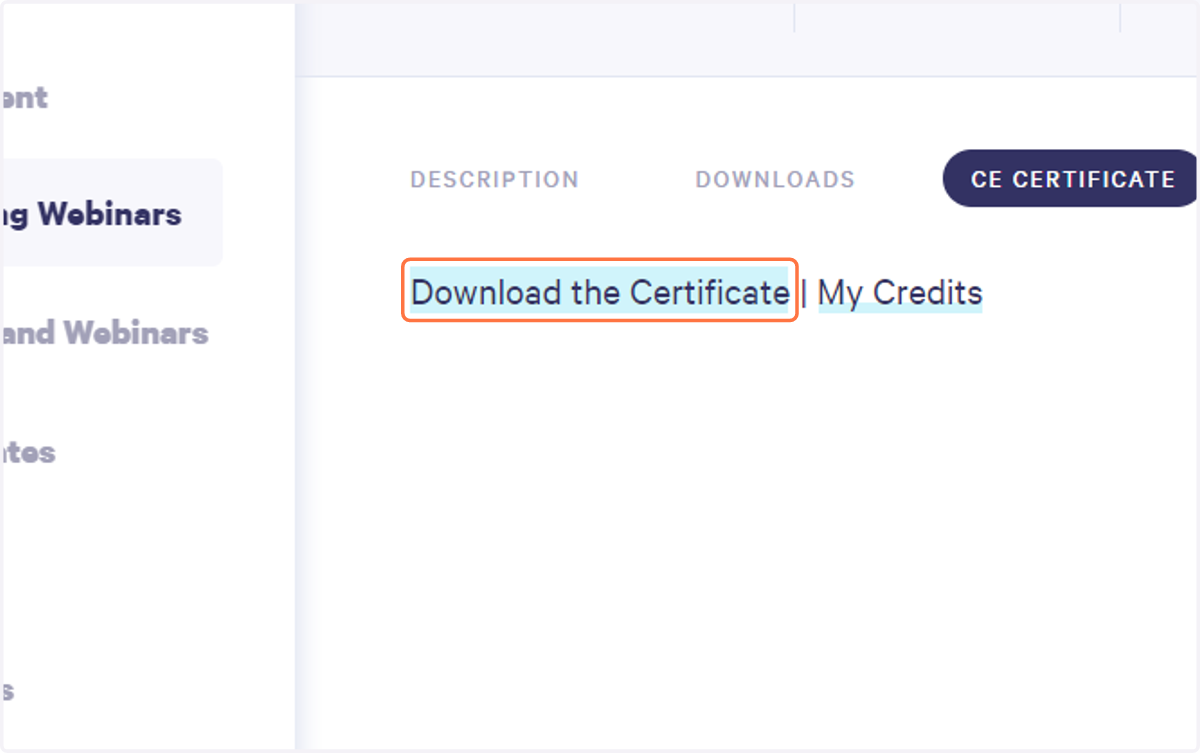
7. After passing the quiz, you can view your CE Certificate and choose from the following options: Download Certificate | My Credits
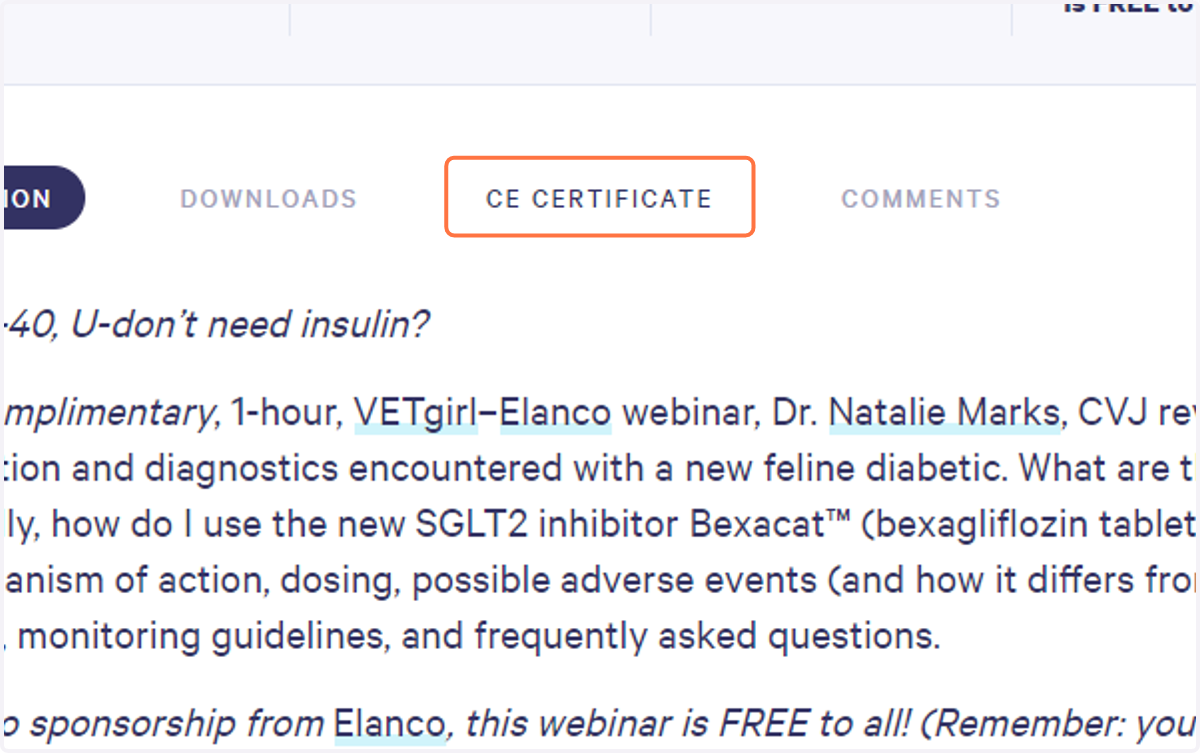
8. Click "Download Certificate" to view your certificate as a PDF.
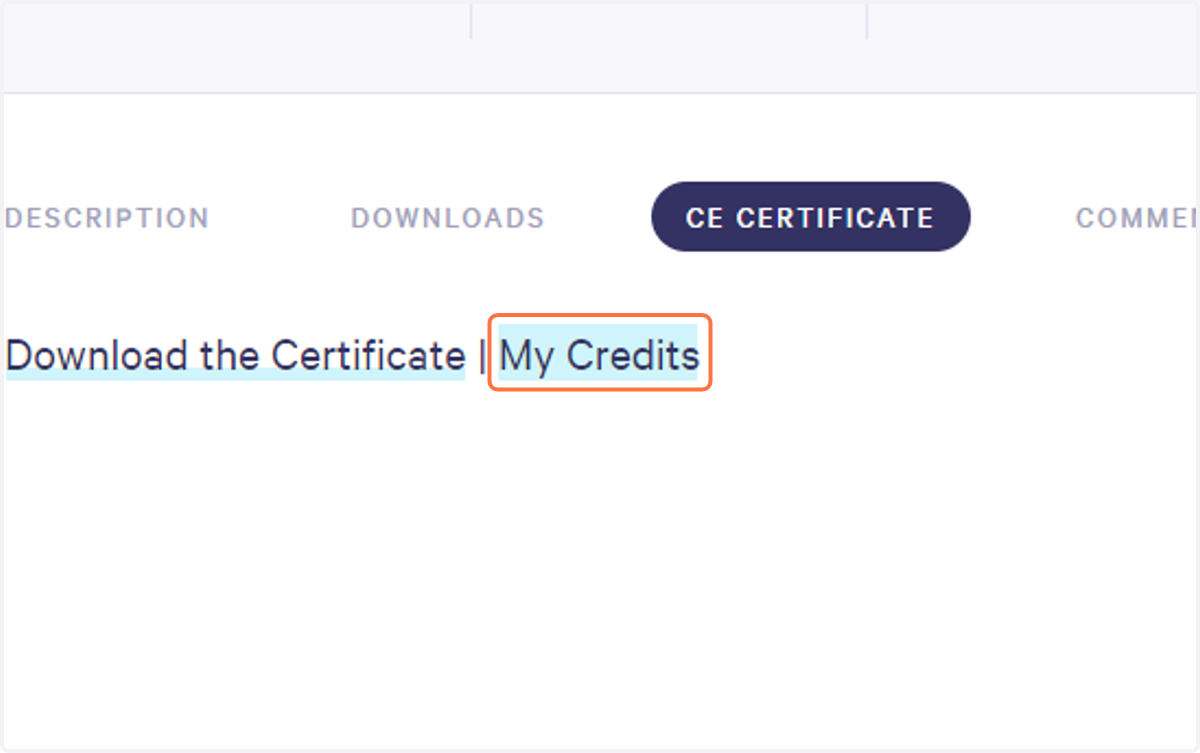
9. Click on My Credits to access your CE Credit Dashboard.
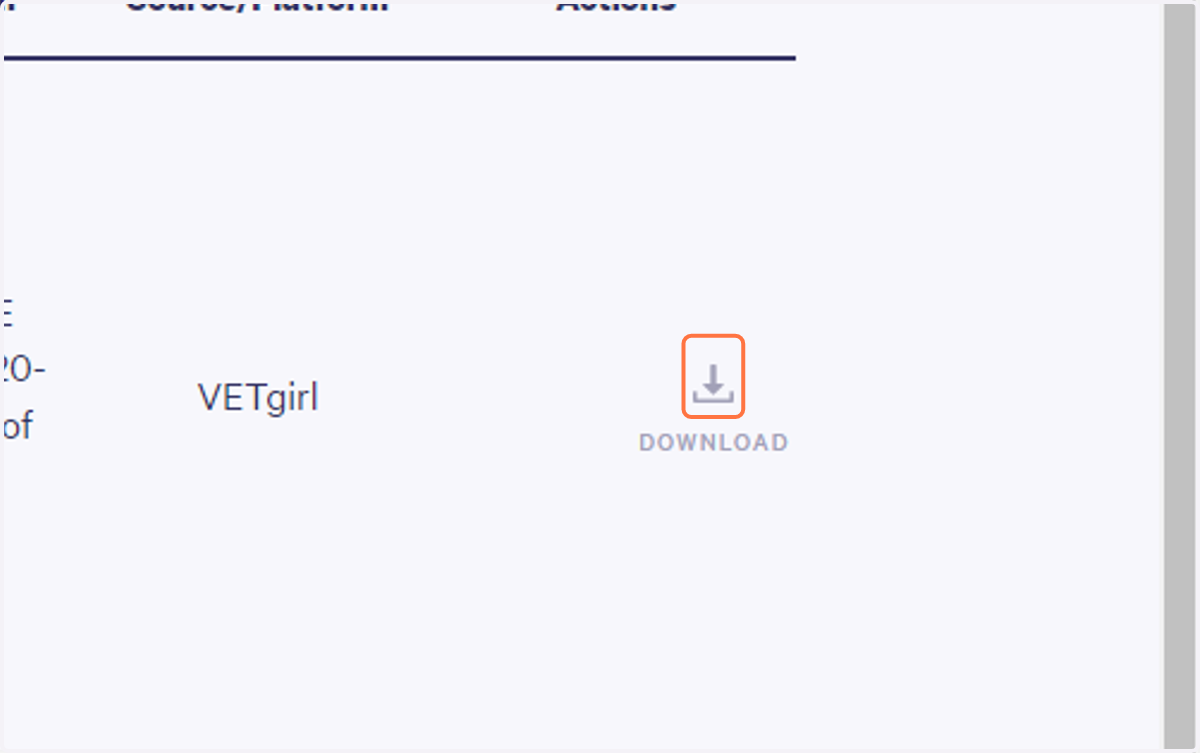
10. CE Credit dashboard: View credit history and download certificates.
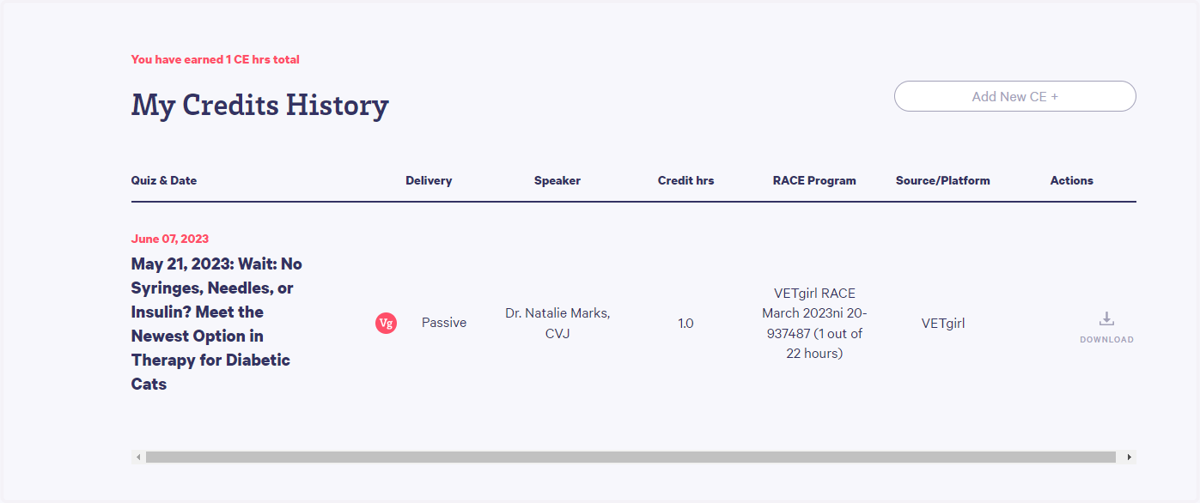
11. Click Download to open your certificate as a PDF.